
Demo to preview the plugin:
Introduction
The Coinbase Wallet Connect plugin enables seamless and secure integration between your Bubble application and Coinbase Wallet. With this plugin, users can easily connect their wallets, interact with supported blockchain networks, and access their wallet details directly from your app.
This plugin is actively used in large-scale Web3 products such as Metla.com, demonstrating its reliability in production environments.
Key Features
Prerequisites
Before using the Coinbase Wallet Connect Plugin, ensure you have the following:
- Bubble Account & Editor Access – You need an active Bubble account and edit access to your app.
- Web3 Awareness – Basic understanding of blockchain networks, wallet addresses, and chain IDs.
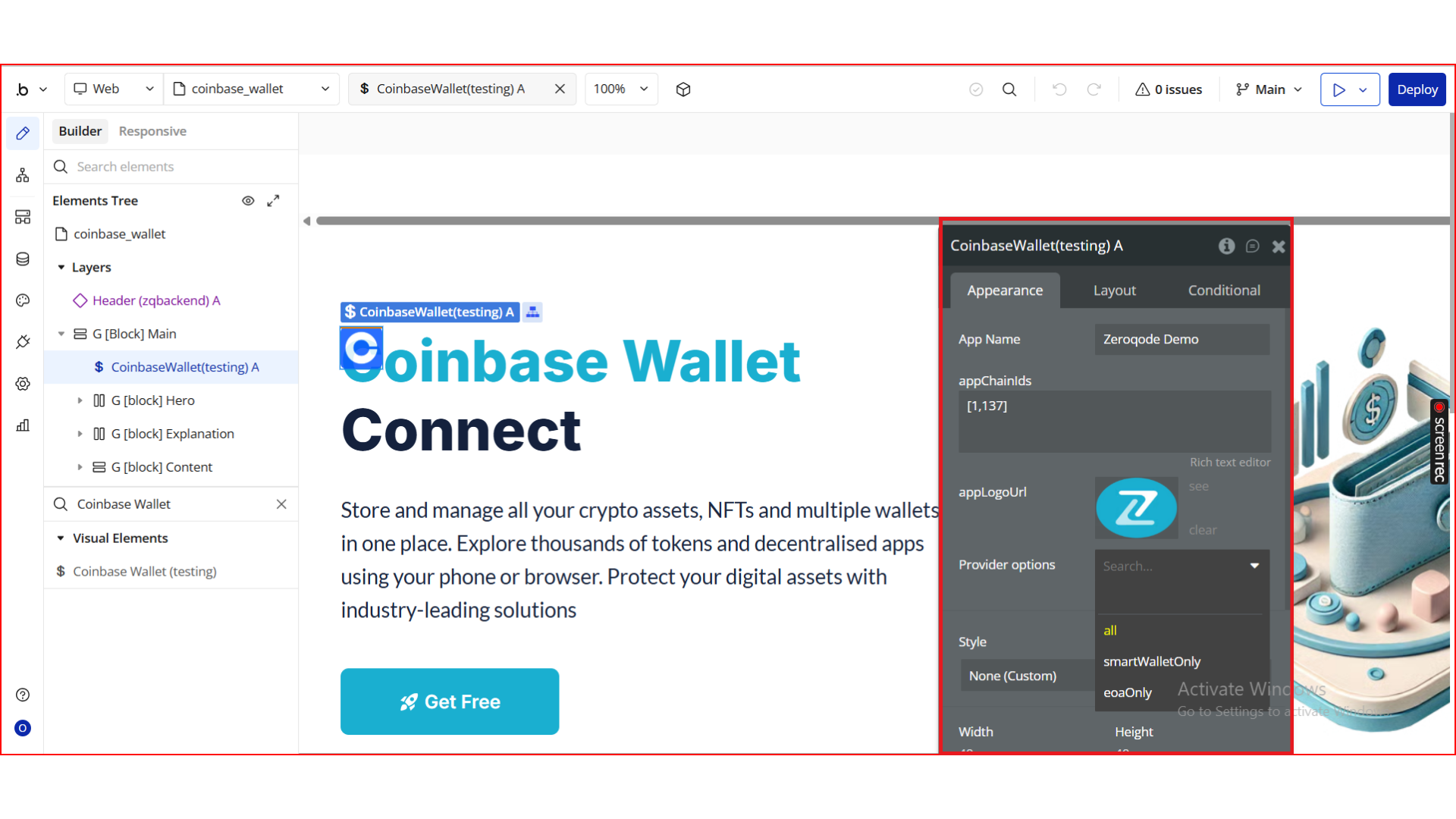
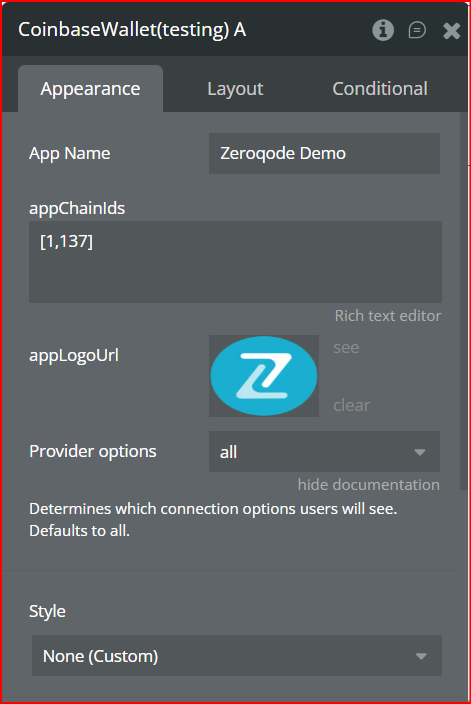
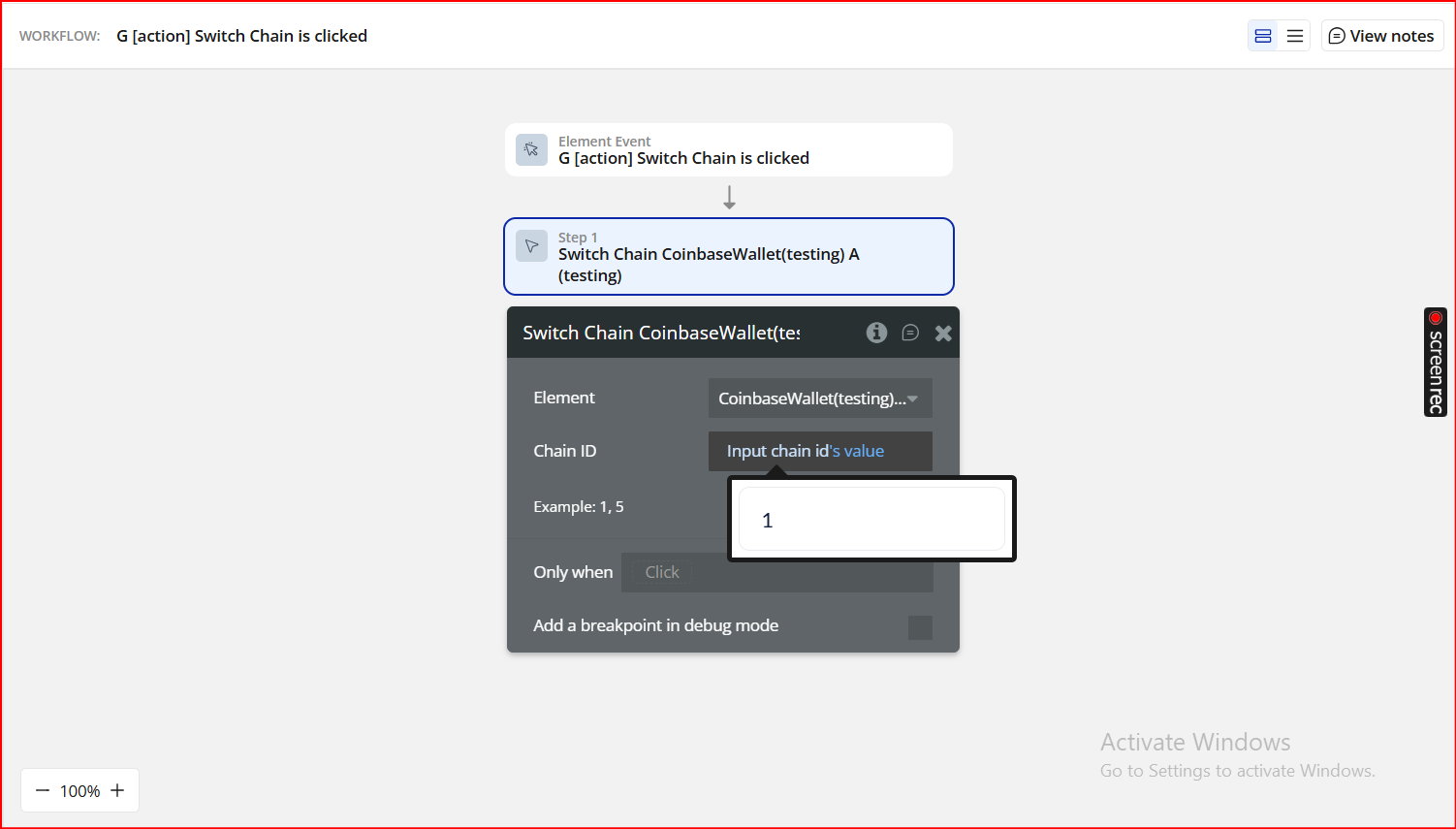
- Chain IDs Prepared – Know the blockchain networks your app will support and have their chain IDs ready (Ethereum: 1, Goerli: 5, Polygon: 137, etc.).
- App Logo URL – A hosted logo URL for your app to display in Coinbase Wallet during the connection flow.
👛 Please support our efforts to keep this plugin free- your donations help us invest the time and resources needed to continue maintaining and improving it for everyone’s benefit: https://zeroqo.de/support.

How to Set Up
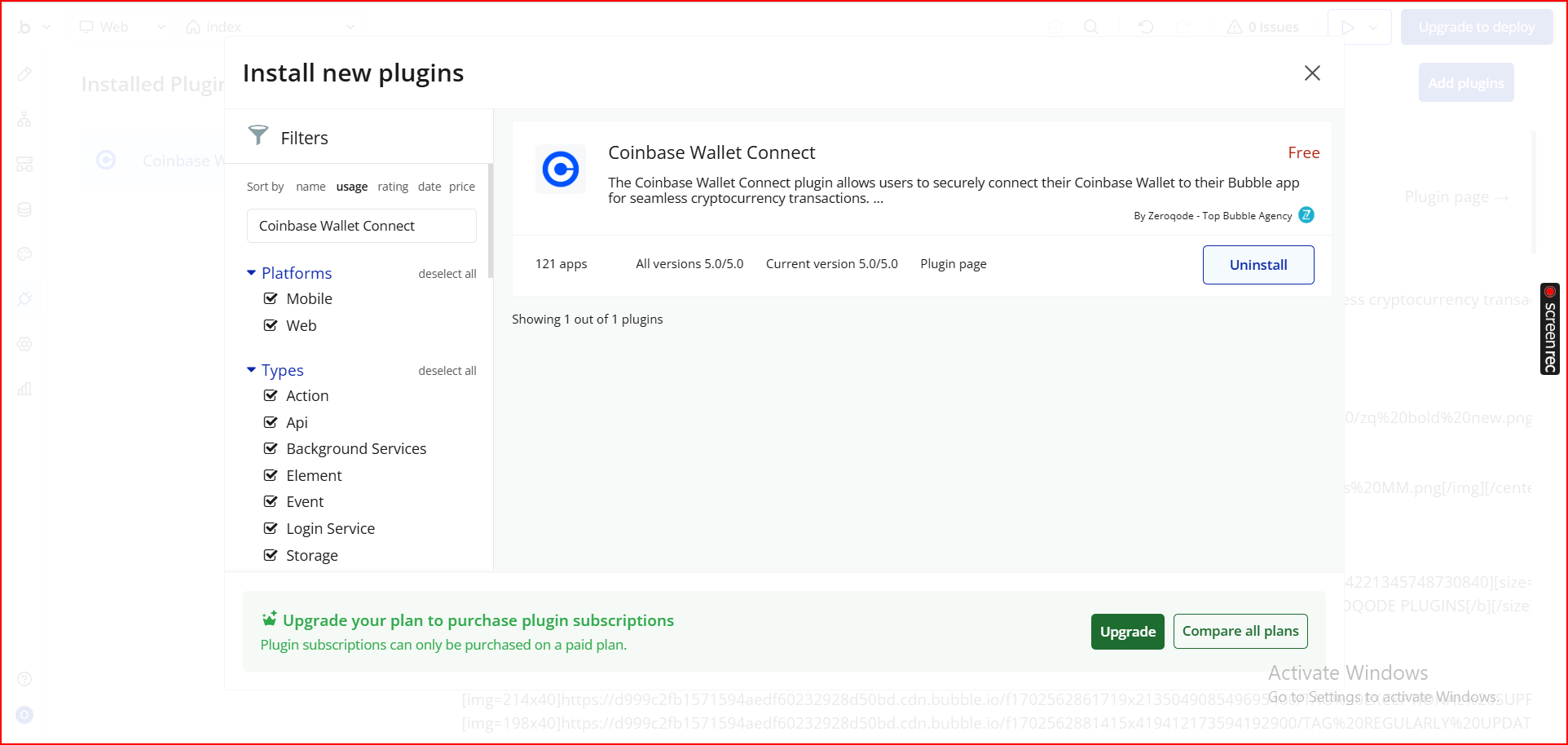
Step 1. Install the Plugin
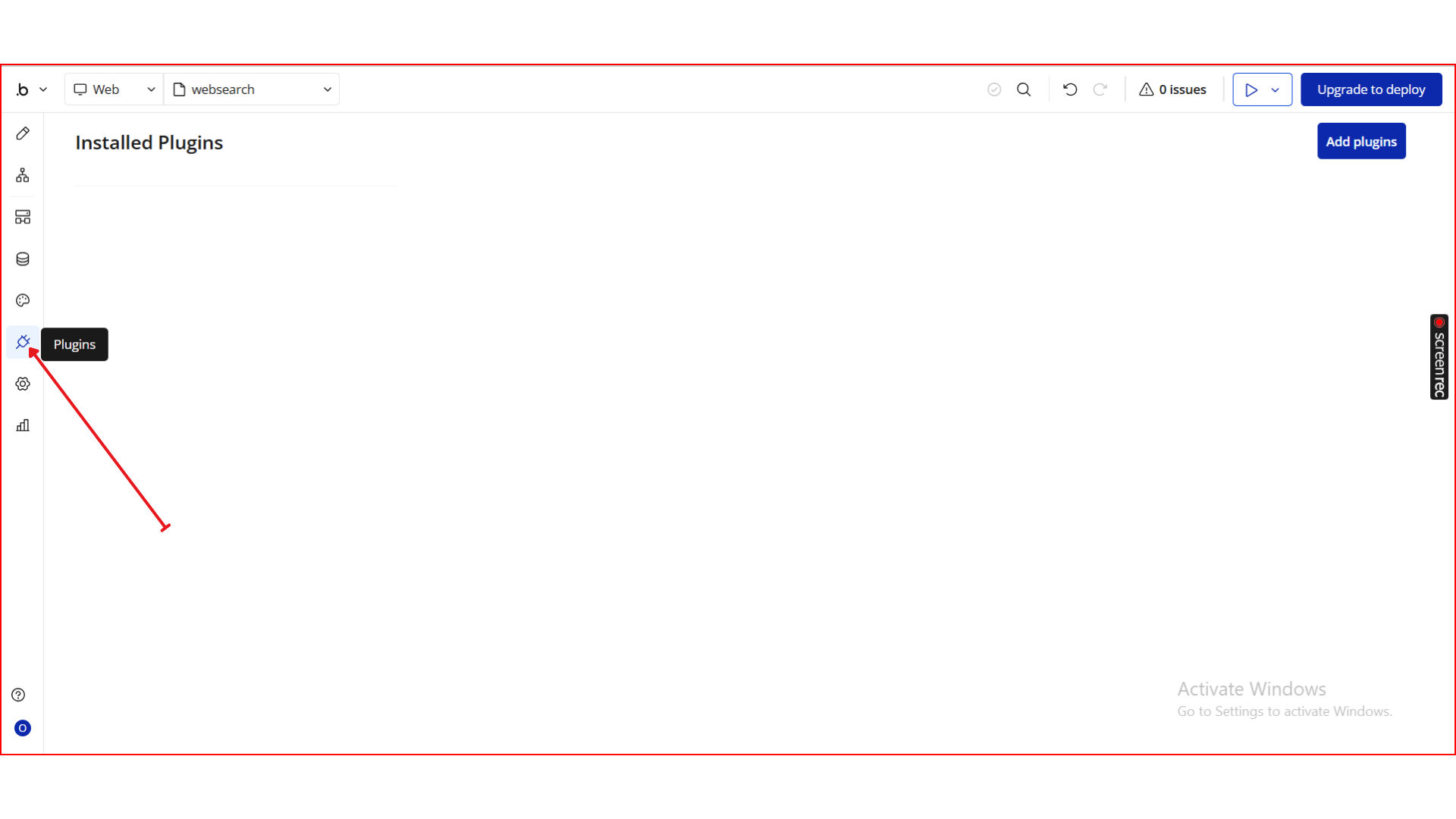
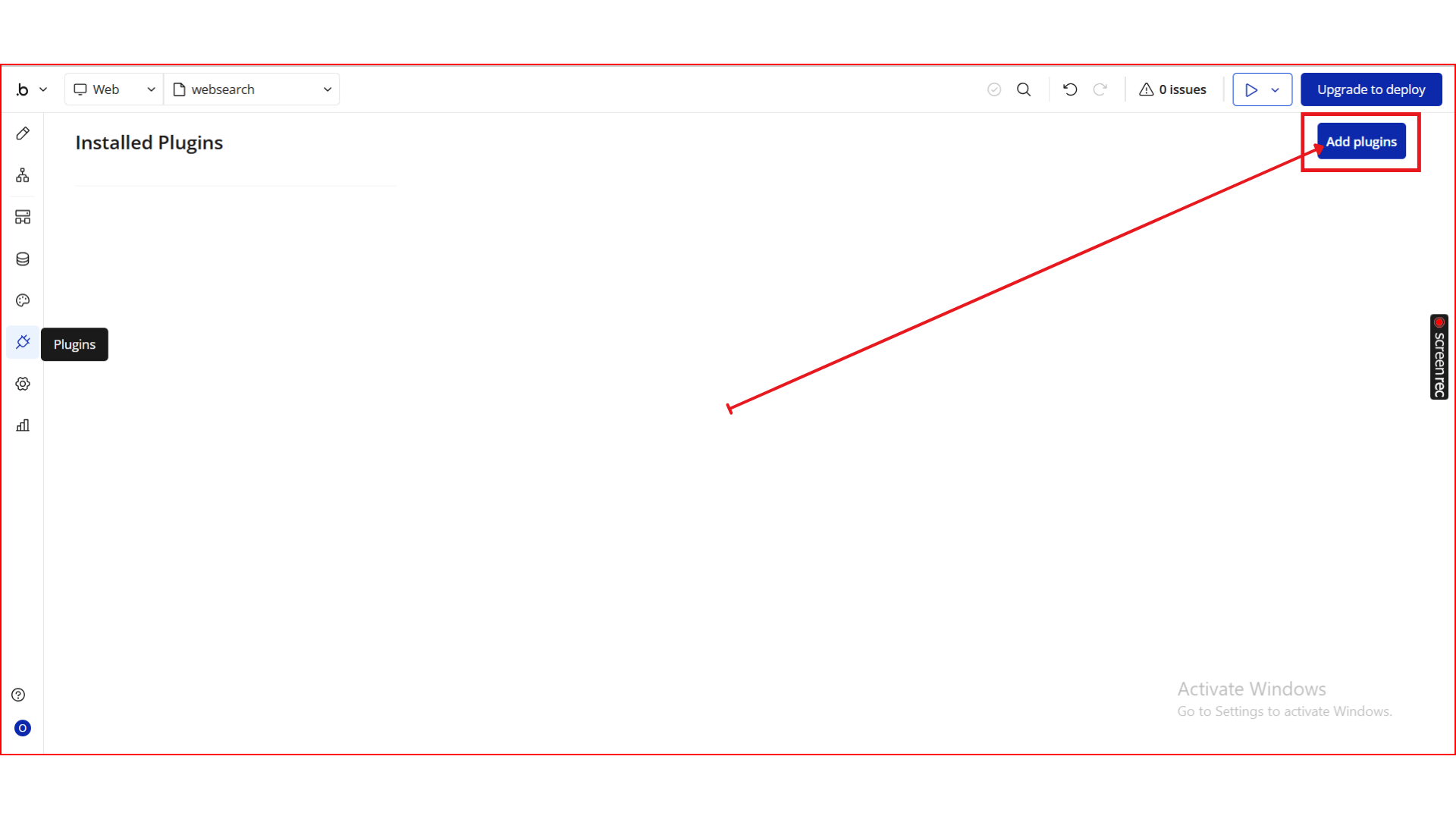
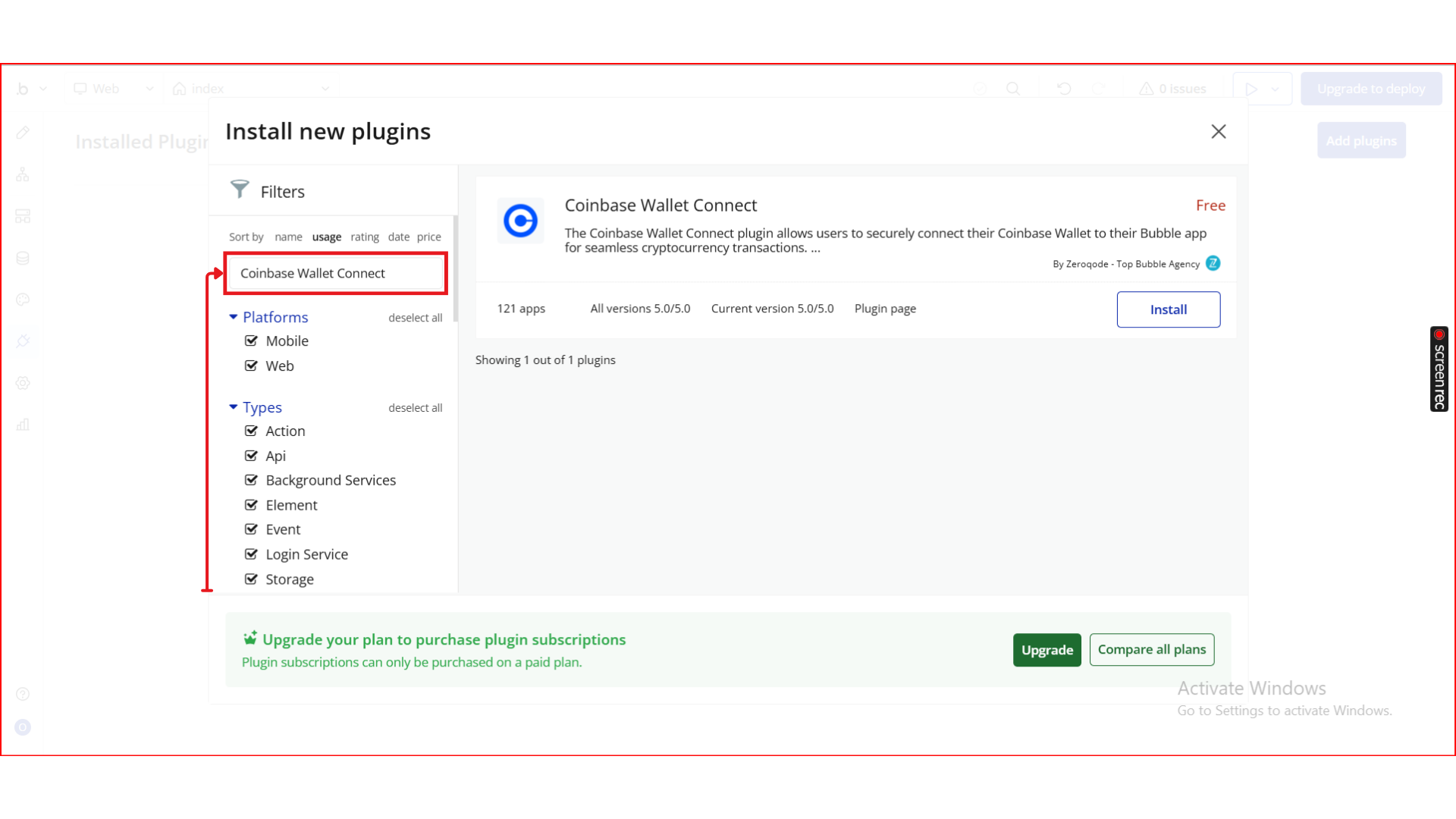
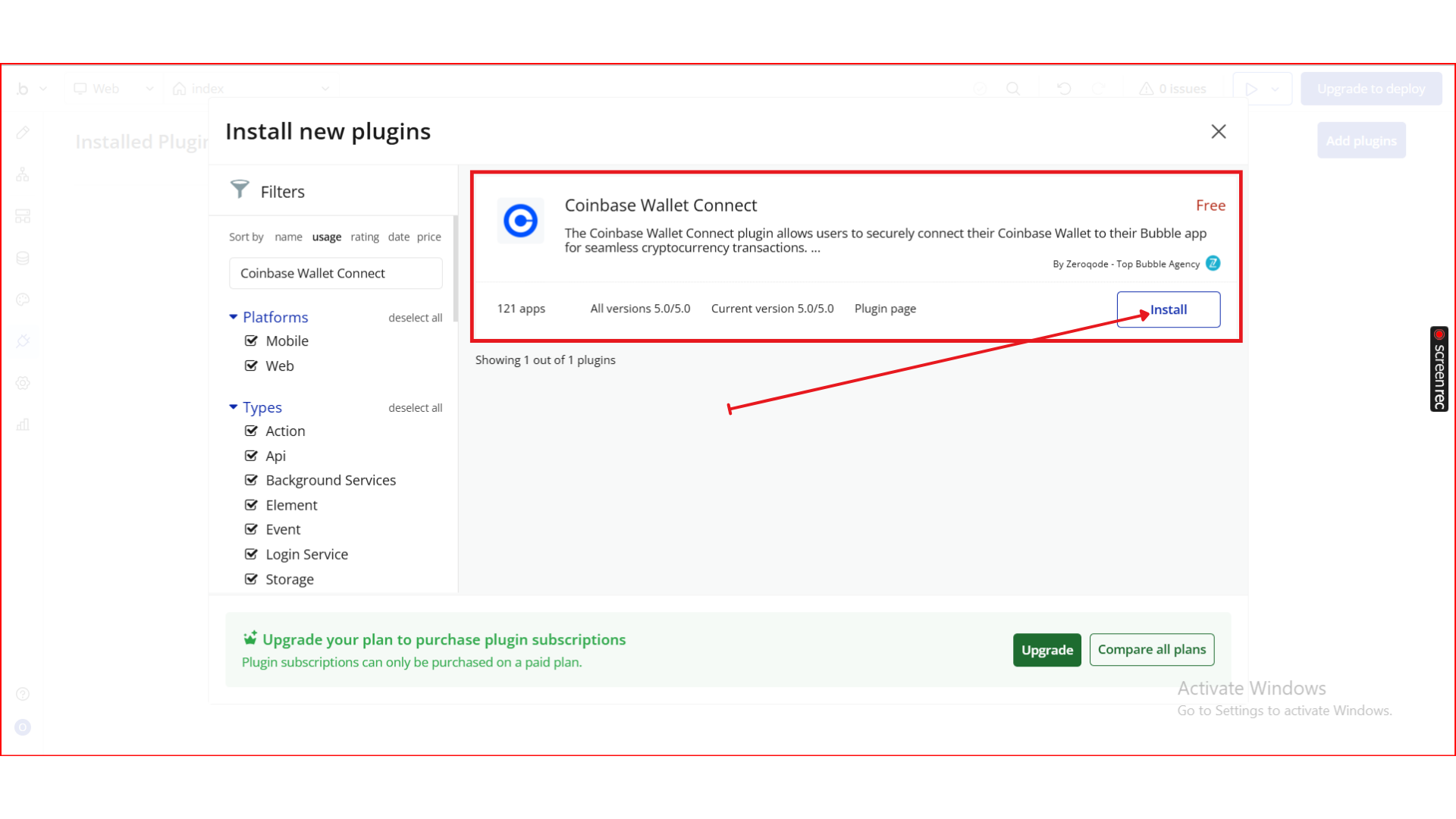
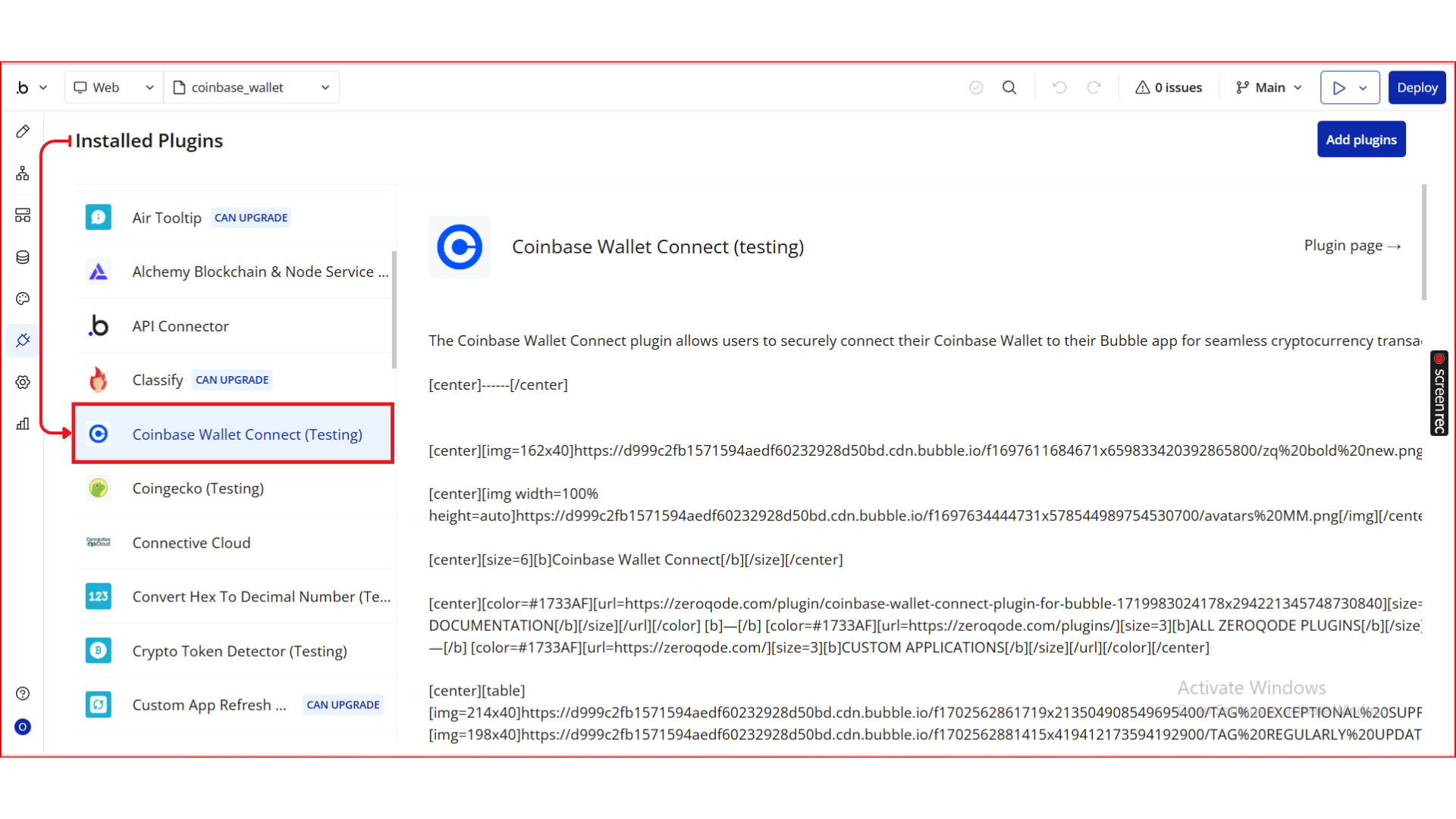
Step 2. Add the Plugin Element
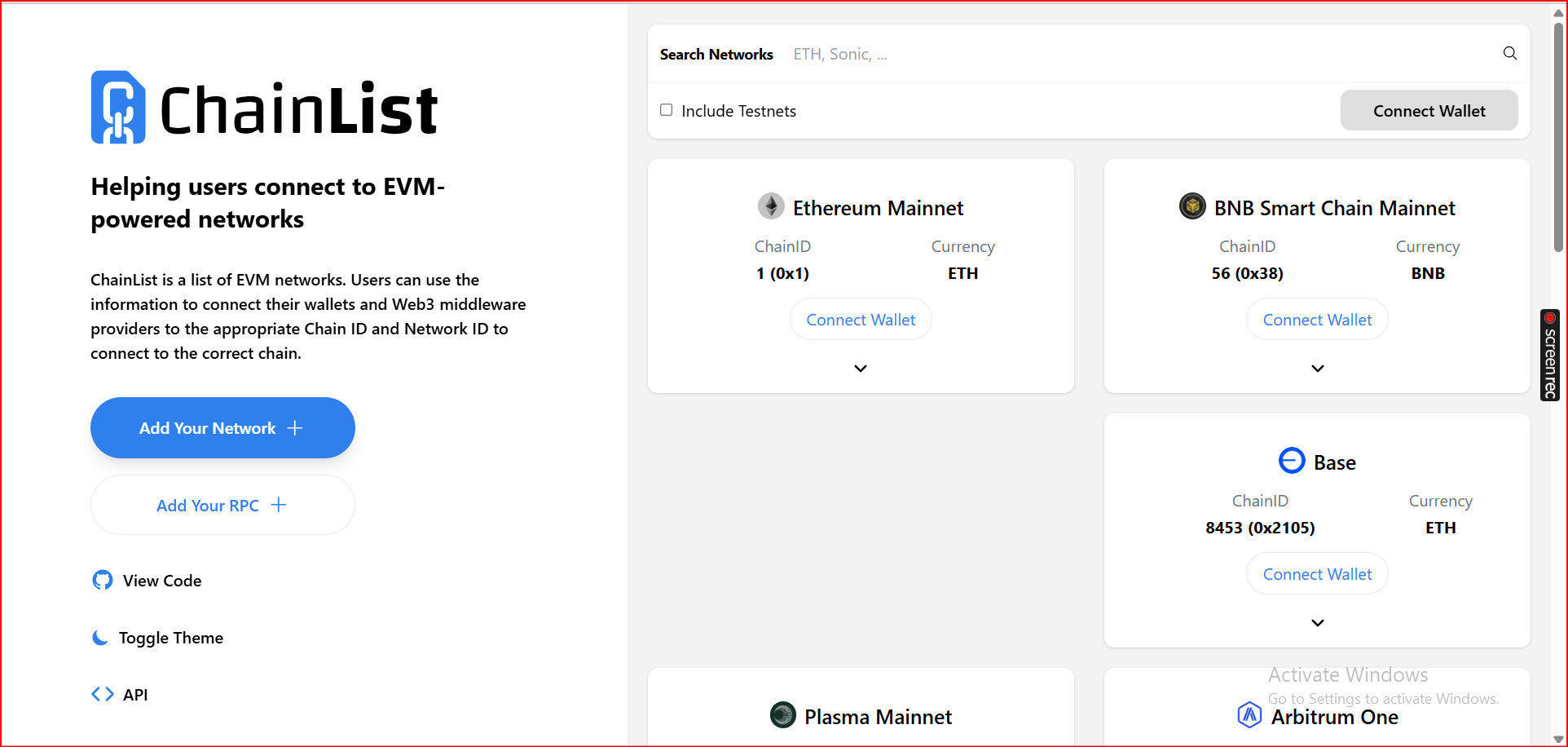
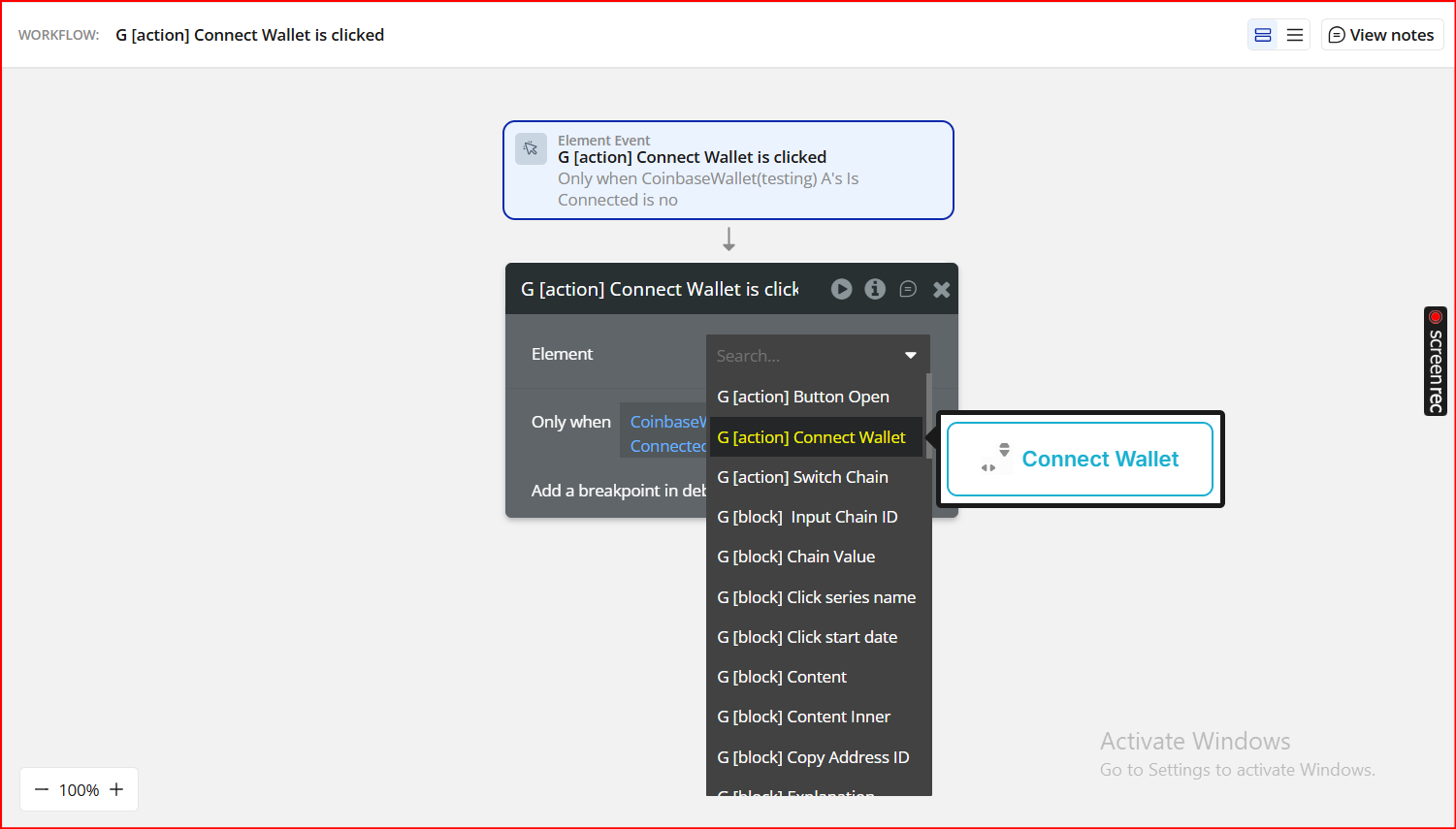
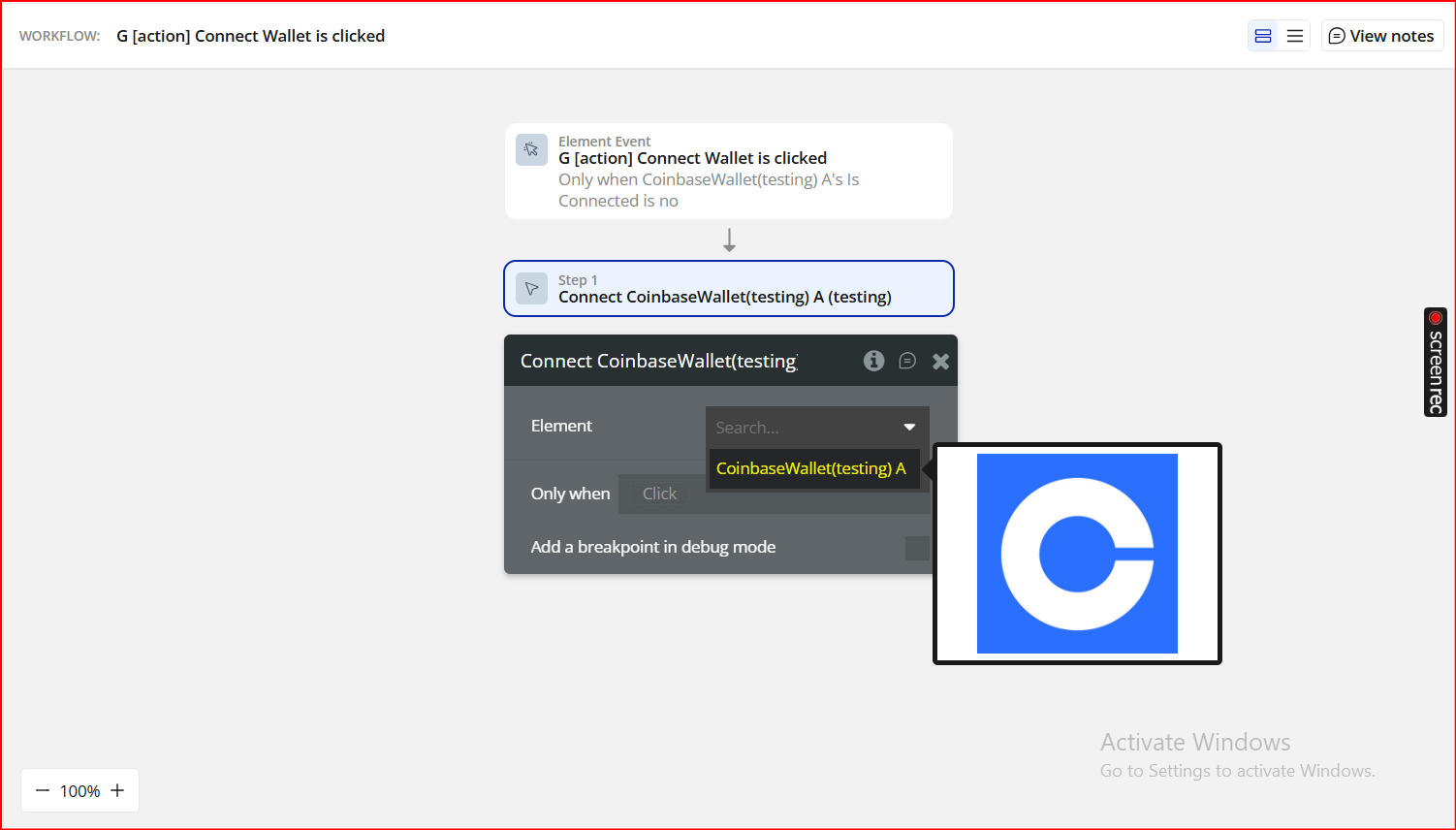
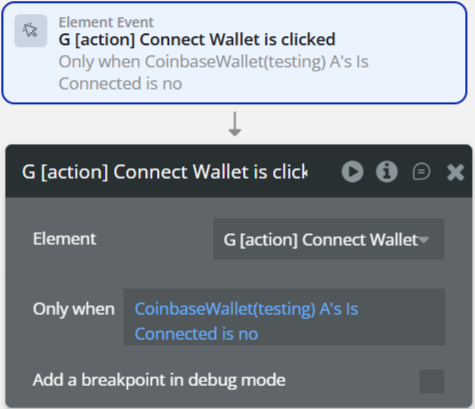
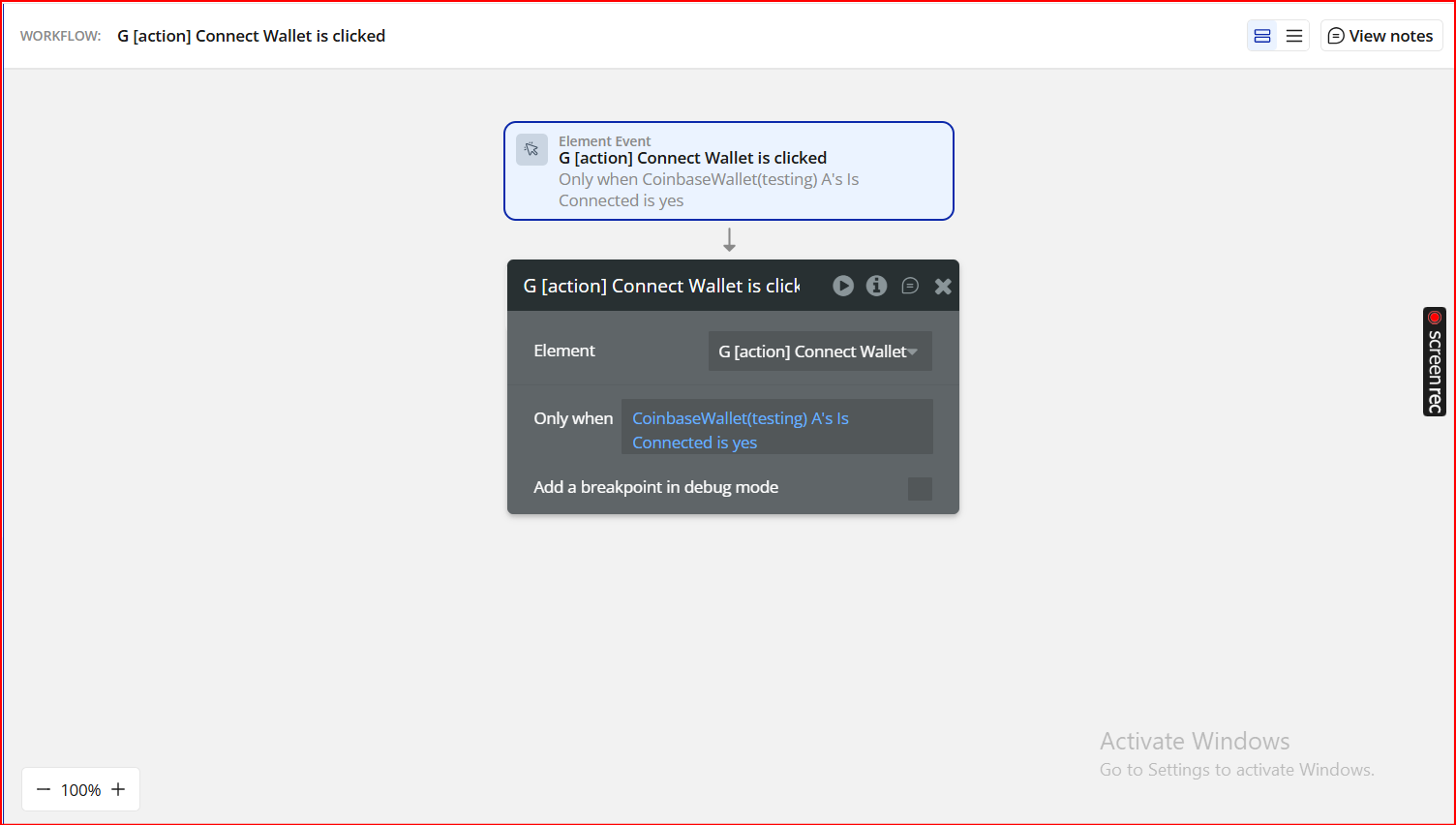
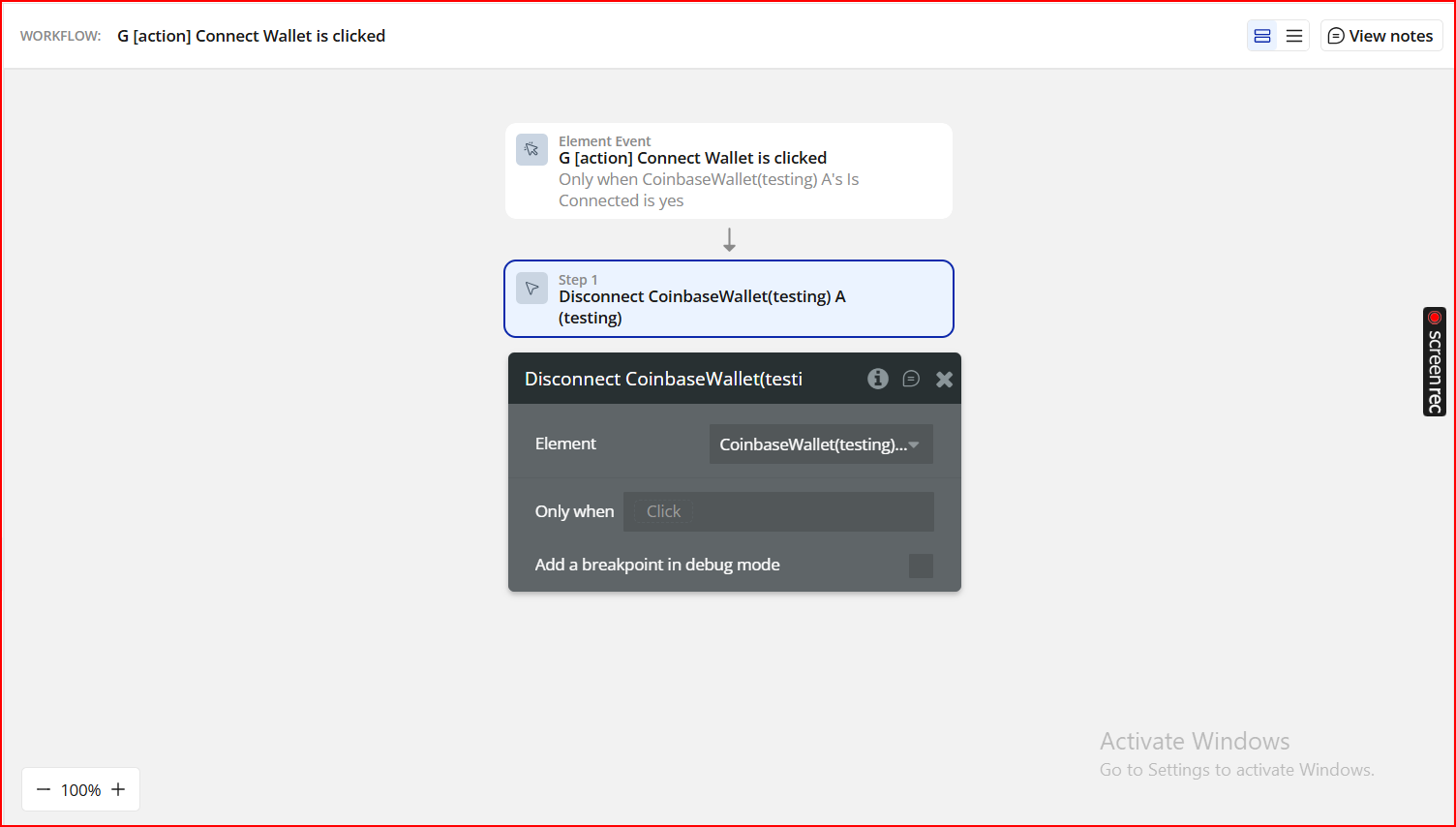
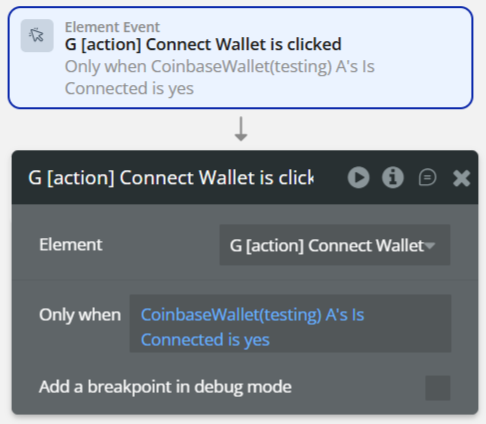
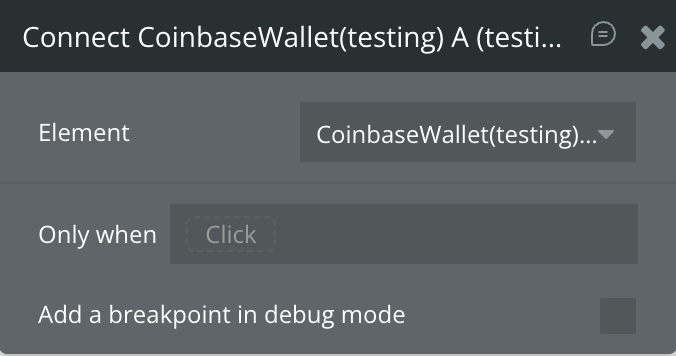
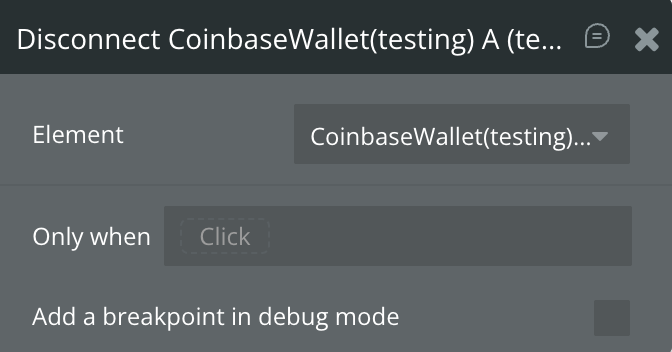
Step 3. Set Up Wallet Connect & Disconnect Workflows
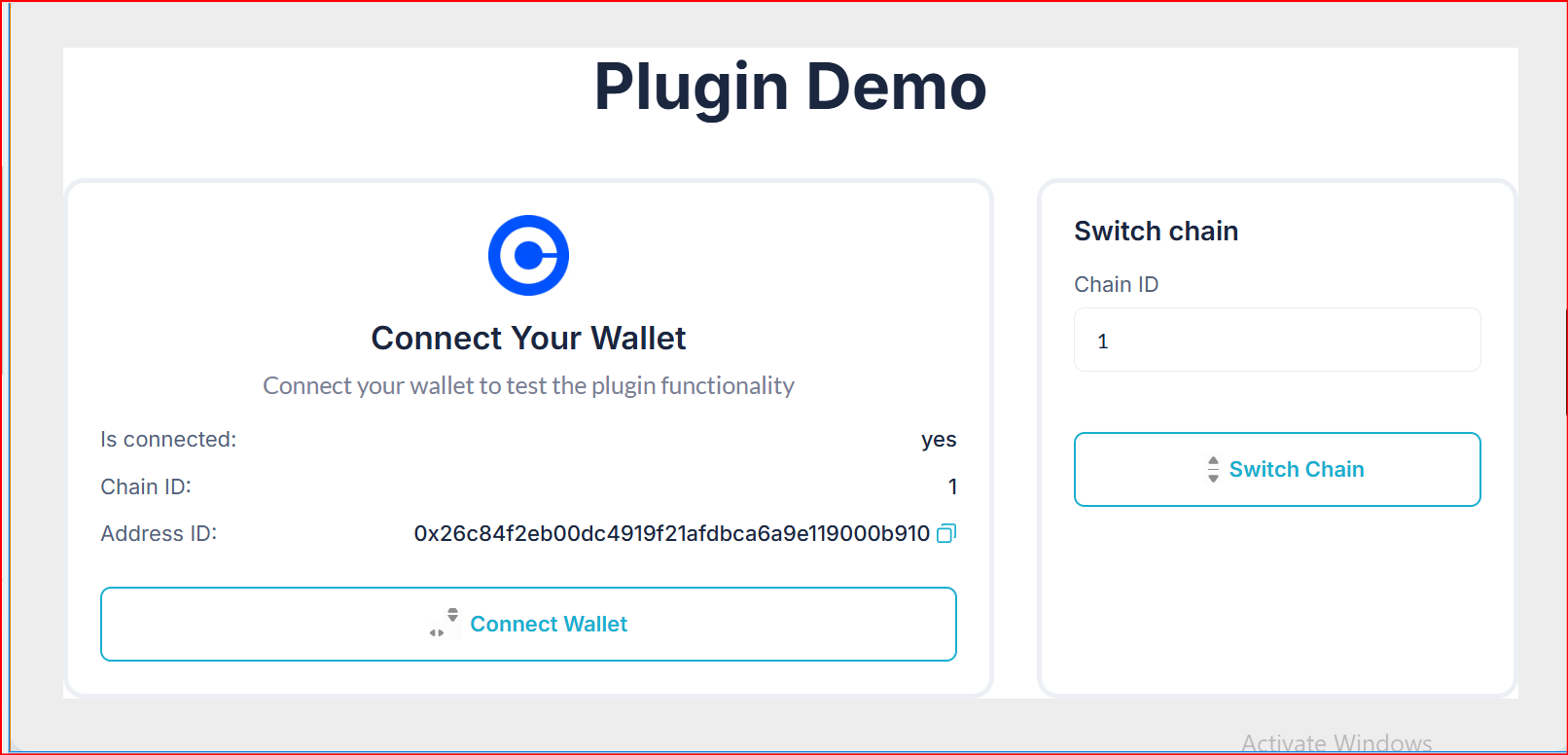
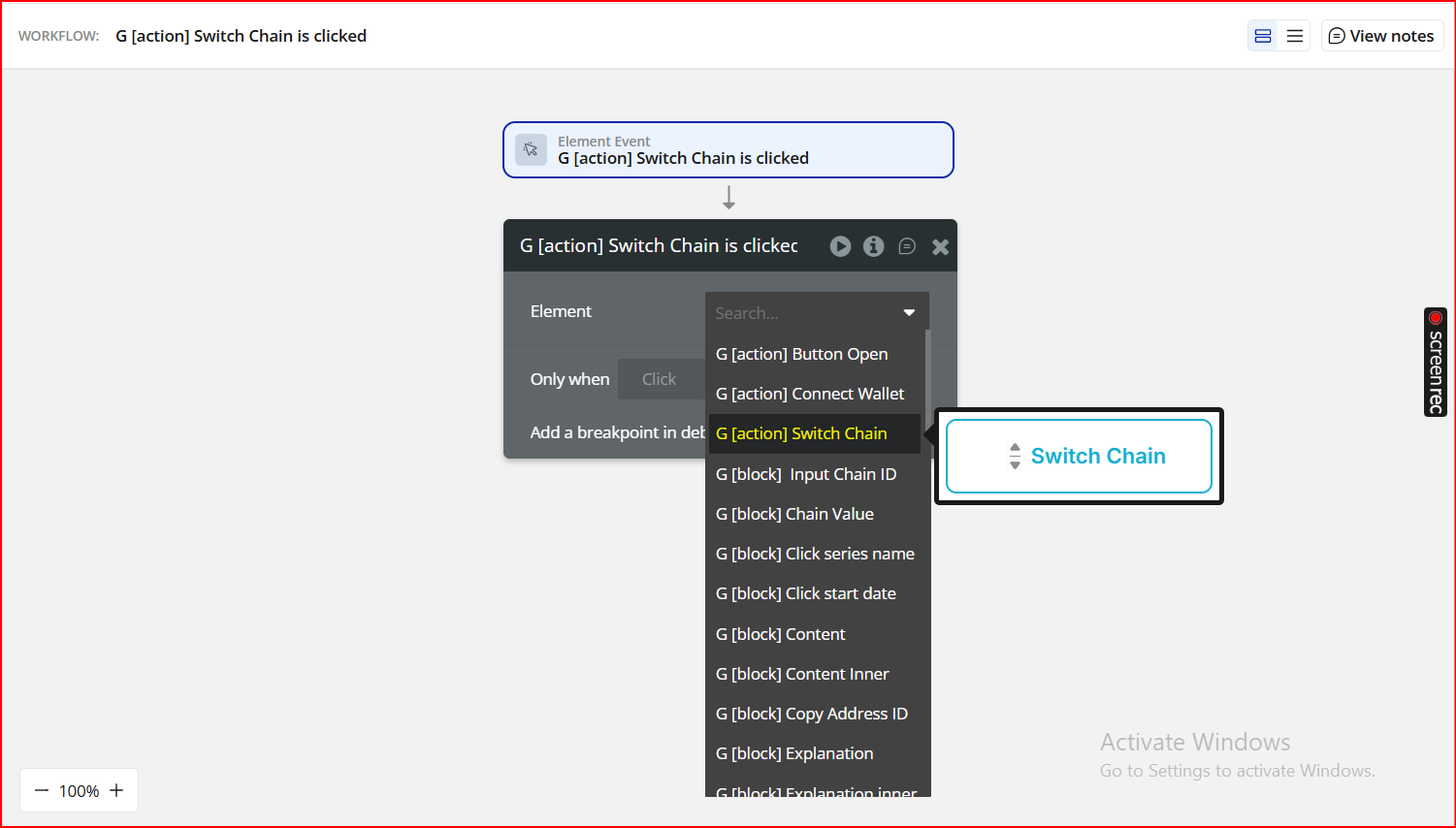
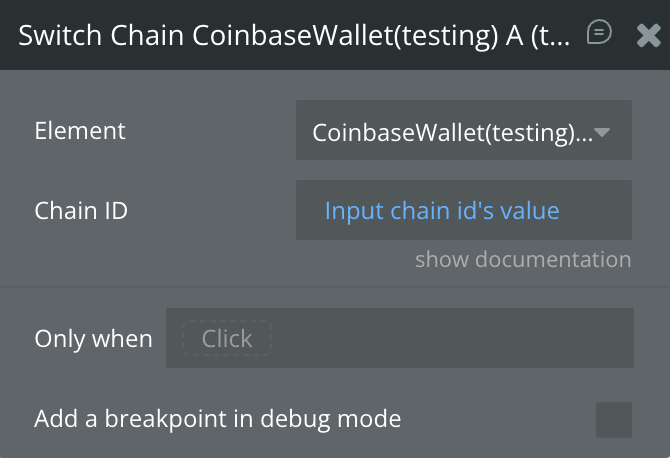
Step 4. (Optional) Add the Switch Chain Workflow
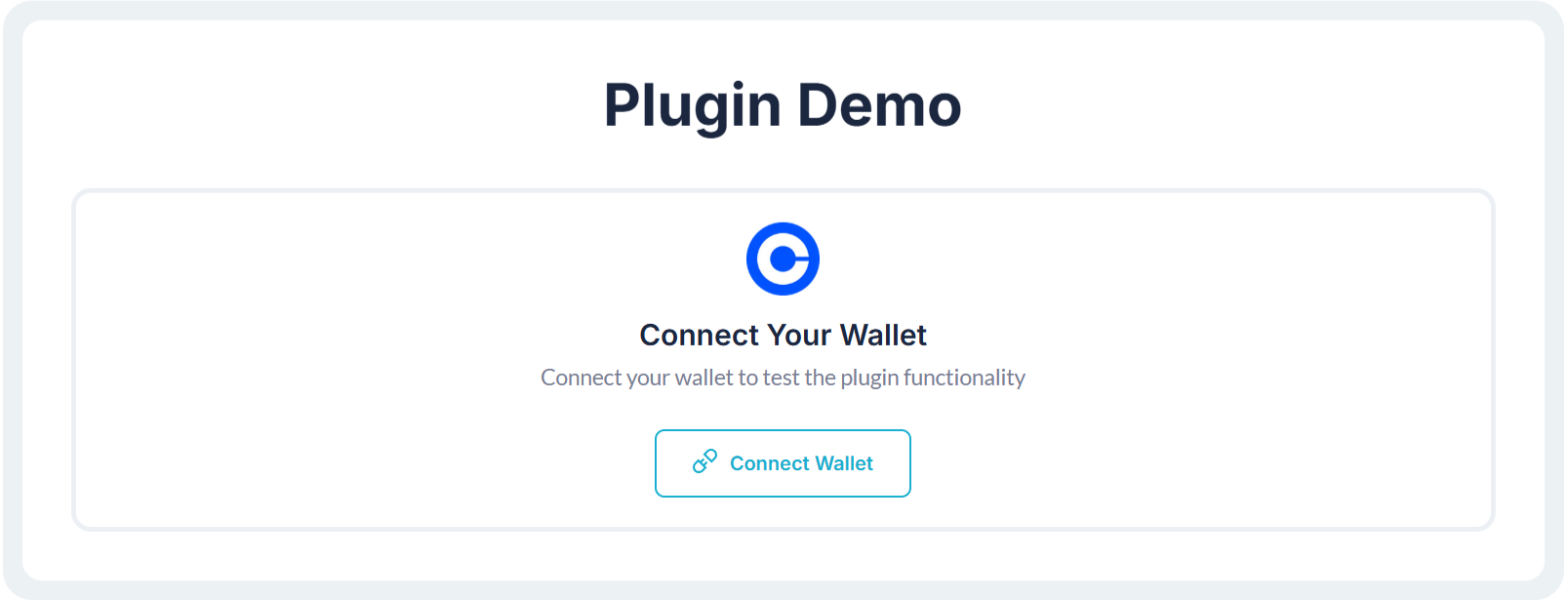
Step 5. Preview & Test
Plugin Element - Coinbase Wallet
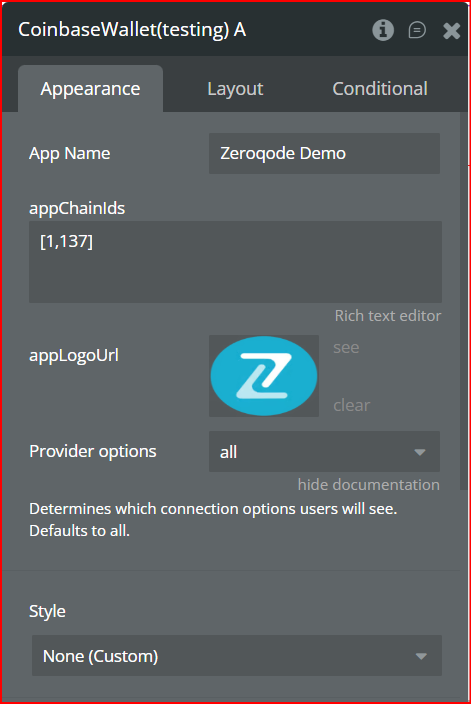
Fields
Element Actions
Exposed States
Element Events
