Link to the plugin page: https://zeroqode.com/plugin/toggle-switch-bubble-mobile-free-1770215826138x612255780615020400
Demo to preview the plugin:
Introduction
Add a modern toggle switch for binary and choice-based interactions. This plugin provides a single toggle component with smooth animation and customizable colors.
Prerequisites
This plugin is designed specifically for the mobile version of the Bubble editor. To test the plugin on your mobile device, use the TestFlight app available at: https://testflight.apple.com/join/j73hHPR6
Please note that the testing app is currently available for iOS only.

How to setup
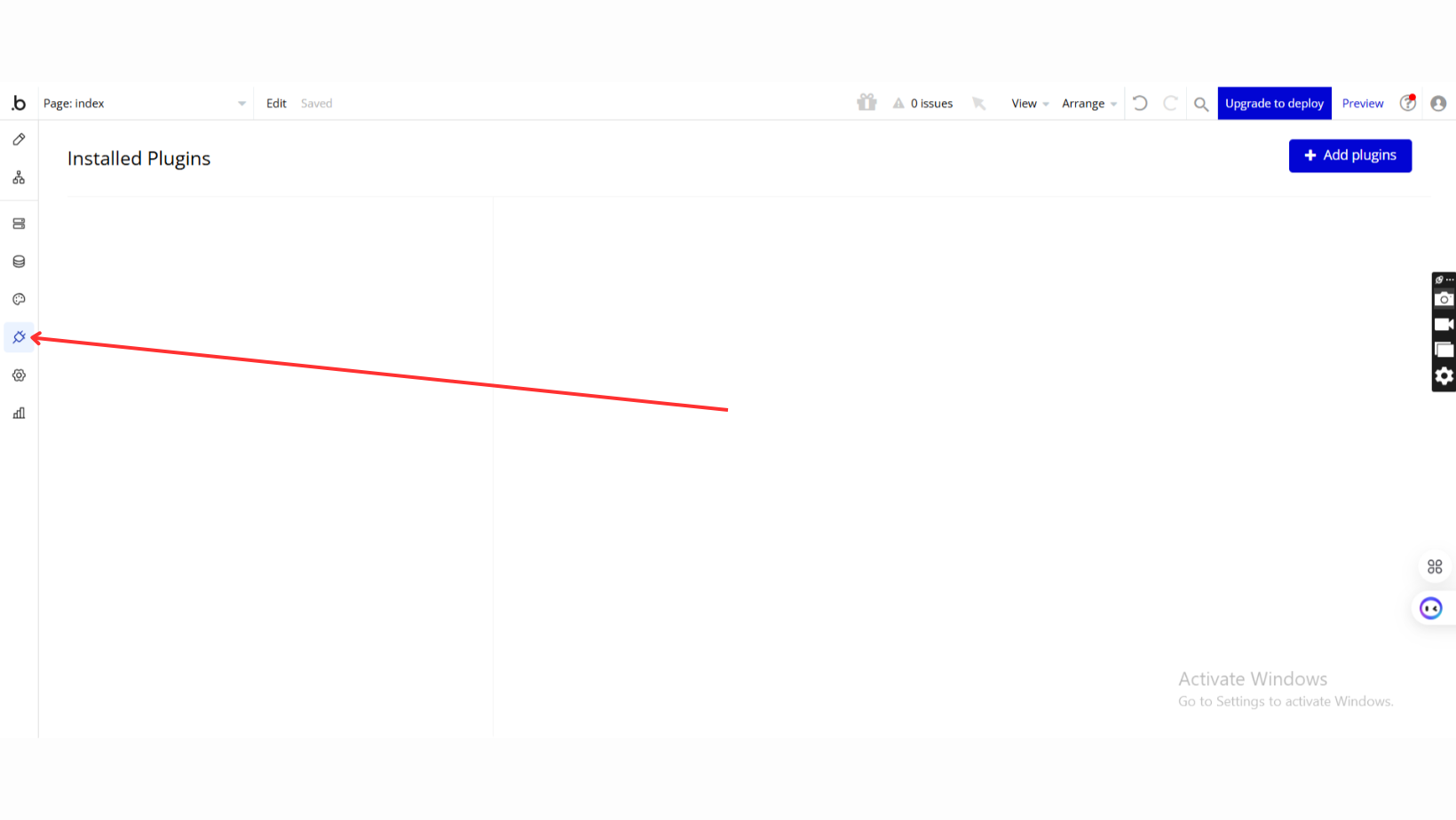
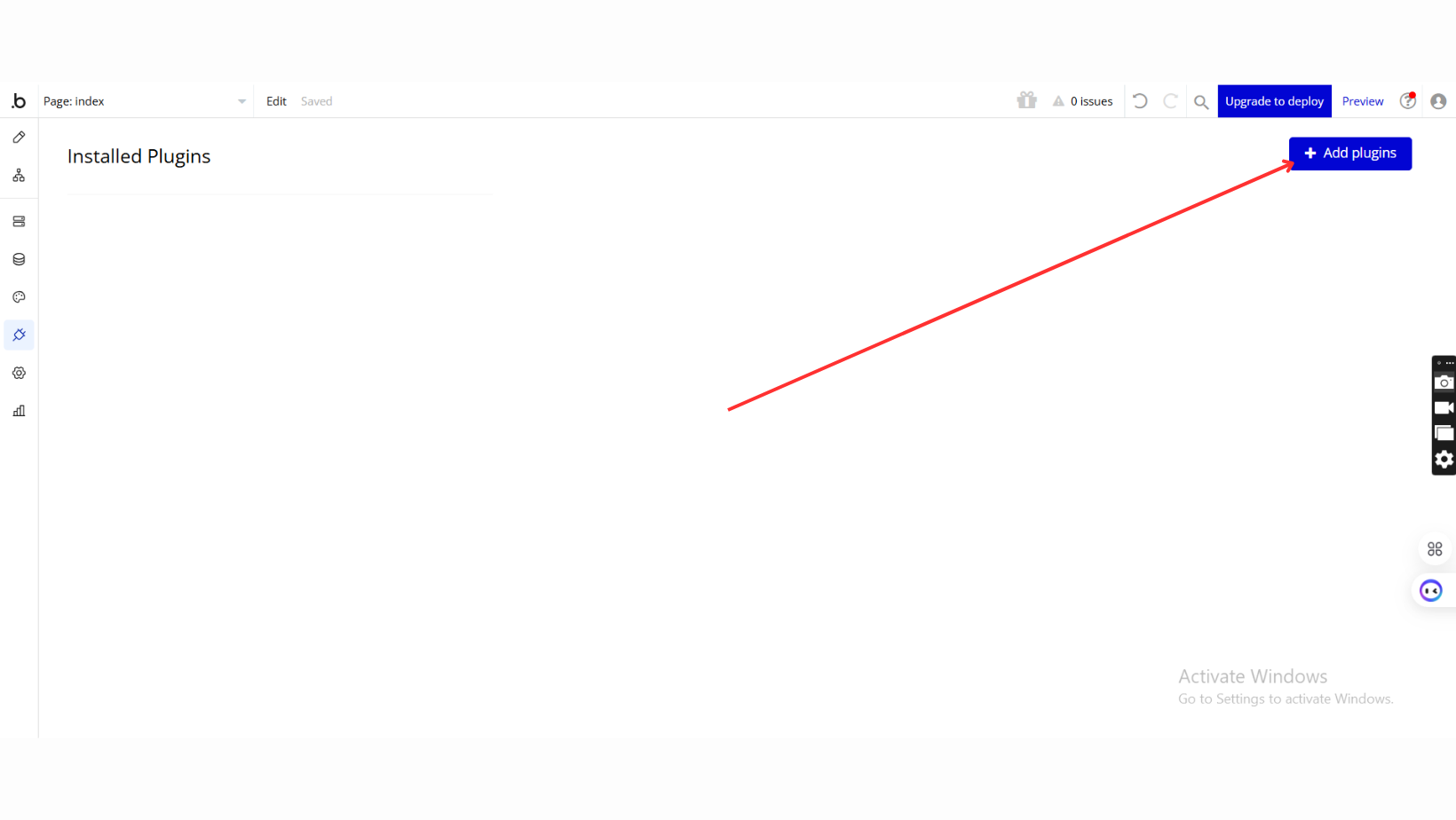
Step 1 – Install the Plugin
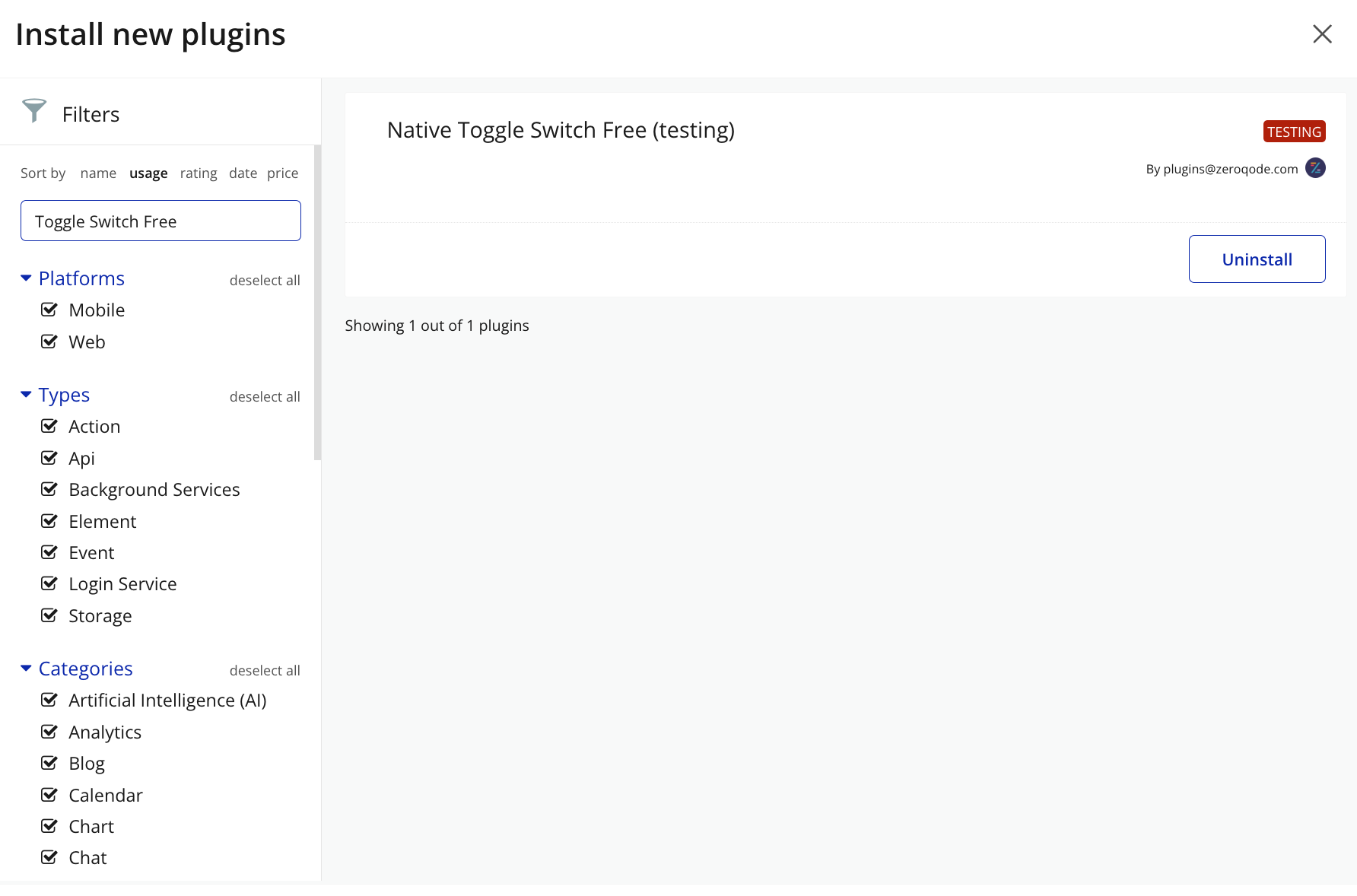
Step 2 – Add the Plugin Element to Your Page
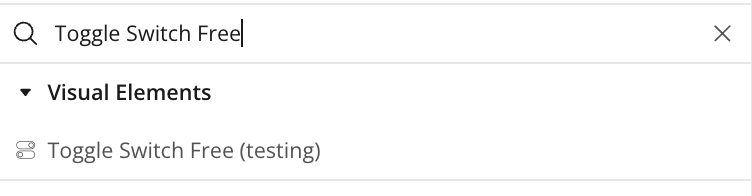
Step 3 – Configure Properties
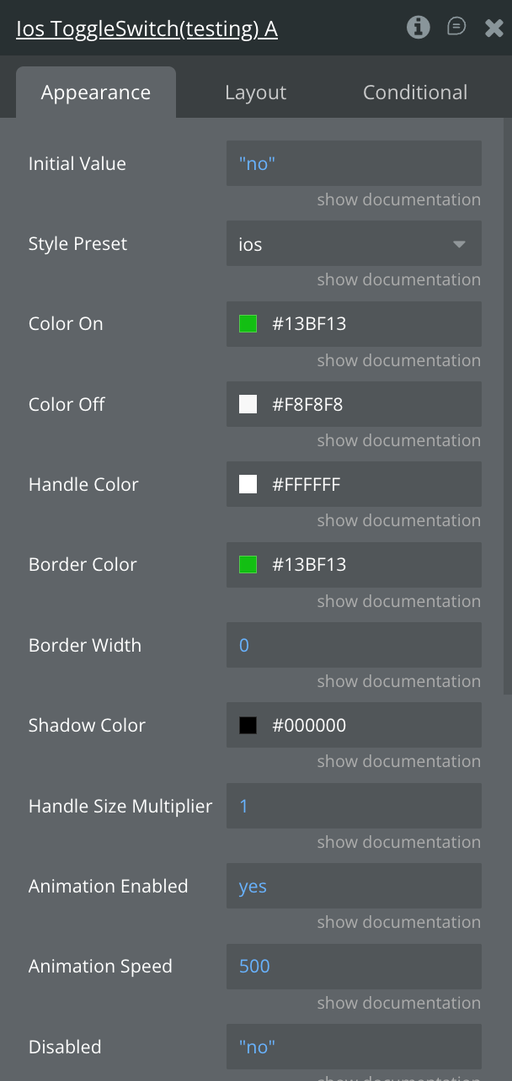
Plugin Element - Toggle Switch
A customizable, animated native toggle switch for Bubble with smooth on/off transitions, and full workflow integration with programmatic control and disabled-state handling.
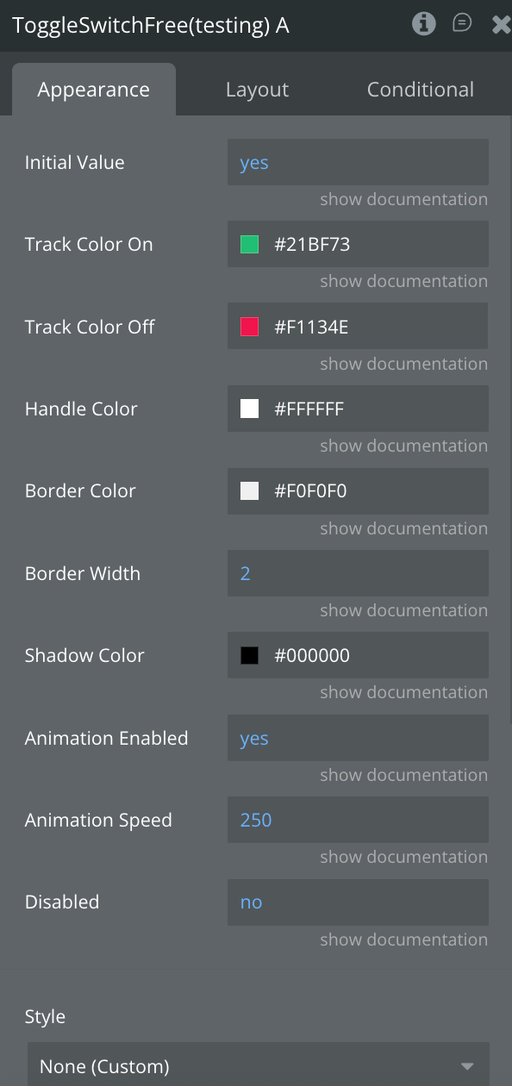
Fields
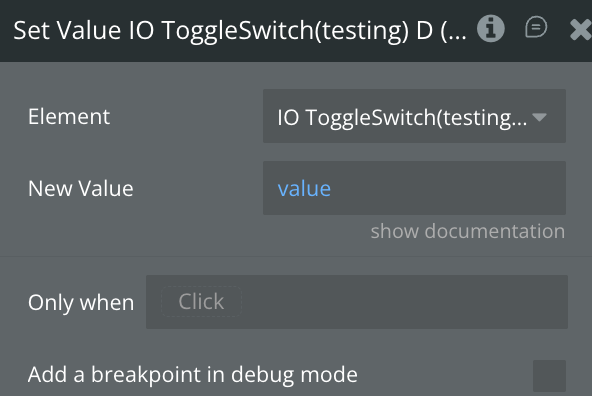
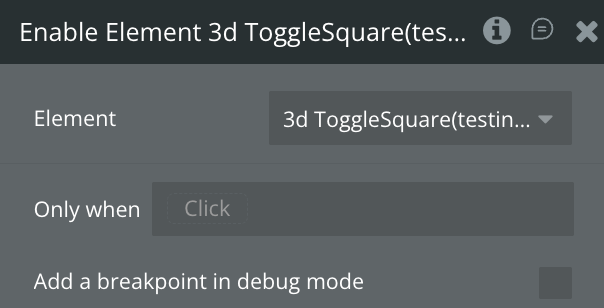
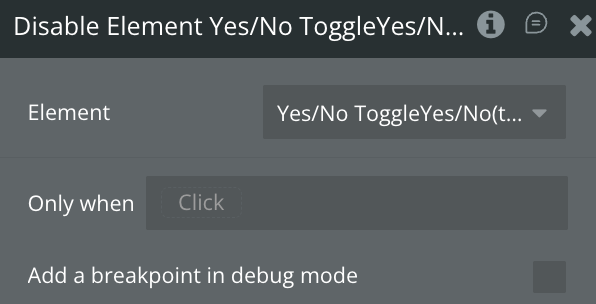
Element Actions
Exposed States
Element Events
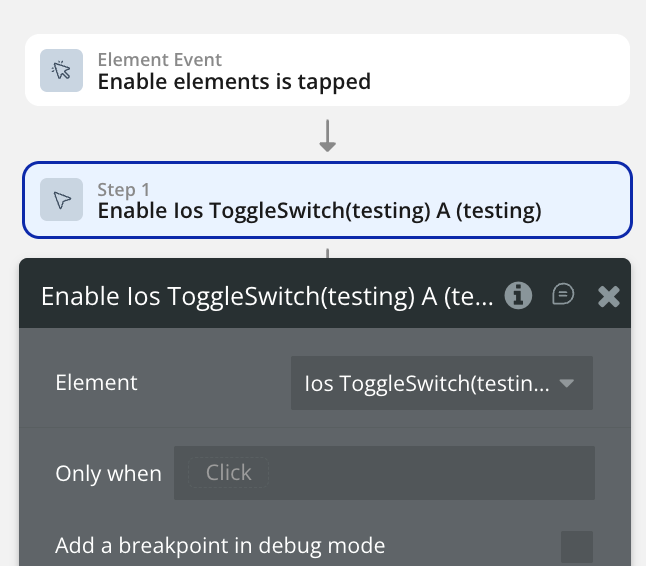
Workflow example
Enable the element
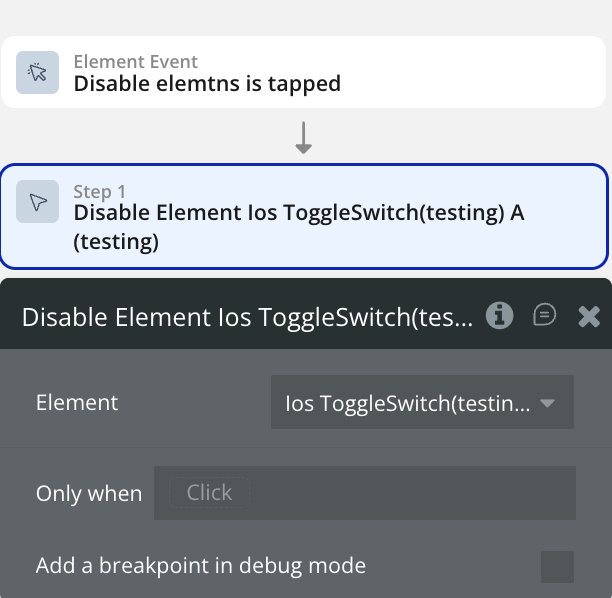
Disable the element
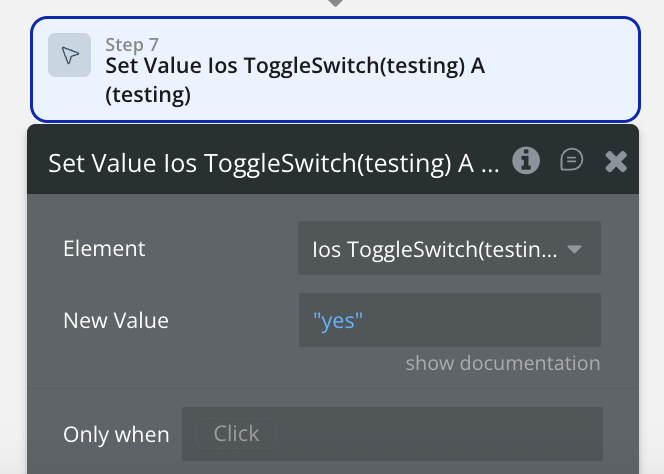
Set a value
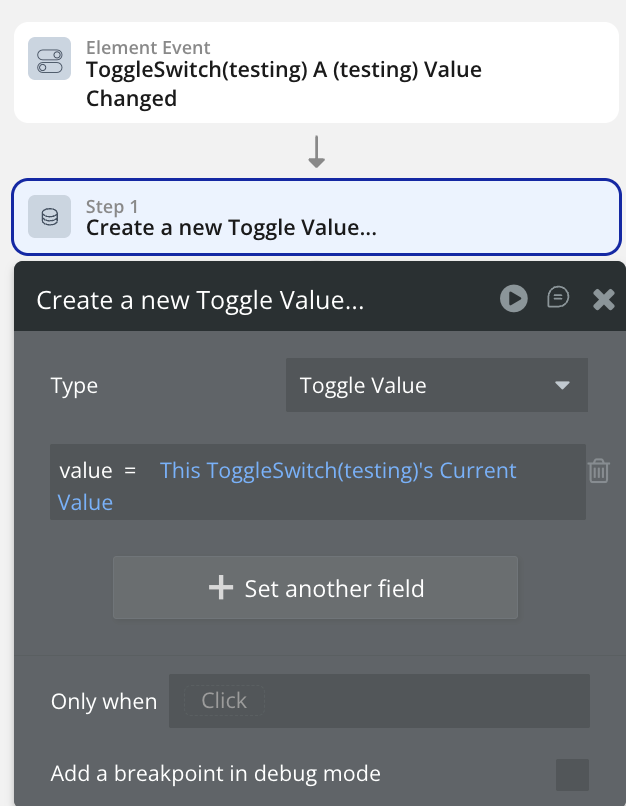
Save value into database