
Demo to preview the plugin:
Introduction
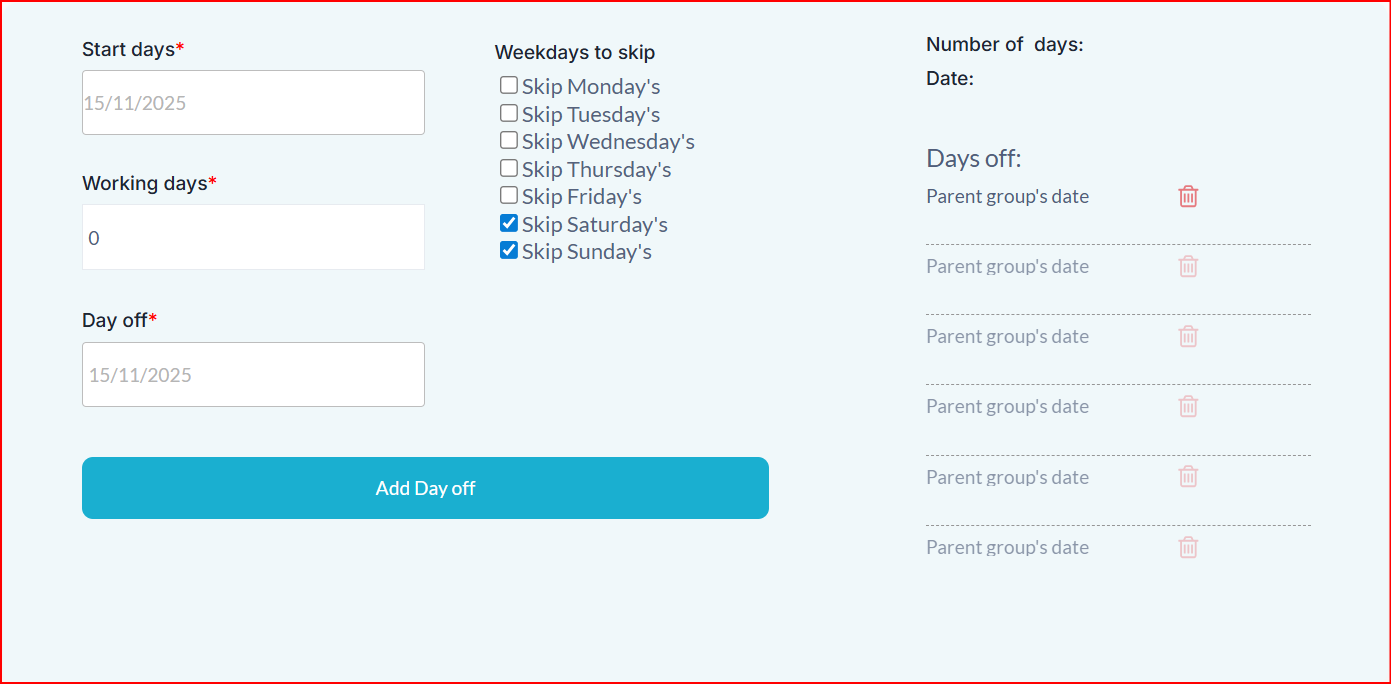
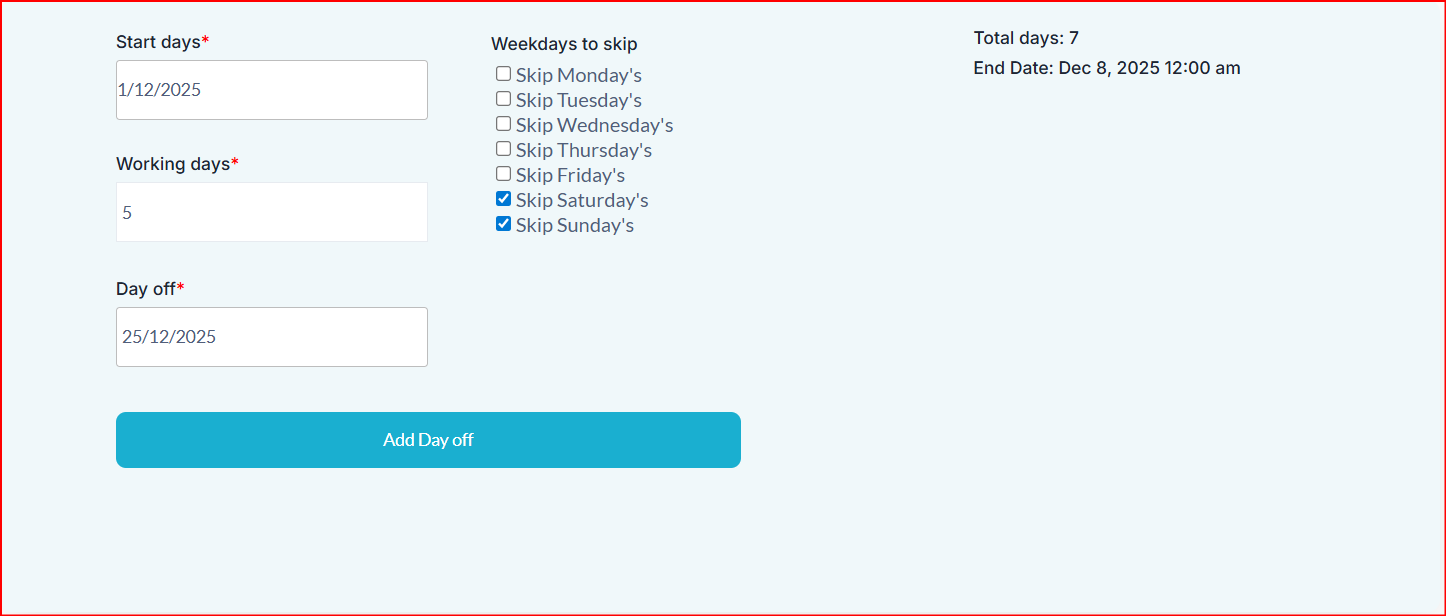
The Working Days Counter plugin helps you calculate business days between dates while automatically excluding weekends, holidays, and any other custom non-working days.
The plugin lets you:
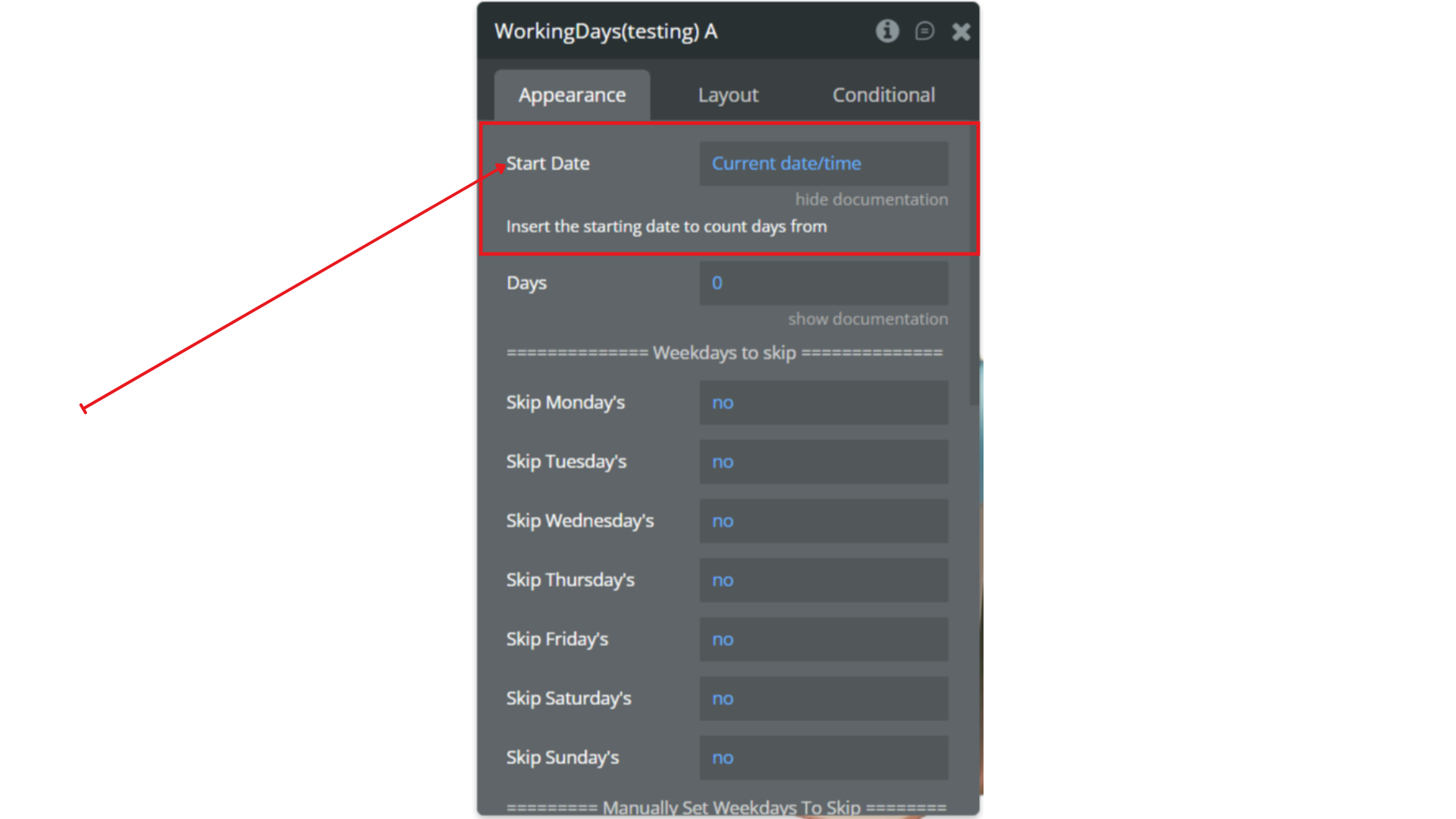
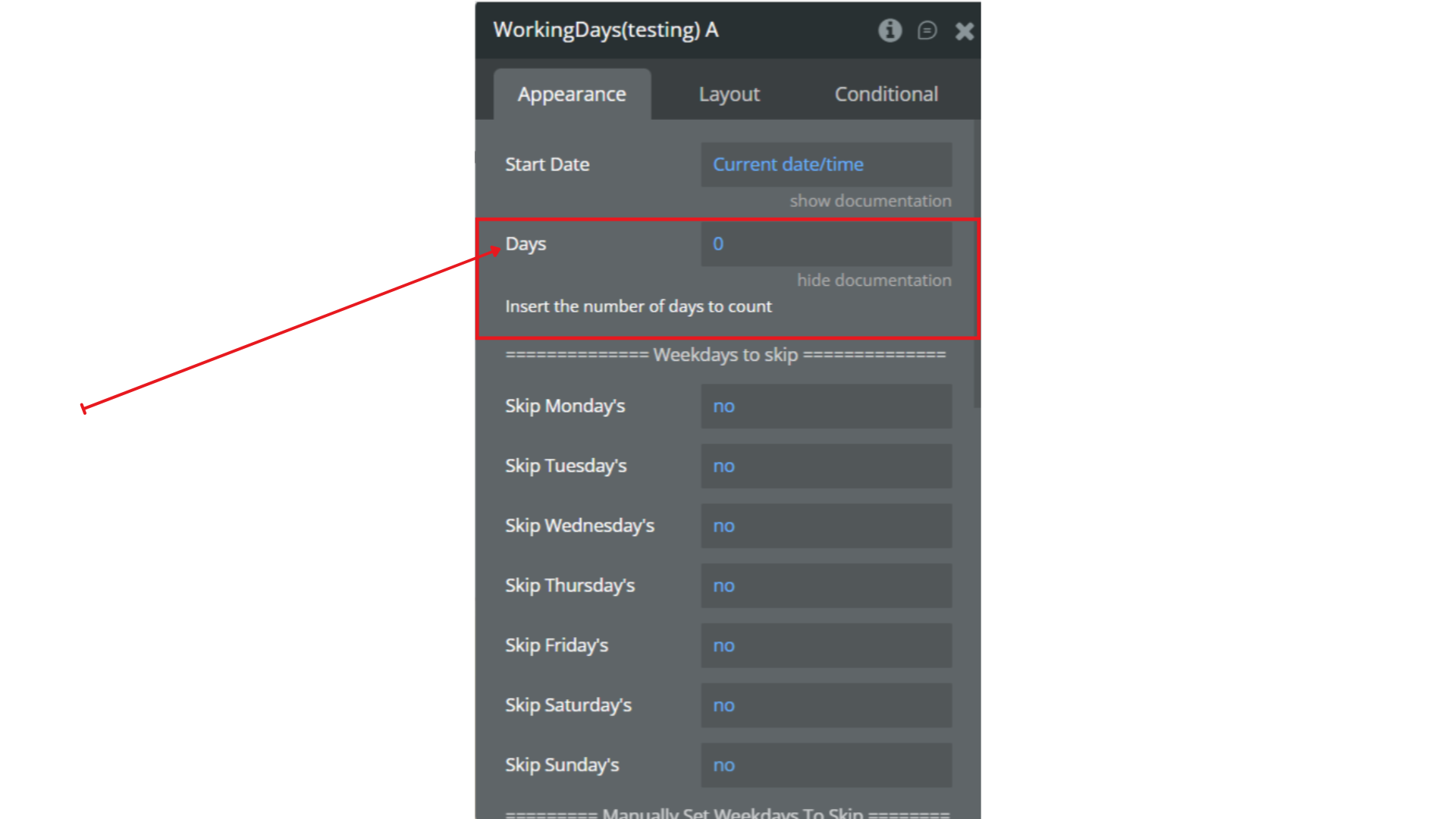
- Start from a given date
- Add a number of days
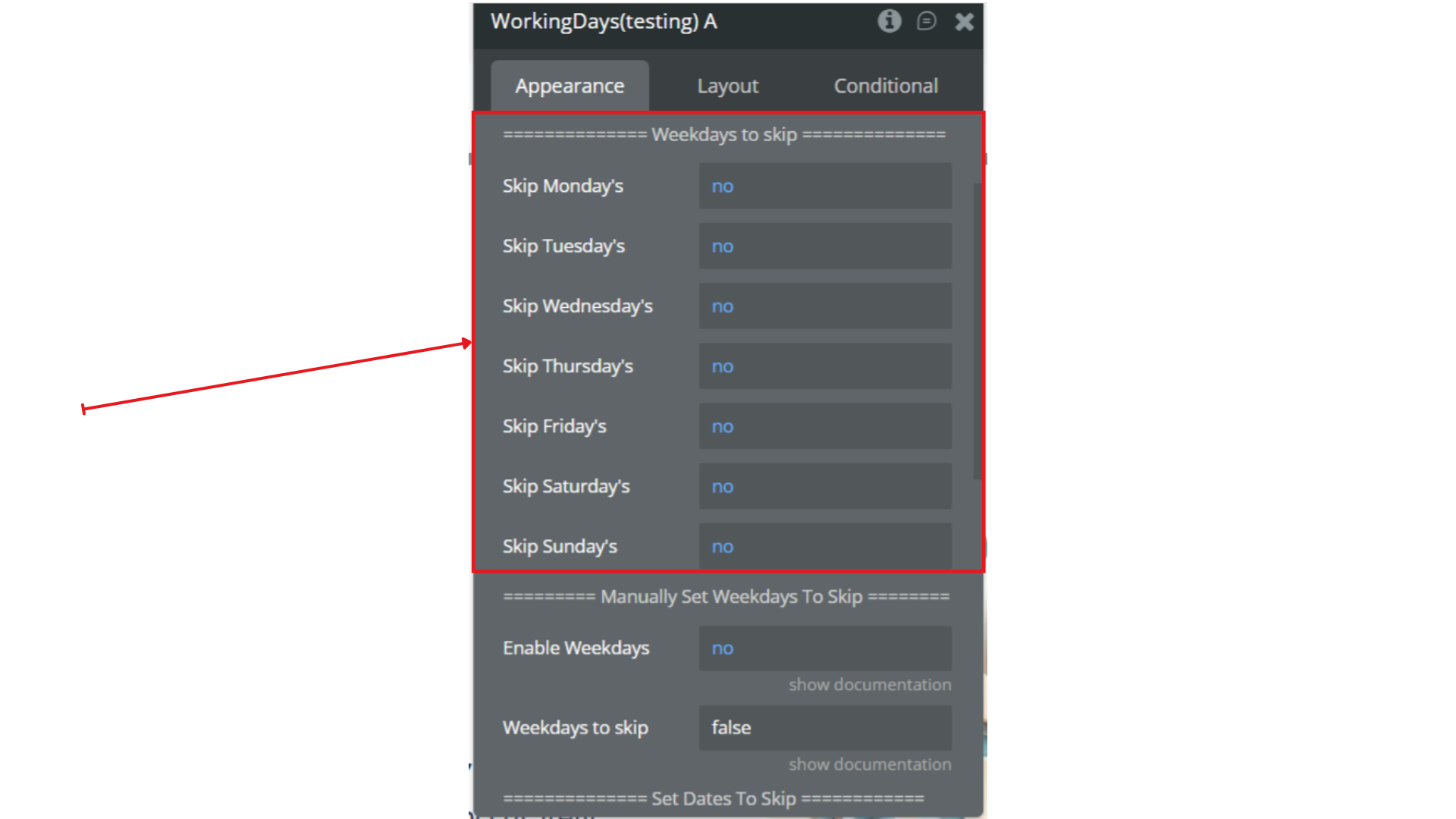
- Skip specific weekdays (e.g., Saturdays and Sundays)
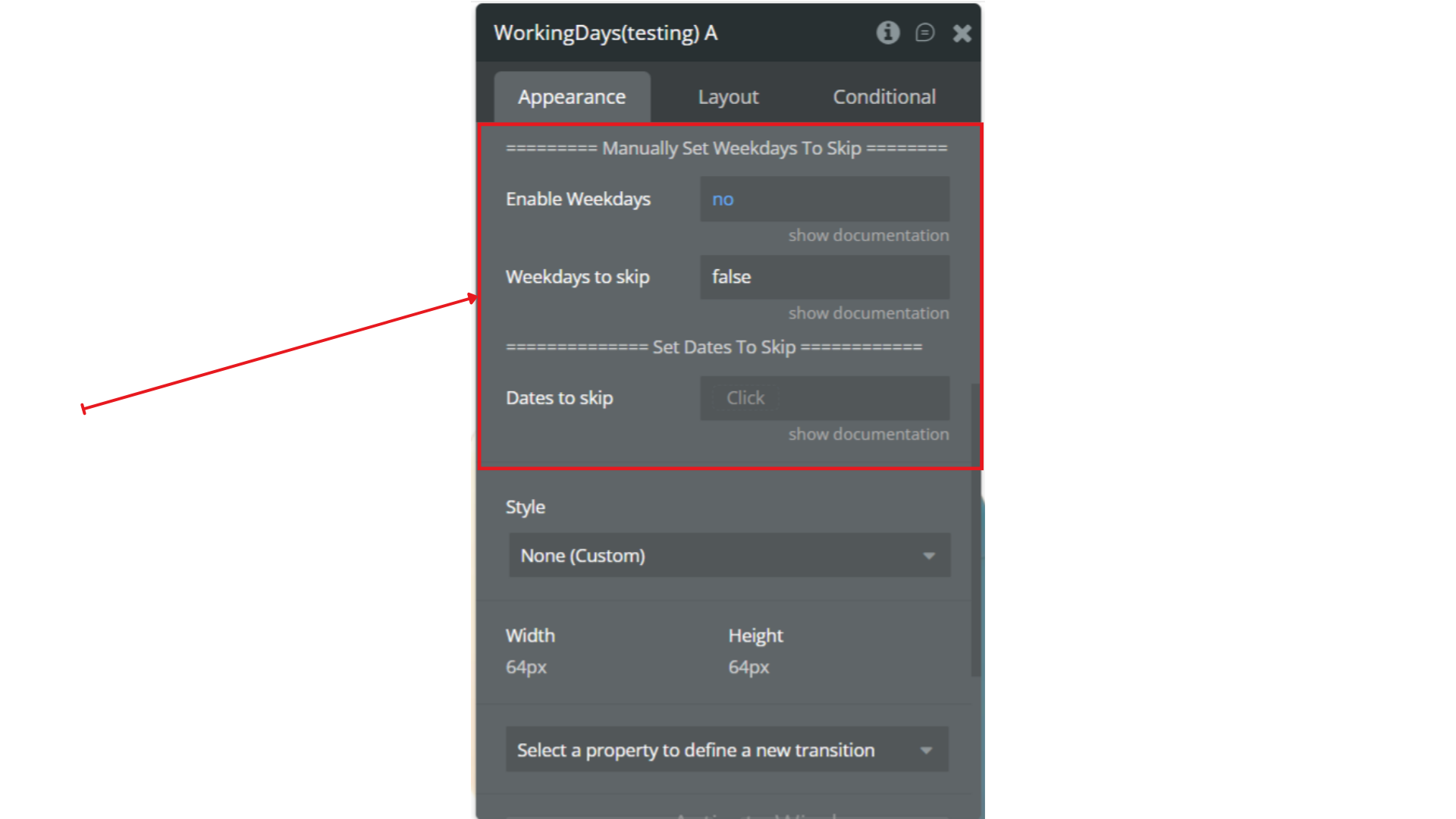
- Skip specific dates (e.g., holidays)
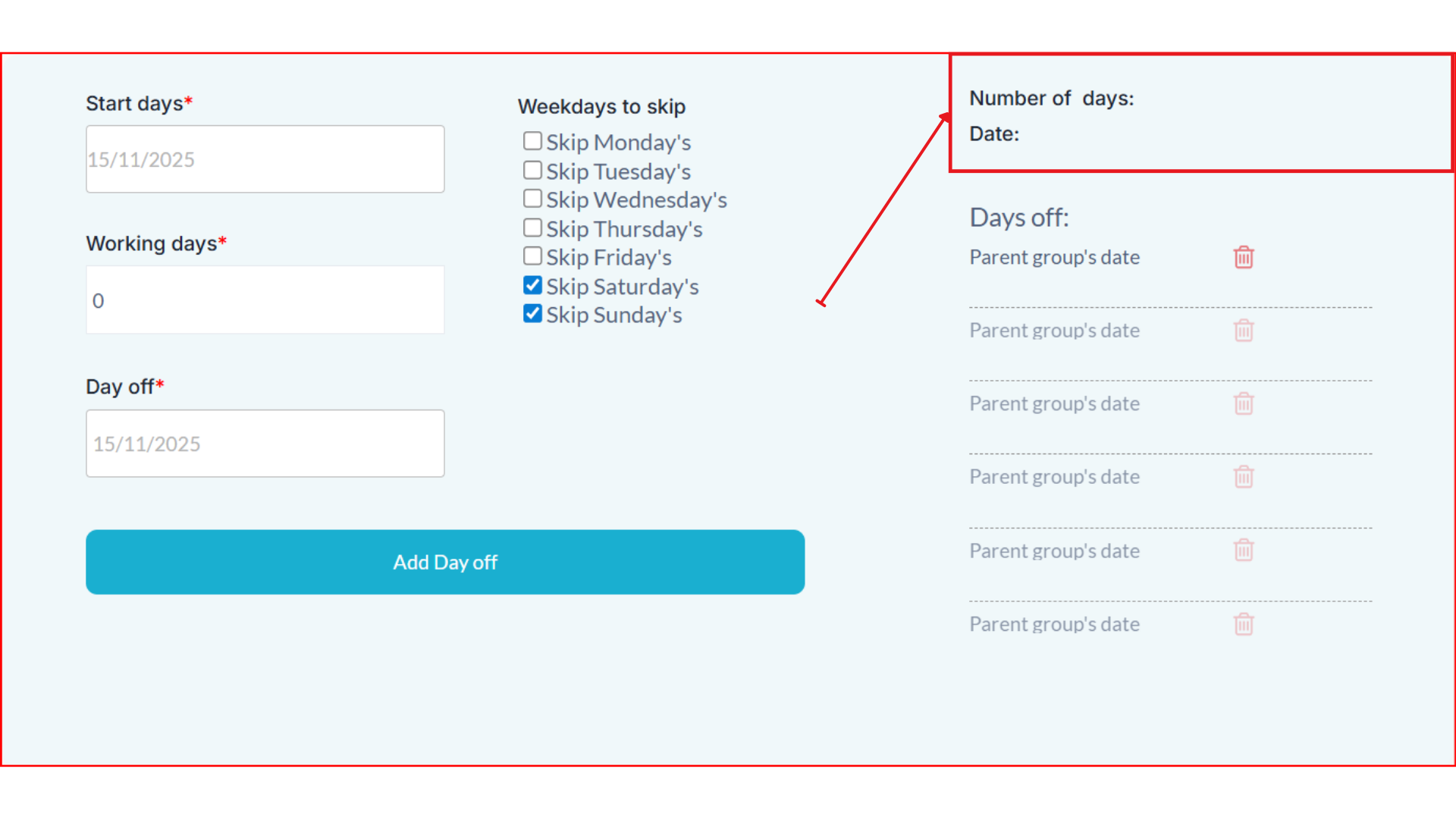
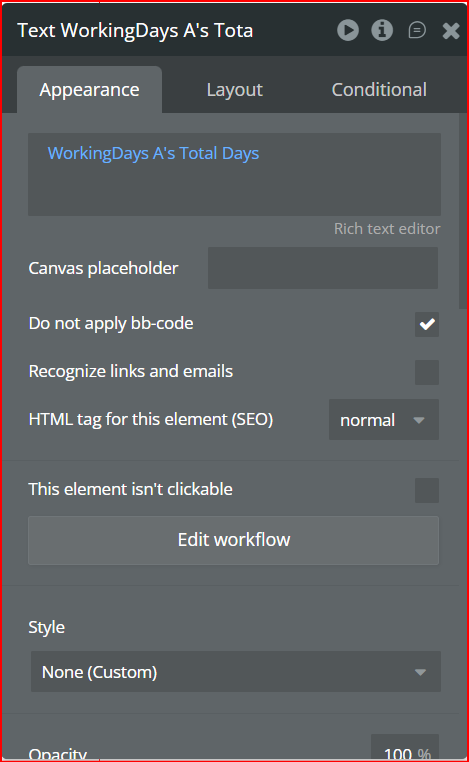
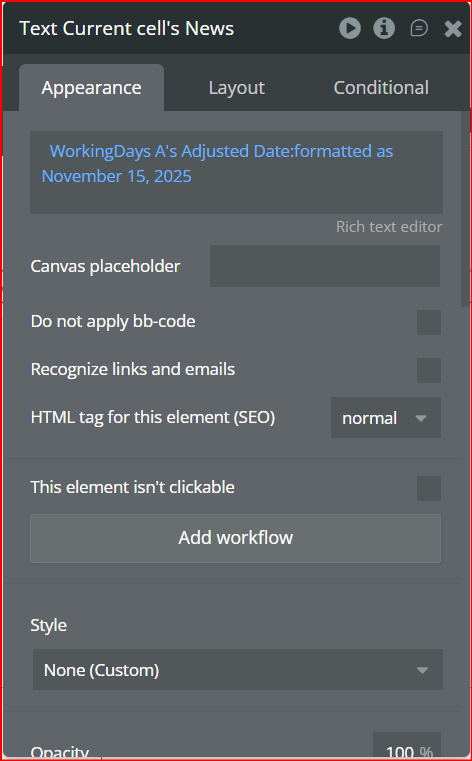
- Get the adjusted date and the total number of working days as outputs
Key Features
👛 Please support our efforts to keep this plugin free - your donations help us invest the time and resources needed to continue maintaining and improving it for everyone’s benefit: https://zeroqo.de/support.
Prerequisites
Before using the Working Days Counter plugin, please ensure the following:
- Bubble Account & Editor Access – You must have an active Bubble account with editor access to the app where the plugin will be installed.
- Basic Date Handling – Familiarity with Bubble’s date and time fields is recommended to configure the plugin properly.
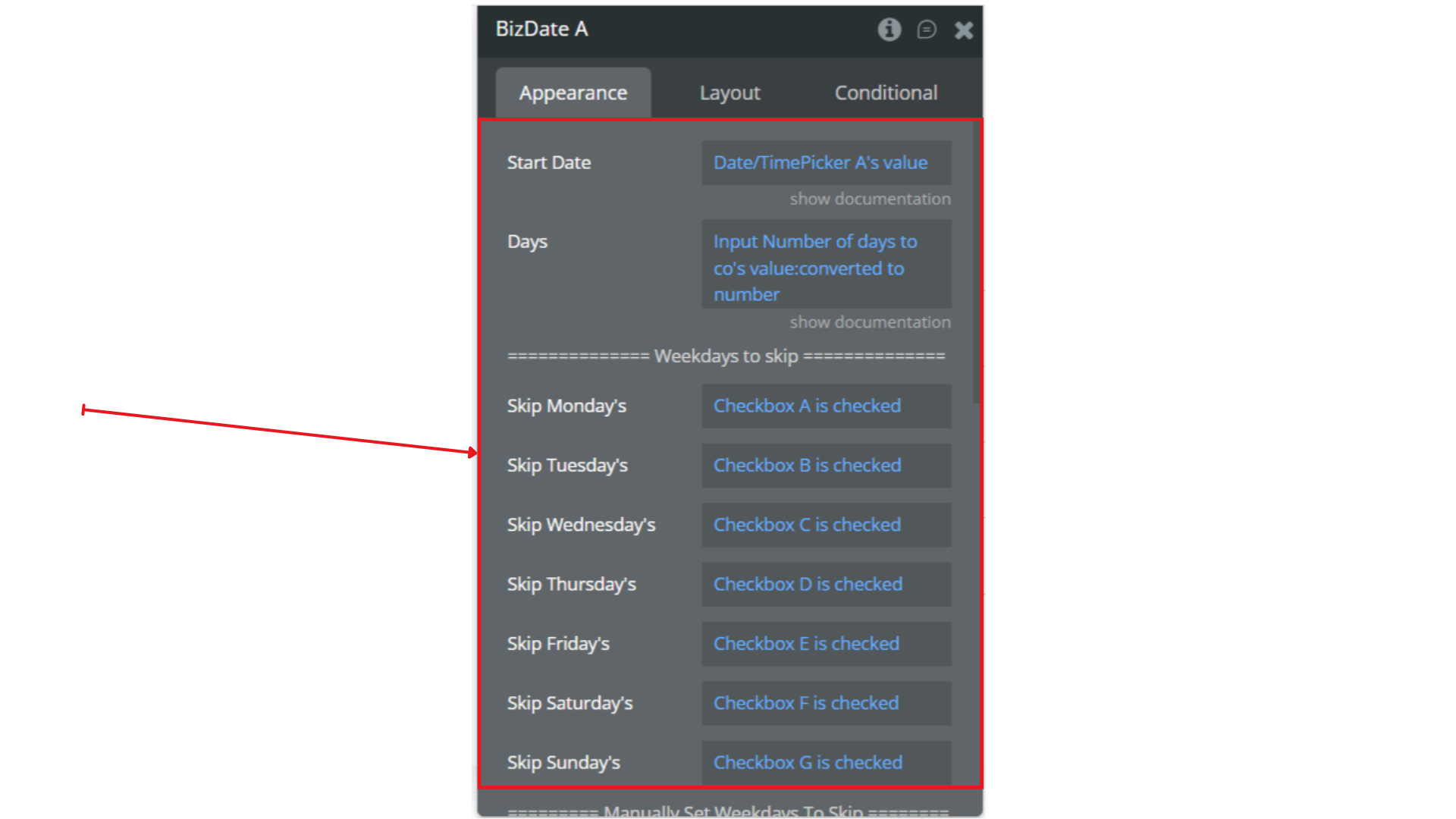
- Dynamic Inputs Ready – If you plan to use dynamic dates, inputs, or workflows, make sure the corresponding input elements or database fields are already set up in your app.
- Timezone Awareness – The plugin calculations are based on your app’s timezone settings. Verify that your app’s timezone matches your intended business logic.
- Optional: Holidays / Custom Non-Working Days – Prepare a list of dates to skip if you plan to exclude specific holidays or company-specific non-working days.

How to Set Up
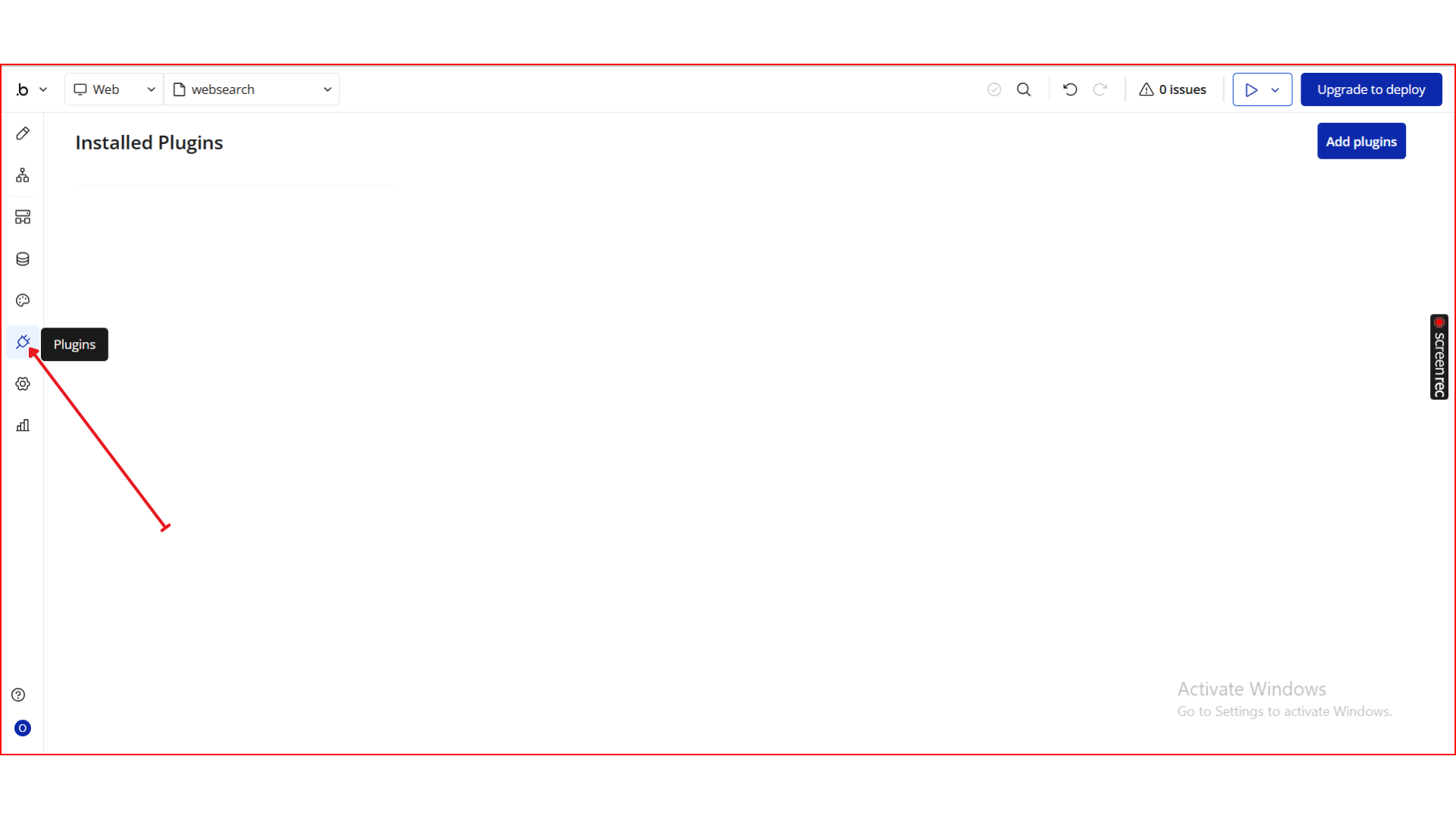
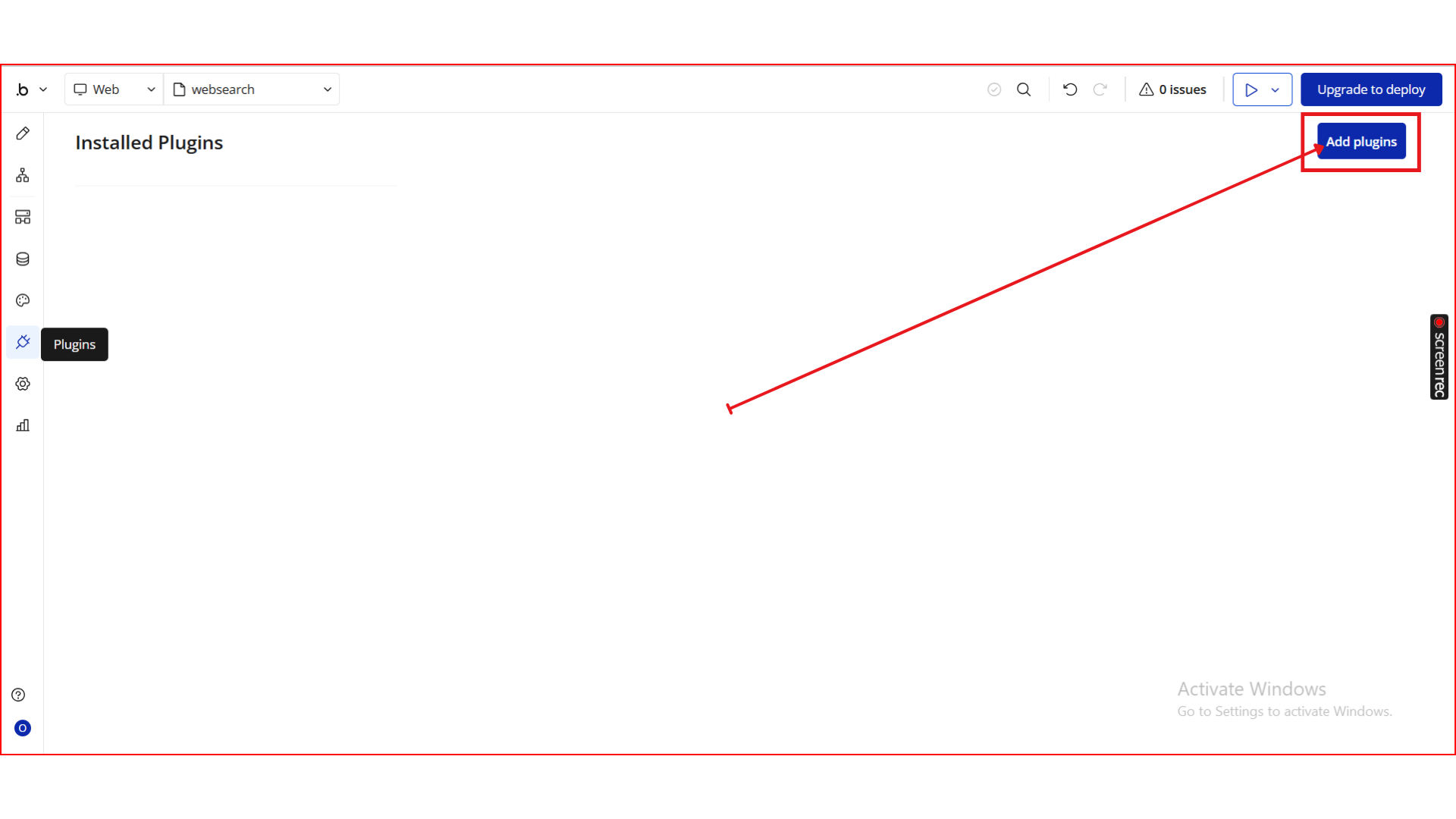
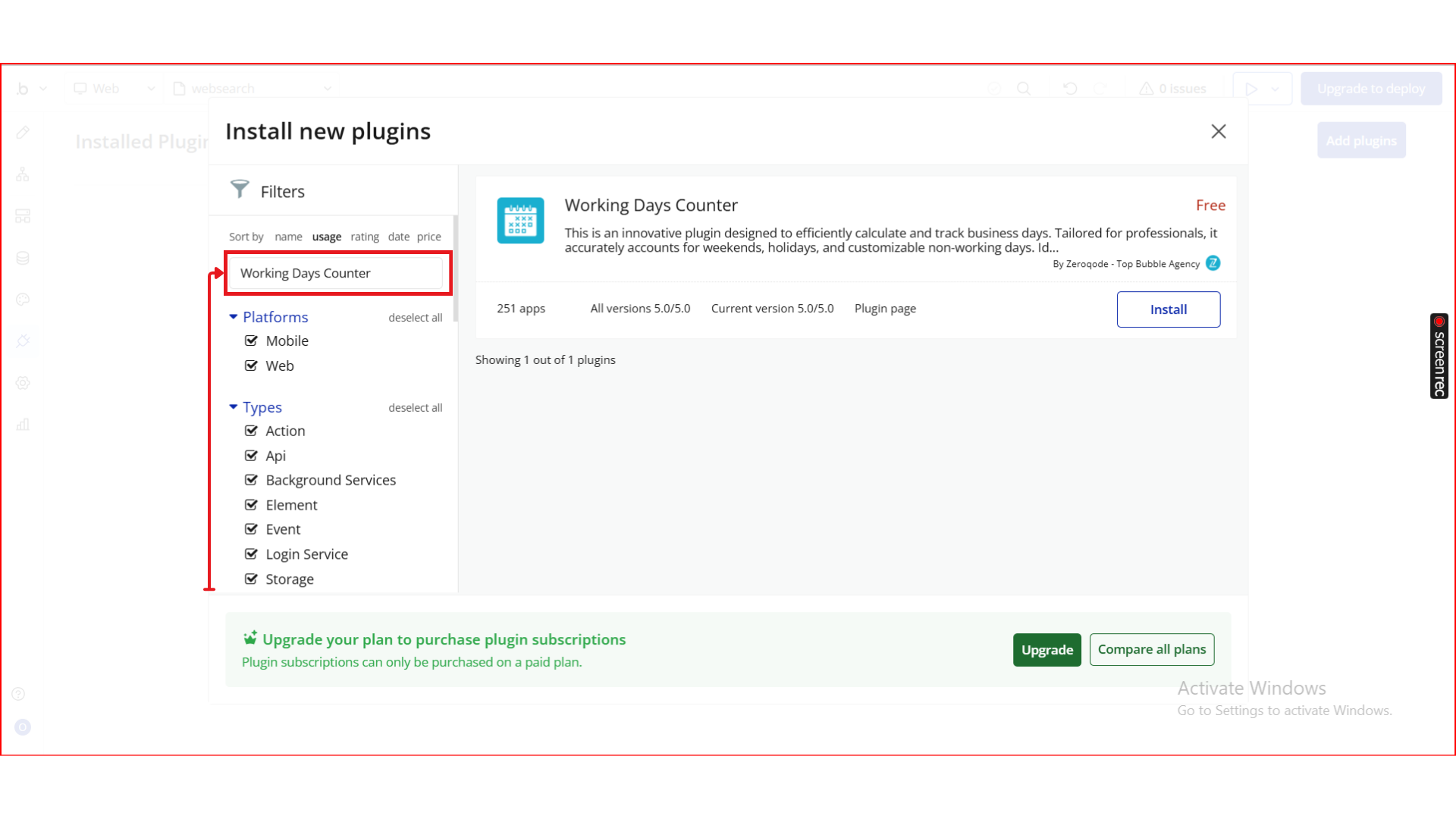
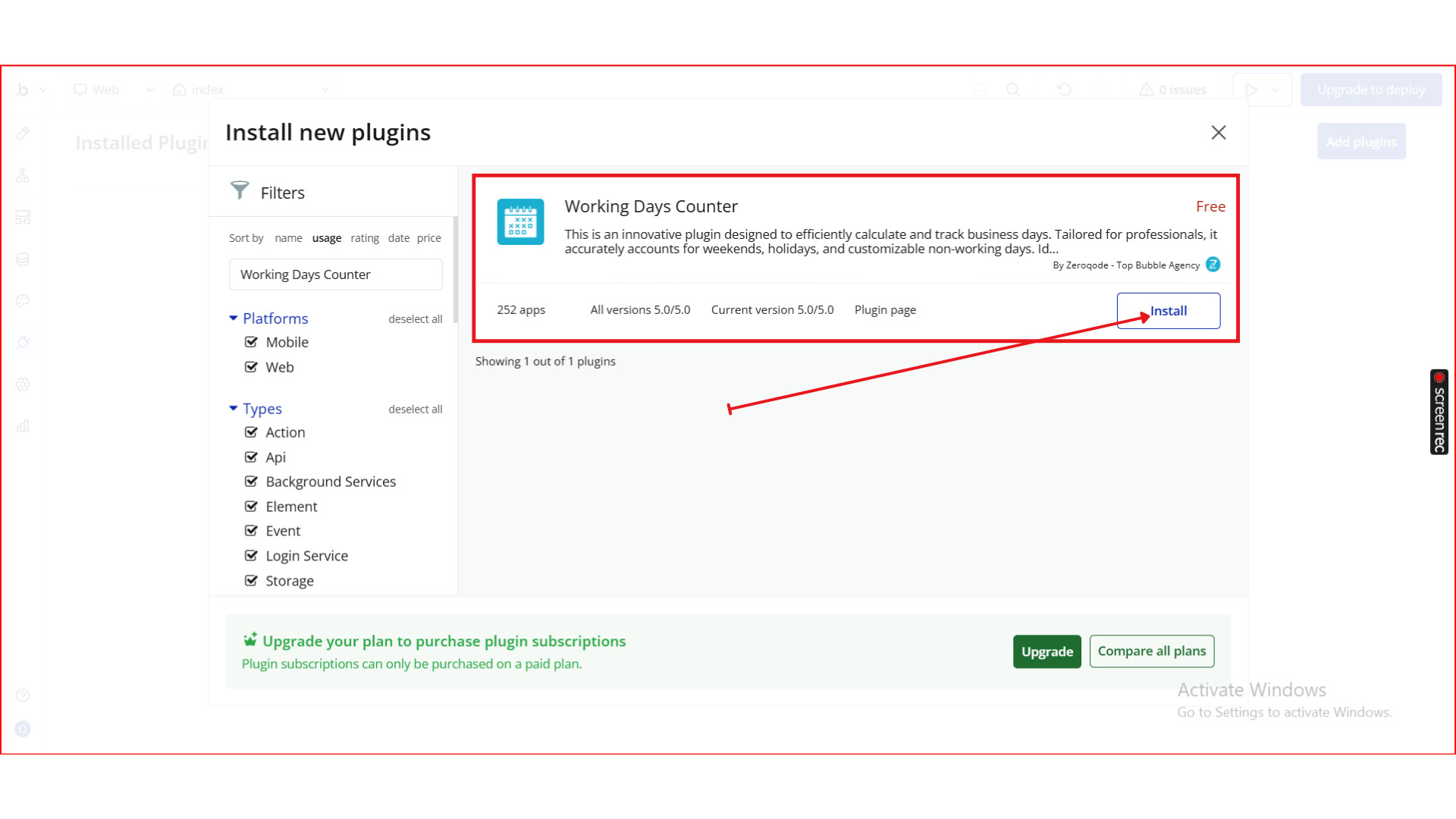
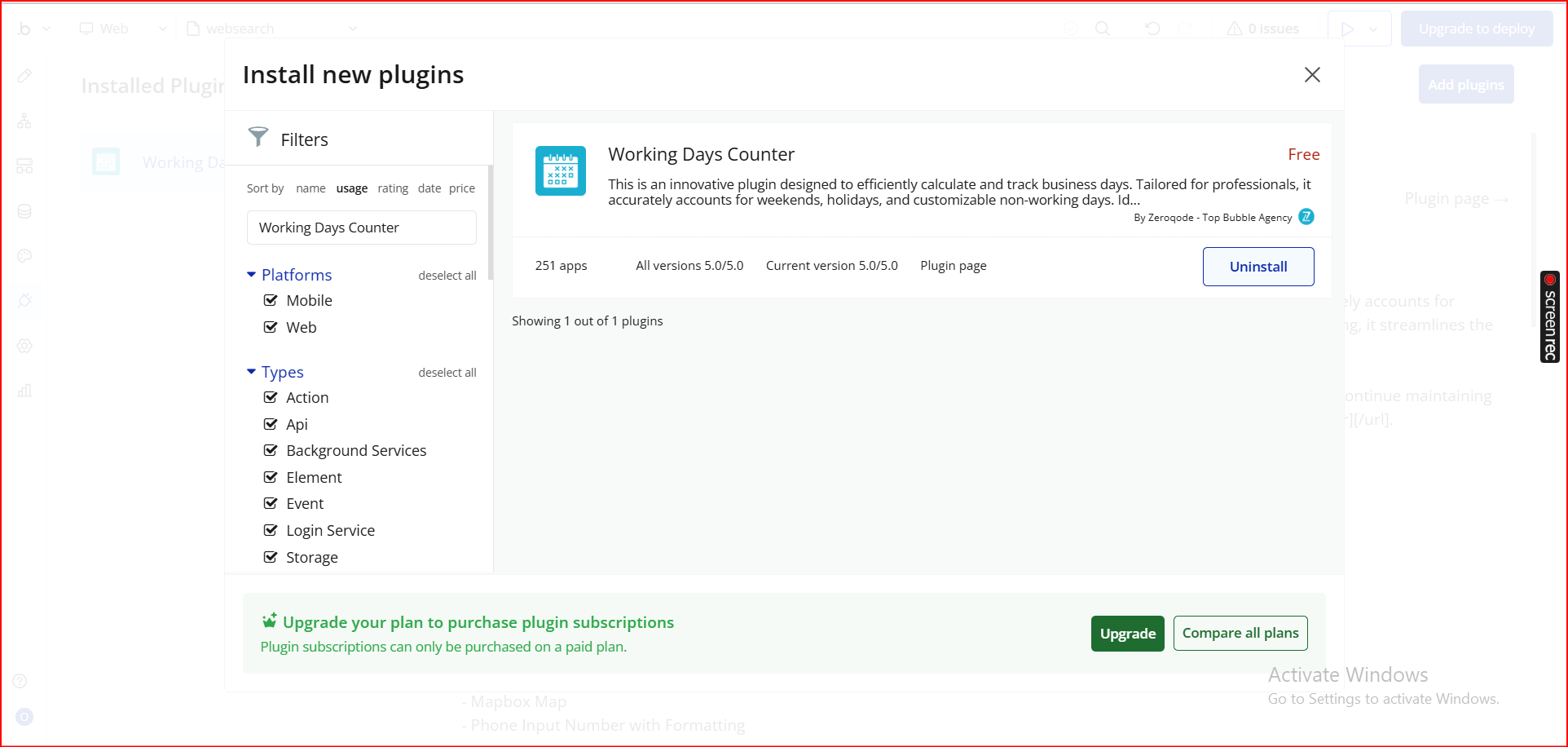
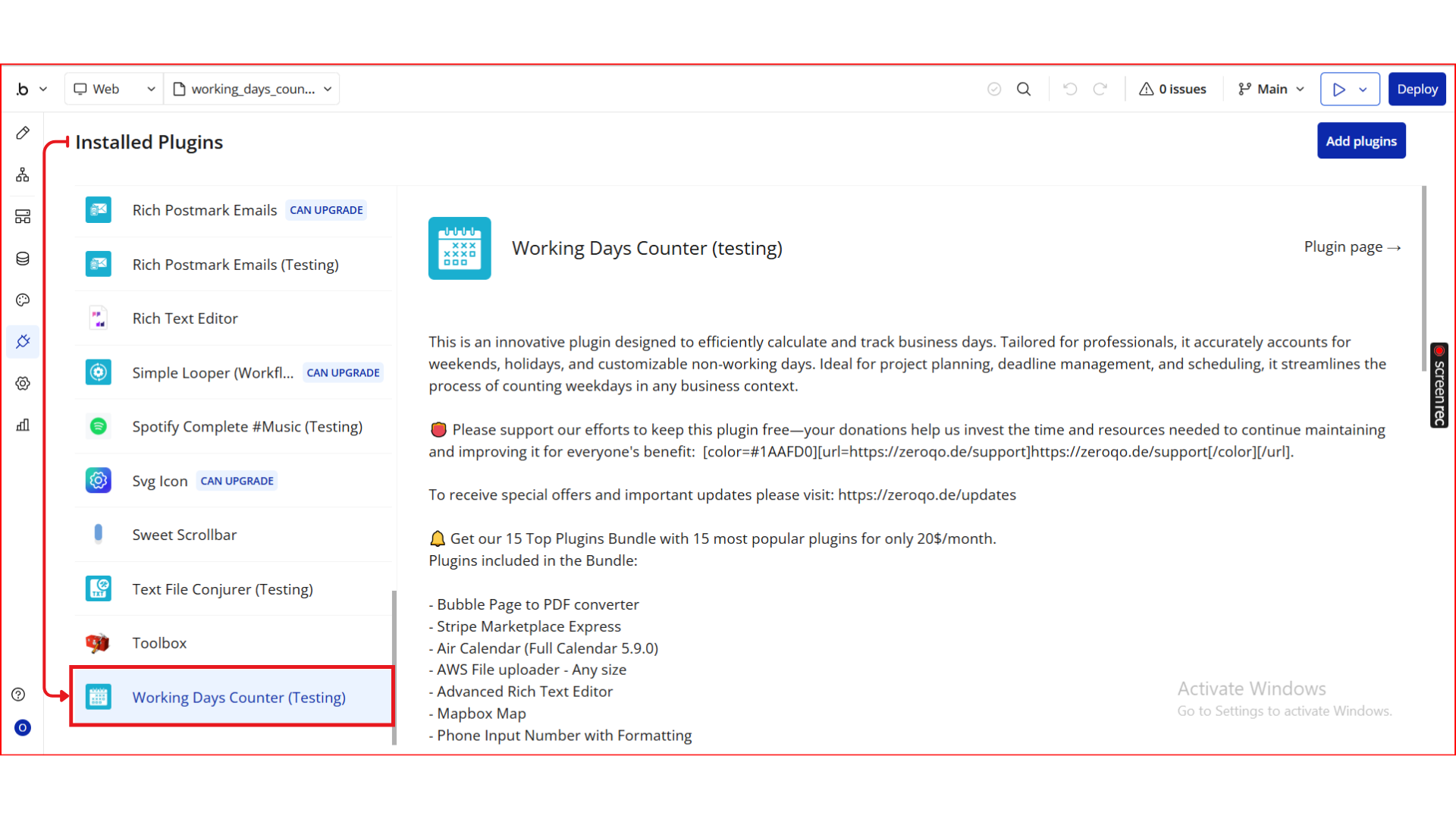
Step 1. Install the Plugin
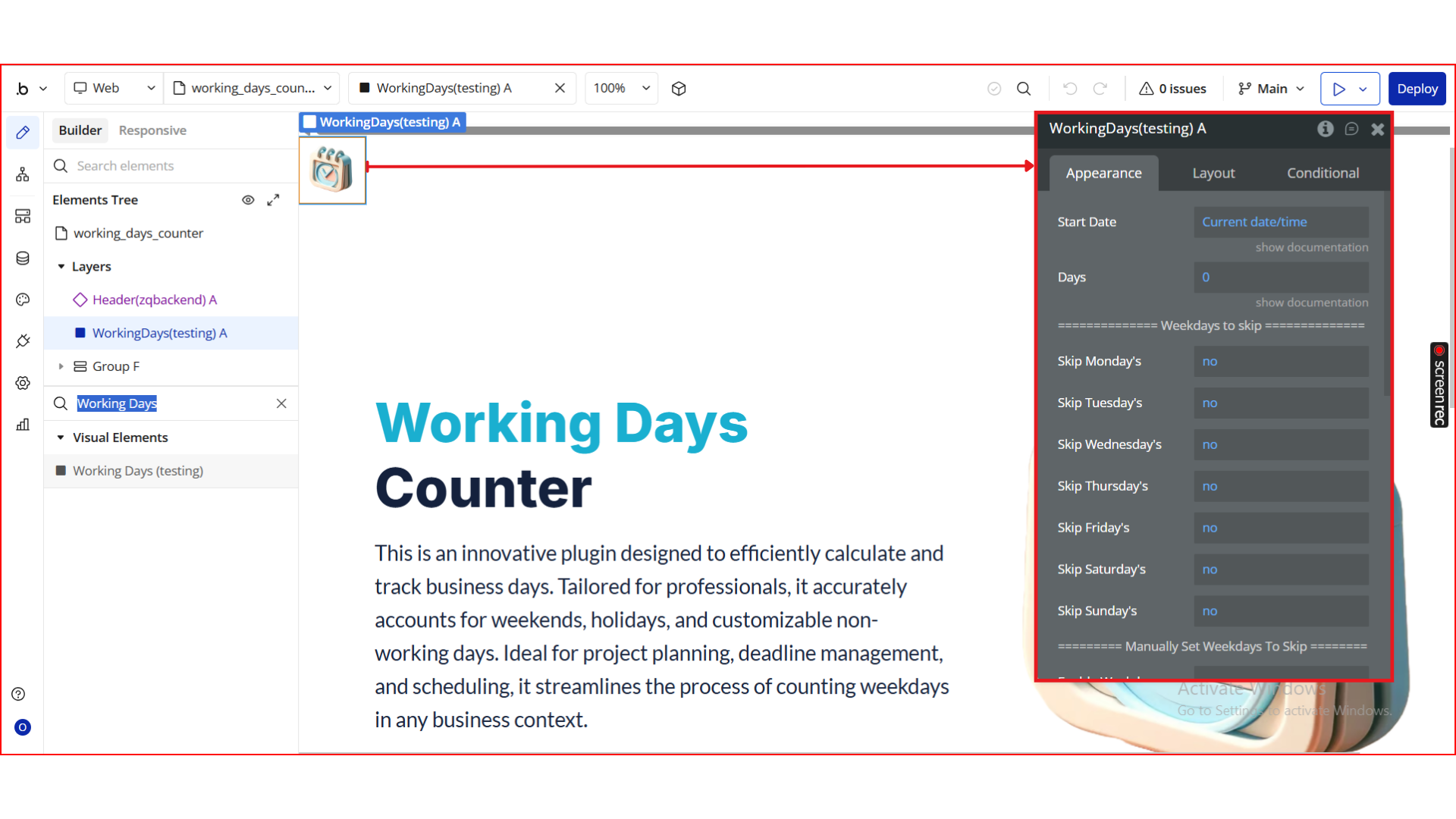
Step 2. Add the Element to Your Page
Step 3. Configure the Element Properties
Step 4. Use the Plugin in Workflows & Dynamic Expressions
Step 5. Preview & Test
Plugin Element - Working Days
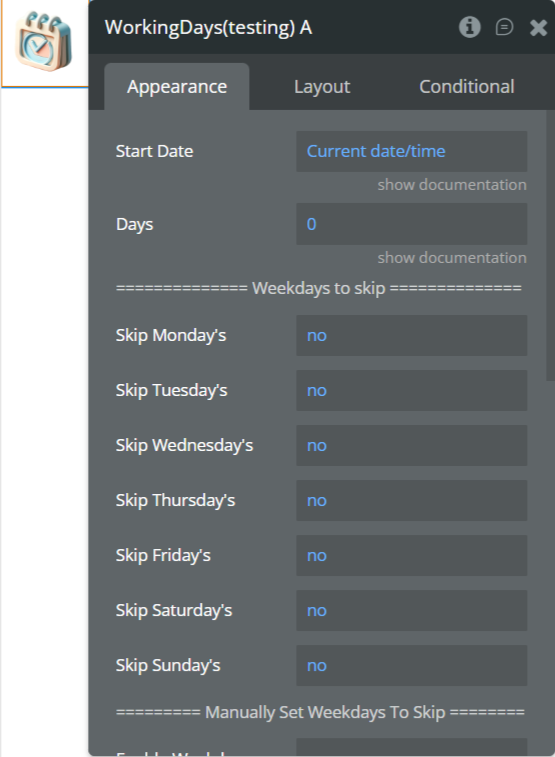
Fields
Exposed States
