
Demo to preview the plugin:
Introduction
The Limit/Restrict Input Characters plugin allows you to control what users can type into input fields on your page. You can specify which characters are allowed or disallowed, set maximum lengths, and even force uppercase or lowercase entries. This plugin is ideal for creating forms with specific formatting requirements or preventing unwanted characters.
Key Features

How to Setup
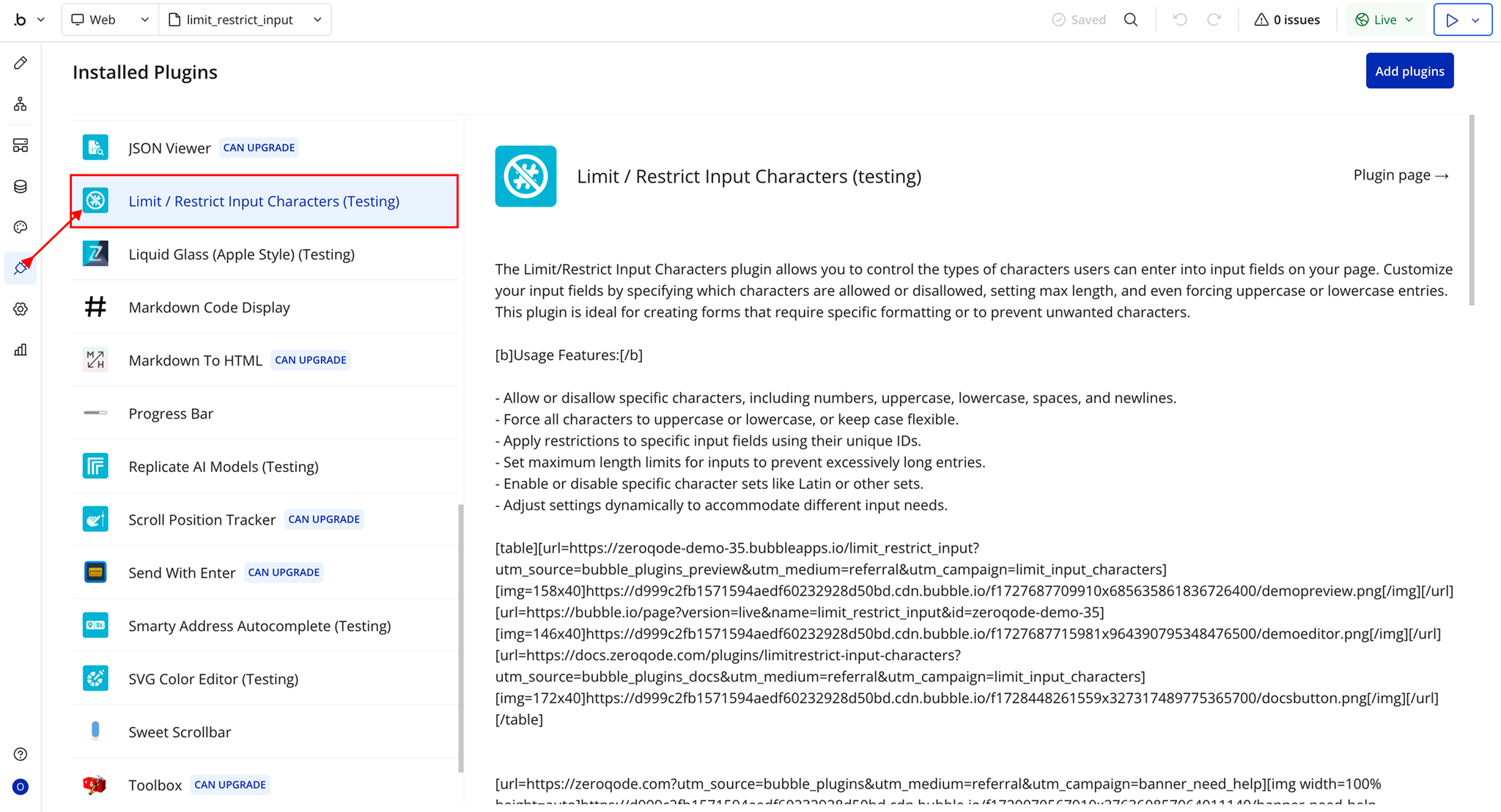
Step 1 – Install the Plugin
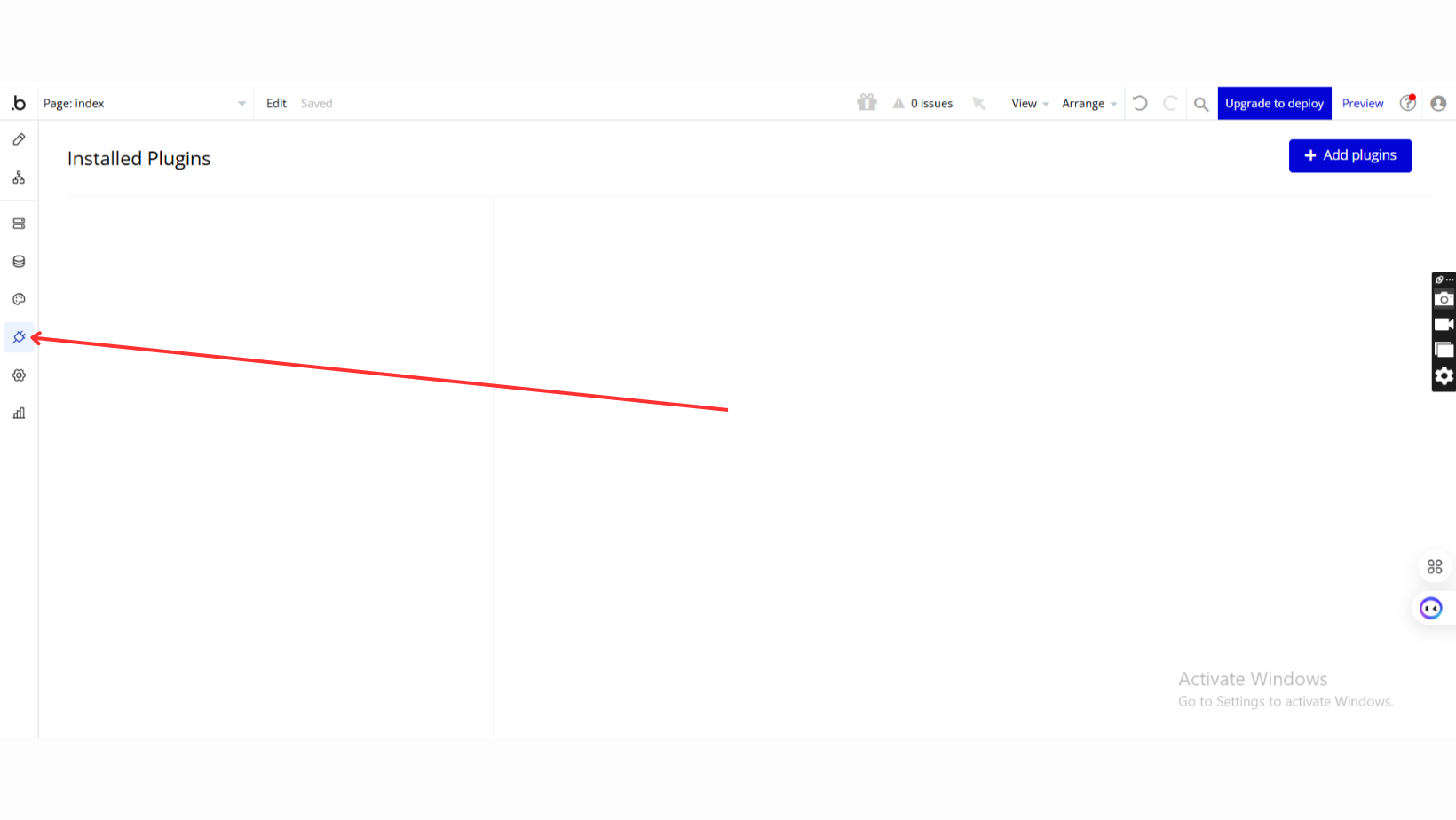
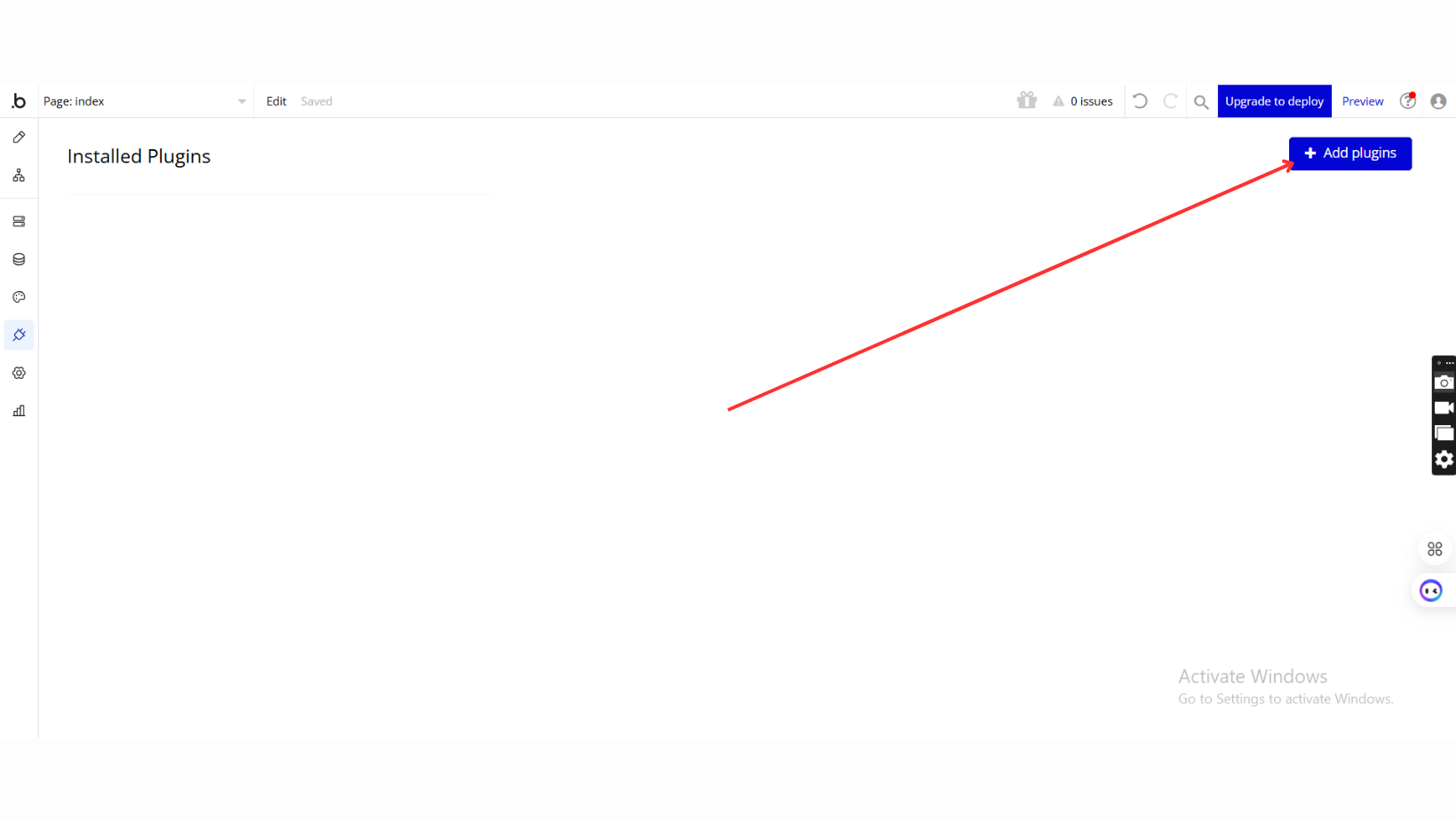
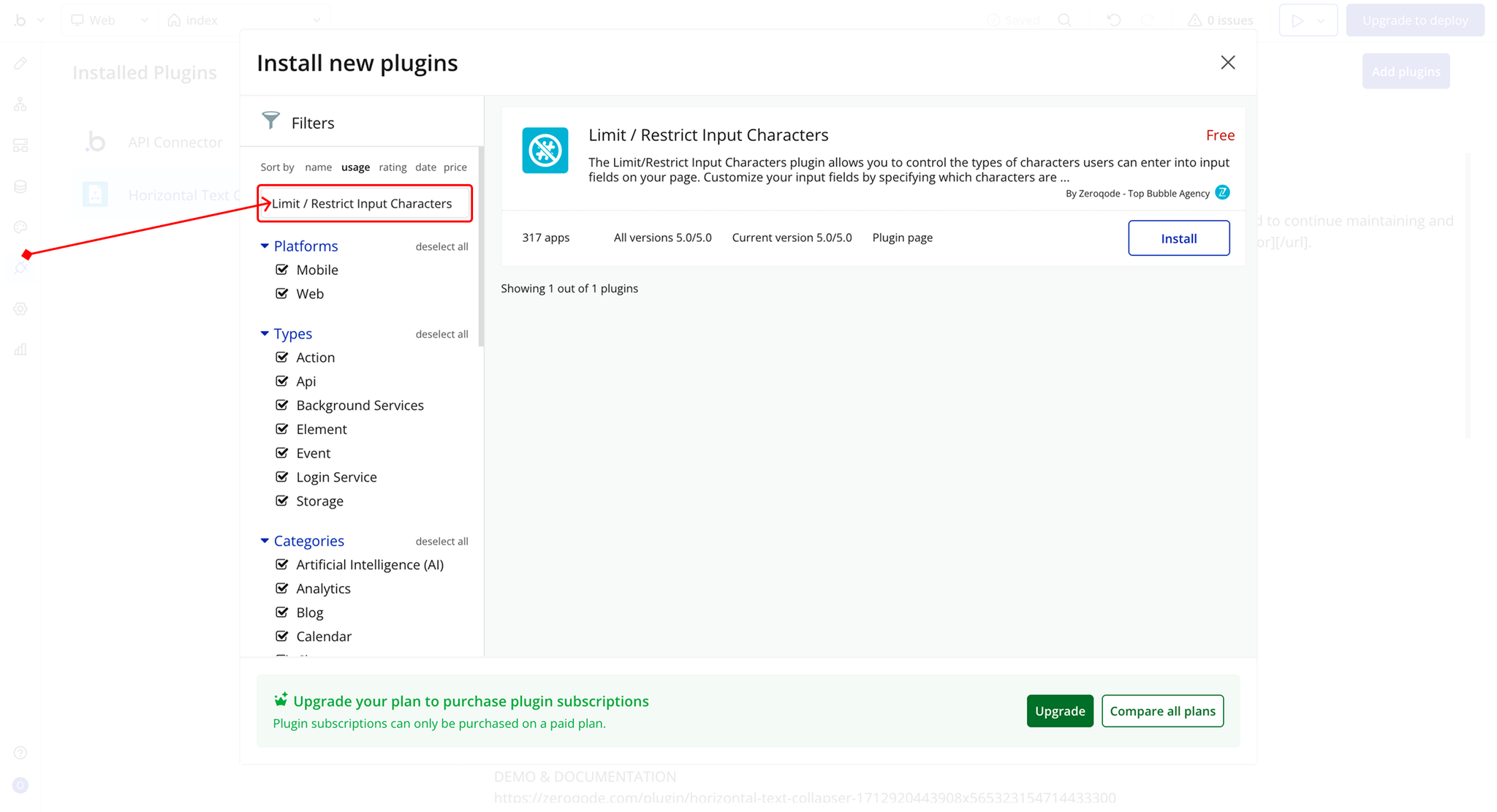
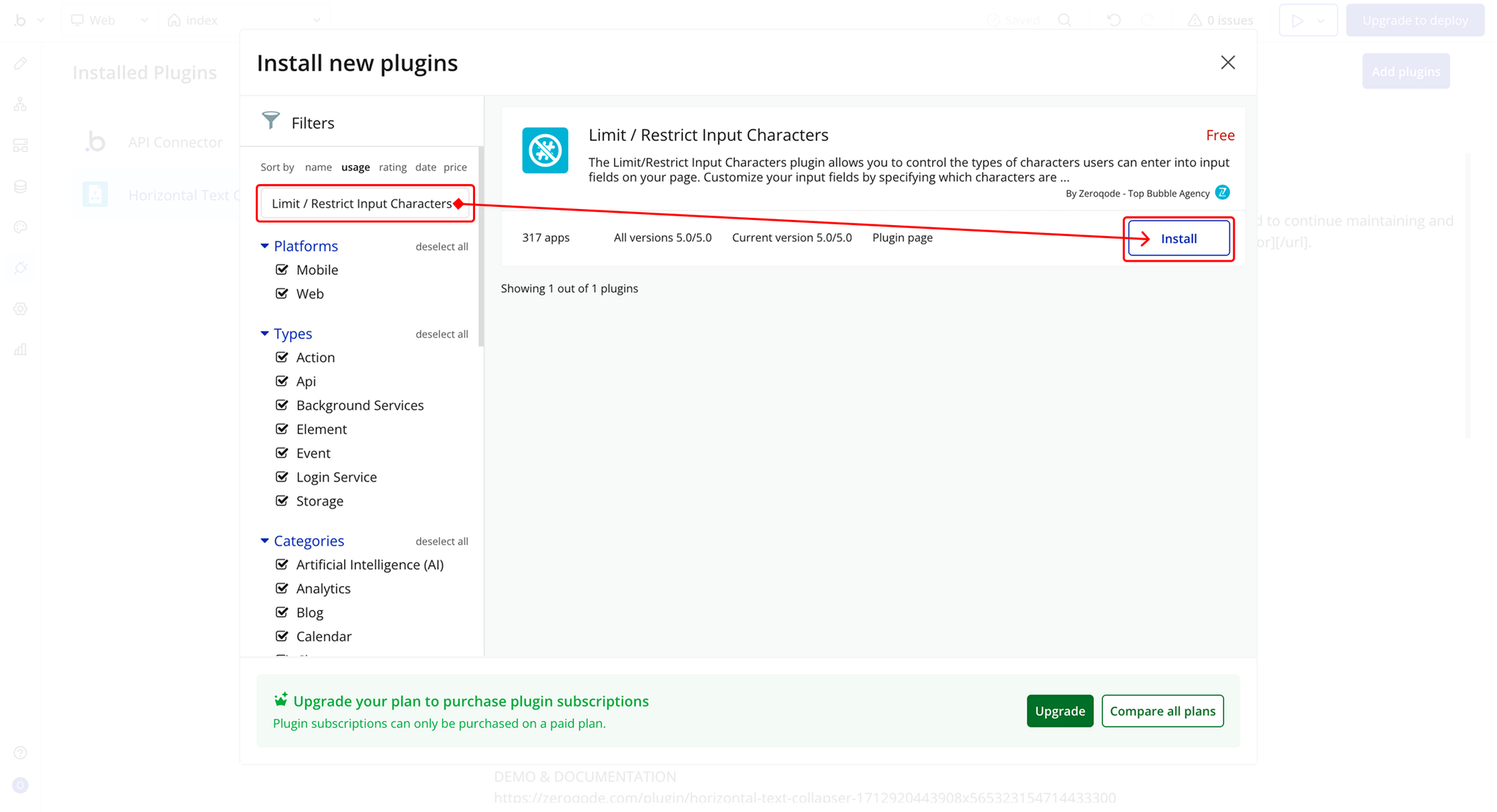
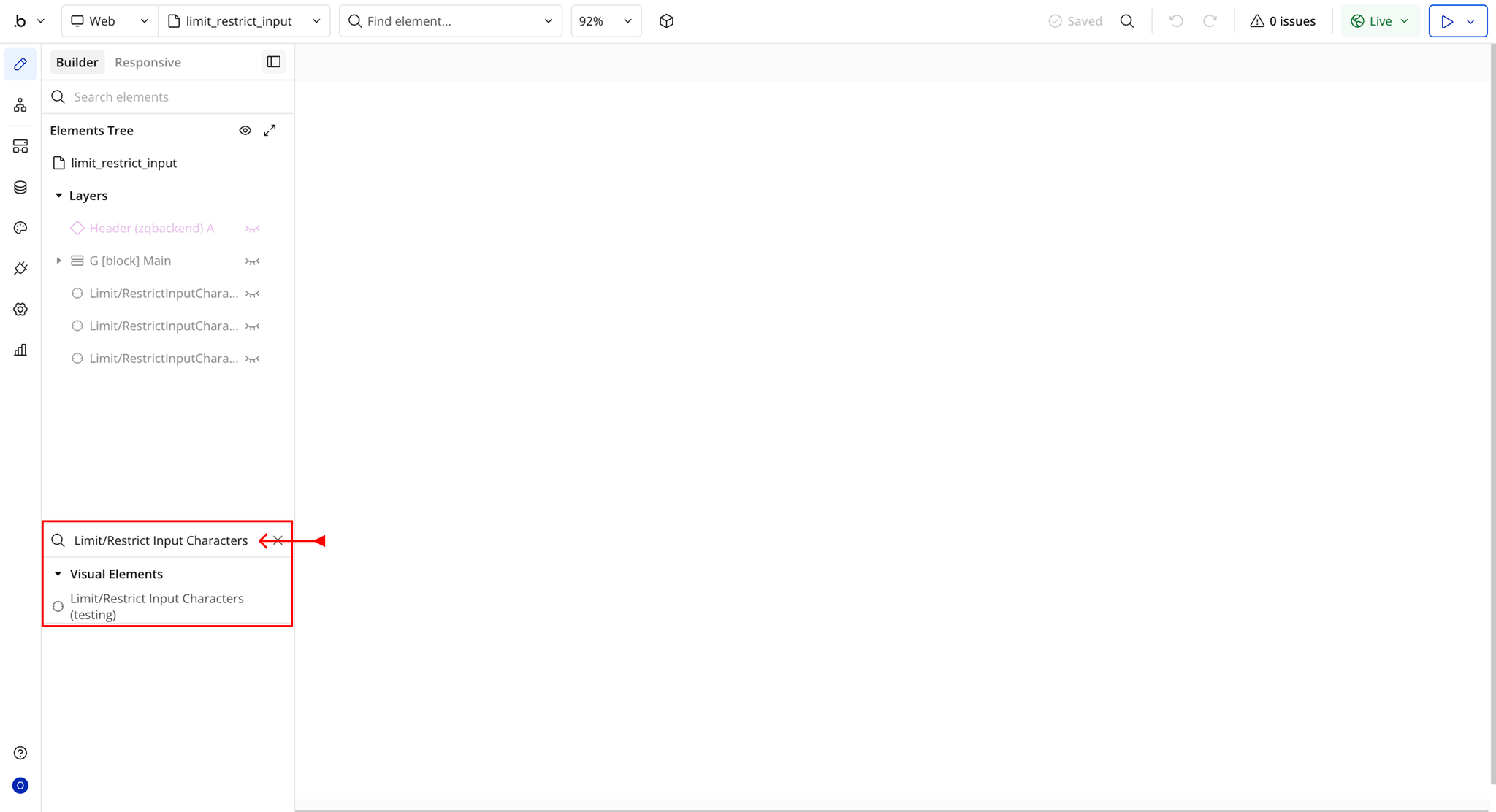
Step 2 – Add the Plugin Element to Your Page
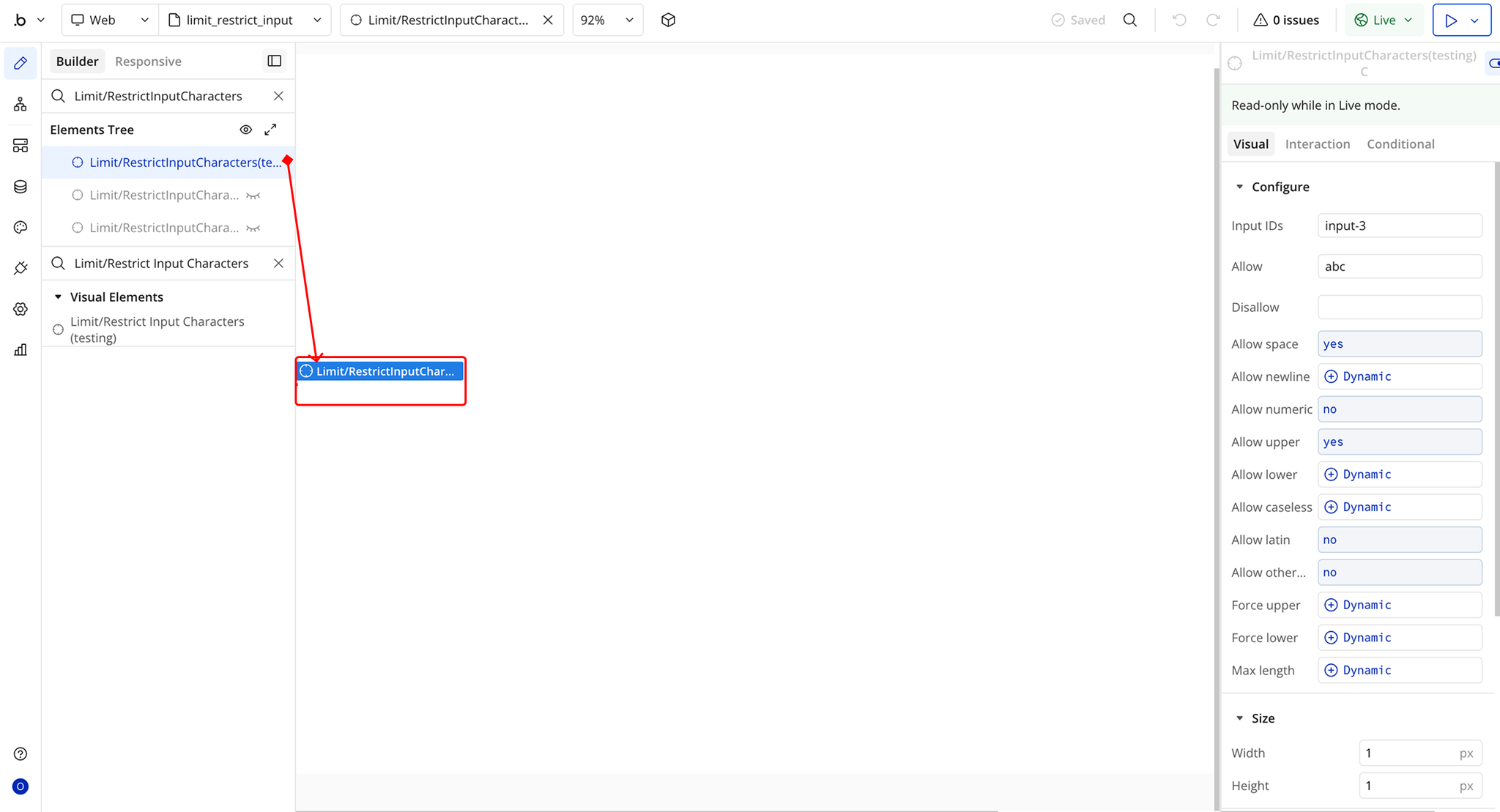
Plugin Element Properties - Limit/Restrict Input Characters
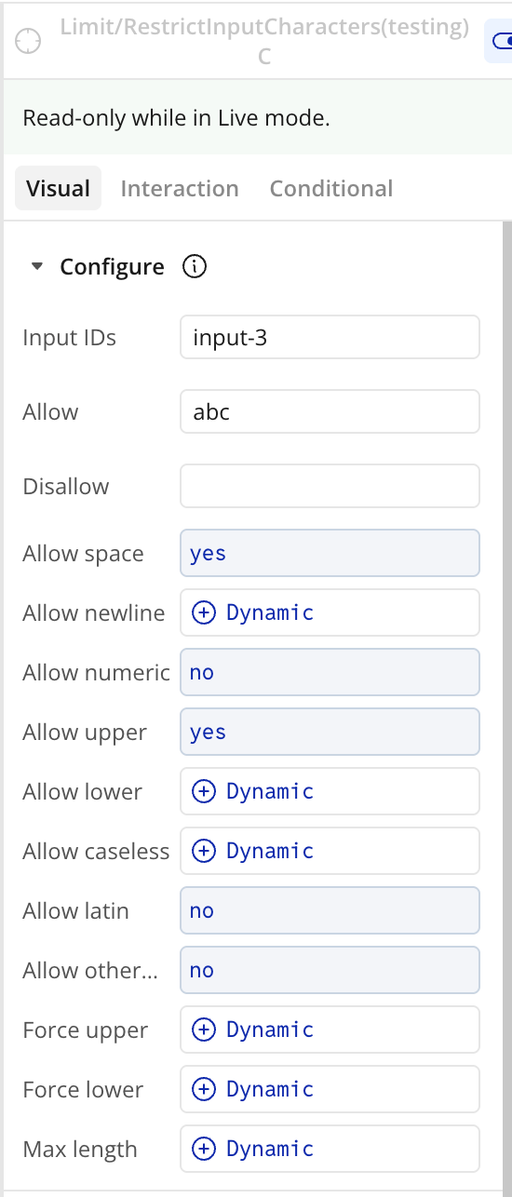
Fields
