
Demo to preview the plugin:
Introduction
The Password Strength Indicator plugin provides a real-time, visual strength rating for user passwords entered in your Bubble app. Using a secure scoring algorithm, the plugin analyzes password length, complexity, and character variety to help users create stronger and more secure passwords.
With instant visual feedback, users can immediately see whether their password meets your app’s criteria improving account security and reducing weak password usage. The design is fully customizable, allowing seamless integration with your app’s theme.
Key Features
Prerequisites
Before using the plugin, ensure:
- The plugin has been installed from the Bubble Marketplace.
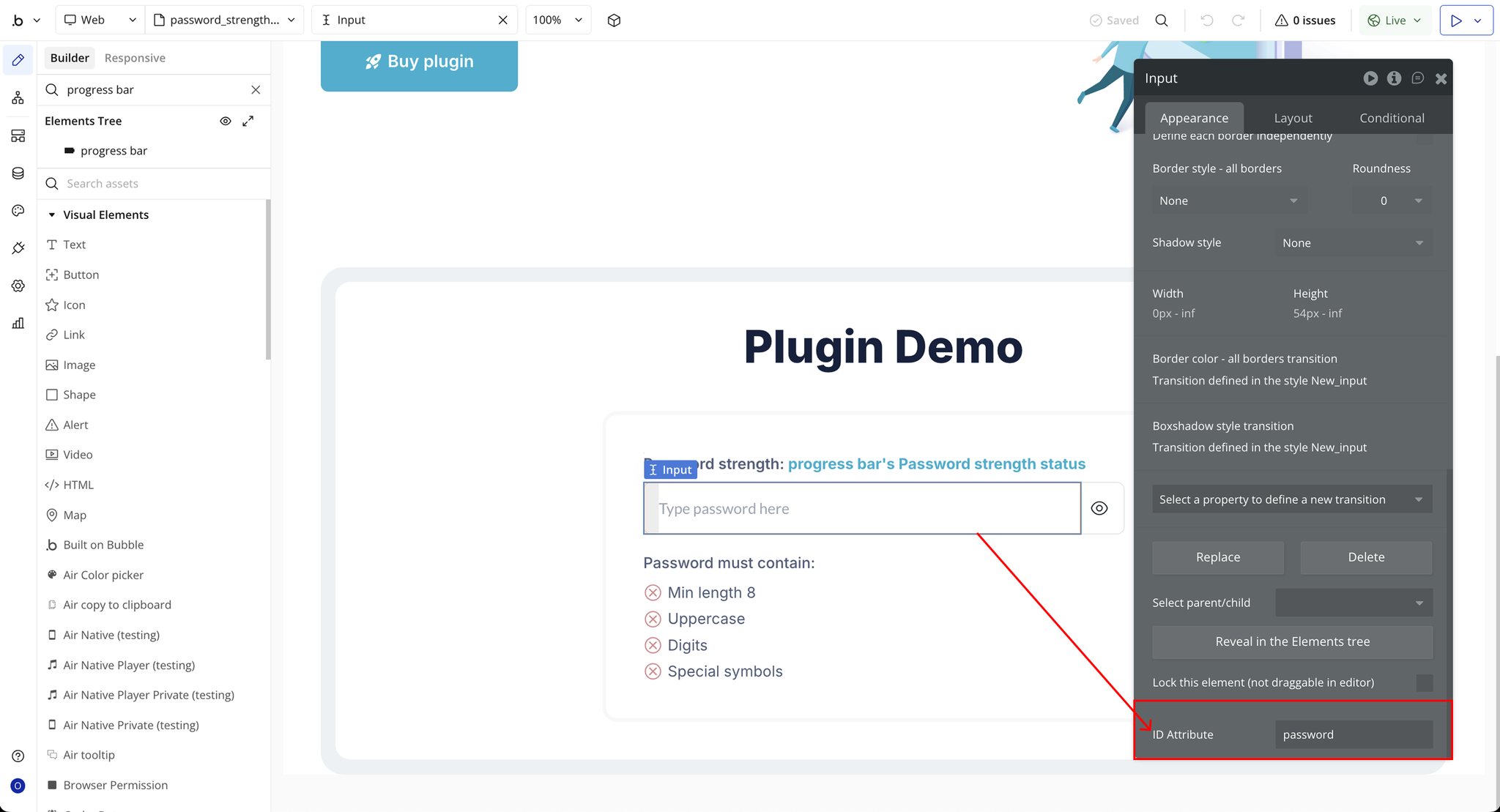
- You have a password input element already on the page.
- You have a basic understanding of Bubble workflows and element bindings.

How to setup
Step 1 – Install the Plugin
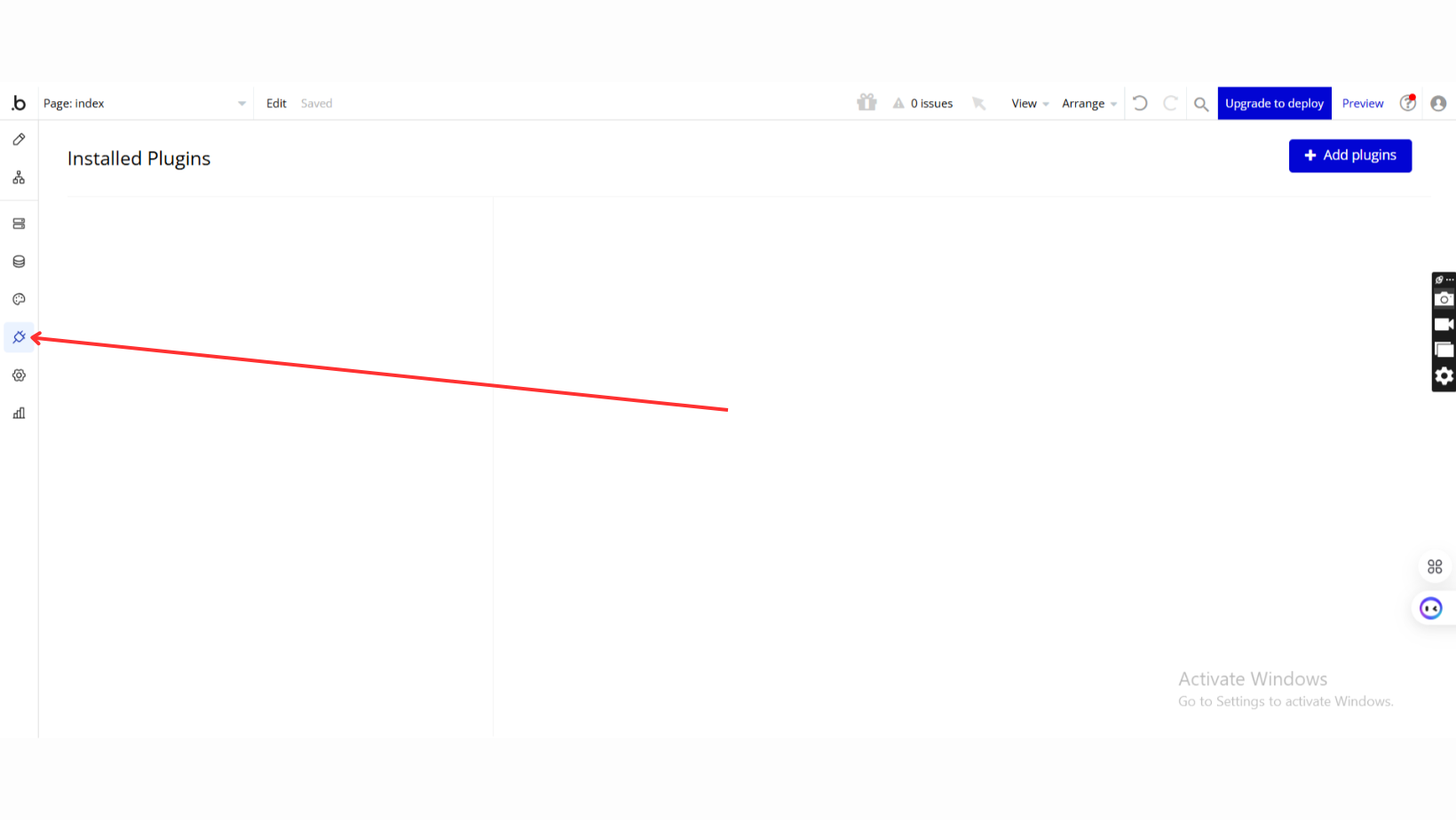
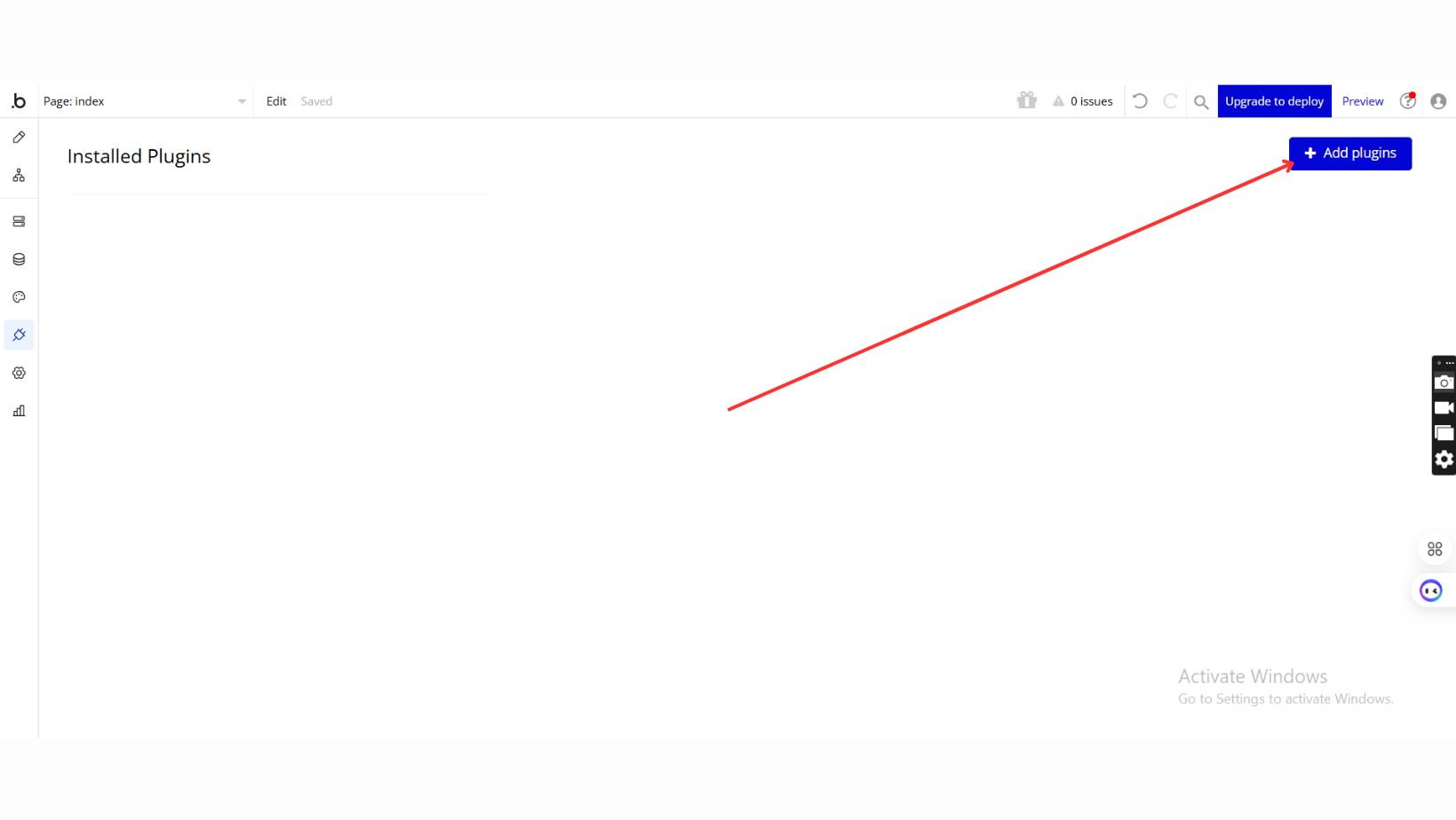
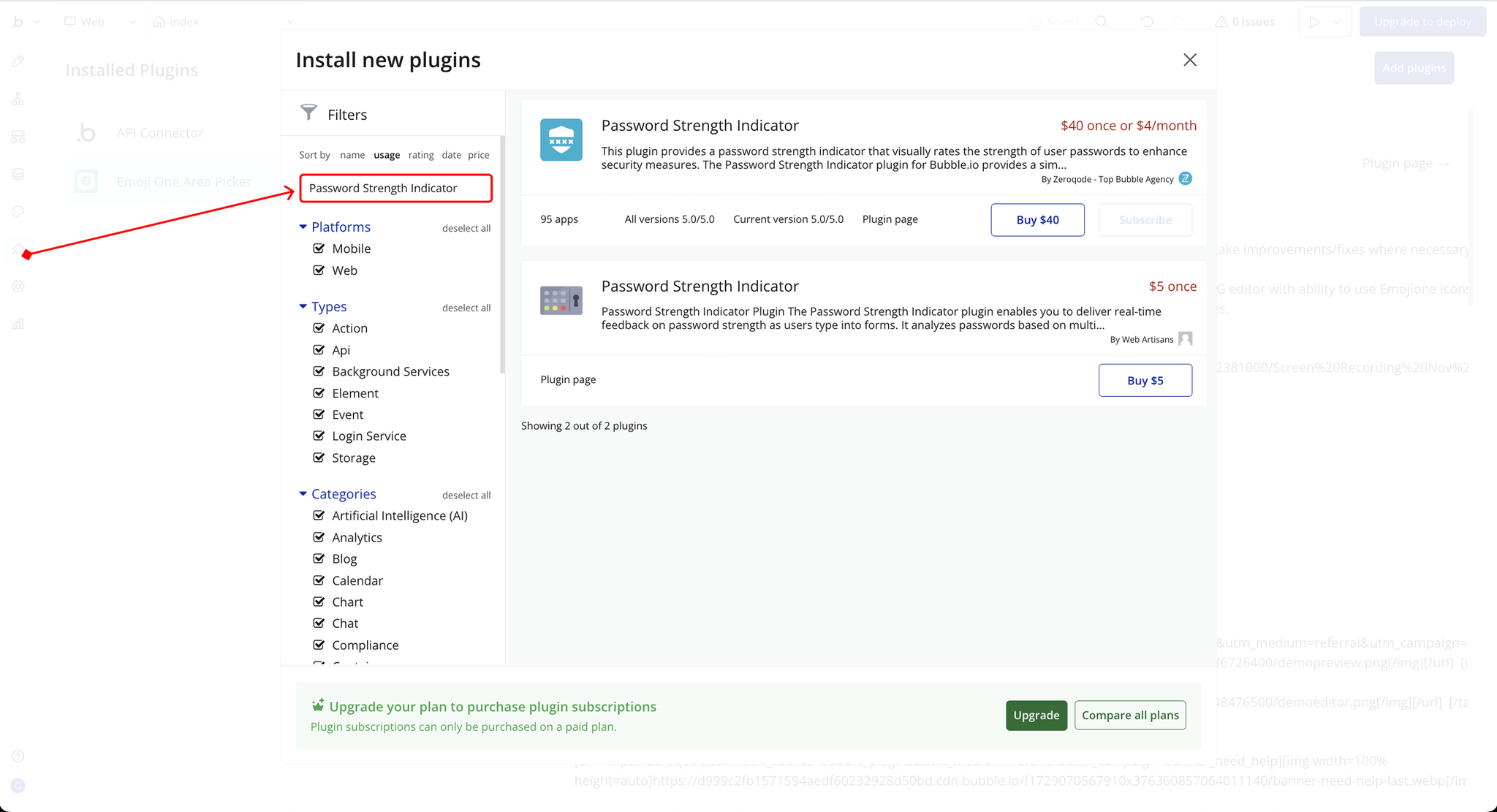
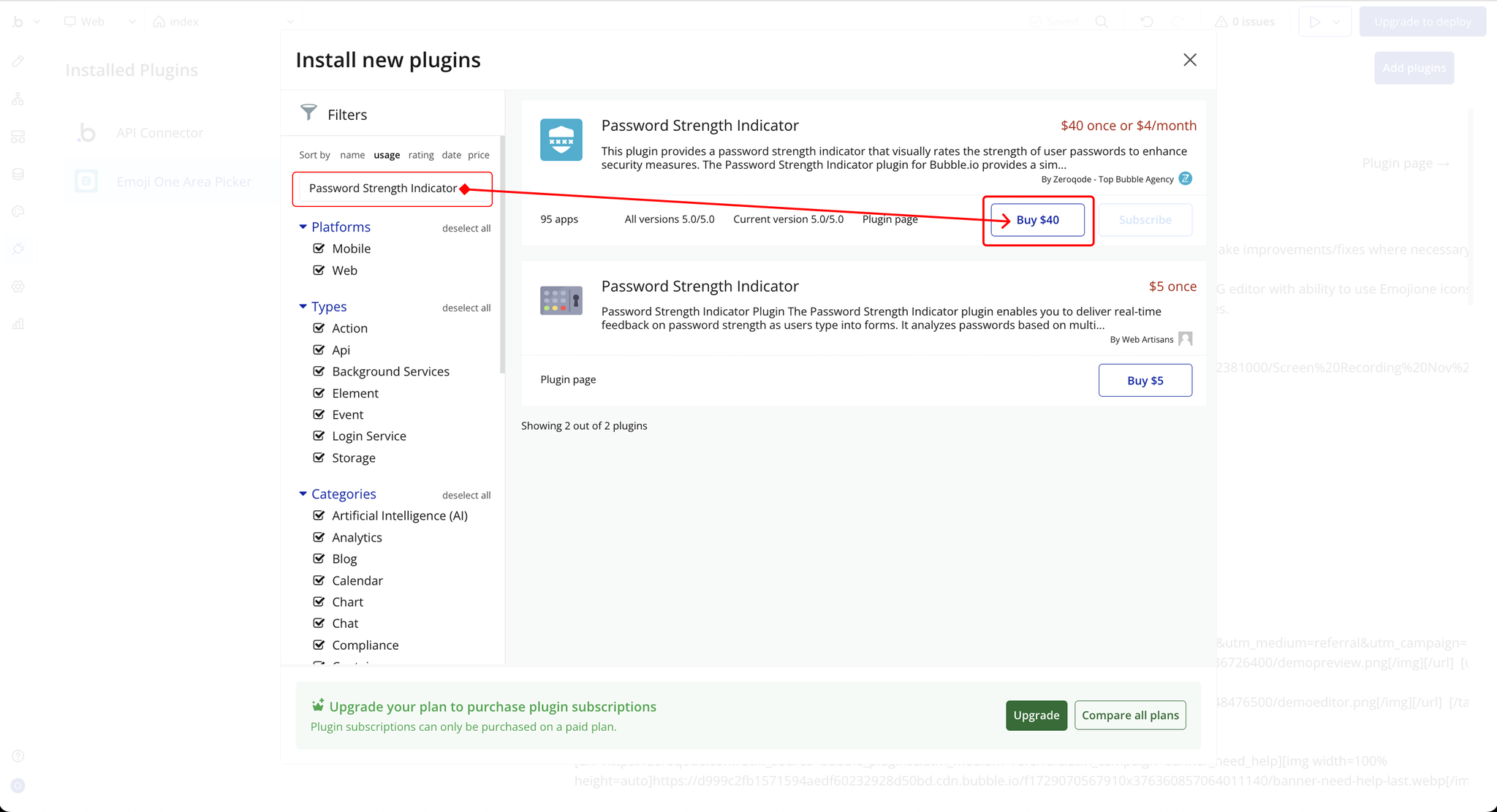
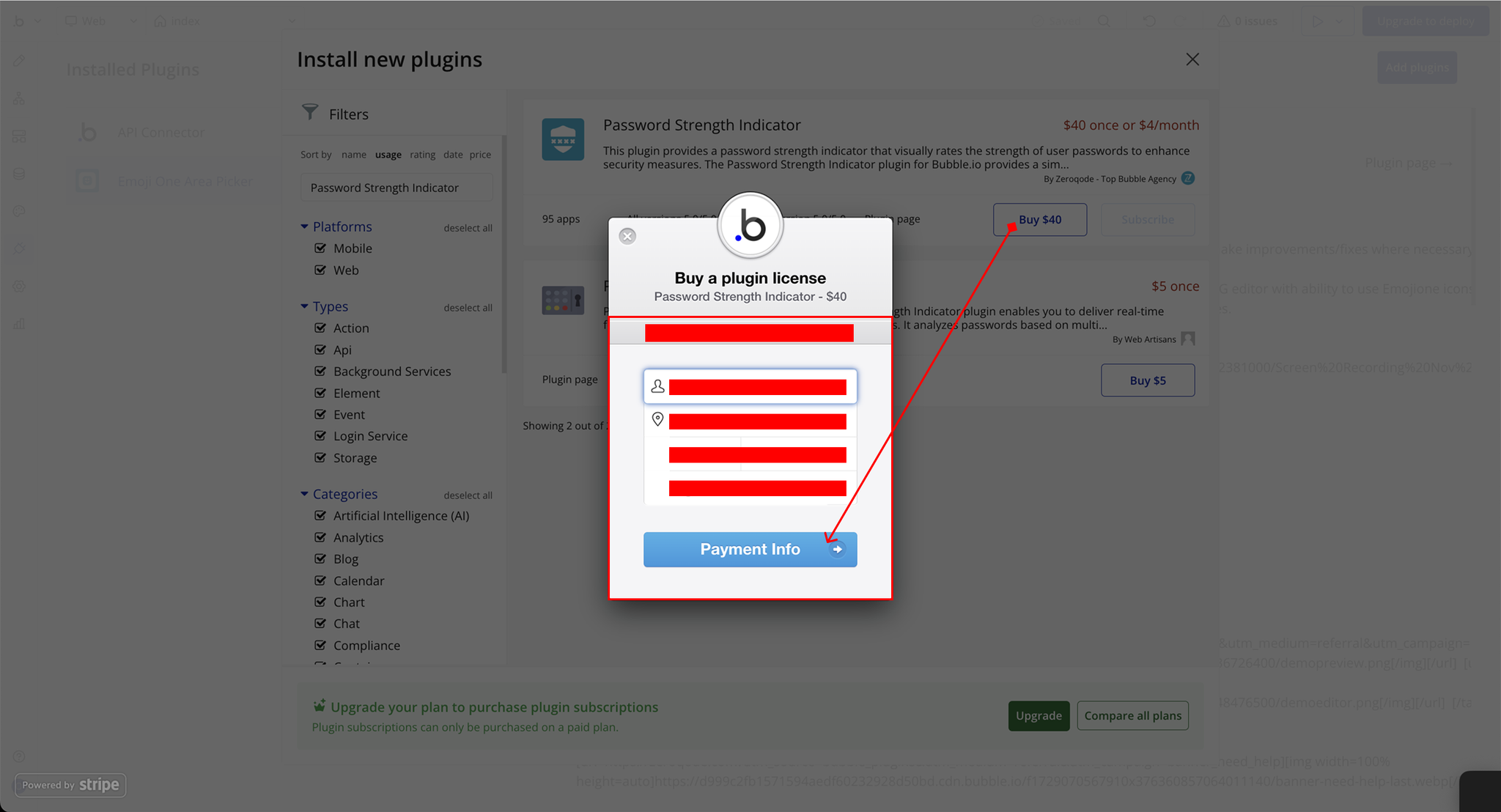
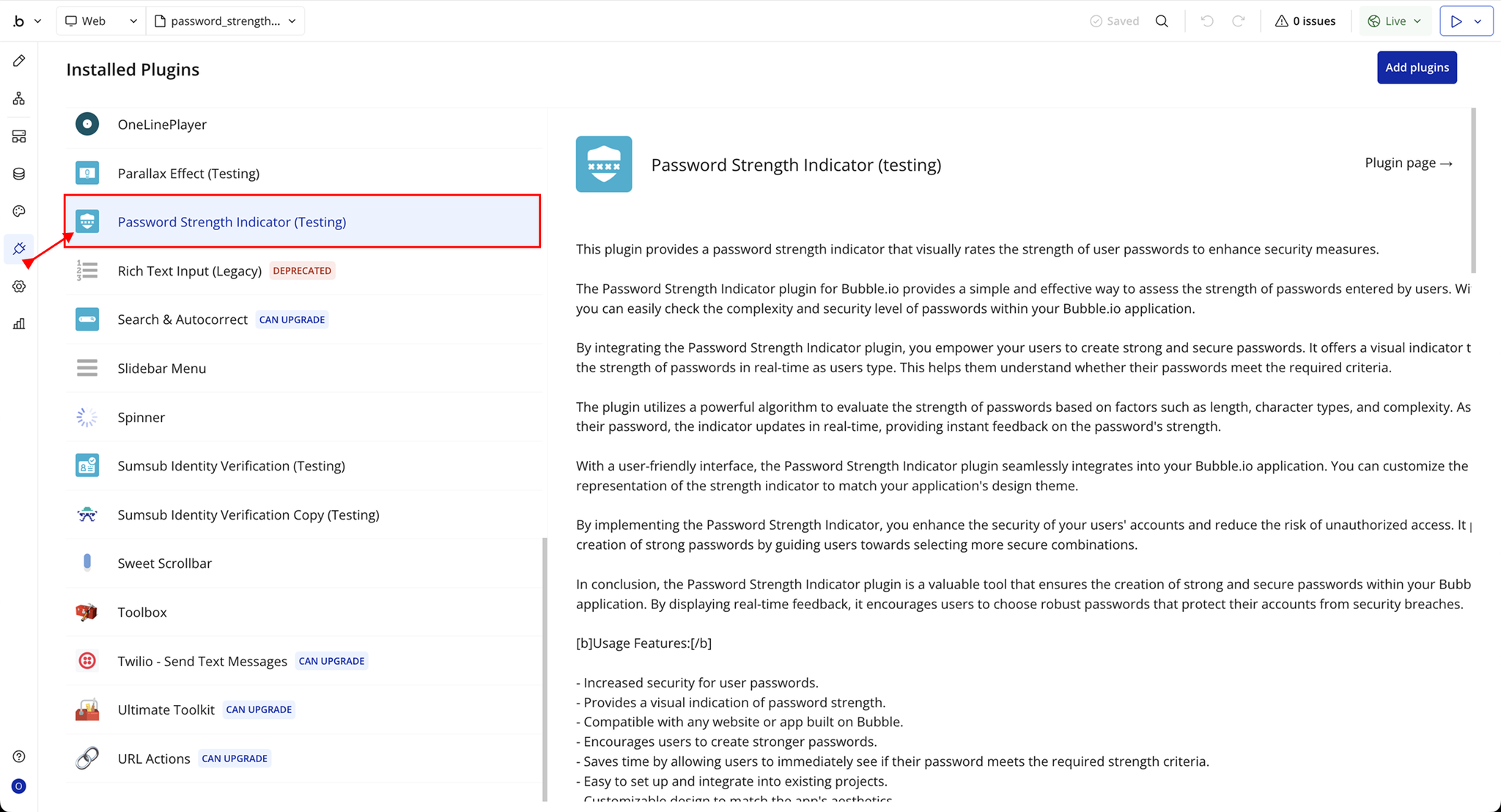
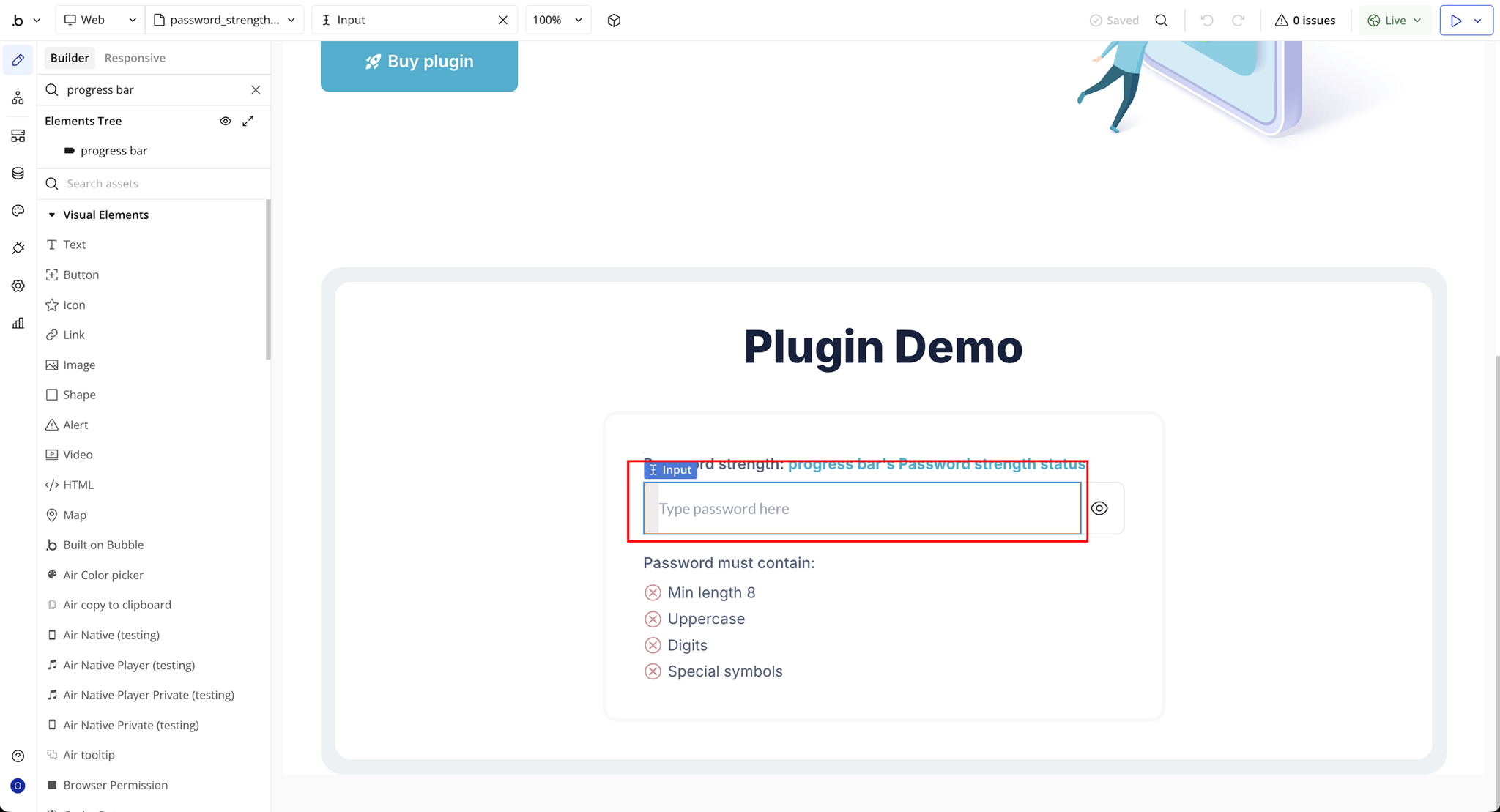
Step 2 – Add the Plugin Elements to Your Page
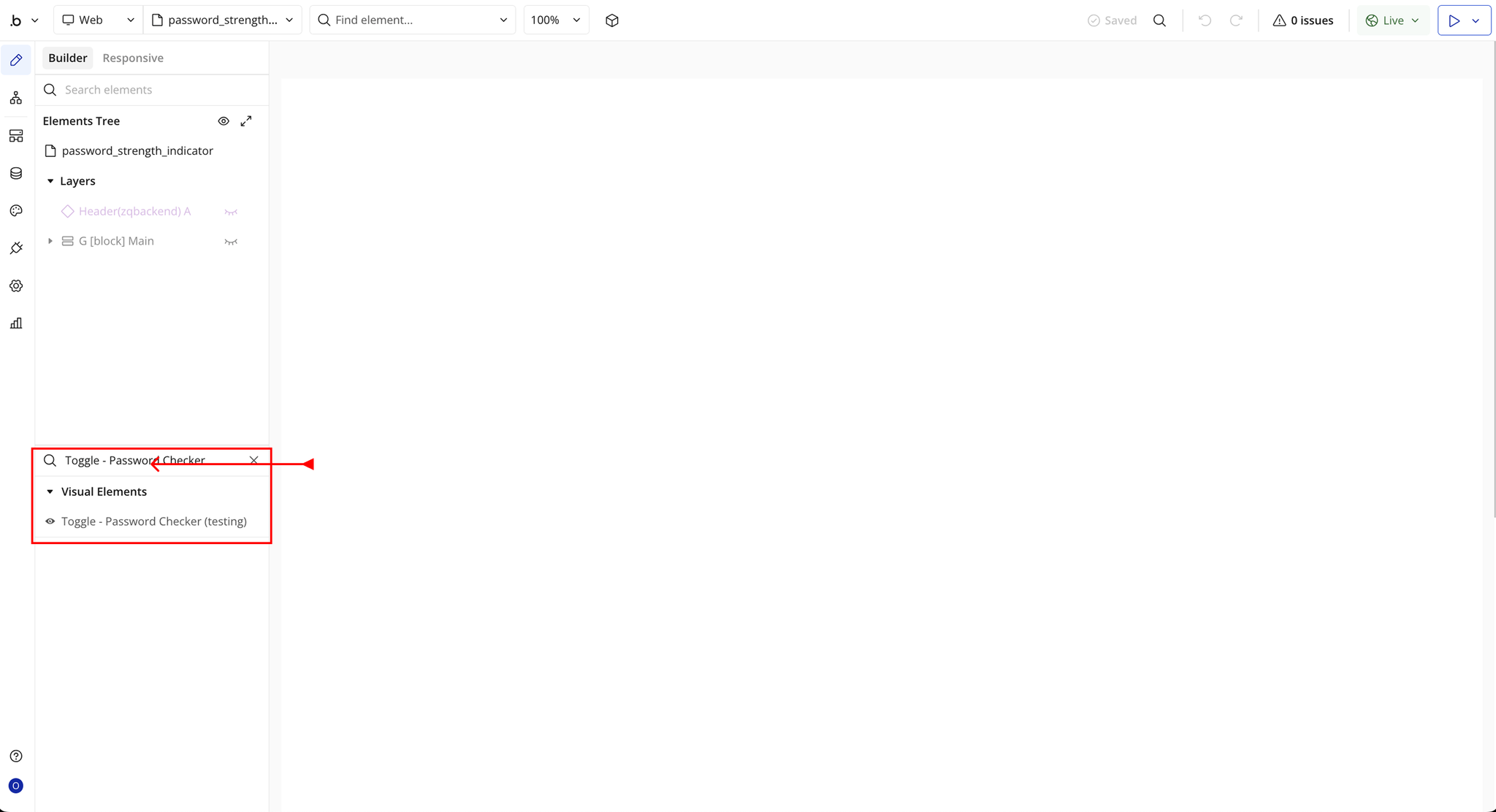
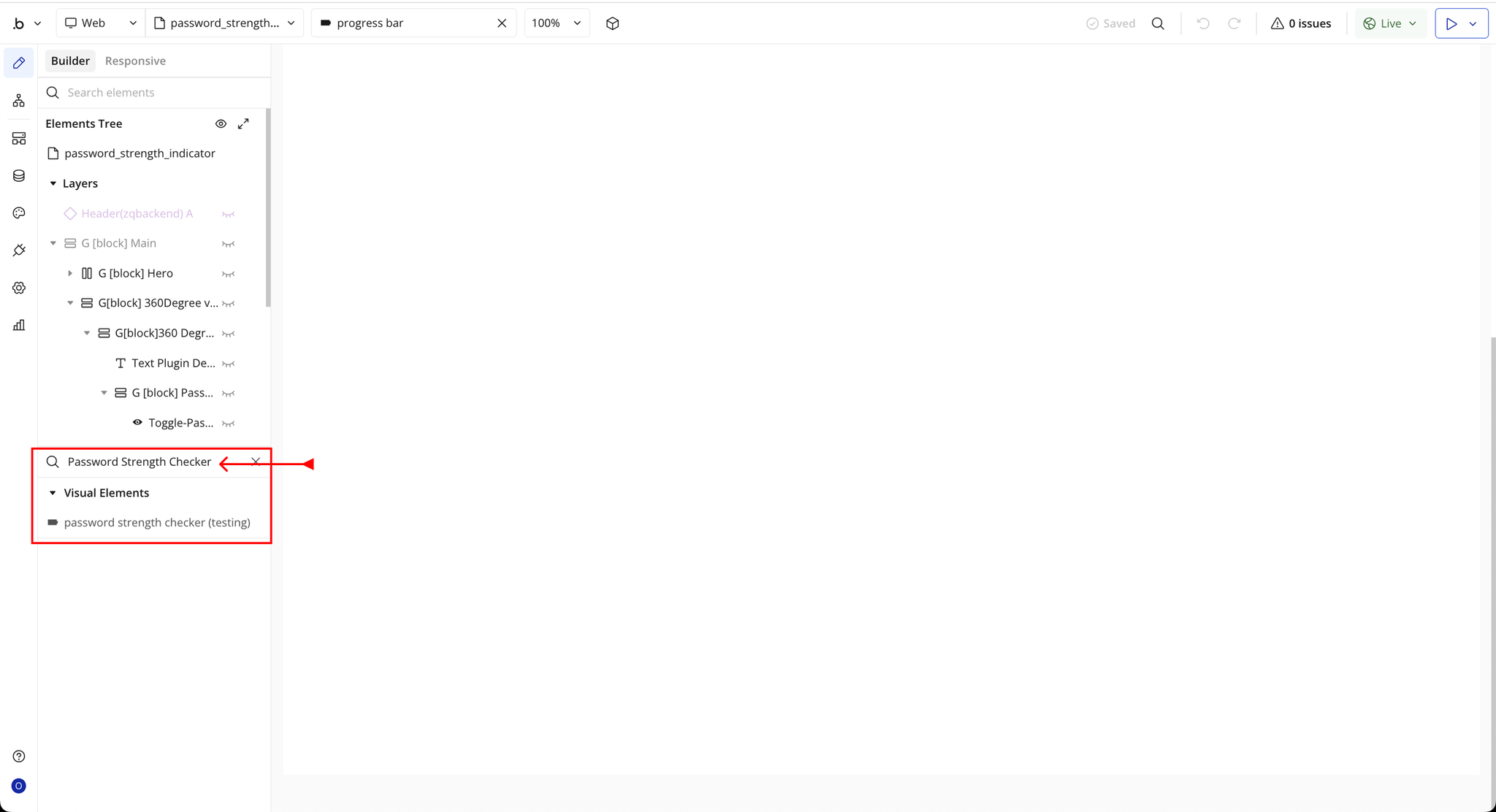
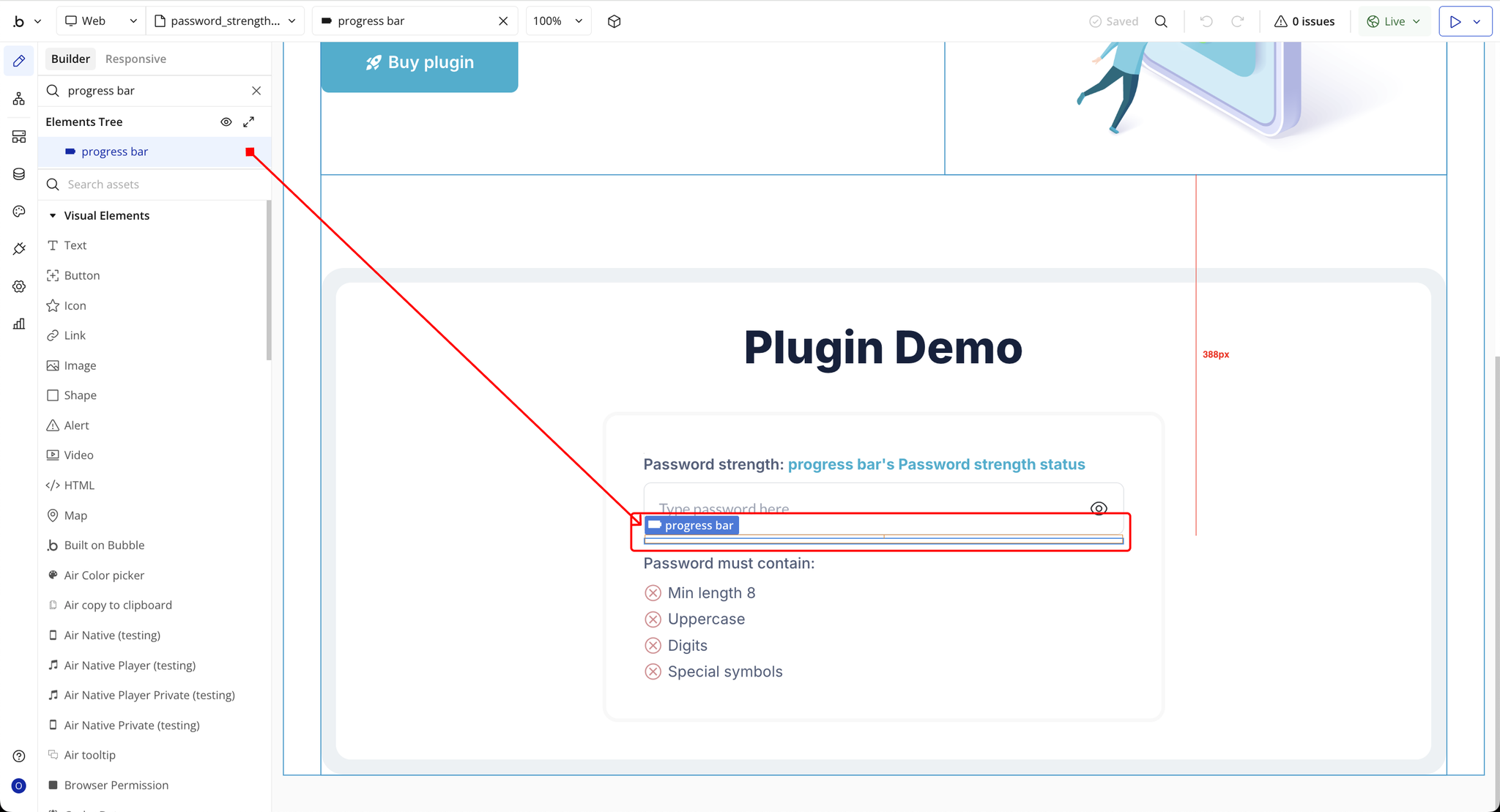
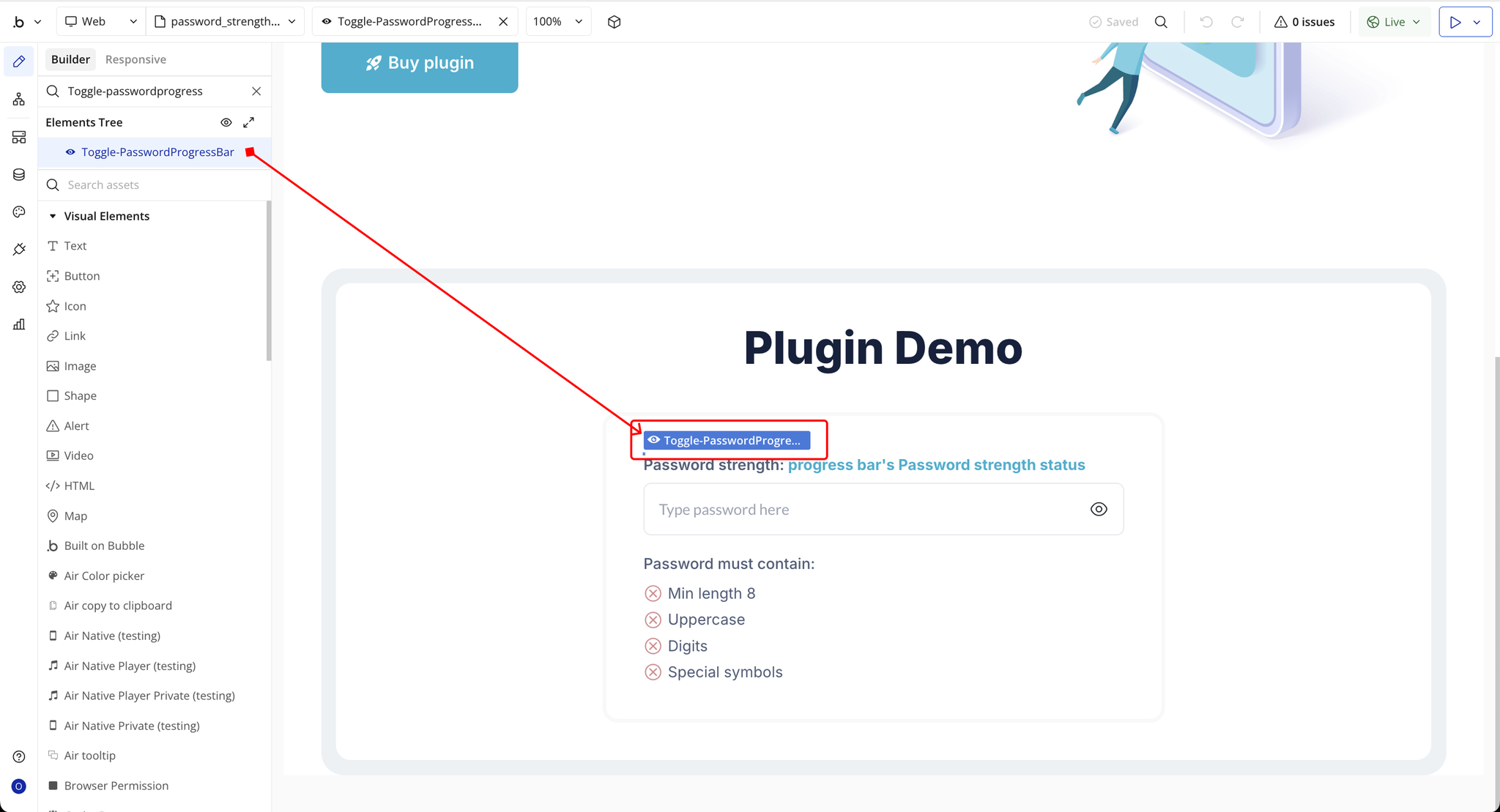
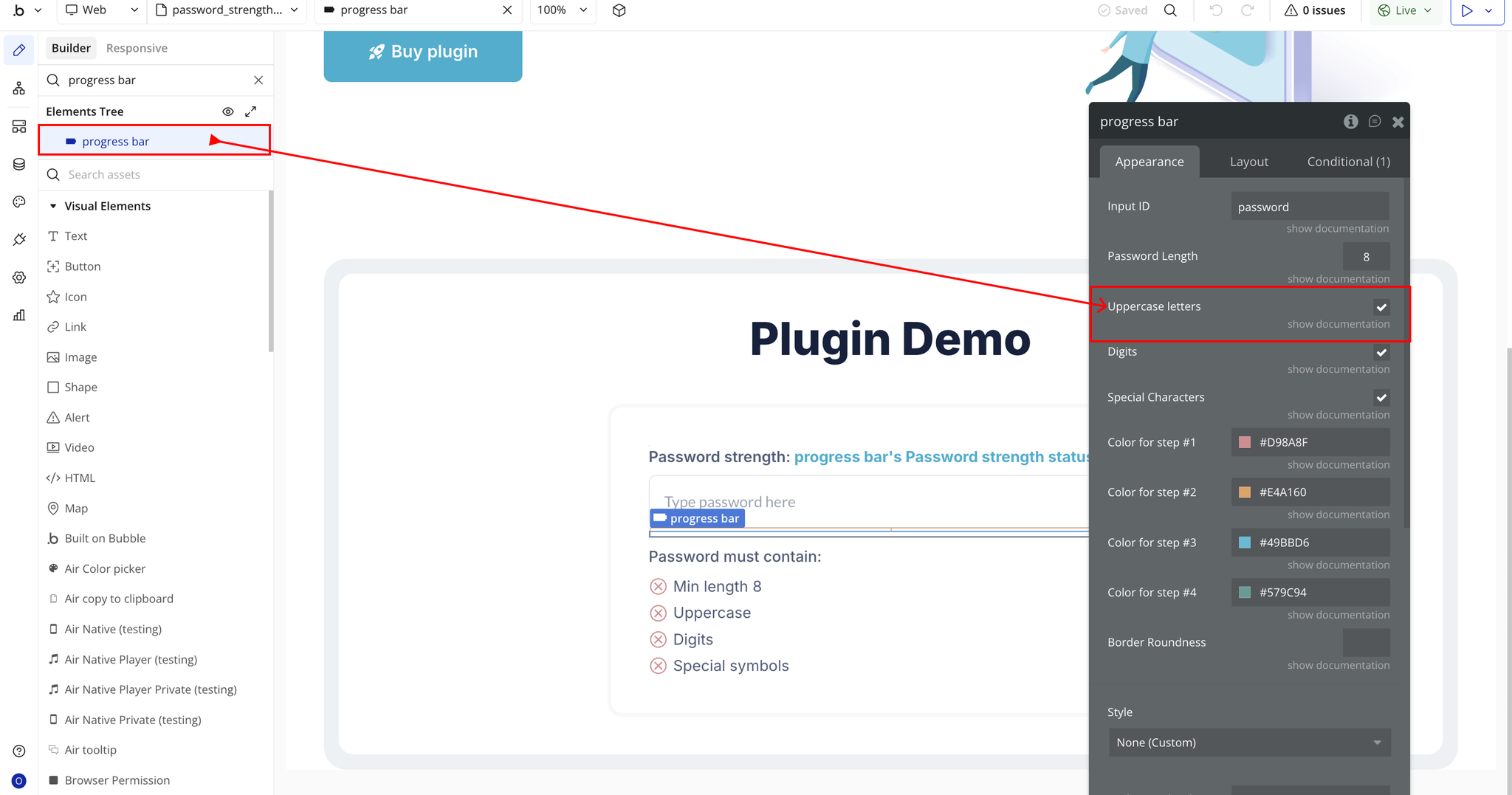
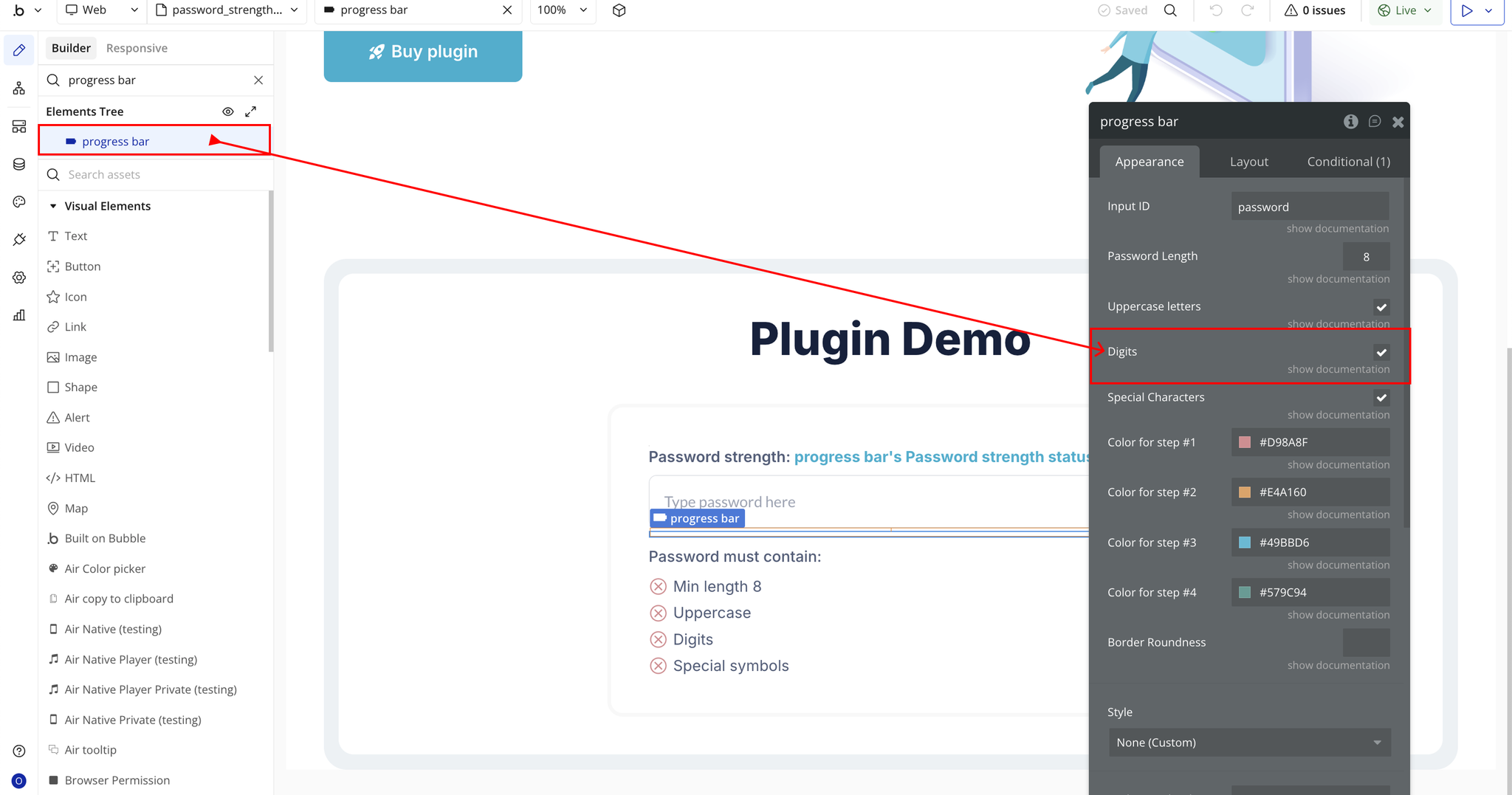
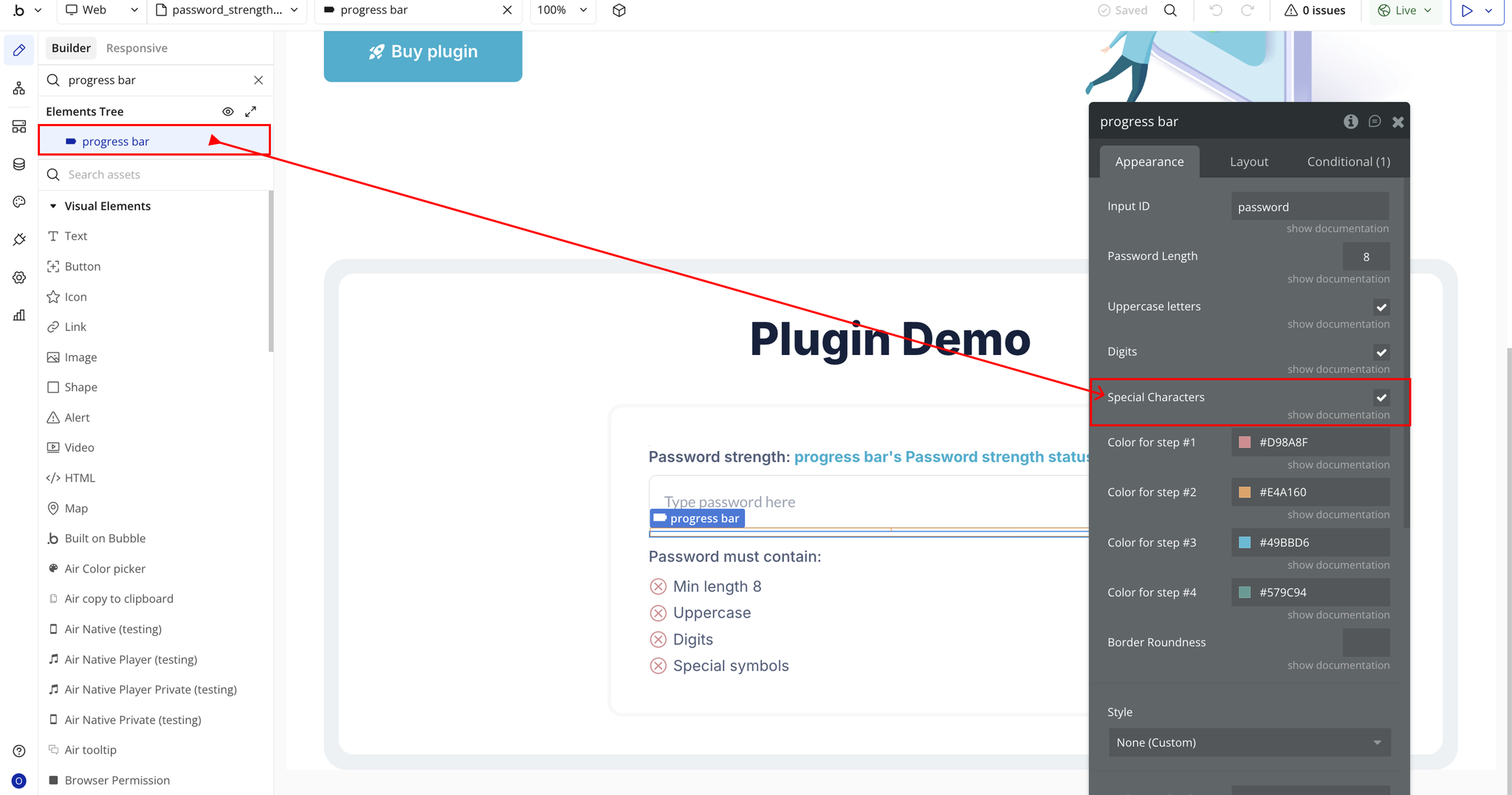
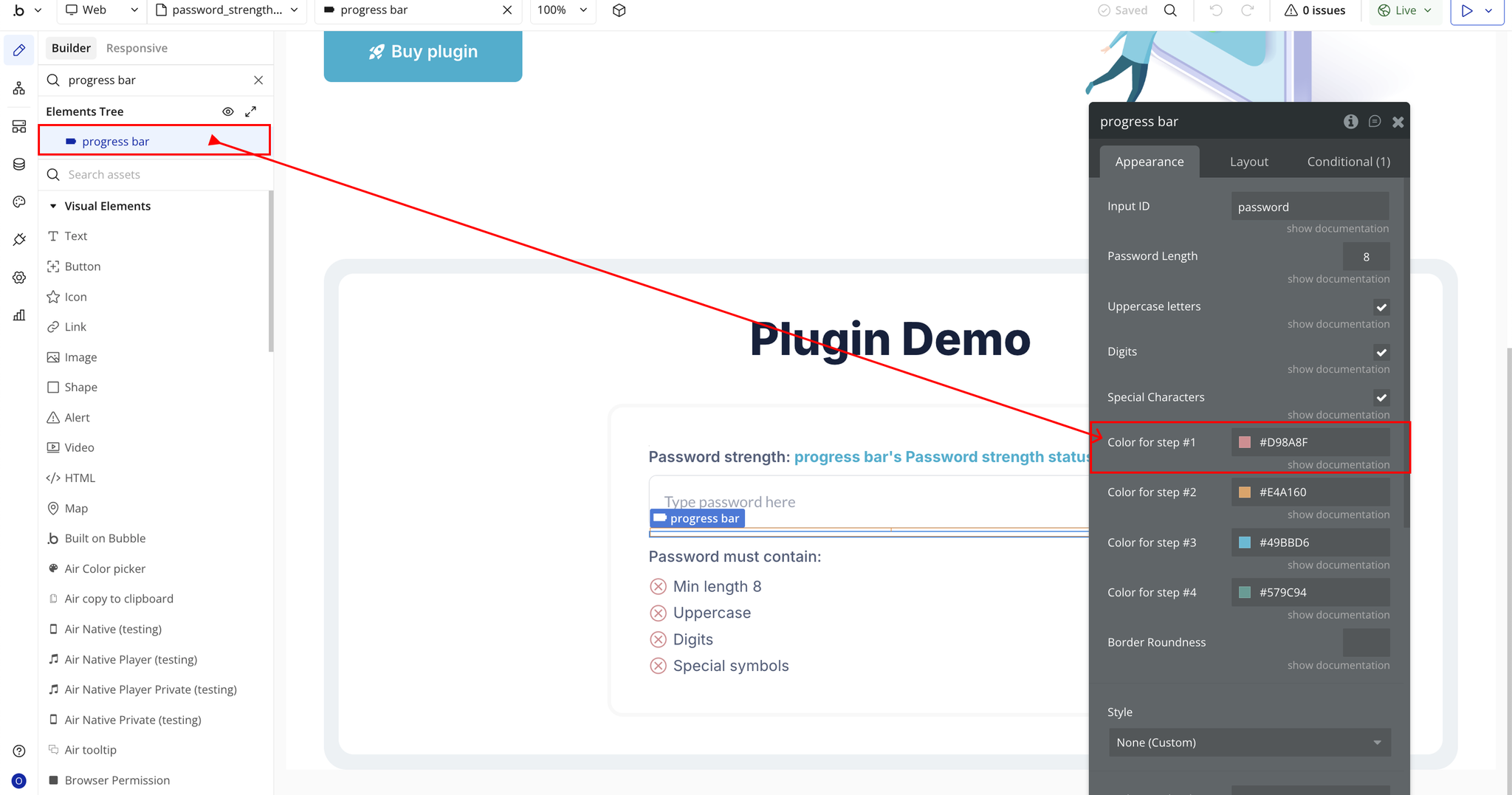
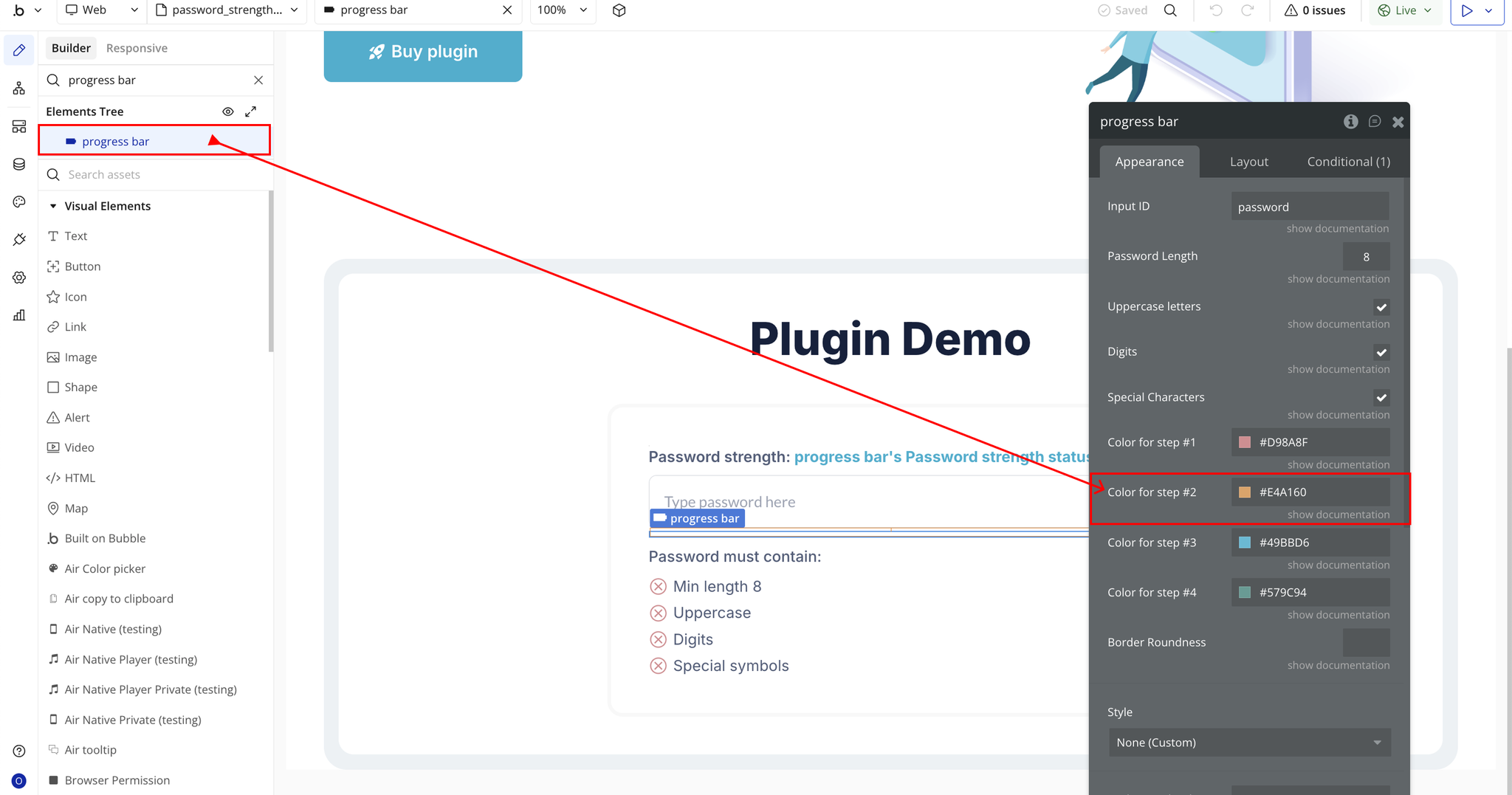
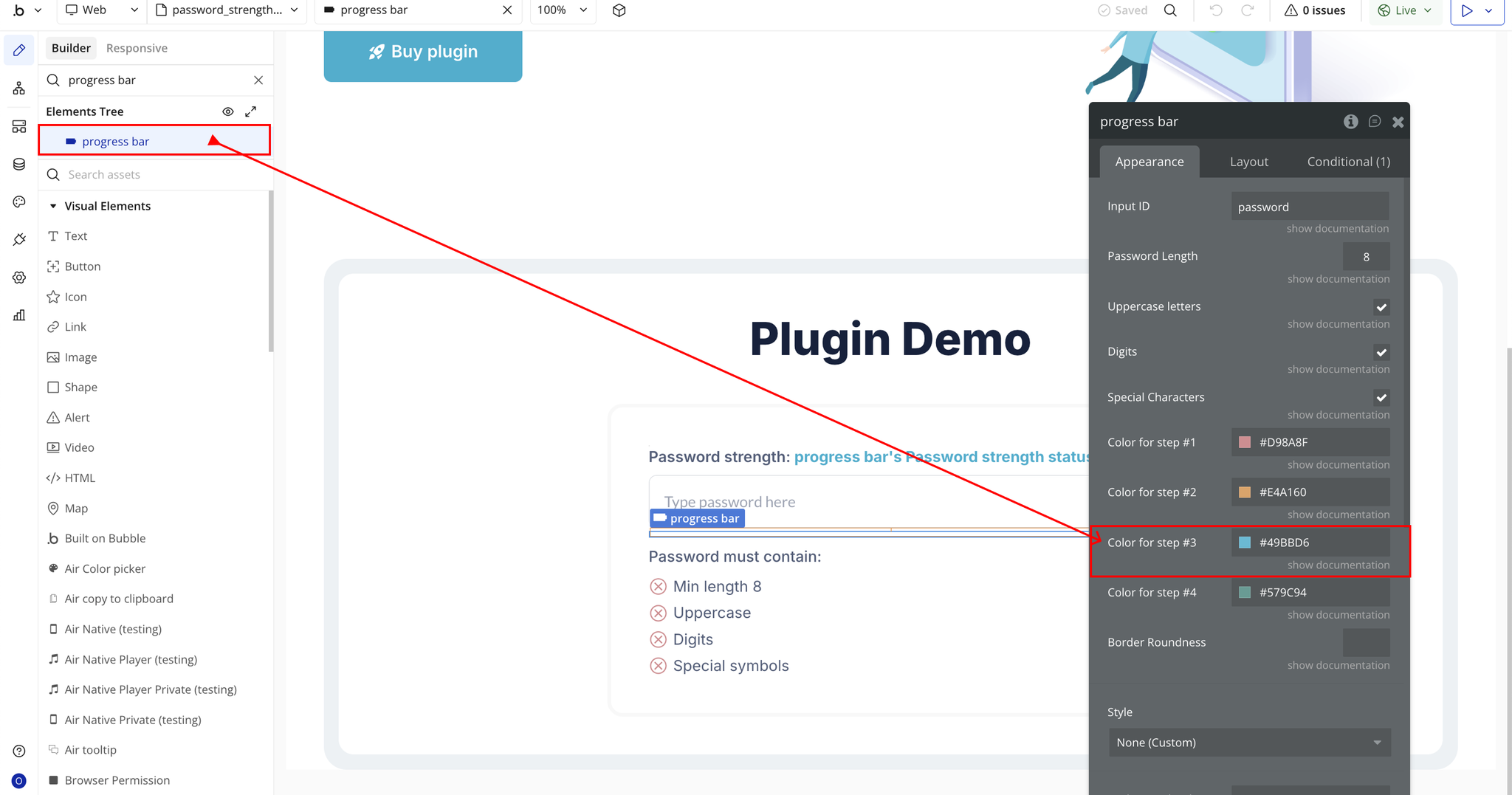
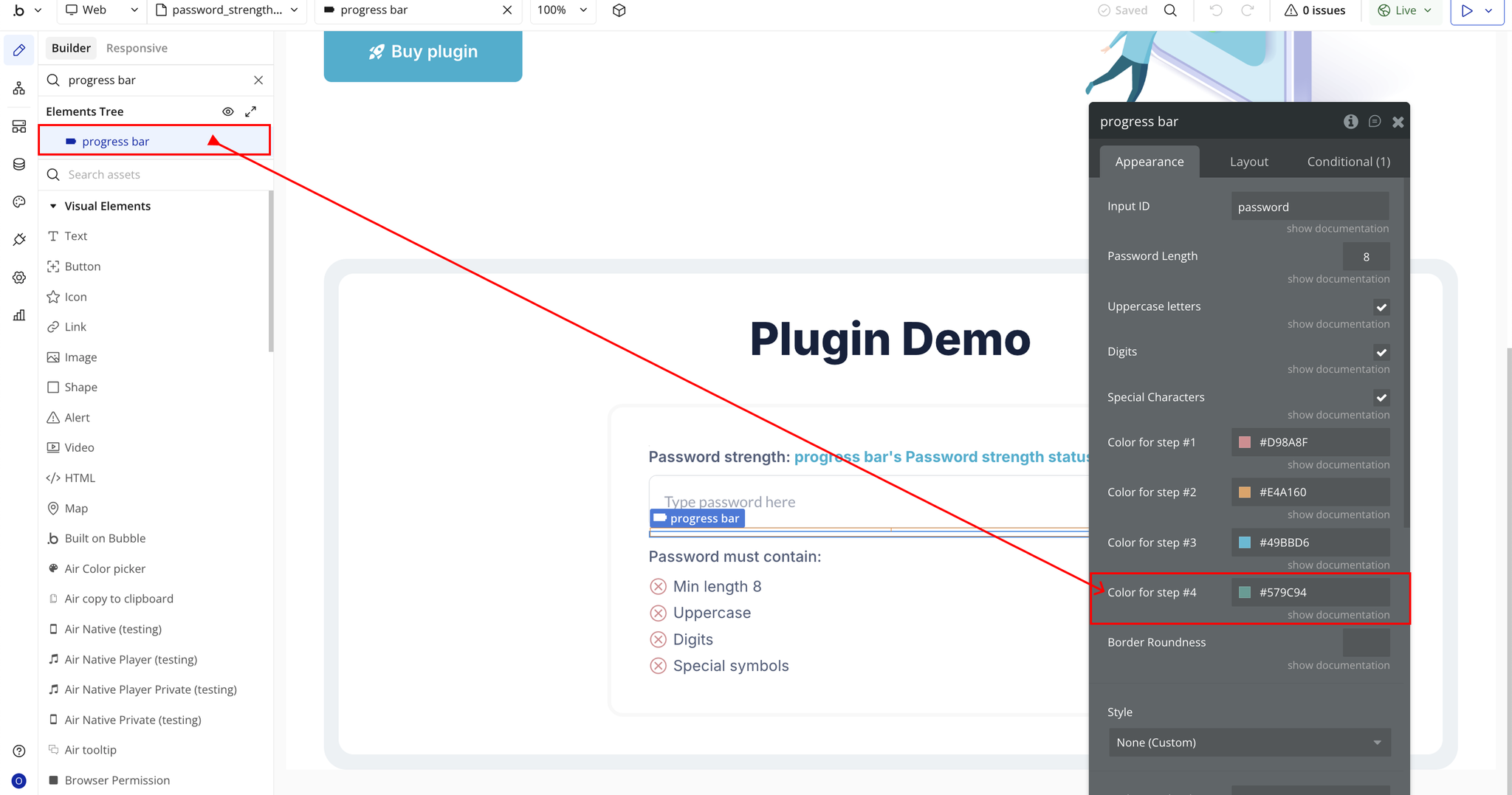
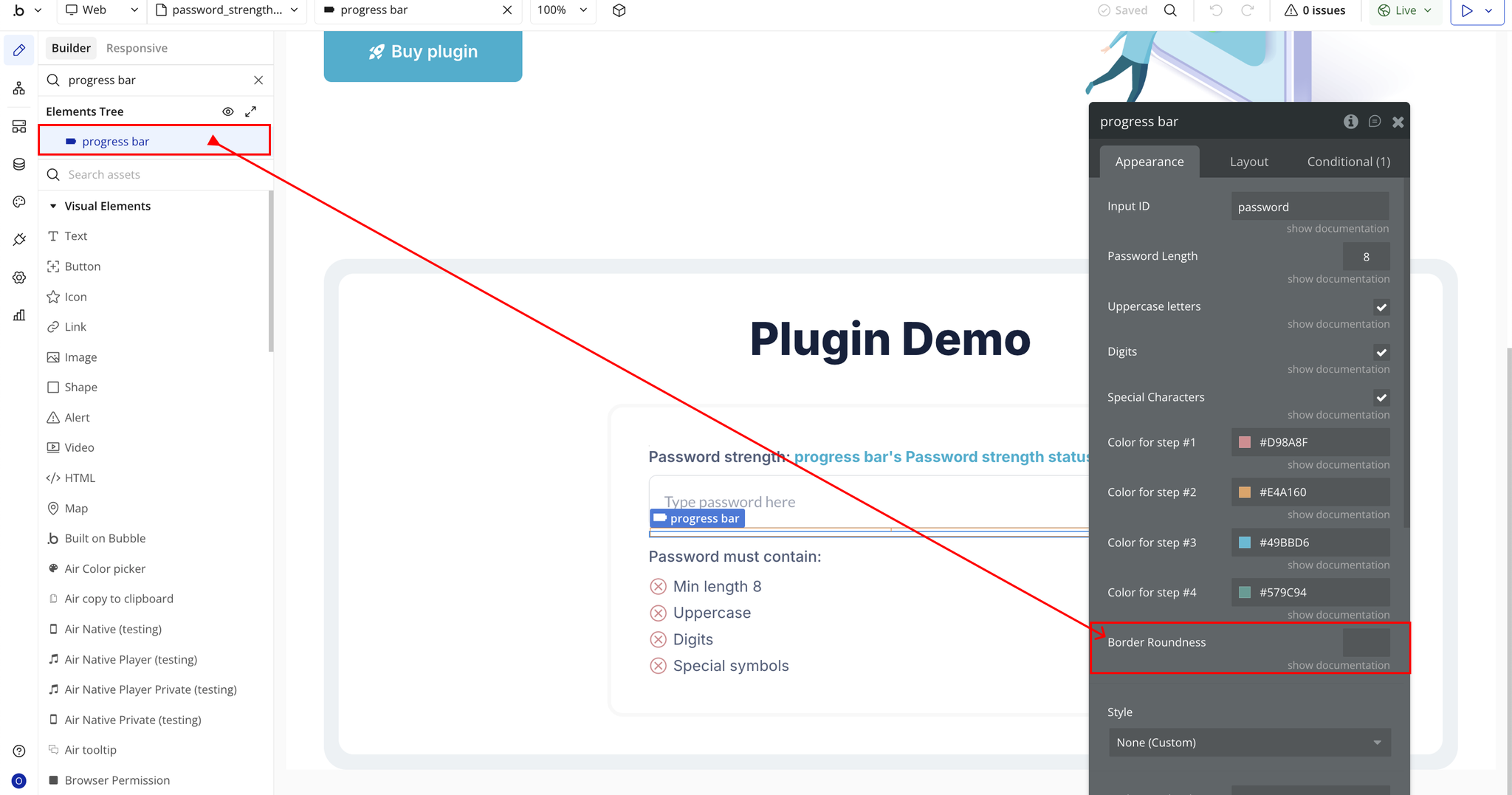
Step 3 – Configure Properties
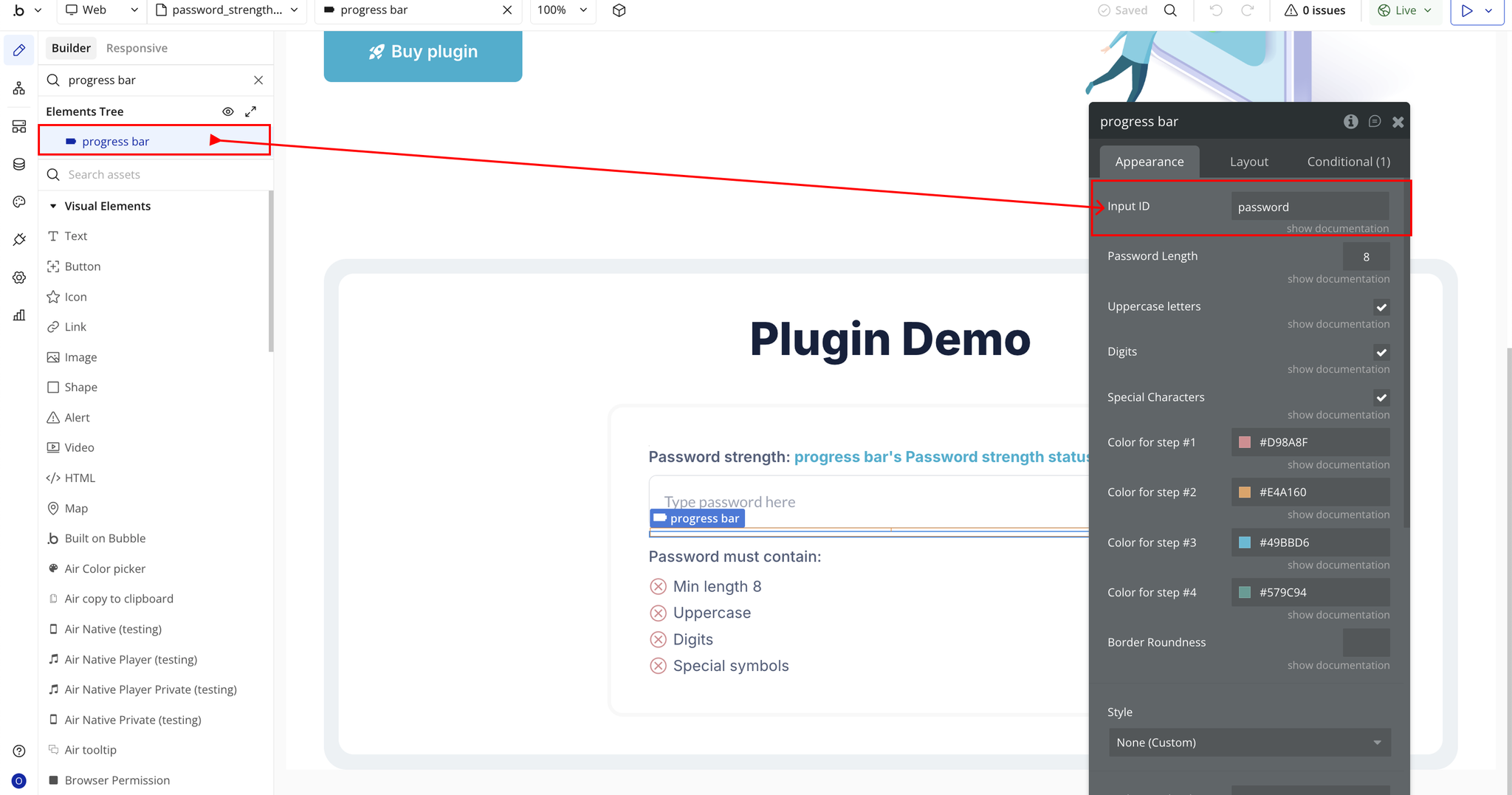
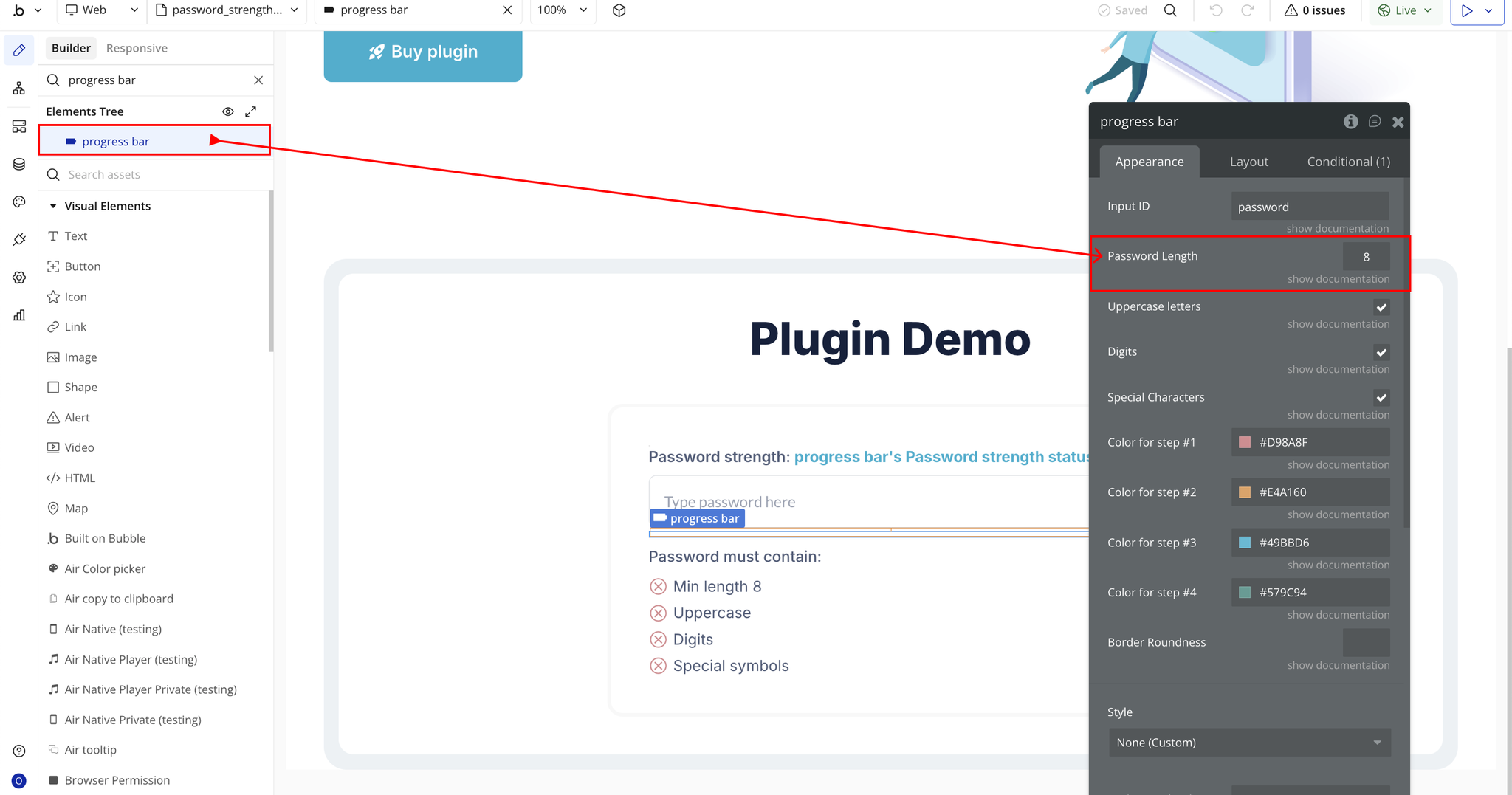
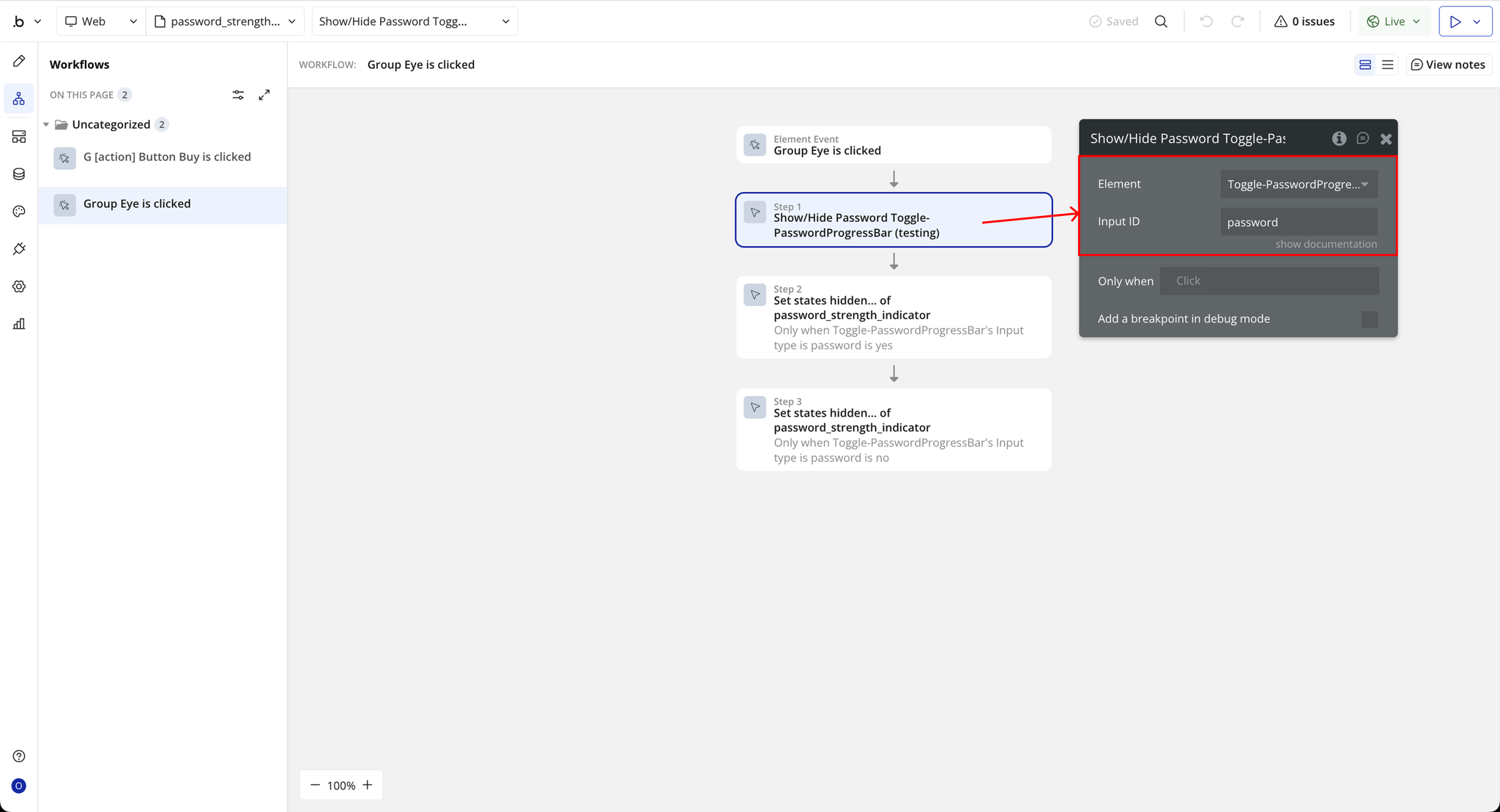
Step 4 – Setup Action
Plugin Element Properties - Password Strength Checker
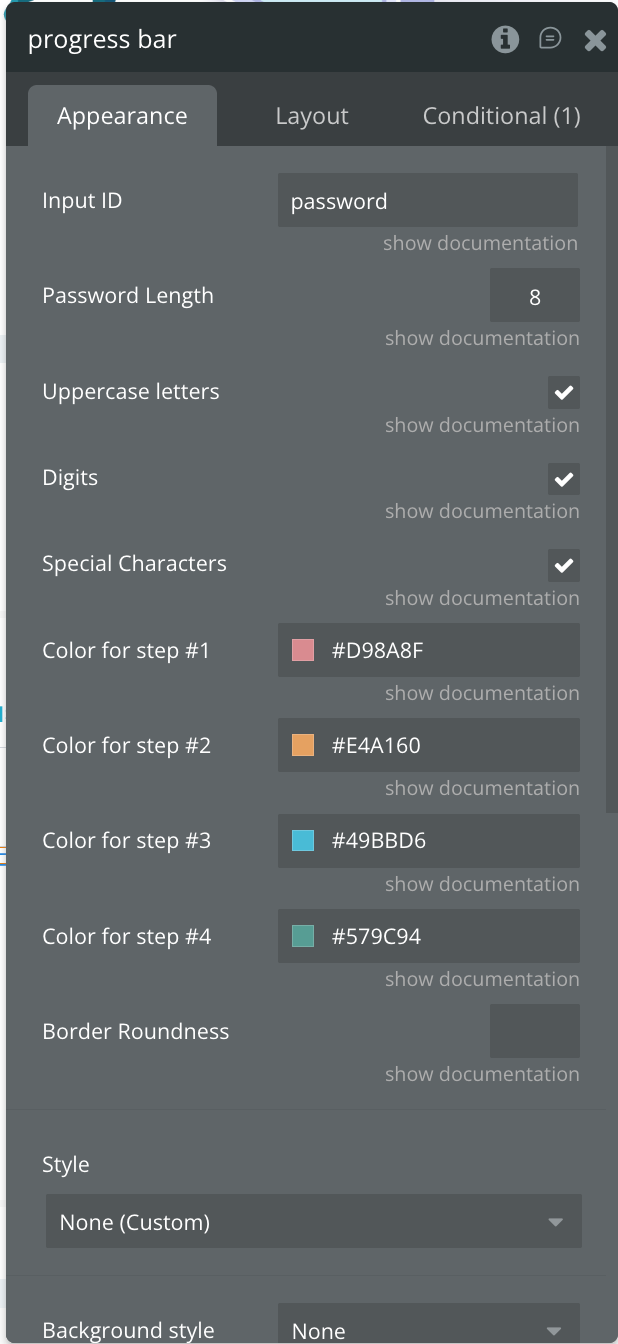
Fields
Exposed states
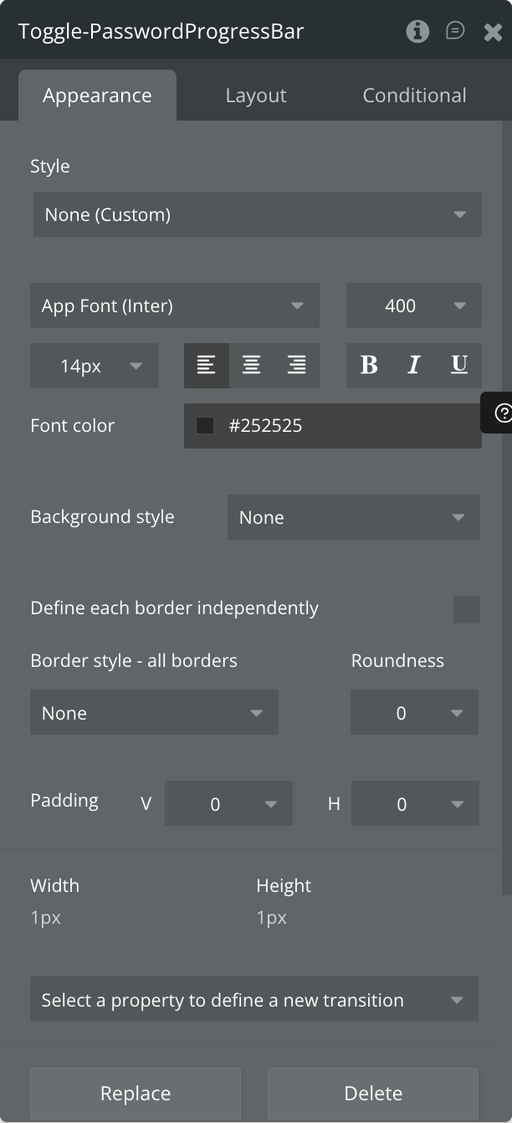
Plugin Element Properties - Toggle - Password Checker
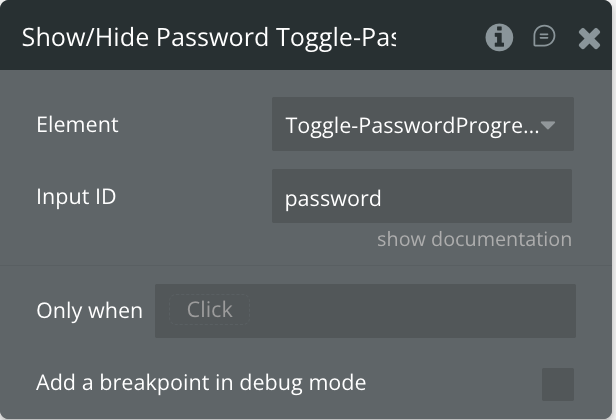
Element Actions
Exposed states
