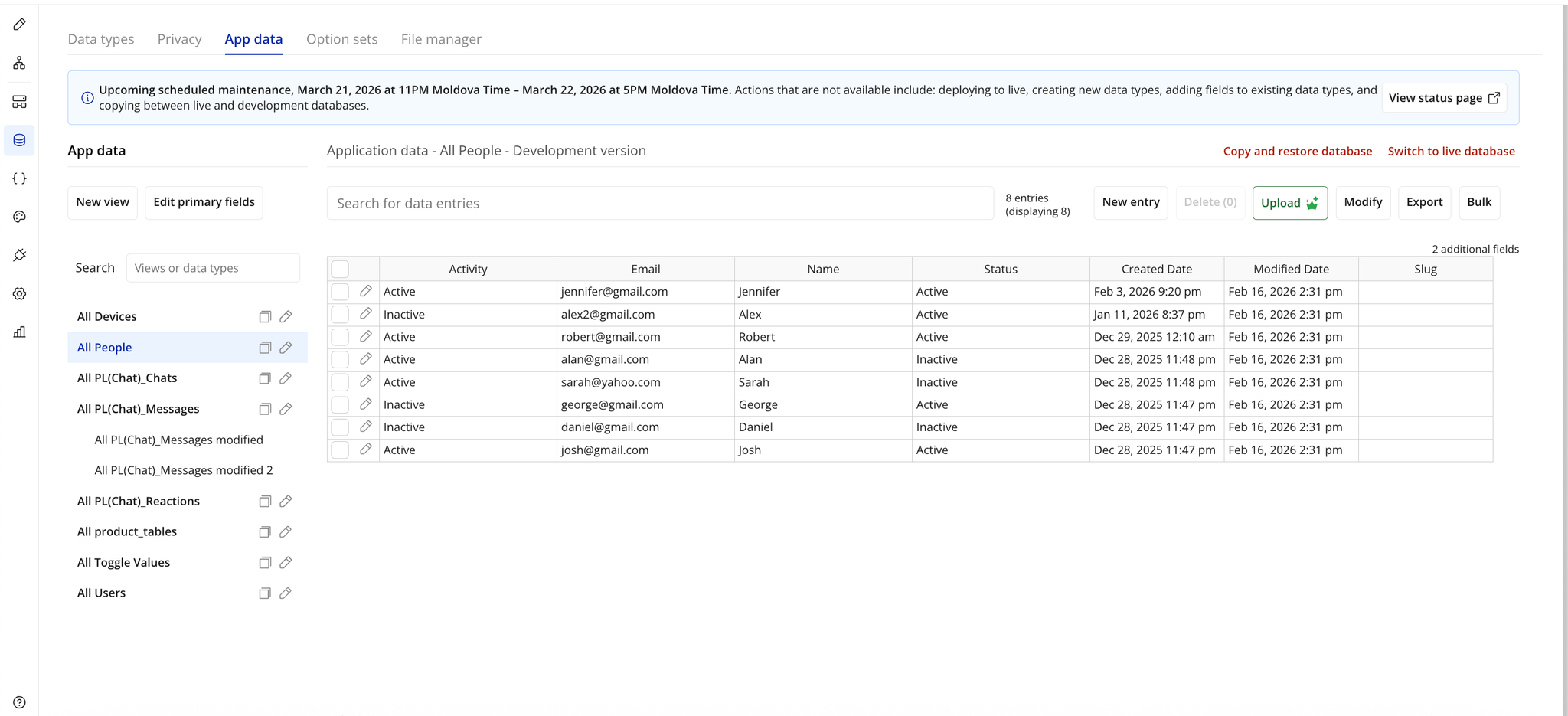
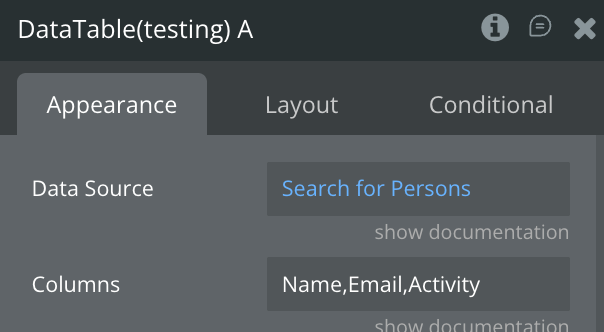
Link to the plugin page: https://zeroqode.com/plugin/data-table-bubble-mobile-1781101703772x181144897735976640
Demo to preview the plugin:
Introduction
The Data Table and View Bubble Mobile plugin is designed to offer a professional, native mobile solution for displaying and managing tabular data in Bubble mobile applications. This plugin provides a fully-featured data table component with search functionality, column sorting, multi-row selection, pagination, customizable themes (light/dark/custom), and comprehensive workflow actions for building data-driven mobile experiences. The table automatically handles Bubble's native data structures, supports conditional formatting, and includes touch-optimized interactions like long-press for row details and swipe-friendly navigation. Prerequisites include having a Bubble account with native mobile app capabilities enabled, and basic familiarity with JSON syntax for configuring column definitions (detailed examples and templates are provided in the documentation).

How to setup
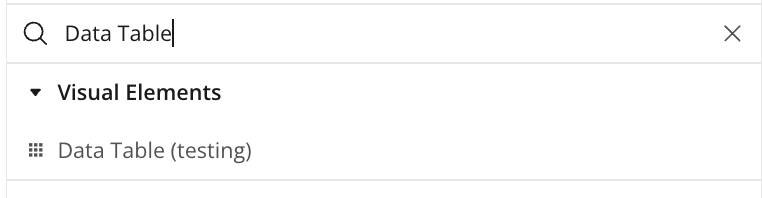
Step 1 – Add the Plugin Element to Your Page
Step 2 – Configure Properties
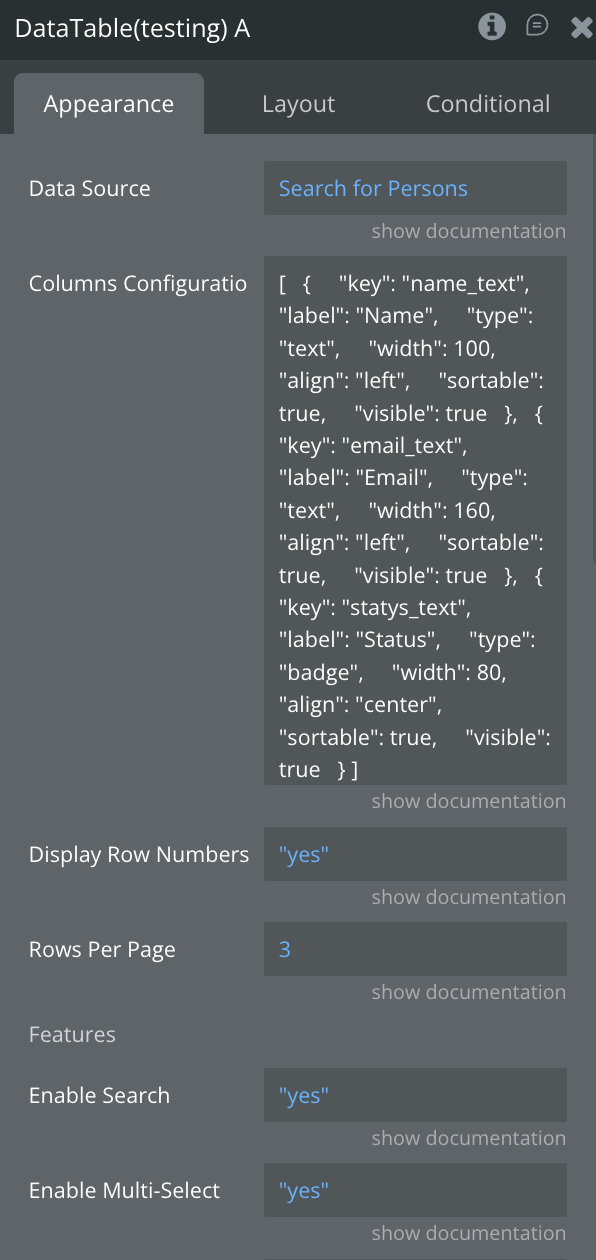
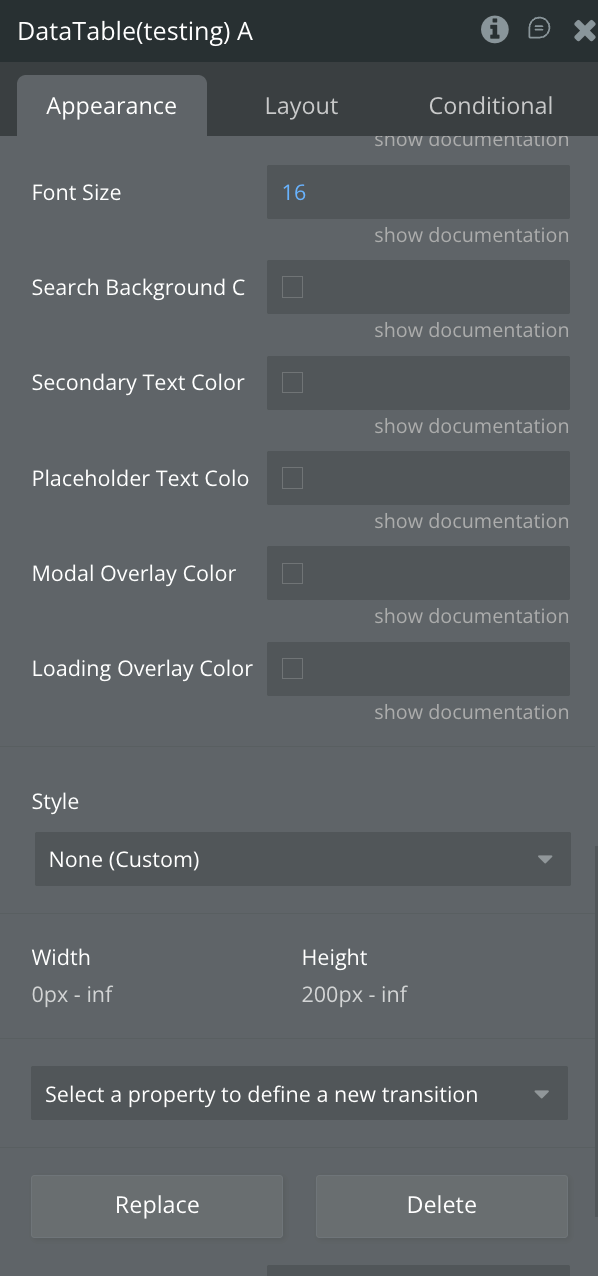
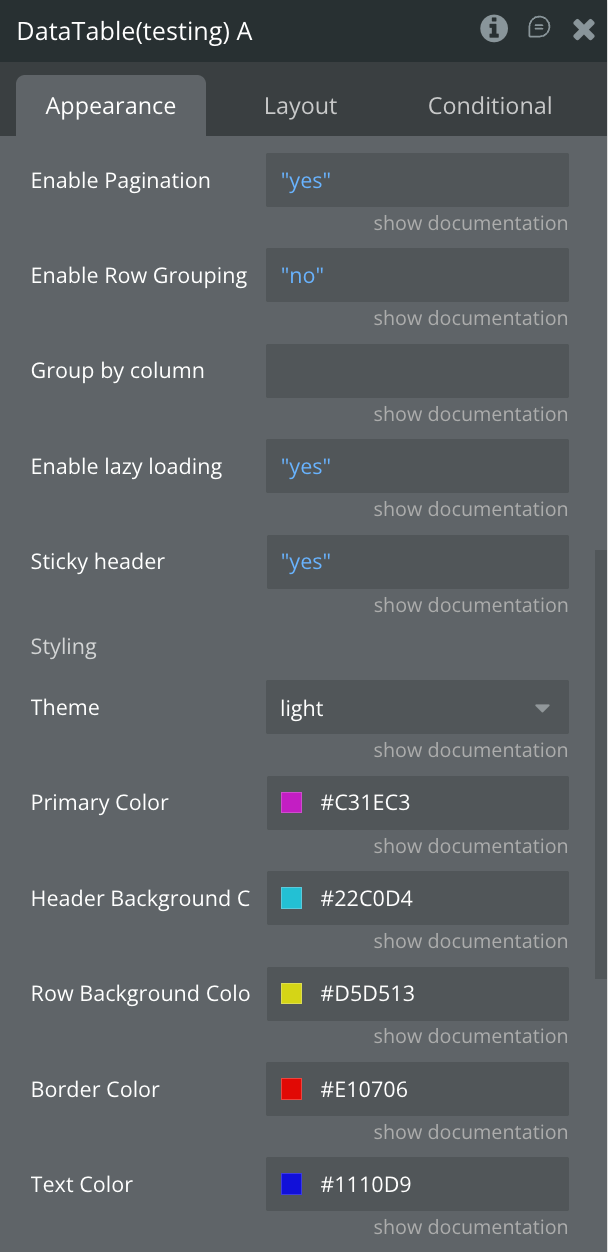
Plugin Element - Data Table
A high-performance, mobile-optimized data table component for Bubble native apps that enables users to display, search, sort, and interact with large datasets through an intuitive touch-friendly interface with multi-select capabilities.
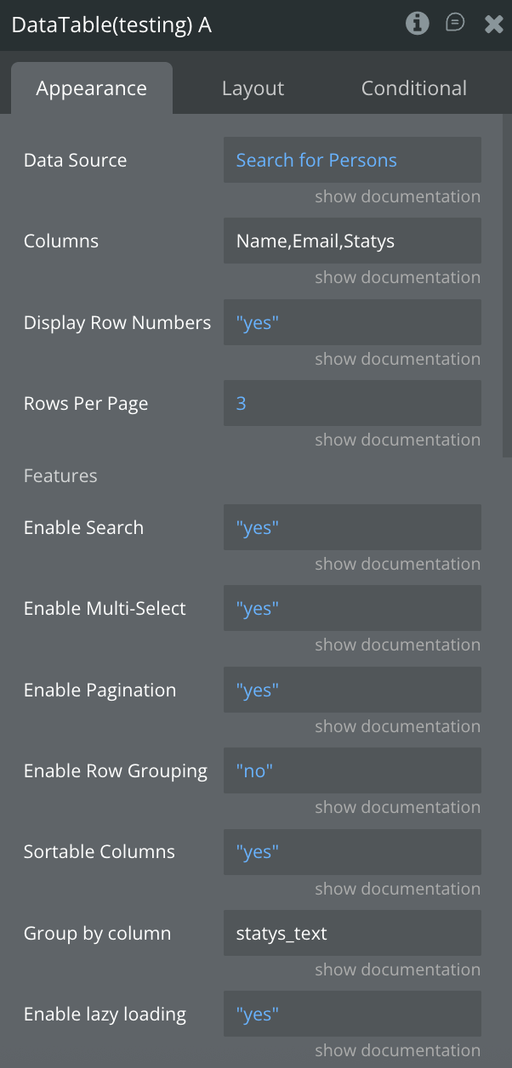
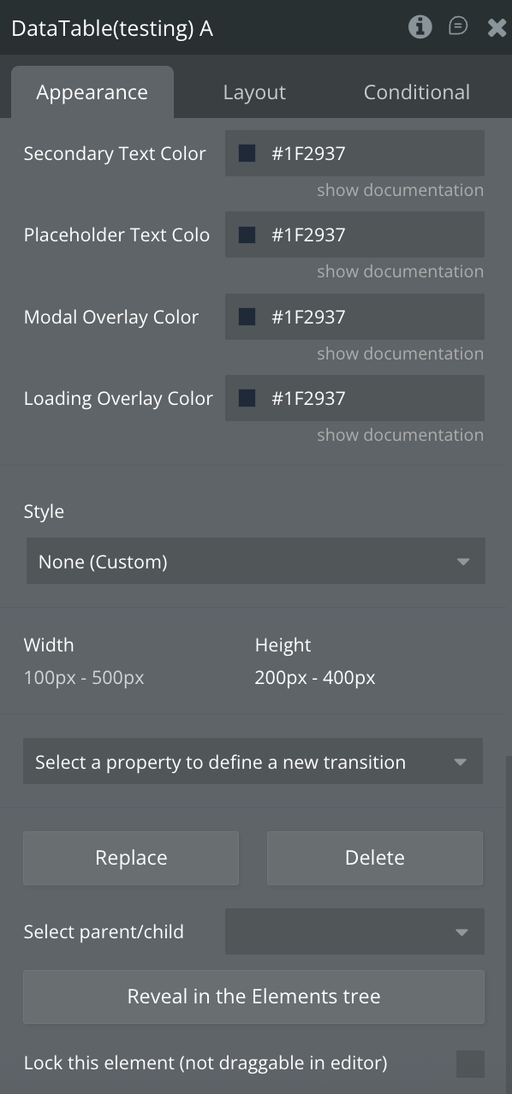
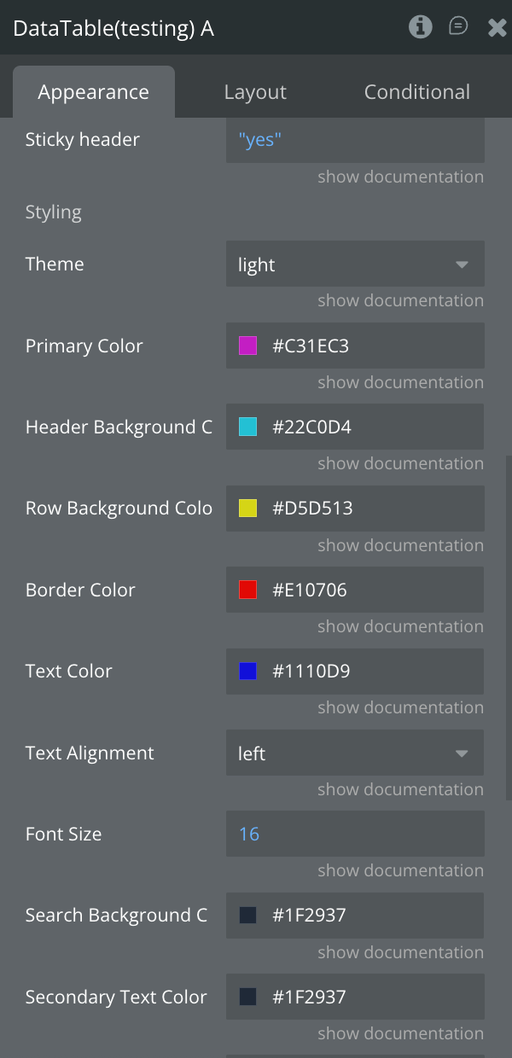
Fields
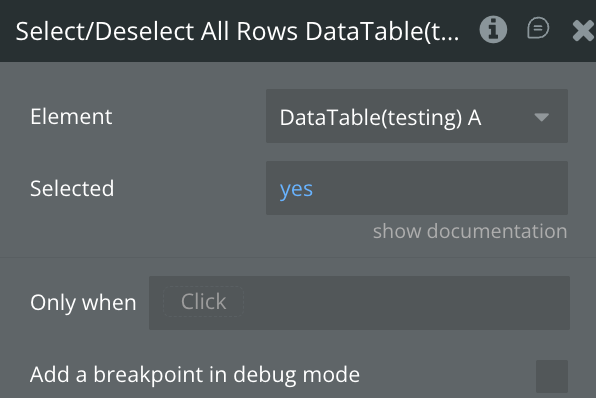
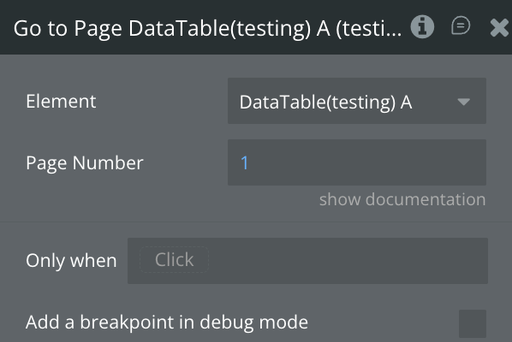
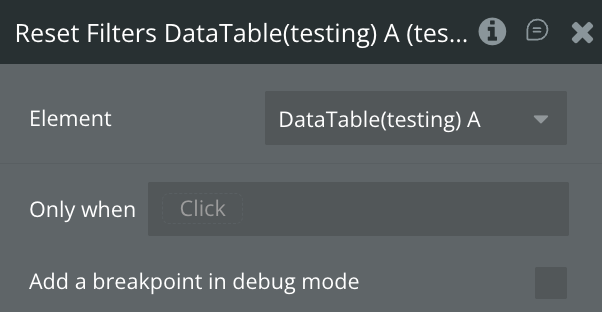
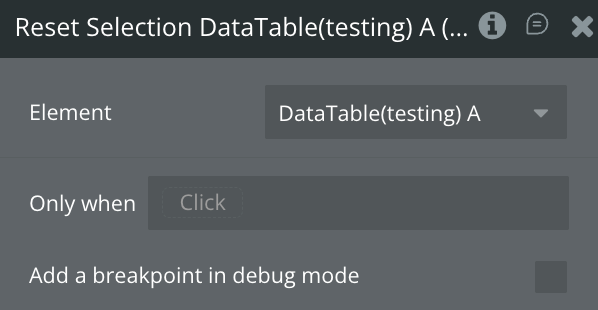
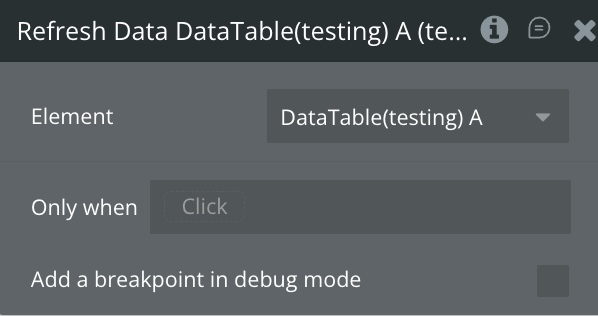
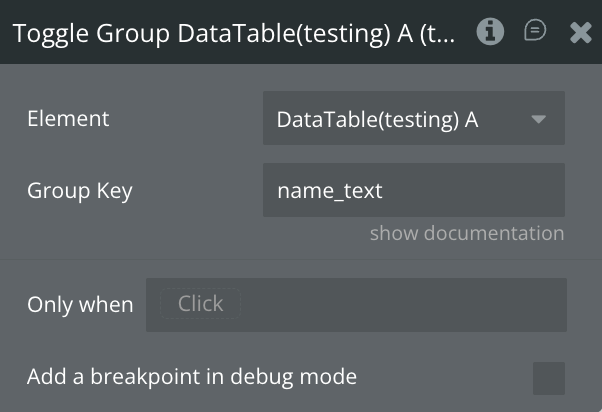
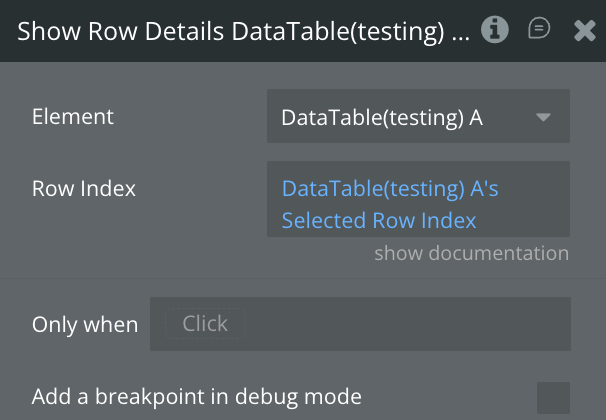
Element Actions
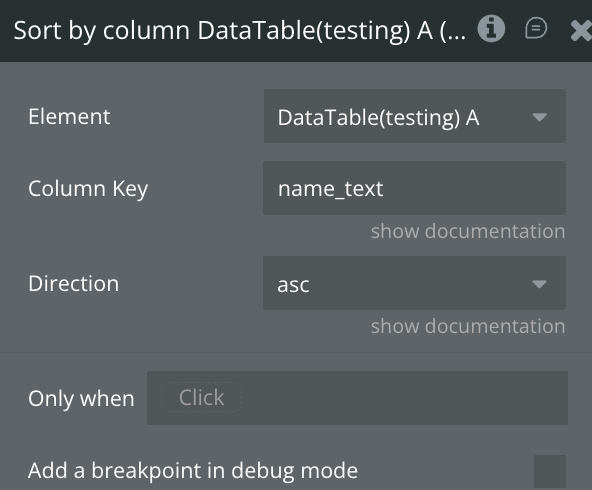
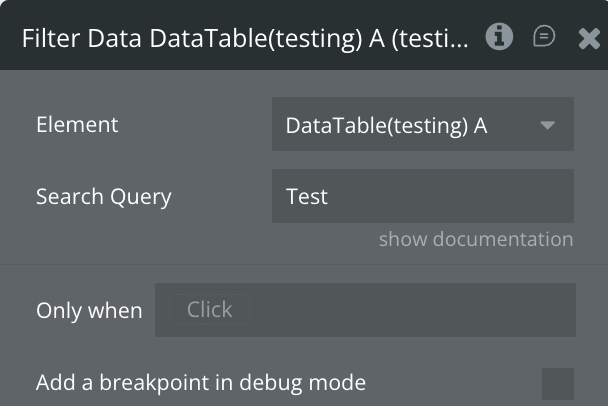
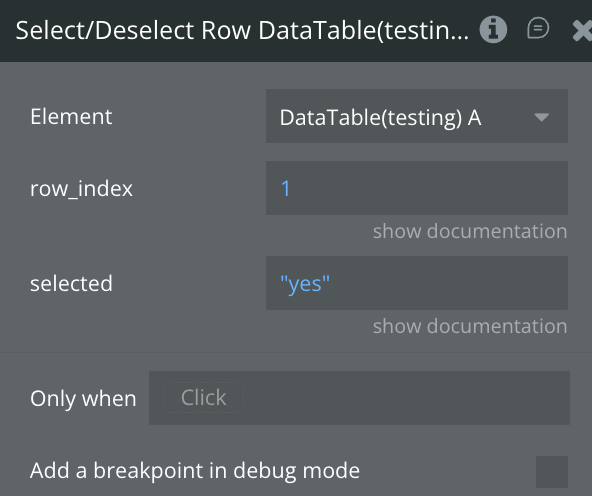
Exposed states
Element Events
Workflow example
Step-by-Step Guide: Configuring Table Columns