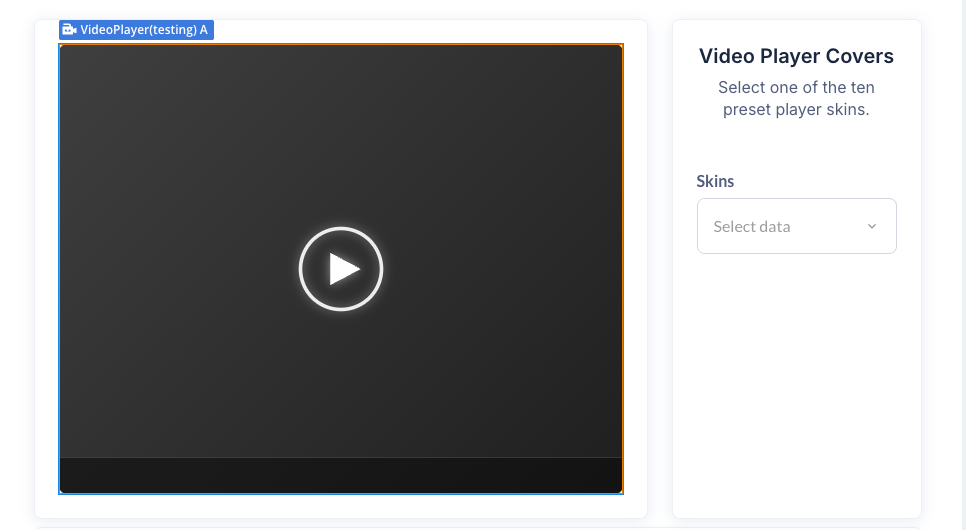
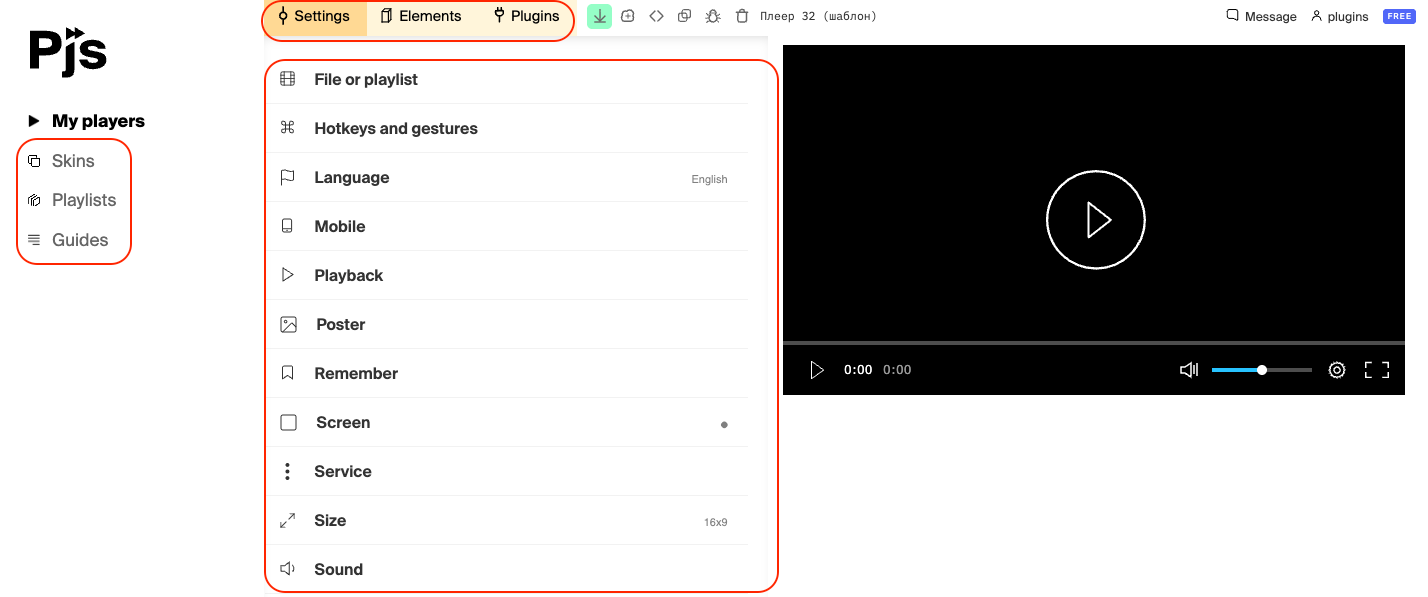
The PlayerJS Player Builder plugin is a powerful and flexible solution for adding professional video and audio players to your Bubble application. This plugin allows you to embed a fully customizable media player that supports various formats including MP4, MP3, M3U8 (HLS streaming), and more.
With PlayerJS - Player Builder, you can create stunning media experiences with customizable skins, playlist support, folder organization, and complete playback control. The plugin offers both video and audio player elements, each with 10 pre-designed skins or the option to use your own custom design.
Key features include:
Support for single files and playlists
10 built-in professional skins for both video and audio players
Custom skin support via external JavaScript files
Playlist organization with folders
Complete playback control (play, pause, seek, volume)
Real-time state tracking (playback status, current time, volume)
Error handling and reporting
Autoplay functionality
Poster image support
Responsive design that adapts to container size
Prerequisites
No external API keys or developer accounts are required. The plugin works out of the box with any publicly accessible media file URL. Simply provide the URL to your media files (hosted on your server, CDN, or cloud storage) and the plugin handles the rest.
Supported media formats include:
Video: MP4, WebM, M3U8 (HLS), and other HTML5 video formats
Audio: MP3, WAV, OGG, and other HTML5 audio formats
How to setup
Setting up the PlayerJS - Player Builder plugin is straightforward and requires no complex configuration:
Install the Plugin: Add the PlayerJS - Player Builder plugin to your Bubble application from the Plugins tab.
Add Player Element: Drag either the “Video Player” or “Audio Player” element onto your page where you want the player to appear.
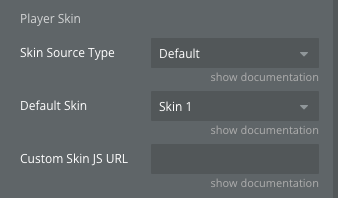
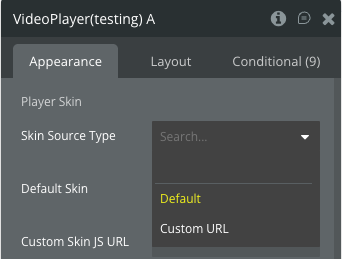
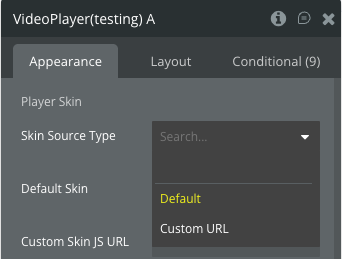
Choose a Skin:
Select “Default” as the Skin Source Type
Choose one of the 10 pre-designed skins from the “Default Skin” dropdown
OR select “Custom URL” and provide your own PlayerJS skin JavaScript file URL
Add Media Source:
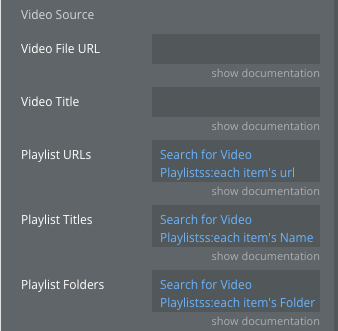
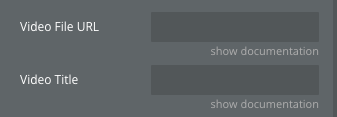
For a single file: Enter the direct URL in the “Video File URL” field
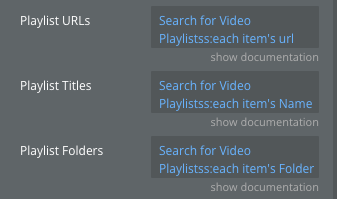
For a playlist: Provide a list of URLs in the “Playlist URLs” field
Optionally add titles in “Playlist Titles” to label each media file
Configure Options (Optional):
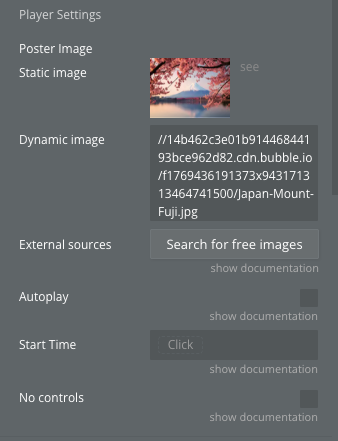
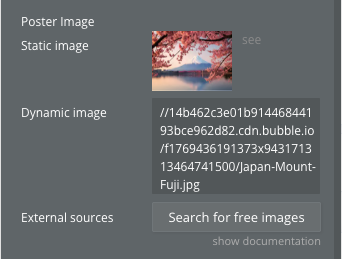
Add a “Poster Image” to display before playback
Enable “Autoplay” if you want media to start automatically
Set “Start Time” to begin playback at a specific timestamp
For video player: Enable “No controls” to hide all control elements
Preview: Preview your page to see the player in action with your media files.
The plugin automatically handles initialization, event tracking, and playback management without requiring any additional setup or coding.
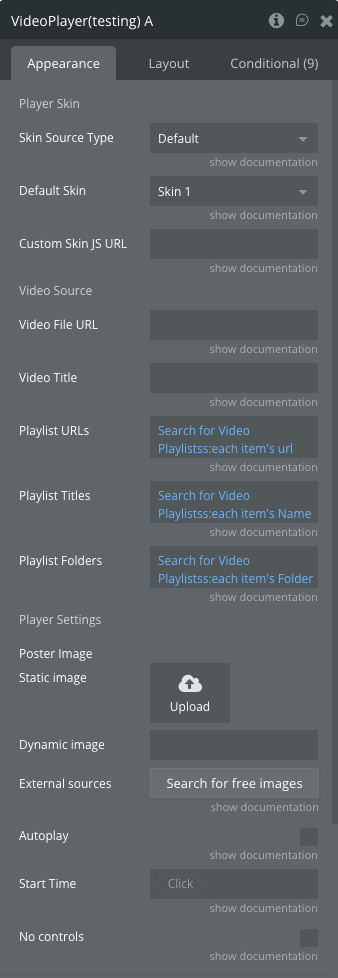
Plugin Element Properties - Video Player
The Video Player element provides a full-featured video playback interface with customizable skins and comprehensive controls.
Fields
Title
Description
Type
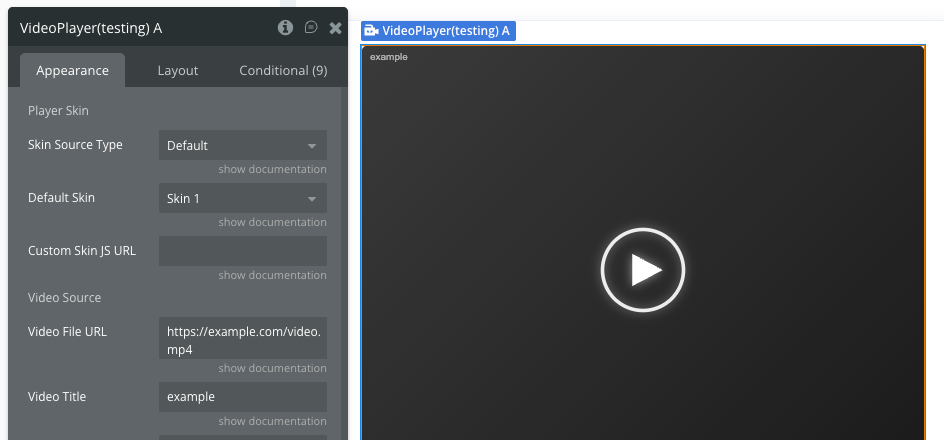
Player Skin
Label section for skin configuration
Label
Skin Source Type
Choose between “Default” (pre-installed skins) or “Custom URL” (your own JS file)
Dropdown
Default Skin
Select one of 10 built-in player designs (Skin 1 through Skin 10)
Dropdown
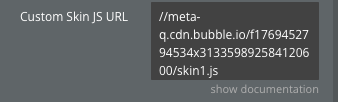
Custom Skin JS URL
Direct URL to a custom PlayerJS style file (.js). Required if “Skin Source Type” is “Custom URL”
Text
Video Source
Label section for media source configuration
Label
Video File URL
Direct URL of a single video or audio file (e.g., .mp4, .mp3, .m3u8). Leave empty if using a playlist
Text
Video Title
Internal name for the Bubble editor preview (optional)
Text
Playlist URLs
List of URLs for the playlist. Overrides “File URL” field if not empty
Text (list)
Playlist Titles
List of titles corresponding to the “Playlist URLs”. Order must match the URLs
Text (list)
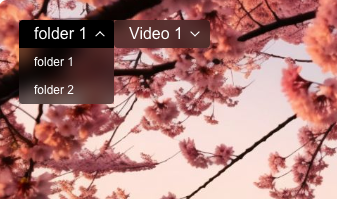
Playlist Folders
List of folder names to group videos in the player menu. If empty, displays a flat list
Text (list)
Player Settings
Label section for player behavior settings
Label
Poster Image
Image to display before playback starts (thumbnail)
Image
Autoplay
If checked, media starts playing automatically when loaded (browser restrictions may apply)
Boolean
Start Time
Time in seconds to start playback from (e.g., 10 to start at 0:10)
Number
No controls
Remove all player controls if checked
Boolean
Element States
Name
Description
Type
is playing
Returns yes if media is currently playing, no if paused or stopped
Boolean
current time
Current playback position in seconds. Updates in real-time during playback
Number
duration
Total length of the current video/audio in seconds. Available after playback starts
Number
is muted
Returns yes if sound is turned off (muted), no if sound is on
Boolean
volume
Current volume level (0 to 100)
Number
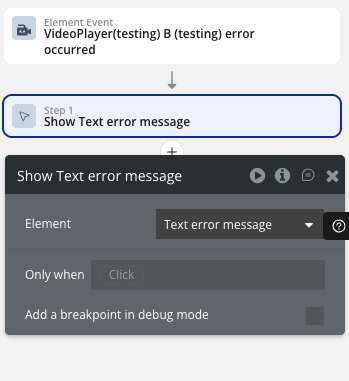
error message
Contains the text of the last error (e.g., “File not found”). Clears when playback restarts successfully
Text
Element Events
Name
Description
started
Triggered when the video or audio starts playing (or resumes from pause)
paused
Triggered when the user pauses the playback
finished
Triggered when the media reaches the end
error occurred
Triggered when the player encounters an error (e.g., broken link or unsupported format). Use the “Error Message” state for details
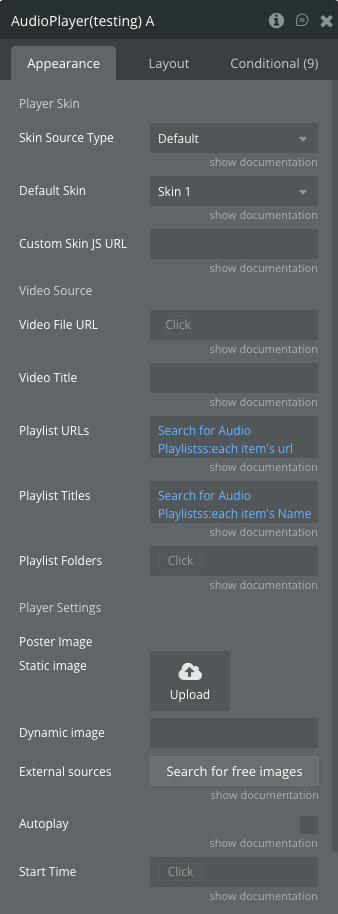
Plugin Element Properties - Audio Player
The Audio Player element provides an optimized interface for audio playback with a compact design.
Fields
Title
Description
Type
Player Skin
Label section for skin configuration
Label
Skin Source Type
Choose between “Default” (pre-installed skins) or “Custom URL” (your own JS file)
Dropdown
Default Skin
Select one of 10 built-in player designs (Skin 1 through Skin 10)
Dropdown
Custom Skin JS URL
Direct URL to a custom PlayerJS style file (.js). Required if “Skin Source Type” is “Custom URL”
Text
Video Source
Label section for media source configuration
Label
Video File URL
Direct URL of a single audio file (e.g., .mp3, .wav). Leave empty if using a playlist
Text
Video Title
Internal name for the Bubble editor preview (optional)
Text
Playlist URLs
List of URLs for the playlist. Overrides “File URL” field if not empty
Text (list)
Playlist Titles
List of titles corresponding to the “Playlist URLs”. Order must match the URLs
Text (list)
Playlist Folders
List of folder names to group audio tracks in the player menu. If empty, displays a flat list
Text (list)
Player Settings
Label section for player behavior settings
Label
Poster Image
Image to display before playback starts (thumbnail)
Image
Autoplay
If checked, media starts playing automatically when loaded (browser restrictions may apply)
Boolean
Start Time
Time in seconds to start playback from (e.g., 10 to start at 0:10)
Number
Element States
Name
Description
Type
is playing
Returns yes if media is currently playing, no if paused or stopped
Boolean
current time
Current playback position in seconds. Updates in real-time during playback
Number
duration
Total length of the current audio in seconds. Available after playback starts
Number
is muted
Returns yes if sound is turned off (muted), no if sound is on
Boolean
volume
Current volume level (0 to 100)
Number
error message
Contains the text of the last error (e.g., “File not found”). Clears when playback restarts successfully
Text
Element Events
Name
Description
started
Triggered when the audio starts playing (or resumes from pause)
paused
Triggered when the user pauses the playback
finished
Triggered when the audio reaches the end
error occurred
Triggered when the player encounters an error (e.g., broken link or unsupported format). Use the “Error Message” state for details
Element Actions [same for each element]
The plugin provides comprehensive playback control actions for both Video Player and Audio Player elements.
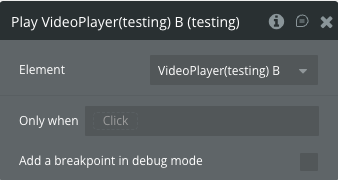
Play
Starts or resumes playback of the current media file.
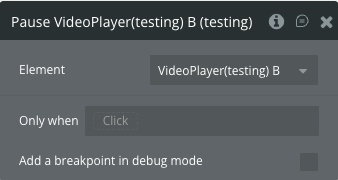
Pause
Pauses the current playback without resetting the position.
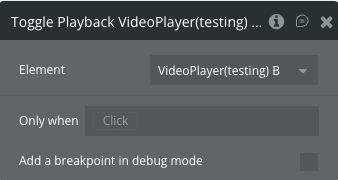
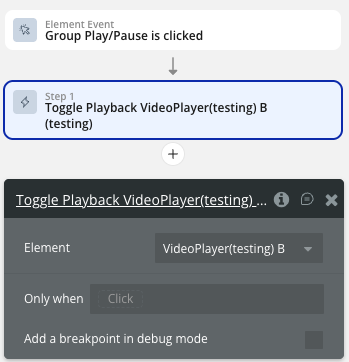
Toggle Playback
Pauses if currently playing, or plays if currently paused.
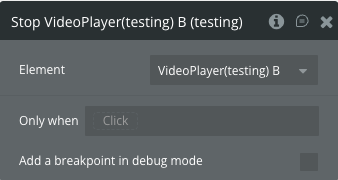
Stop
Stops playback completely and resets the playback position to the beginning.
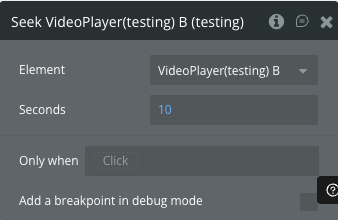
Seek
Jumps to a specific timestamp in the media file.
Fields
Title
Description
Type
Seconds
The timestamp in seconds to jump to (e.g., 30 for 0:30)
Number
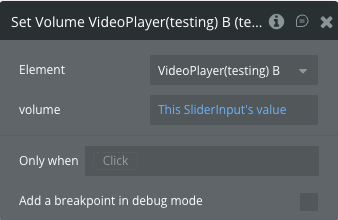
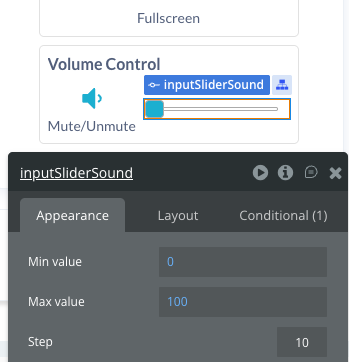
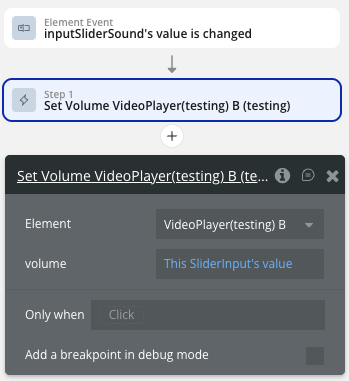
Set Volume
Sets the volume level of the player.
Fields
Title
Description
Type
volume
Volume level between 0 (silent) and 100 (maximum volume)
Number
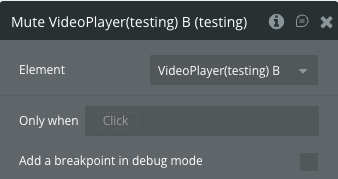
Mute
Turns off the sound completely.
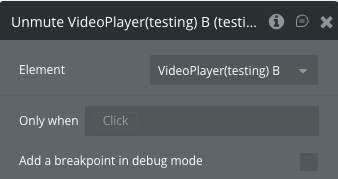
Unmute
Restores the sound to the previous volume level.
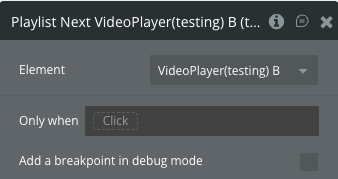
Playlist Next
Switches to the next media file in the playlist. Only works when using a playlist.
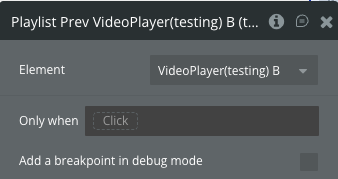
Playlist Prev
Switches to the previous media file in the playlist. Only works when using a playlist.
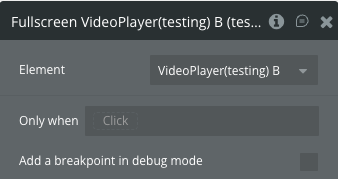
Fullscreen (Video Player Only)
Switches the video player to fullscreen mode.
Workflow example
Here are some practical workflow examples to help you get started with the PlayerJS - Player Builder plugin: