
Link to the plugin page: https://www.framer.com/marketplace/plugins/cursor-effects/
Introduction
The Cursor Effects Plugin is designed to add engaging and interactive cursor effects to your Framer projects. This plugin contains two powerful components that create stunning visual experiences as users move their cursor across your website. The plugin includes a WebGL-powered fluid dynamics simulation (Splash Cursor) and a collection of various animated cursor effects (Cursor Effects) that can transform any ordinary cursor interaction into an engaging visual experience.
How to setup
To use the Cursor Effects Plugin in your Framer project:
- Install the plugin from the Framer plugin library
- To start using the plugin, you need to create or log in to your Zeroqode account. Select Sign In or Sign Up.
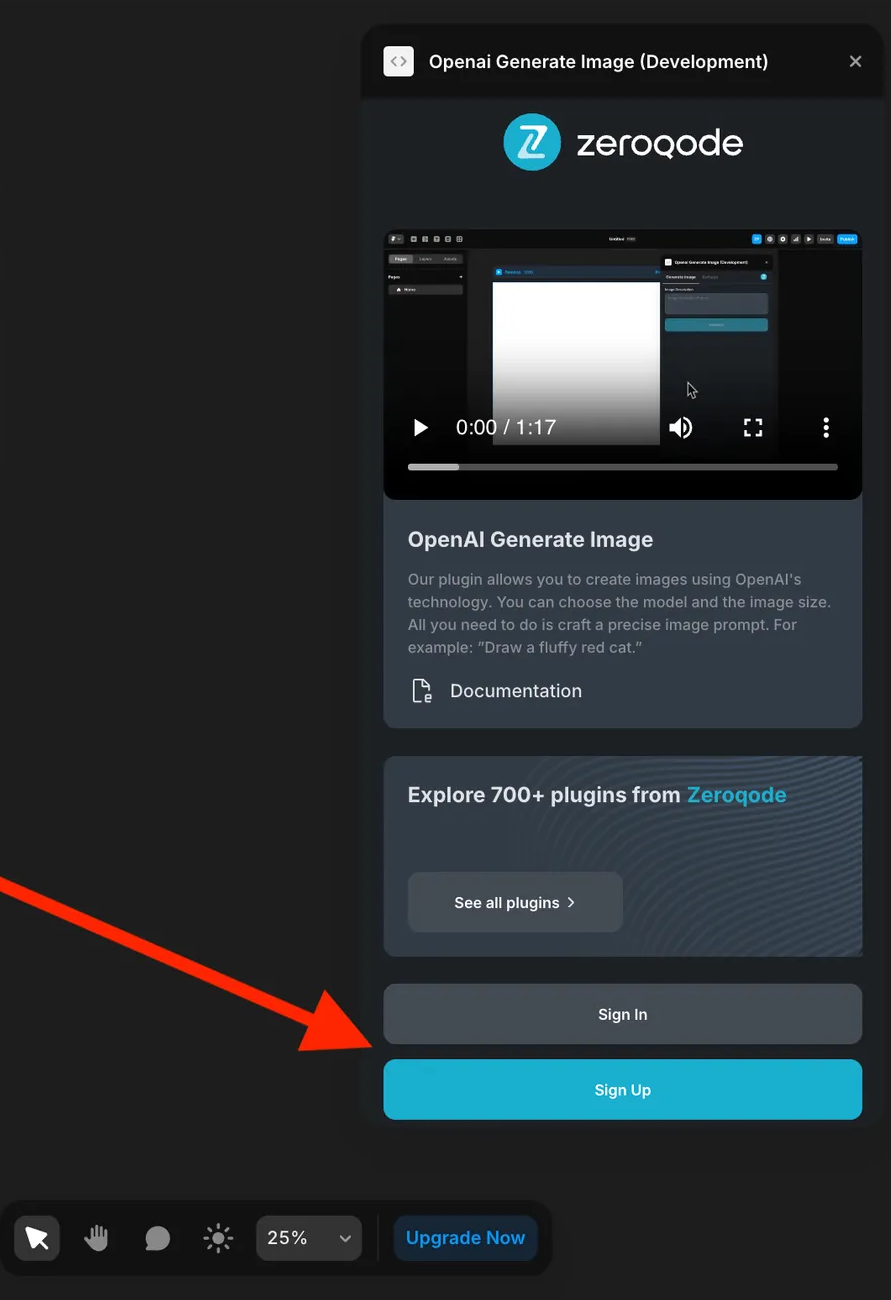
- Enter your account details.
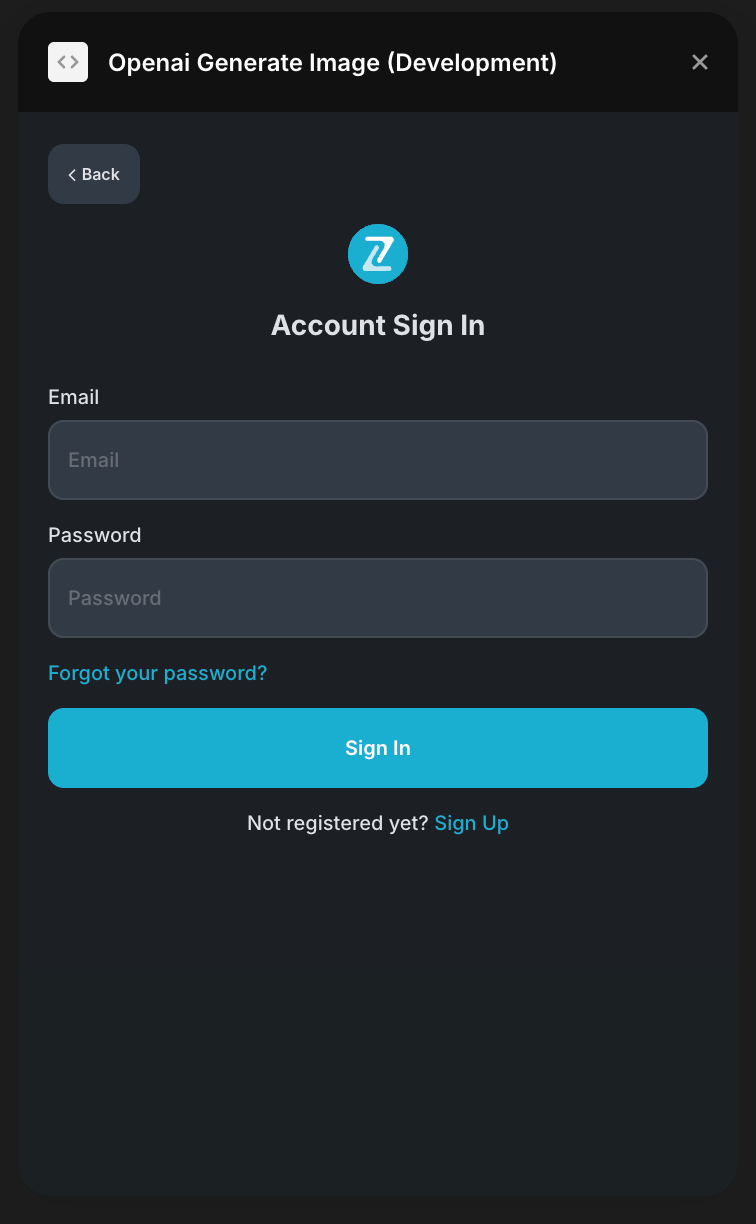
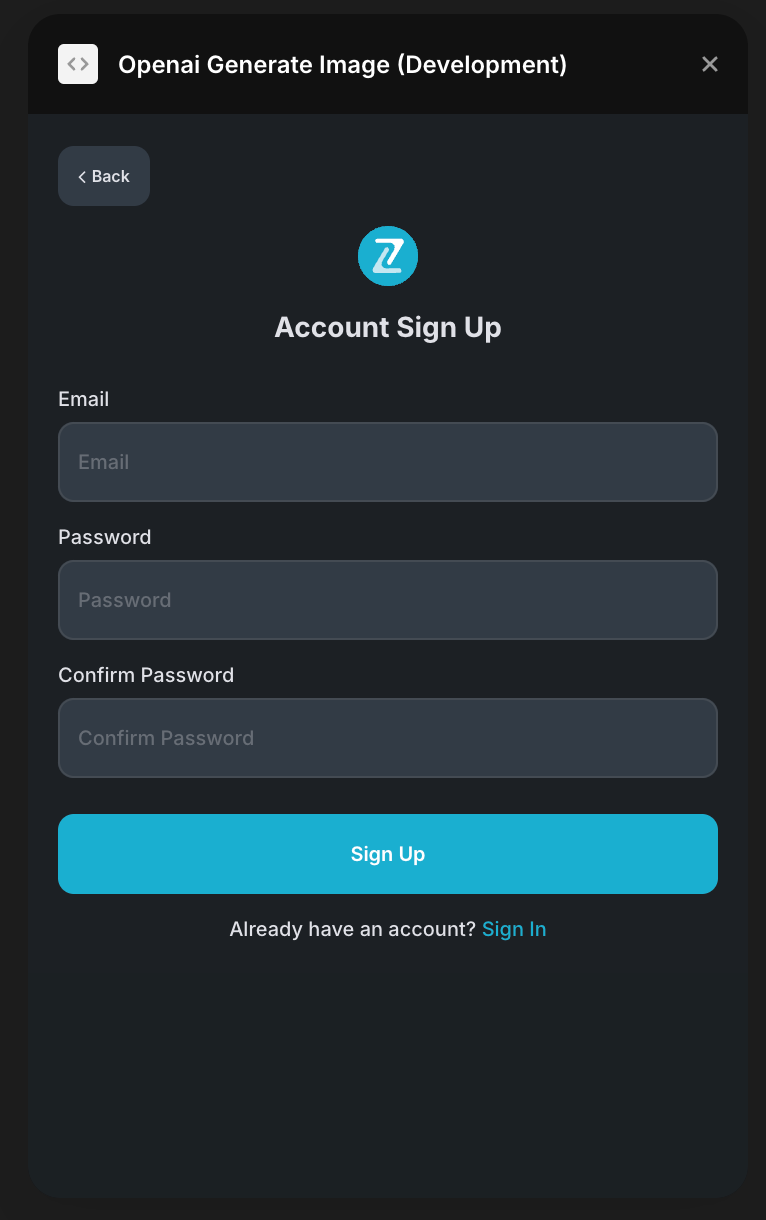
- A subscription to all our plugins is required. Once subscribed, you will gain access to all our plugins.
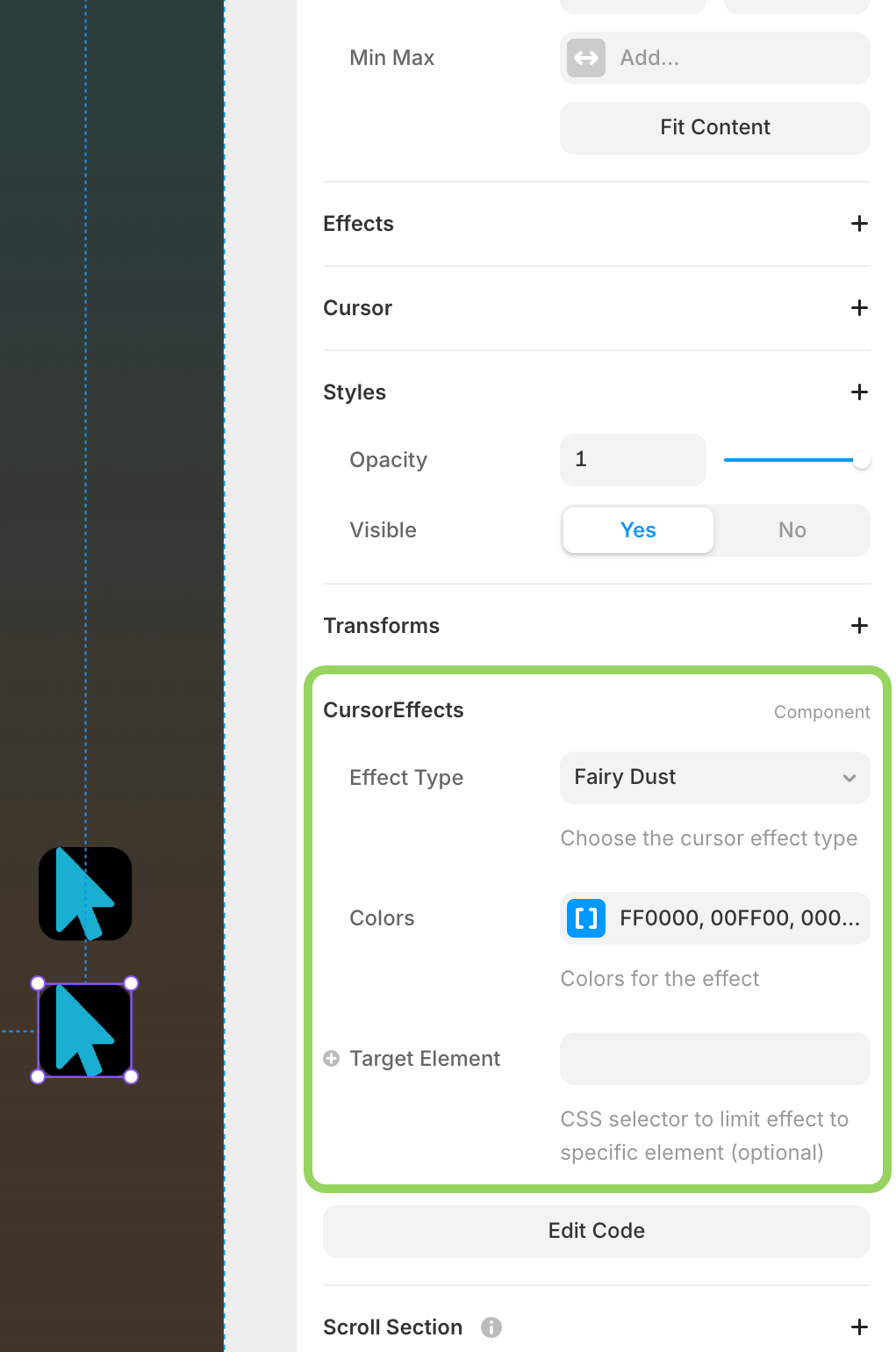
- Click “Add Splash Cursor” or “Add Cursor Effects” to insert the desired component
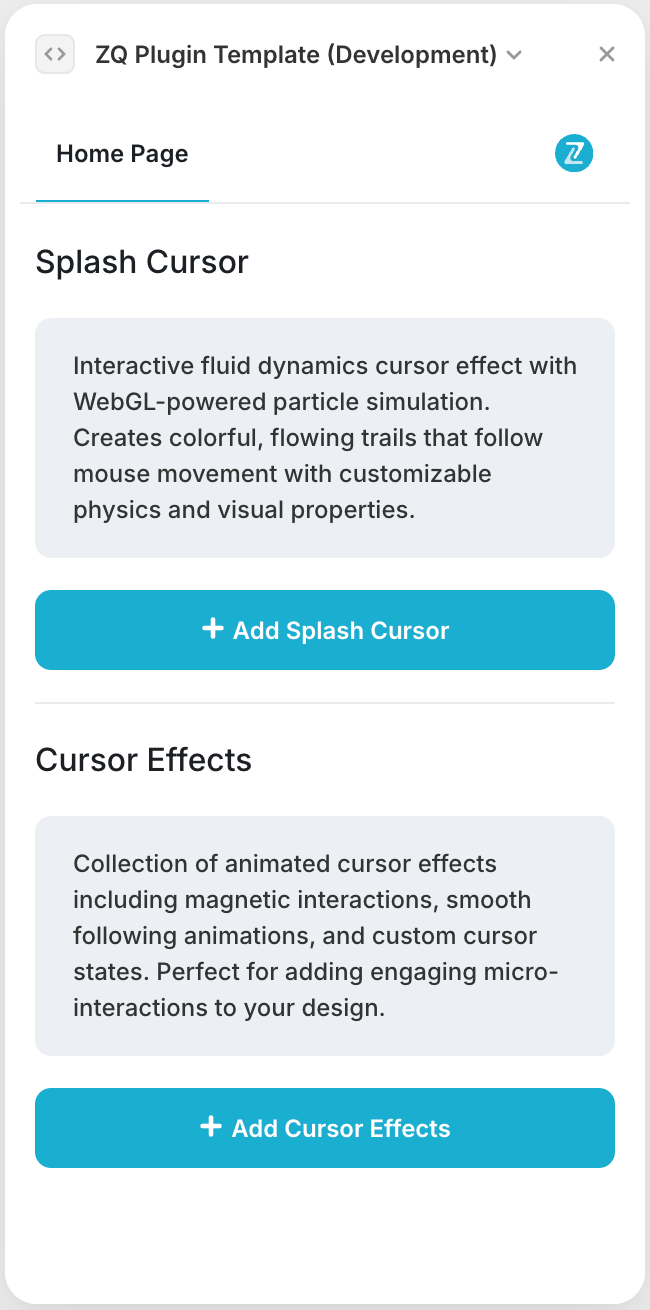
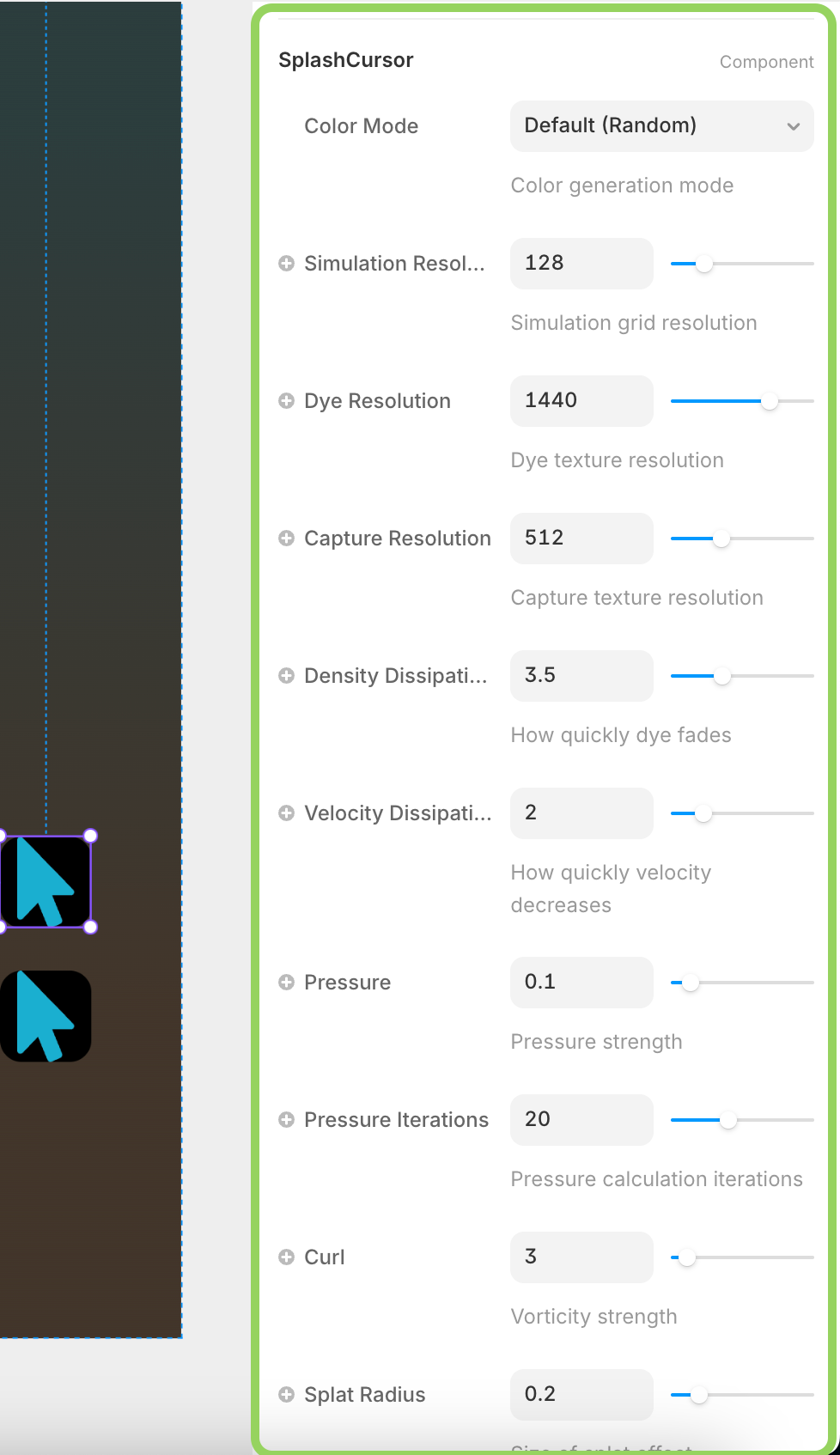
- Customize the component properties in the properties panel
- Preview and publish your project
The plugin will automatically handle the cursor effects across your entire project once the components are added.
Plugin Element Properties
The plugin contains two main visual elements that should be used on your pages.
Splash Cursor

Interactive fluid dynamics cursor effect with WebGL-powered particle simulation that creates colorful, flowing trails following mouse movement.
Fields:
Title | Description | Type |
Color Mode | Choose color generation mode: Default (Random), Single Color, or Black & White | Enum |
Base Color | Base color used when Single Color mode is selected | Color |
Simulation Resolution | Grid resolution for fluid simulation (32-512) | Number |
Dye Resolution | Texture resolution for dye rendering (256-2048) | Number |
Capture Resolution | Texture resolution for capture (256-1024) | Number |
Density Dissipation | How quickly the dye fades (0.1-10) | Number |
Velocity Dissipation | How quickly velocity decreases (0.1-10) | Number |
Pressure | Pressure strength (0.01-1) | Number |
Pressure Iterations | Number of pressure calculation iterations (1-50) | Number |
Curl | Vorticity strength for swirling effects (0-50) | Number |
Splat Radius | Size of splat effect (0.05-1) | Number |
Splat Force | Force of splat effect (1000-20000) | Number |
Shading | Enable shading effects for depth | Boolean |
Color Update Speed | How fast colors change (1-100) | Number |
Cursor Effects

Collection of animated cursor effects including fairy dust, rainbow trails, emoji rain, and various particle systems.
Fields:
Title | Description | Type |
Effect Type | Type of cursor effect: Fairy Dust, Rainbow Trail, Emoji Rain, Ghost Following, Trailing Cursor, Text Flag, Following Dot, Bubble Particles, Snowflake, Clock Cursor, Character Cursor | Enum |
Colors | Array of colors for the effect (max 10 colors) | Color Array |
Emojis/Snowflakes | Array of emoji or snowflake characters (max 20) | Text Array |
Characters | Array of characters for character cursor or text flag (max 20) | Text Array |
Size | Size of effect elements (1-20) | Number |
Length/Particles | Trail length or number of particles (5-100) | Number |
Rate | Particle generation rate (1-20) | Number |
Life Span | How long characters live in milliseconds (50-1000) | Number |
Rotate Characters | Enable character rotation and movement | Boolean |
Target Element | CSS selector to limit effect to specific element | Text |