
Link to the plugin page: https://zeroqode.com/plugin/facebook-social-plugin-for-bubble--1581709299244x553323258529400770
Demo to preview the plugin:
Introduction
The Facebook Social plugin allows you to display Facebook content directly in your Bubble app. Showcase videos, posts, comments, and activity from your Facebook page or friends’ interactions across the web. With three customizable elements, you can fully control how the content appears, enhancing user engagement and providing social proof in real-time.
Key Features

How to setup
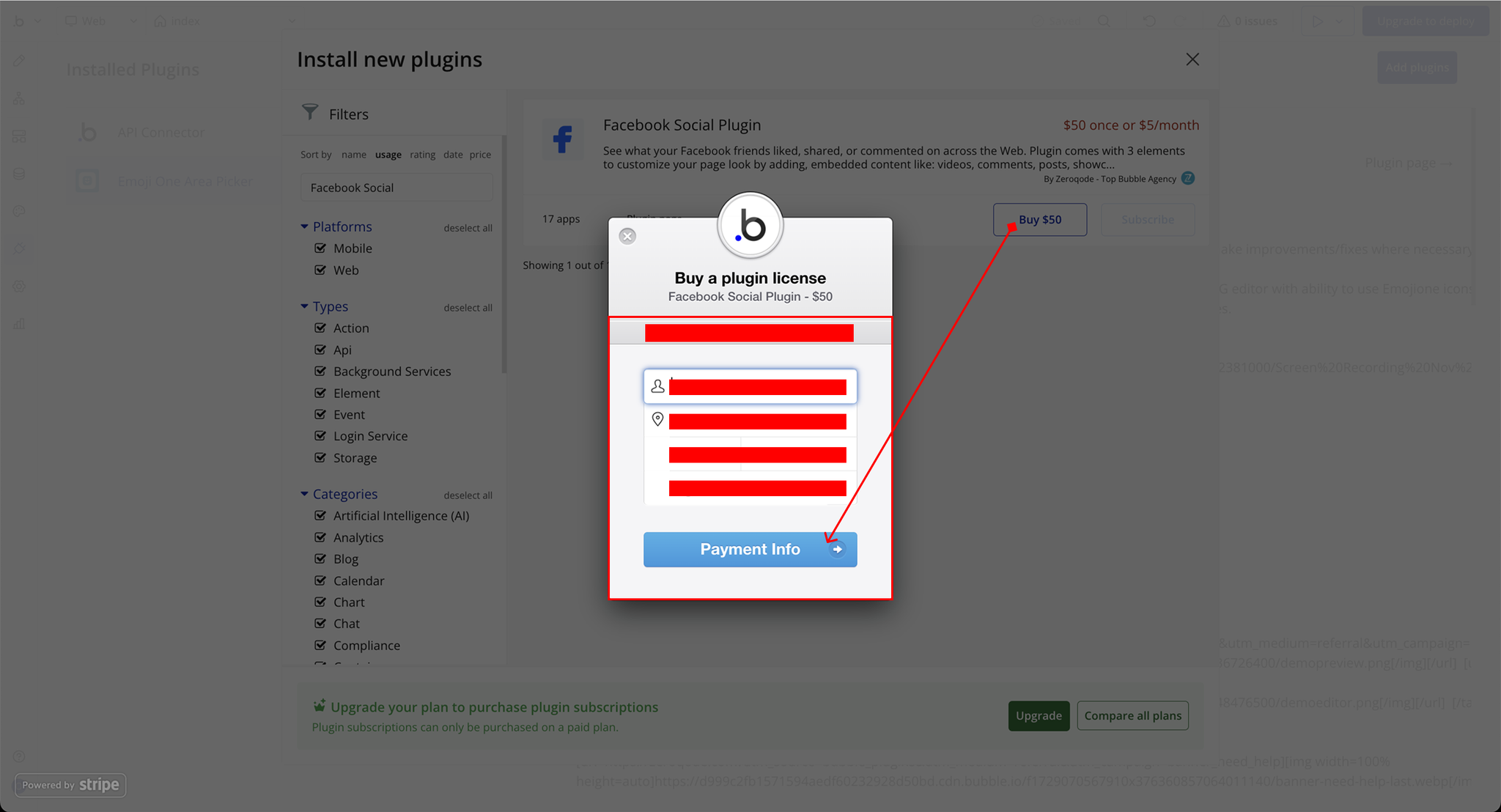
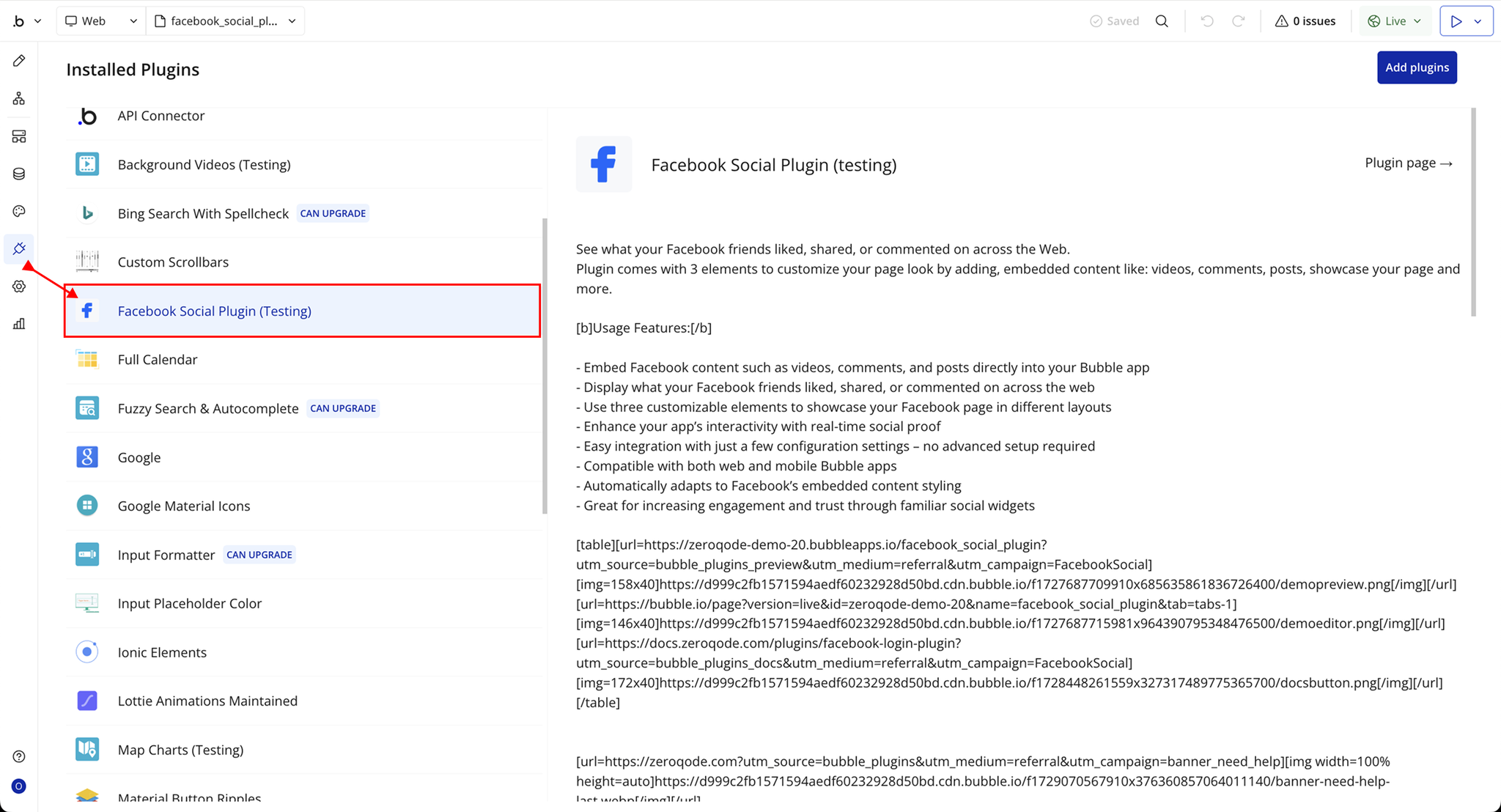
Step 1 – Install the Plugin
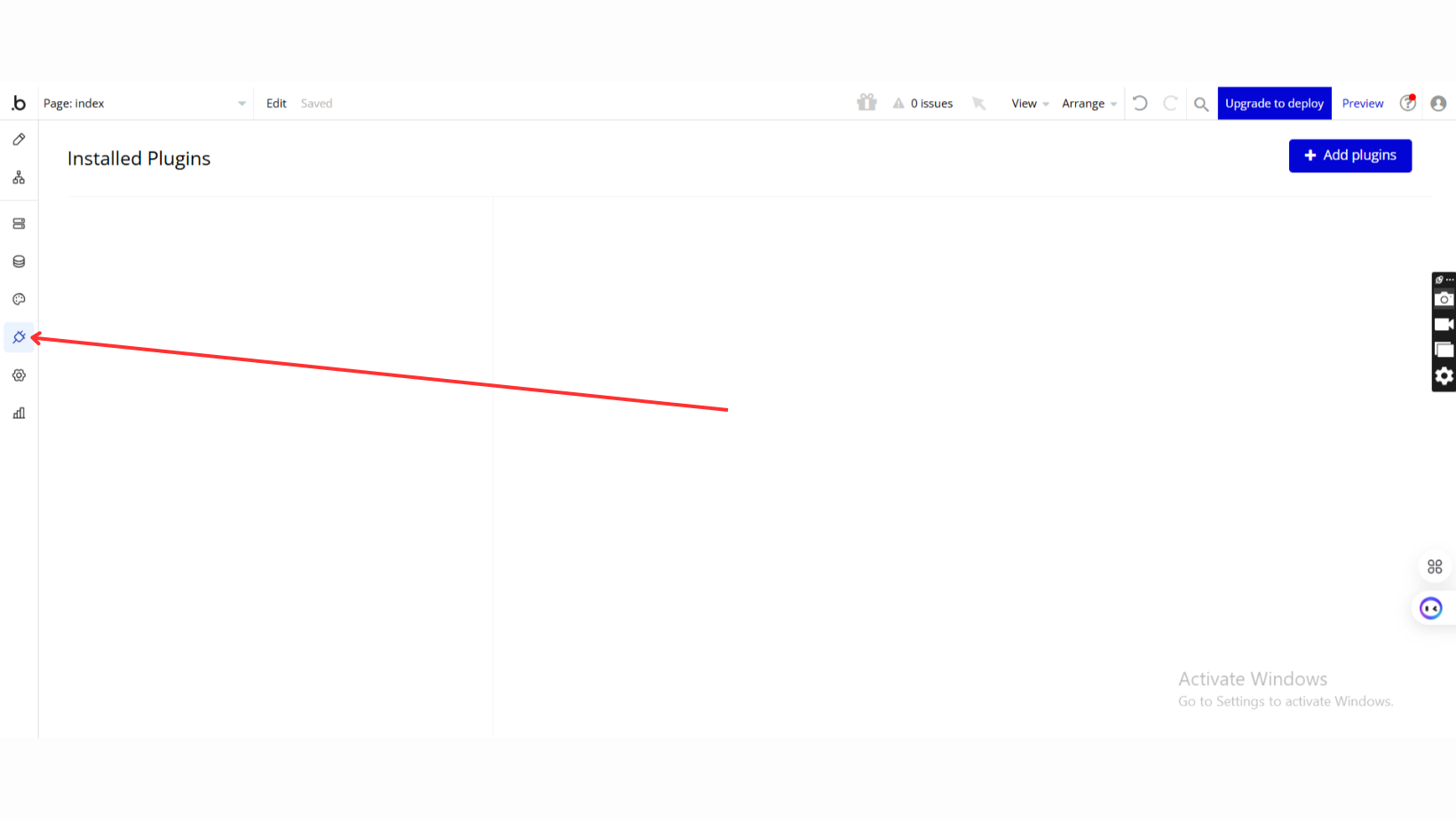
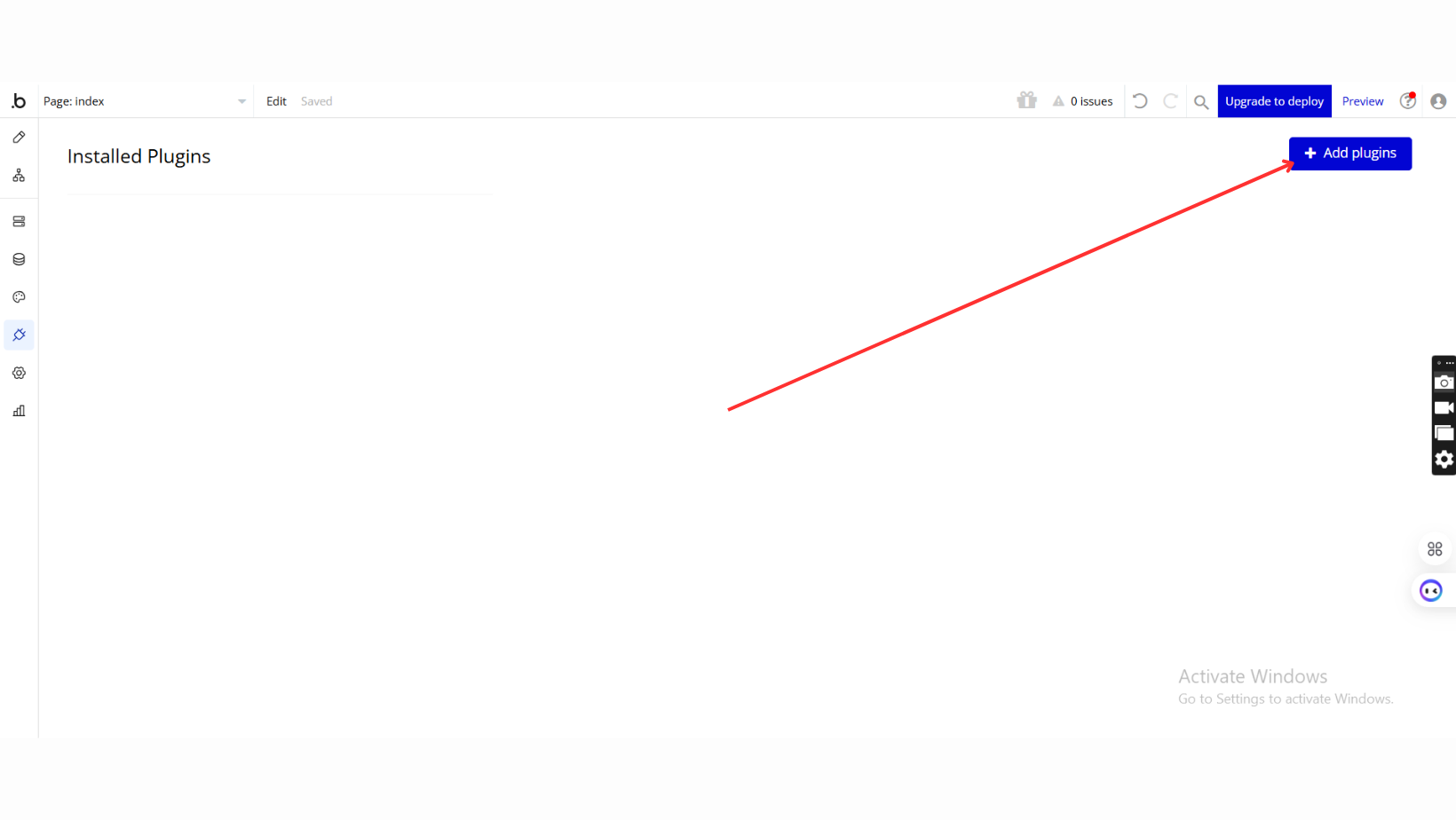
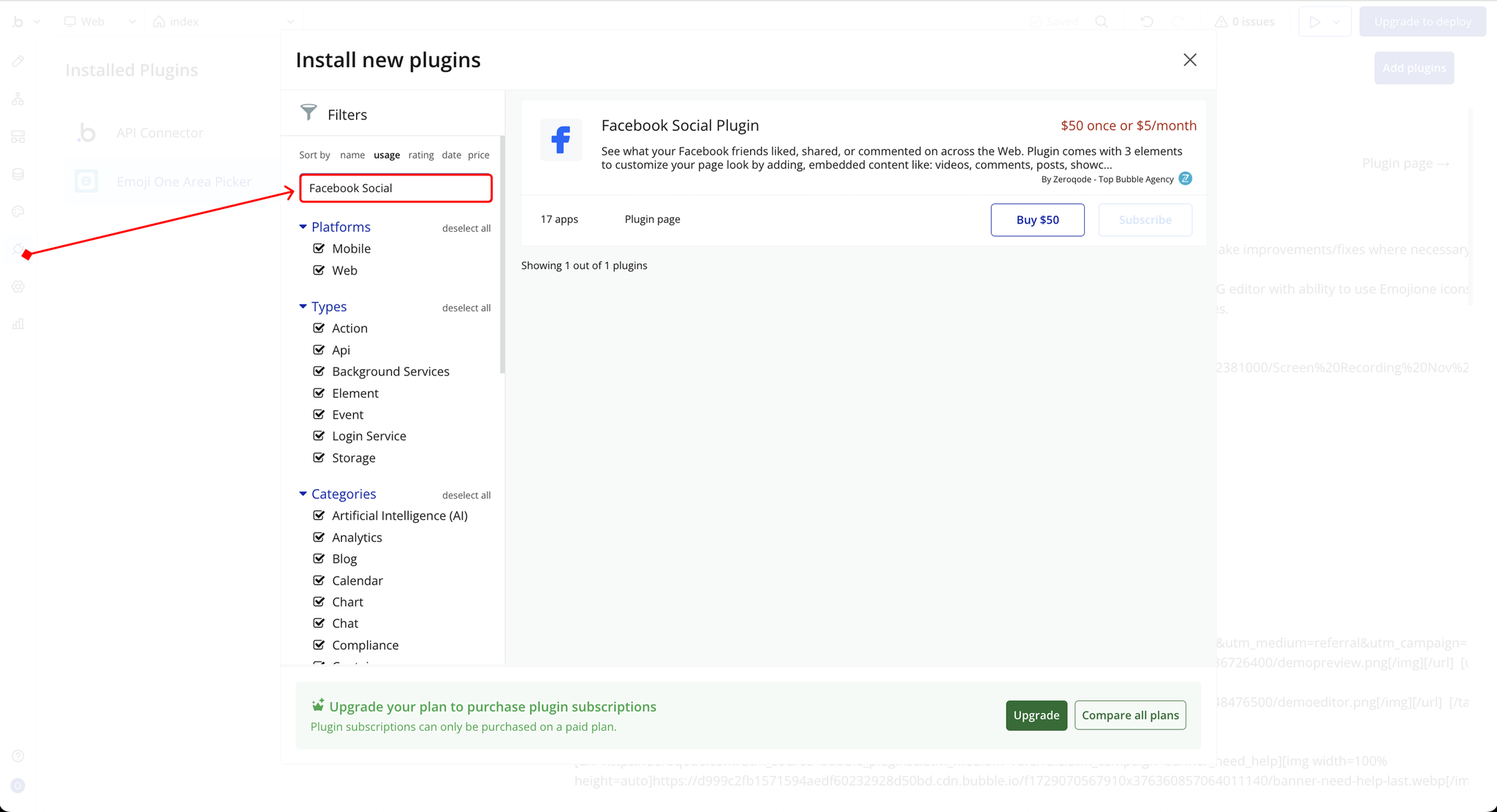
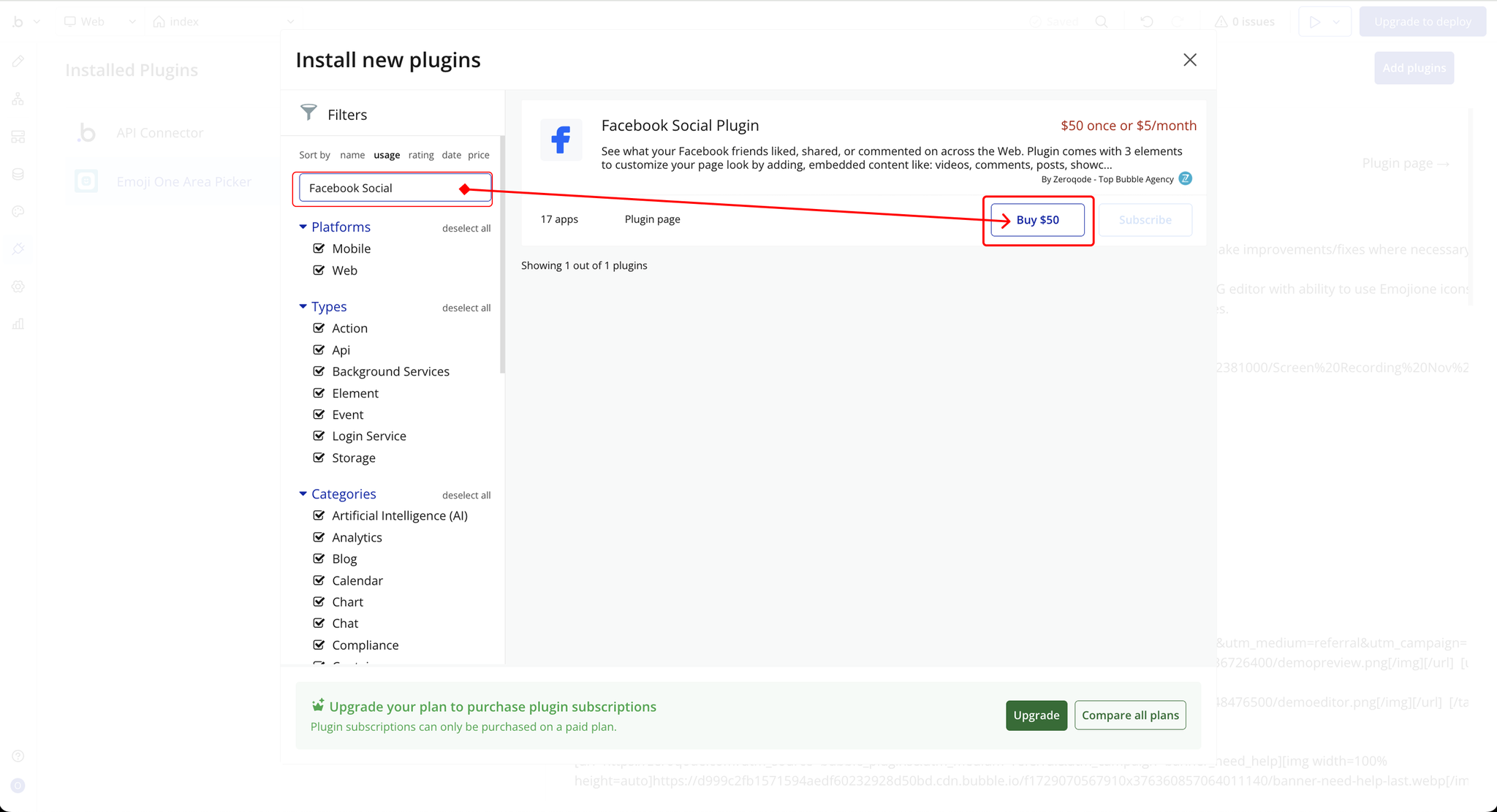
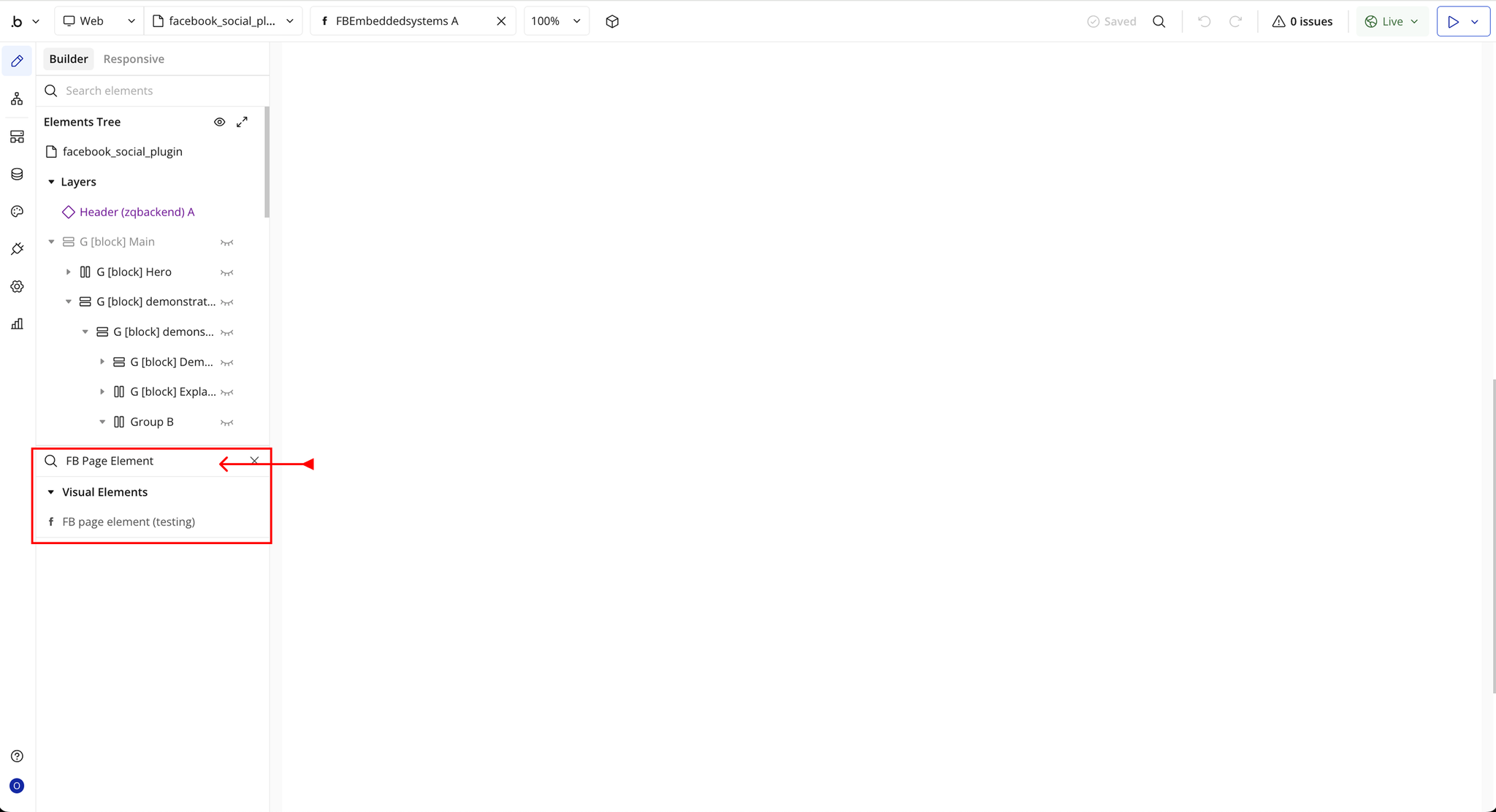
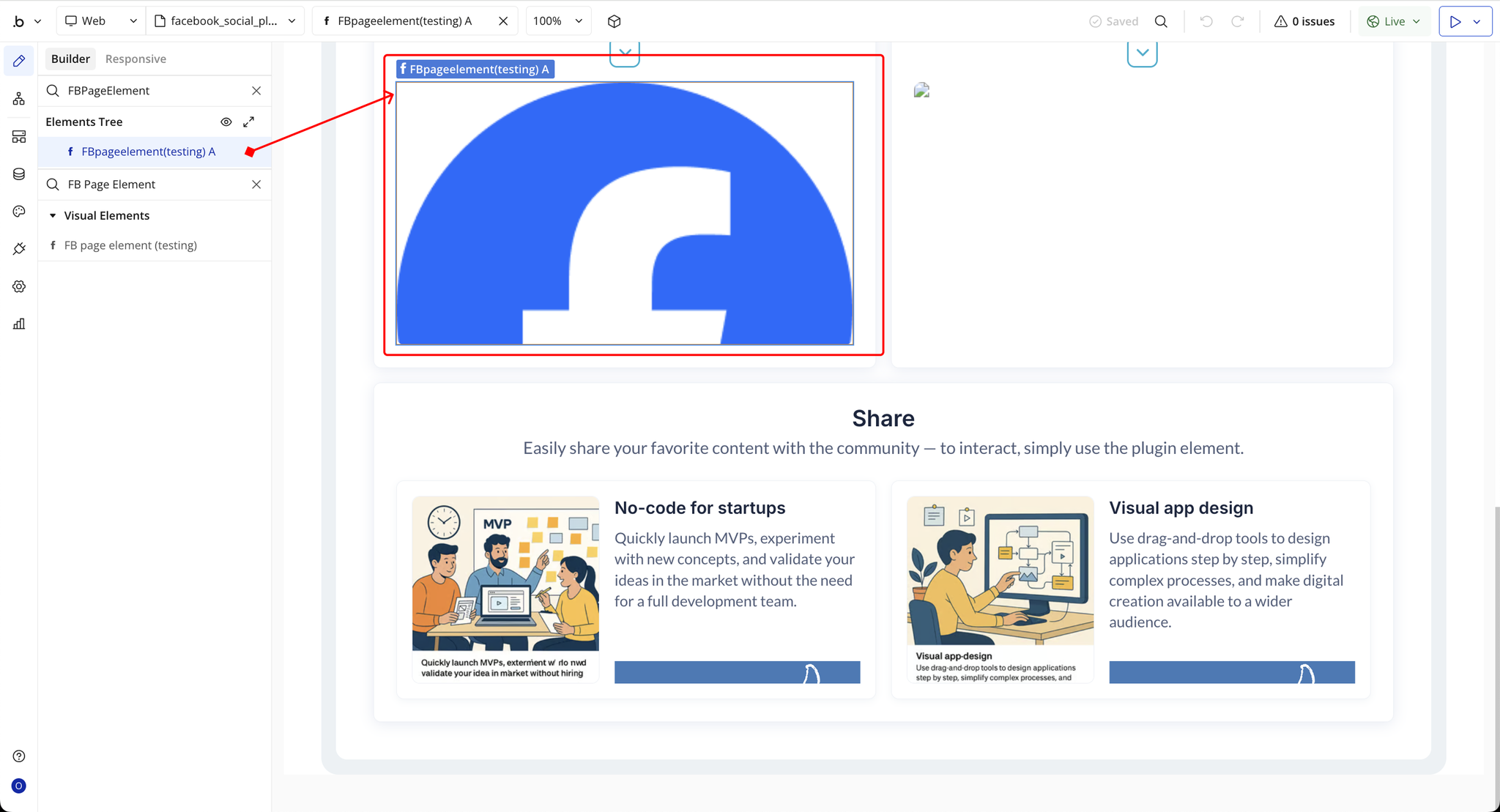
Step 2 – Add the Plugin Elements to Your Page (FB Page Element)
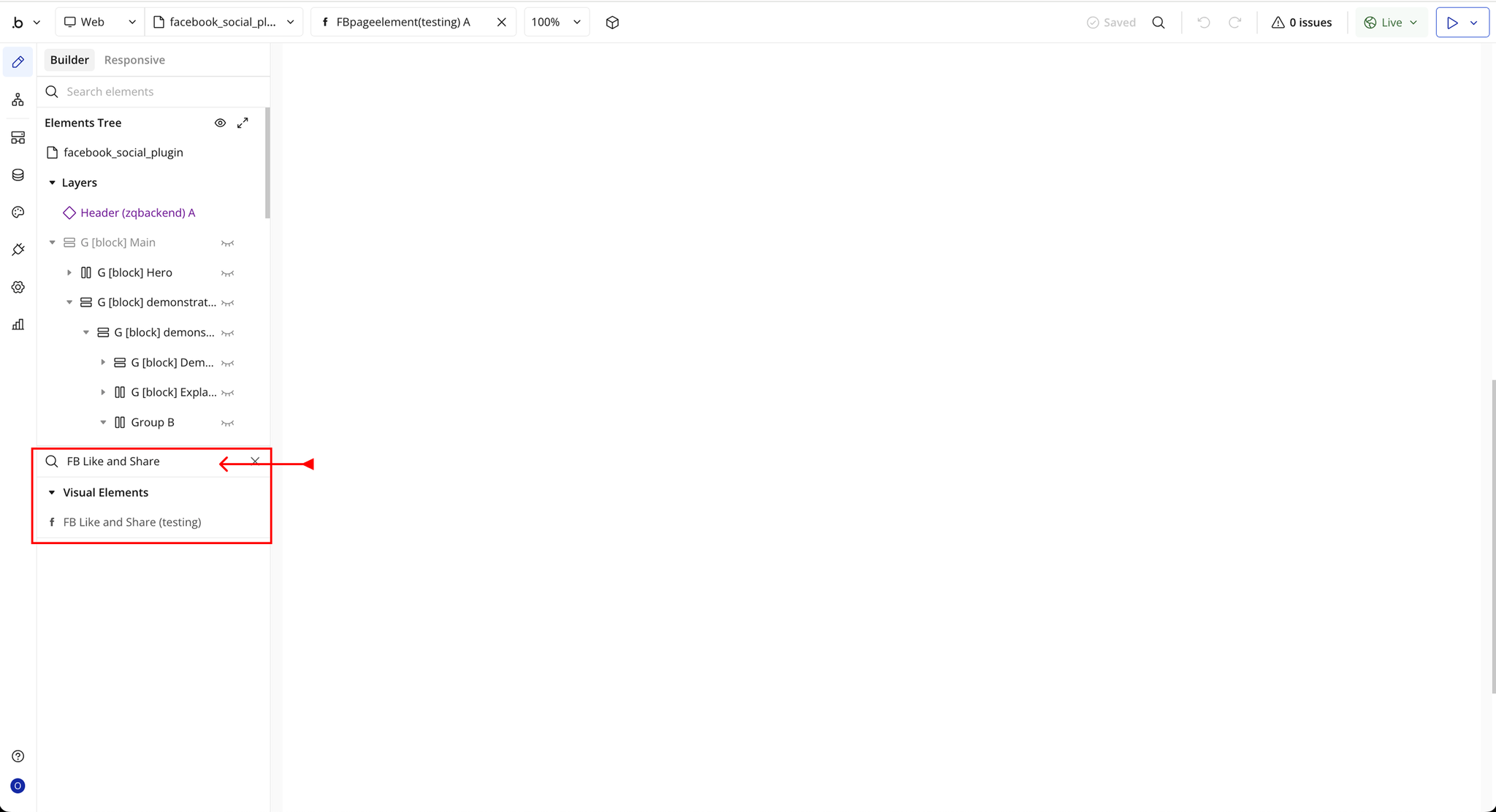
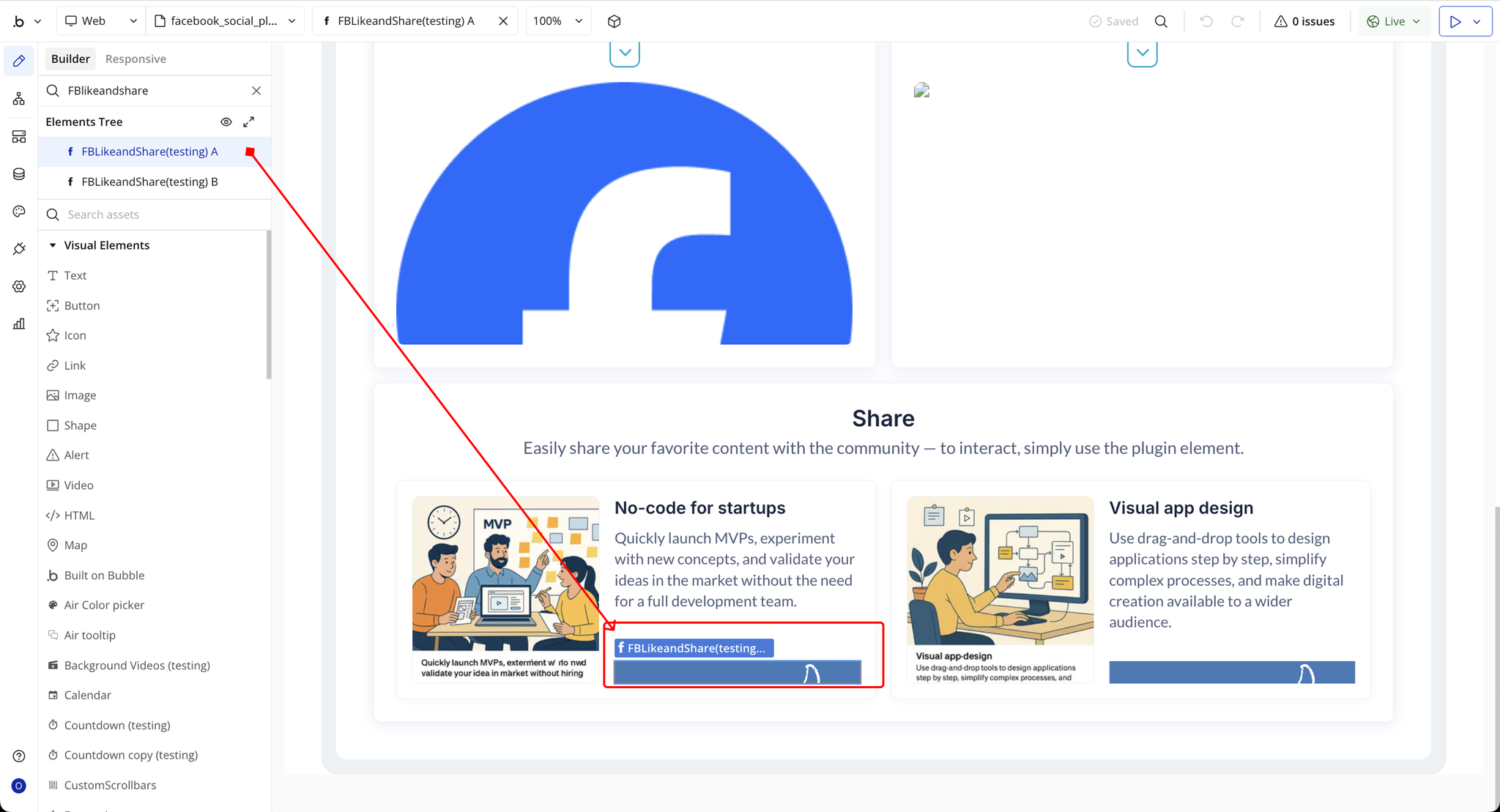
Step 3 – Add the Plugin Elements to Your Page (FB Like and Share)
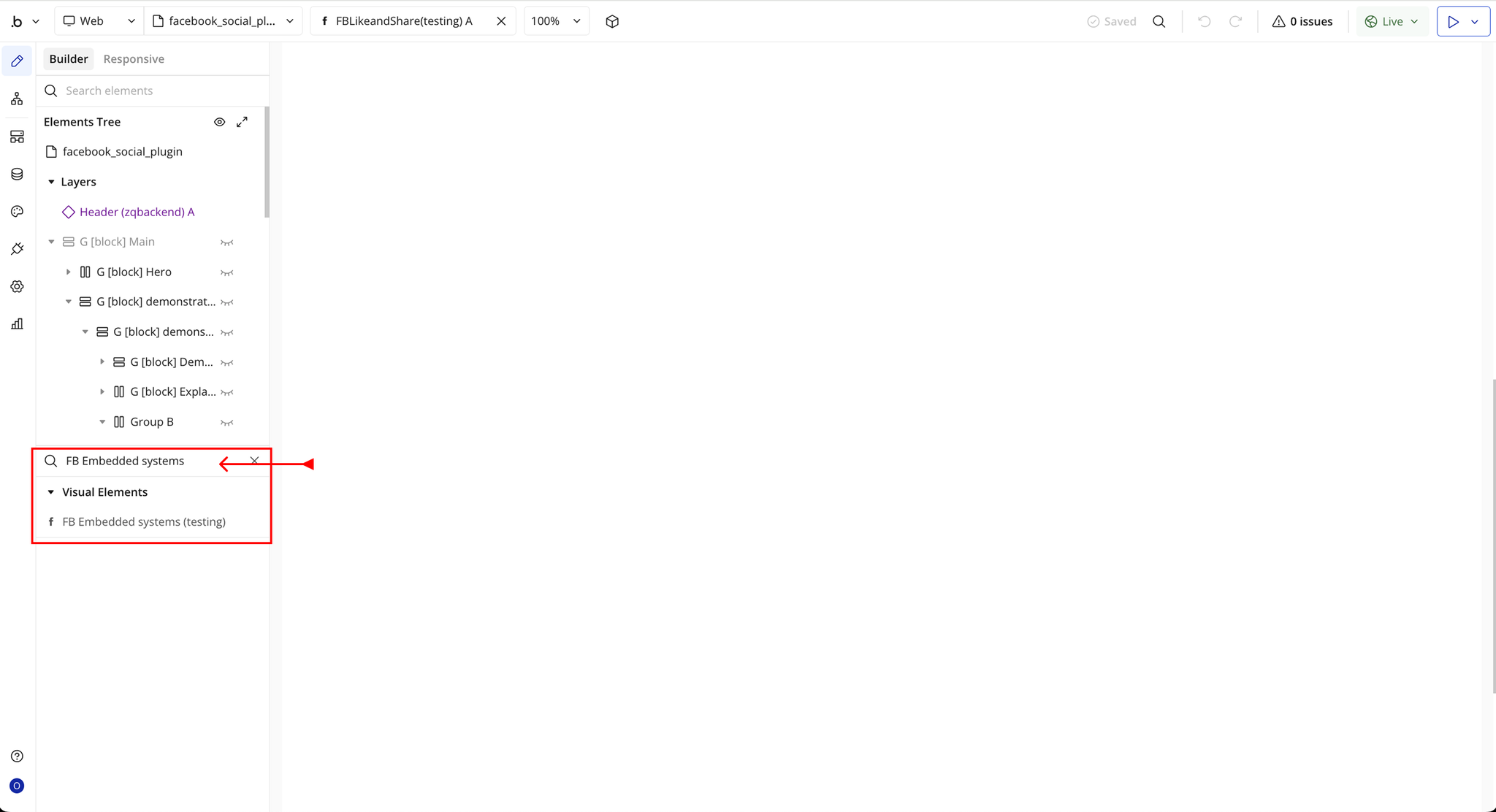
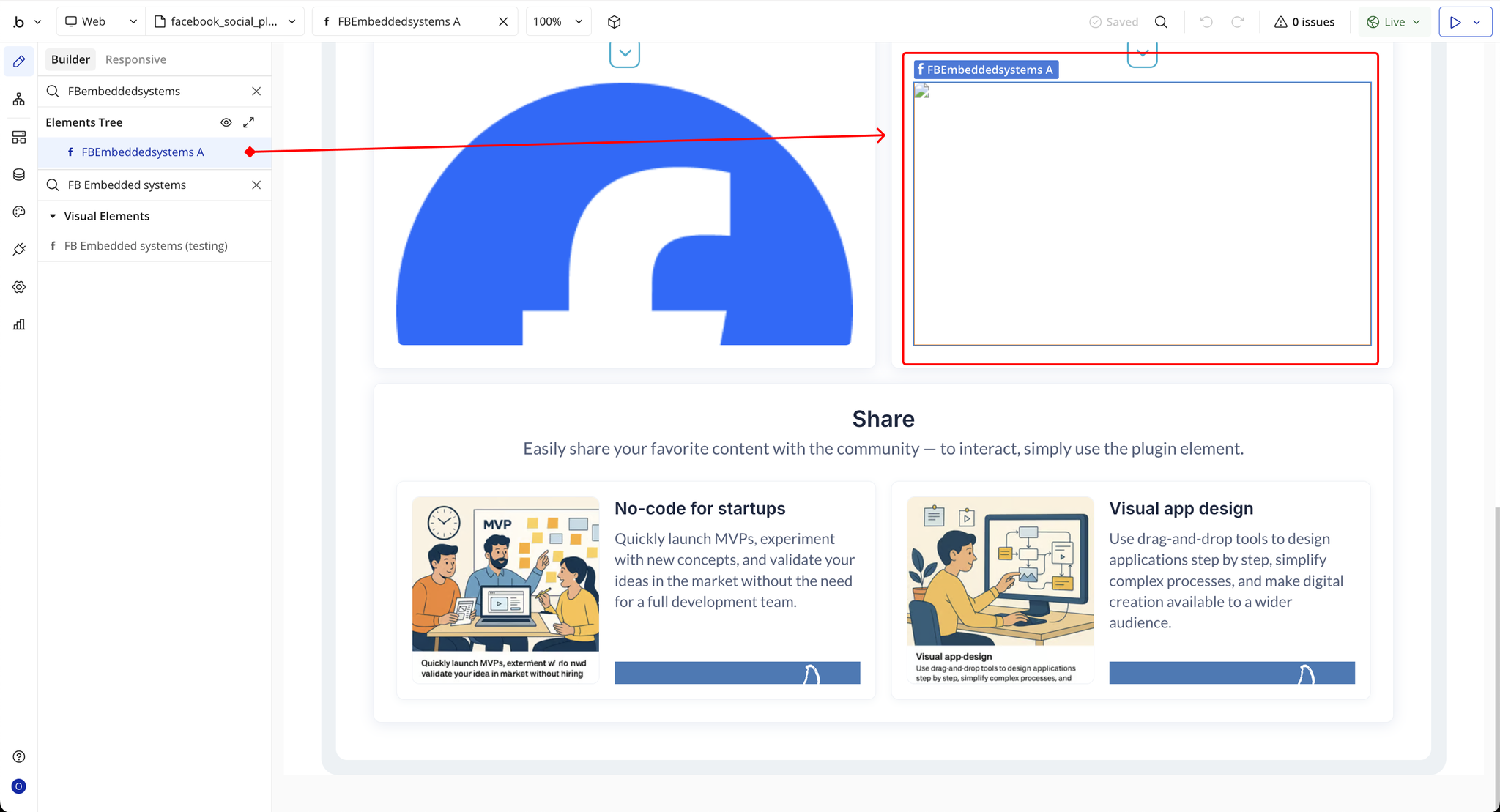
Step 4 – Add the Plugin Elements to Your Page (FB Embedded Systems)
Plugin Element Properties - FB page element
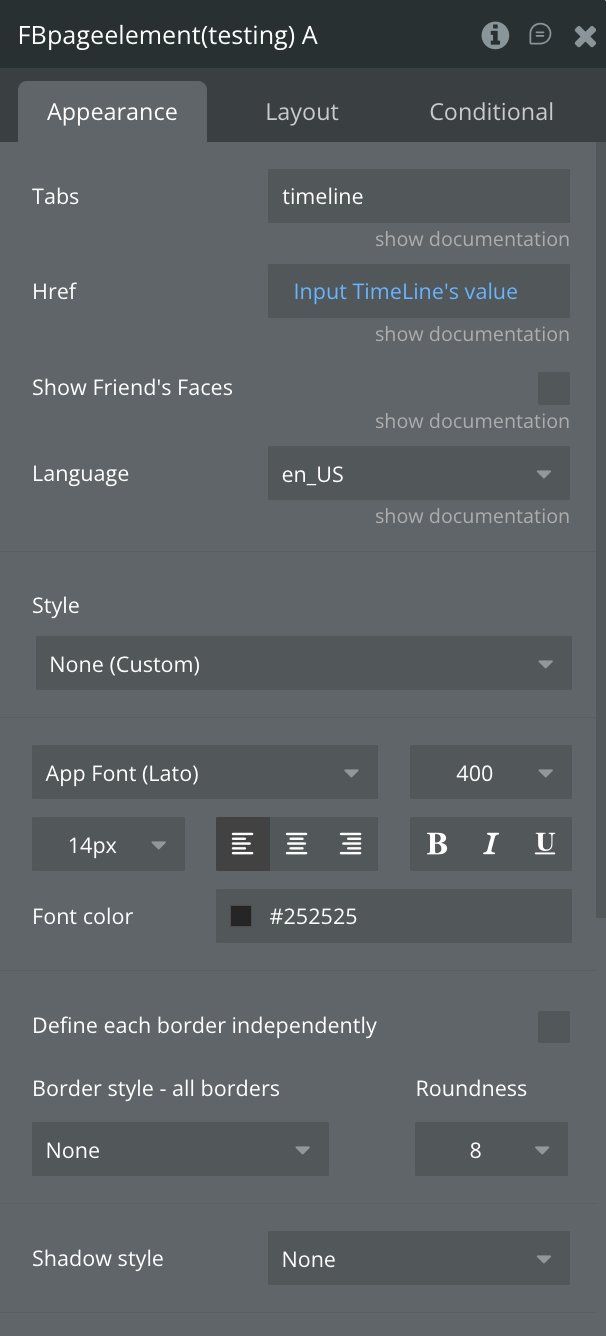
Fields
Plugin Element Properties - FB Like and Share
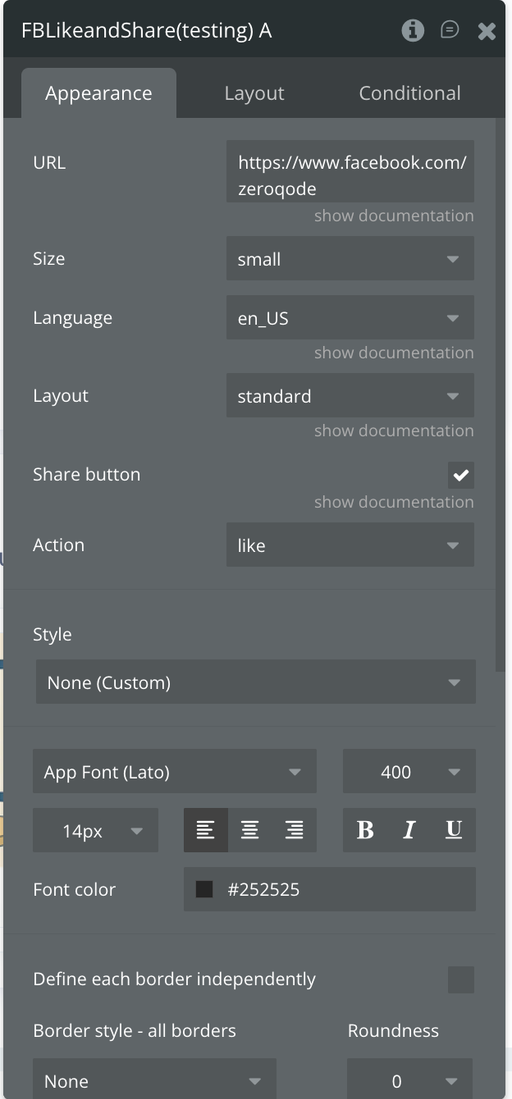
Fields
Plugin Element Properties - FB Embedded systems
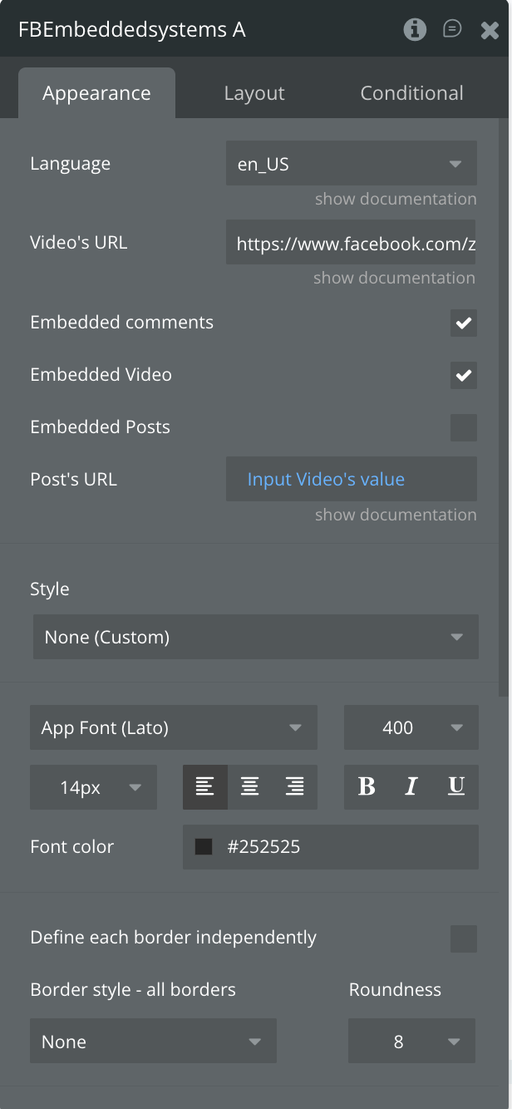
Fields
