
✅
Demo to preview the settings
✅
Introduction
This HTML5 based Video Player can be used to play any video format that HTML5 supports. You can upload your own Static File or use a Dynamic Link as the Video Source.
Notable Features:
- Floating Video - When a user scrolls past the video, a "floating" video can stick to the side of the screen so that the video can continue to be watched as the user scrolls.
- Playlist Support - Instead of just specifying 1 video to play, you can provide a playlist so that multiple videos can be played in a row.
- Disable Right Clicking - Disable right clicking on the video so that it is more difficult to download/save the video from the webpage.
- Disable Auto-Fullscreen - On many mobile devices, when a video starts playing it will default to fullscreen mode. This player can disable that and allow playback within the page.
- Auto Play - Automatically start playing when the video source loads. (Some browsers require the video to be muted.)
- Hide Native HTML5 Video Controls - Hide the default browser video controls so you can use your own custom buttons.
- Looping Video - Automatically loop the video when it ends.
- Thumbnail Image - Display a custom thumbnail image before the video begins.
- Auto Pause When Scrolling - Automatically pauses the video when it scrolls out of view.
- Preview Images (Timeline Thumbnails) - Hovering over the video timeline displays a preview image for that position.
- Video Zoom - Adjust the zoom level of the video player.
- Sleep Timer - Stop the video automatically after X seconds.
- Mirror Mode - Mirror the video horizontally.
- AirPlay Support - Play the video on a TV using Apple AirPlay (iOS Safari only).

Tutorial
How to setup
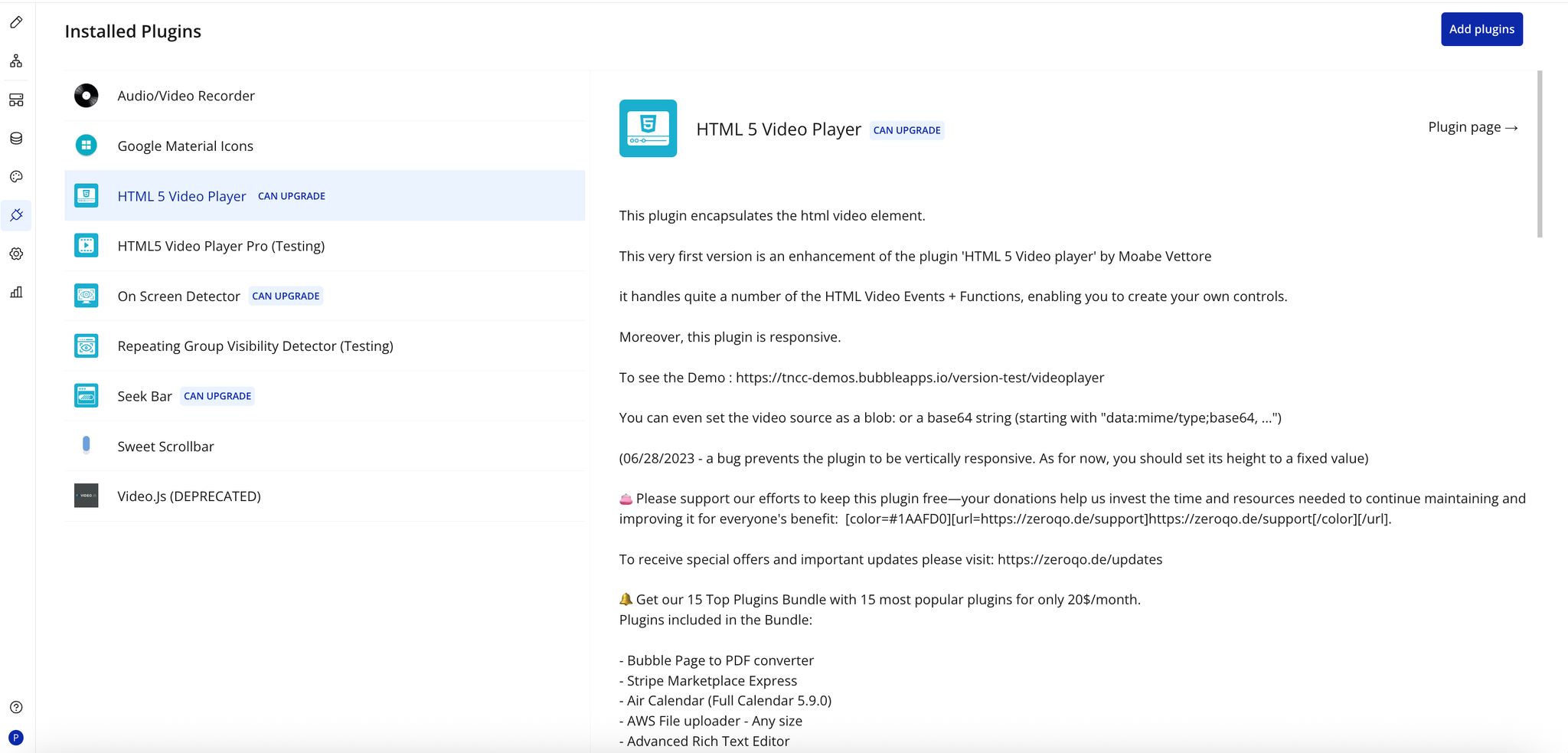
Step 1 – Install the Plugin
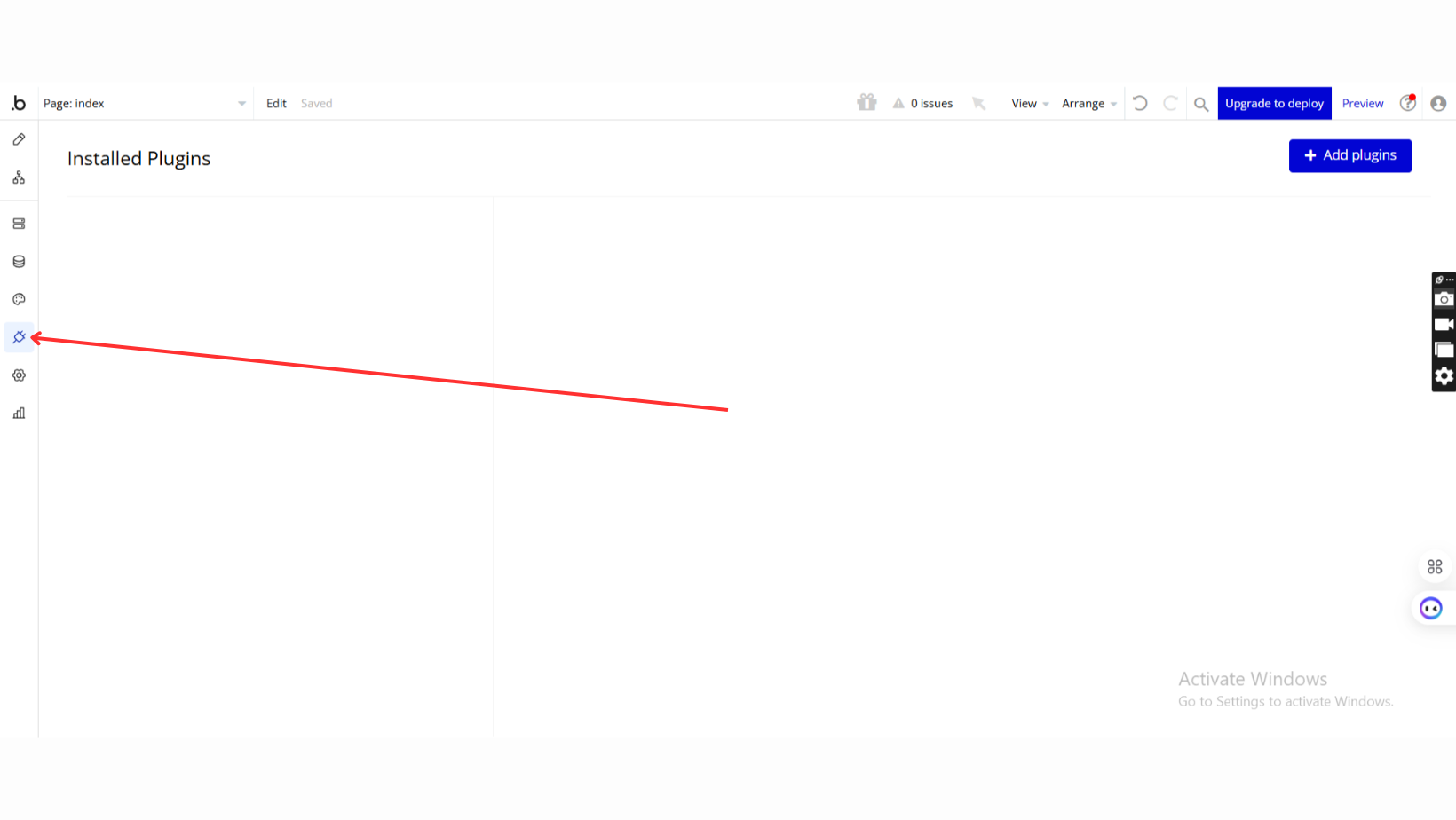
- Go to the Plugin Tab
- Open your Bubble Editor.
- Navigate to the Plugins tab on the left panel.
- Add Plugins
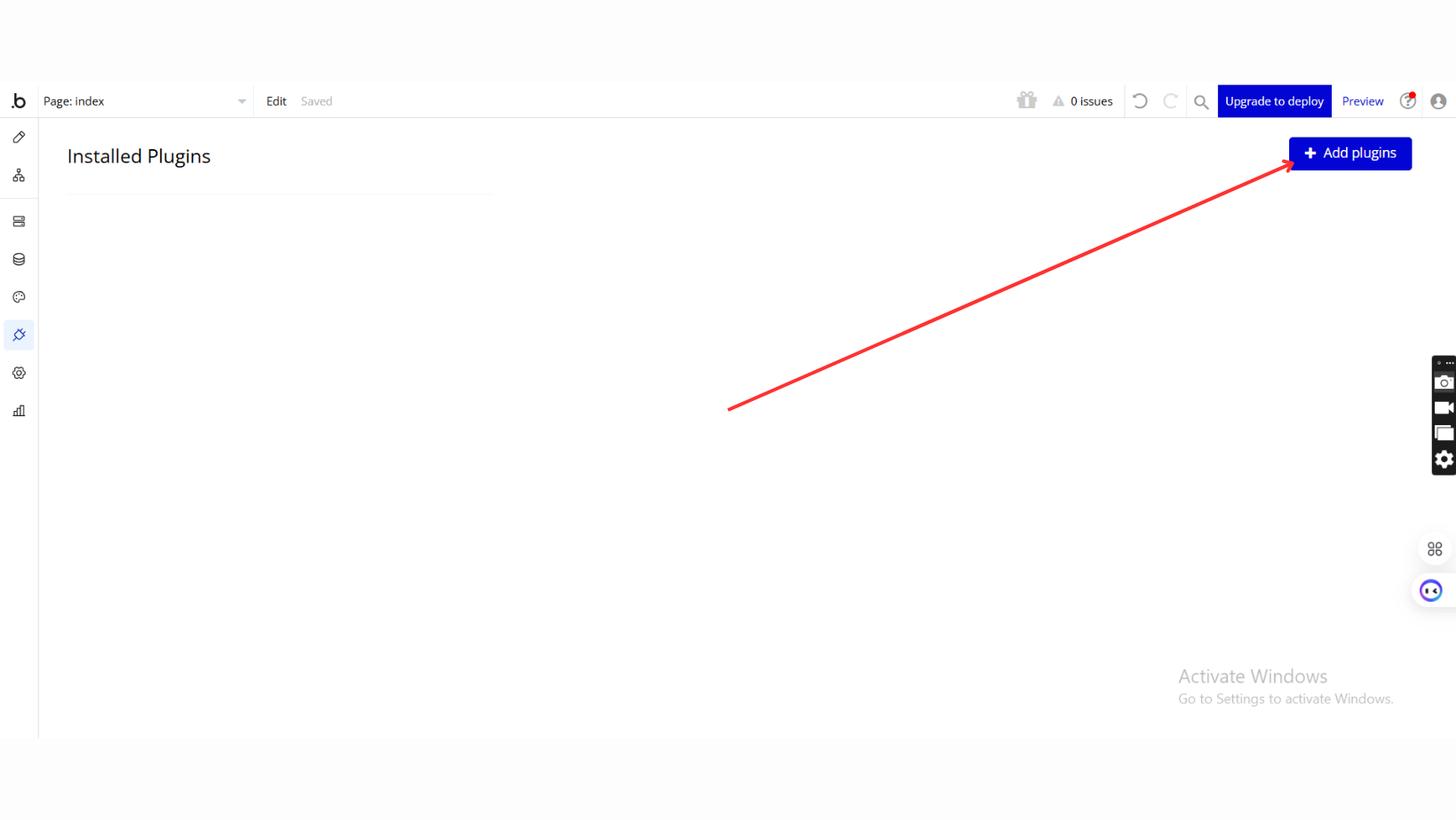
- Once in the Plugins tab, click the Add Plugins button.
- Search for the Plugin
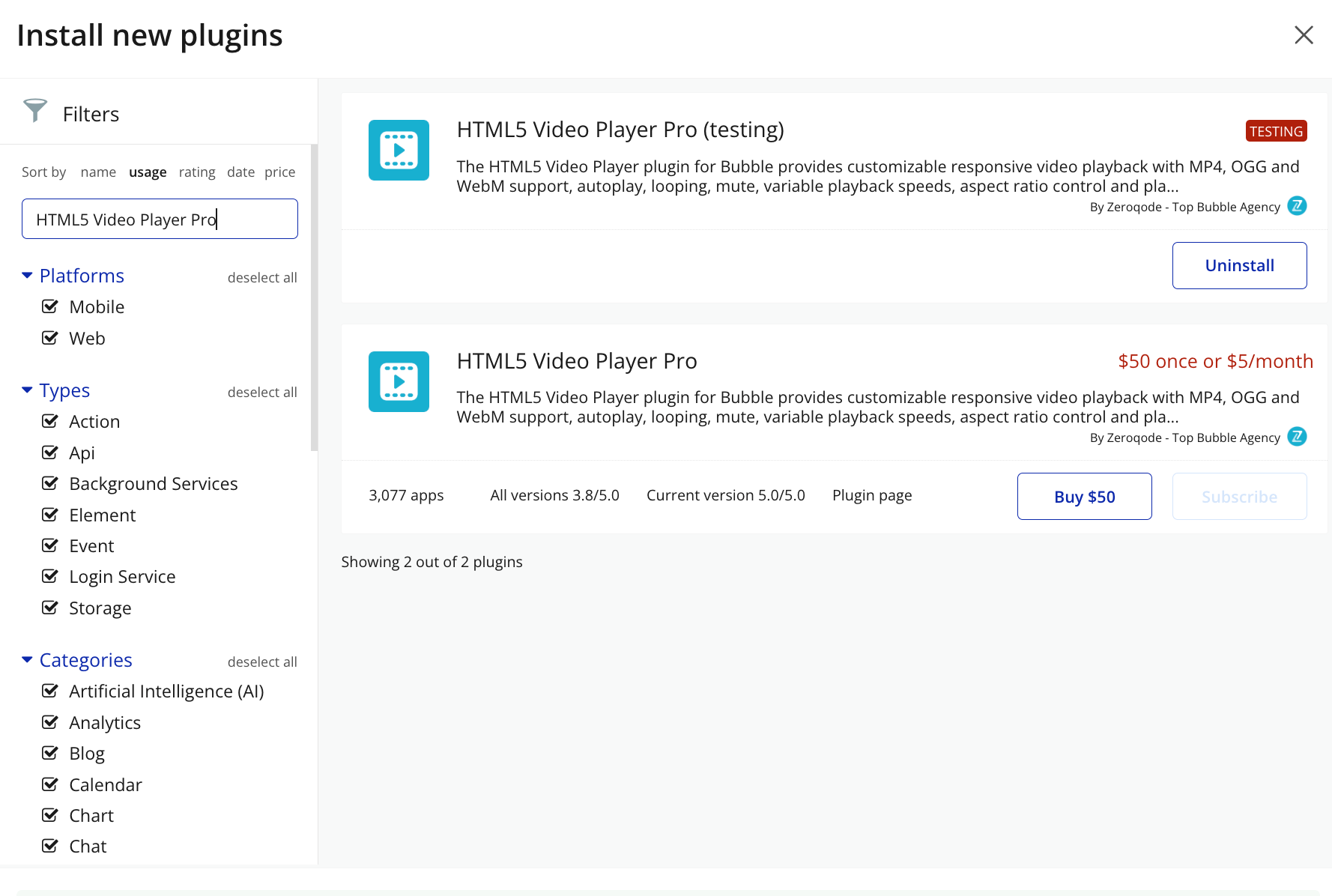
- Use the search bar to type HTML5 Video Player Pro
- Locate the plugin in the search results.
- Install/Buy
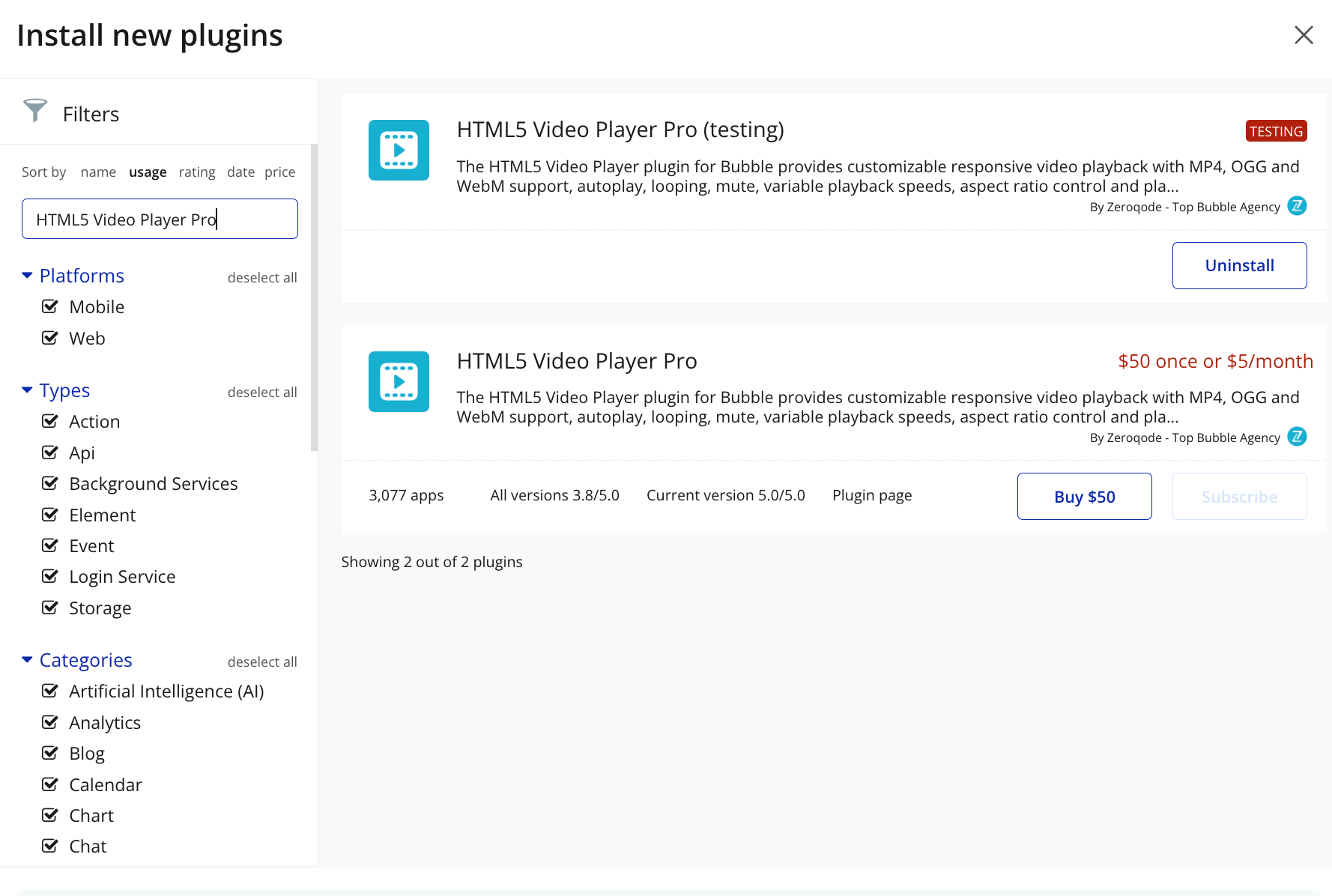
- Click Buy and follow the purchase instructions.
- Charges will be added to your Bubble billing account.
- Remember, if you unsubscribe from the plugin shortly after installation, charges will be prorated based on the days used.
- Plugin Installed
- Once installed, the plugin will appear under the Installed Plugins list in your Bubble Editor.
Step 2 – Add the Plugin Element to Your Page
- Open the Design tab in your Bubble editor.
- Search for the HTML5 Video element in the Elements panel.
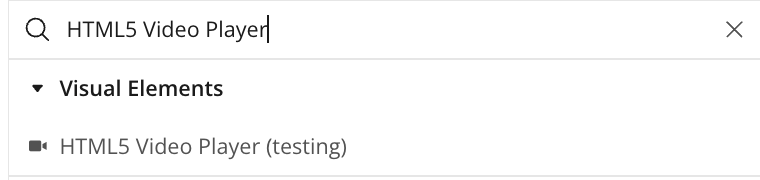
- Drag and drop the element onto your page.
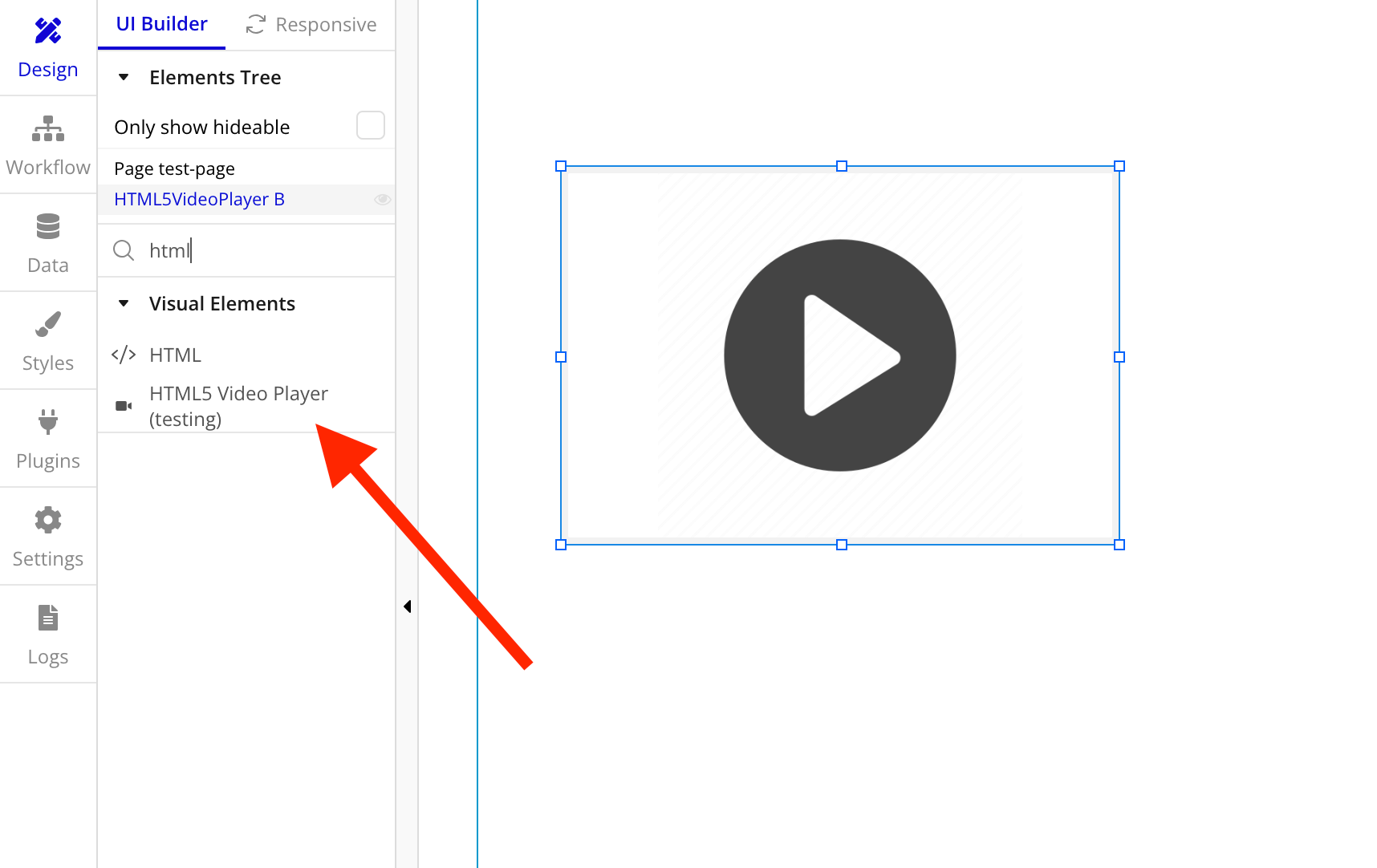
Step 3 – Configure Properties
Select the element and configure its properties in the Property Editor. Specify video source.
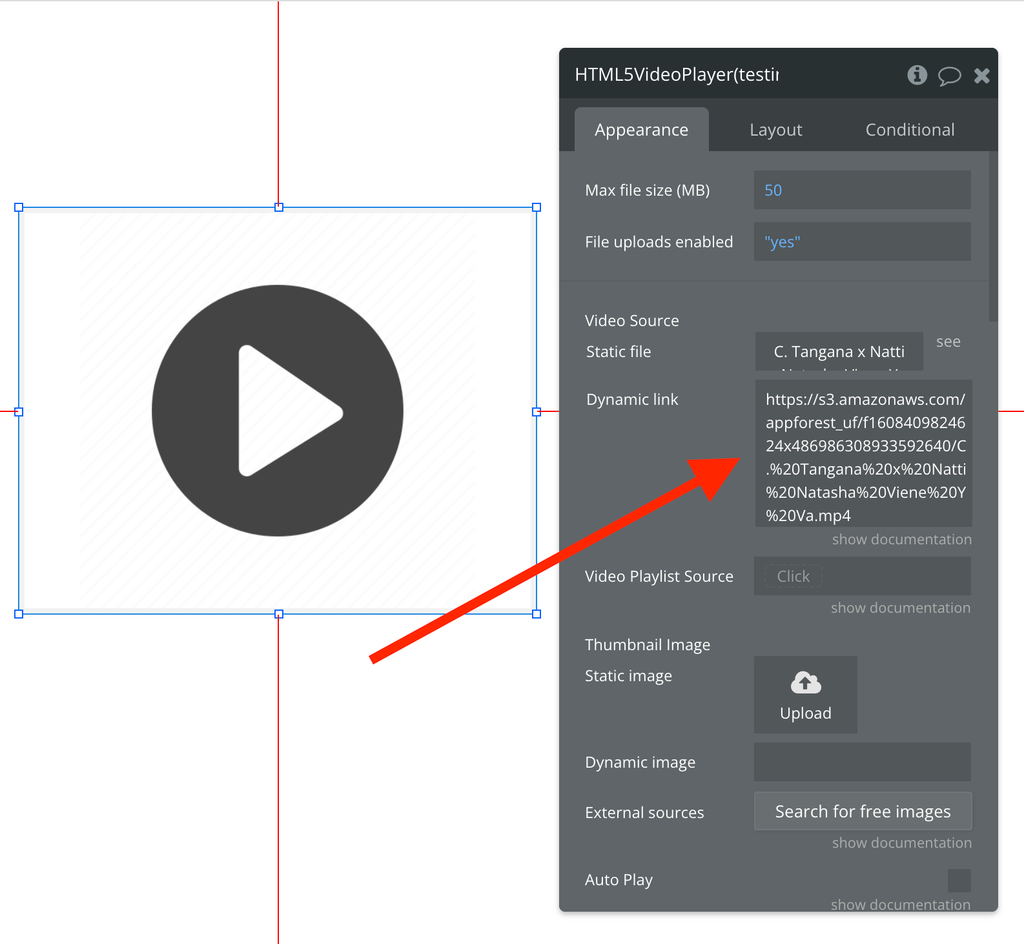
You can specify a list from the database or just a link to the video.
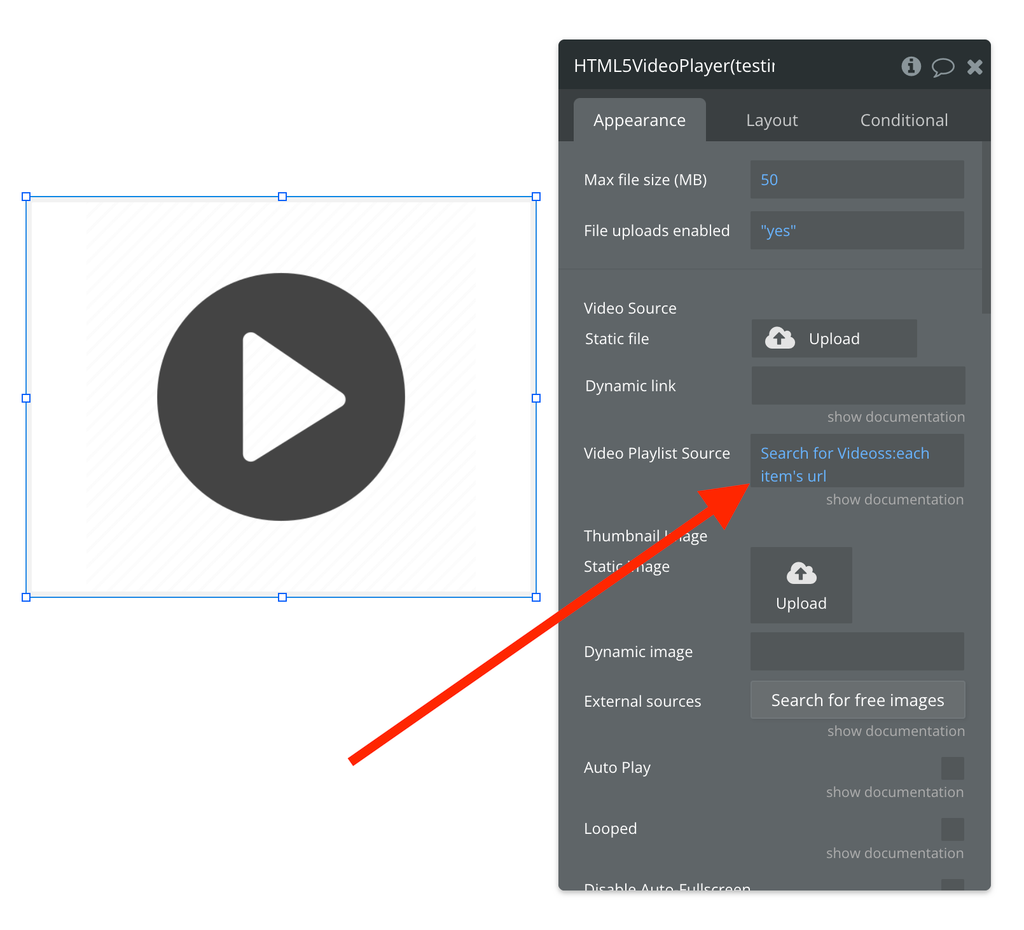
Plugin Element Properties - HTML5 Video Player
Now let's take a look at all the video player settings.
Fields
Title | Description | Type |
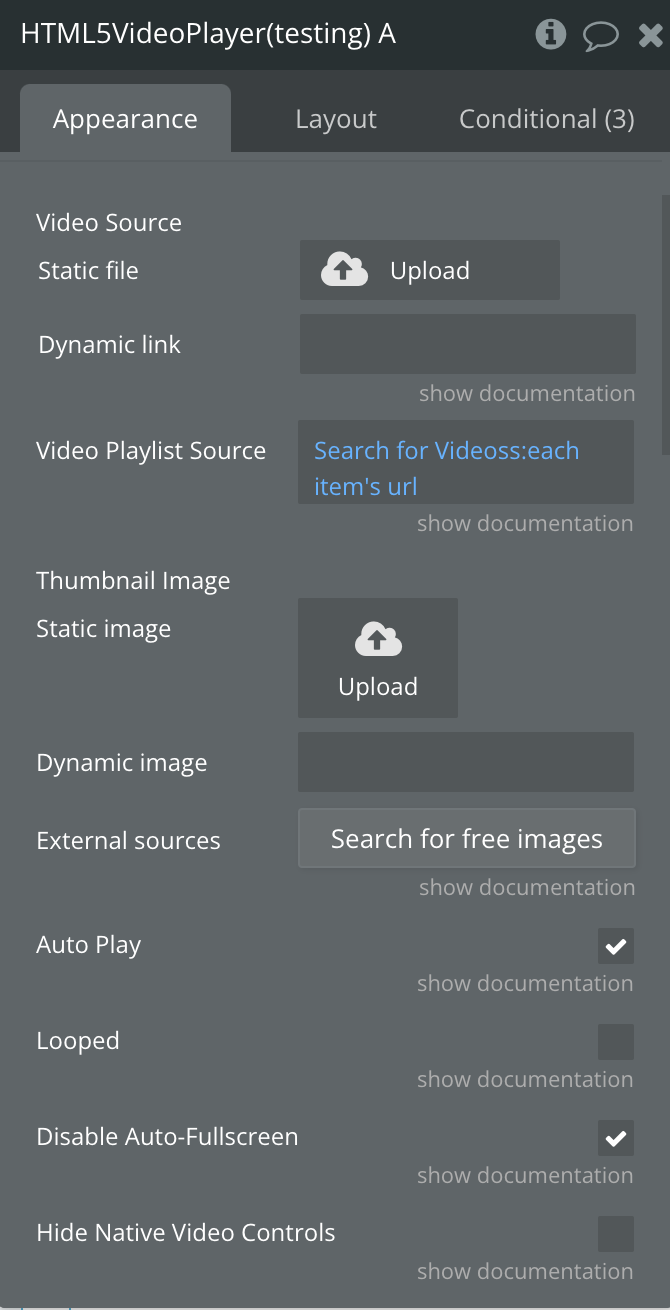
Video Source | The Video file to use. You can either upload a static video or provide a dynamic link. If you place a Video List in the "Video Playlist Source" field, the value in this field will be ignored. | File |
Video Playlist Source | You can place a list of videos here to simulate a Playlist of videos. When one video finishes, the Video Player will automatically start playing the next video in the list. | File (list) |
Thumbnail Image | The background/poster image that will show in the Video Player until the Play button is pressed. It can be used as a Video Thumbnail before the Video starts playing. | Image |
Auto Play | If the video If checked, the video will automatically start playing after downloading. Some browsers do not support this feature if the "mute" checkbox is unchecked. Additionally, the "Disable Auto-Fullscreen" option should be checked for AutoPlay to work on some mobile devices.should automatically start playing once it loads. Some browsers won't allow this functionality unless the "muted" field is set to True. Also need to be set "Disable Auto-Fullscreen" to true for autoplay to work for some mobile devices. | Checkbox |
Looped | If the video will start playing again automatically after the video finishes. | Checkbox |
Disable Auto-Fullscreen | On some Mobile devices, such as iPhones, when a video starts playing it automatically enters full screen mode. This field is to disable that. | Checkbox |
Hide Native Video Controls | Hide the native video controls such as Play, Pause, Volume, etc. | Checkbox |
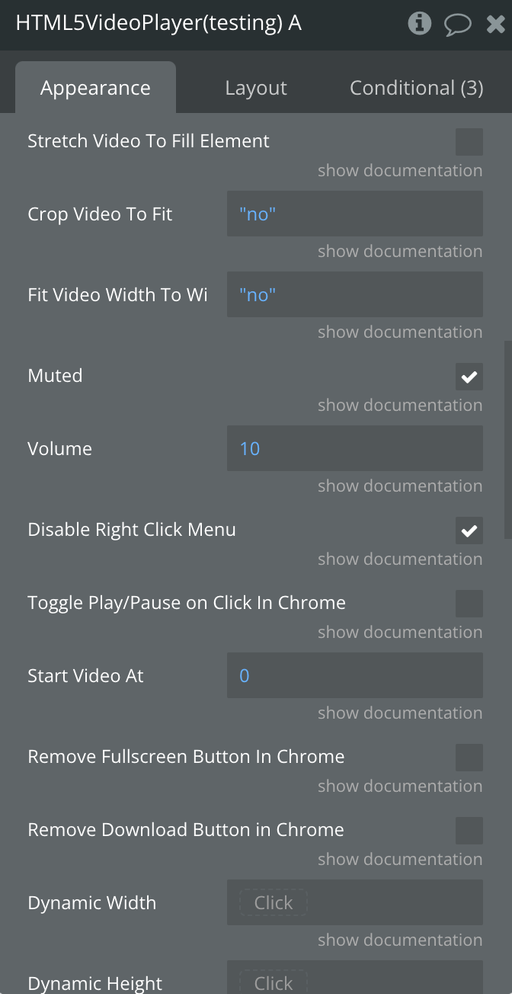
Stretch Video To Fill Element | If the Video Player Element size is bigger than the video, this is to automatically stretch the video to fit the element size. | Checkbox |
Crop Video To Fit | If the Video's dimensions don't match the dimensions of the Video Player Element, this will crop the video to have it fit better inside of the Video Player Element. One common use of this would be if the Video was recorded vertically on a cell phone but you want to crop it to fit inside of a square Video Player Element. | Yes/No |
Fit Video Width To Window Witdh | Makes the Video width match the width of the Browser Window. It also keeps the height proportional to the correct video size. This is supported by most modern browsers, but older browsers might not support this feature. | Yes/No |
Muted | If the Video should be muted by default. | Checkbox |
Volume | Sets the initial volume level of the video.(0: silent to 100: Loudest) | Number |
Disable Right Click Menu | Disable the ability to right click on the video and see the Context Menu options | Checkbox |
Toggle Play/Pause on Click In Chrome | When you click on the playing Video, it will toggle the Play/Pause state | Checkbox |
Start Video At | The position in seconds to start the video at after it loads | Number |
Remove Fullscreen Button In Chrome | Remove the Fullscreen button in Google Chrome | Checkbox |
Remove Download Button in Chrome | Remove the Download button in Google Chrome | Checkbox |
Dynamic Width | This field is used to dynamically control the width of the video player. You may want to also use the "Stretch Video To Fill Element" feature to make sure the Video expands to match the Video Player size. This field only takes effect when the value is greater than 0. | Number |
Dynamic Height | This field is used to dynamically control the height of the video player. You may want to also use the "Stretch Video To Fill Element" feature to make sure the Video expands to match the Video Player size. This field only takes effect when the value is greater than 0. | Number |
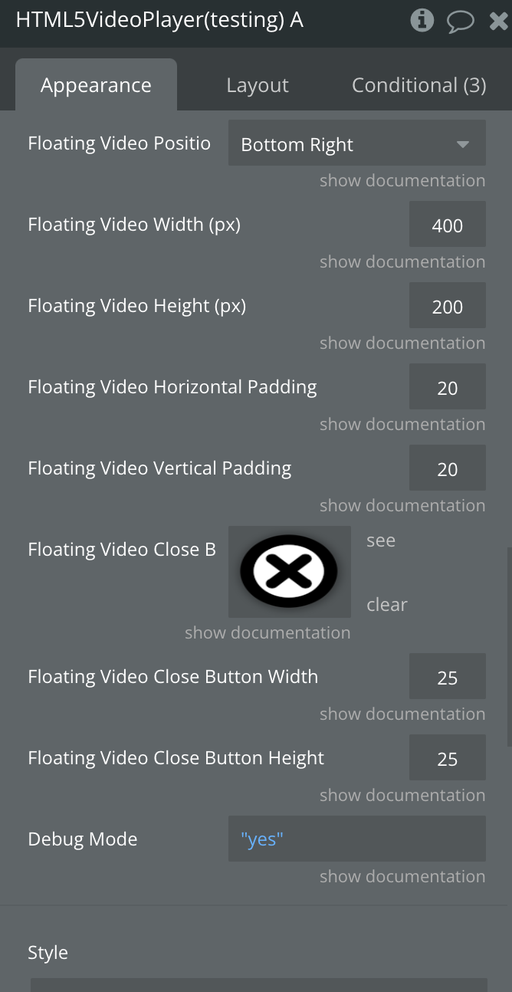
Floating Video Position | When you scroll down below a video, you can have the video stick to a part of the screen so that the use can keep watching the video as they scroll. These options are the parts of the screen you can "stick" the video to. You can also move the video in relation to one of these Positions by using the "Floating Video Padding" fields below. | Dropdown |
Floating Video Width (px) | The width of the video when it's in the "Floating Video" state | Number |
Floating Video Height (px) | The height of the video when it's in the "Floating Video" state | Number |
Floating Video Horizontal Padding | The padded distance from the Position set in the "Floating Video Position" field. For example, if you chose "Bottom Right" for the Position, then this field would be the distance from the right side of the page. | Number |
Floating Video Vertical Padding | The padded distance from the Position set in the "Floating Video Position" field. For example, if you chose "Bottom Right" for the Position, then this field would be the distance from the bottom of the page. | Number |
Floating Video Close Button Image | Image to use for the Button that appears on the Floating Video Player to close/hide the Floating Video. | Image |
Floating Video Close Button Width | The Width to use for the Image that is used for closing the Floating Video Player. | Number |
Floating Video Close Button Height | The Height to use for the Image that is used for closing the Floating Video Player. | Number |
Debug Mode | Trace all the video player events in the javascript console | Yes/No |
Auto Pause On Scroll | Pauses the video on scroll | Yes/No |
Enable Mirror Mode | Enables mirror mode | Yes/No |
Enables Video Zoom | Enables video zooming | Yes/No |
Zoom Level | Sets the zoom level | Number, Optional |
Enable Sleep Timer | Enables the Sleep Timer | Yes/No |
Sleep Timer Seconds | Stops the video after X seconds | Number, Optional |
Enable AirPlay | Enables AirPlay. Available only for Mac/IOS Safari | Yes/No |
Enable Preview Thumbnails | Displays preview thumbnails when hovering over the playing bar | Yes/No |
Element Actions
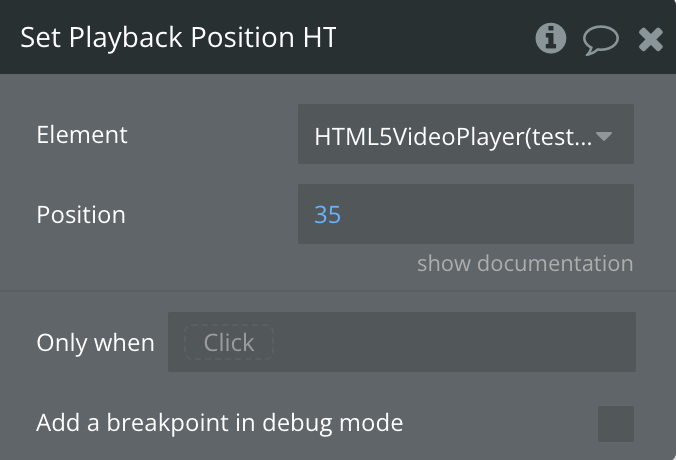
Set Playback Position
Set the time of where the video should move to.
Fields:
Title | Description | Type |
Position | The position to move the video to (s) | Number |
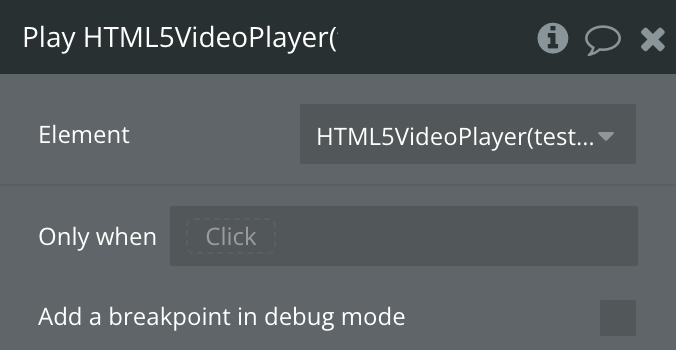
Play
Play the video. If the video is already playing, it will keep playing.
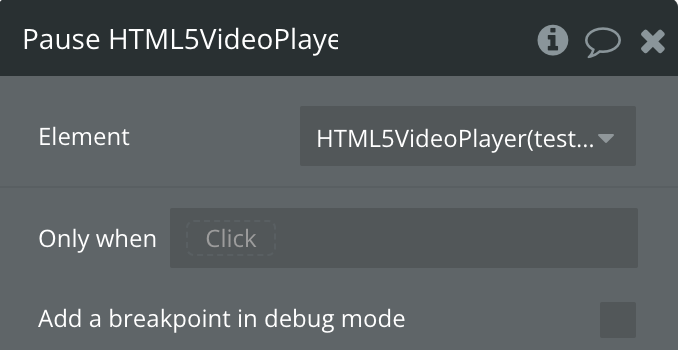
Pause
Pause the video. If the video is already Paused, it will stay Paused.
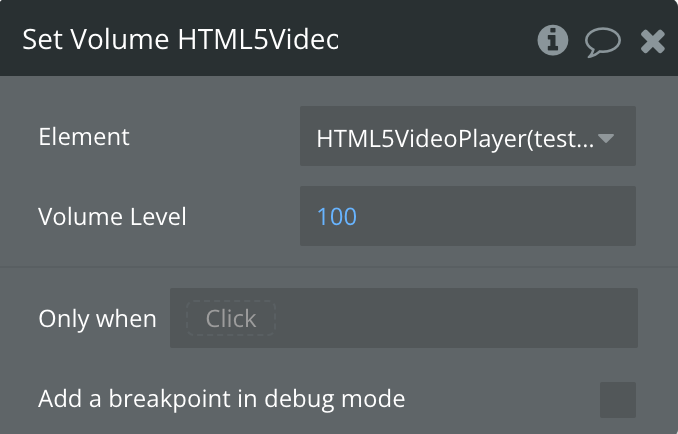
Set Volume
Set the volume of the video. Valid values are from 0 to 100. For example, the half volume would be 50
Fields:
Title | Description | Type |
Volume Level | volume level from 0 to 100 (%) | Number |
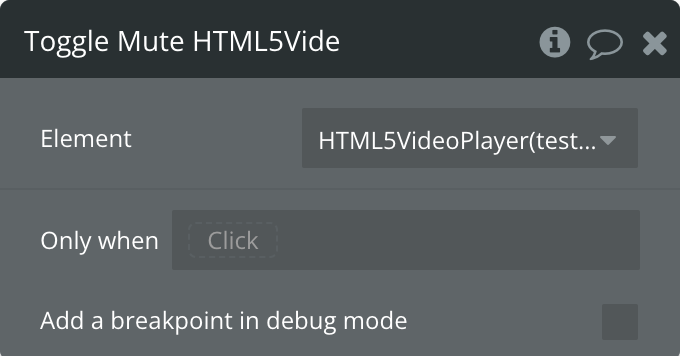
Toggle Mute
If the video is muting, this action will unmute the video. If the video is'n mute, it will mute the video.
Set Playback Speed
Set the speed of the video playback
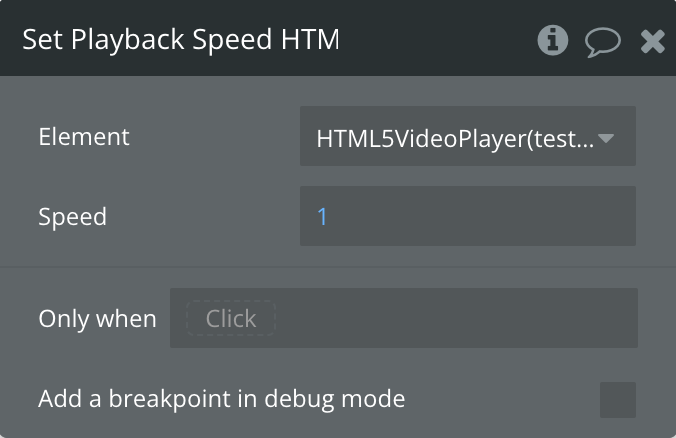
Fields:
Title | Description | Type |
Speed | video speed. 0 - video is stopped, 1 - normal speed, more than 1 - video is sped up | Number |
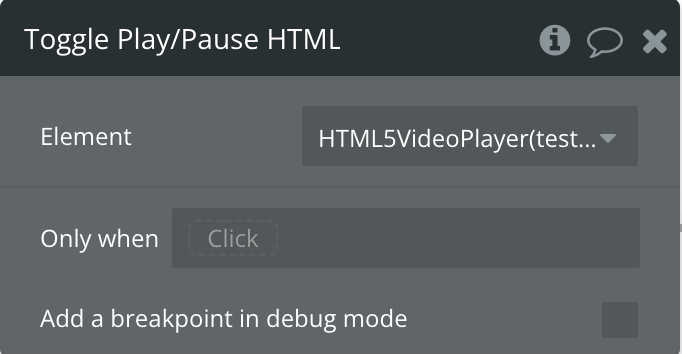
Toggle Play/Pause
If the video is playing, this action will pause the video. If the video is paused, it will play the video again.
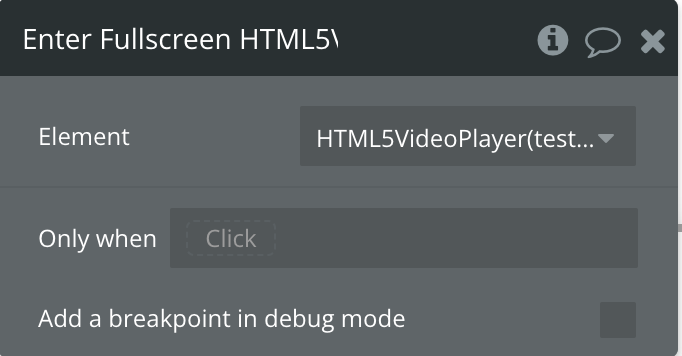
Enter Fullscreen
Causes the video to enter full screen mode
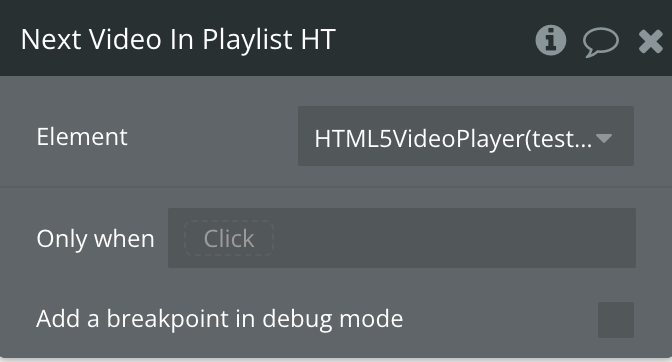
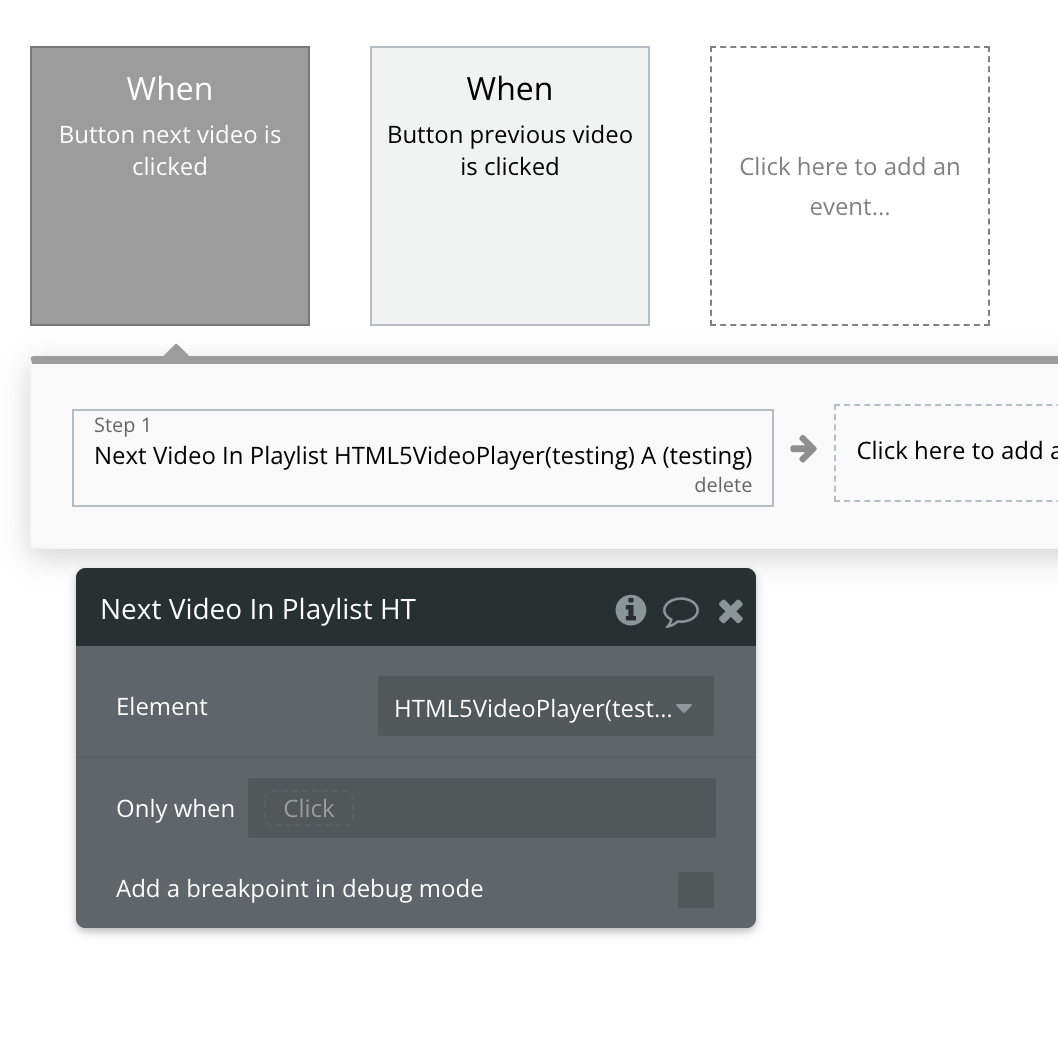
Next Video In the Playlist
When using the Playlist feature, this Action will change the video to the next video in the playlist
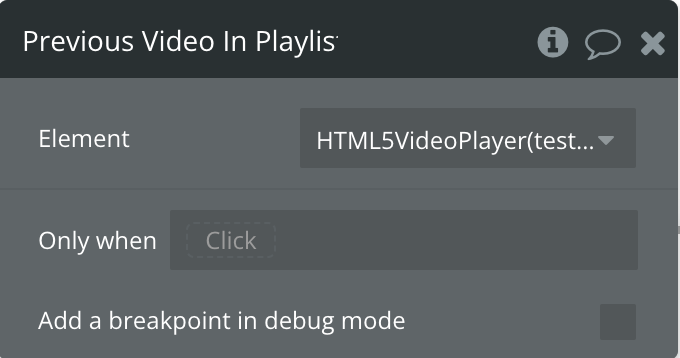
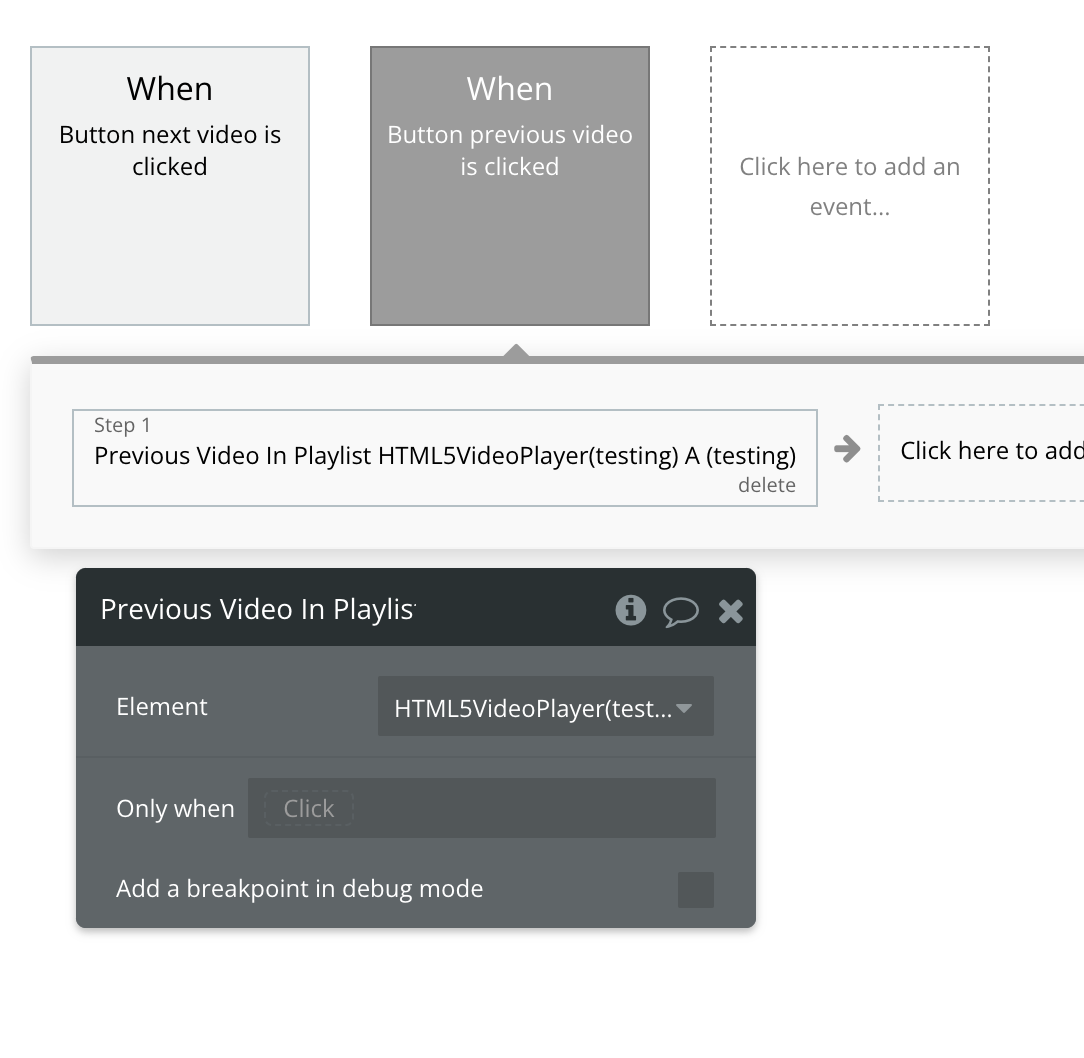
Previous Video In Playlist
When using the Playlist feature, this Action will change the video to the previous video in the playlist
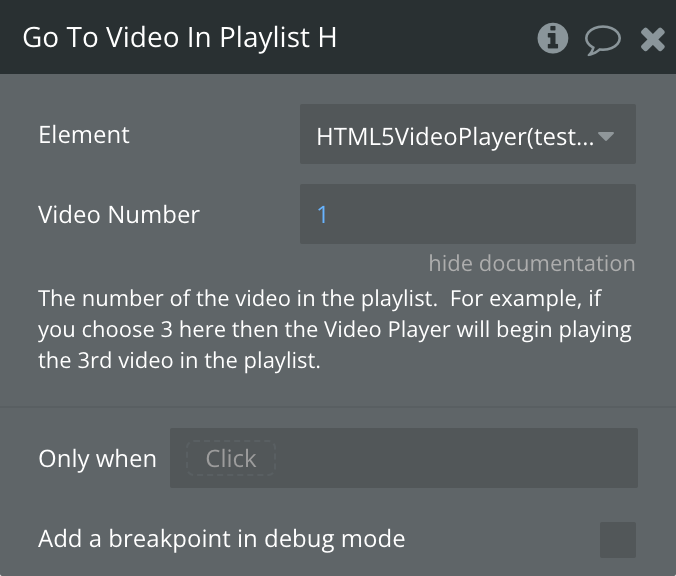
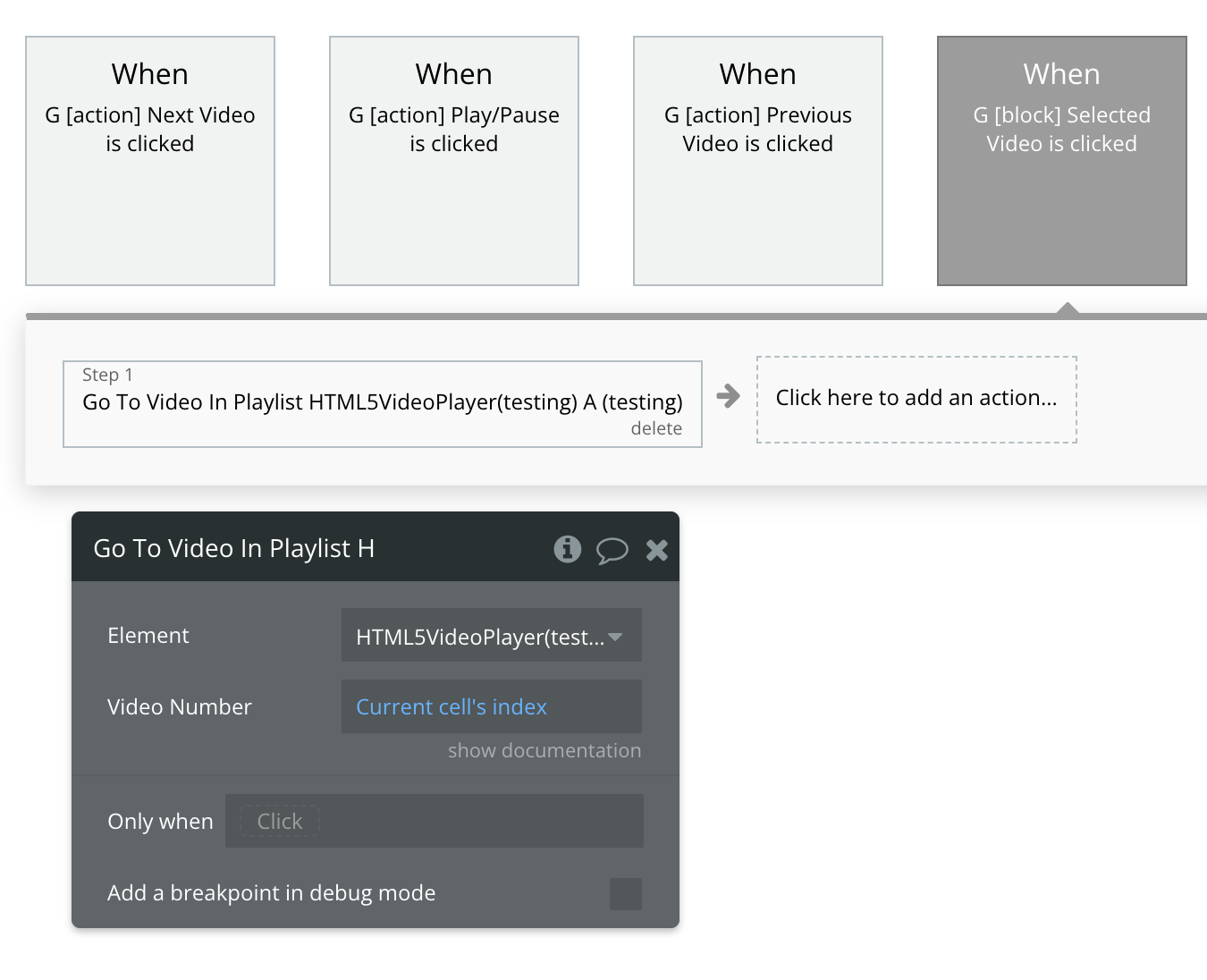
Go To Video In Playlist
Choose which Video from the playlist to play
Fields:
Title | Description | Type |
Video Number | The number of videos in the playlist. For example, if you choose 3 here then the Video Player will begin playing the 3rd video in the playlist. | Number |
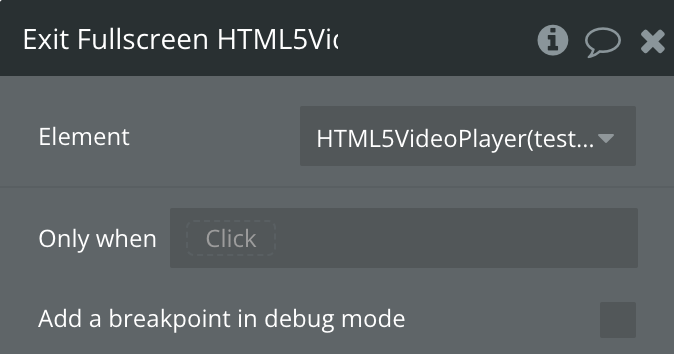
Exit Fullscreen
Causes the video to exit full-screen mode if it is currently in Fullscreen mode
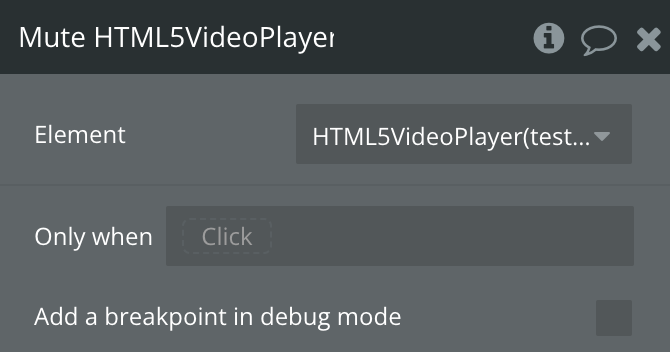
Mute
This action will mute the video. If the video is muted, it will also remain mute.
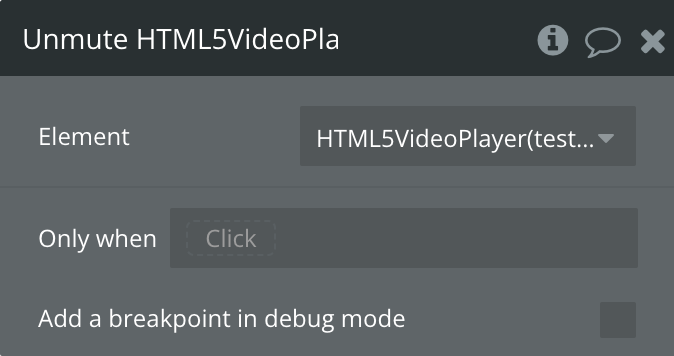
Unmute
This action will unmute the video. If the video is unmuted, it will also remain unmuted.
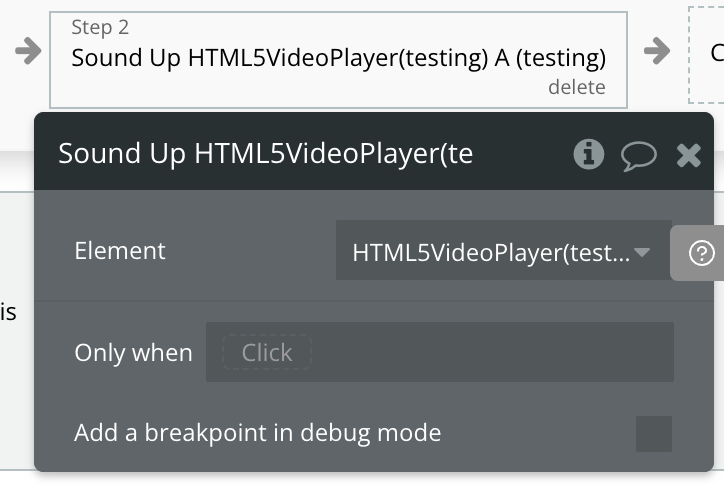
Sound Up
Increases the video player's volume by one step.
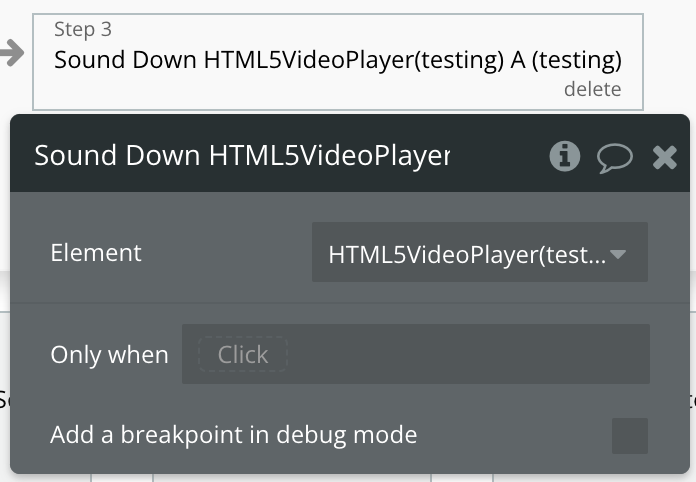
Sound Down
Decreases the video player's volume by one step.
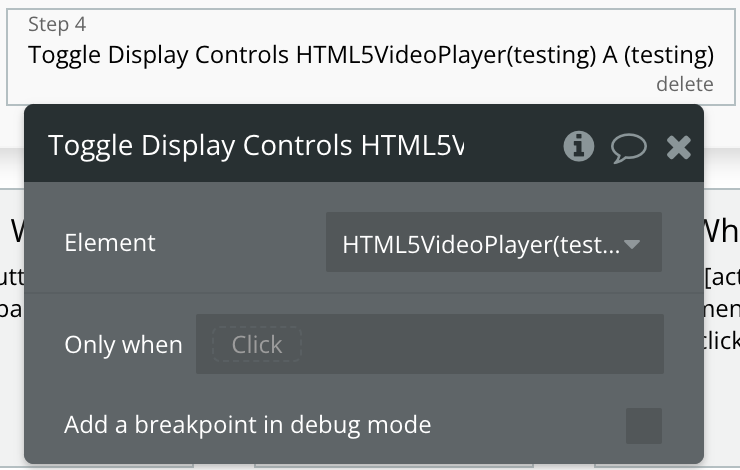
Toggle Display Controls
Toggles the visibility of the video player's controls on or off.
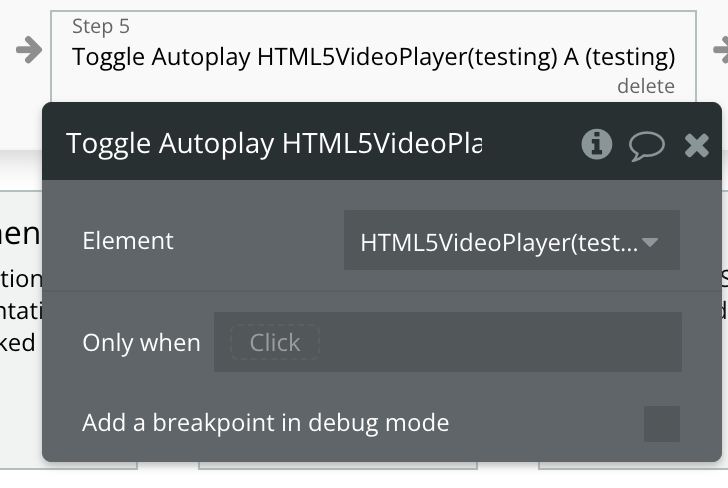
Toggle Autoplay
Toggles the autoplay setting of the video player on or off.
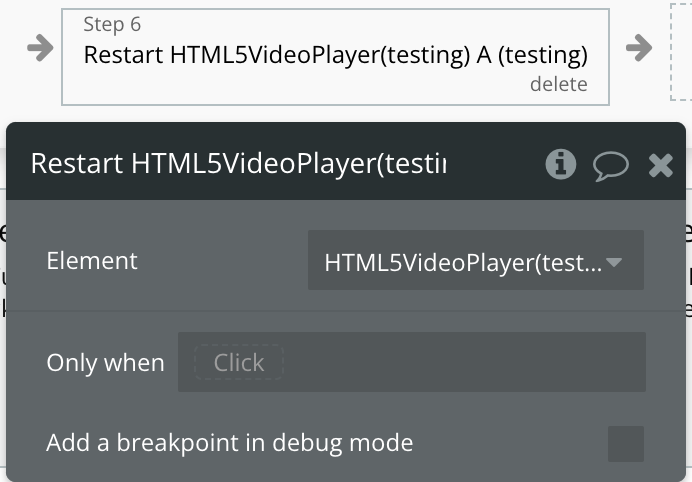
Restart
Restarts the video playback from the beginning.
Seek
Jumps to a specific time in the video.
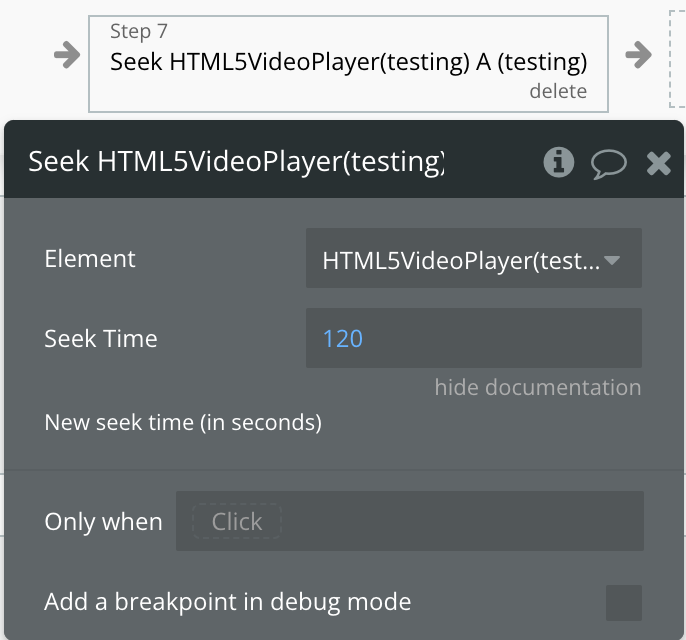
Fields:
Title | Description | Type |
Seek Time | The point in the video (in seconds) to jump to. | Number |
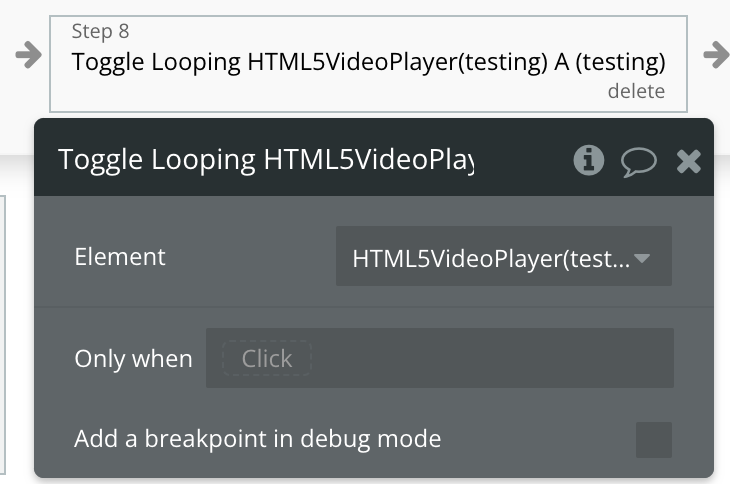
Toggle Looping
Toggles the loop setting of the video player on or off.
Exposed states
Name | Description | Type |
isPlaying | Is yes if the video is playing | Yes/No |
isPaused | Is yes if the video is pausing | Yes/No |
Playback Position | The current Playback Position of the Video in ms | Number |
Video Length | The length of the Video in seconds | Number |
Current Video Number In Playlist | The current number of the Video in the Playlist. For example, if it's the 3rd video in the playlist this value would be 3. | Number |
Width | The current width of the video player. | Number |
Height | The current height of the video player. | Number |
Volume Level | The current volume level of the video, represented as a percentage number (0 to 100) . | Number |
Controls displayed | Indicates whether the video player's controls are currently visible. | Yes/No |
Autoplay | Shows if the video is set to start playing automatically. | Yes/No |
Error Code | Displays a code representing any error encountered by the video player. | Text |
Error message | Provides a detailed message about any error encountered by the video player. | Text |
Ready State | Readiness state of the video player : 0 No data, 1 Have Metadata, 2 Have current data, 3 Have future data, 4 have enough data. | Number |
Playback Rate | The current speed of video playback (e.g., normal speed is 1.0). | Number |
Seeking | Shows whether the video player is currently seeking to a specific point in the video. | Yes/No |
Loop | Indicates whether the video will automatically restart when it finishes. | Yes/No |
Muted | Shows if the video player is currently muted. | Yes/No |
Element Events
Name | Description |
Video Ended | Triggers when the video playback has ended |
Started To Play | Triggers when the video starts playing after having been paused or stopped for buffering |
Paused | Triggers when the video is paused |
Seek Operation Completed | Triggers when the user is finished skipping to a new position in the video |
Seek Operation Begins | Triggers when the user starts skipping to a new position in the video |
Playback Position Updated | Triggers when the playback position of the video has changed |
Volume Changed | Triggers when the volume of the video has changed |
Media Loaded | Triggers when the browser has finished loading the current frame of the video |
Media Loading Started | Triggers when the browser has started loading the video |
Playlist Finished | Triggers when the last video of the playlist finishes playing. |
Is Hovered | Triggers when video element is hover |
Isn't Hovered | Triggers when video element is’n hover |
Waiting | Triggered when the video player is buffering and waiting for more data to continue playback. |
Muted | Triggered when the video player is muted. |
Unmuted | Triggered when the video player is unmuted. |
Controls Display Changed | Triggered when the visibility of the video player's controls changes. |
Autoplay Changed | Triggered when the autoplay setting of the video player is changed. |
Aborted | Triggered when the video loading is aborted. |
Can Play | Triggered when the video player has enough data to start playing, but it might still need to buffer as playback continues. |
Can Play Through | Triggered when the video player has enough data to play the video all the way through without buffering. |
Duration Changed | Triggered when the duration of the video changes (e.g., when loading a new video). |
Emptied | Triggered when the video player’s content is emptied or reset. |
Metadata Loaded | Triggered when the video player's metadata (e.g., duration, dimensions) is loaded. |
Error | Triggered when an error occurs in the video player. |
Progress | Triggered periodically as the video downloads, indicating the progress of loading data. |
Playback Rate Changed | Triggered when the playback speed of the video changes. |
Stalled | Triggered when the video player unexpectedly stops loading data. |
Suspended | Triggered when the video player stops loading data but has not encountered an error. |
Playing | Triggered when the video starts playing after being paused or buffering. |
Sleep Timer Reached | Triggered when the sleep timer is reached |
Workflow example
Playlist setup
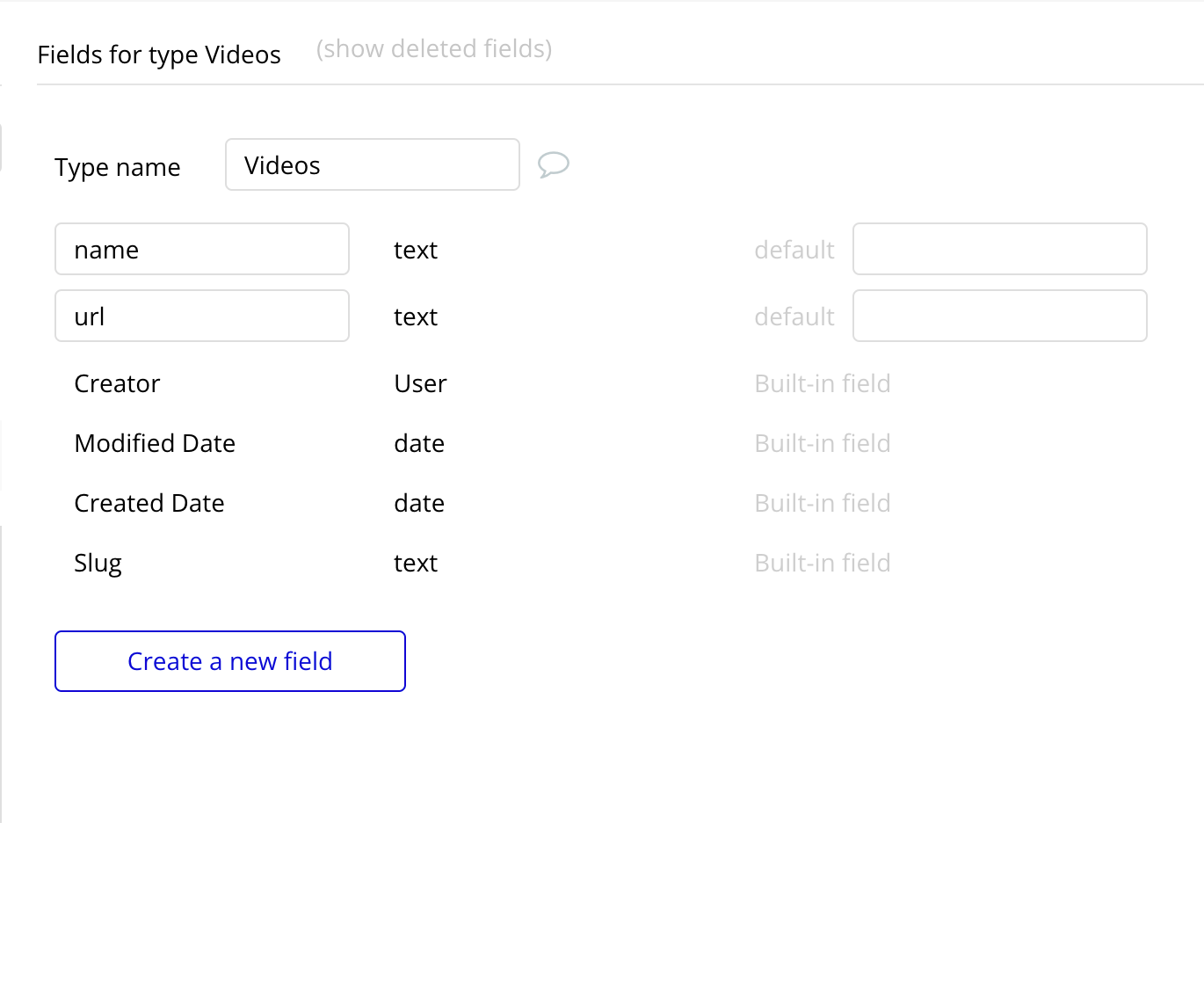
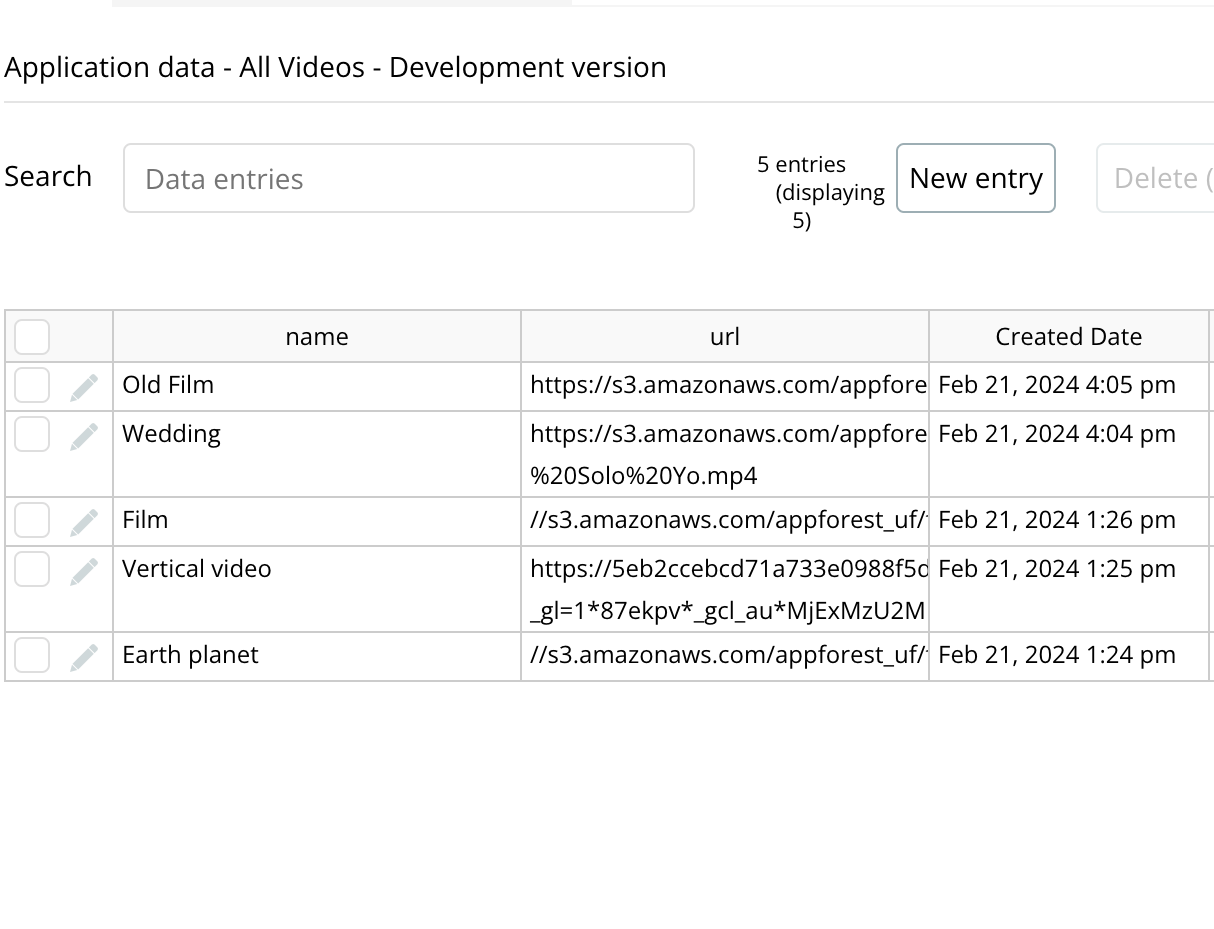
To create a playlist we need a list of videos (url type text). Let's create a database "Videos" for example
Next, set the playlist source
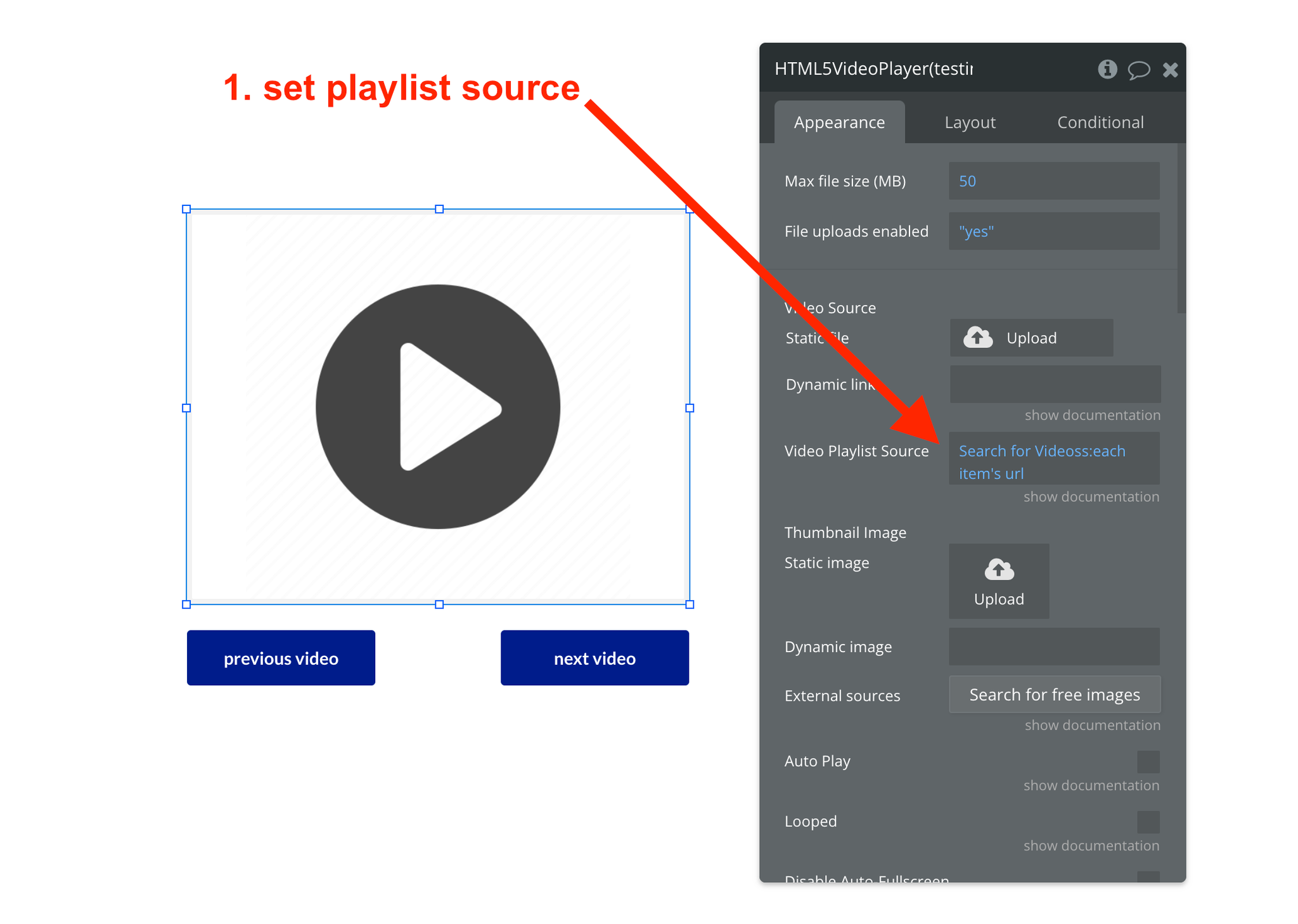
We will use the "Previous Video In Playlist" and "Next Video In Playlist" actions to switch videos
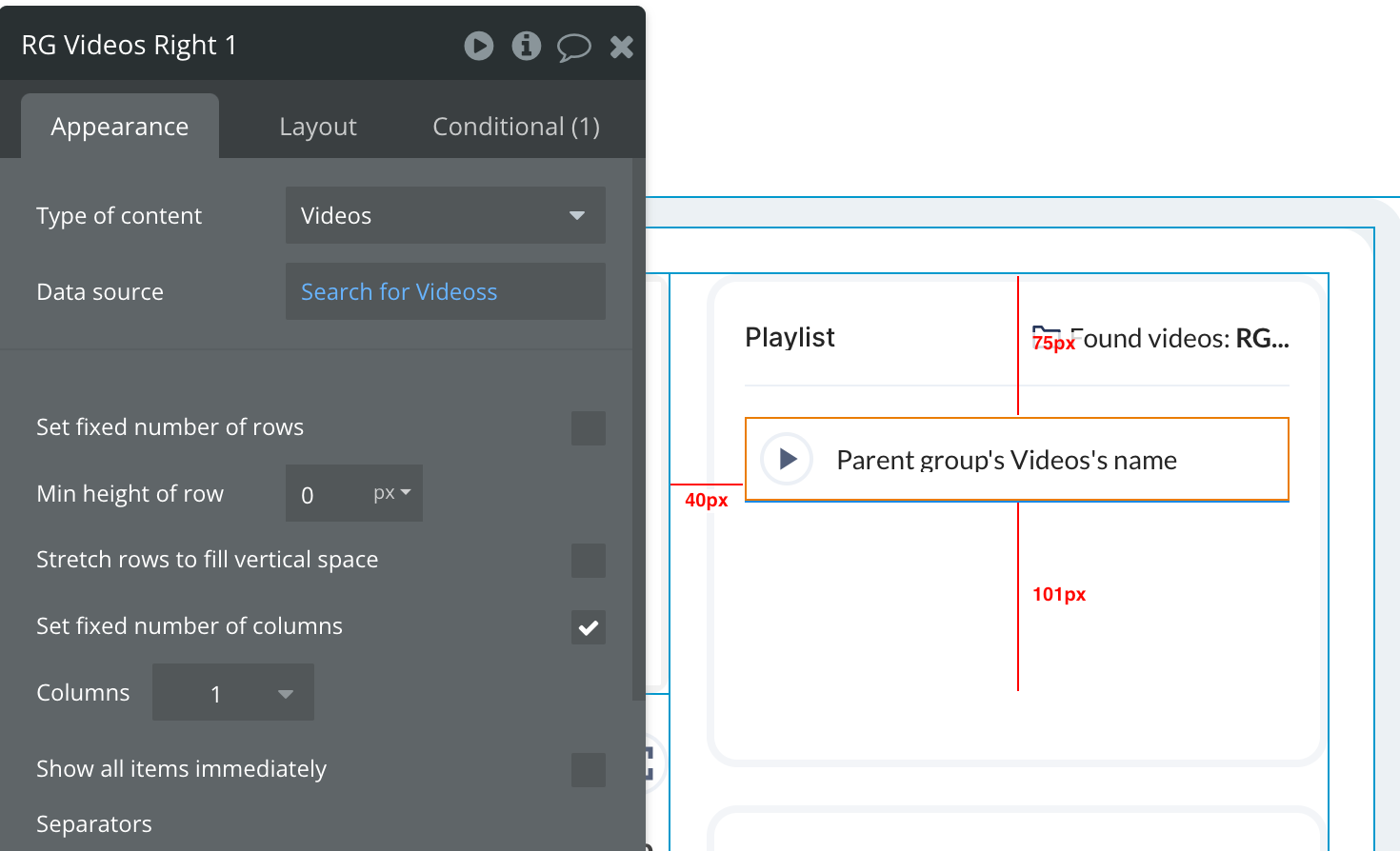
We can also display all videos in repeating group and select the needed video by "Current cell's index”

Changelogs
Update 25.06.26 - Version 2.32.0
- Bubble Plugin Page Update (Sorting).
Update 03.12.25 - Version 2.31.0
- Introducing New Player Features: Video zoom, Mirror mode, Sleep Timer and Auto pause.
Update 01.12.25 - Version 2.30.0
- Bubble Plugin Page Update (Description).
Update 30.10.25 - Version 2.29.0
- Bubble Plugin Page Update (Description).
Update 08.07.25 - Version 2.28.0
- Bubble Plugin Page Update (Logo).
Update 24.06.25 - Version 2.27.0
- Fixed dynamic poster update.
Update 04.03.25 - Version 2.26.0
- Minor Update(Marketing Update).
Update 29.01.25 - Version 2.25.0
- Minor update(Marketing update).
Update 20.01.25 - Version 2.24.0
- Added new features.
Update 14.11.24 - Version 2.23.0
- Minor update (Marketing update).
Update 06.11.24 - Version 2.22.0
- Minor update (Marketing update).
Update 10.10.24 - Version 2.21.0
- Fixed player in Safari.
Update 26.09.24 - Version 2.20.0
- Bug fixes.
Update 10.09.24 - Version 2.19.0
- Fixed video flickering on page load.
Update 09.08.24 - Version 2.18.0
- Fixed thumbnail auto-generated for iPhone.
Update 23.07.24 - Version 2.17.0
- Minor update.
Update 19.06.24 - Version 2.16.0
- Minor update.
Update 11.06.24 - Version 2.15.0
- Updated demo/service links.
Update 09.05.24 - Version 2.14.0
- New Width & Height fields.
Update 01.03.24 - Version 2.13.0
- Added “Is Hovered”, “Isn’t Hovered” events. Fixed element height and “Fit Video Width To Window Witdh” field.
Update 21.02.24 - Version 2.12.0
- updated description.
Update 21.02.24 - Version 2.11.0
- updated description.
Update 08.07.23 - Version 2.10.2
- Upgraded to latest version of Bubble API.
Update 11.05.23 - Version 2.10.1
- Fixed Playlist Ended Event.
Update 05.04.23 - Version 2.10.0
- Added Dynamic Width and Dynamic Height fields.
Update 02.04.23 - Version 2.9.0
- Made "Fit Width to Window Size" feature be a dynamic value.
Update 06.03.21 - Version 2.8.0
- Added "Start Video At" field.
Update 20.07.20 - Version 2.7.0
- Made Thumbnail Image be a Dynamic Value.
Update 02.07.20 - Version 2.6.0
- Added support for Cropping Video to Fit Element Size.
Update 21.05.20 - Version 2.5.1
- Support larger file sizes to be uploaded.
Update 13.02.20 - Version 2.5.0
- Added "Exit Fullscreen" Action.
Update 12.02.20 - Version 2.4.0
- Added "Playlist Finished" Event.
Update 11.02.20 - Version 2.3.1
- Fixed Playlist Changing Bug.
Update 30.01.20 - Version 2.3.0
- Added Playlist Support.
Update 01.08.19 - Version 2.2.0
- Updated Background Video field to be used as a Poster image.
Update 25.07.19 - Version 2.1.0
- Added support for a Close button on the Floating Video.
Update 09.06.19 - Version 2.0.1
- Updated description to include Read-Only Design Page links.
Update 24.05.19 - Version 2.0.0
- Added support for Fullscreen Responsive Videos.
Update 06.03.19 - Version 1.5.0
- Added an option to Loop the Video.
Update 10.02.19 - Version 1.4.0
- Added States for Playback Position and Video Length.
Update 09.01.19 - Version 1.3.0
- Added an Action called "Enter Fullscreen".
Update 09.01.19 - Version 1.2.0
- Added 2 new States: "isPlaying" and "isPaused".
Update 20.12.18 - Version 1.1.0
- Added options for removing some Video Controls in Google Chrome.
Update 18.12.18 - Version 1.0.0
- First Release of the HTML5 Video Player.