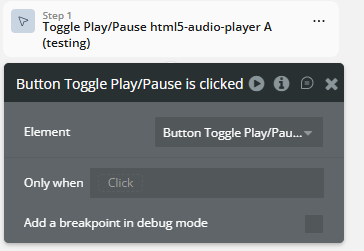
Demo to preview the plugin:
Live demo: https://audio-player-demo.bubbleapps.io/
Introduction
The HTML5 Audio Player plugin provides a versatile and customizable audio playback component for your web applications. It combines a ready-to-use Bubble element interface so you can move from setup to production quickly. Use it to reduce custom development time, keep configuration flexible, and ship a polished experience faster.

How to setup
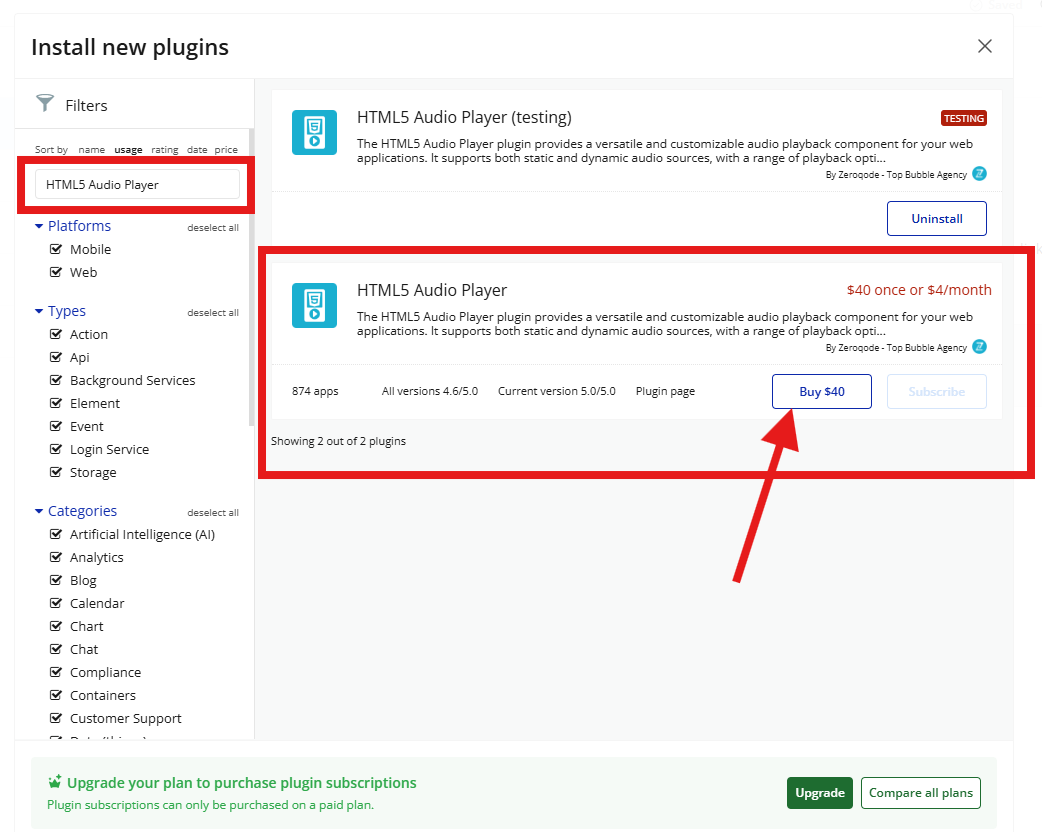
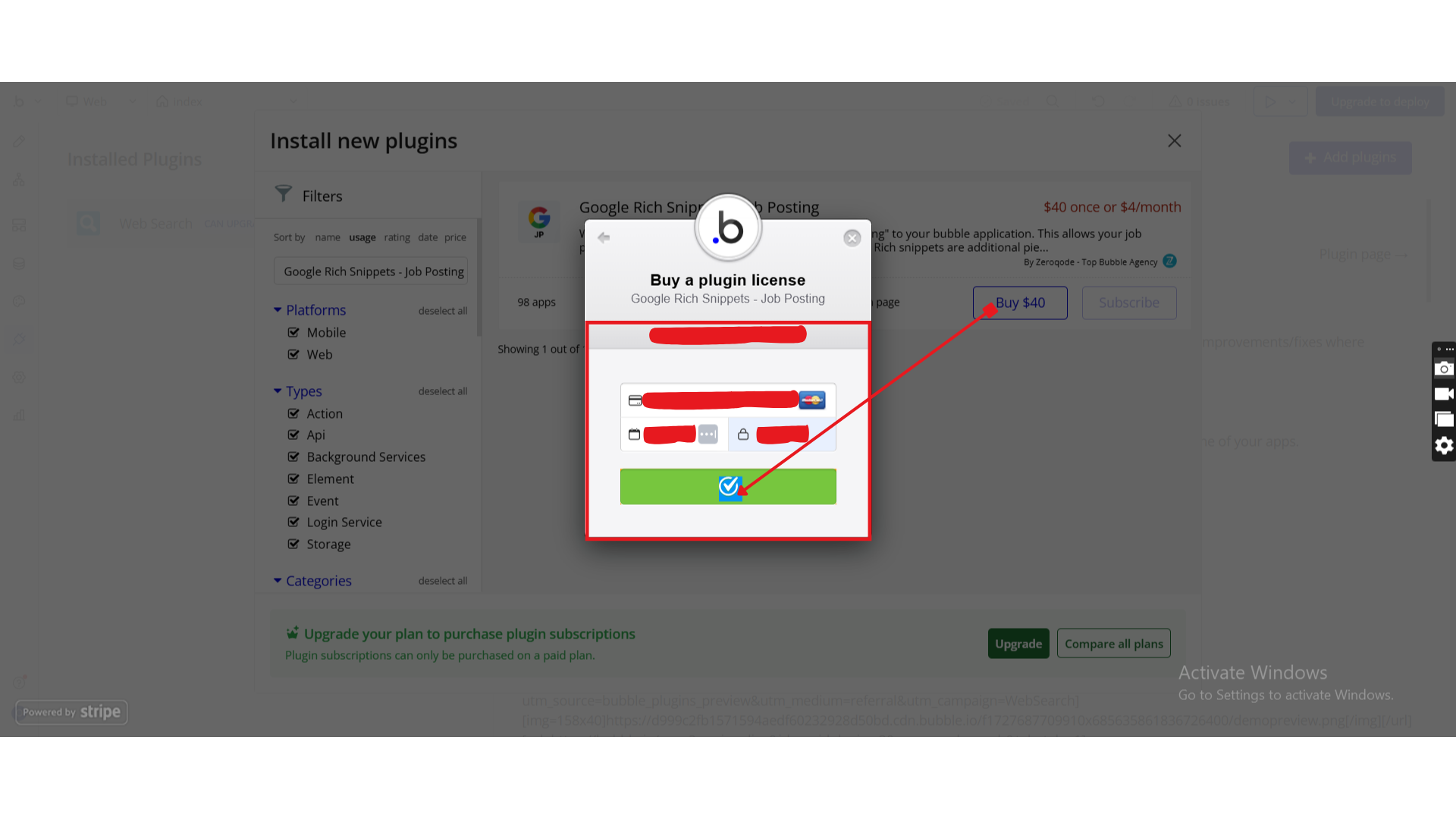
Step 1 - Install the Plugin
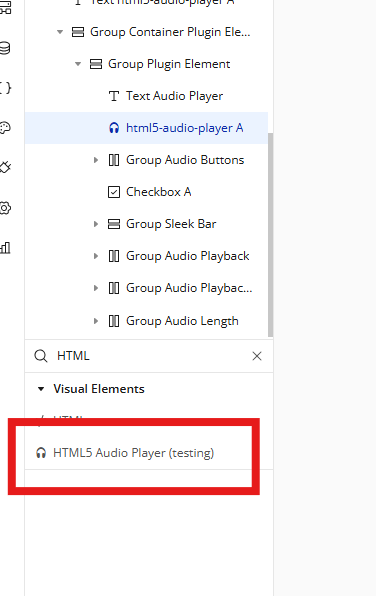
Step 2 - Add the Element to Your Page
Step 3 - Configure Properties
Plugin Element - HTML5 Audio Player
HTML5 Audio Player helps your app deliver a faster and clearer user experience for this feature. HTML5 Audio Player is the part users interact with to run this functionality directly on the page. Use it to configure behavior quickly and launch a polished flow without extra custom code.
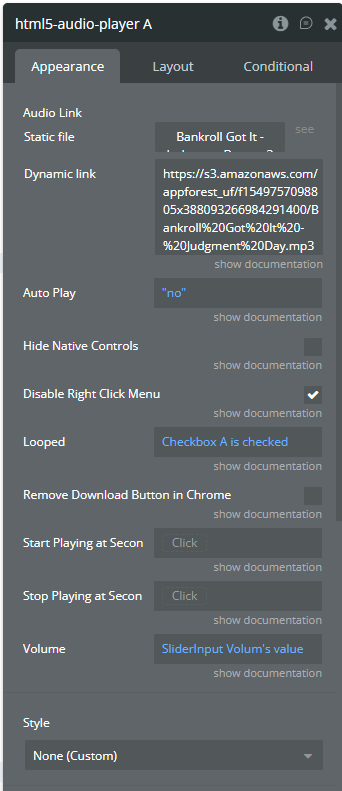
Fields
Exposed States
Element Events
Workflow example