Link to the plugin page: https://zeroqode.com/plugin/emoji-avatars-plugin-for-bubble-1706921397627x562605553037990500
Demo to preview the plugin:
Live Demo: https://avatars-demo.bubbleapps.io/
Introduction
Use consistent, beautiful Emojis across your app instead of the native implementation. This plugin replaces native emojis with styled SVG emojis via text input, ensuring a uniform look with scalable graphics for a polished appearance.
Key Features

How to setup
Step 1 – Install the Plugin
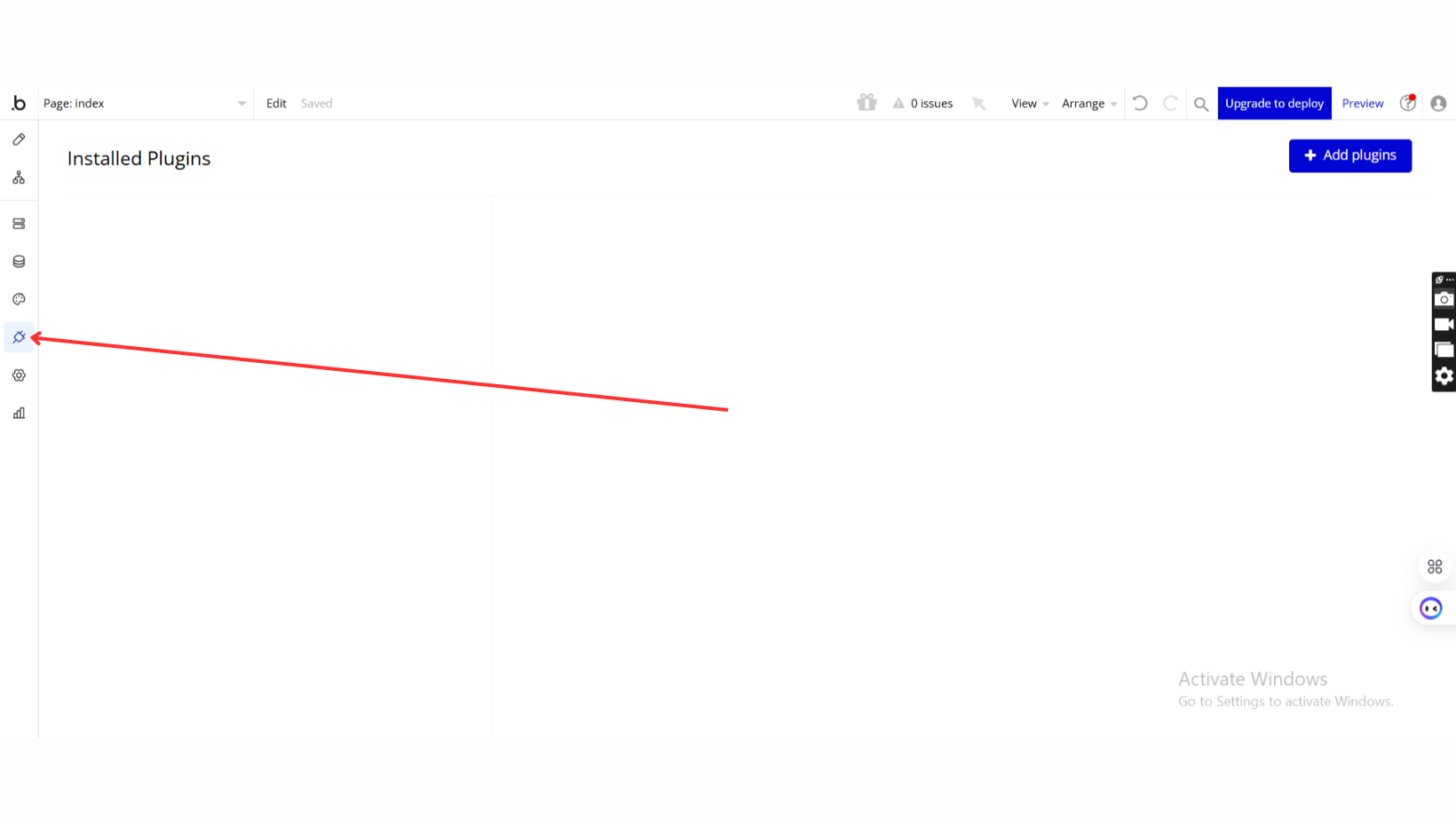
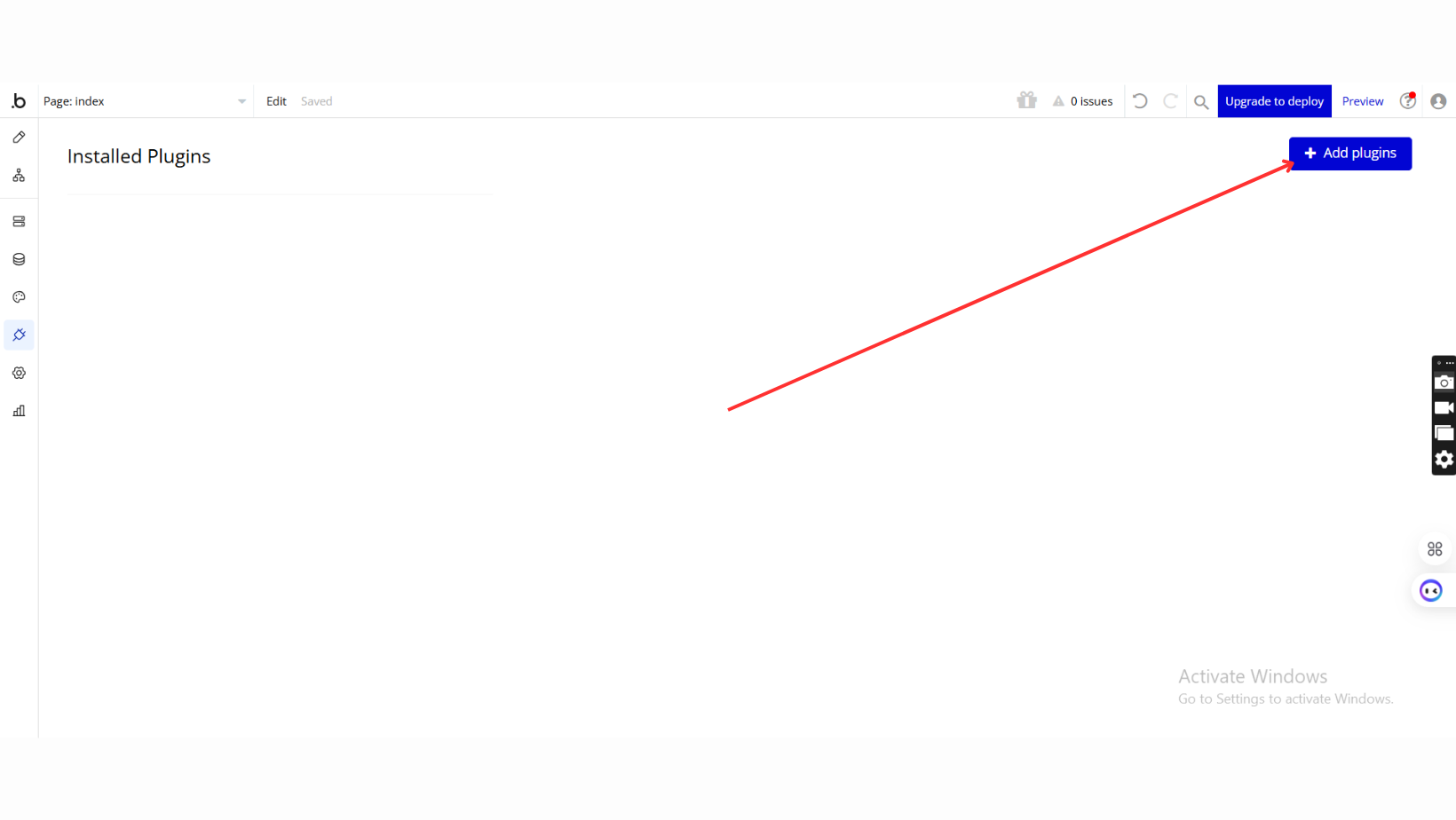
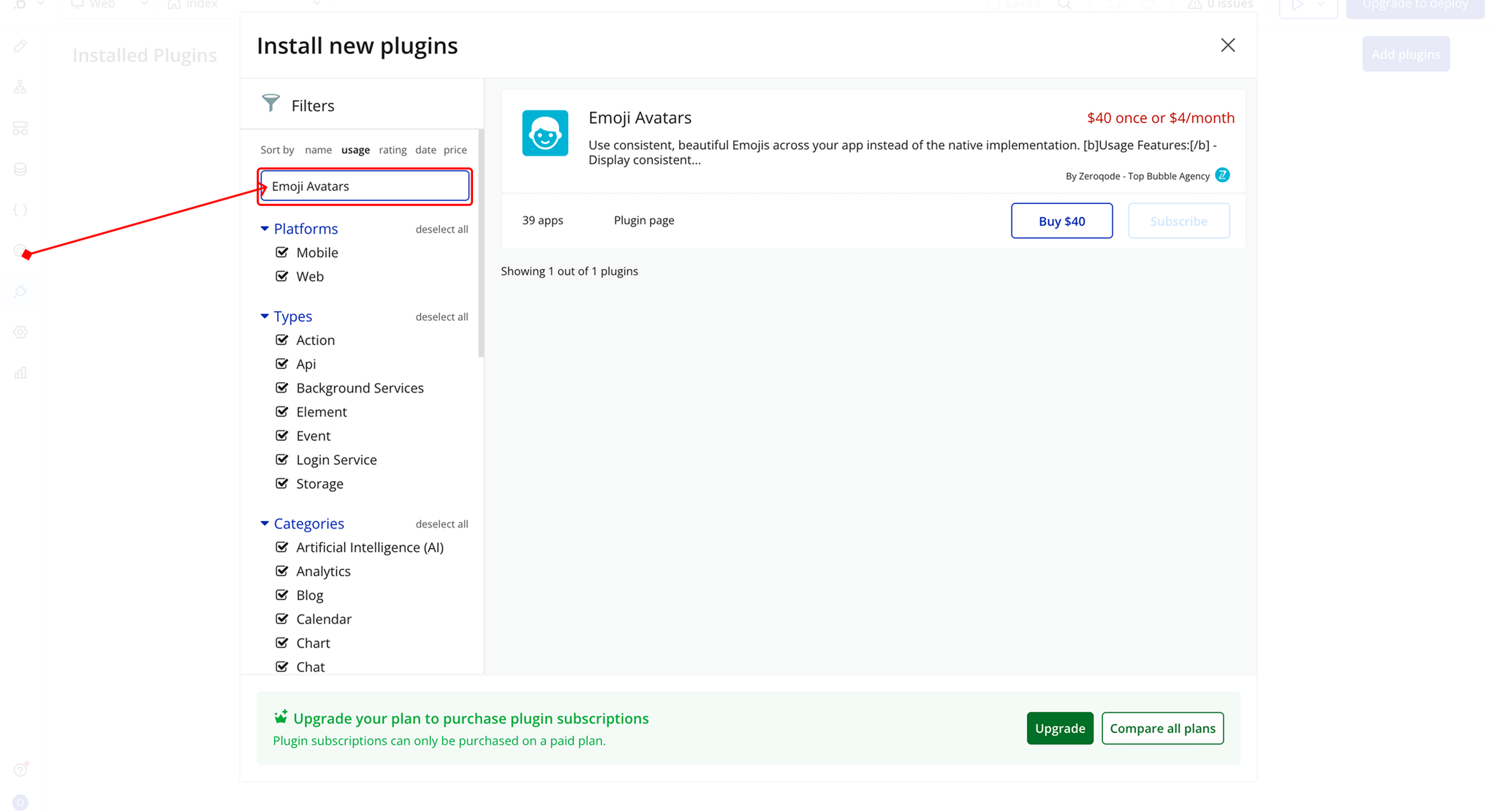
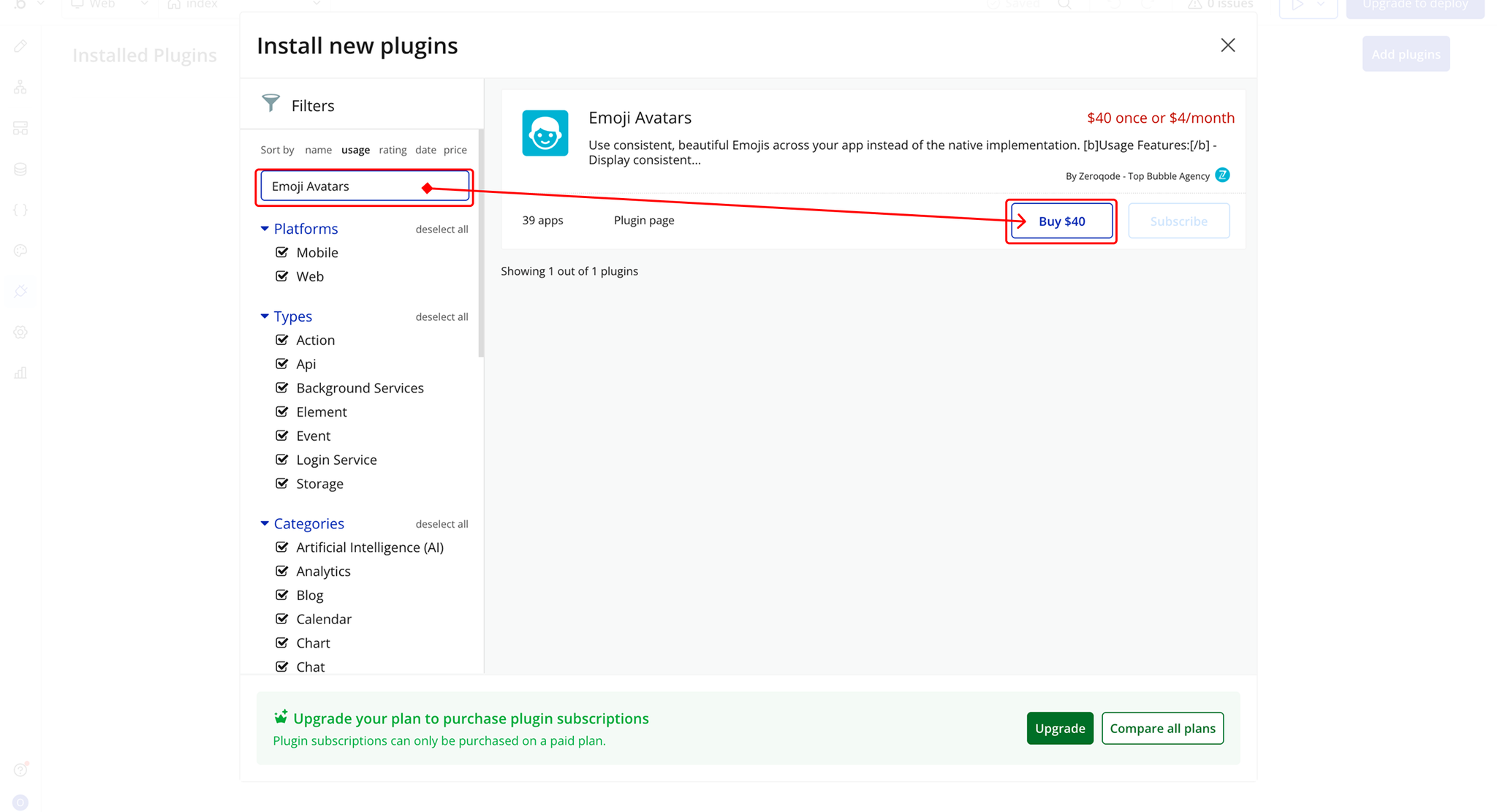
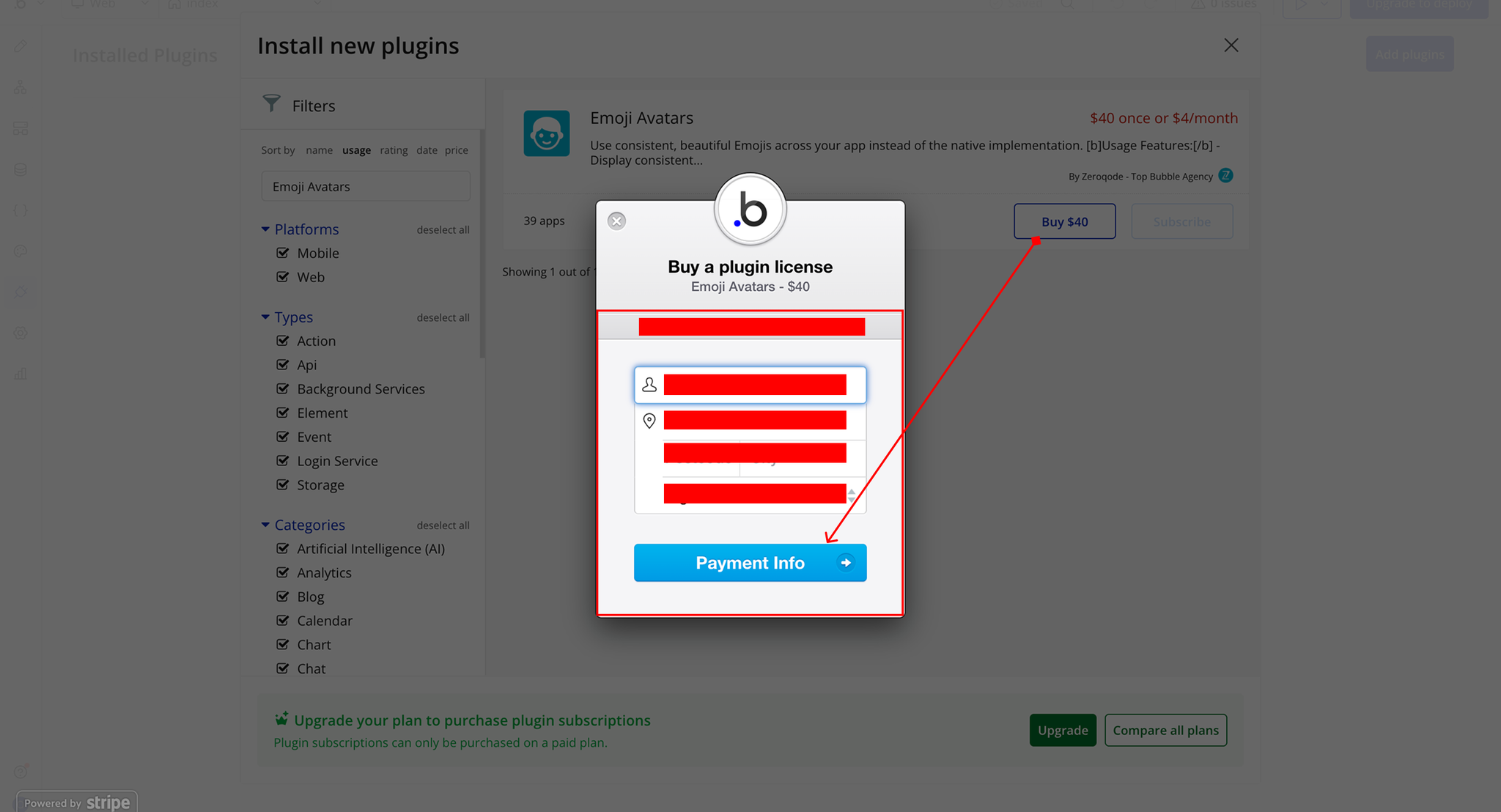
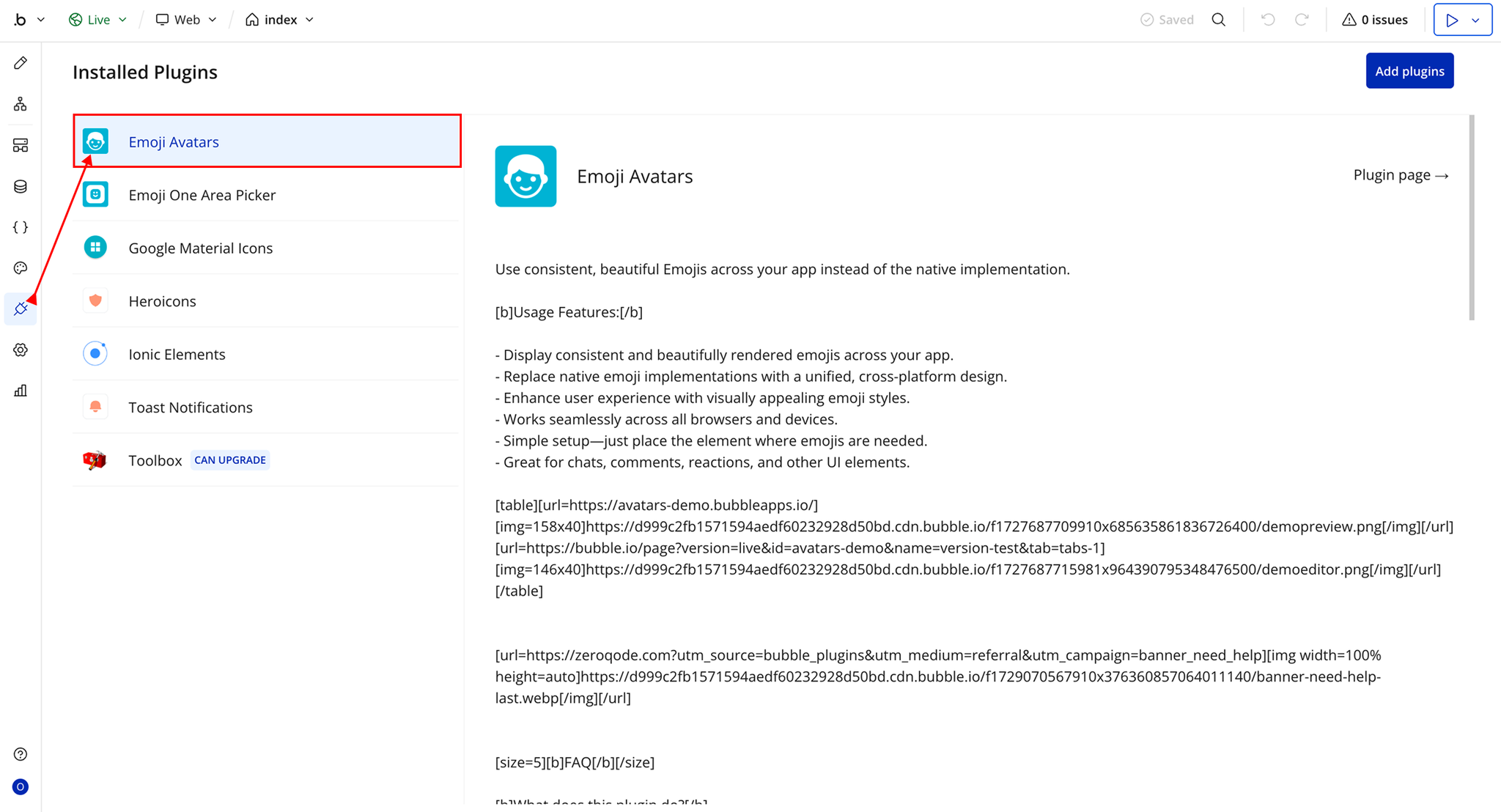
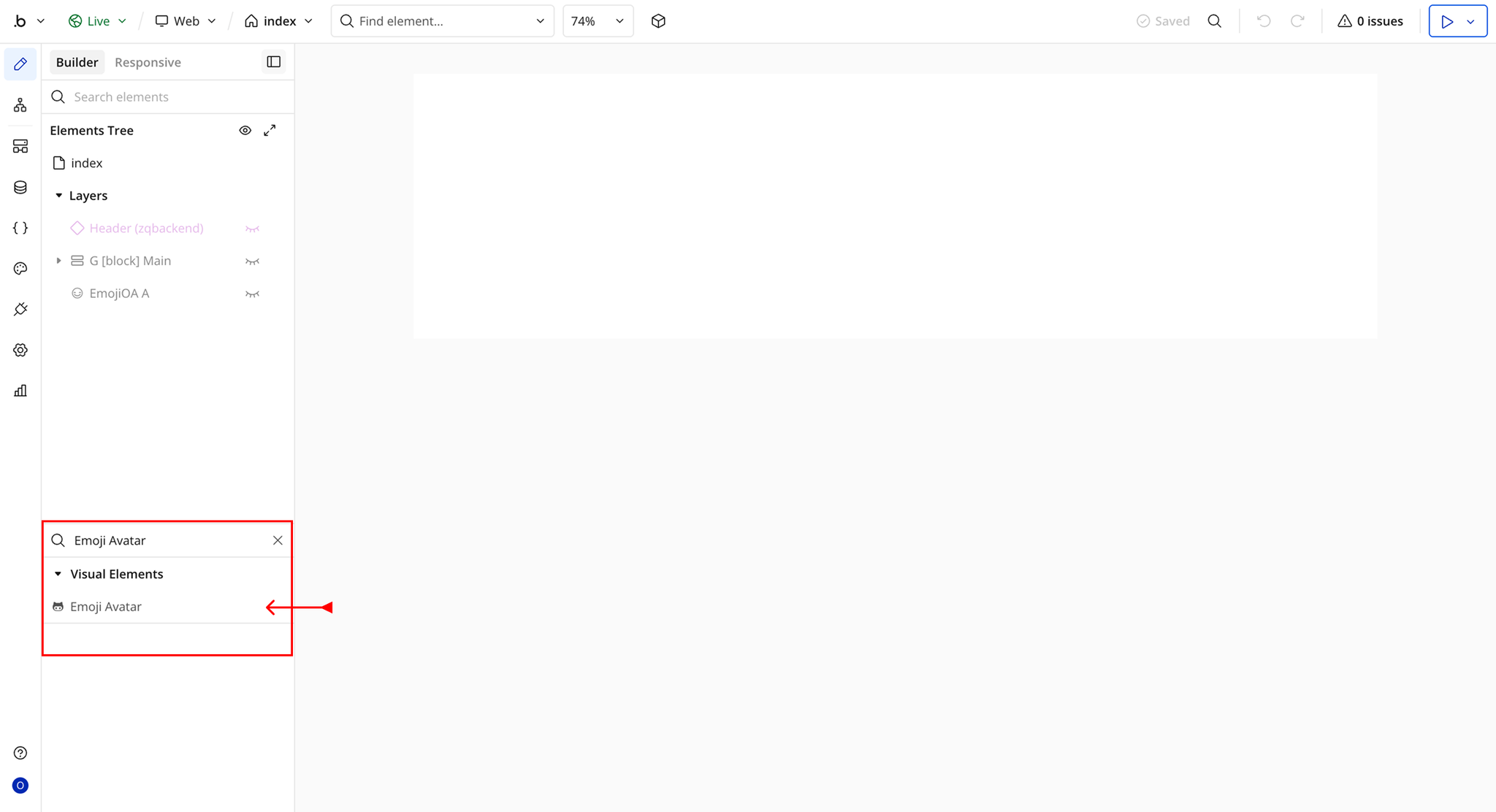
Step 2 – Add the Plugin Element to Your Page
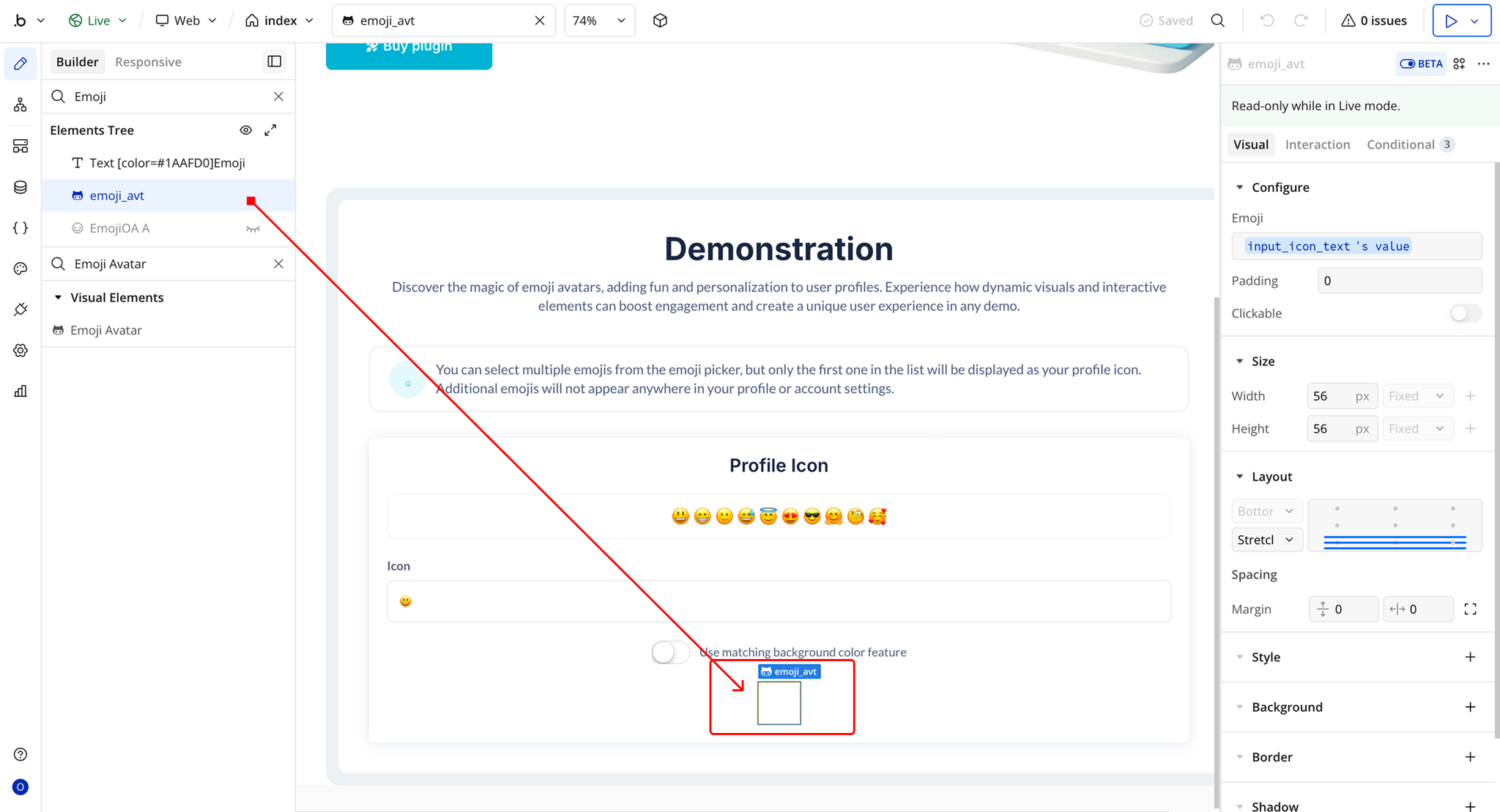
Plugin Element Properties - Emoji Avatar
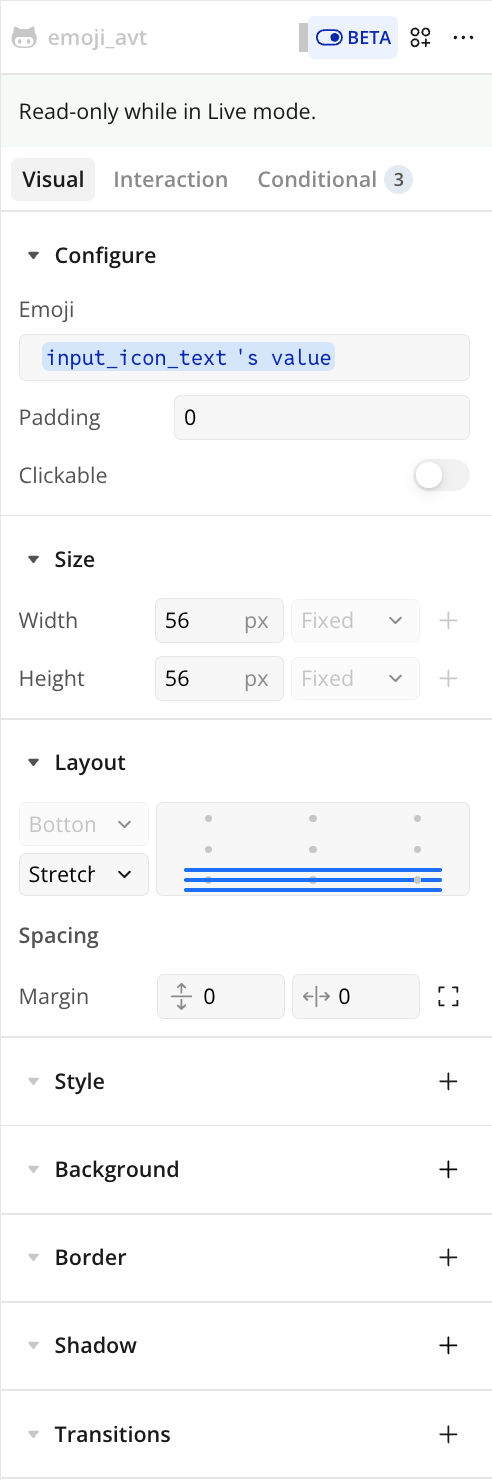
Fields
Title | Description | Type |
Emoji | The emoji character that will be displayed inside the avatar. | Text |
Padding | The amount of space (in pixels) added around the emoji inside the avatar to control its spacing. | Number |
Clickable | Determines whether the emoji avatar can be clicked and used to trigger workflows or actions. | Checkbox (yes/no) |
Exposed States
Element Events