Link to the plugin page: https://zeroqode.com/plugin/audio-player-for-bubble-mobile-1738846526299x289546517852726800
Demo to preview the plugin:
Introduction
This audio player plugin is perfect for any mobile app built with Bubble's mobile editor. It features high-quality, interactive audio experience, seamless audio playback with key features such as autoplay, looping, and customizable media information like song title, artist, and artwork as well as intuitive controls for play, pause, seek, mute, and track navigation. With exposed states like current time, duration, and track index, users can track playback progress easily. The plugin supports essential events and actions like play, pause, change track, mute/unmute, and more.
Prerequisites
This plugin is designed specifically for the mobile version of the Bubble editor. To test the plugin on your mobile device, use the TestFlight app available at: https://testflight.apple.com/join/4fXUggud

How to setup
- Place Audio Player element and 4 buttons on the page

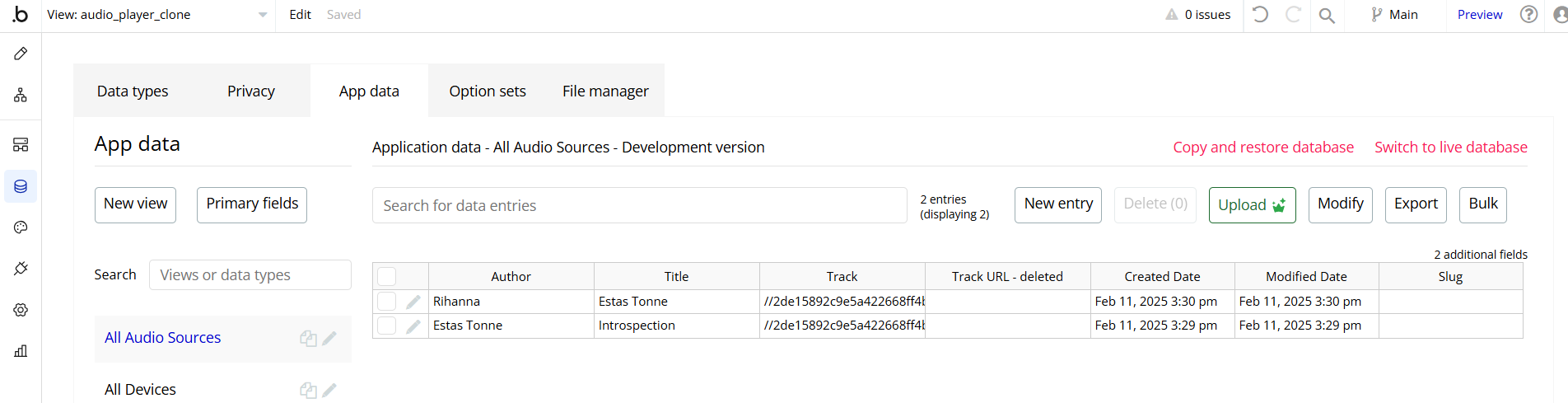
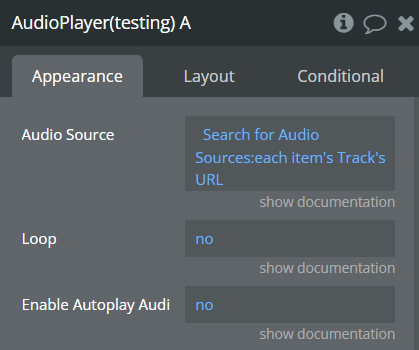
- Configure element with a list of audio files from project’s data base
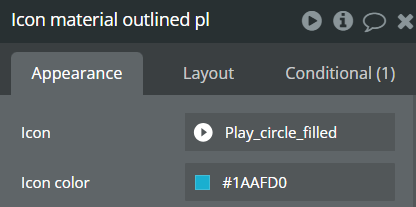
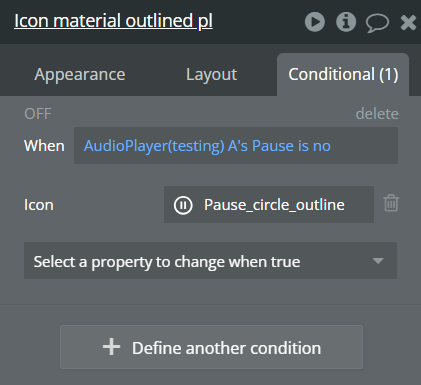
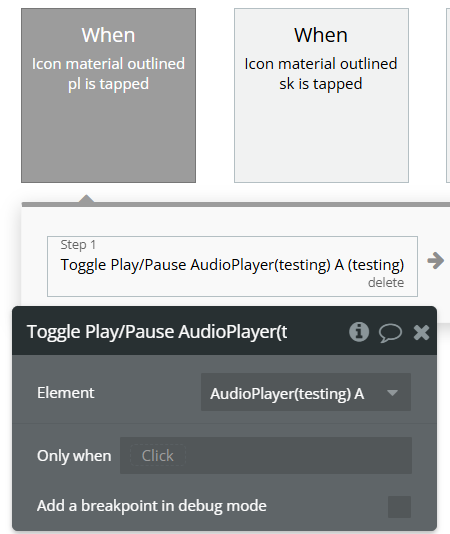
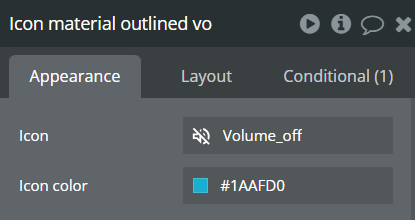
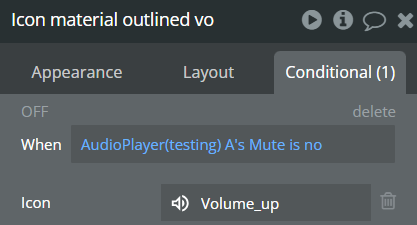
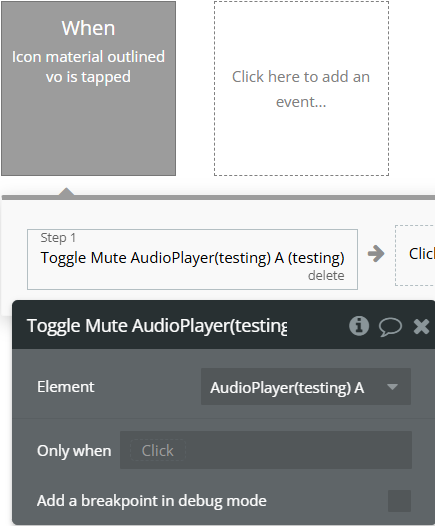
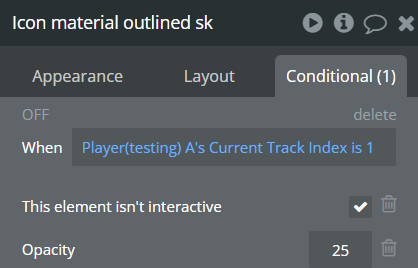
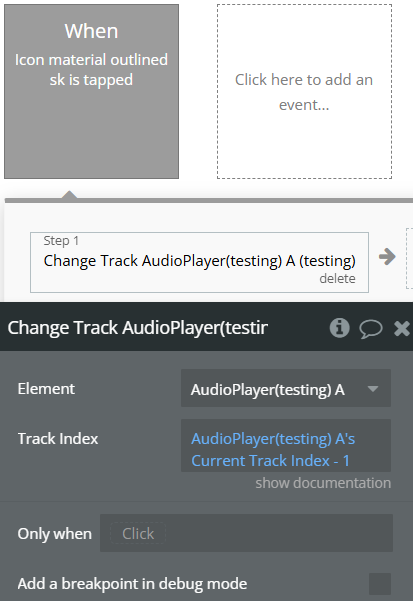
- Configure each button with workflow and condition:
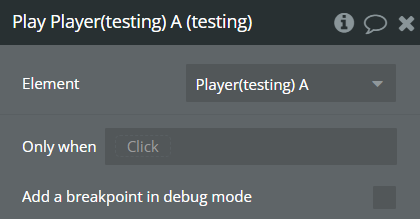
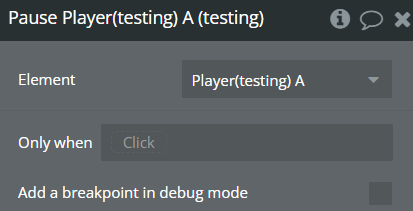
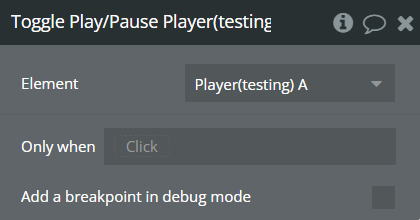
Play Button
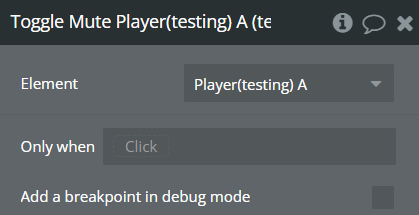
Mute Button
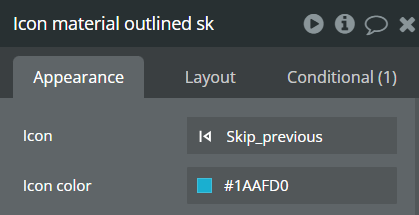
Previous Track
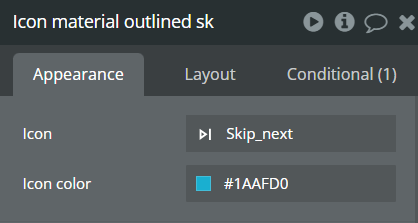
Next Track
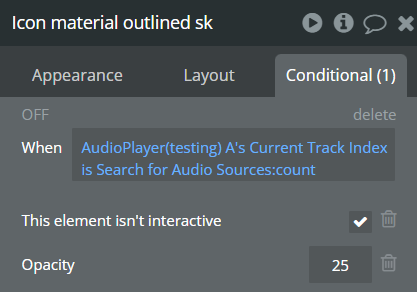
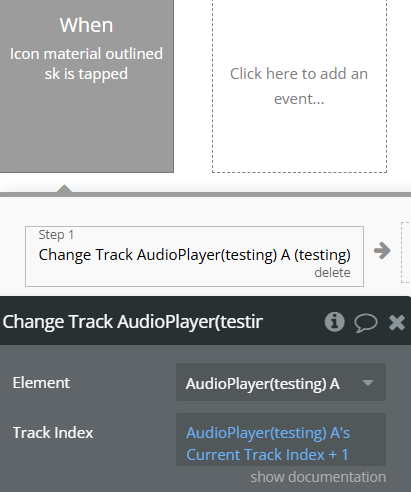
- Basic configuration is ready, preview the page to test
Plugin Element Properties - Audio Player
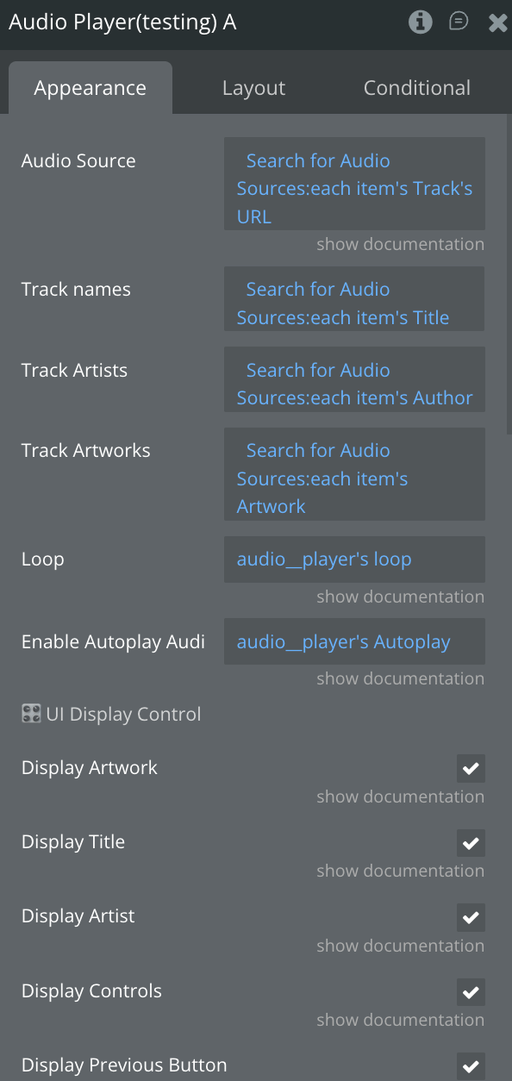
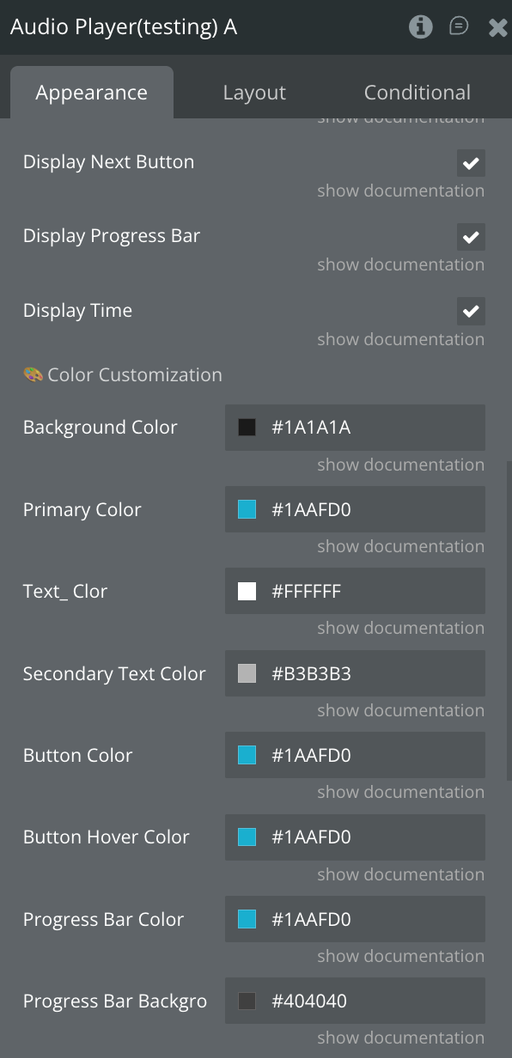
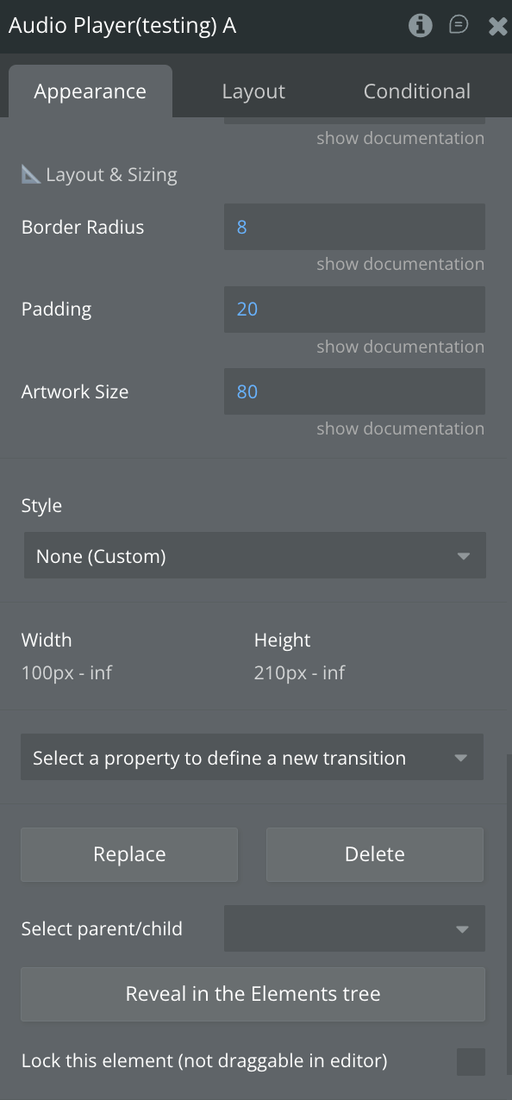
Fields:
Element Actions
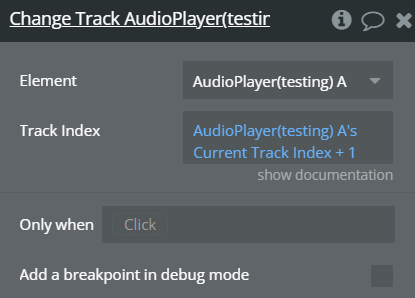
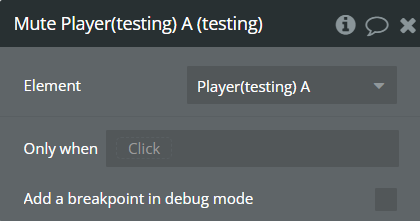
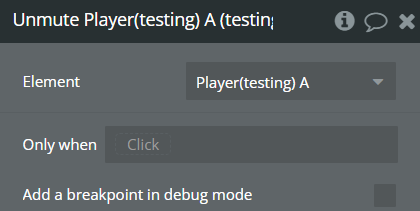
Exposed states
Element Events