
Link to the plugin page: https://zeroqode.com/plugin/input-formatter-plugin-for-bubble-1695228377002x284587625036427640
Demo to preview the plugin:
Introduction
The Input Formatter plugin gives you full control over how text is entered and displayed in your Bubble input fields. Whether you're formatting credit card numbers, dates, currencies, or creating your own custom patterns, this plugin ensures that user input always follows the exact structure you define.
It works in real time formatting as the user types making forms cleaner, more intuitive, and far less prone to validation errors.
Key Features
Prerequisites
Before using the Input Formatter plugin, ensure the following requirements are met:
- You should have a basic understanding of how Bubble input elements work, including setting their content formats and using dynamic values.
- You should know how to install and enable plugins from the Bubble Plugin Marketplace.
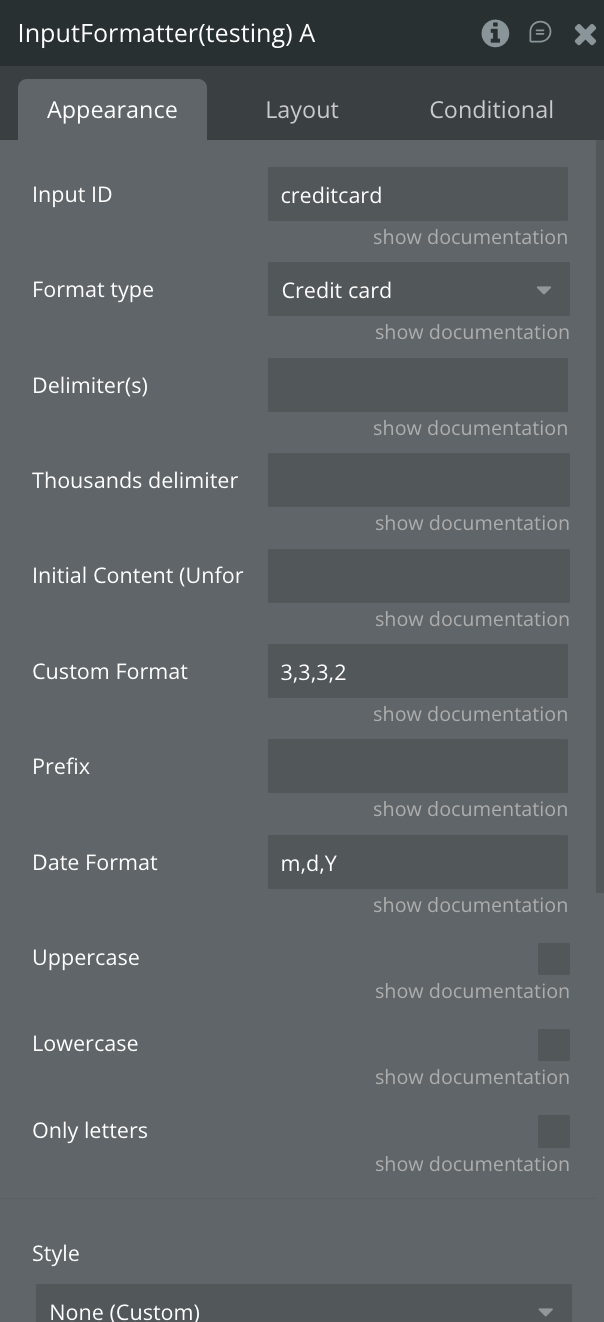
- Saving formatted vs unformatted: Saving the value of the Input box to a Thing will give you the formatted data. If you want to save the data unformatted, use the Input Formatter's Unformatted value.
- Initial Content: If you’re saving data that’s formatted, just use the regular Input element’s Initial Content setting. If you’re saving data unformatted, use the Initial Content property in the Input Formatter's settings.
- Delimiters: The Delimiter(s) property can be a single character such as a space or comma. You can also use multiple delimiters, separated by /,/
- Date Format: Use d, m and y for days, months, years in 2 figures. Use Y for years in 4 figures.

How to setup
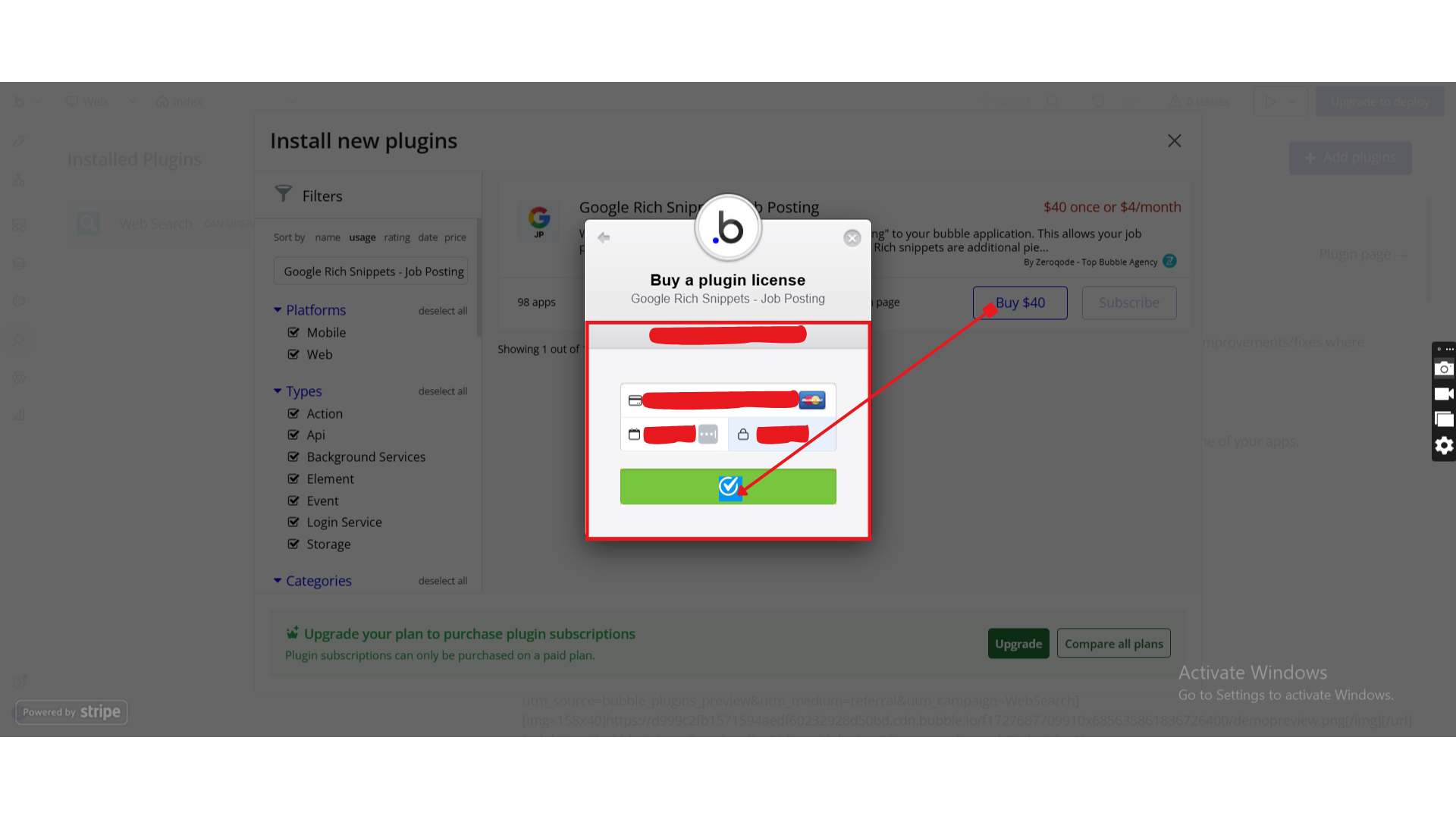
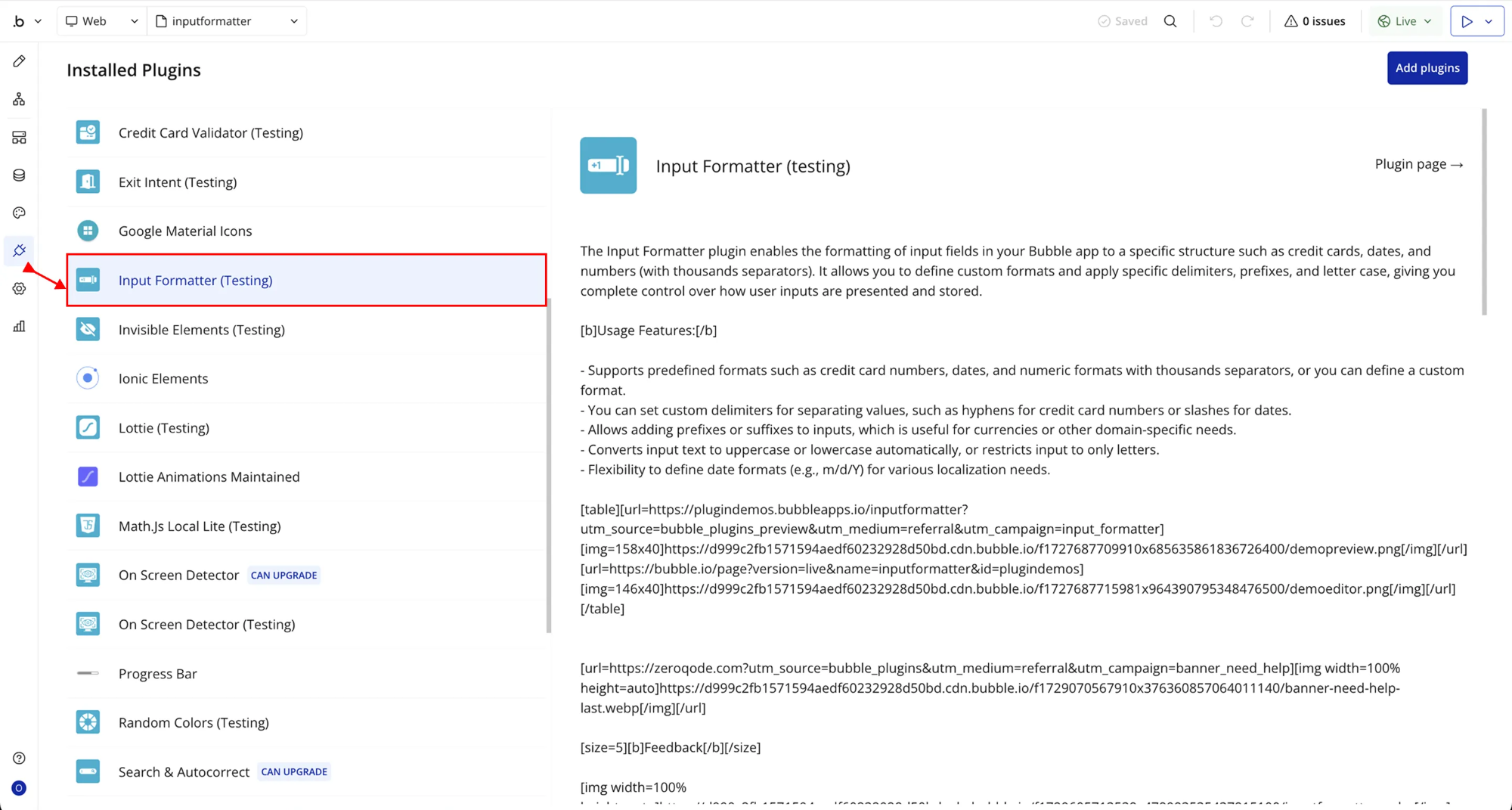
Step 1 – Install the Plugin
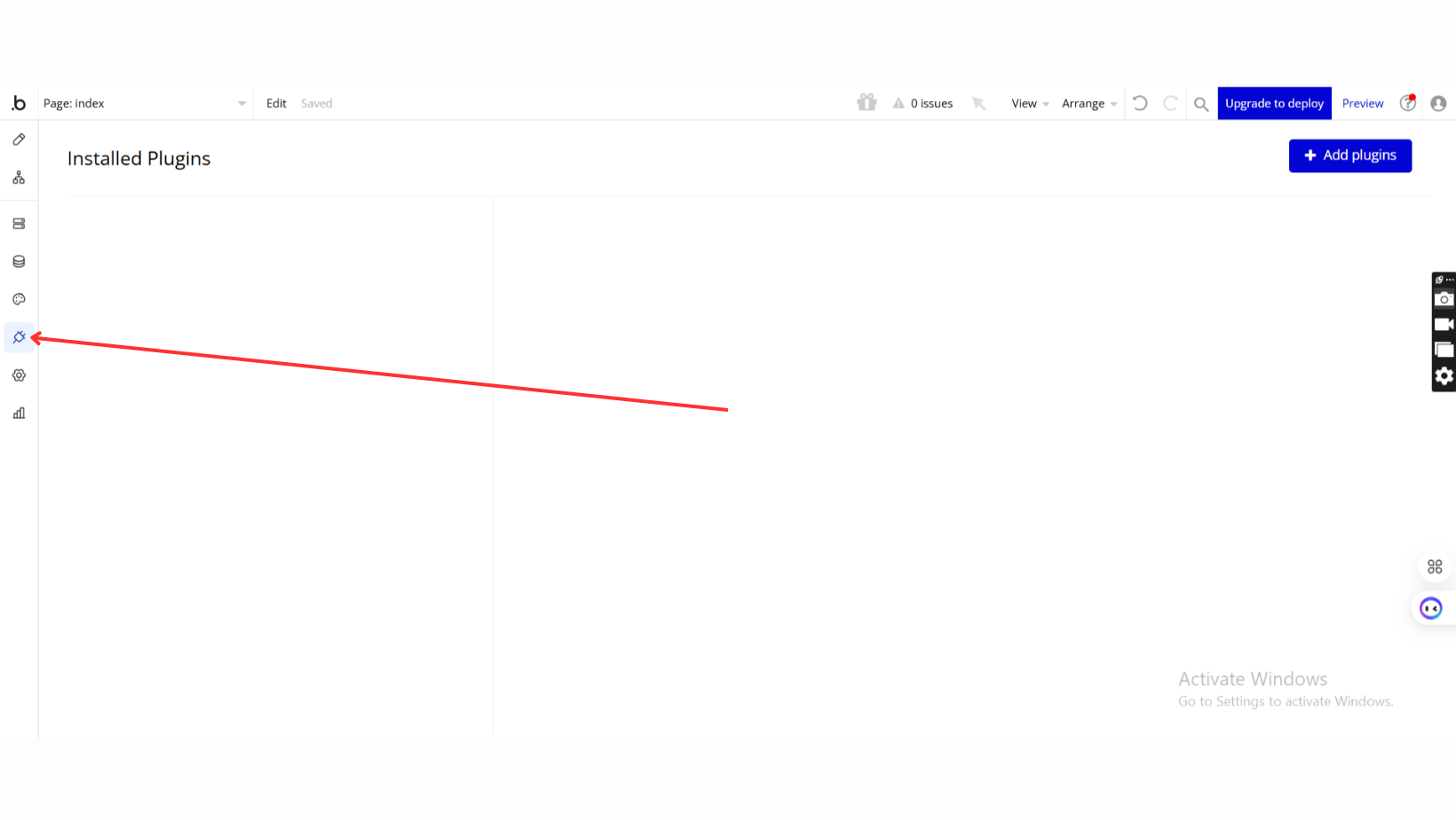
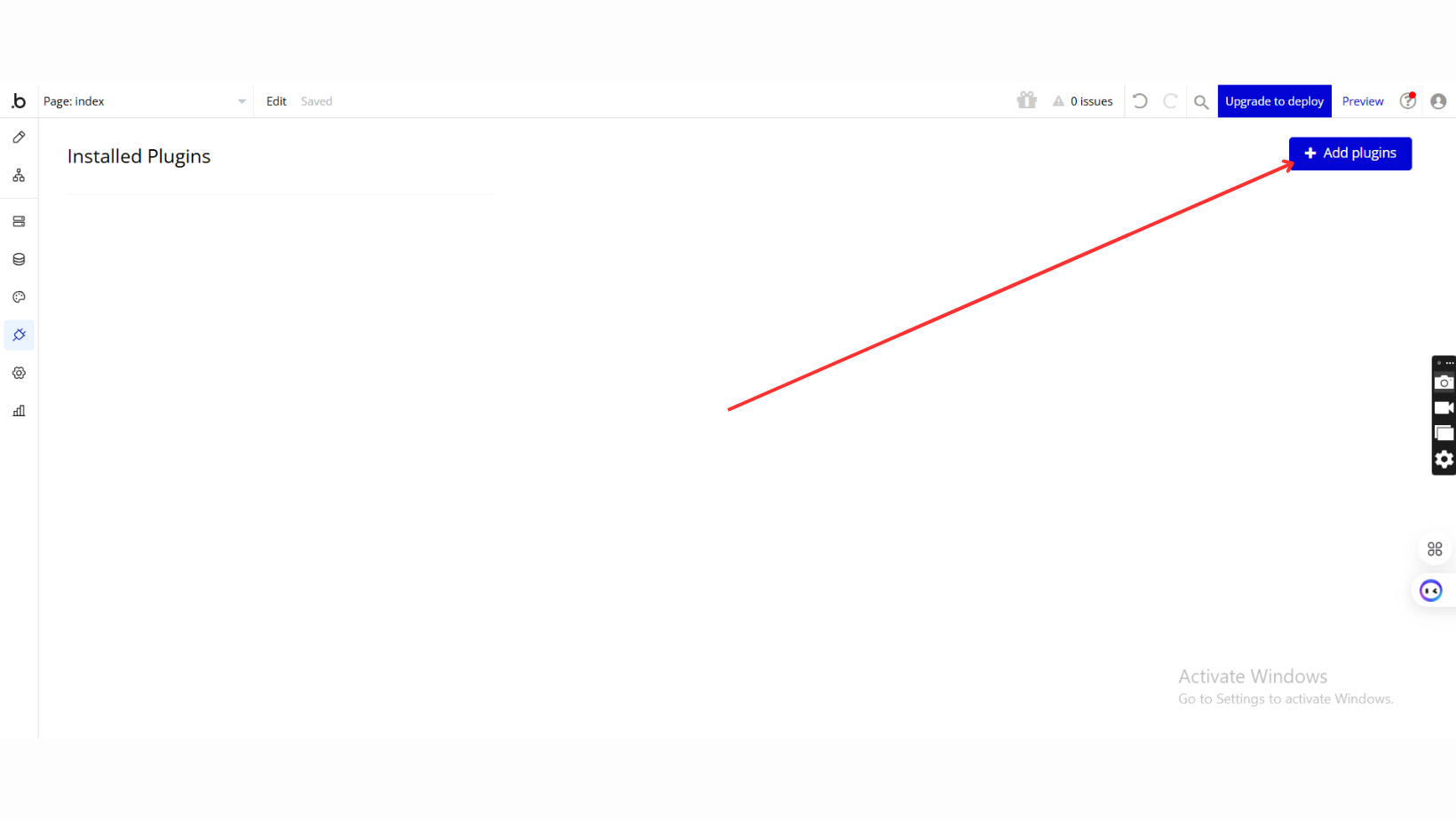
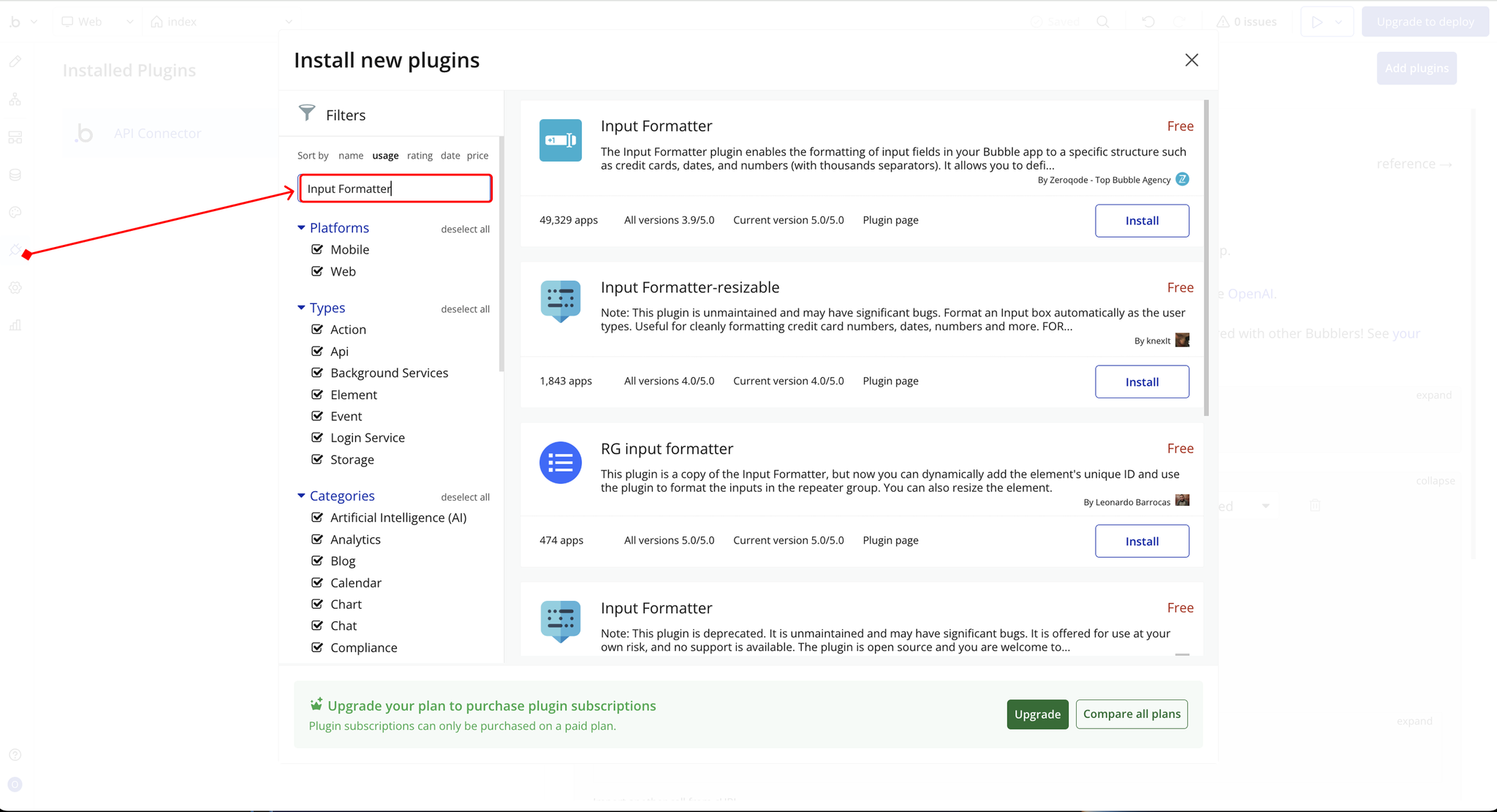
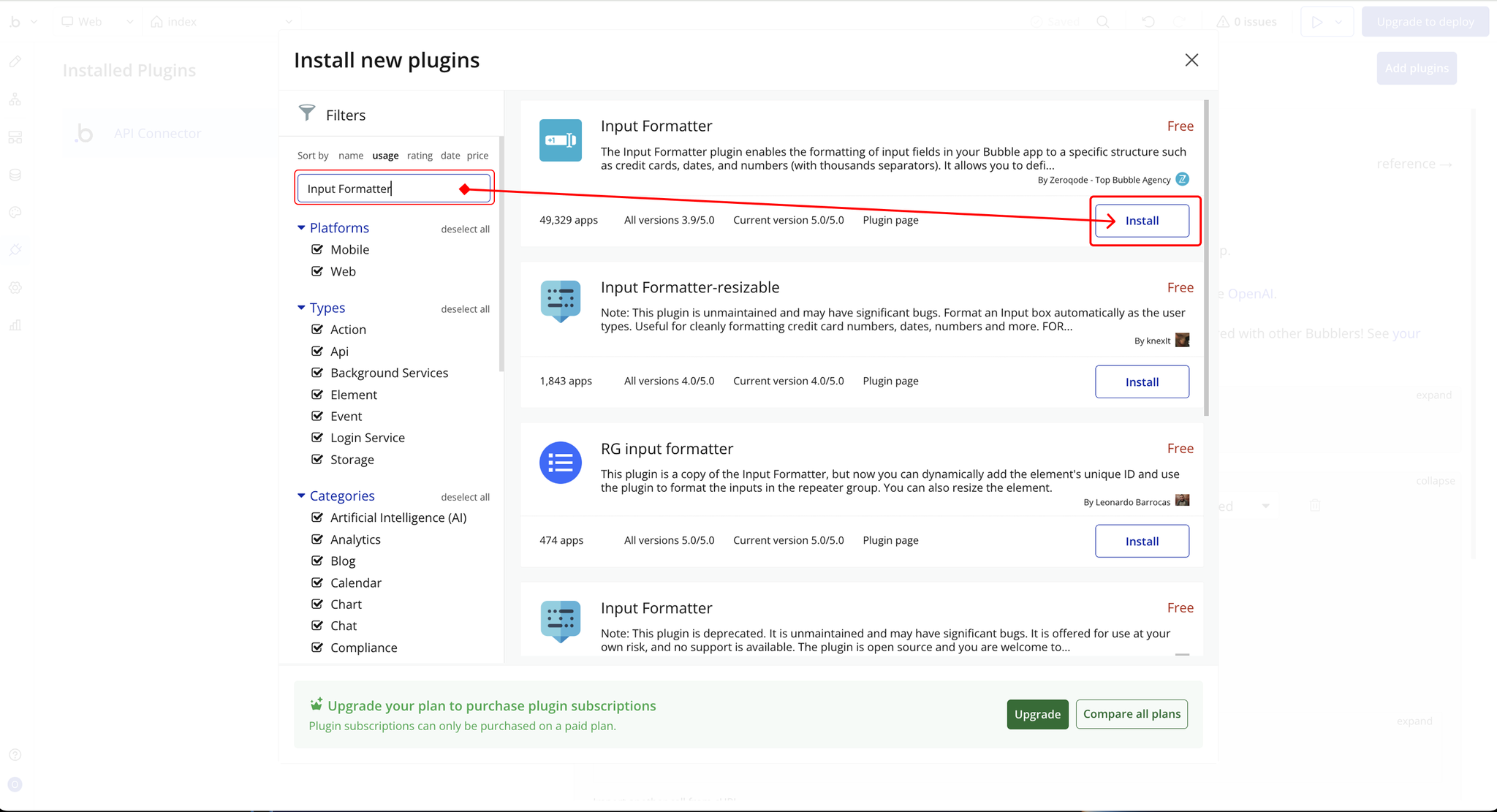
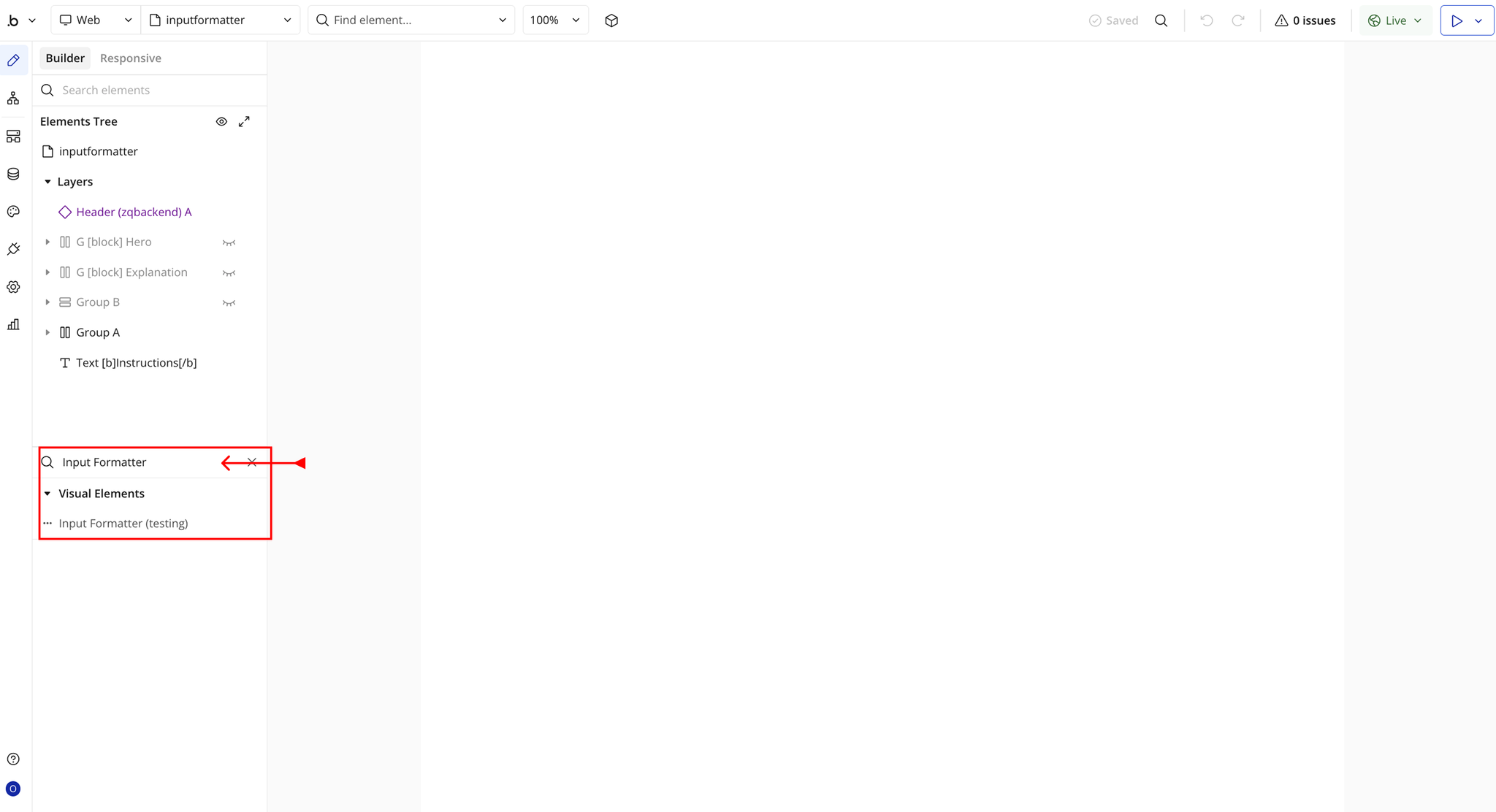
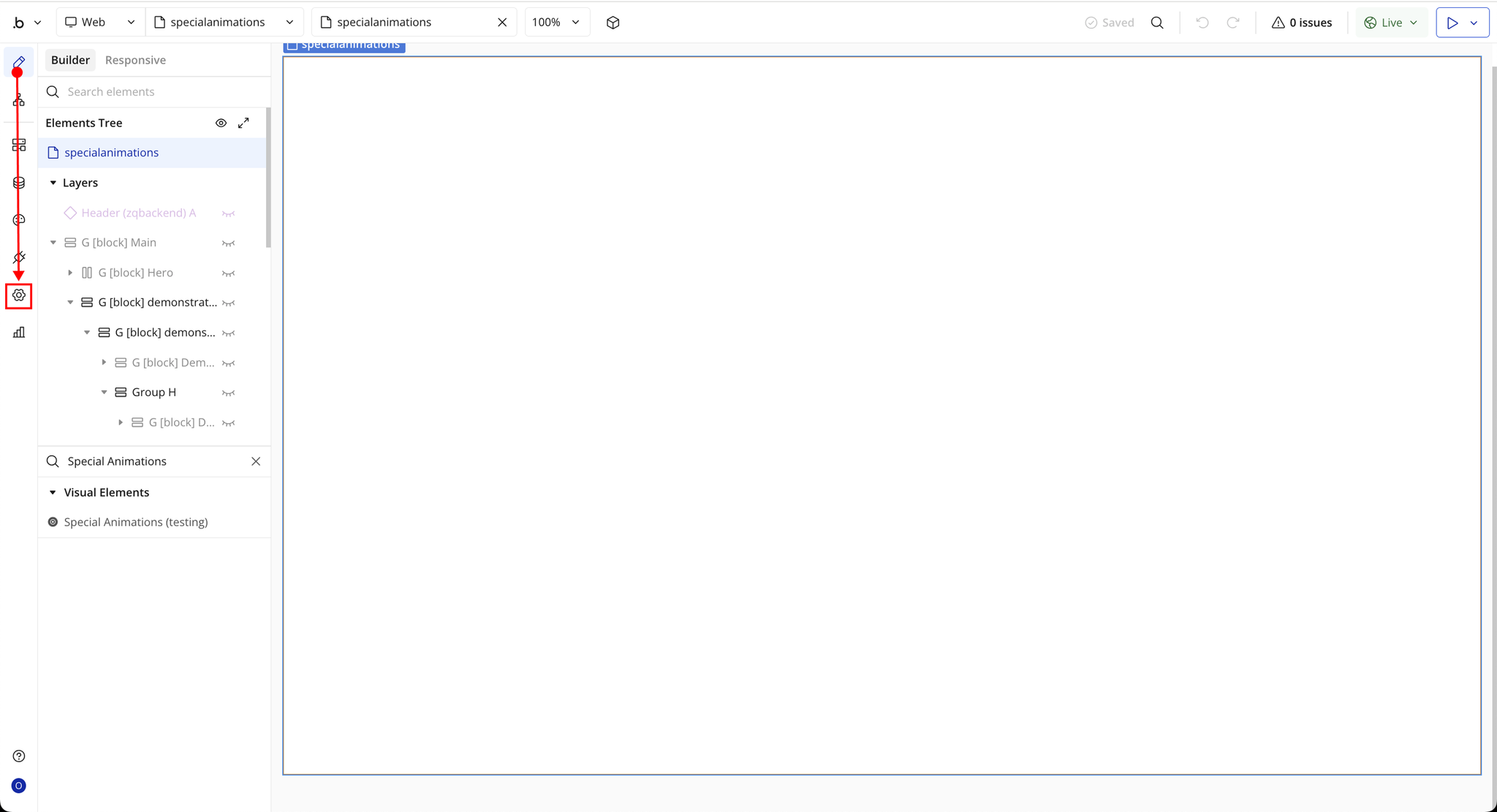
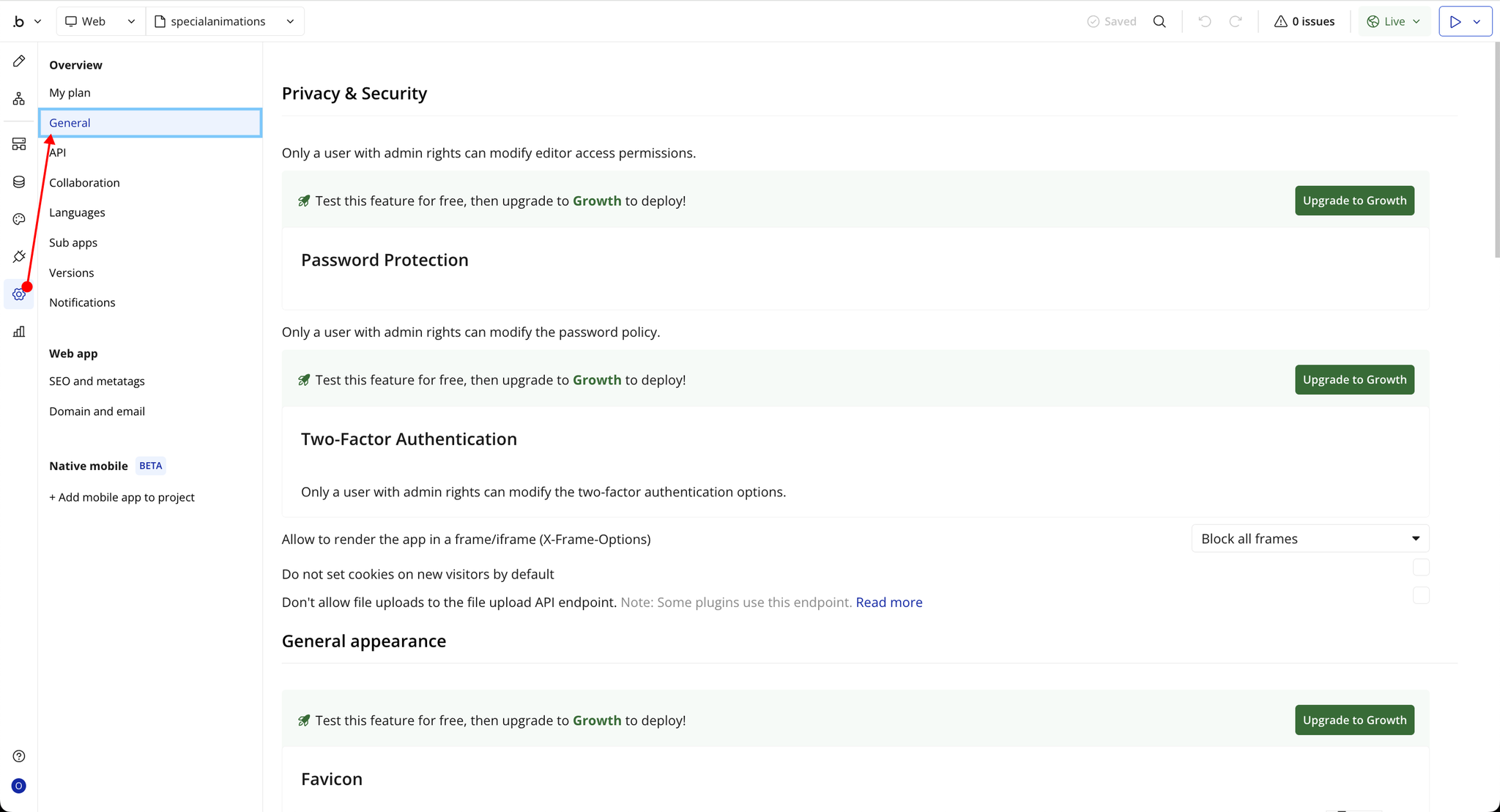
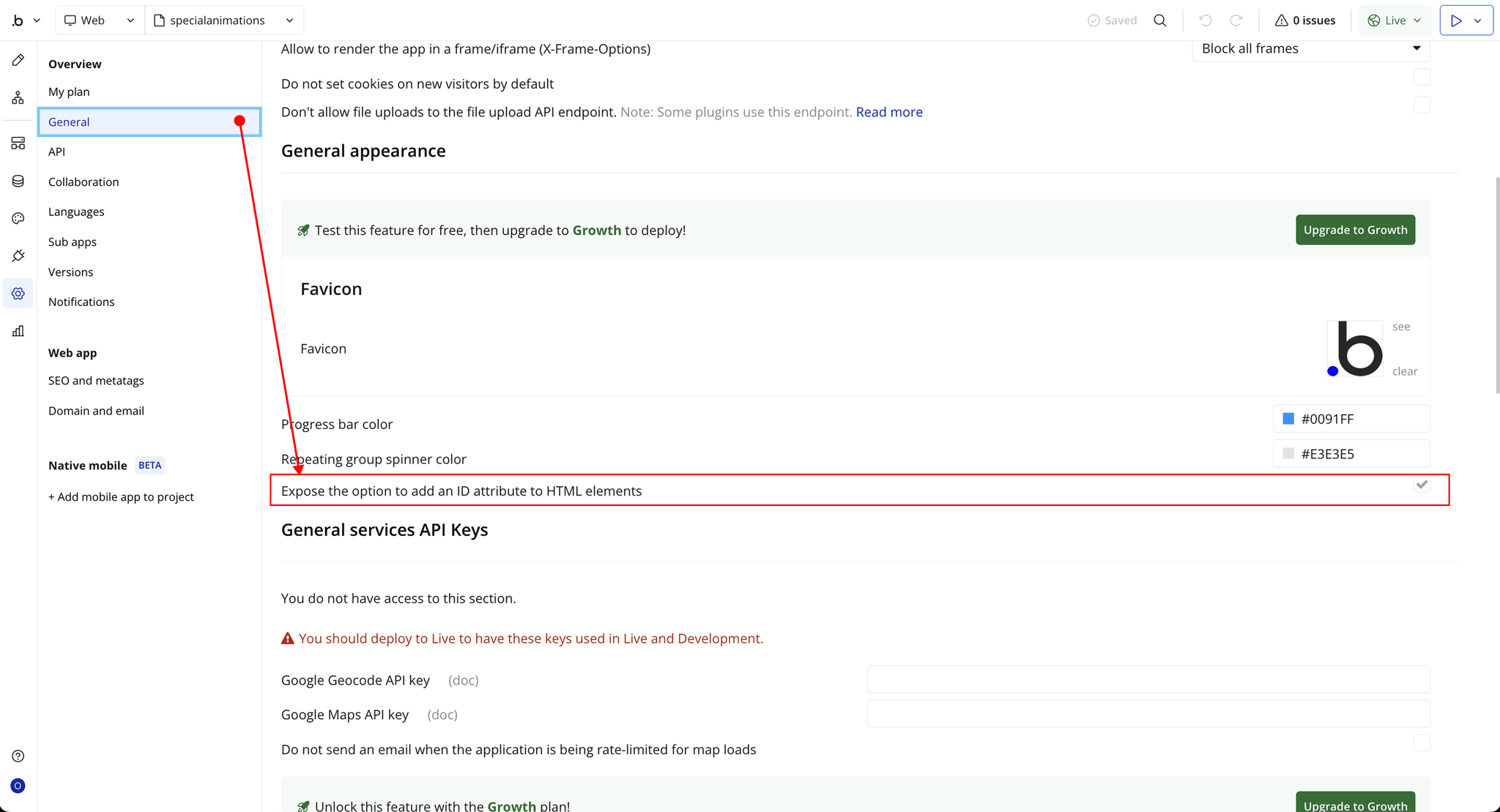
Step 2 – Add the Plugin Element to Your Page
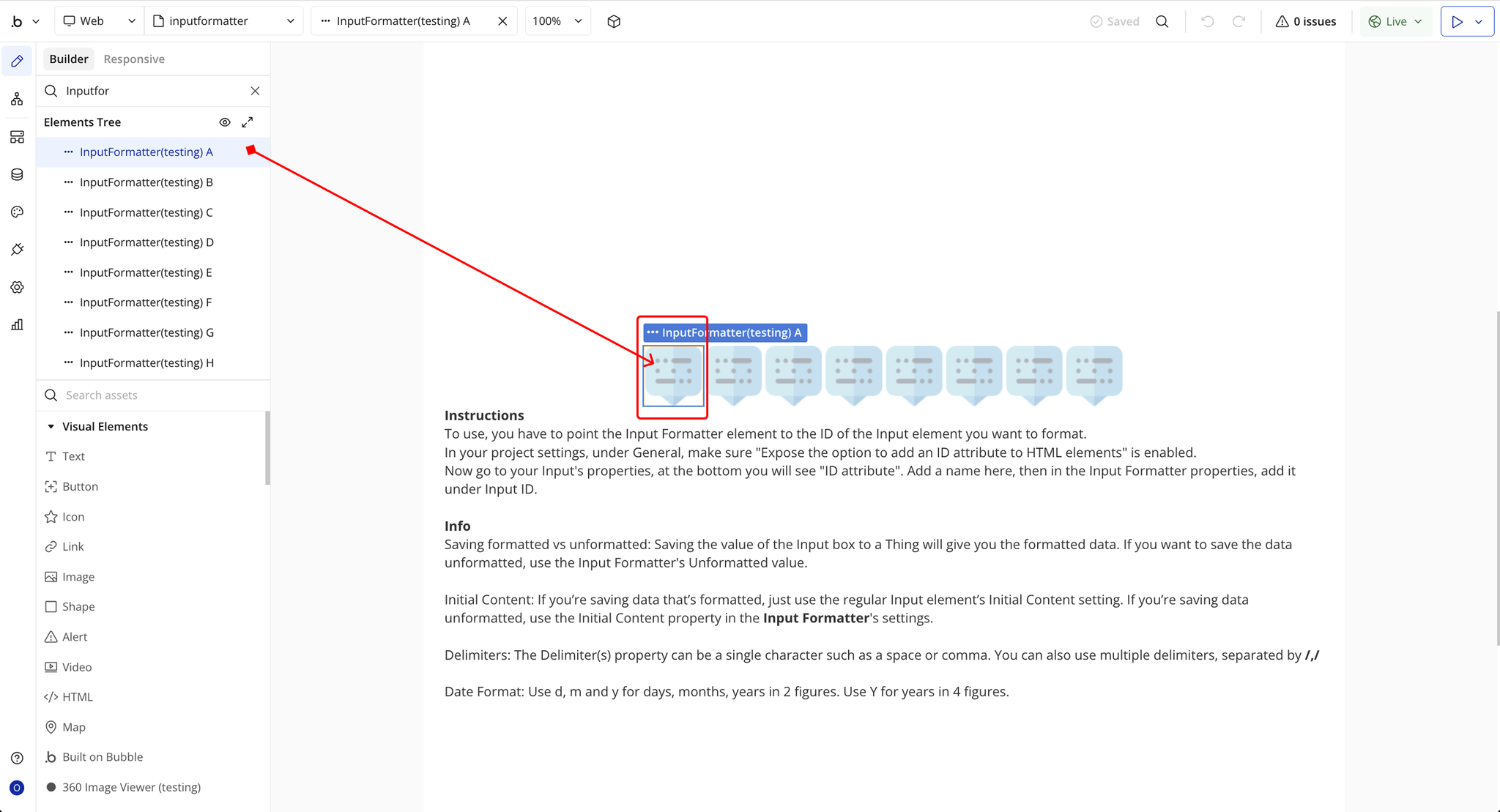
Step 3 – Configure Properties
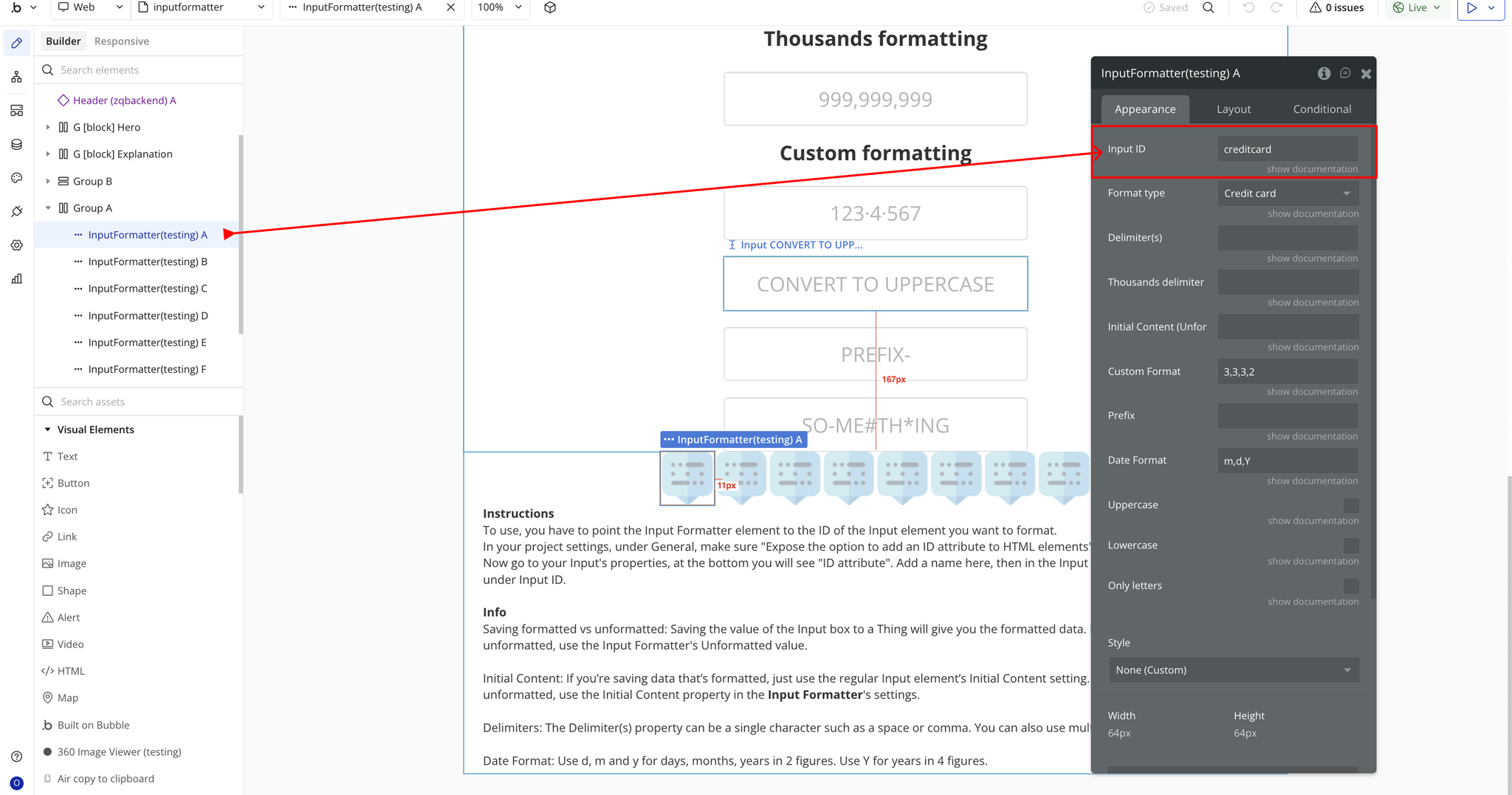
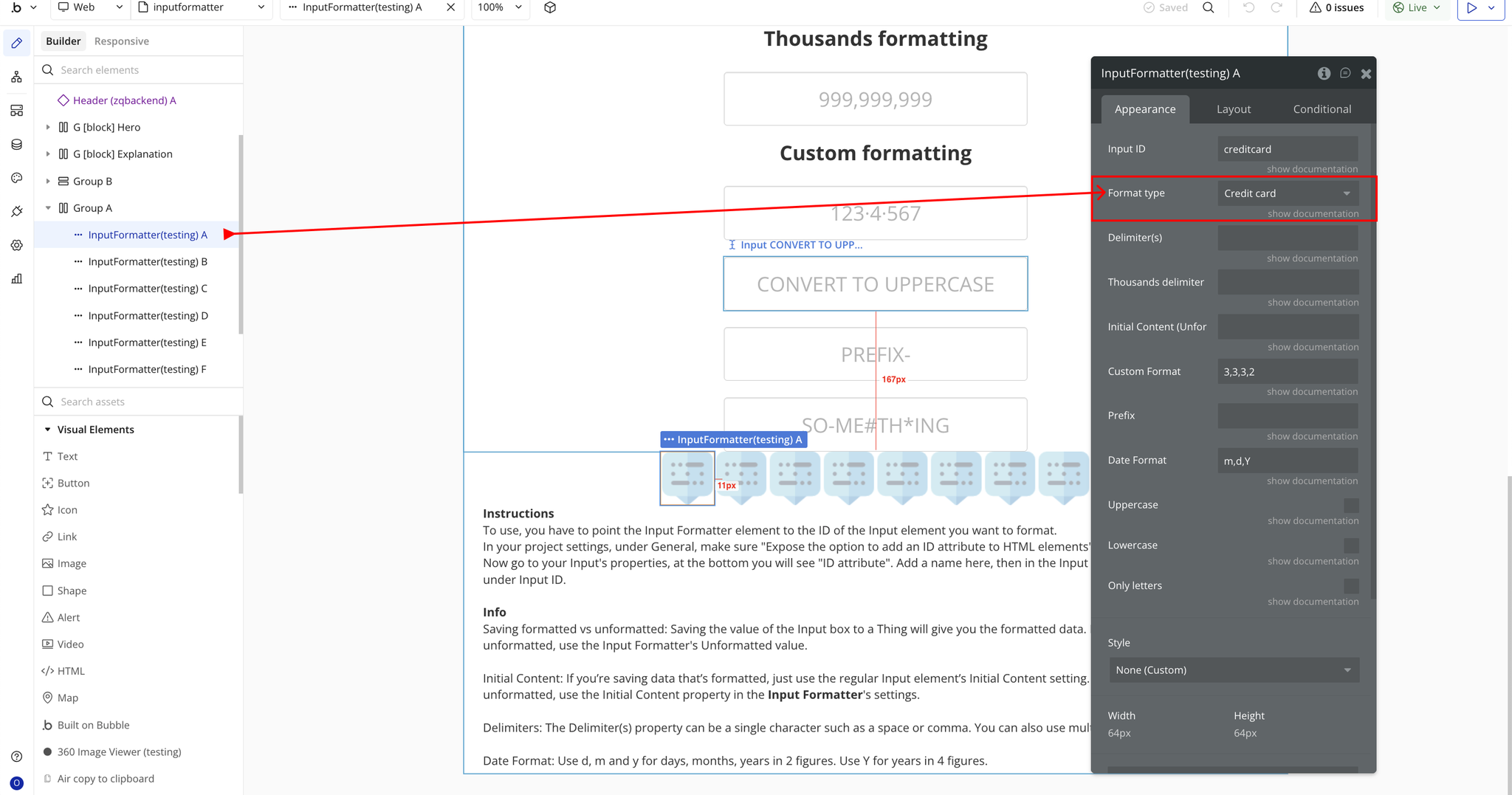
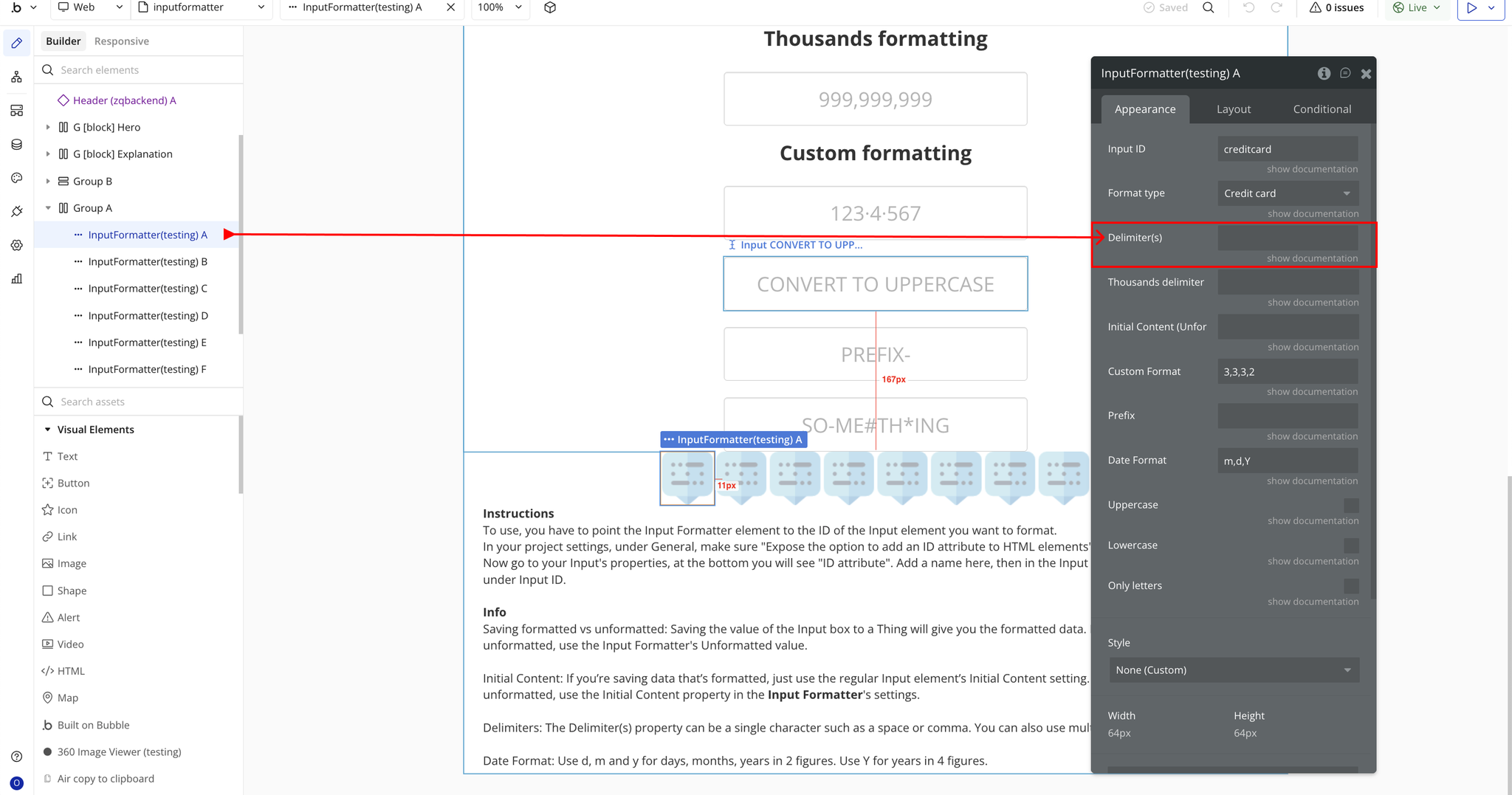
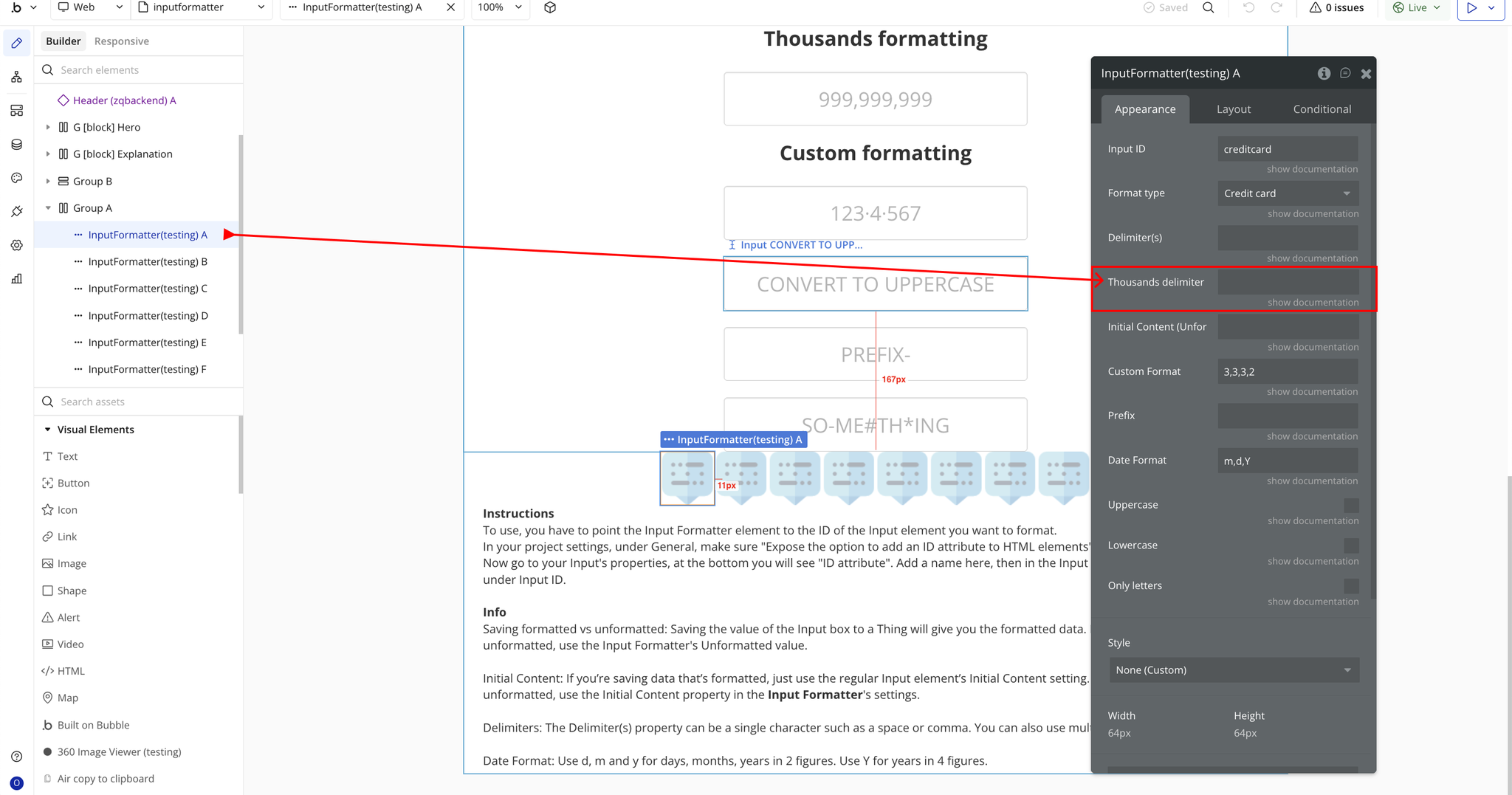
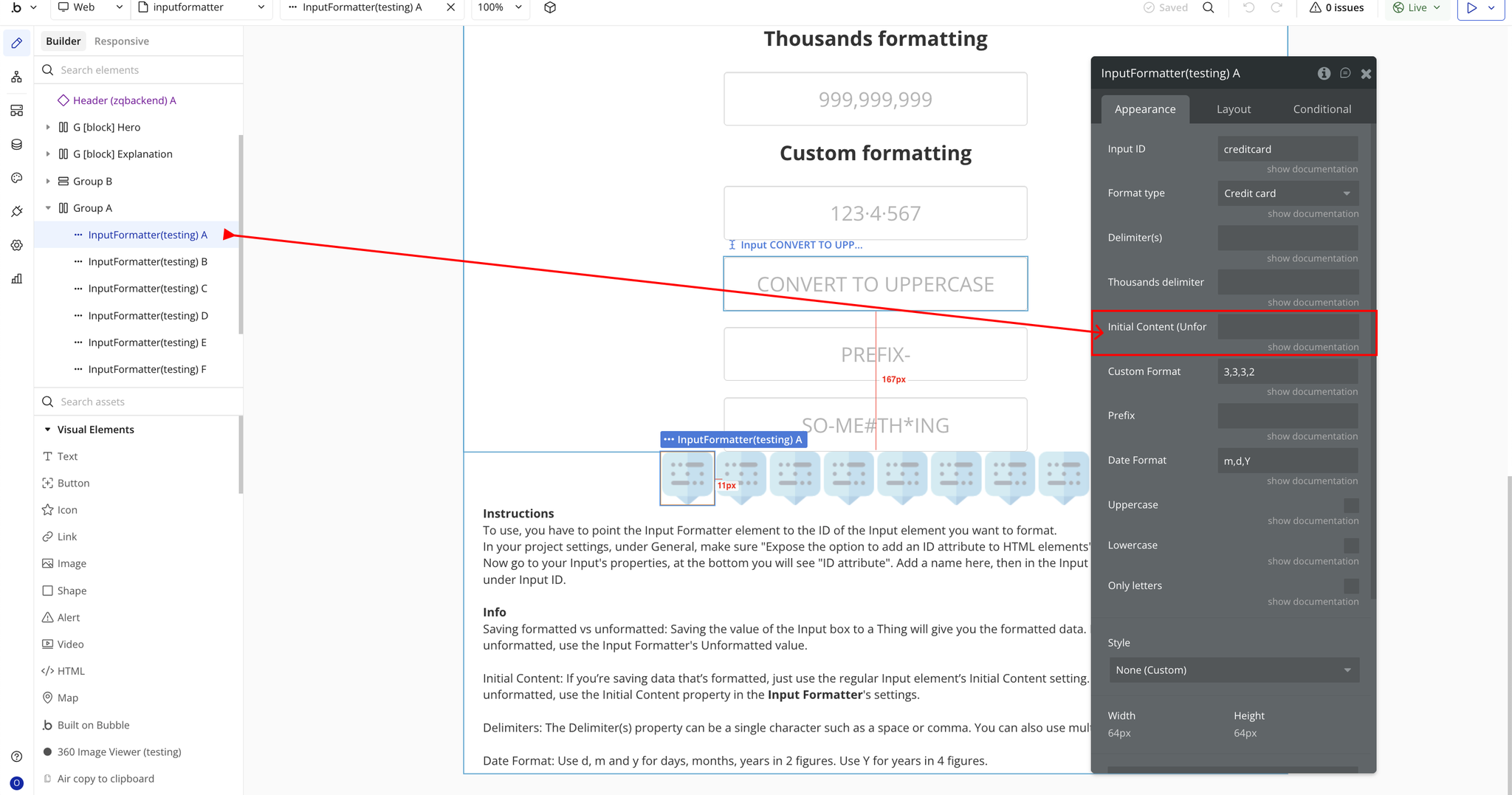
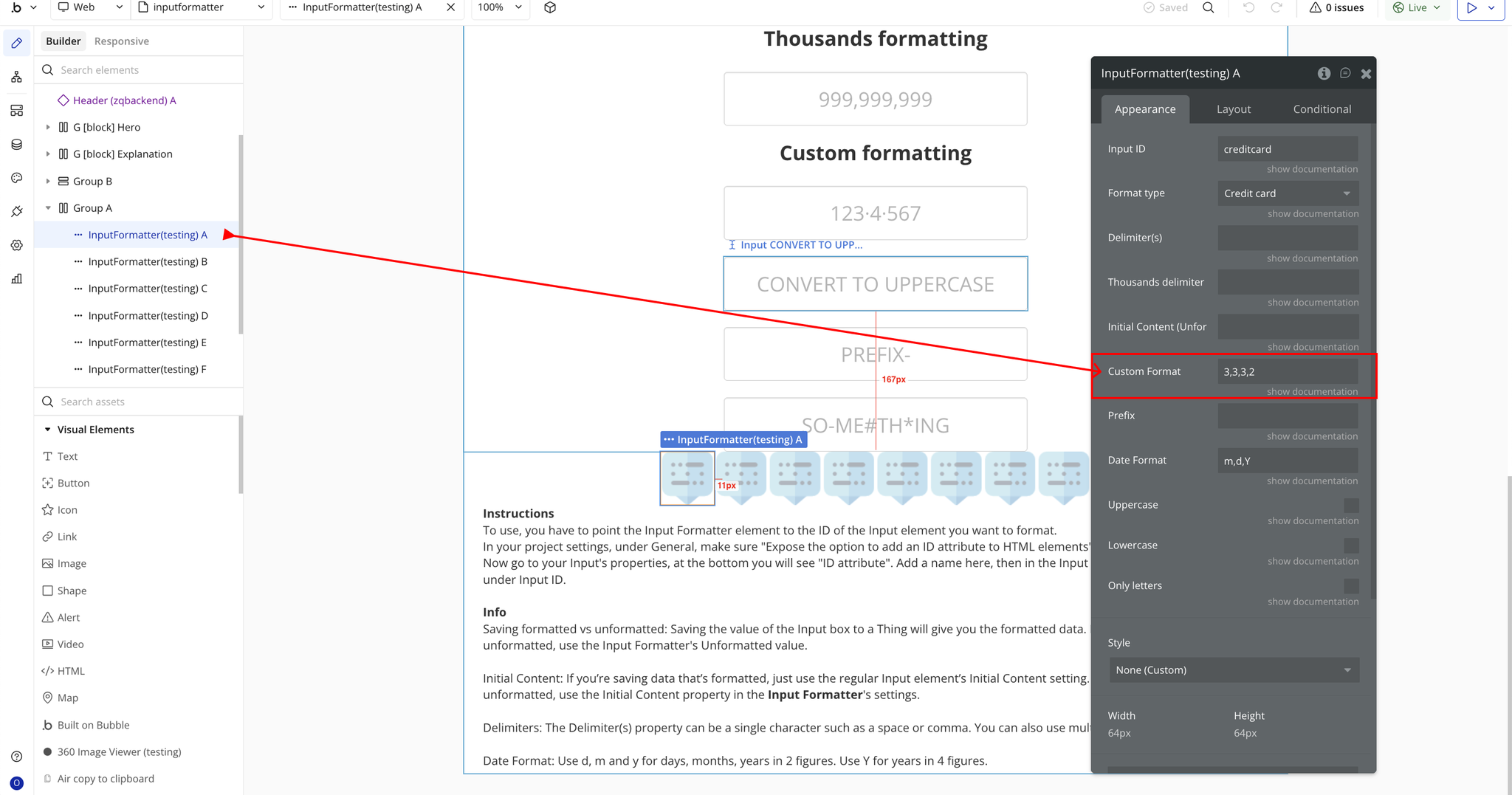
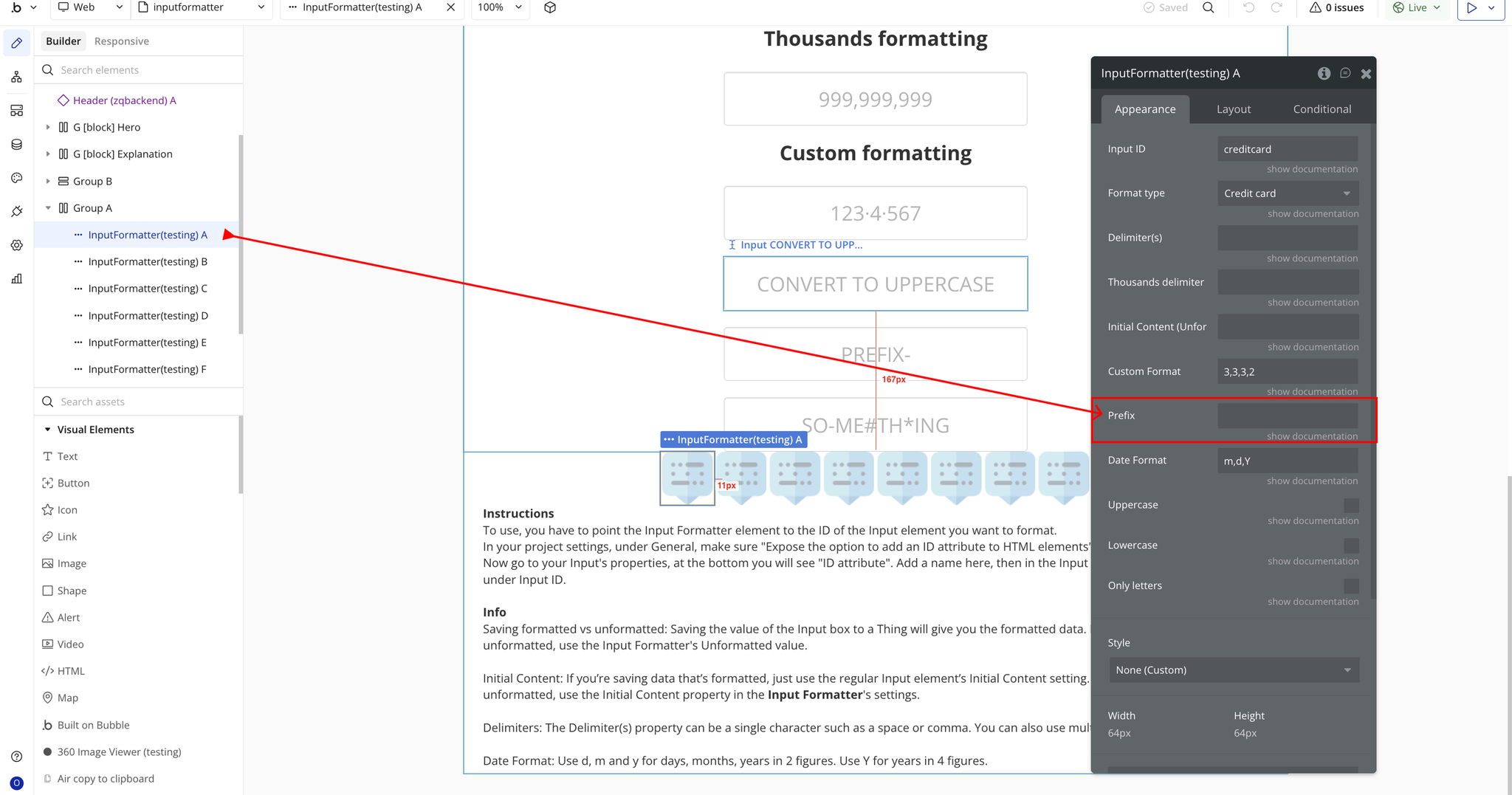
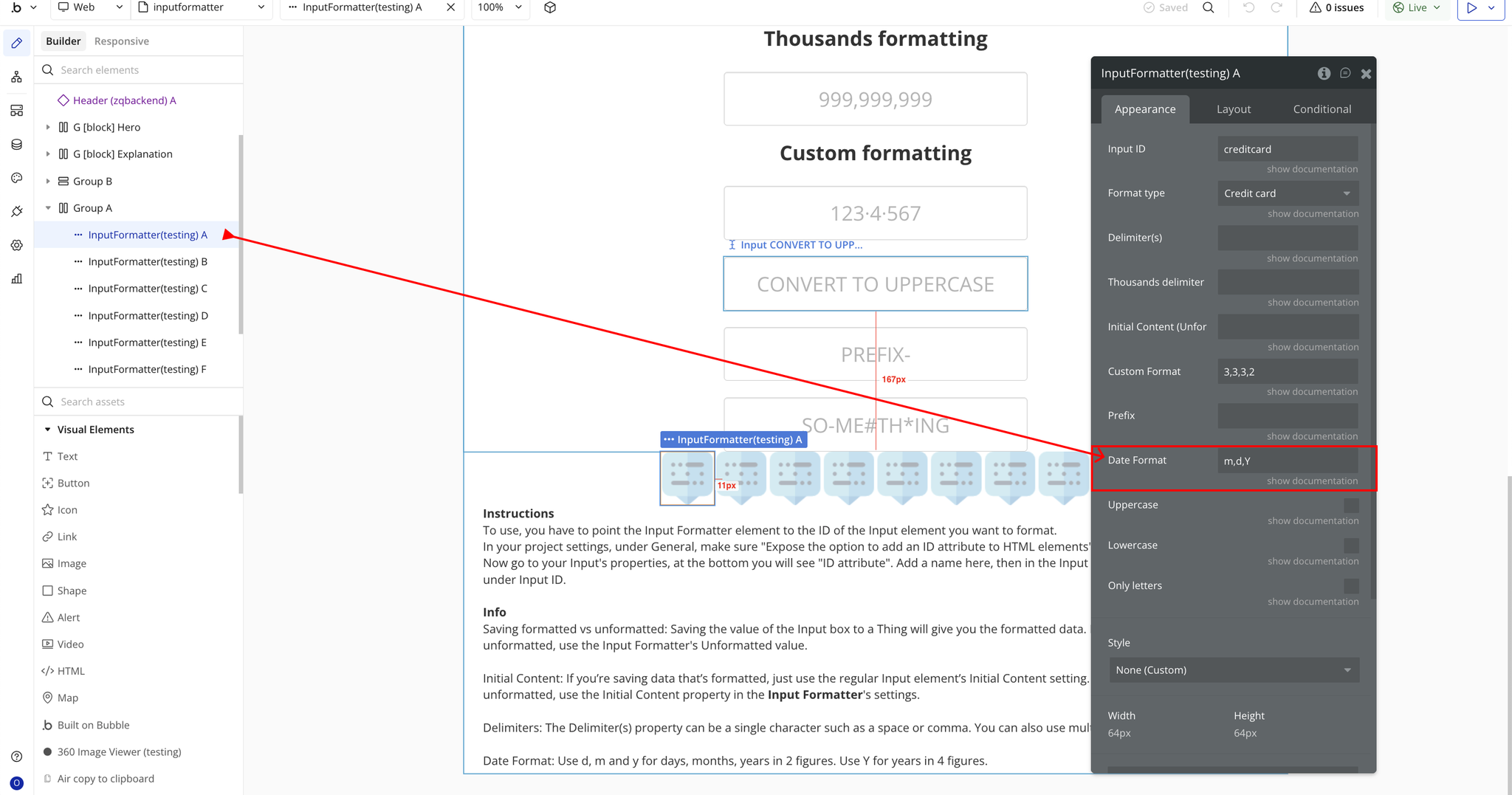
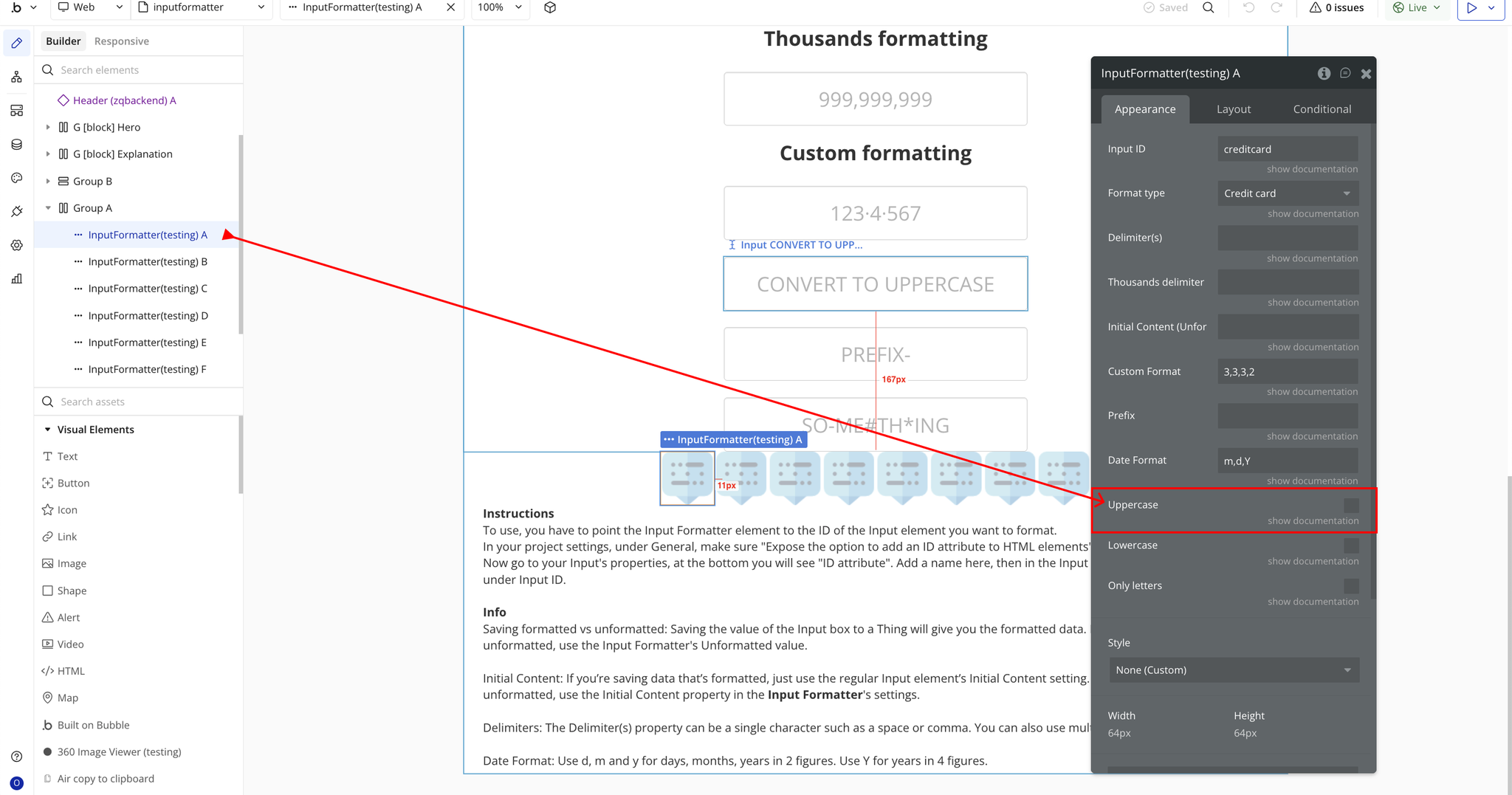
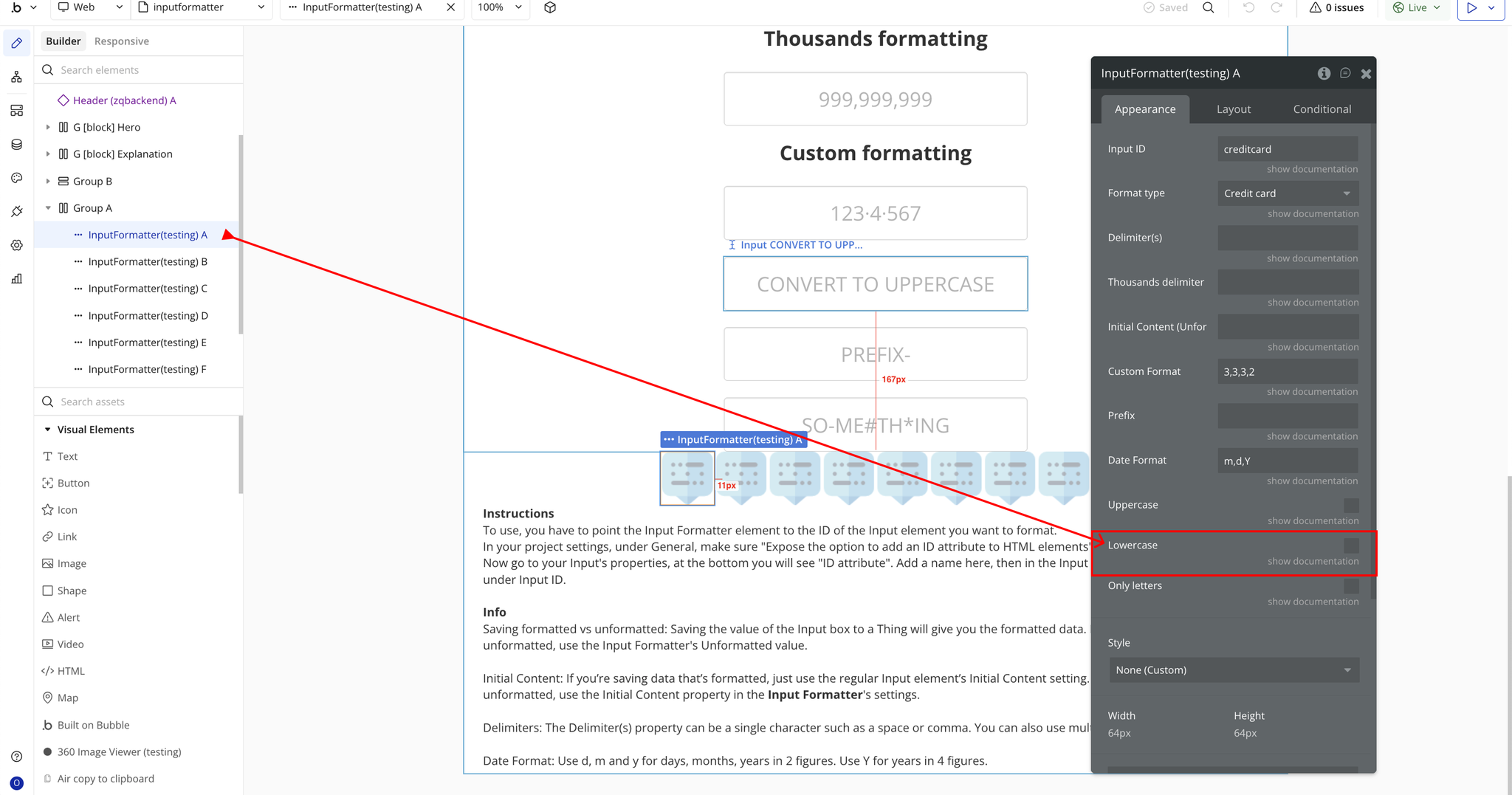
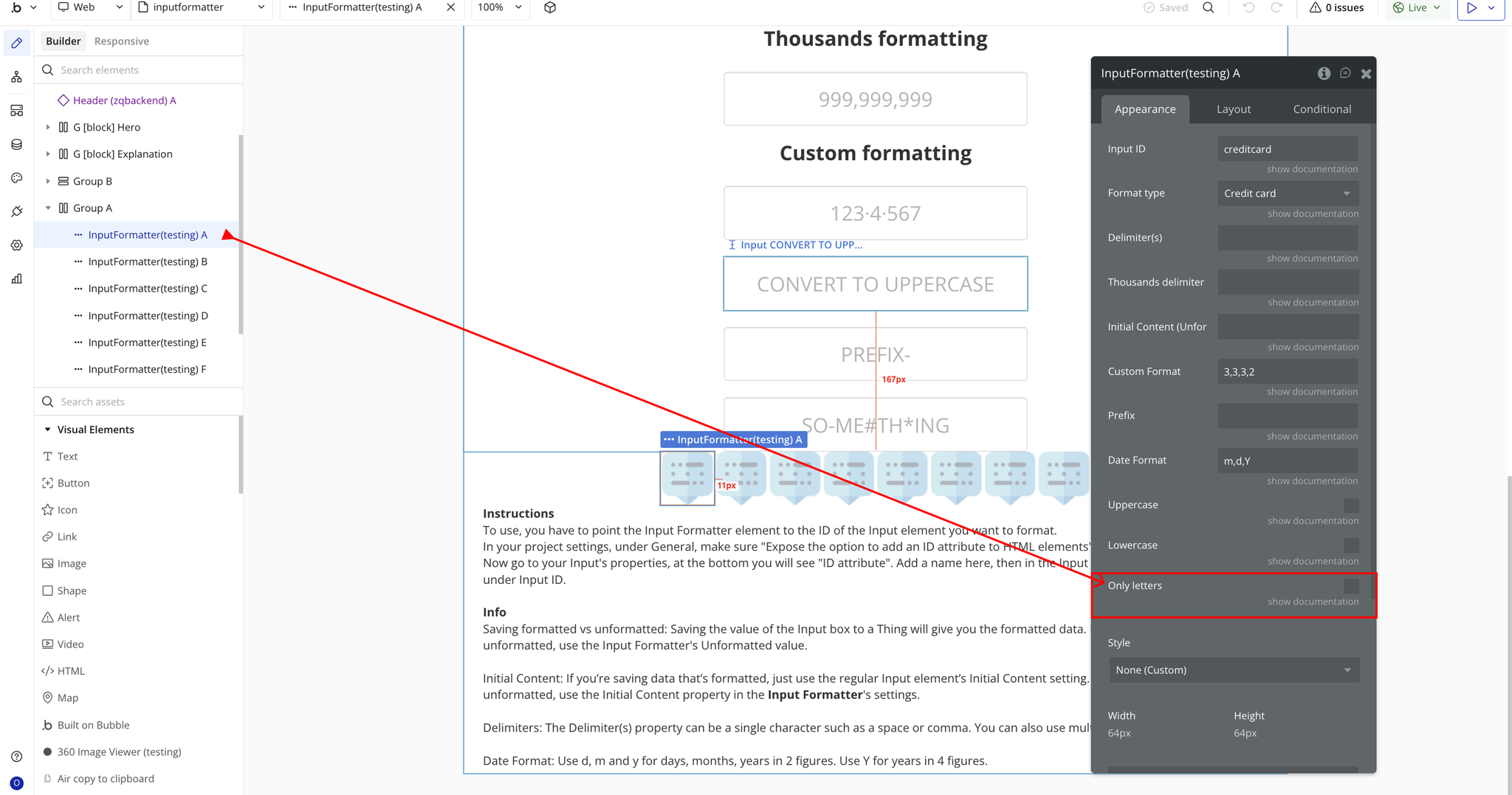
Plugin Element Properties - Input Formatter
Fields
Exposed states
