Demo to preview the plugin:
Live Demo: https://rapidevplugins3.bubbleapps.io/marker
Introduction
Underline Text (Dynamic Marker) lets you dynamically underline text elements using animated, customizable lines.
It is designed to draw attention to important words, headlines, calls-to-action, or key messages by applying animated underline effects directly through workflows.
You can fully control the underline’s color, thickness, animation duration, and style (solid or striped), making it a lightweight yet powerful visual-emphasis tool for modern Bubble apps.

How to setup
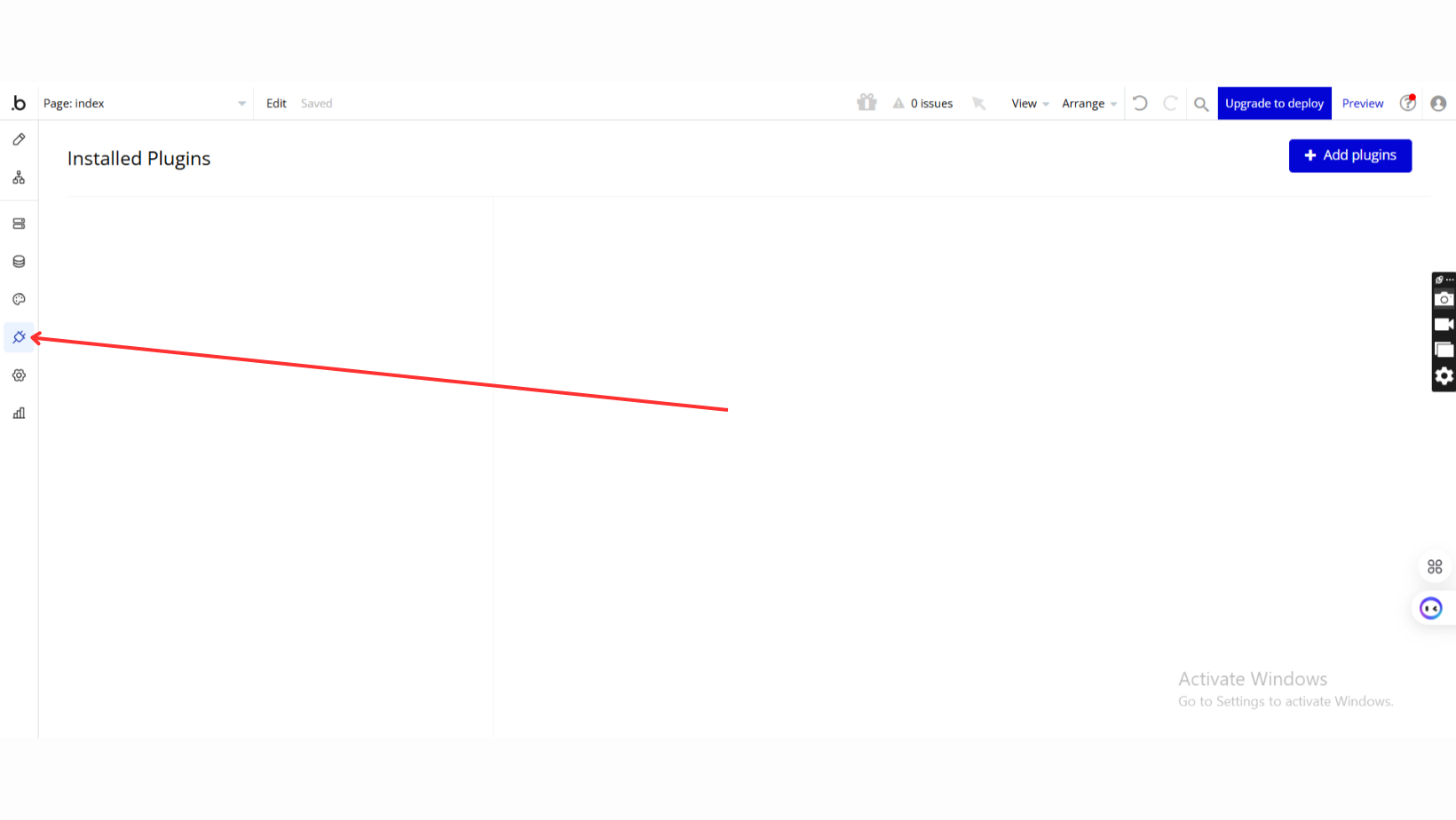
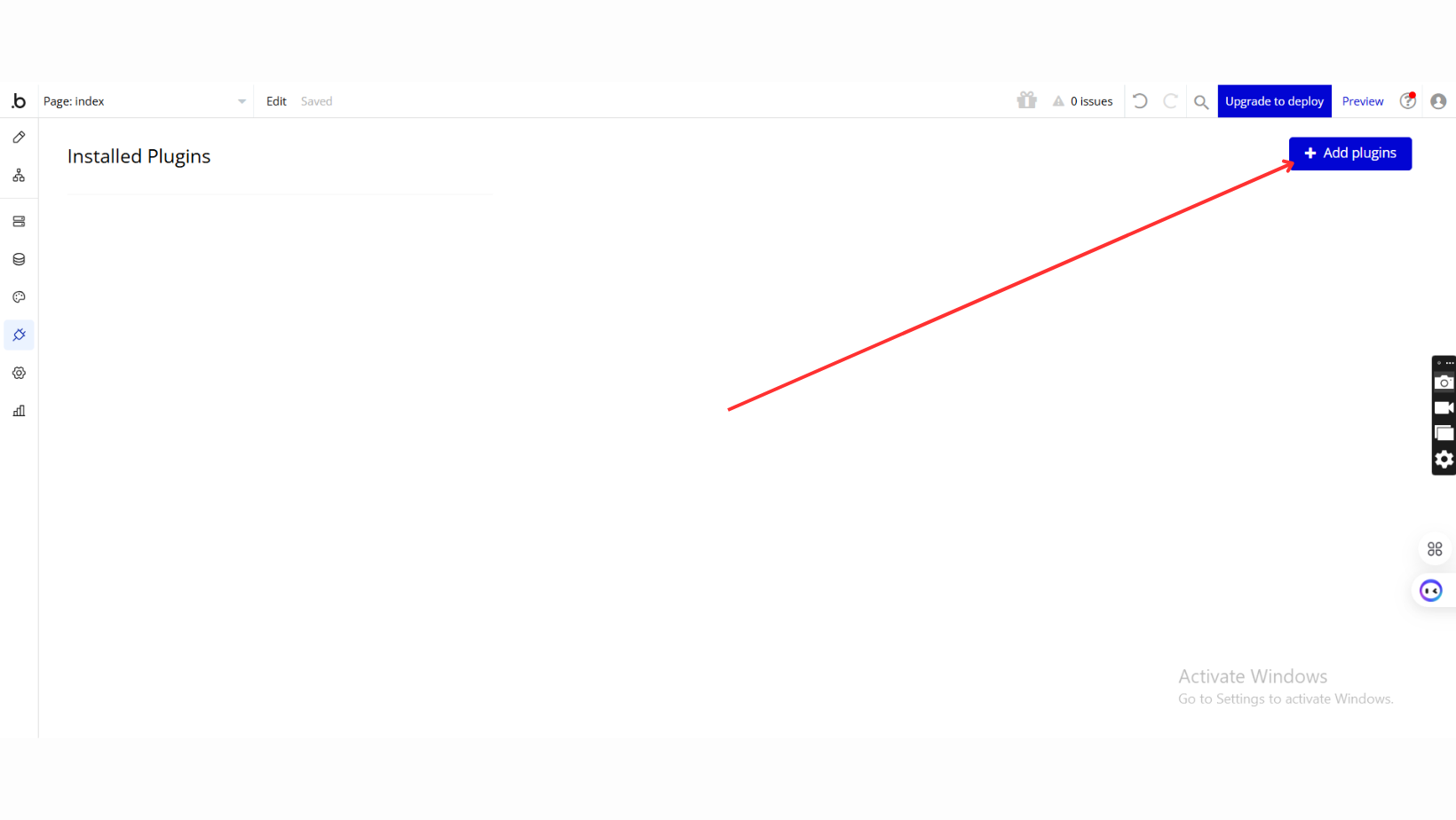
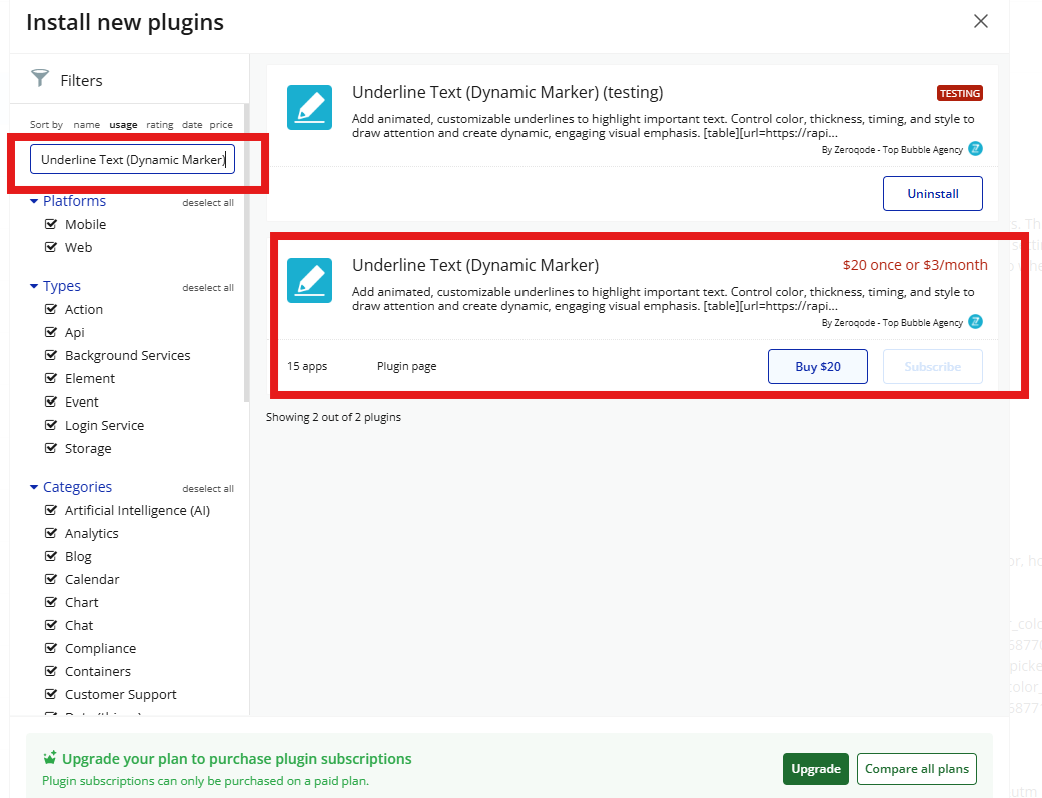
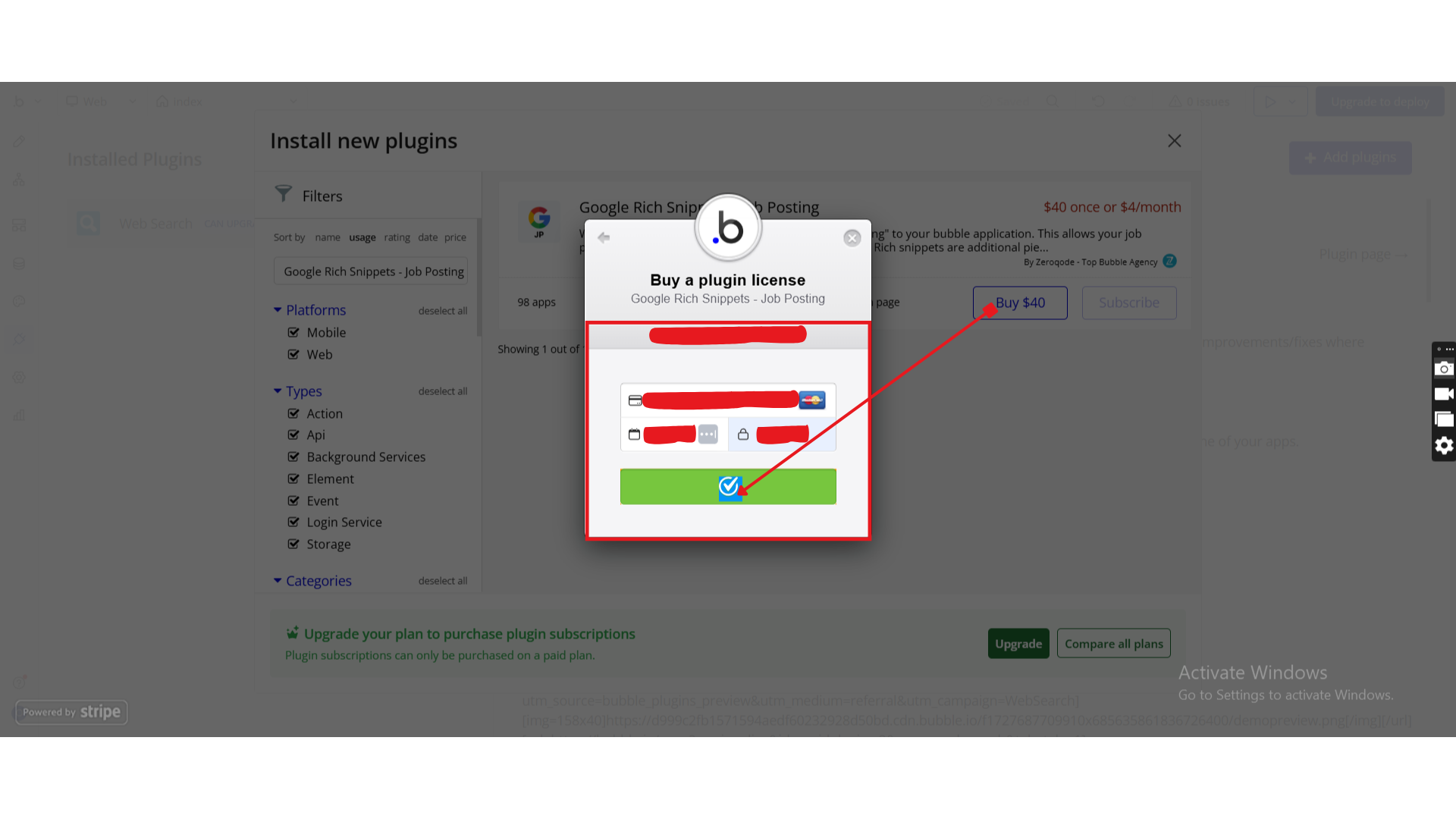
Step 1 – Install the Plugin
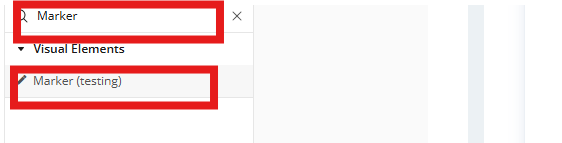
Step 2 – Add the Plugin Element to Your Page
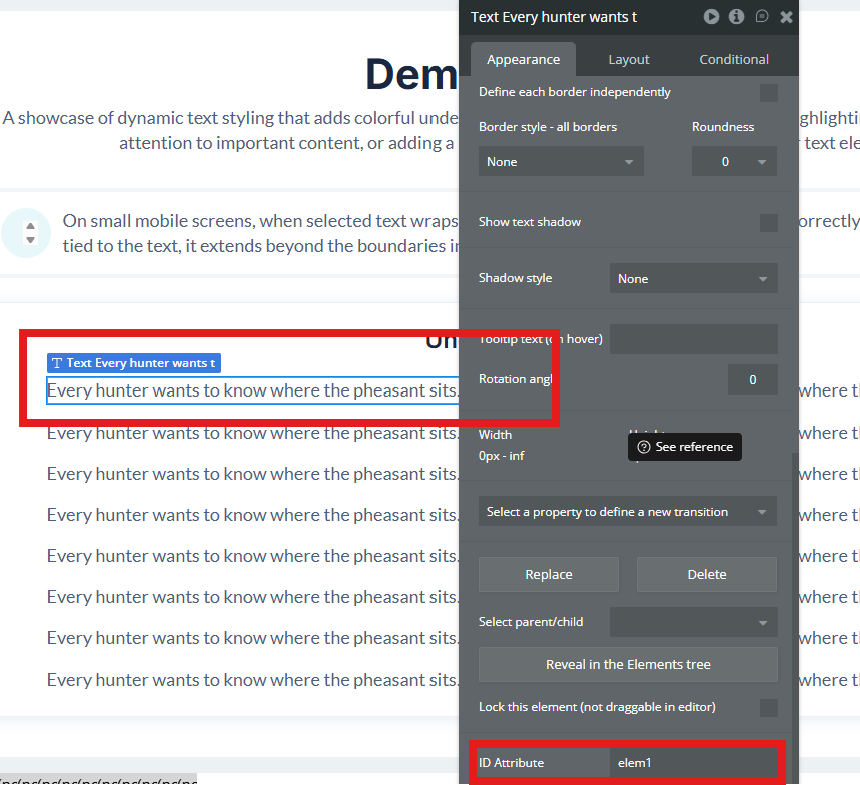
Step 3 – Prepare the Target Text Element
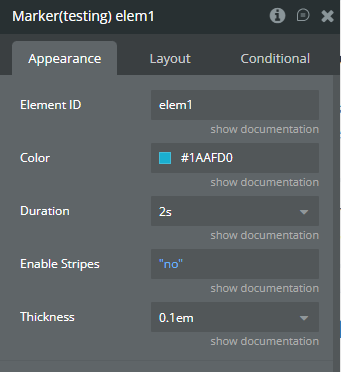
Step 4 – Configure Marker Properties
Plugin Element - Marker
A visual utility element that applies an animated underline effect to an existing text element using its ID.
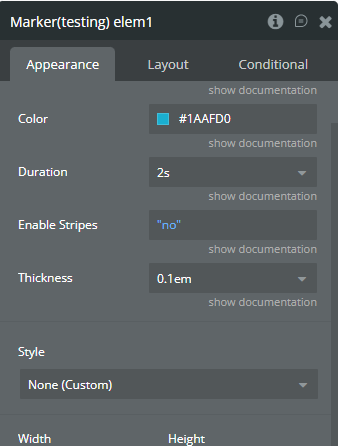
Fields
Workflow example
Highlight a Headline