Demo to preview the plugin:
Introduction
The Relative Positioner (Float) plugin helps you create flexible and precisely positioned floating UI elements in your Bubble app. It is ideal for building menus, pop-ups, tooltips, and other components that need to appear relative to another element. With smart positioning and automatic adjustments, the plugin ensures your UI remains clean, responsive, and usable across different screen sizes.
Key Features
Prerequisites
Before using the plugin:
- A Bubble app with UI elements (e.g. buttons, groups, tooltips)
- Basic understanding of element positioning and layouts in Bubble

How to setup
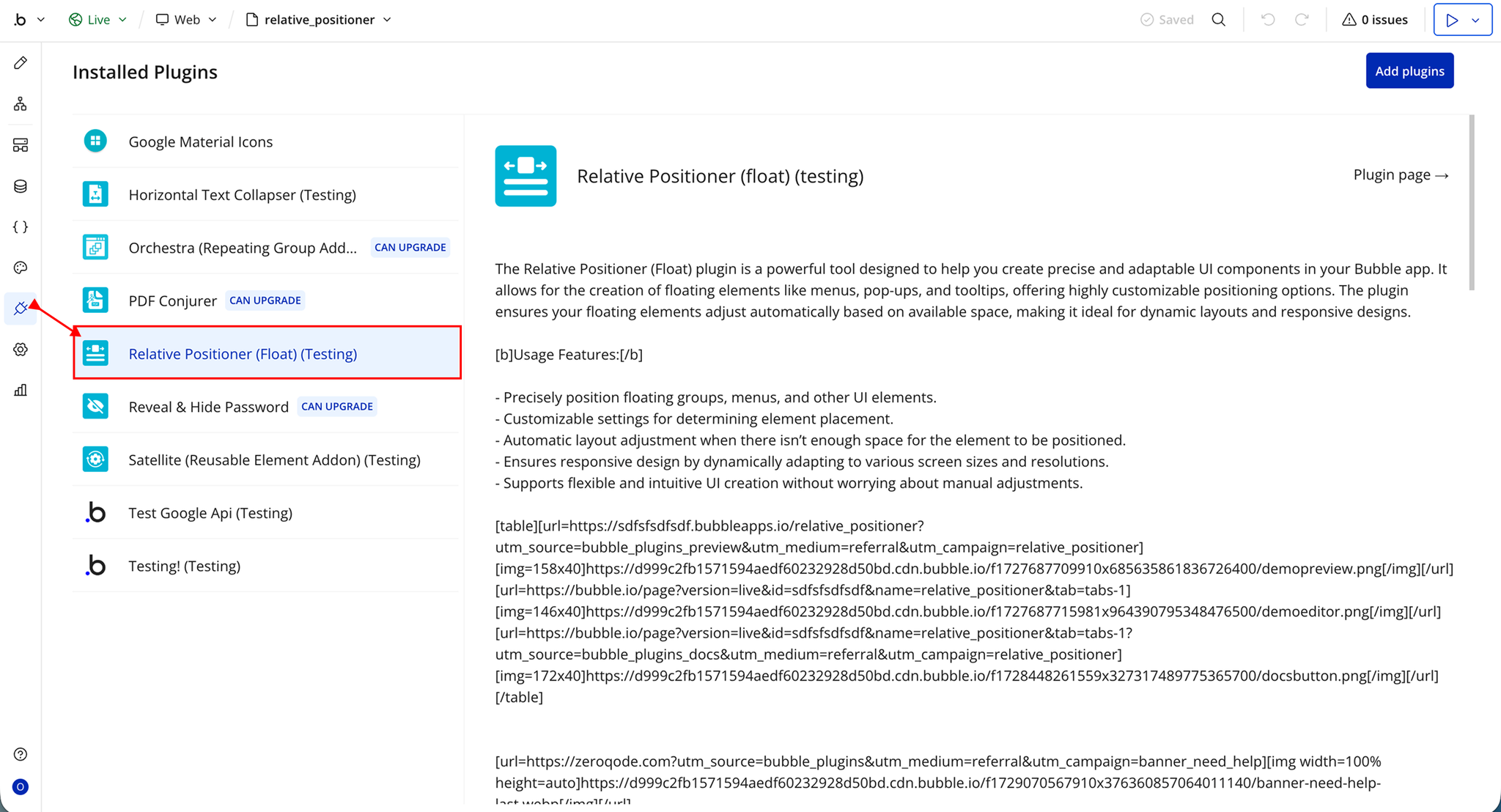
Step 1 – Install the Plugin
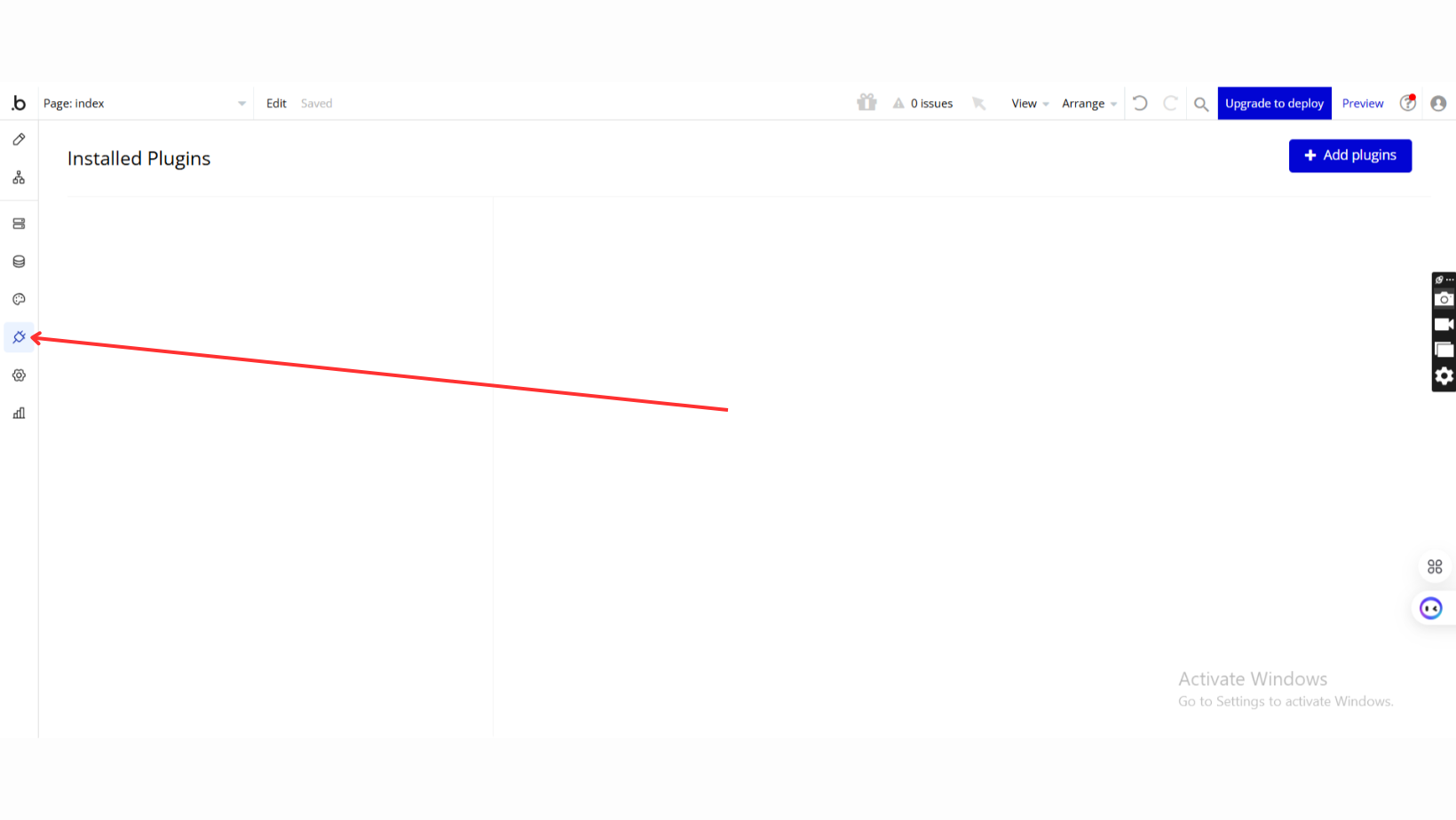
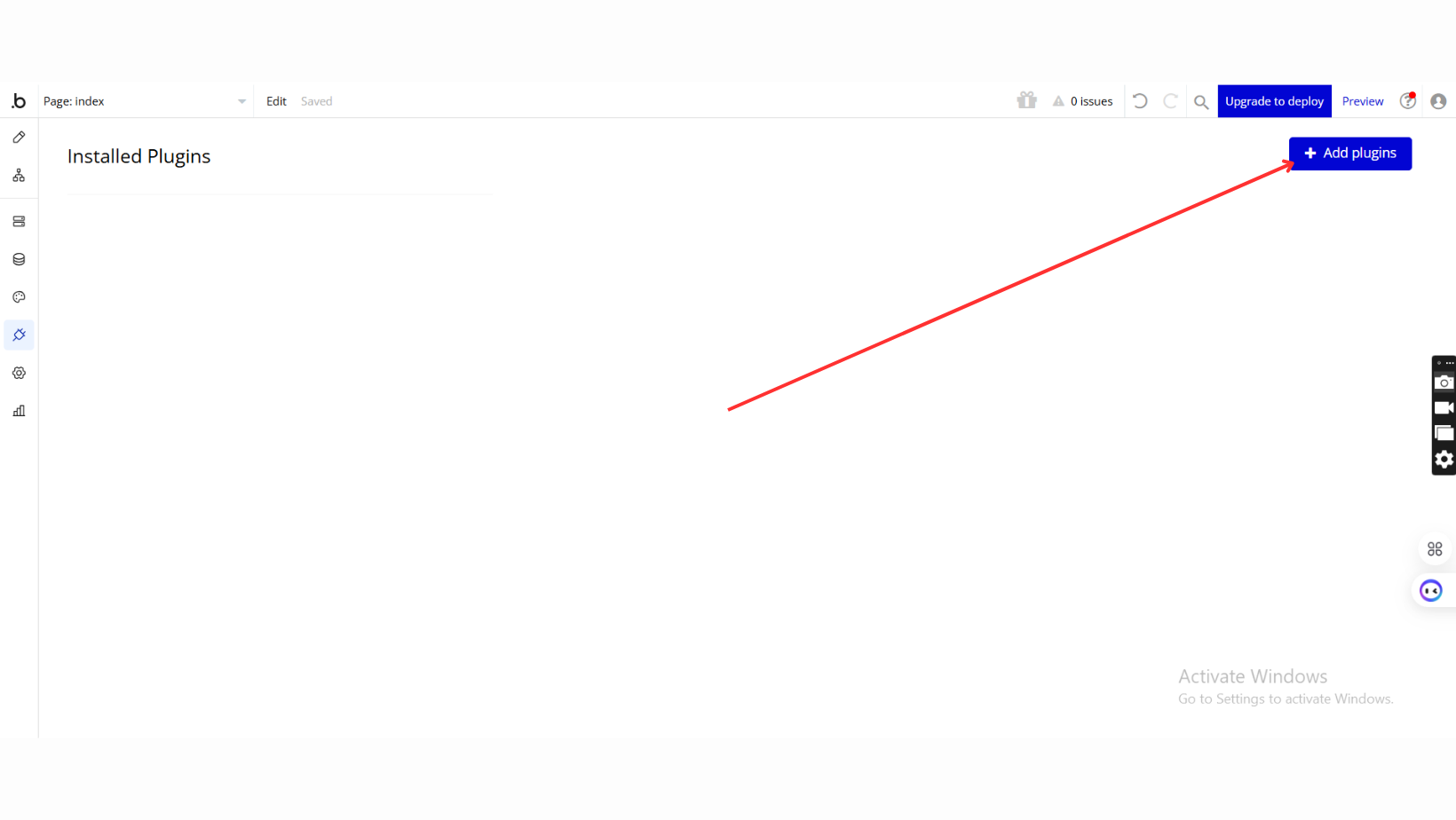
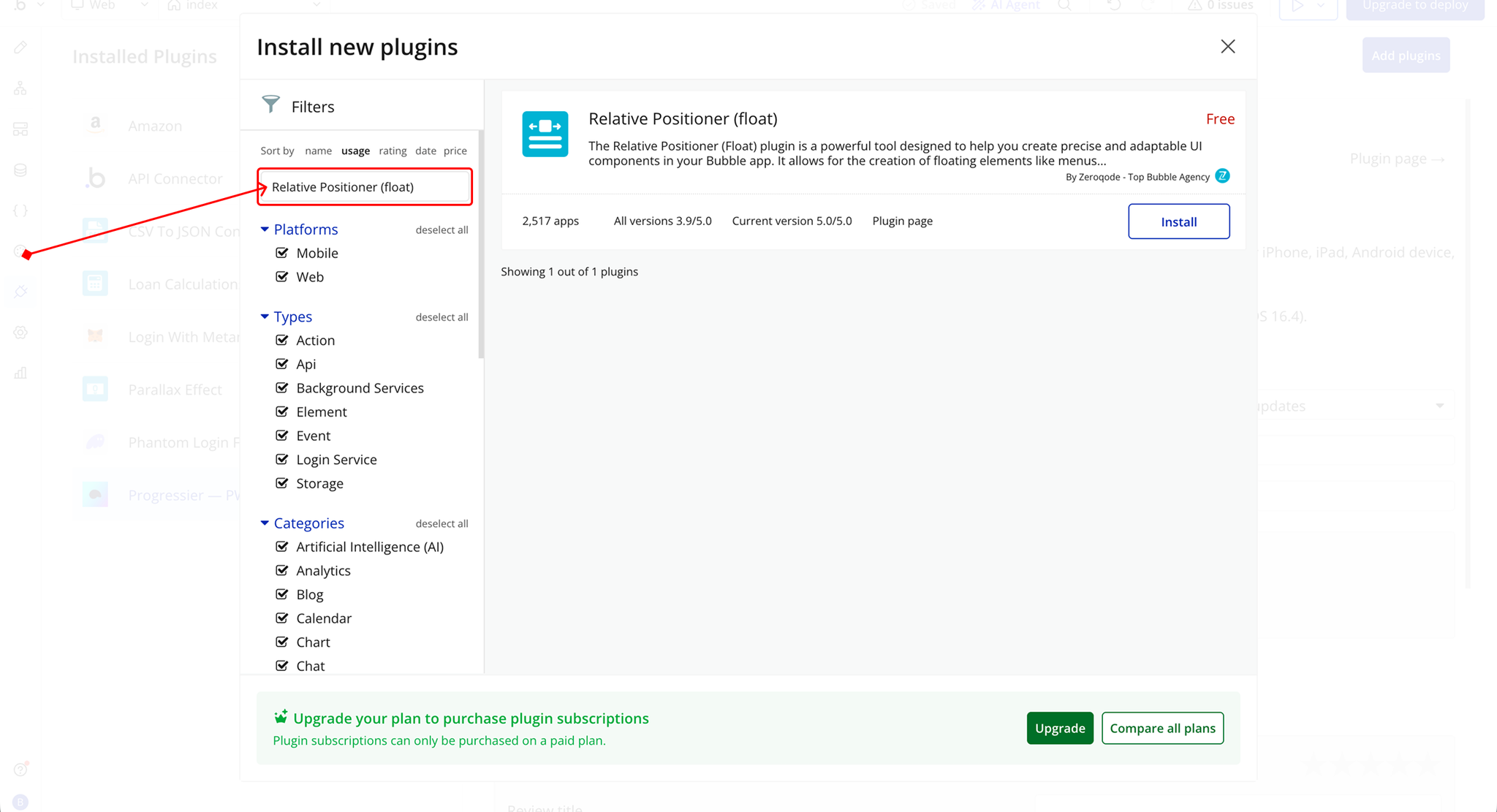
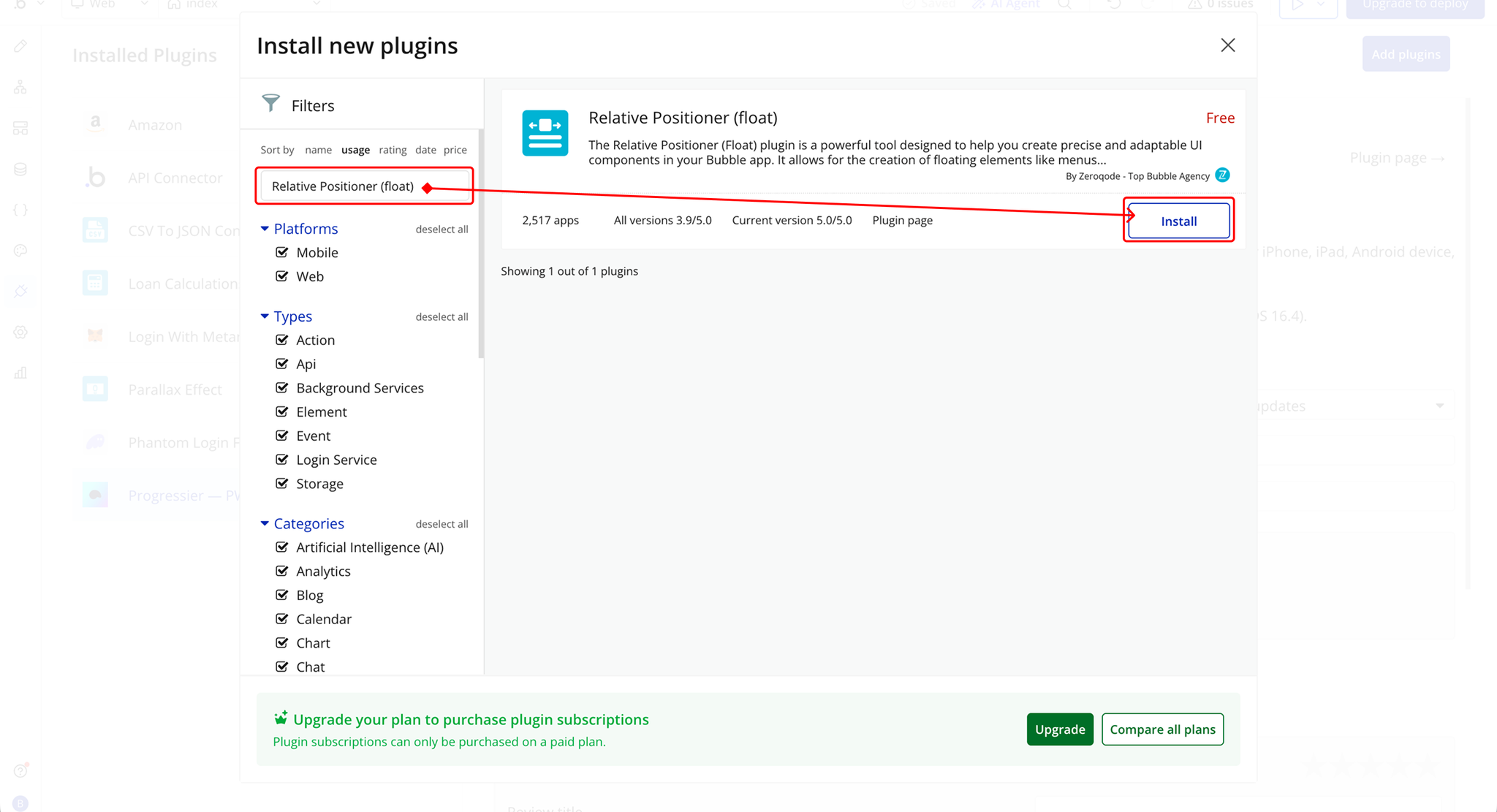
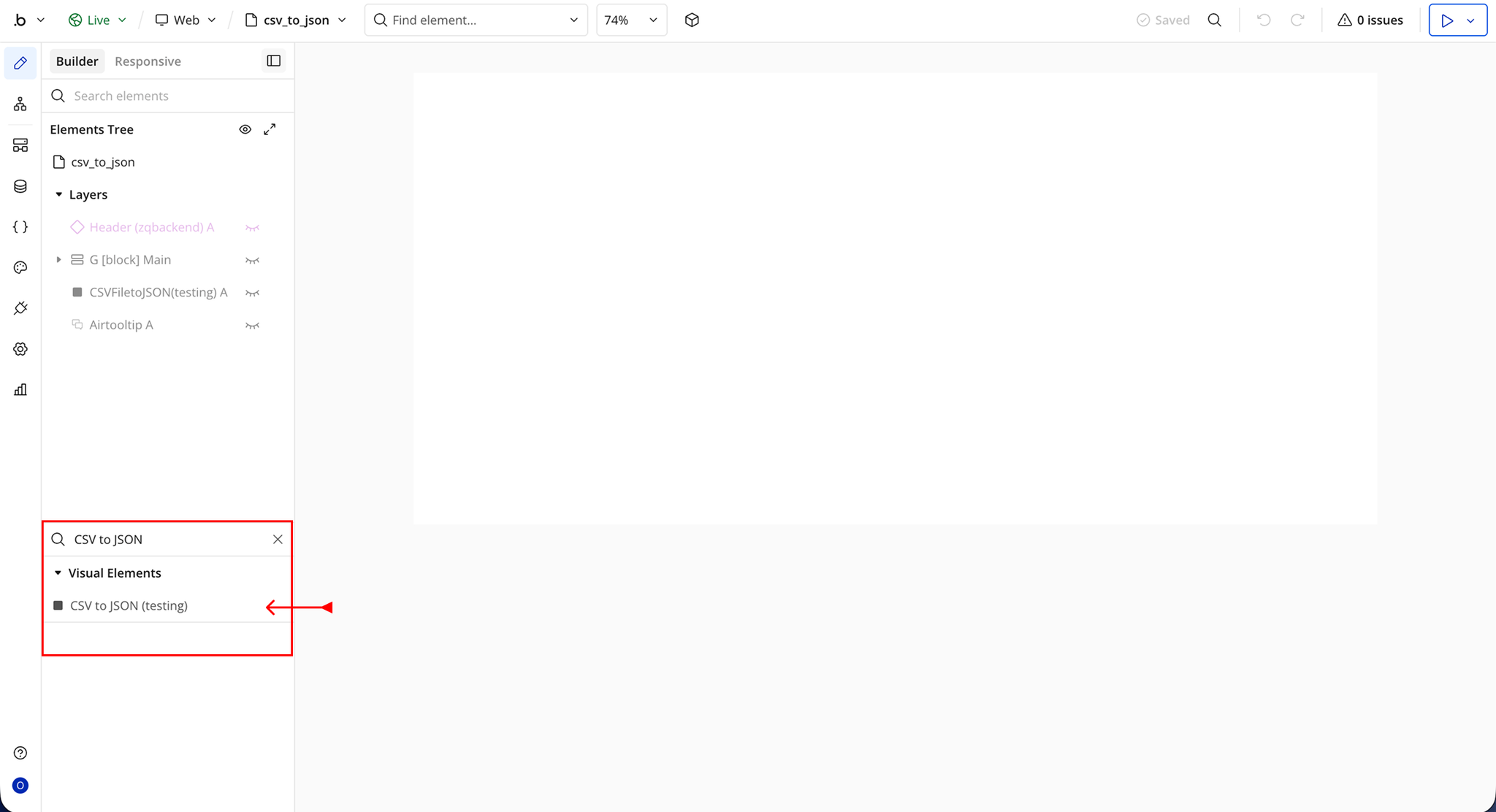
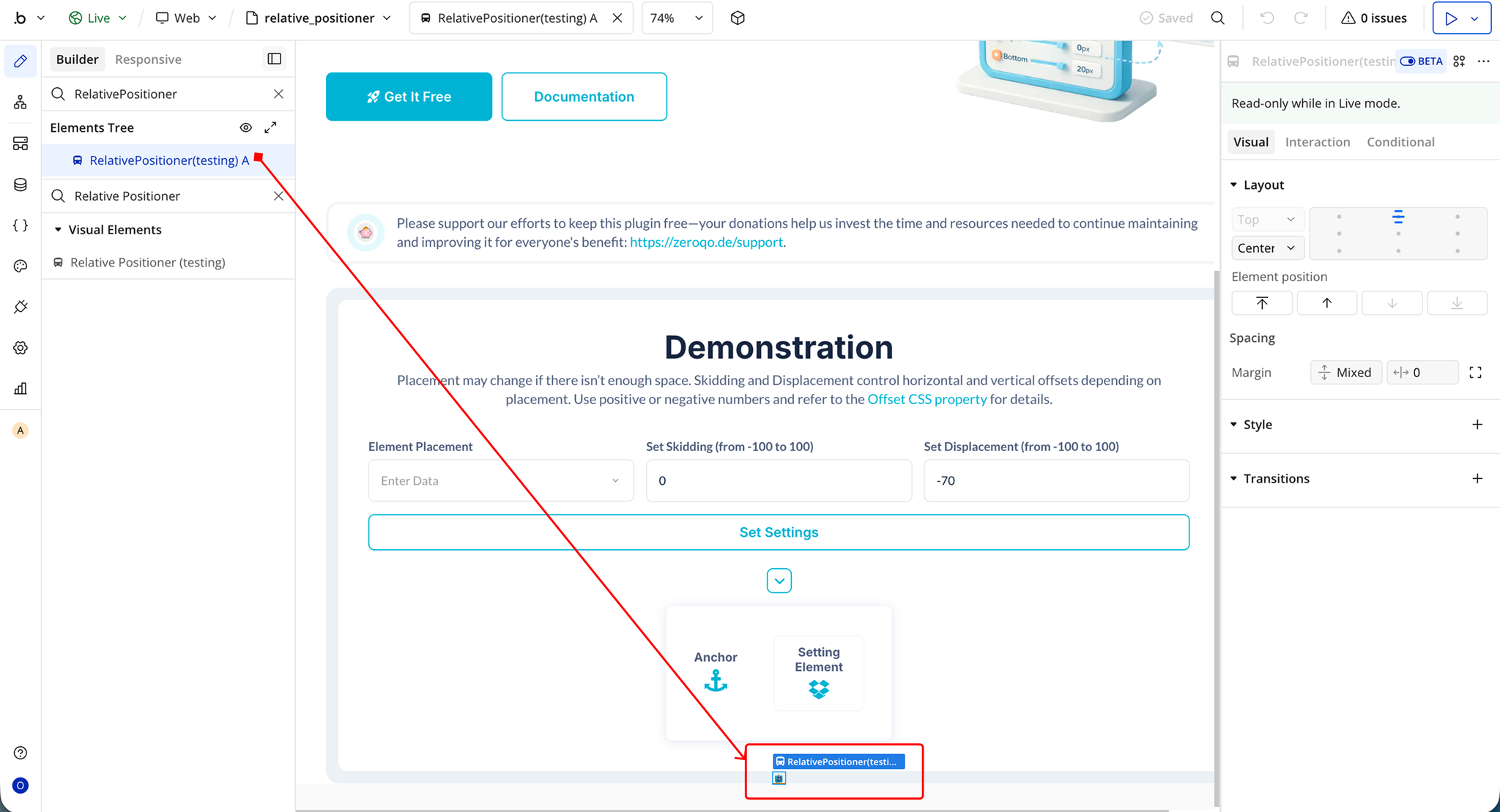
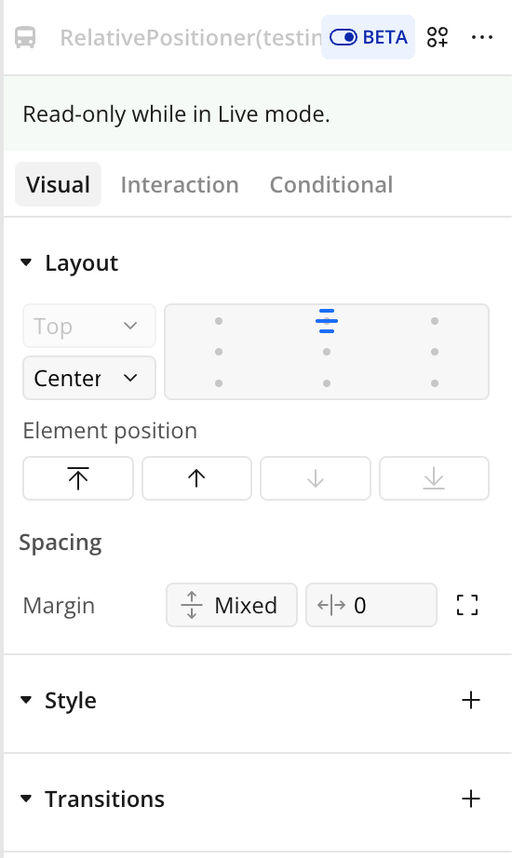
Step 2 – Add the Plugin Element to Your Page
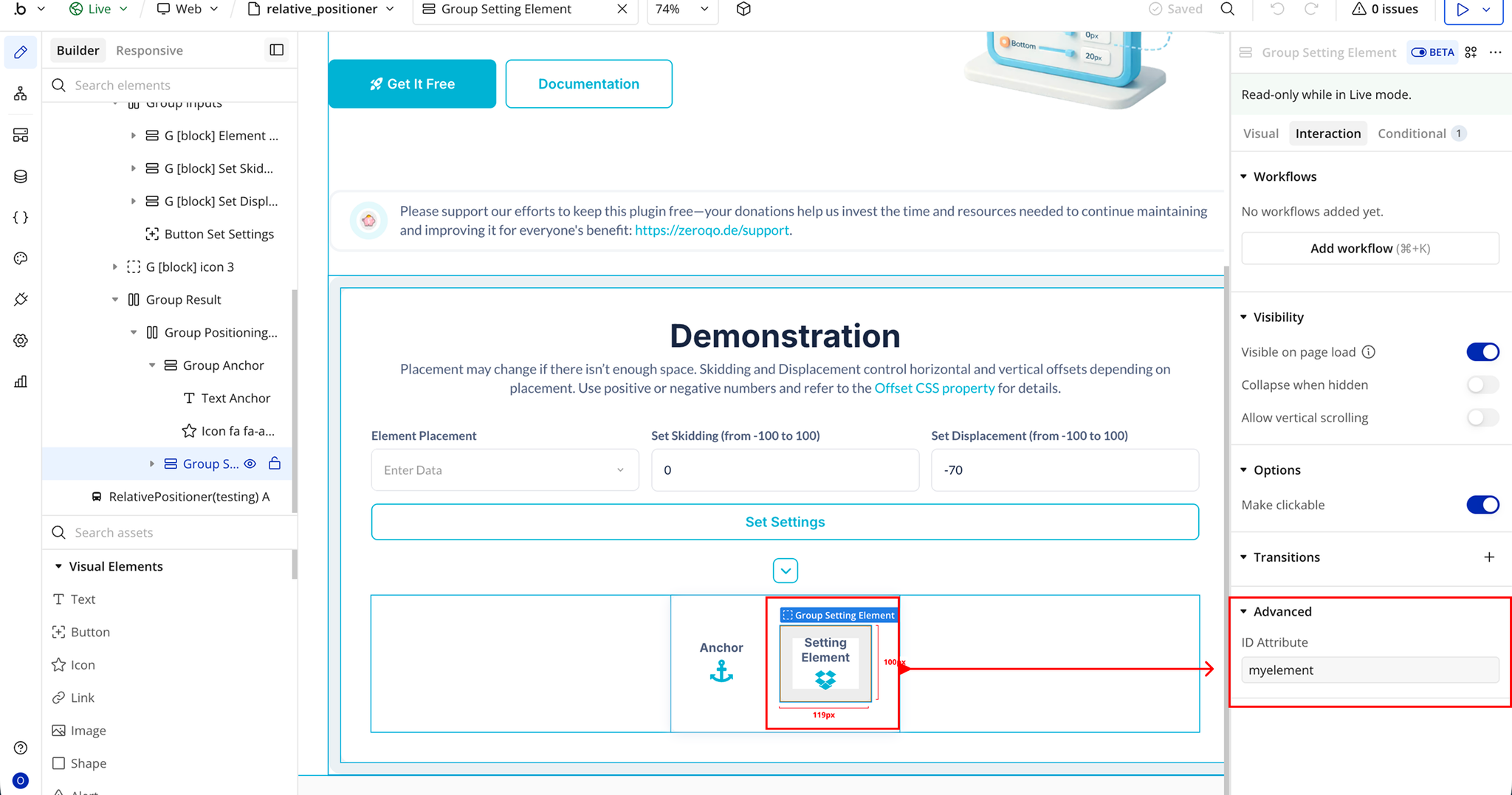
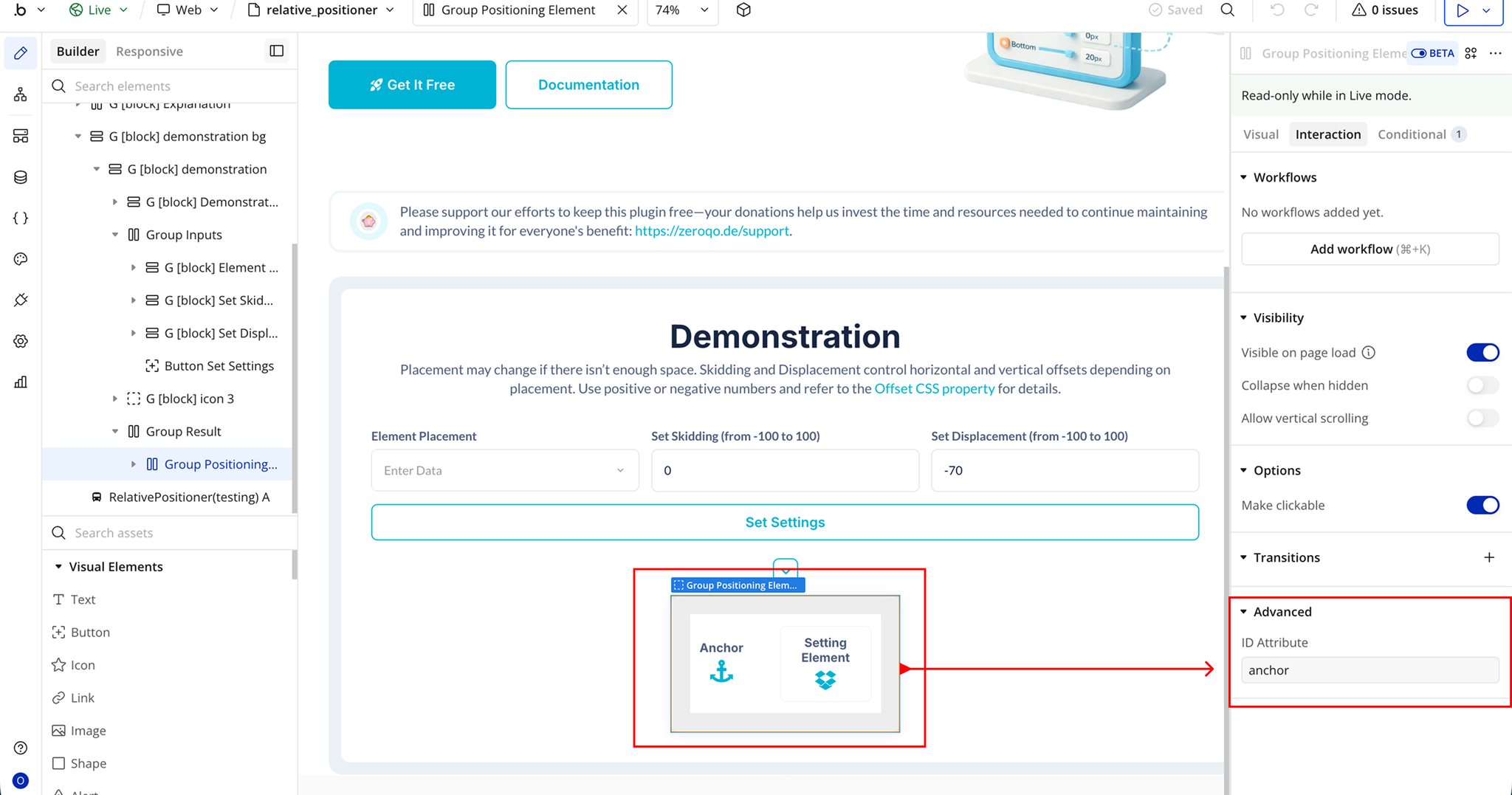
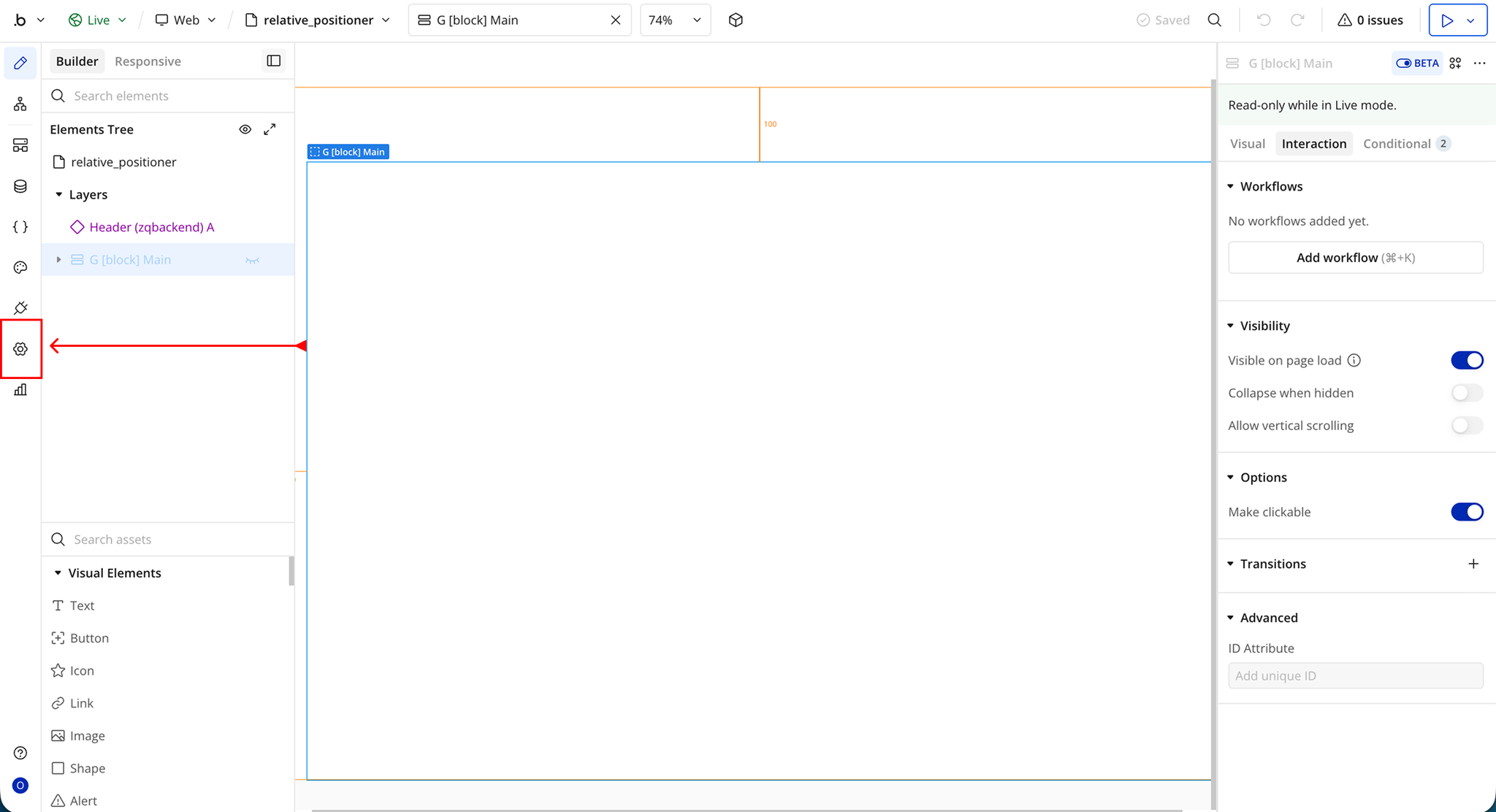
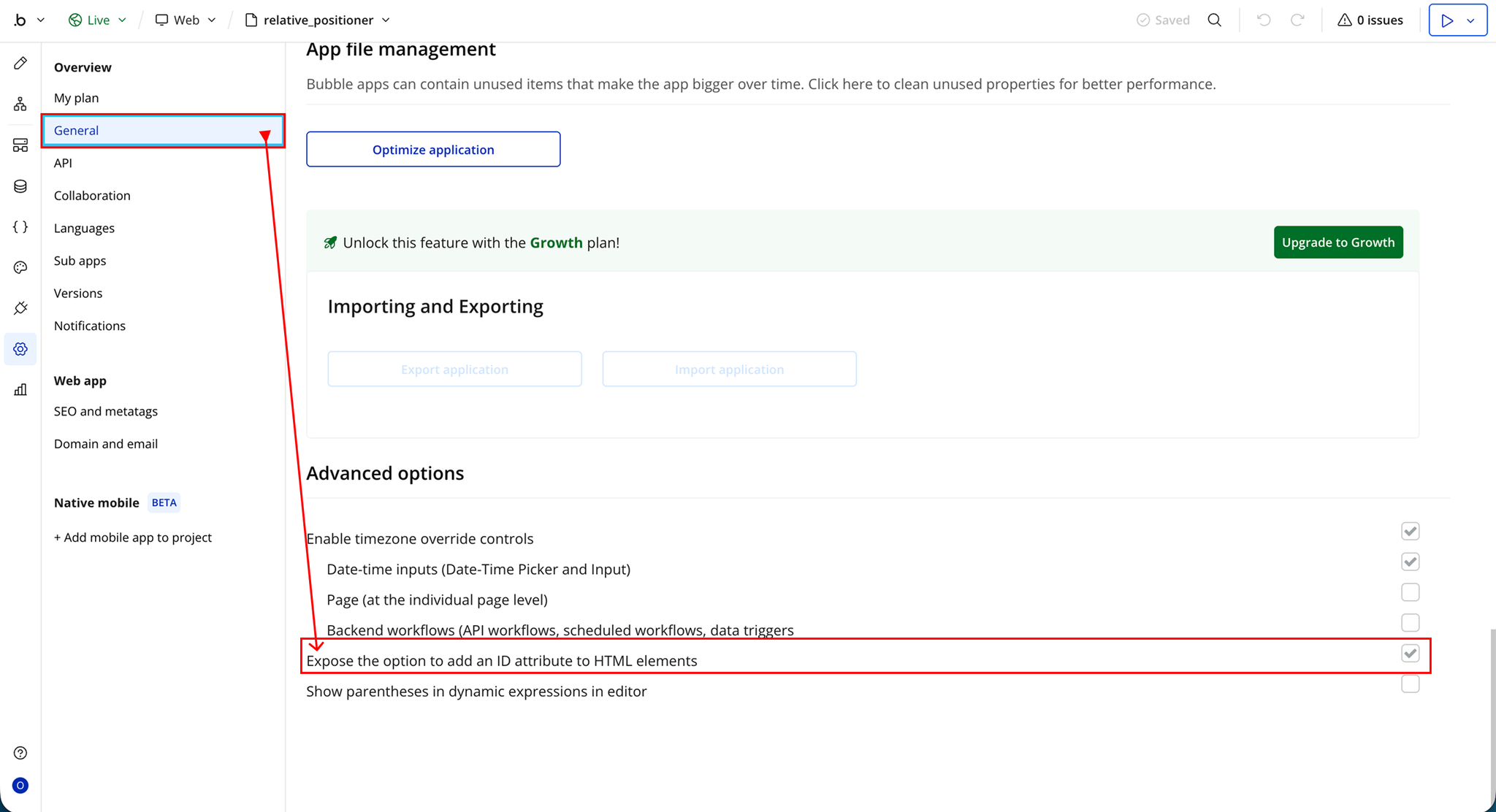
Step 3 – Enable ID Attributes in Bubble Settings
Plugin Element - Relative Positioner
Element Events
Element Actions
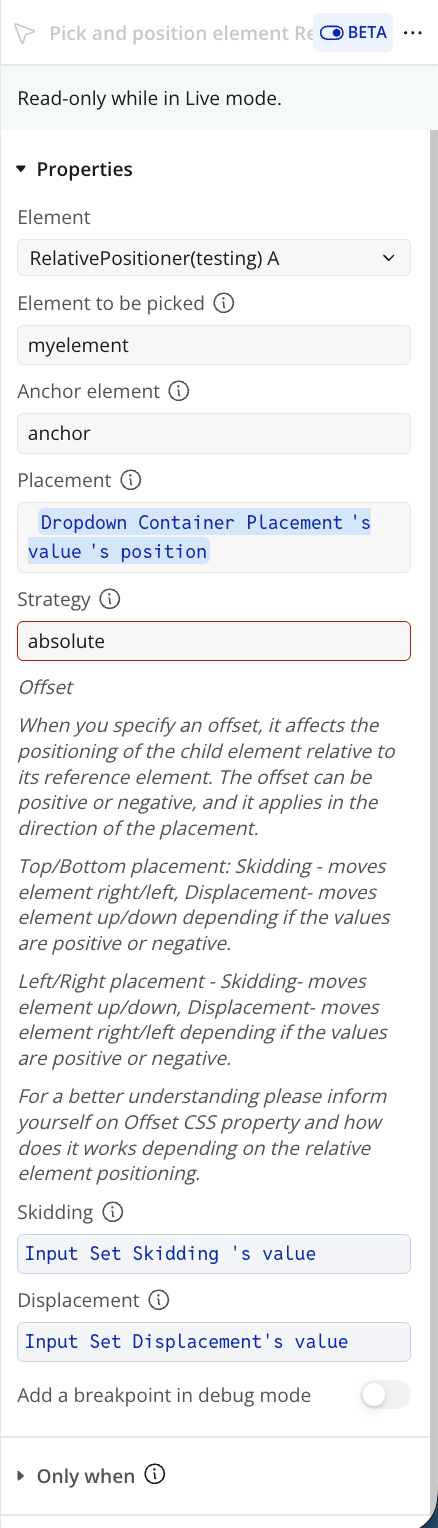
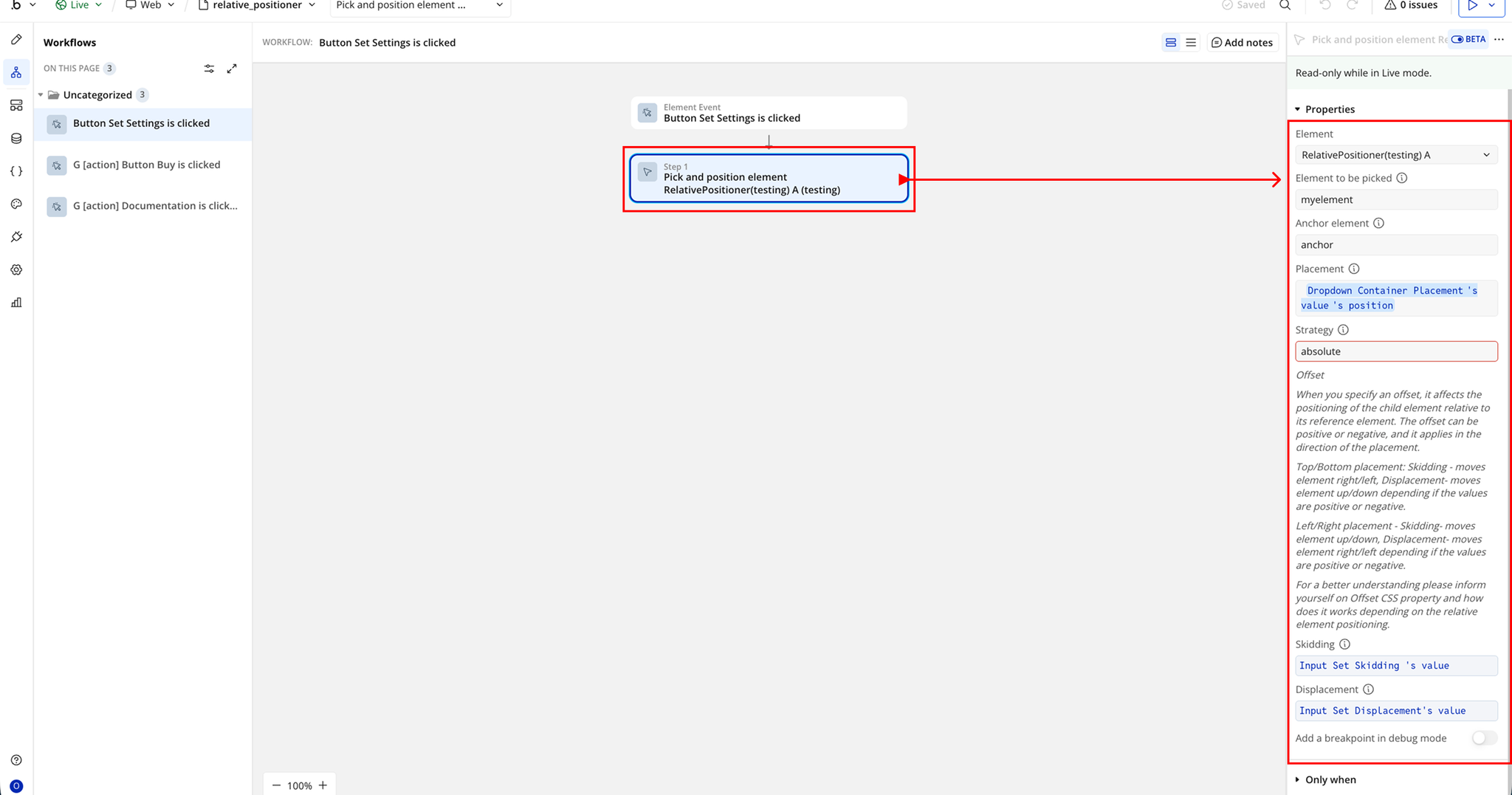
Workflow example
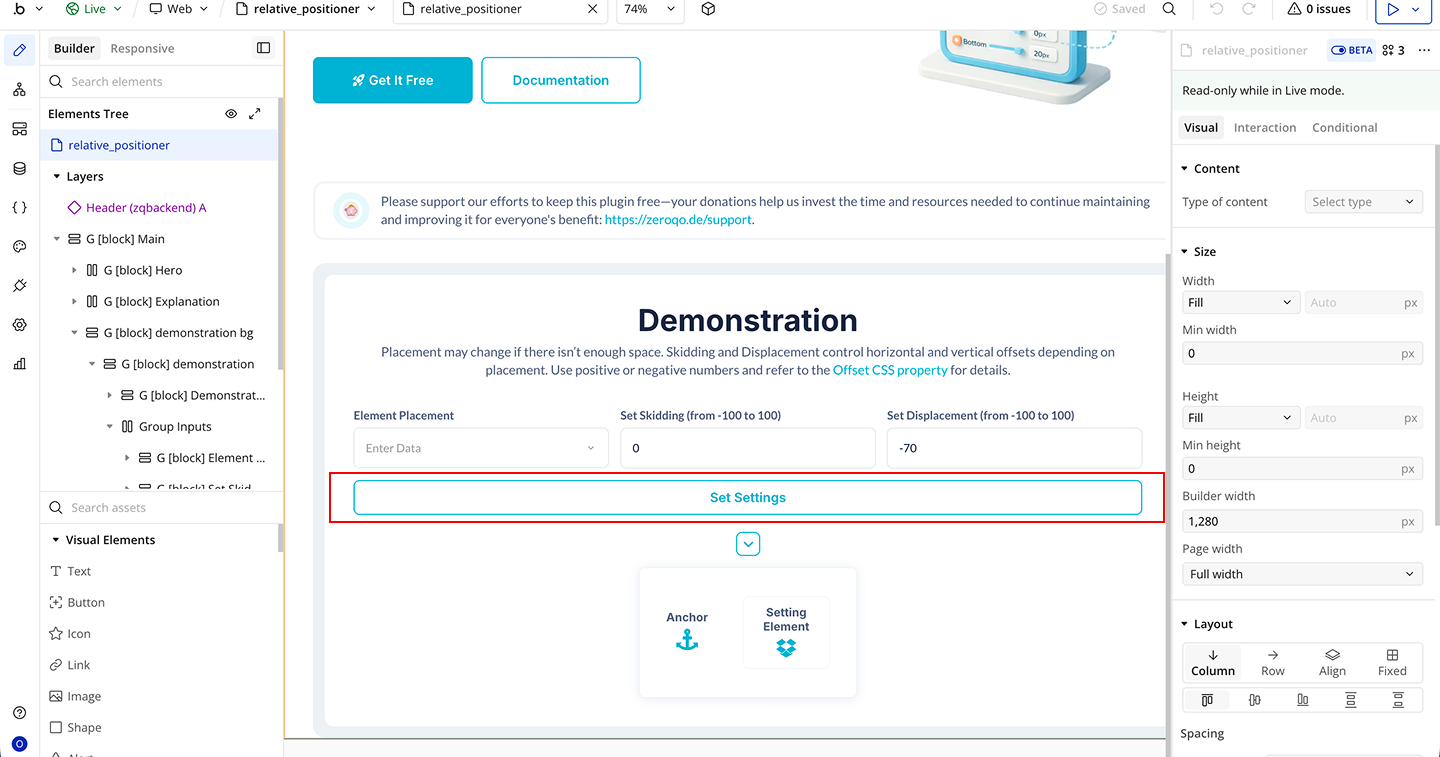
Position Element on Button Click