Link to the plugin page: https://zeroqode.com/plugin/logodev-search-plugin-for-bubble-1687515821653x972193983211685800
Demo to preview the plugin:
Introduction
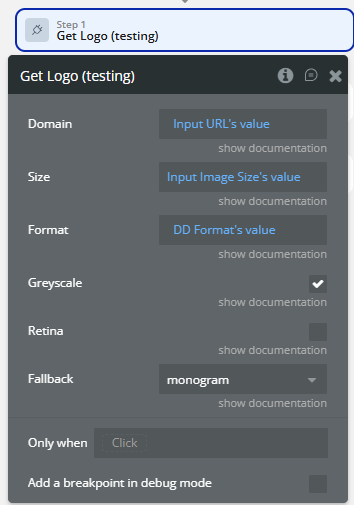
Retrieves a company logo based on a provided domain using the Logo.dev API.
The logo is returned as an image (Base64 data URI), ready to be used directly in Bubble image elements.
How to setup
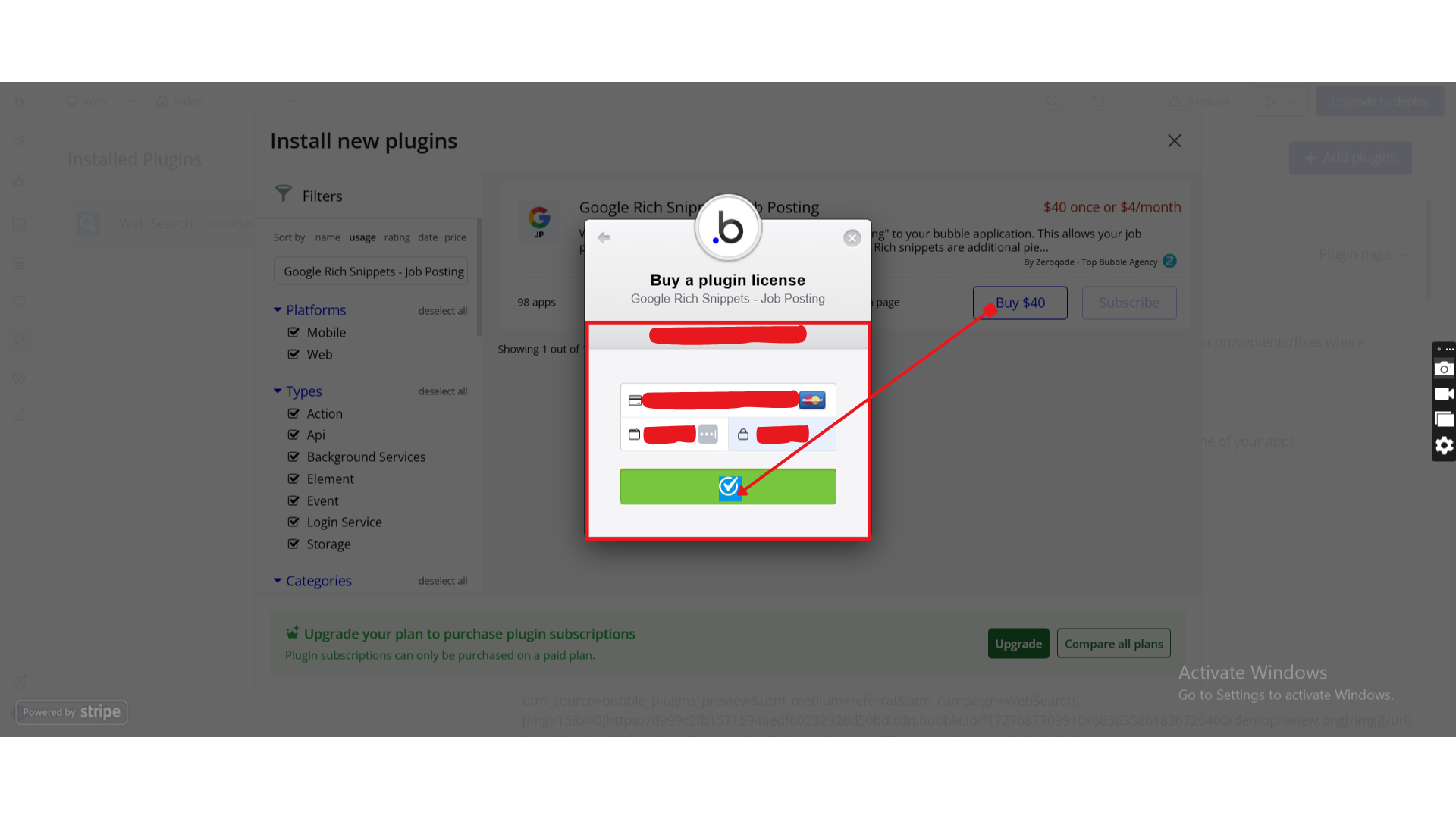
Step 1 – Install the Plugin
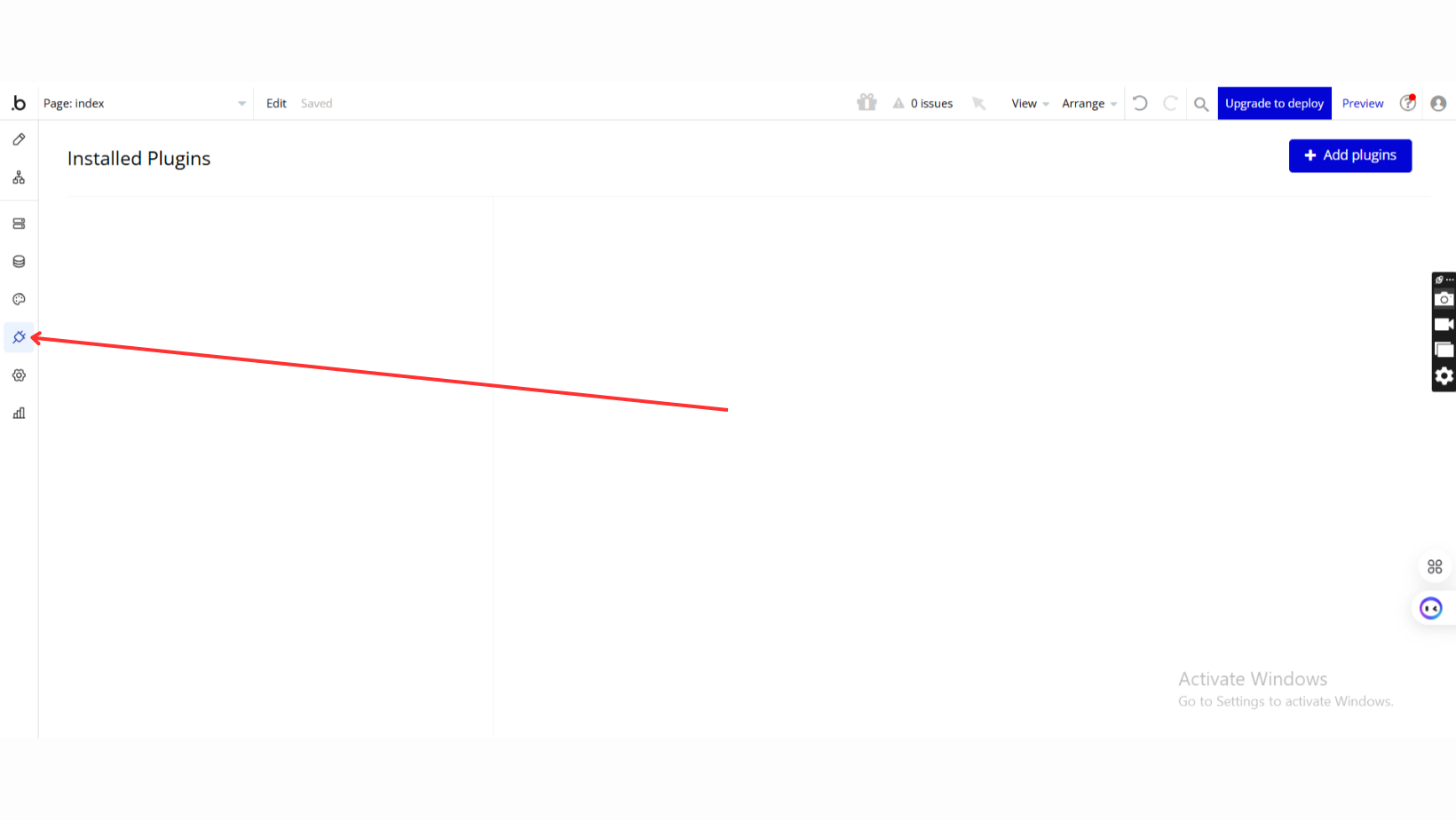
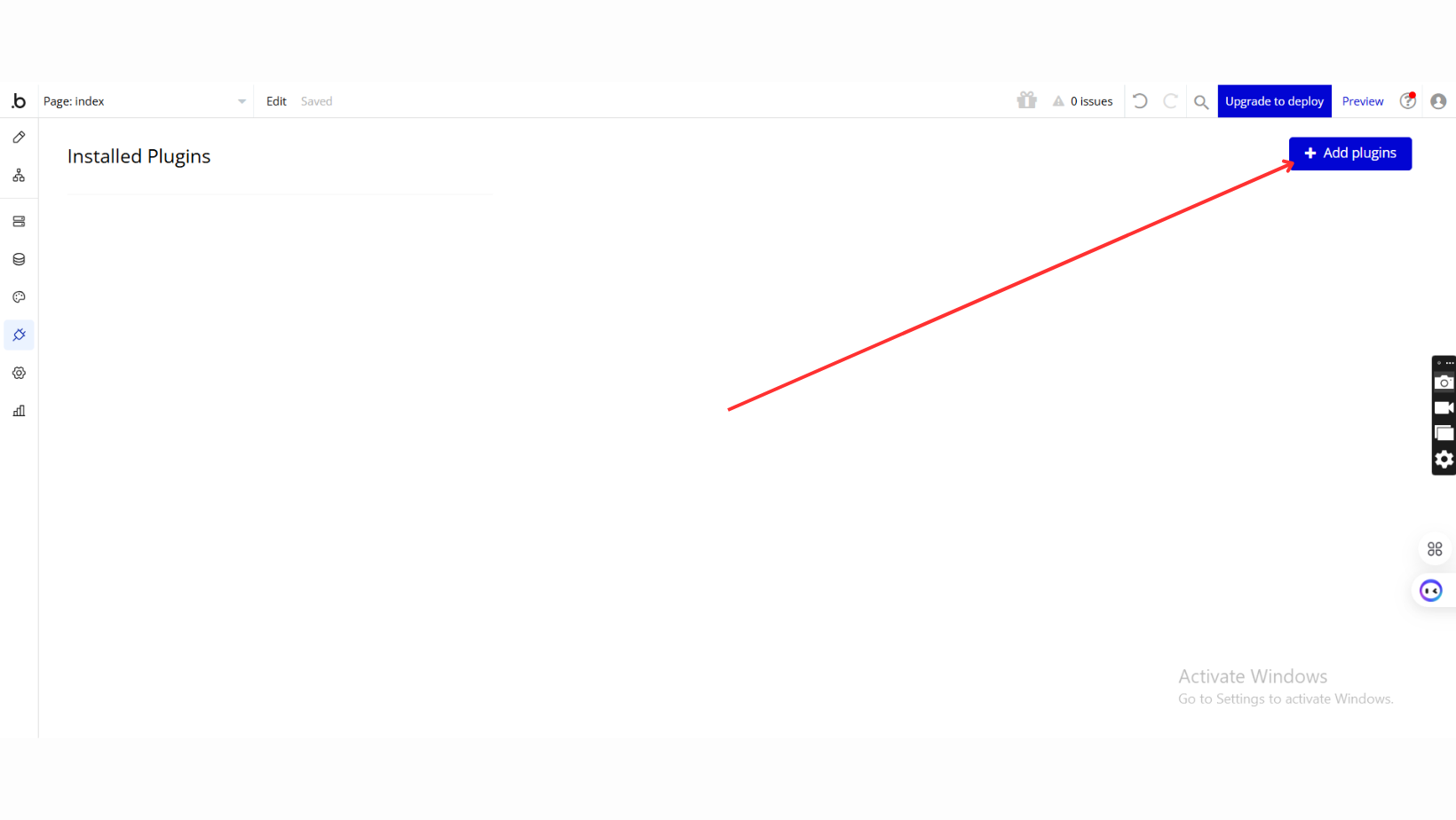
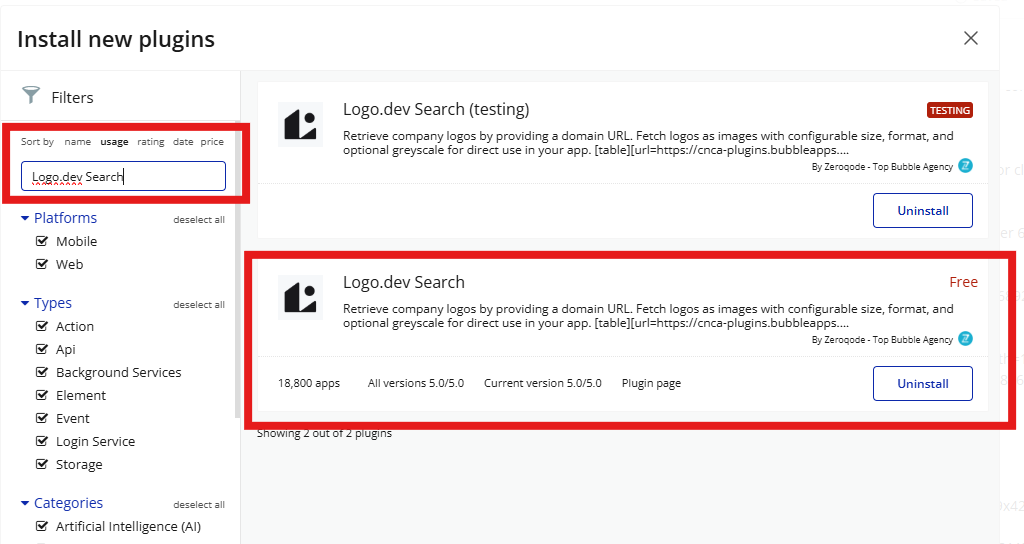
Step 2 – Create a Logo.dev Account
Step 3 – Generate an API Token
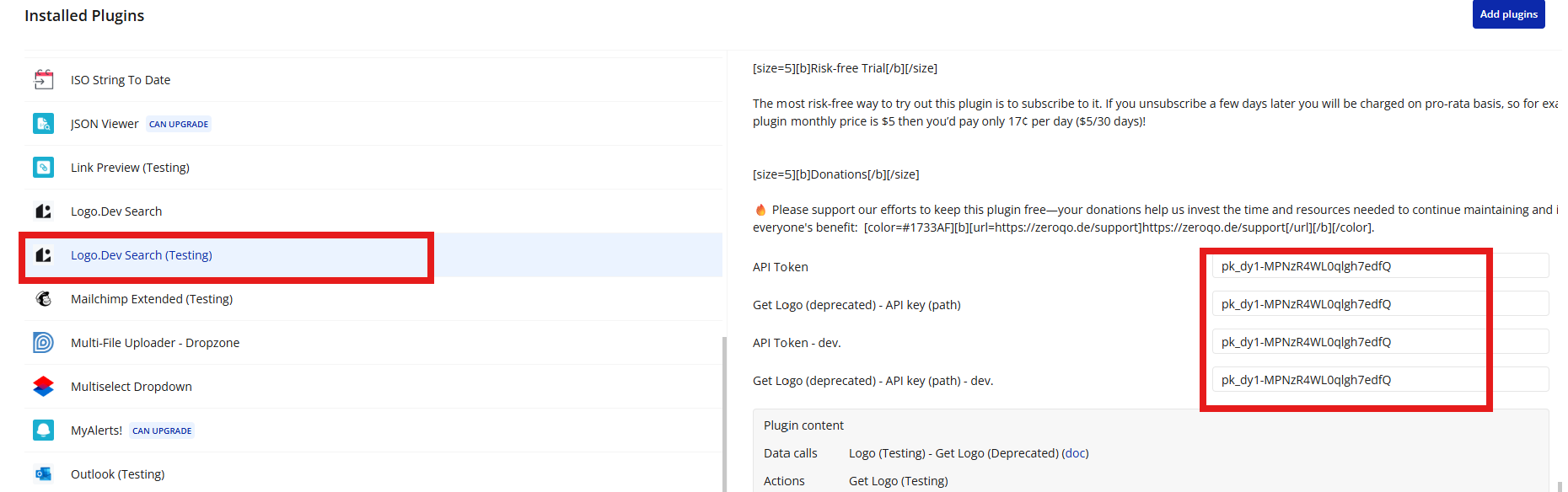
Step 4 – Add API Token
Important Notes
- 🔐 Keep your API token private
- ❌ Do not expose the token on the client side
- ⚠️ Without a valid token, the Get Logo action will fail
- 📦 API usage limits depend on your Logo.dev plan
Plugin Actions
Get Logo
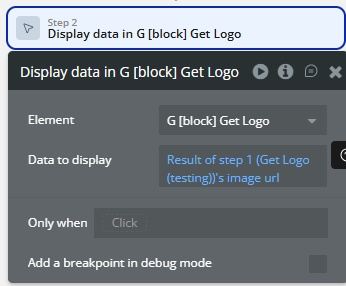
Workflow example
Display Company Logo by Domain