
Link to the plugin page:
Demo to preview the plugin:
Introduction
The Current Timezone plugin is designed to instantly detect a user’s timezone and locale based on their device settings. If your application needs to display dates correctly, adapt content to a user’s region, or personalise experiences for a global audience, this plugin gives you exactly what you need.
Key Features
👛 Please support our efforts to keep this plugin free—your donations help us invest the time and resources needed to continue maintaining and improving it for everyone’s benefit: https://zeroqo.de/support.
Prerequisites
Before using the Current Timezone plugin, please ensure the following:
- Bubble Account & Editor Access – You must have an active Bubble account with editor access to the app where the plugin will be installed.
- Device Settings Awareness – The plugin reads the user’s device timezone and locale. For accurate results, ensure users’ devices have correct system settings.
- Dynamic Content Integration – If you plan to use the exposed
TimezoneorLocalestates in workflows, text fields, or APIs, ensure the relevant elements and database fields are already set up.
- Testing on Multiple Devices – To verify behavior across regions or locales, test on both desktop and mobile devices.

How to Set Up
Step 1. Install the Plugin
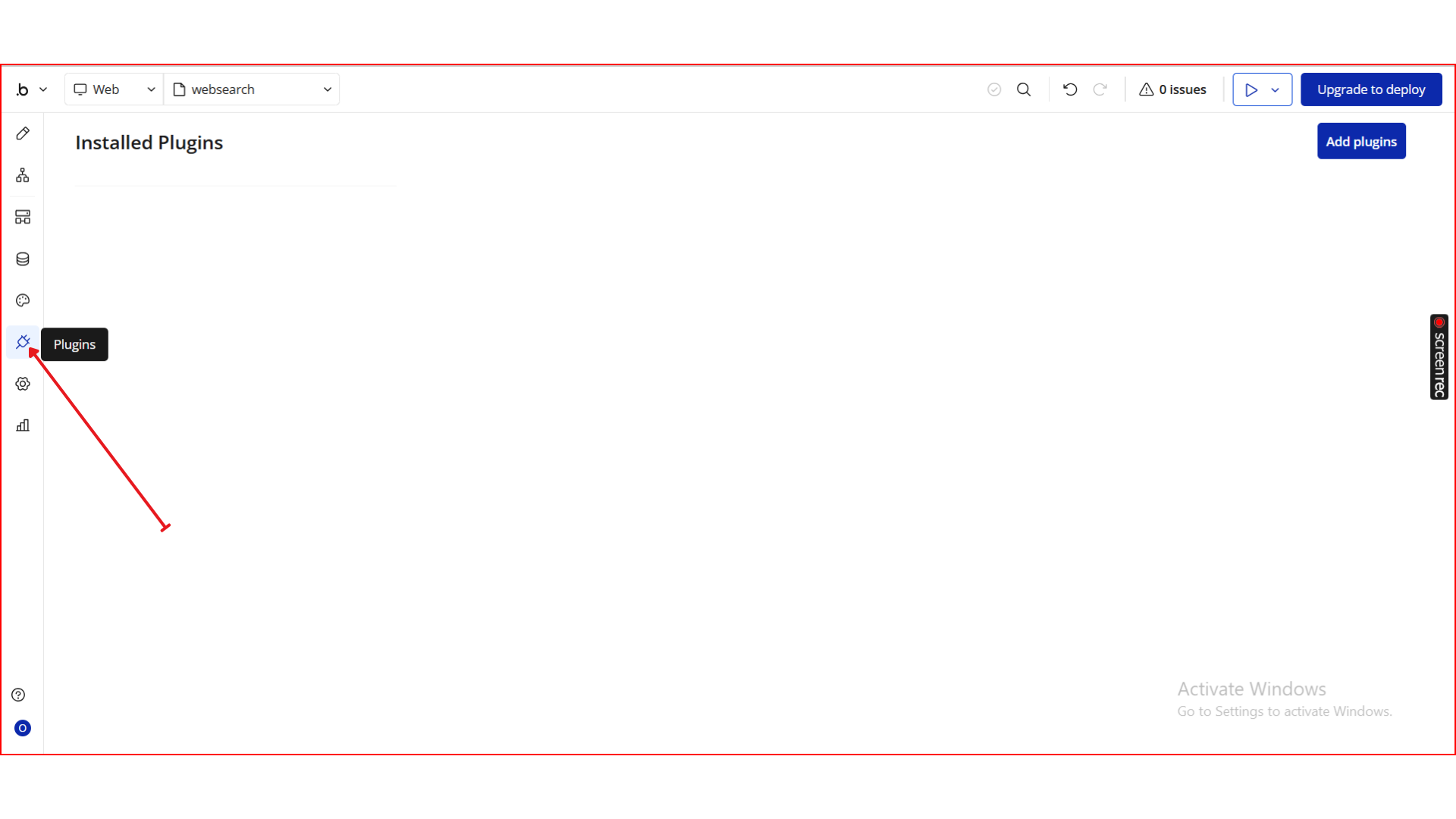
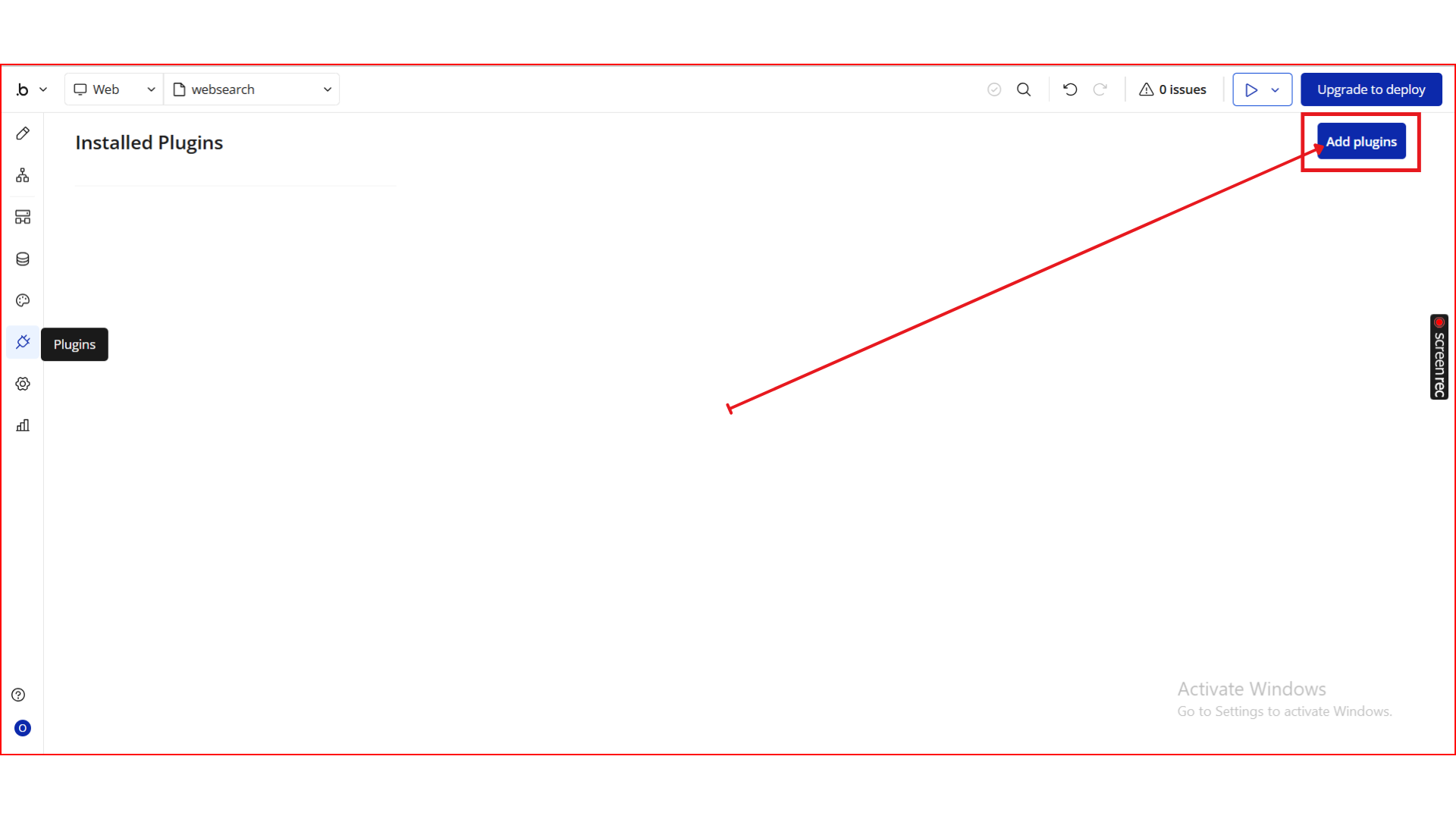
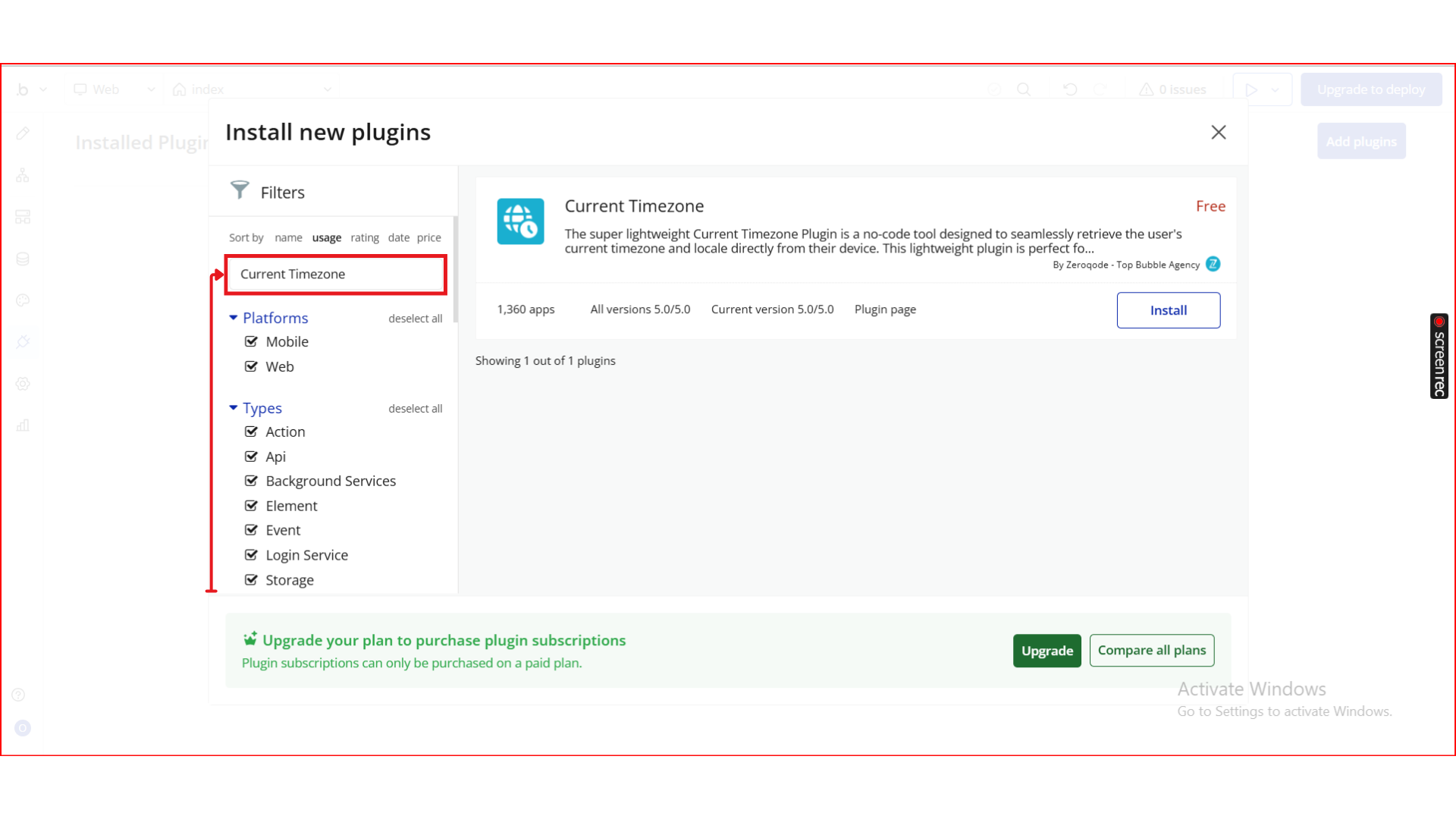
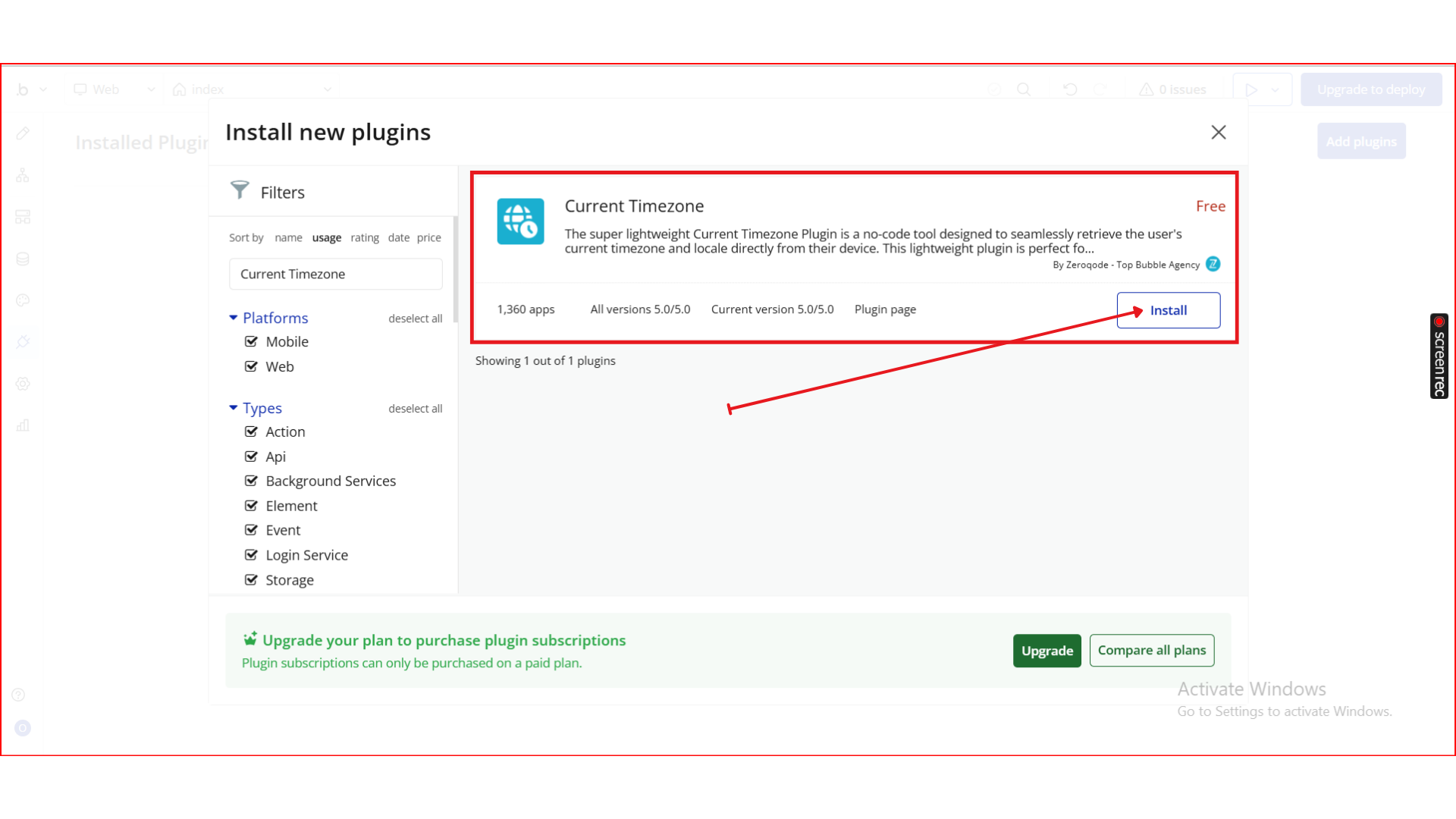
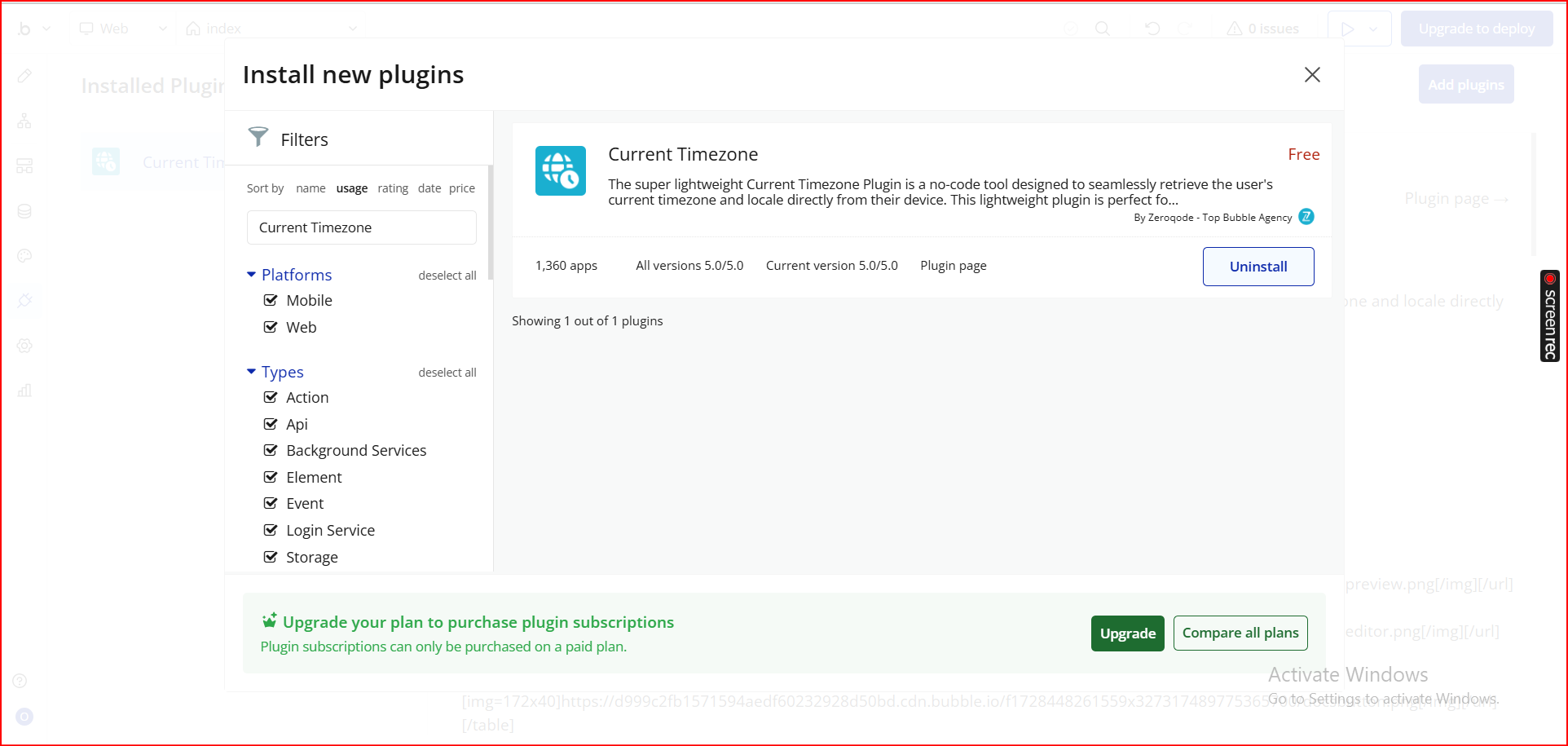
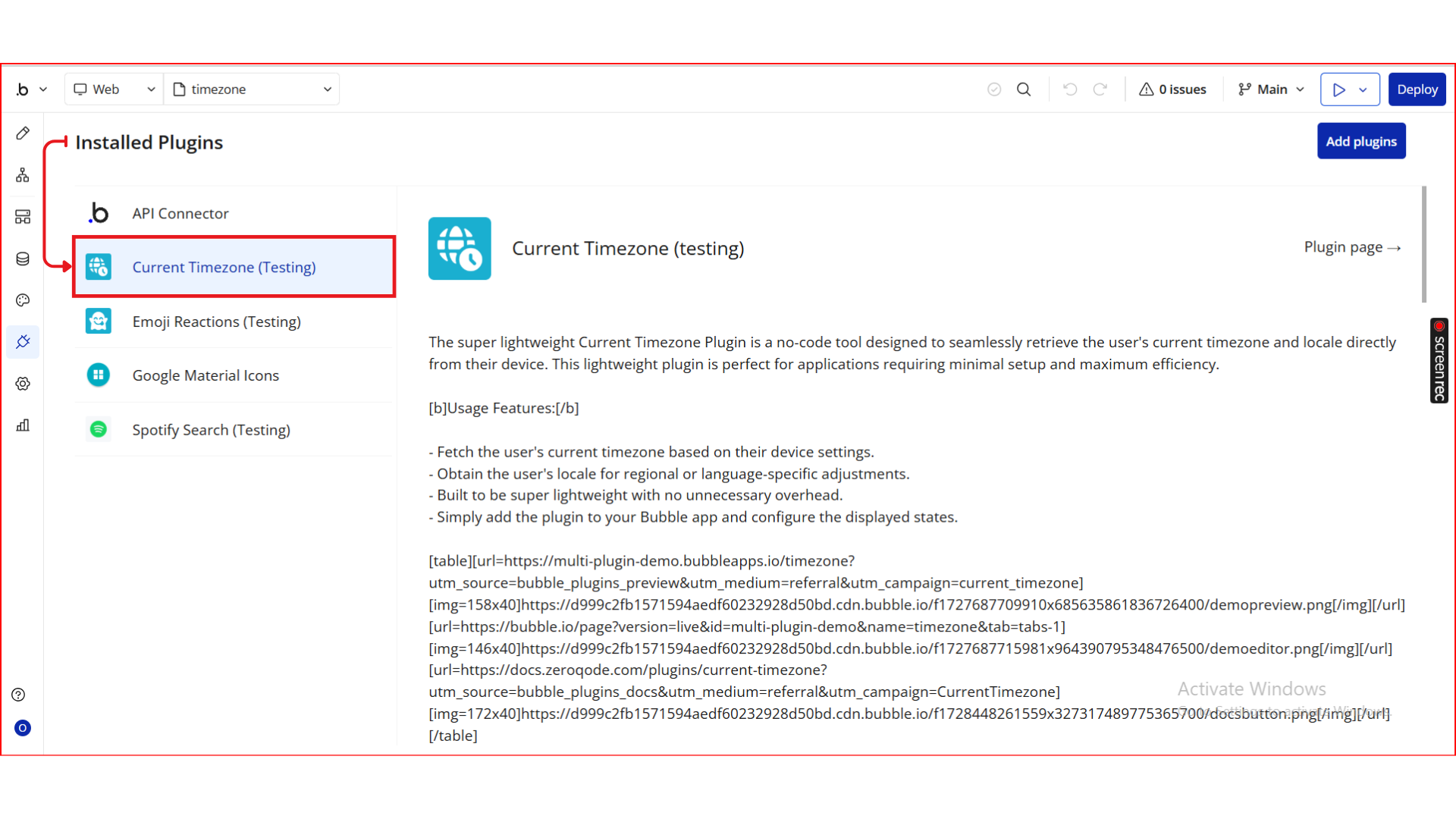
Step 2. Add the Element to Your Page
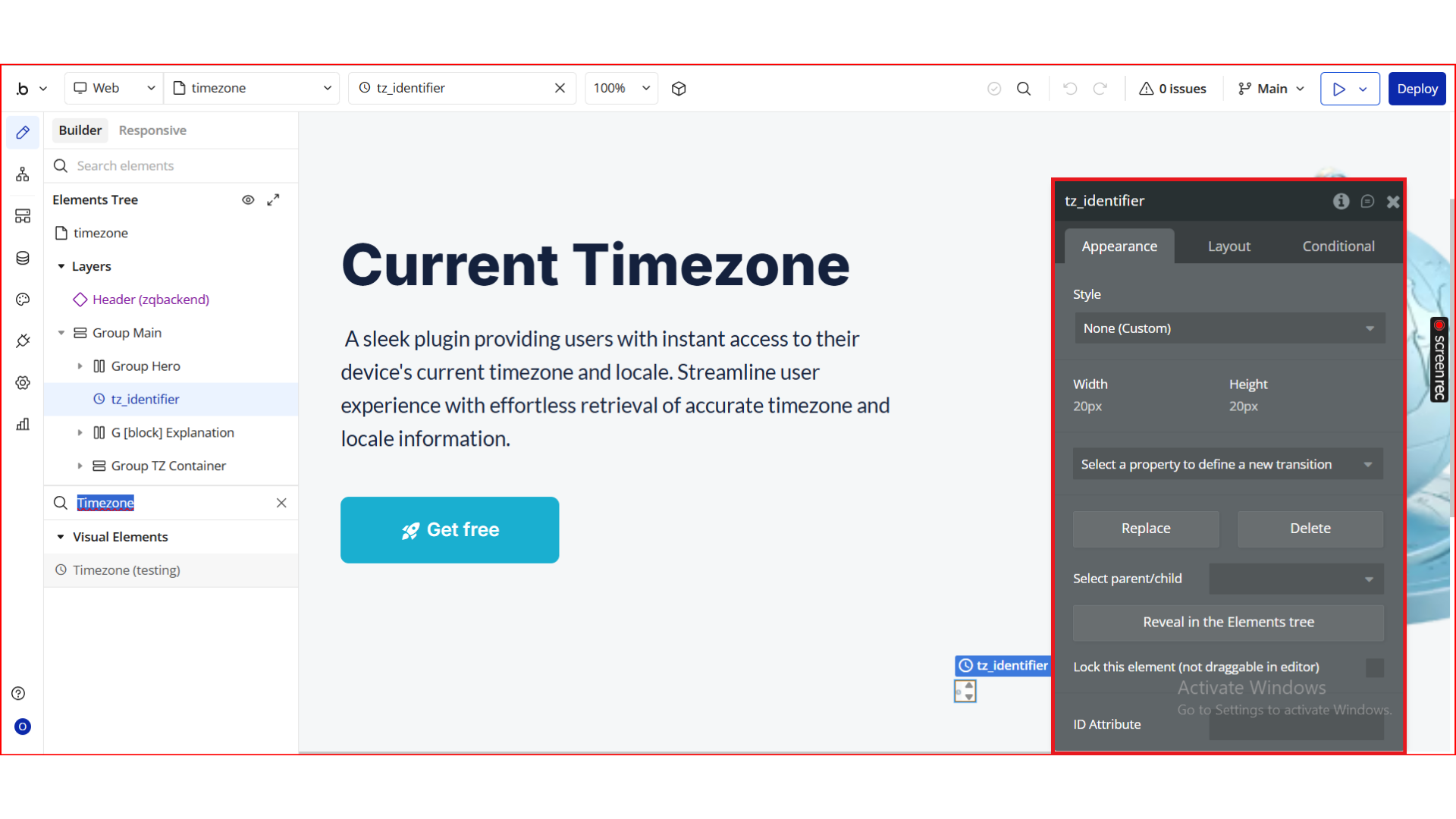
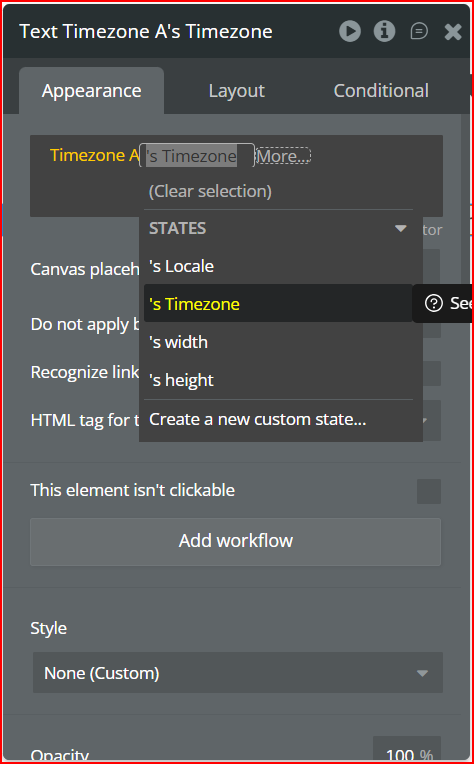
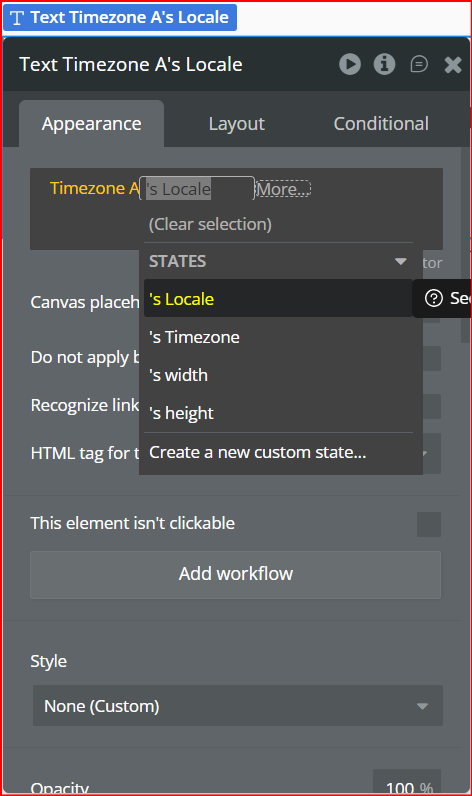
Step 3. Use the Exposed States
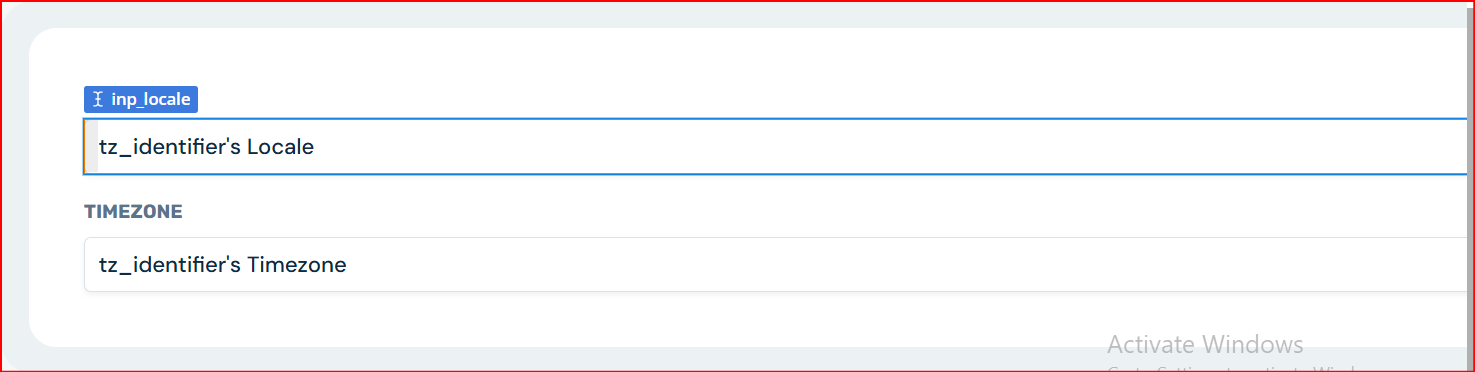
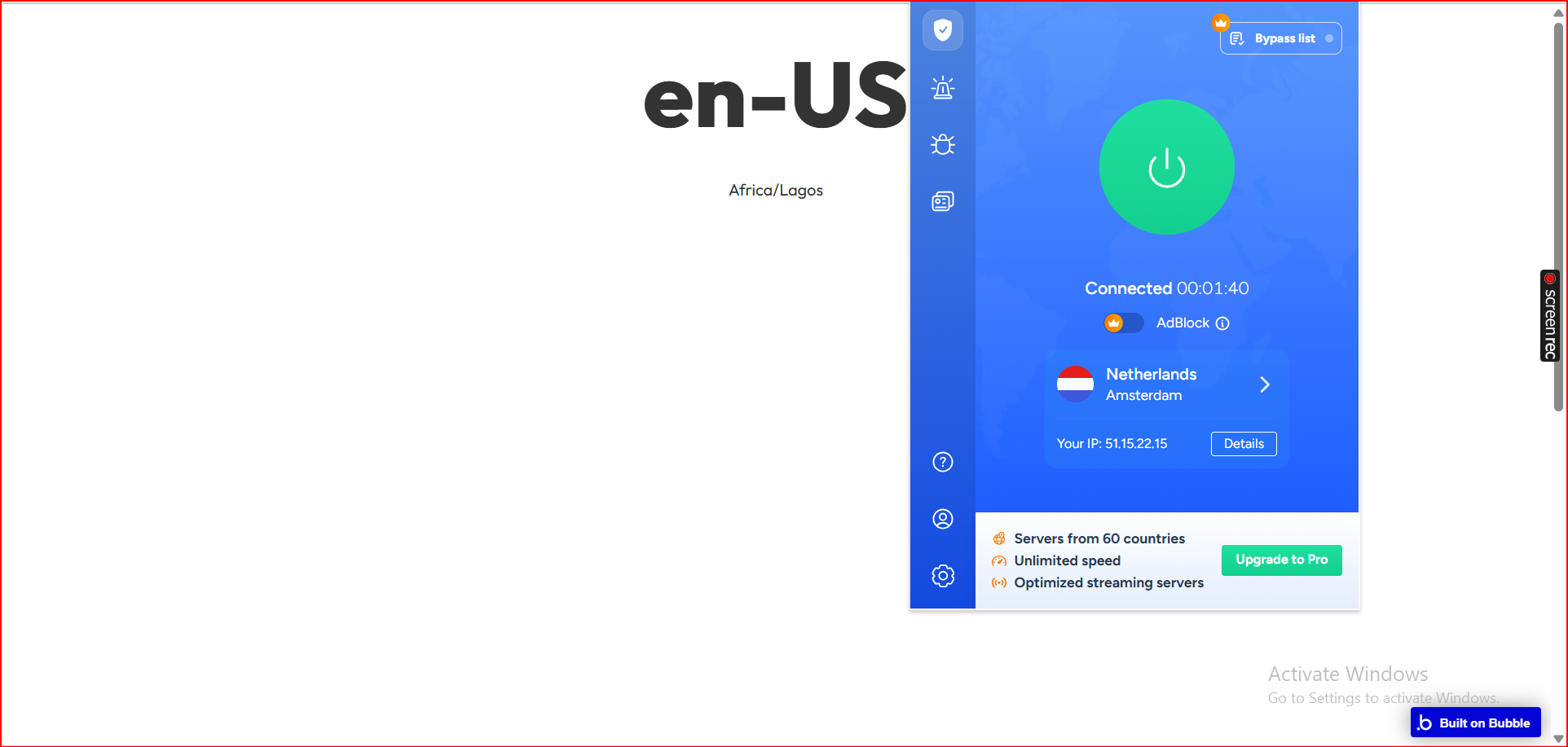
Step 4. Preview & Test
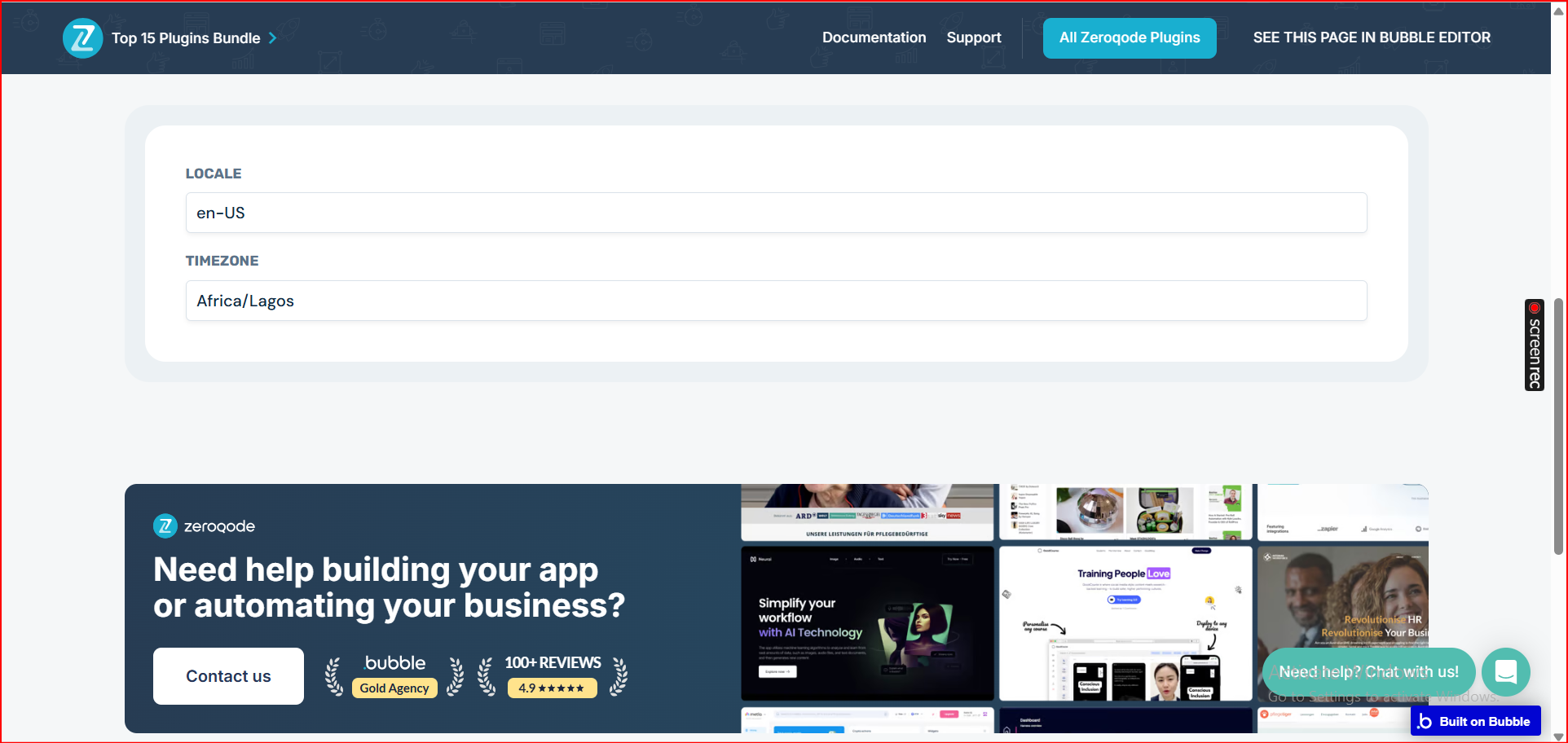
Plugin Element - Timezone
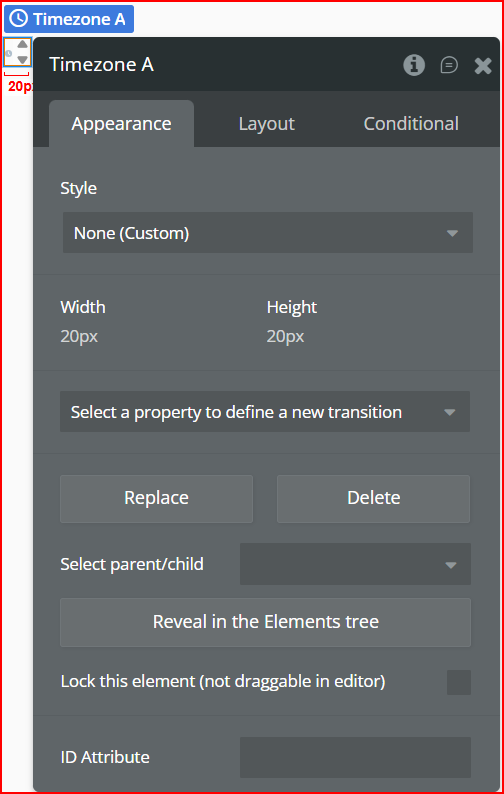
It exposes two read-only states you can use throughout your app.
Exposed states
Title | Description | Type |
Locale | Returns the user’s active BCP 47 language tag (e.g., en-US, fr-FR, es-NG) based on device settings. | Text |
Timezone | Returns the user’s current IANA timezone identifier (e.g., Africa/Lagos, Europe/London). | Text |
