
✅
Demo to preview the plugin:
✅
✅
Introduction
The 28 Collections of UI User Avatars plugin brings a robust avatar-generation system directly into your Bubble application. Whether you're building social apps, dashboards, SaaS platforms, eCommerce systems, or communities, avatars help users feel represented — even without uploading a photo.
This plugin provides 28 distinct avatar styles ranging from playful illustrations to minimalistic initials and pixel art. With effortless API calls, dynamic customization, and fully randomized outputs, you can generate thousands of unique avatar variations instantly.
Key Features
- Access to 28 unique avatar collections (Avataaars, Pixel Art, Notionists, Big Smile, Open Peeps, Bottts, and more)
- Dynamic random avatar generation for endless variations
- Neutral variants included for more professional or minimalistic designs
- Lightweight, fast-loading images optimized for web and mobile
- Simple API-based image generation — no external API key required
- Easy to integrate into Bubble workflows, repeating groups, and profile systems
- Supports initials-based avatars, perfect for users without a profile photo
Prerequisites
Before using the 28 Collections of UI User Avatars plugin, please ensure the following:
- Bubble Account & Editor Access
You must have an active Bubble account with editor access to the app where the plugin will be installed.
- Dynamic Data Awareness
If you plan to generate avatars dynamically (e.g., per user, per message, or in repeating groups), ensure the relevant dynamic data sources (such as user name, email, or ID) are available in your app.
- Basic Understanding of API Data Calls
Each avatar collection is exposed as a dynamic image data call. Understanding how to select and configure these data calls in the Image element’s Appearance panel is recommended.
- Responsive Layout Considerations
The plugin works best with Bubble’s new responsive engine. Ensure image containers are properly sized and use Rescale run-mode rendering for optimal results.

How to Set Up
Step 1. Install the Plugin
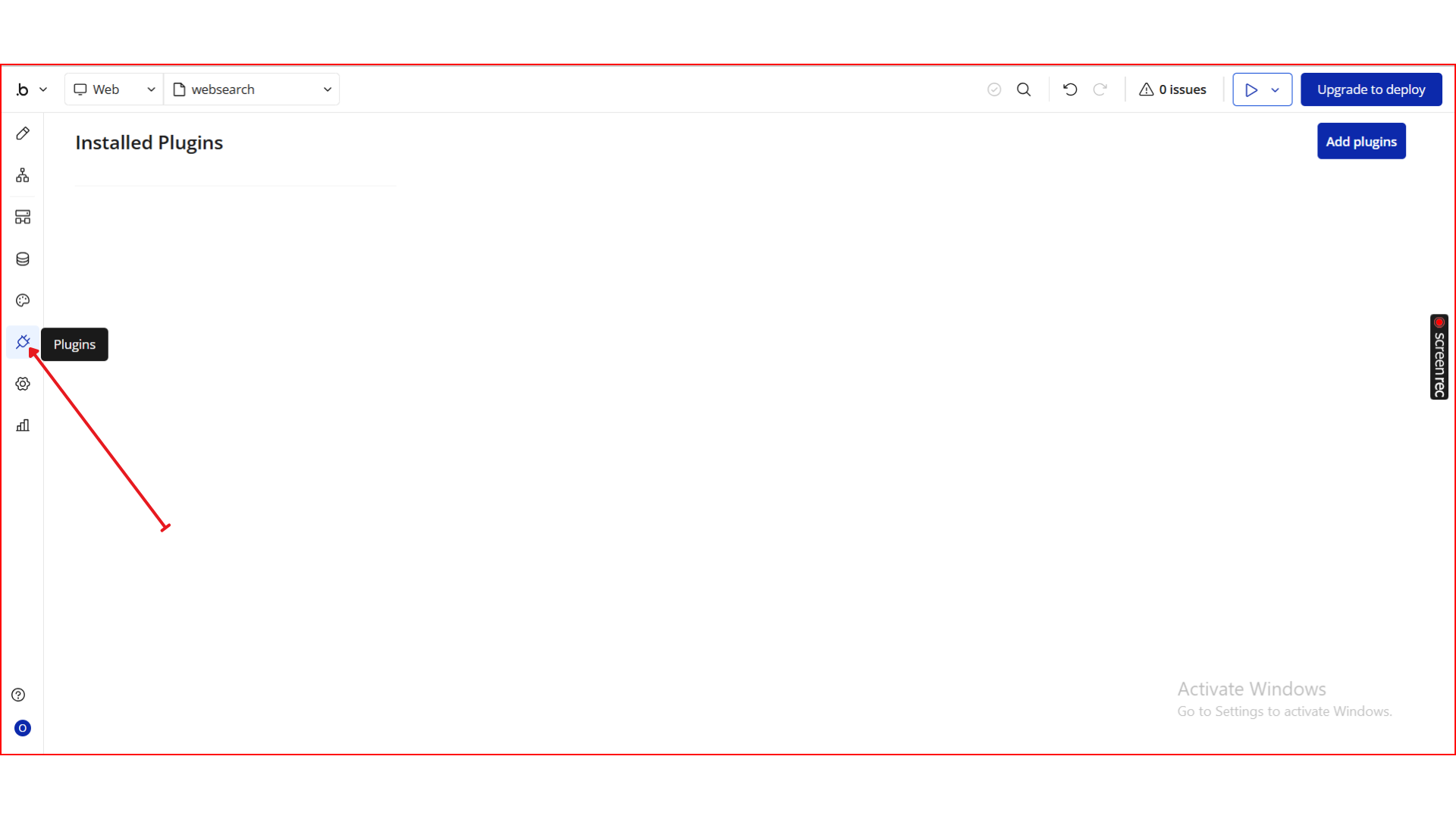
- Open your Bubble Editor.
- From the left panel, go to the Plugins tab.
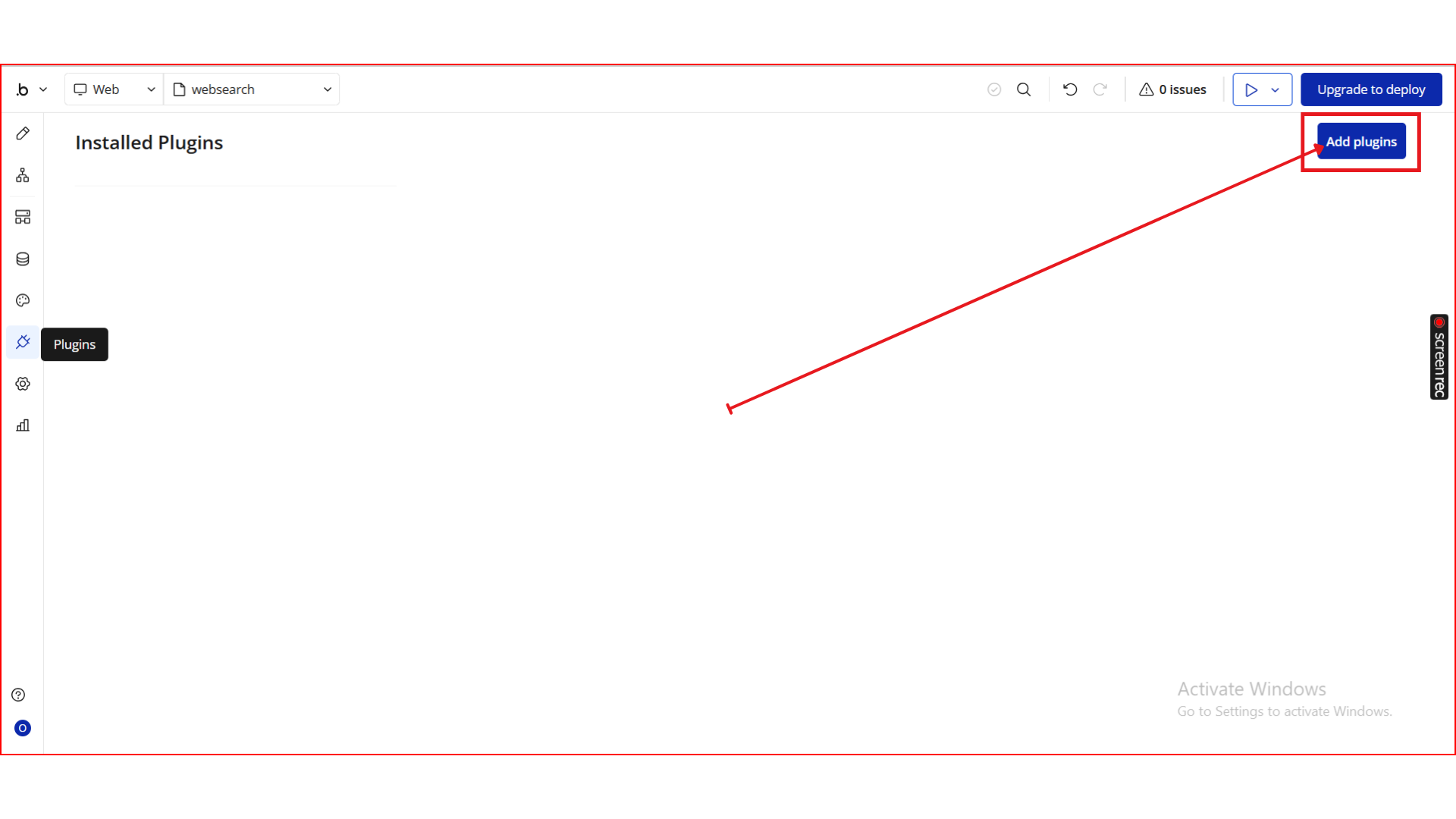
- Click the Add Plugins button.
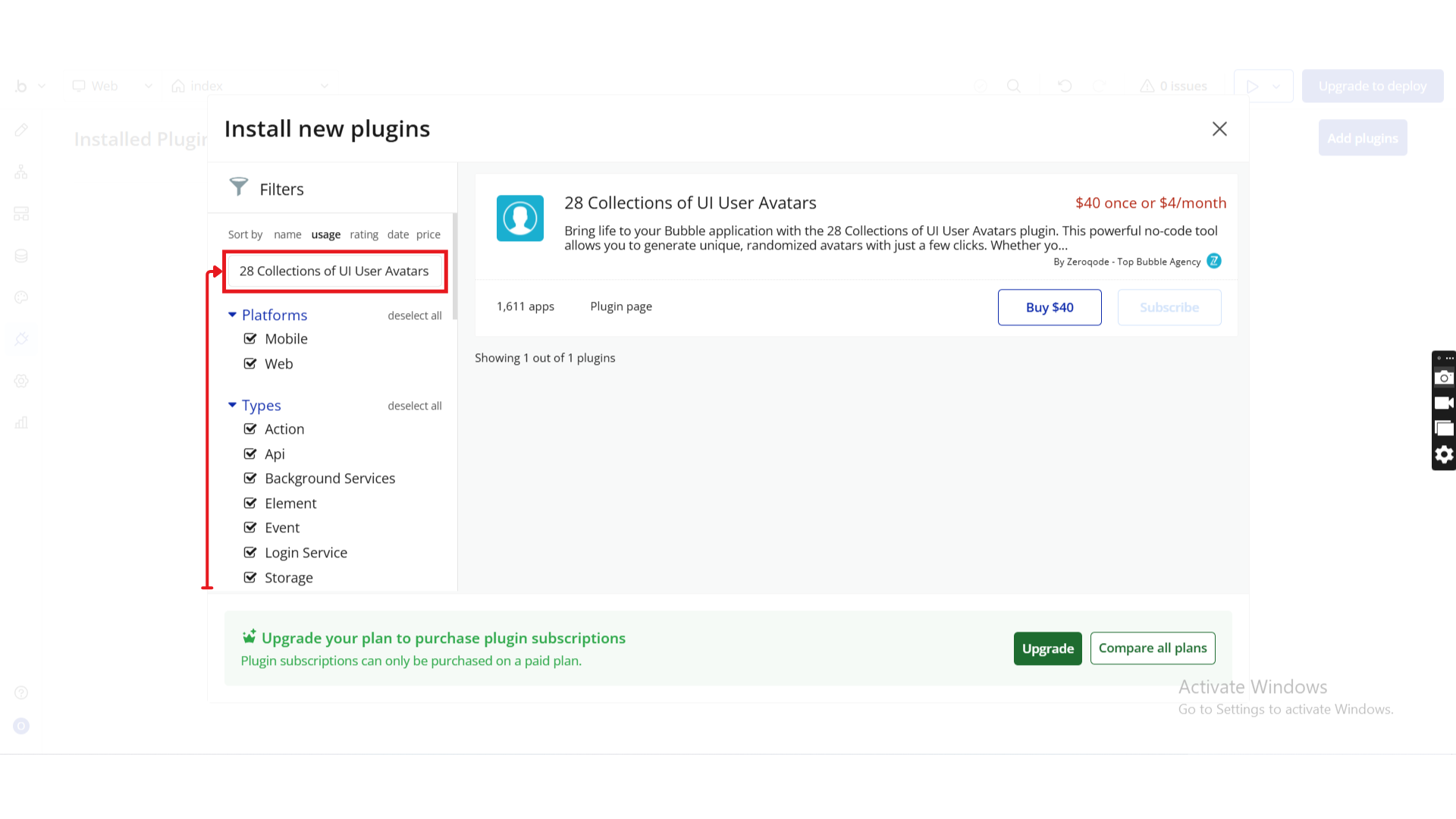
- In the search bar, type 28 Collections of UI User Avatars.
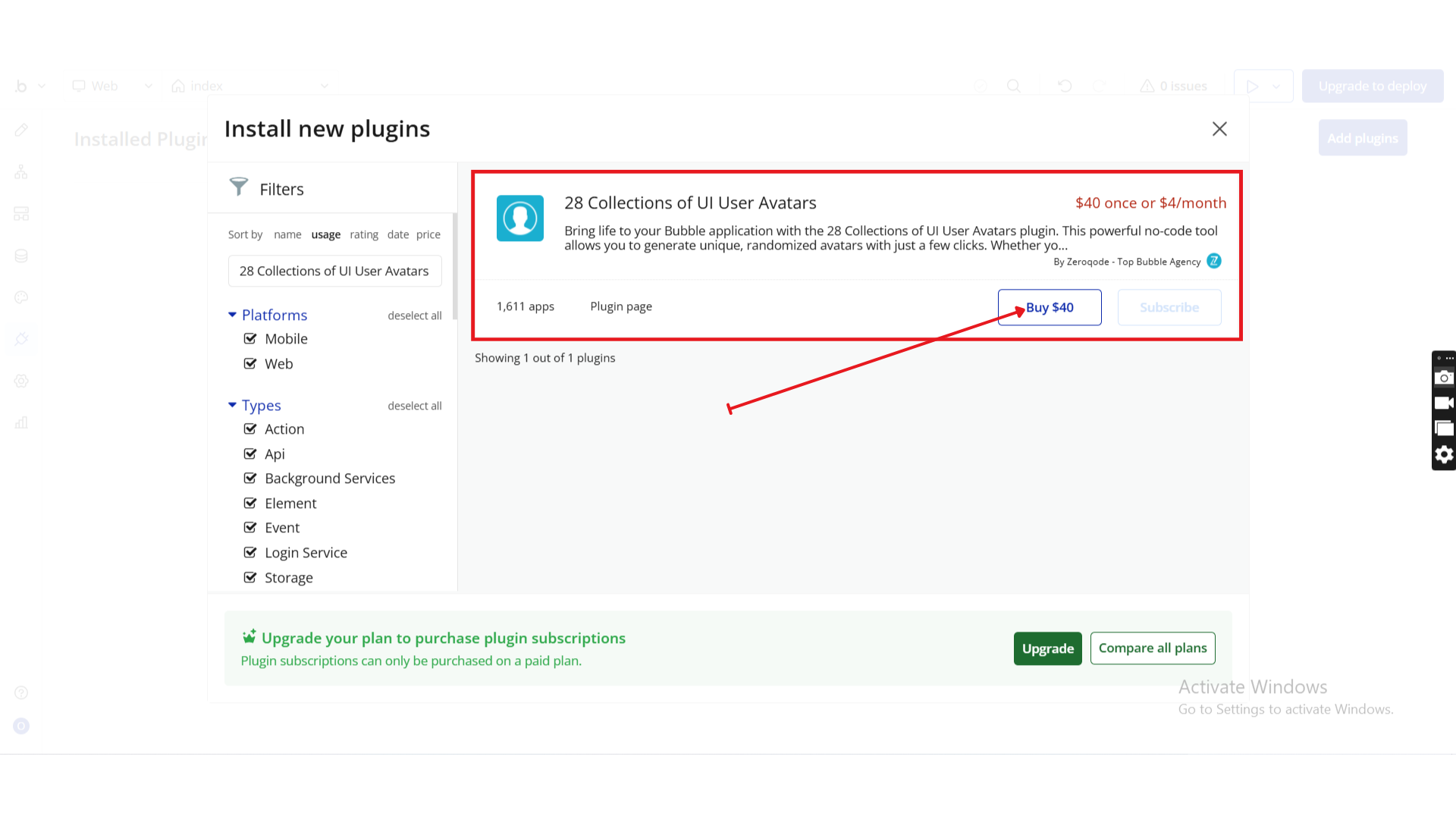
- Locate the 28 Collections of UI User Avatars plugin by Zeroqode and click Install (or Buy if it’s a paid plan).
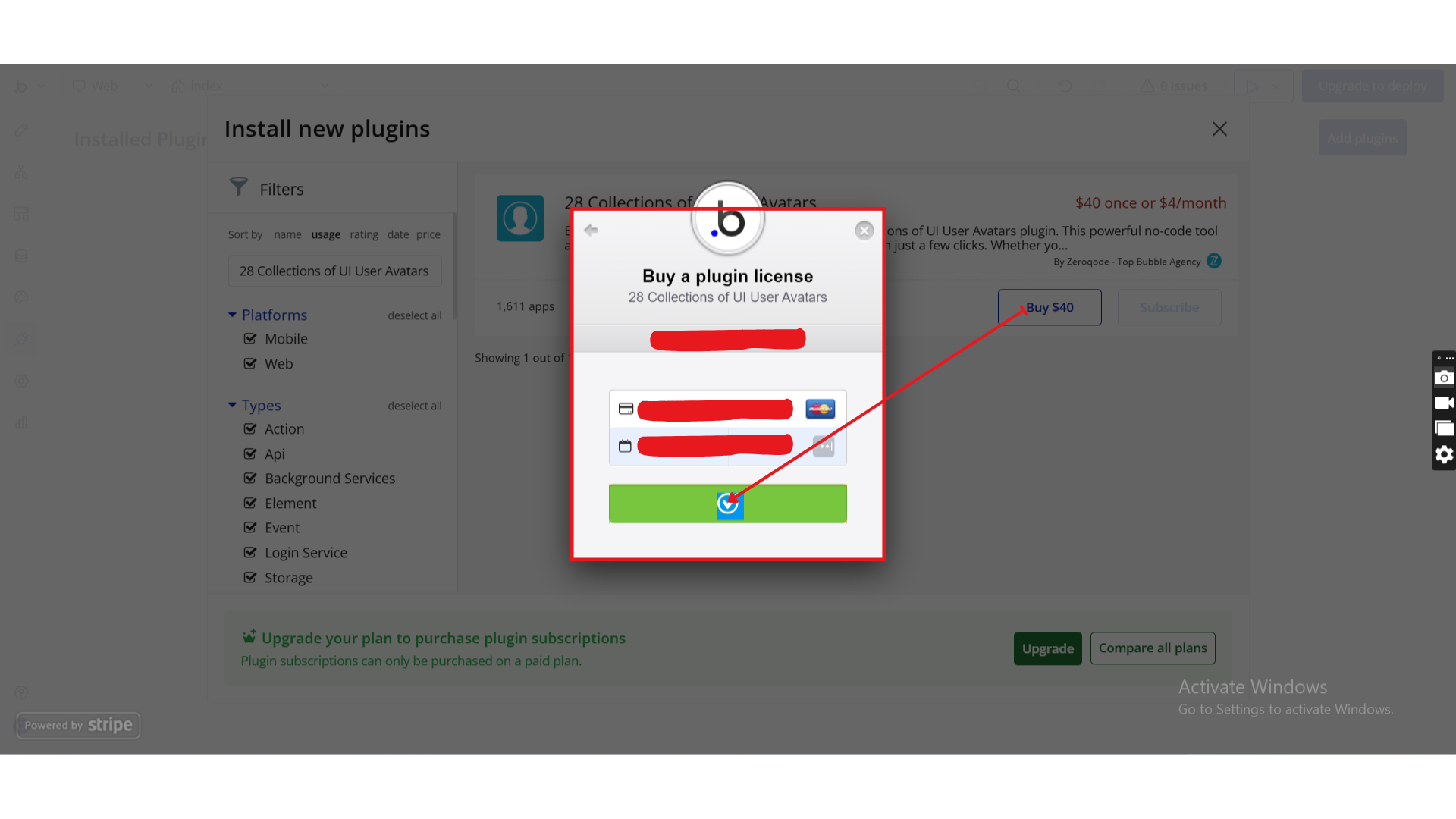
- After installation, it will appear under Installed plugins.
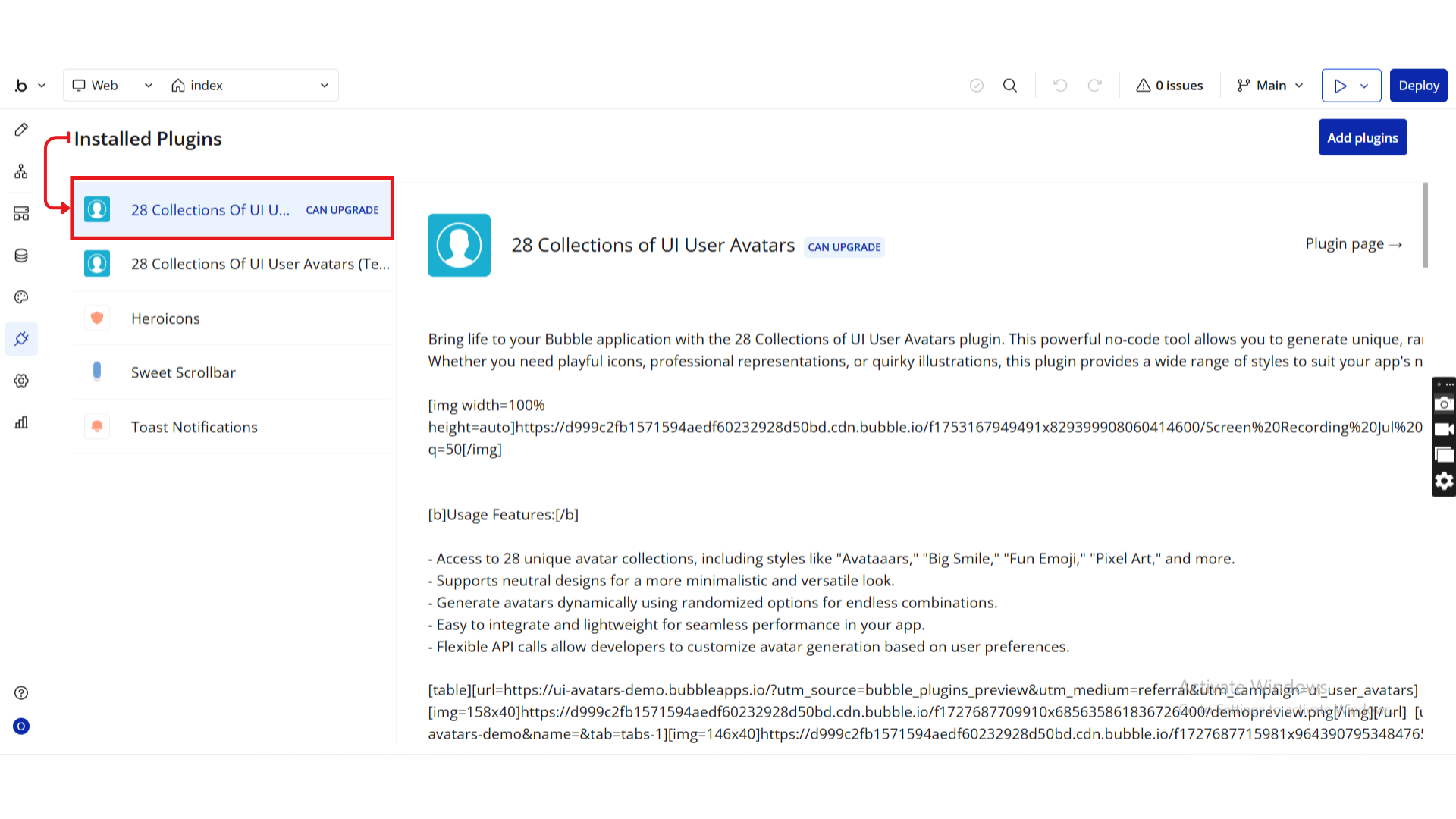
Step 2. Configure an Avatar Data Call
Unlike traditional image uploads, the 28 Collections of UI User Avatars plugin generates avatars dynamically using data calls. Each avatar style (Adventurer, Avataaars, Pixel Art, etc.) is exposed as a callable image source.
To display an avatar, you bind one of these data calls to a Bubble Image element.
How It Works
- The plugin exposes 28 avatar collections as dynamic image sources
- Each collection accepts configurable parameters such as:
- Seed (for deterministic avatar generation)
- Rotation, scaling, and flipping
- Background color options
- The output is a dynamically generated image that can be rendered anywhere in your app
Setup Instructions
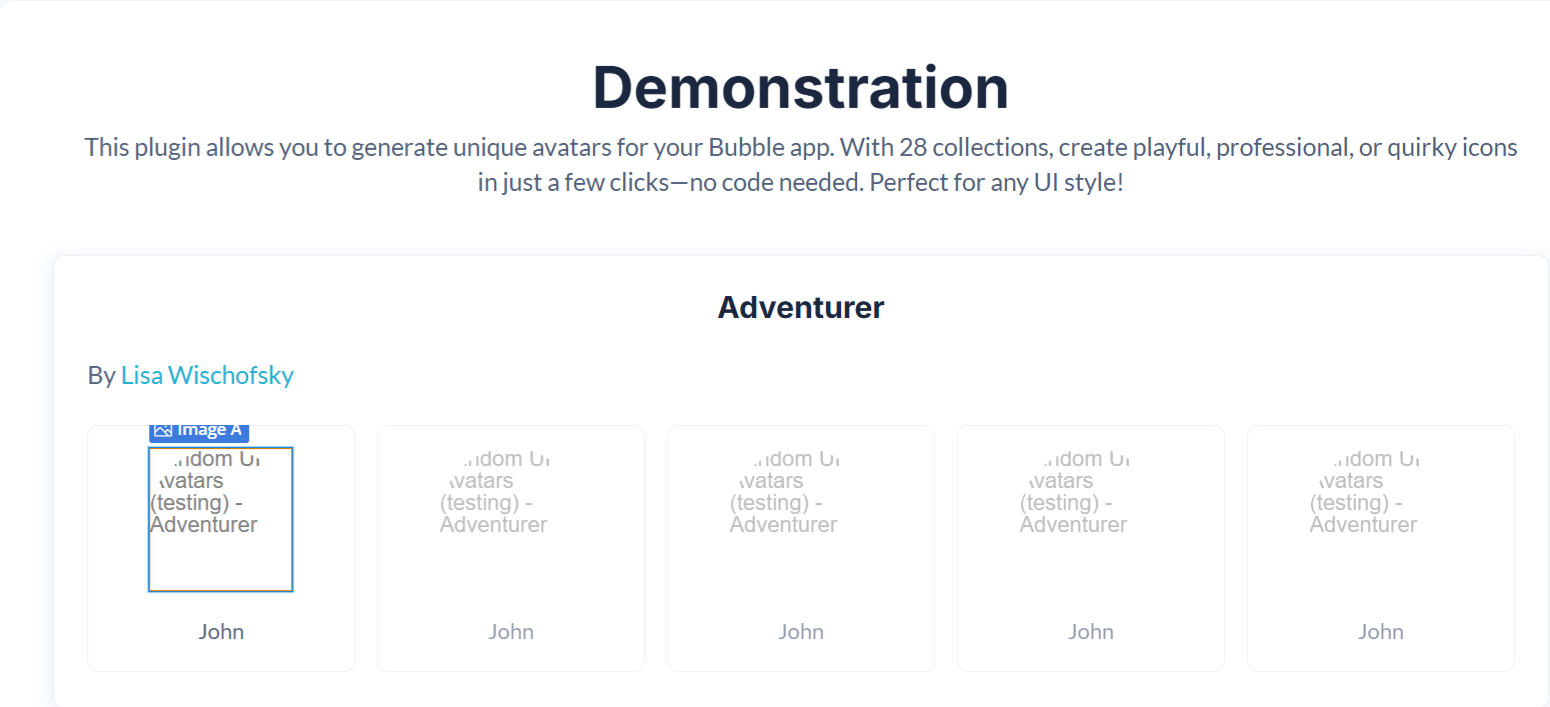
- Go to the Design tab in the Bubble Editor.
- Drag an Image element onto your page.
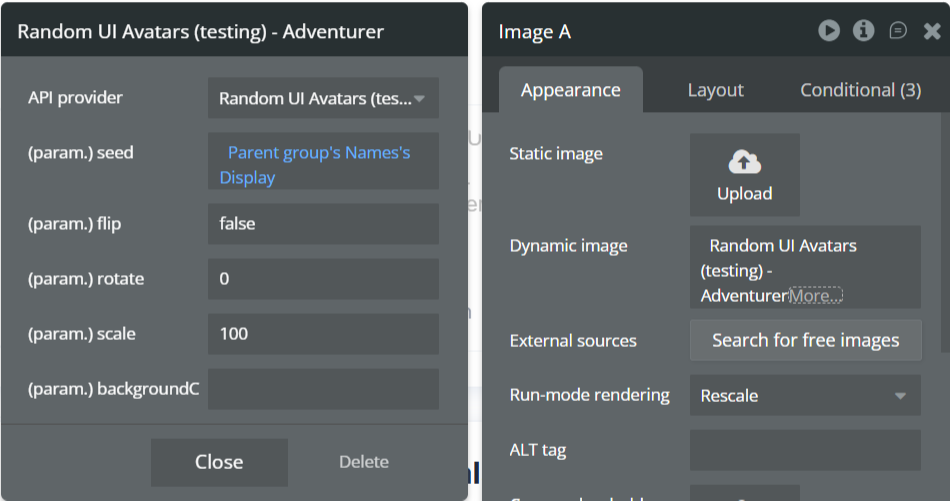
- Select the Image element and open the Appearance panel.
- Leave Static image empty.
- Under Dynamic image, choose one of the plugin data calls, for example:
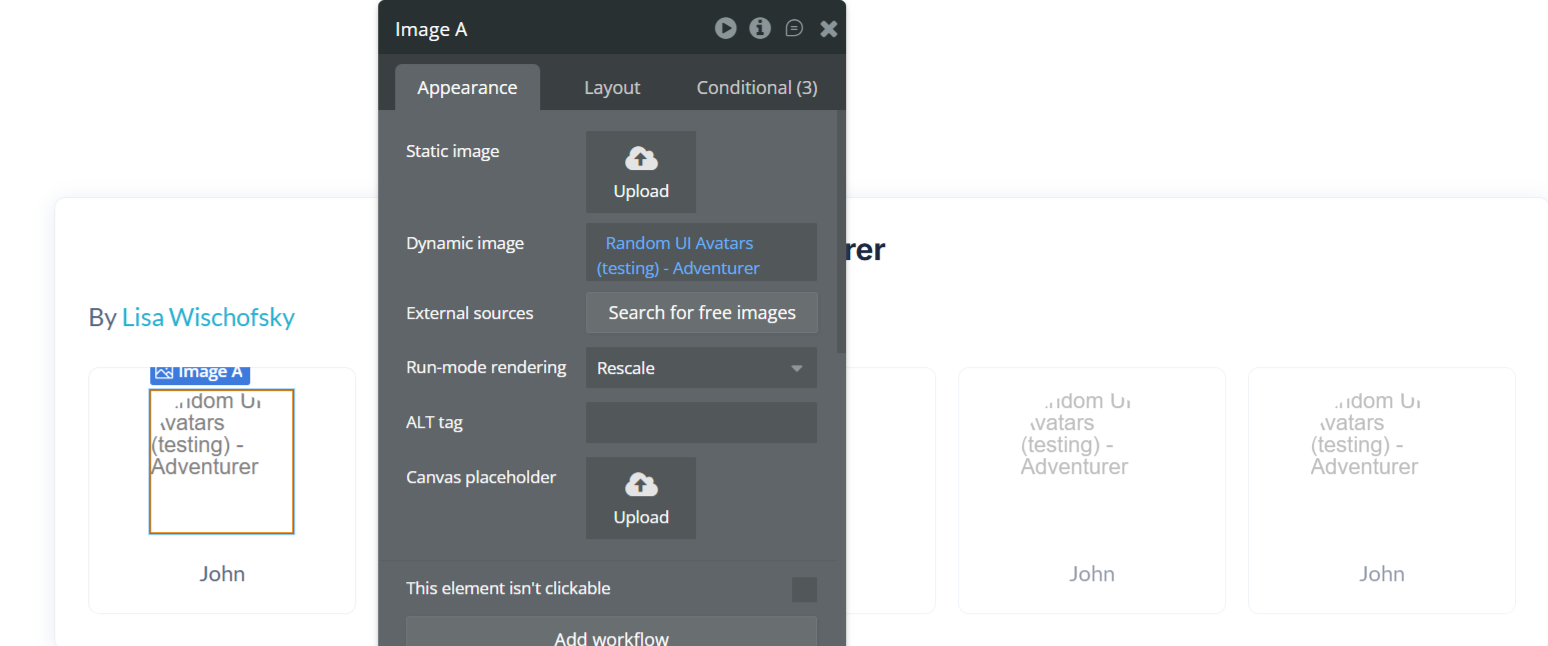
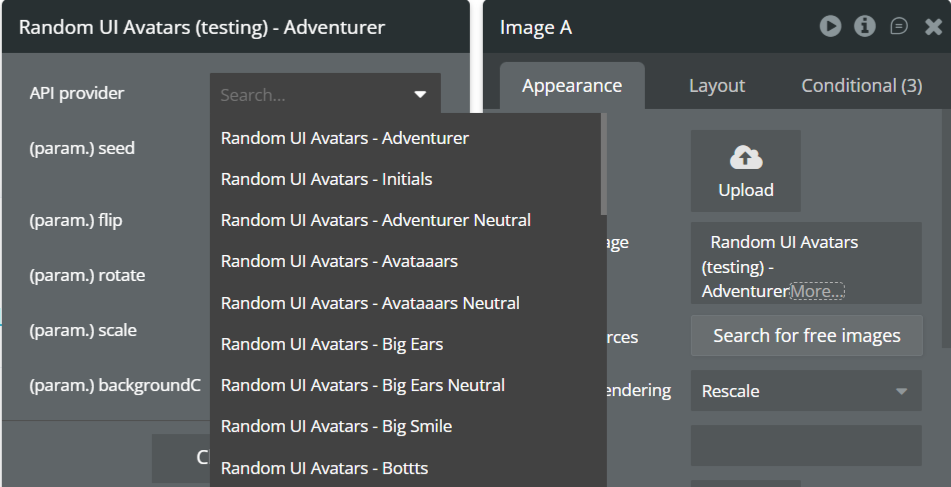
Random UI Avatars – Adventurer
Random UI Avatars – Initials
Random UI Avatars – Avataaars
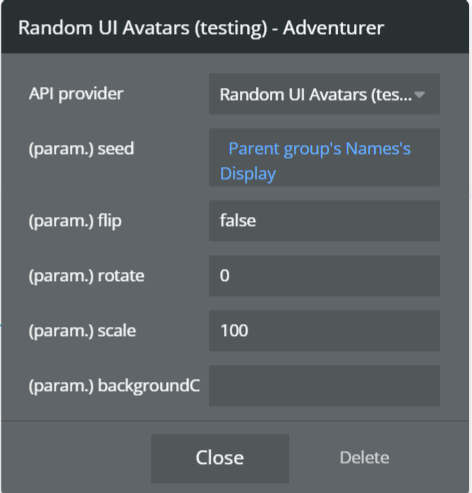
Recommended Configuration
Seed
Bind this to a unique and stable value such as:
- User’s full name
- Email address
- User ID
This ensures the same user always receives the same avatar across sessions.
Step 3. Customize Avatar Appearance & Behavior
After configuring the data call, you can fine-tune how the avatar looks and behaves using the available parameters.
Common Parameters
- Flip
Horizontally flips the avatar when set to
true. Useful for subtle visual variation.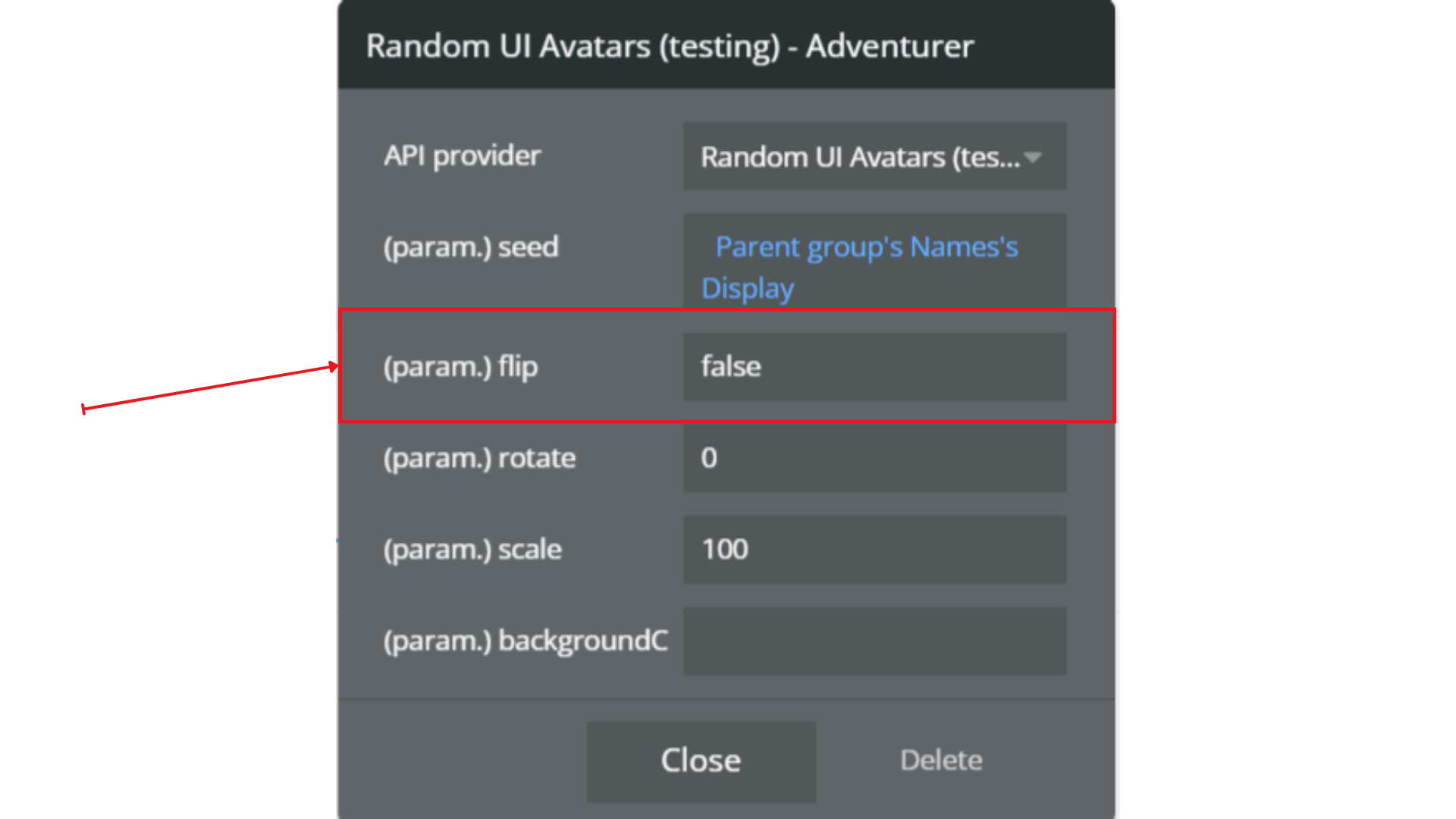
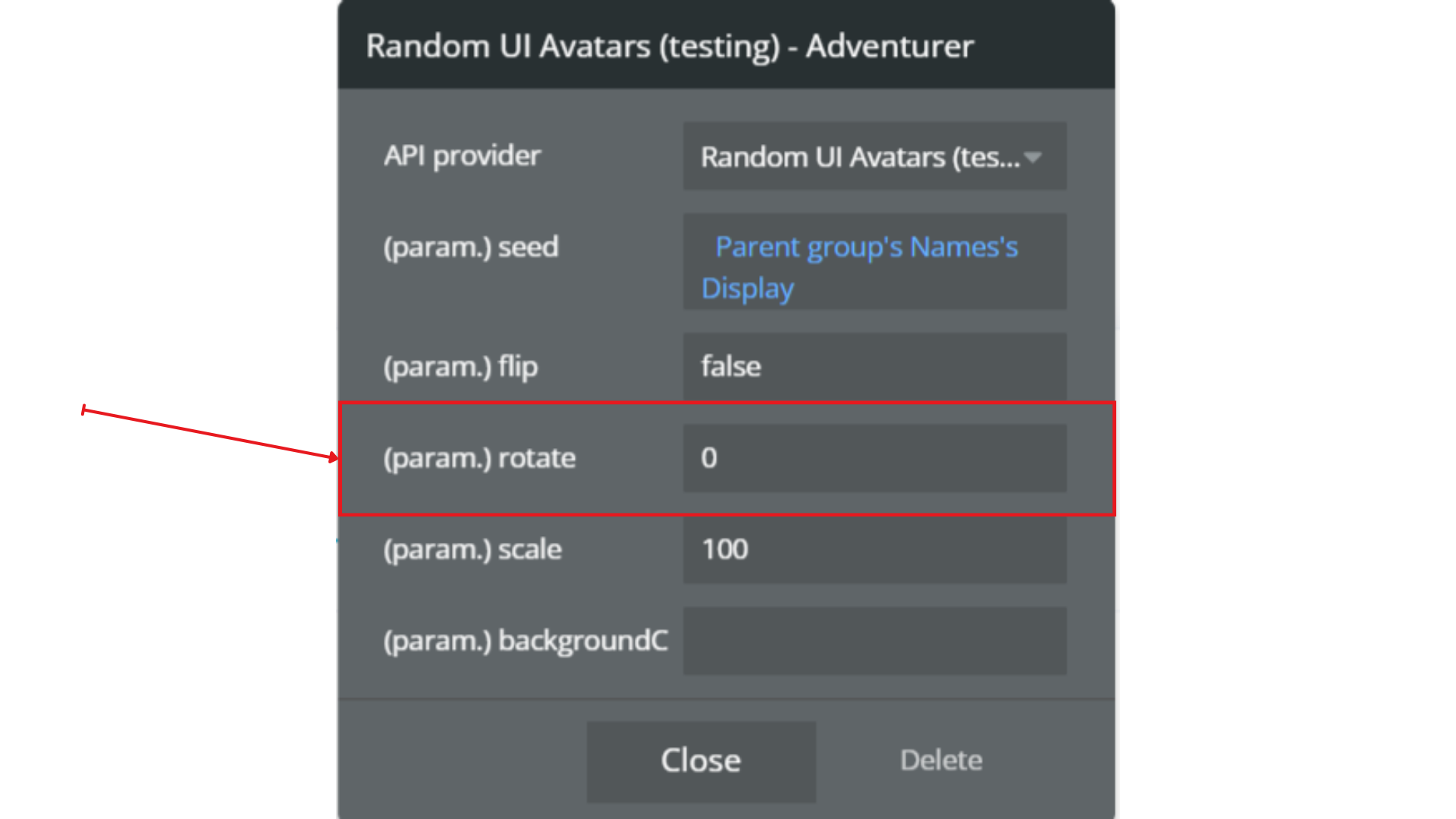
- Rotate
Rotates the avatar by a specified number of degrees (0–360).
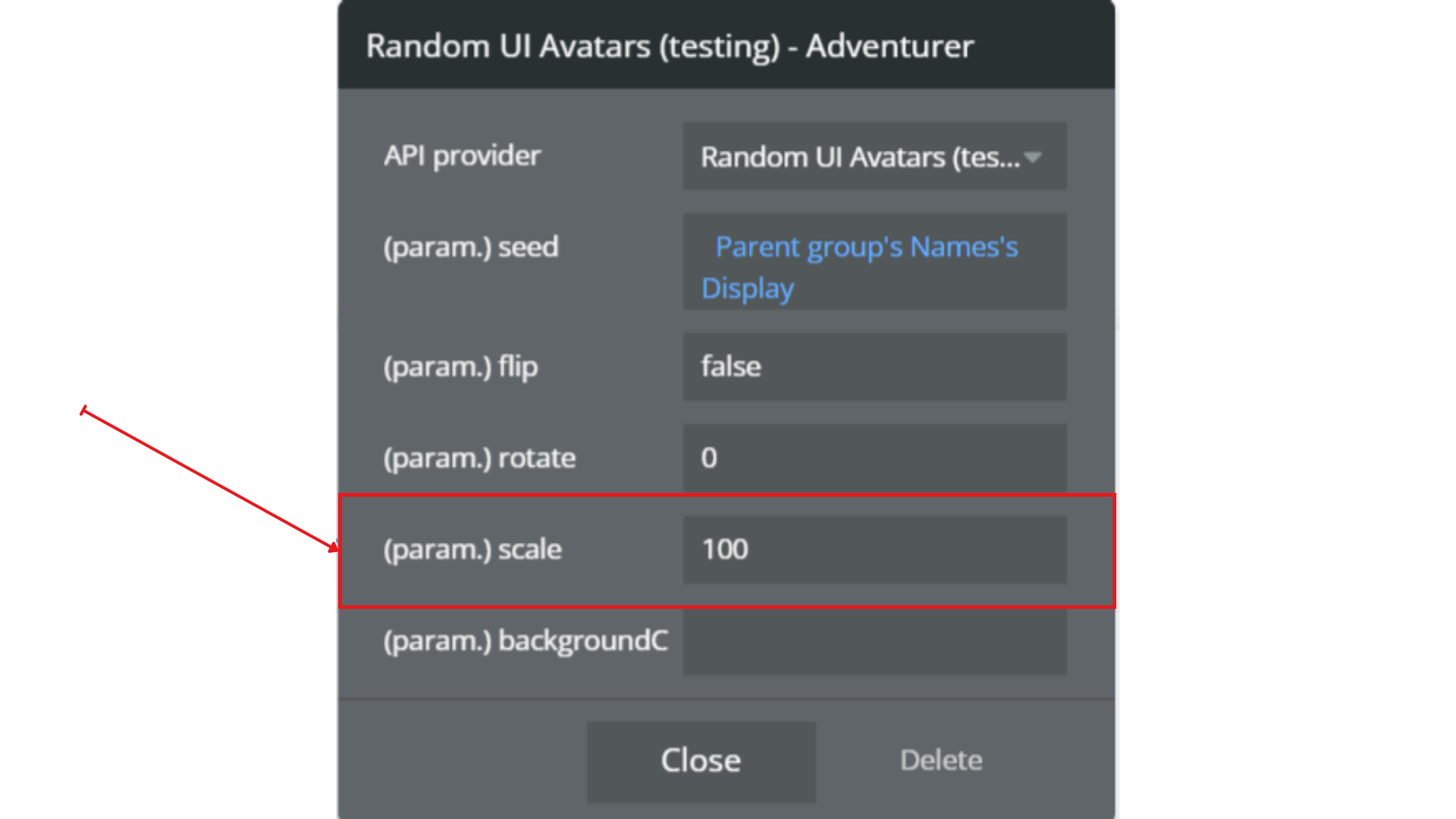
- Scale
100= default size- Increase or decrease to scale proportionally
Controls avatar size as a percentage:
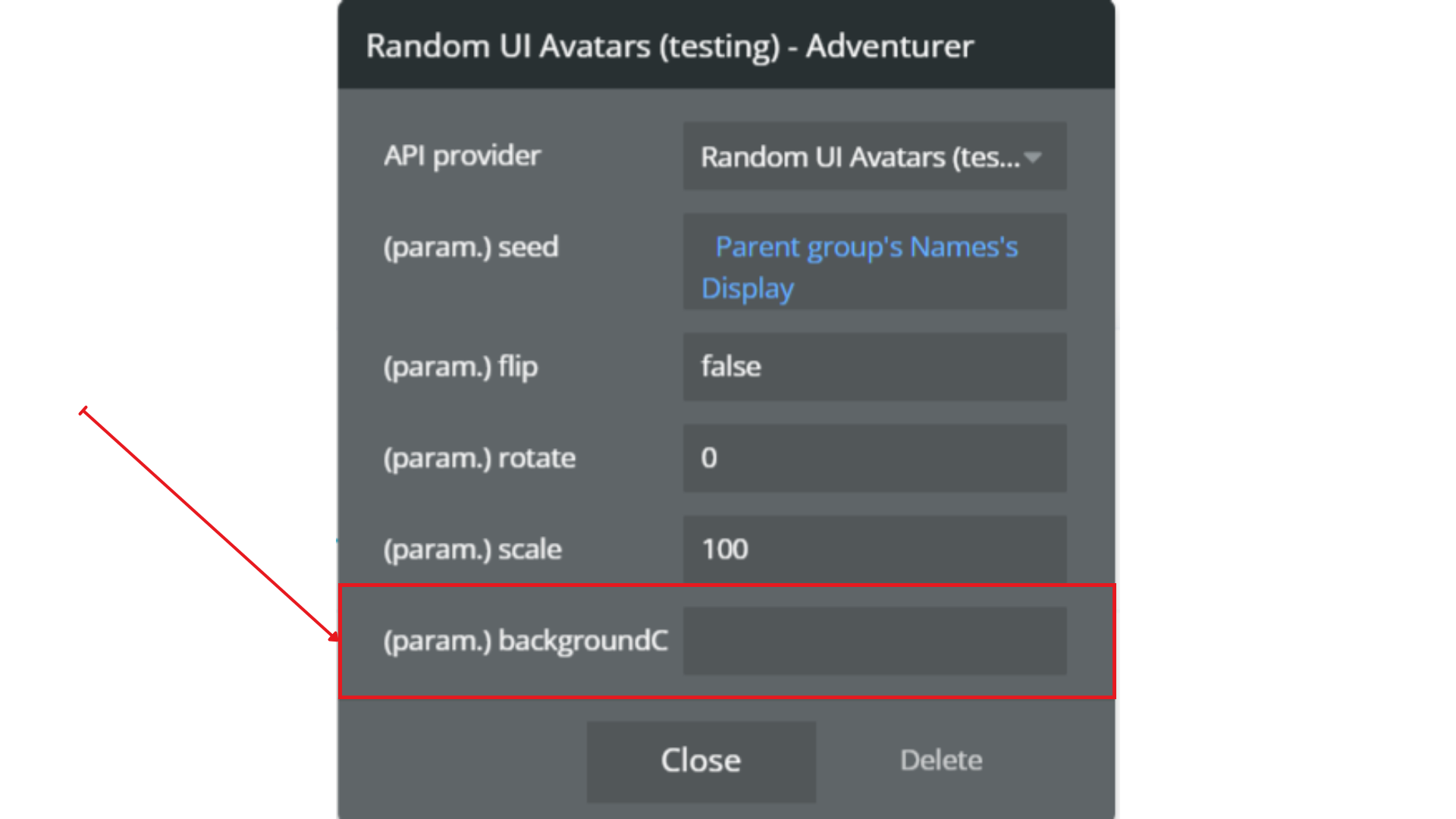
- BackgroundColor
- Multiple colors can be provided, separated by commas
- One color will be selected randomly
- Leave empty for a transparent background
Sets the avatar’s background color using a HEX value without the
#.
Step 4. Preview & Test
- Click Preview in the Bubble editor
- Confirm avatars load correctly
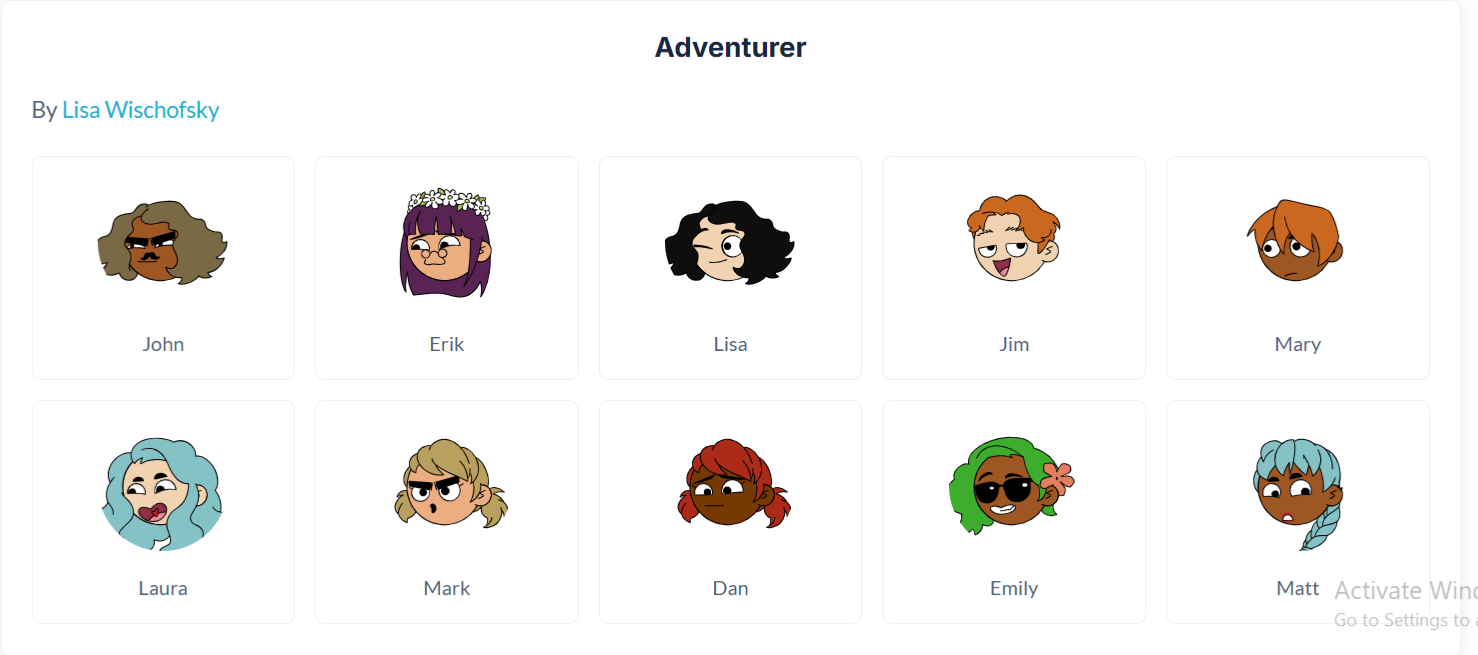
- Test multiple users to ensure avatar consistency
- Verify behavior across:
- Desktop
- Tablet
- Mobile
- Adjust image size, scaling, or alignment if needed
All avatar collections are optimized for performance and responsive layouts.
Plugin Data Calls
Adventurer
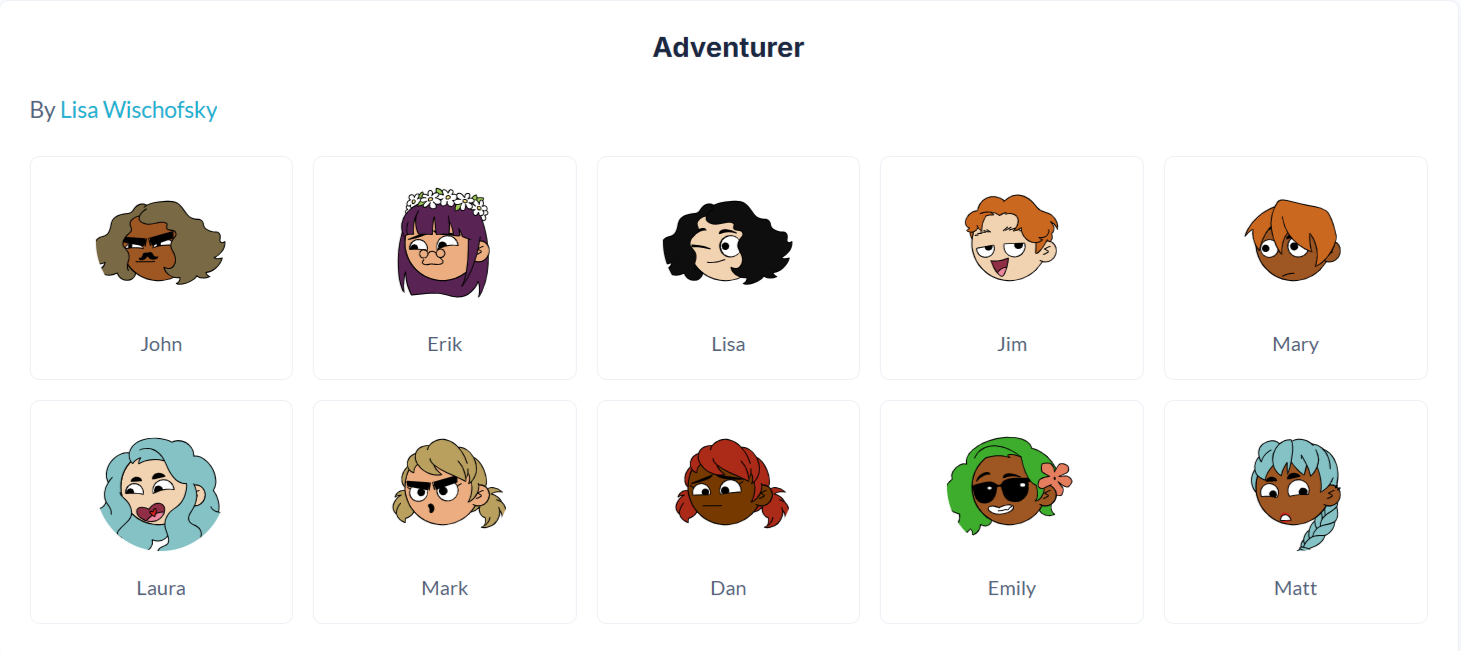
The Adventurer API generates a playful, illustrated avatar style inspired by cartoon explorer characters. Each avatar can be deterministically recreated using a seed value, making it ideal for user profiles, comments, dashboards, and identity placeholders.
Name | Description | Type |
Seed | A unique string used to generate a consistent avatar. Using the same seed will always return the same avatar, making it ideal for user-based avatars (e.g. name, email, user ID). | Text |
Flip | Flips the avatar horizontally when set to true. Useful for visual variation. | Yes/No (Boolean) |
Rotate | Rotates the avatar by the specified number of degrees. Accepts values between 0–360. | Number |
Scale | Controls the avatar size as a percentage. 100 represents the default size. Lower values shrink the avatar; higher values enlarge it. | Number |
BackgroundColor | Sets the avatar background color using a HEX value without the # (e.g. b6e3f4). You can provide multiple colors separated by commas, and one will be selected randomly. Leave empty for a transparent background. | Text |
Return Values
Return type: image
Property | Description | Type |
Image | The generated Adventurer avatar image, ready to be displayed in an Image element or stored in the database. | Image |
Initials
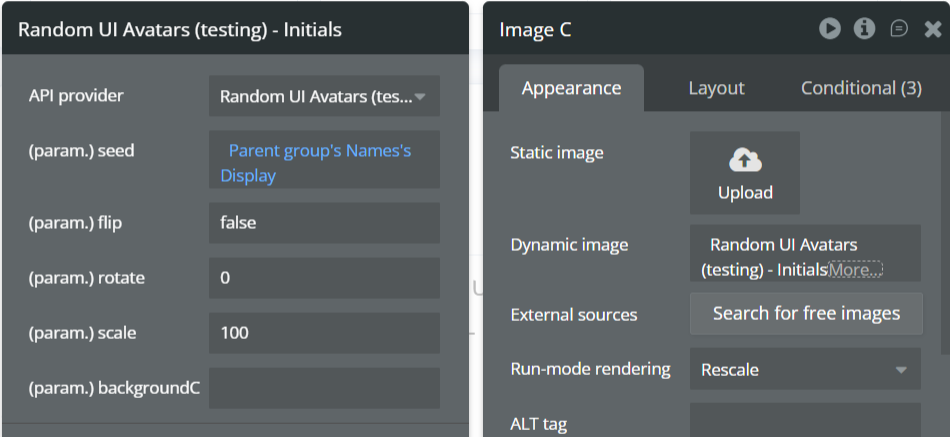
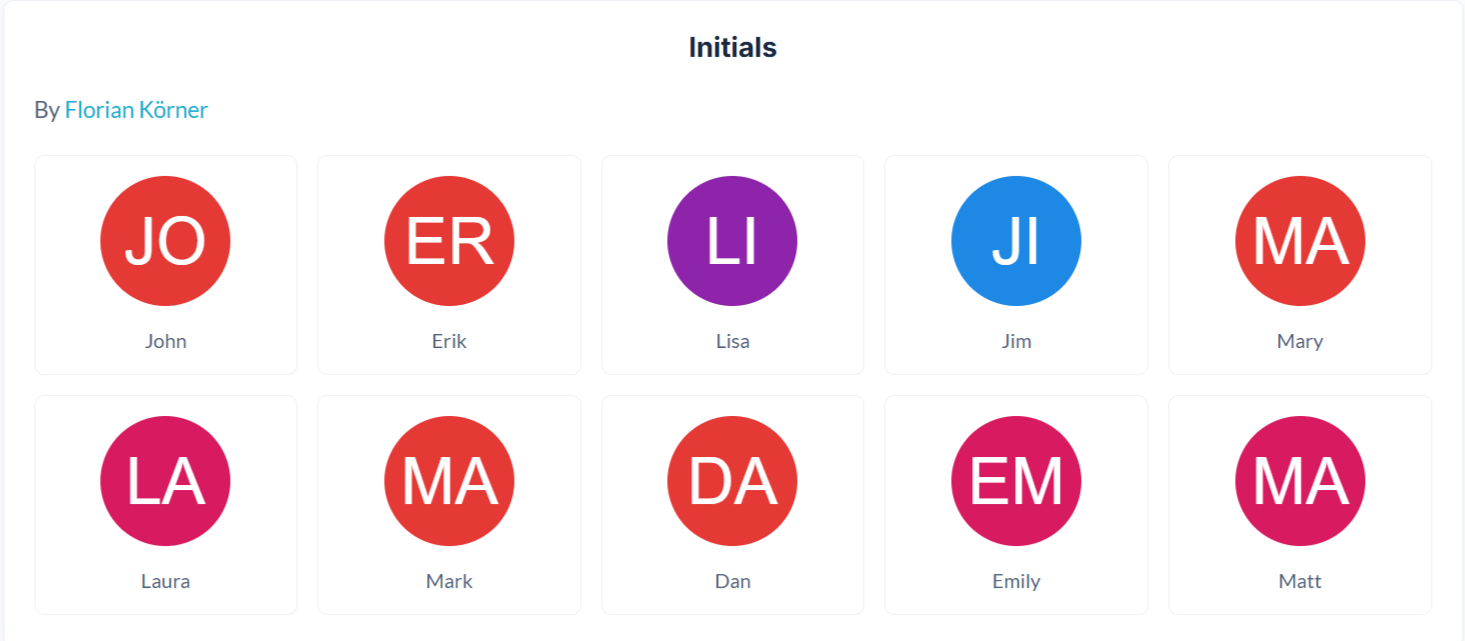
The Initials API generates clean, minimal avatars displaying a user’s initials on a colored background. It is ideal for professional interfaces where profile photos are unavailable, such as dashboards, comment sections, admin panels, and messaging apps.
Name | Description | Type |
Seed | A unique string used to generate the initials avatar. Commonly set to a user’s name, email, or ID to ensure the same avatar is generated consistently. | Text |
Flip | Flips the avatar horizontally when set to true. Mostly used for visual variation. | Yes/No (Boolean) |
Rotate | Rotates the avatar by the specified number of degrees. Accepts values between 0–360. | Number |
Scale | Controls the size of the avatar as a percentage. 100 represents the default size. Lower values reduce size; higher values increase size. | Number |
BackgroundColor | Sets the avatar background color using a HEX value without the # (e.g. d81b60). Multiple colors can be provided, separated by commas, and one will be selected randomly. | Text |
Return Values
Return type: image
Property | Description | Type |
Image | The generated initials-based avatar image, ready for display in Bubble Image elements or storage in the database. | Image |
Adventurer Neutral
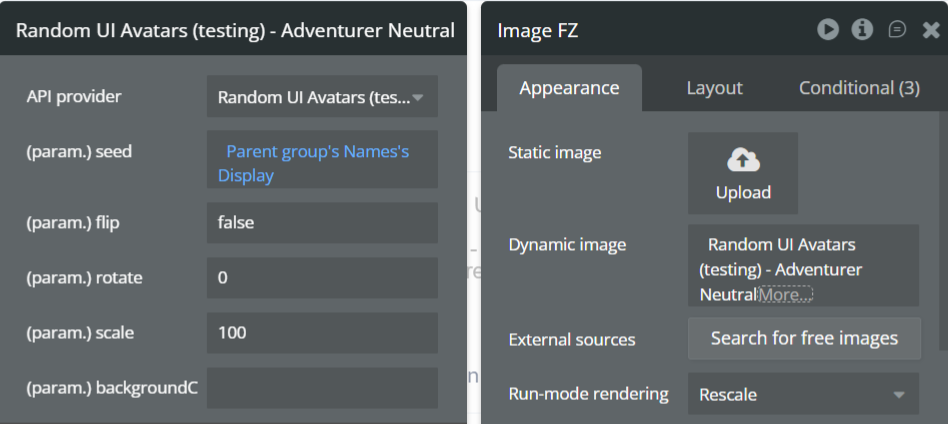
The Adventurer Neutral API generates friendly, human-style avatars with neutral skin tones and expressions, designed to be inclusive and professional. This style is ideal for applications that want approachable avatars without strong stylistic or demographic cues.
Name | Description | Type |
Seed | A unique string used to generate the avatar. Commonly set to a user’s name, email, or ID to ensure consistent avatar generation across sessions. | Text |
Flip | Flips the avatar horizontally when set to true. Useful for subtle visual variation. | Yes/No (Boolean) |
Rotate | Rotates the avatar by the specified number of degrees. Accepts values between 0–360. | Number |
Scale | Controls the avatar size as a percentage. 100 represents the default size. Increase or decrease to scale the avatar proportionally. | Number |
BackgroundColor | Sets the avatar background color using a HEX value without the # (e.g. d81b60). Multiple colors can be provided, separated by commas, and one will be selected randomly. Leave empty for a transparent background. | Text |
Return Values
Return type: image
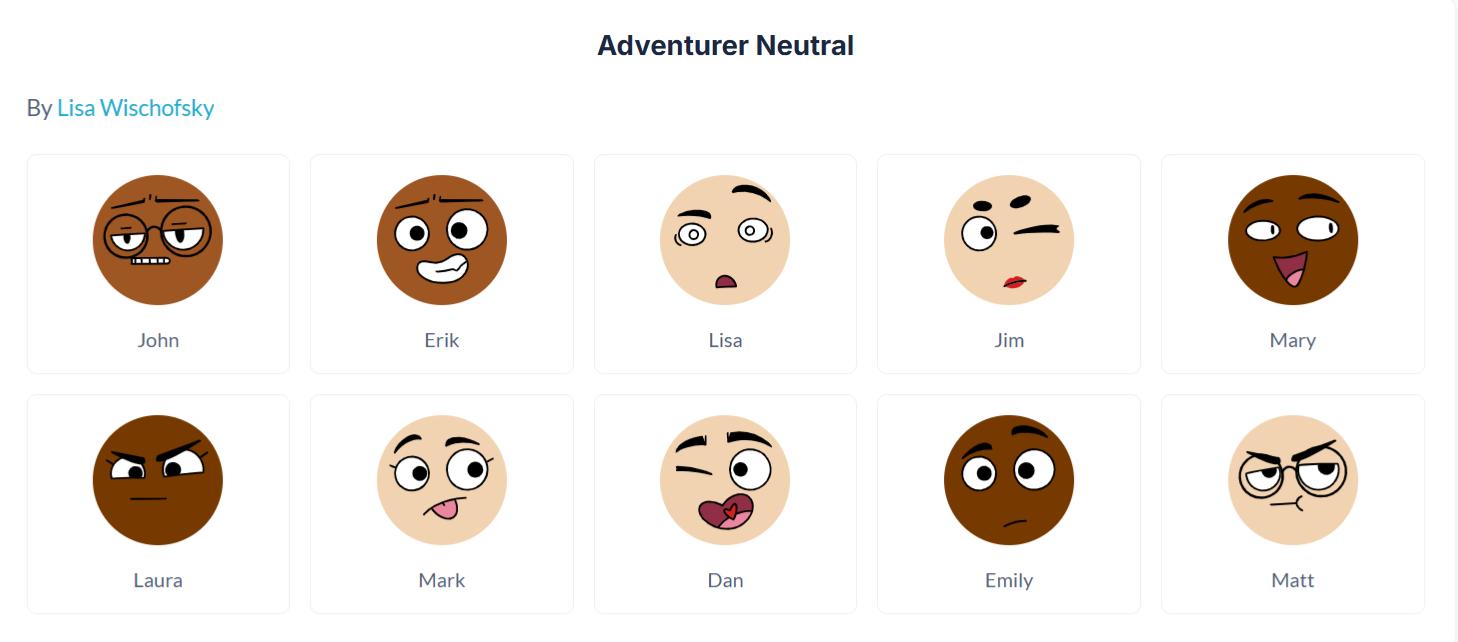
Property | Description | Type |
Image | The generated Adventurer Neutral avatar image, ready for display in Bubble Image elements or storage in the database. | Image |
Avataaars
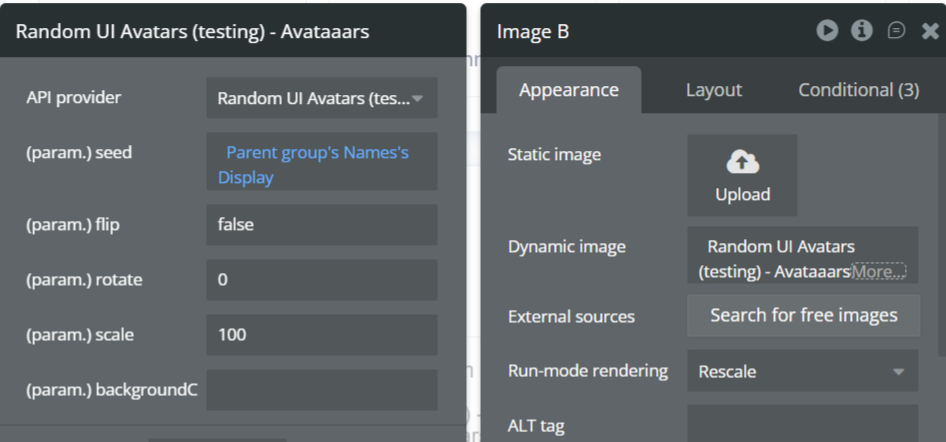
The Avataaars API generates highly customizable, illustrated human-style avatars inspired by modern profile illustrations. This style supports expressive facial features and is ideal for user profiles, dashboards, community platforms, and applications that want visually distinctive avatars.
Name | Description | Type |
Seed | A unique string used to generate the avatar. Commonly set to a user’s name, email, or ID to ensure the same avatar is generated every time. | Text |
Flip | Flips the avatar horizontally when set to true. Useful for subtle visual variation. | Yes/No (Boolean) |
Rotate | Rotates the avatar by the specified number of degrees. Accepts values between 0–360. | Number |
Scale | Controls the avatar size as a percentage. 100 represents the default size. Increase or decrease this value to scale the avatar proportionally. | Number |
BackgroundColor | Sets the avatar background color using a HEX value without the # (e.g. d81b60). Multiple colors can be provided, separated by commas, and one will be selected randomly. Leave empty for a transparent background. | Text |
Return Values
Return type: image
Property | Description | Type |
Image | The generated Avataaars avatar image, ready for display in Bubble Image elements or storage in the database. | Image |
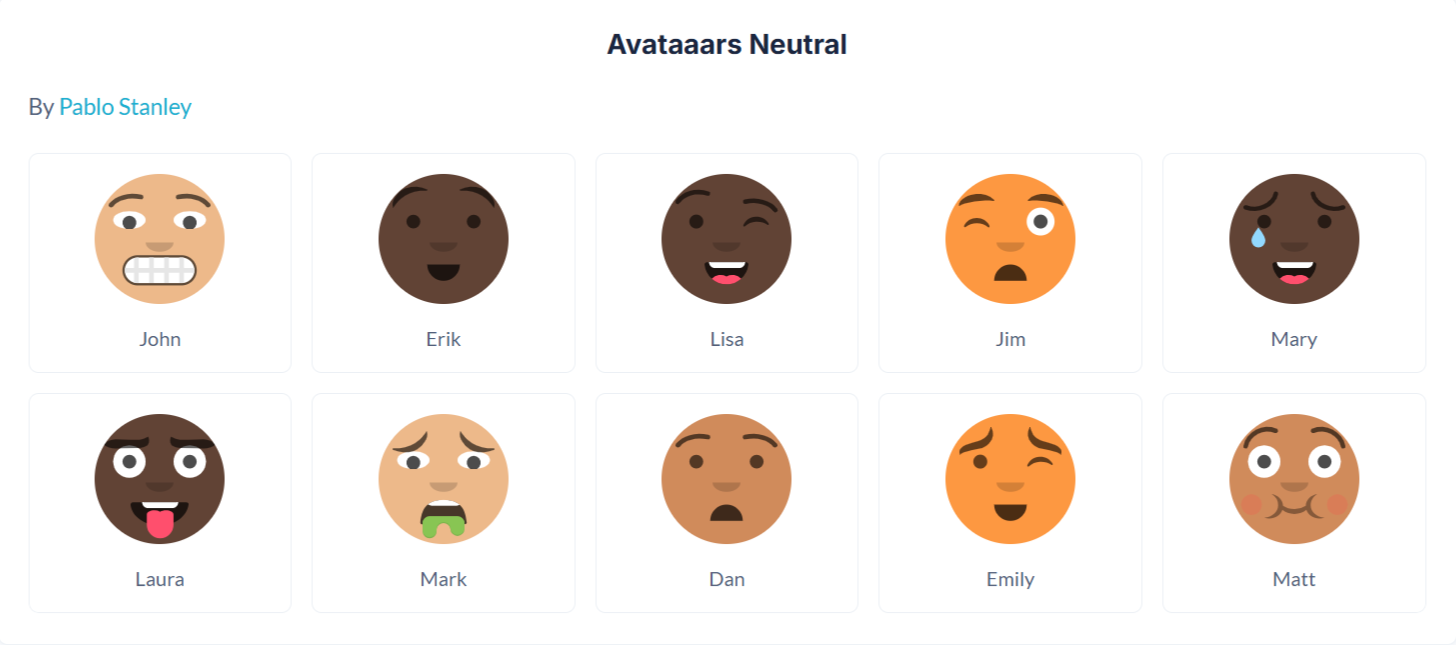
Avataaars Neutral
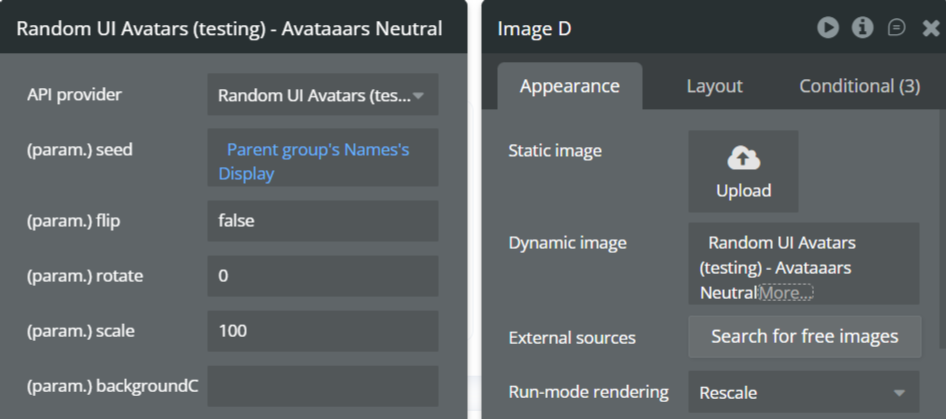
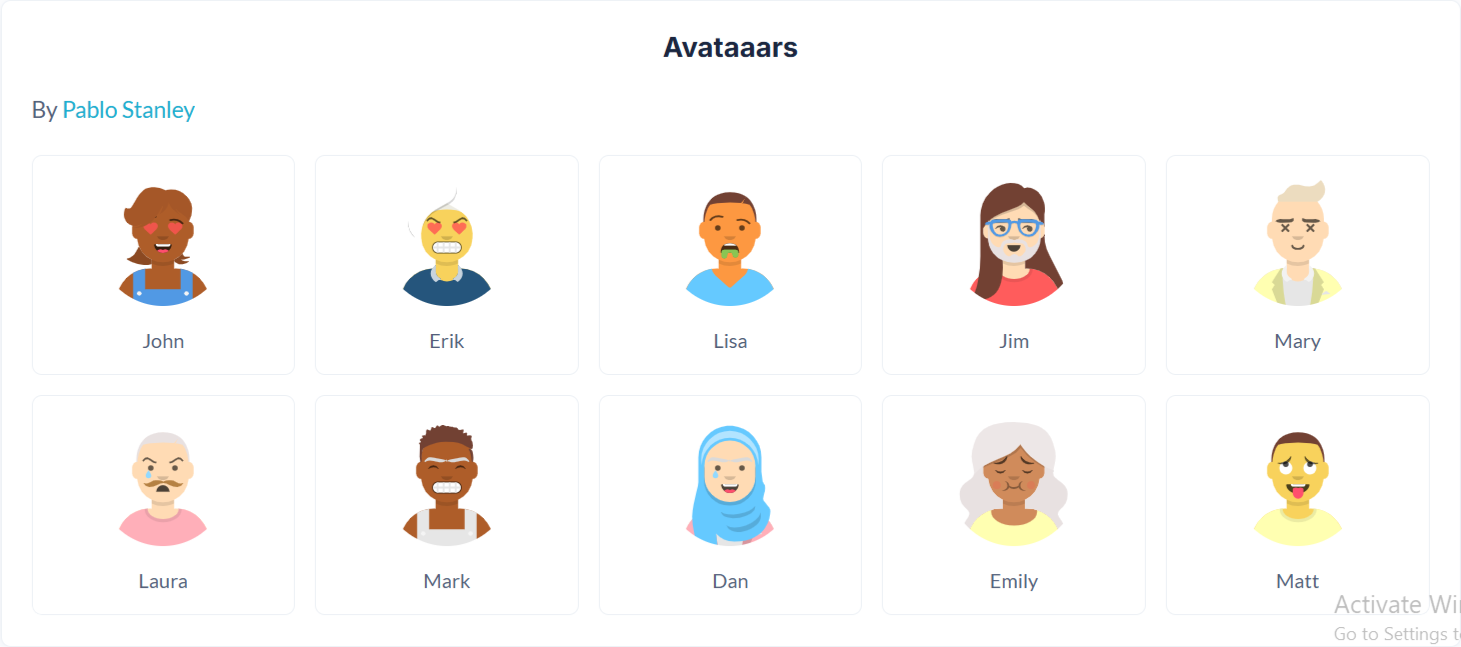
The Avataaars Neutral API generates clean, modern, human-style avatars using the Avataaars design system, but with neutral skin tones and simplified styling. This variant is ideal for professional, inclusive applications where you want friendly avatars without strong personal or stylistic bias.
Name | Description | Type |
Seed | A unique string used to generate the avatar. Commonly set to a user’s name, email, or ID to ensure consistent avatar generation across sessions. | Text |
Flip | Flips the avatar horizontally when set to true. Useful for subtle visual variation. | Yes/No (Boolean) |
Rotate | Rotates the avatar by the specified number of degrees. Accepts values between 0–360. | Number |
Scale | Controls the avatar size as a percentage. 100 represents the default size. Increase or decrease to scale the avatar proportionally. | Number |
BackgroundColor | Sets the avatar background color using a HEX value without the # (e.g. d81b60). Multiple colors can be provided, separated by commas, and one will be selected randomly. Leave empty for a transparent background. | Text |
Return Values
Return type: image
Property | Description | Type |
Image | The generated Avataaars Neutral avatar image, ready for display in Bubble Image elements or storage in the database. | Image |
Big Ears
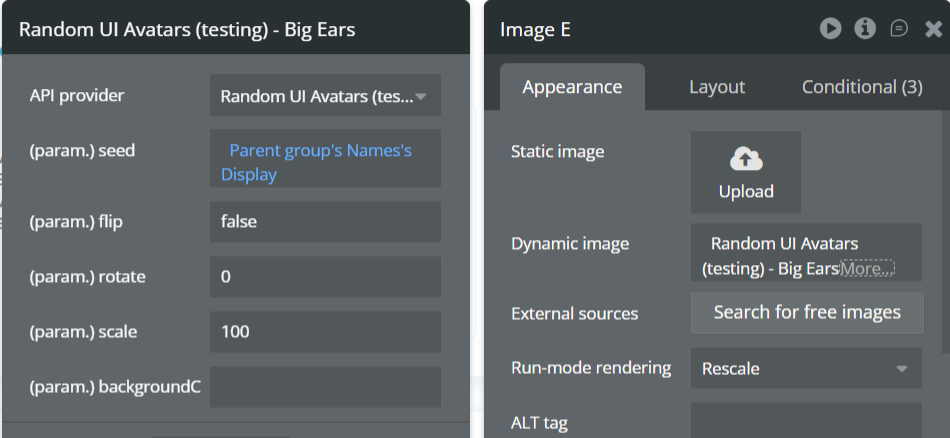
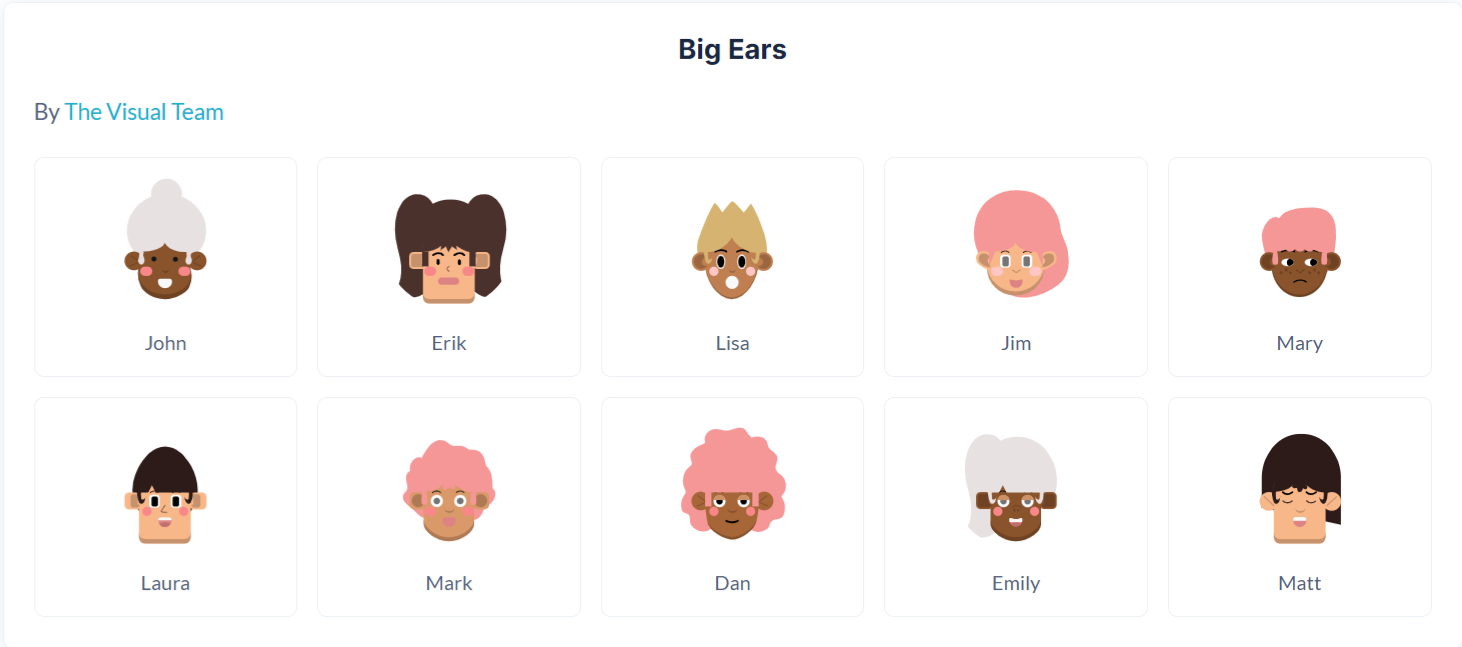
The Big Ears API generates playful, cartoon-style avatars characterized by oversized ears and expressive facial features. This style is ideal for informal apps, community platforms, games, and products that want a fun, approachable visual identity.
Name | Description | Type |
Seed | A unique string used to generate the avatar. Commonly set to a user’s name, email, or ID to ensure consistent avatar generation across sessions. | Text |
Flip | Flips the avatar horizontally when set to true. Useful for subtle visual variation. | Yes/No (Boolean) |
Rotate | Rotates the avatar by the specified number of degrees. Accepts values between 0–360. | Number |
Scale | Controls the avatar size as a percentage. 100 represents the default size. Increase or decrease to scale the avatar proportionally. | Number |
BackgroundColor | Sets the avatar background color using a HEX value without the # (e.g. d81b60). Multiple colors can be provided, separated by commas, and one will be selected randomly. Leave empty for a transparent background. | Text |
Return Values
Return type: image
Property | Description | Type |
Image | The generated Big Ears avatar image, ready for display in Bubble Image elements or storage in the database. | Image |
Big Ears Neutral
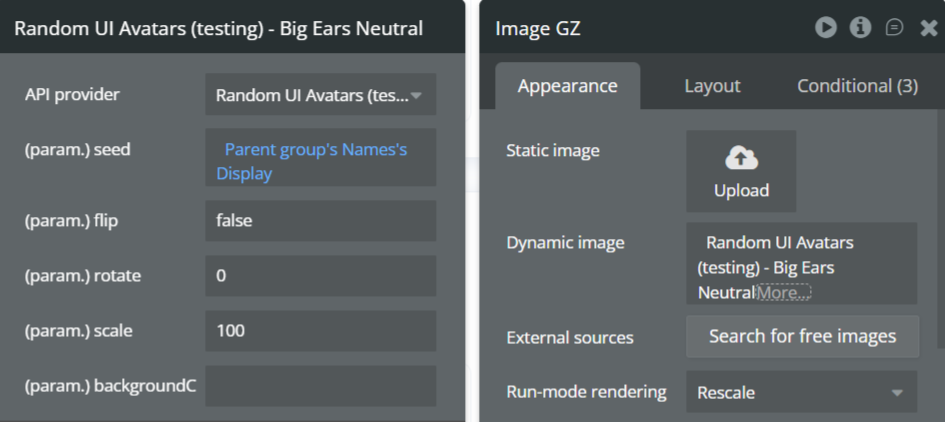
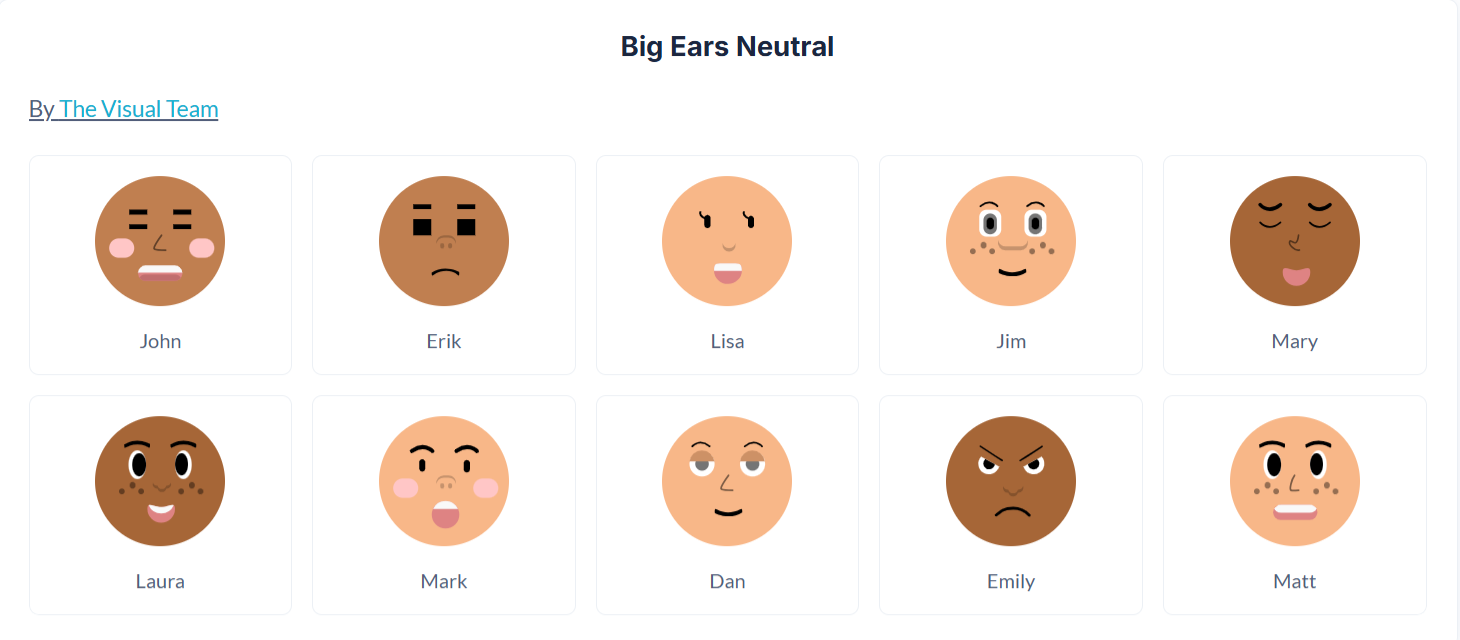
The Big Ears Neutral API generates playful, cartoon-style avatars with oversized ears and neutral skin tones and expressions, making them suitable for inclusive, professional, and friendly user representations. This style maintains the fun aesthetic of Big Ears while avoiding strong stylistic or demographic cues.
Name | Description | Type |
Seed | A unique string used to generate the avatar. Commonly set to a user’s name, email, or ID to ensure consistent avatar generation across sessions. | Text |
Flip | Flips the avatar horizontally when set to true. Useful for subtle visual variation. | Yes/No (Boolean) |
Rotate | Rotates the avatar by the specified number of degrees. Accepts values between 0–360. | Number |
Scale | Controls the avatar size as a percentage. 100 represents the default size. Increase or decrease to scale the avatar proportionally. | Number |
BackgroundColor | Sets the avatar background color using a HEX value without the # (e.g. d81b60). Multiple colors can be provided, separated by commas, and one will be selected randomly. Leave empty for a transparent background. | Text |
Return Values
Return type: image
Property | Description | Type |
Image | The generated Big Ears Neutral avatar image, ready for display in Bubble Image elements or storage in the database. | Image |
Big Smile
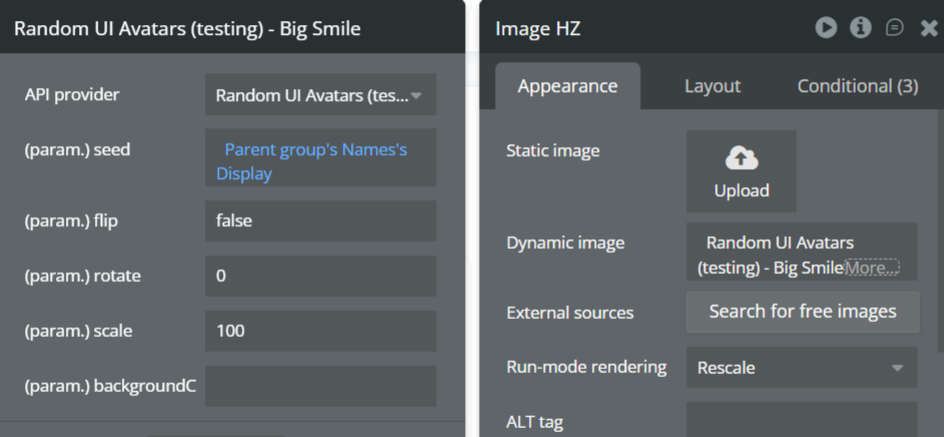
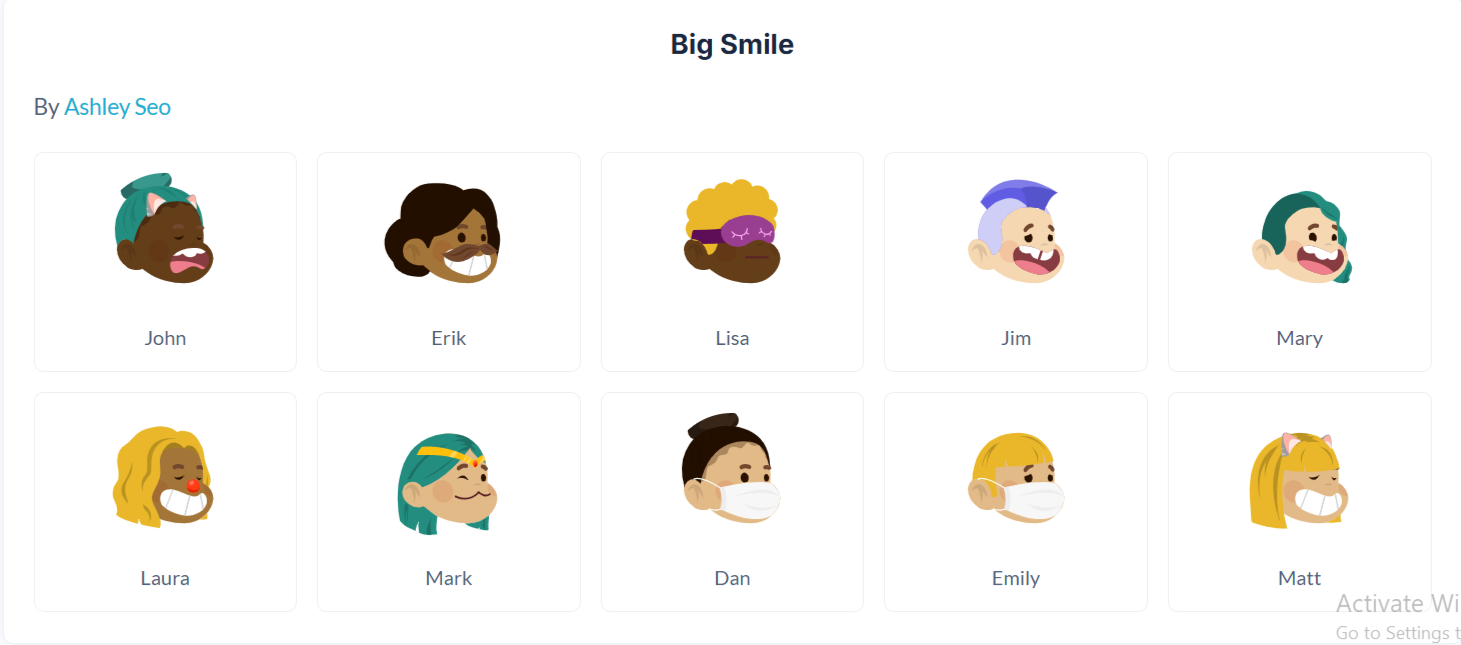
The Big Smile API generates cheerful, cartoon-style avatars with wide smiles and expressive facial features. This style is ideal for friendly, upbeat applications such as social platforms, onboarding flows, customer-facing dashboards, and community products where a warm and welcoming visual tone is desired.
Name | Description | Type |
Seed | A unique string used to generate the avatar. Commonly set to a user’s name, email, or ID to ensure consistent avatar generation across sessions. | Text |
Flip | Flips the avatar horizontally when set to true. Useful for subtle visual variation. | Yes/No (Boolean) |
Rotate | Rotates the avatar by the specified number of degrees. Accepts values between 0–360. | Number |
Scale | Controls the avatar size as a percentage. 100 represents the default size. Increase or decrease to scale the avatar proportionally. | Number |
BackgroundColor | Sets the avatar background color using a HEX value without the # (e.g. d81b60). Multiple colors can be provided, separated by commas, and one will be selected randomly. Leave empty for a transparent background. | Text |
Return Values:
Return type: image
Property | Description | Type |
Image | The generated Big Smile avatar image, ready for display in Bubble Image elements or storage in the database. | Image |
Bottts
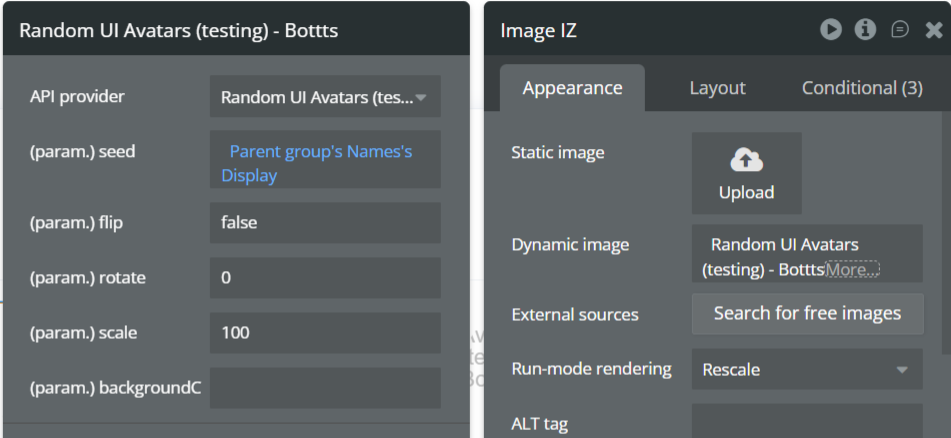
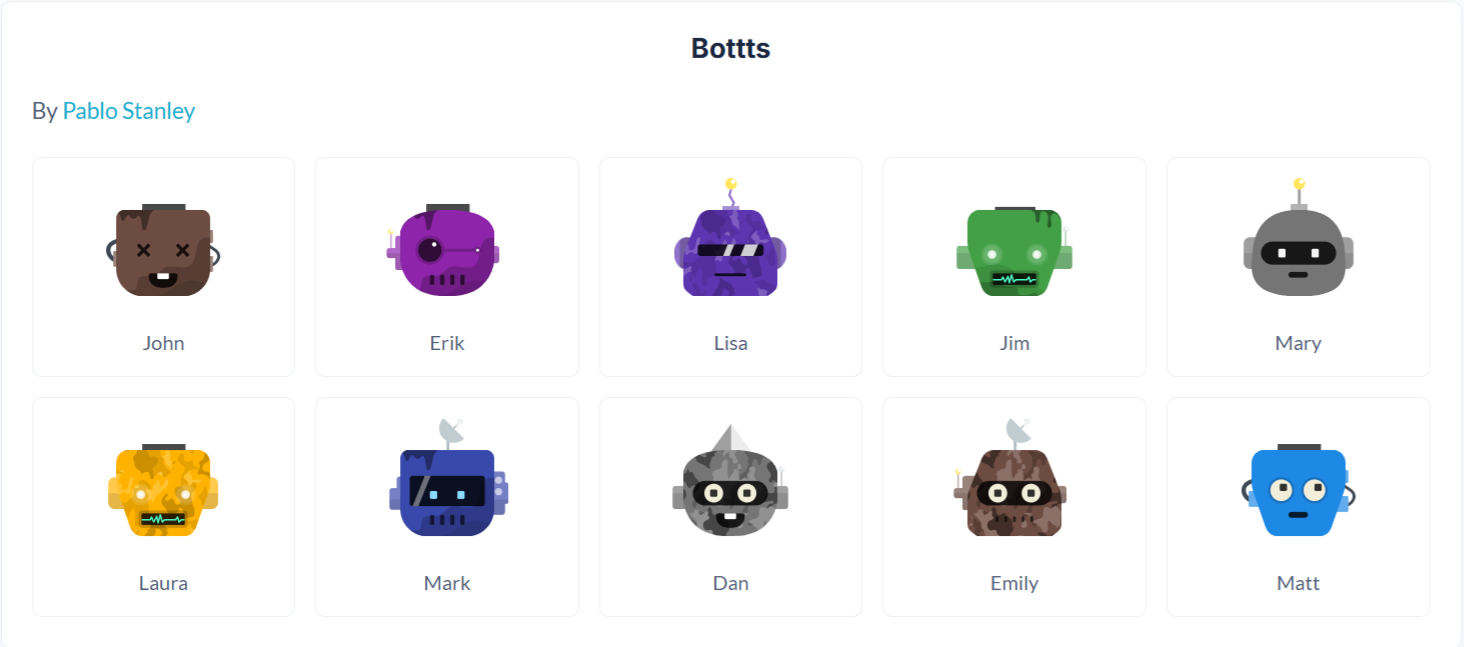
The Bottts API generates playful, robot-style avatars with mechanical features and bold shapes. This style is ideal for tech products, developer tools, gaming platforms, and applications that want a fun, futuristic, or non-human visual identity.
Name | Description | Type |
Seed | A unique string used to generate the avatar. Commonly set to a user’s name, email, or ID to ensure consistent avatar generation across sessions. | Text |
Flip | Flips the avatar horizontally when set to true. Useful for subtle visual variation. | Yes/No (Boolean) |
Rotate | Rotates the avatar by the specified number of degrees. Accepts values between 0–360. | Number |
Scale | Controls the avatar size as a percentage. 100 represents the default size. Increase or decrease to scale the avatar proportionally. | Number |
BackgroundColor | Sets the avatar background color using a HEX value without the # (e.g. d81b60). Multiple colors can be provided, separated by commas, and one will be selected randomly. Leave empty for a transparent background. | Text |
Return Values:
Return type: image
Property | Description | Type |
Image | The generated Bottts avatar image, ready for display in Bubble Image elements or storage in the database. | Image |
Bottts Neutral
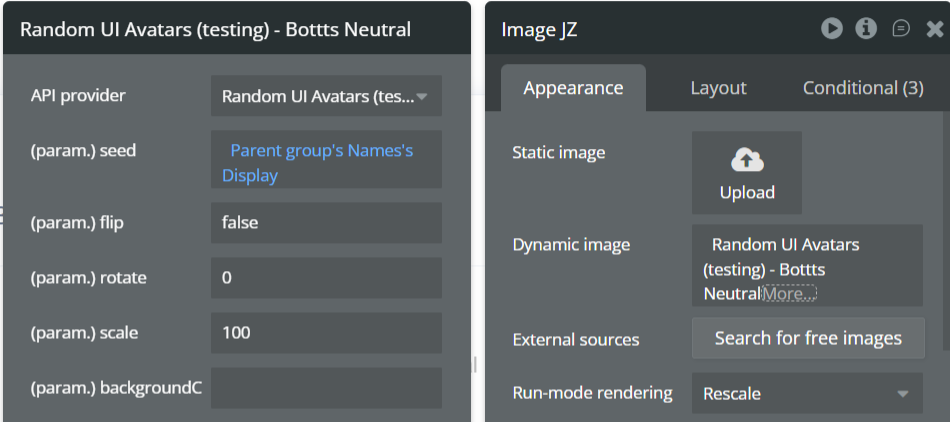
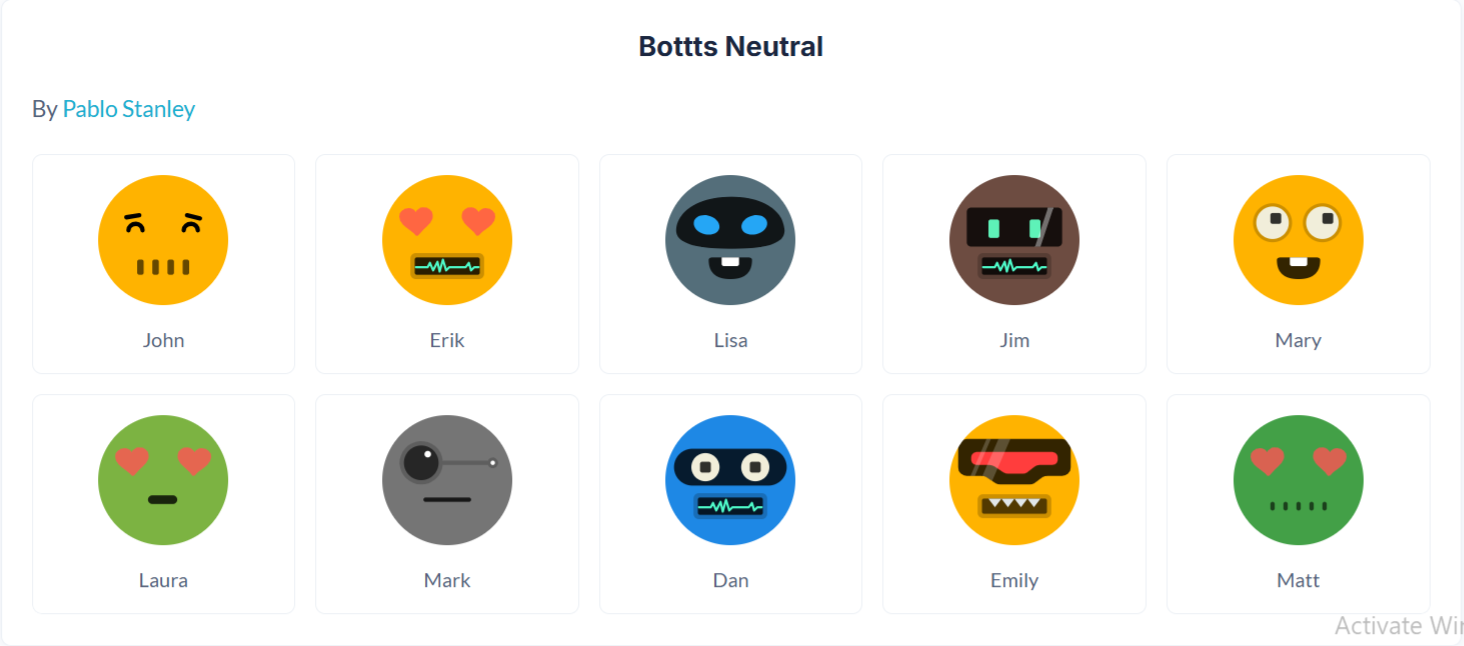
The Bottts Neutral API generates robot-style avatars with softer, more balanced tones and neutral styling. This version is suitable for professional or enterprise applications that want a tech-inspired look without overly playful or exaggerated features.
Name | Description | Type |
Seed | A unique string used to generate the avatar. Commonly set to a user’s name, email, or ID to ensure consistent avatar generation across sessions. | Text |
Flip | Flips the avatar horizontally when set to true. Useful for subtle visual variation. | Yes/No (Boolean) |
Rotate | Rotates the avatar by the specified number of degrees. Accepts values between 0–360. | Number |
Scale | Controls the avatar size as a percentage. 100 represents the default size. Increase or decrease to scale the avatar proportionally. | Number |
BackgroundColor | Sets the avatar background color using a HEX value without the # (e.g. d81b60). Multiple colors can be provided, separated by commas, and one will be selected randomly. | Text |
Return Values:
Return type: image
Property | Description | Type |
Image | The generated Bottts Neutral avatar image, ready for display in Bubble Image elements or storage in the database. | Image |
Croodles Neutral
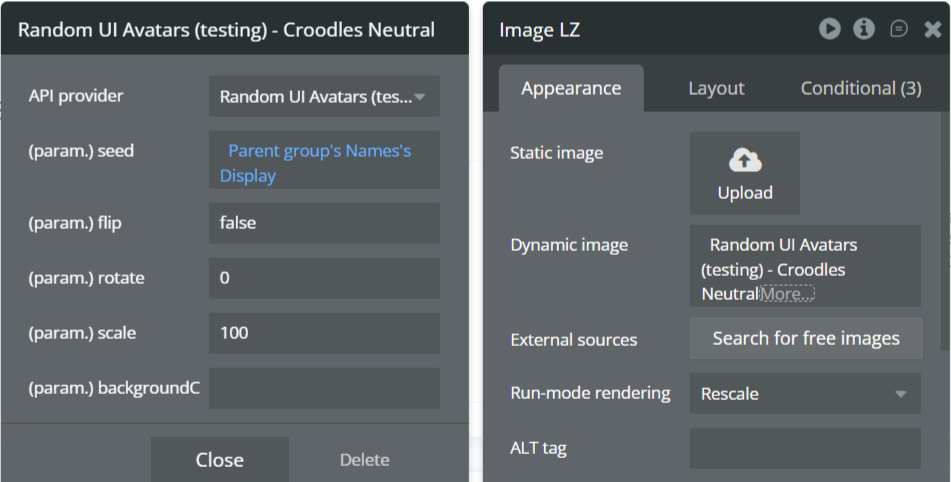
The Croodles Neutral API generates hand-drawn, sketch-style avatars with minimal detail and neutral expressions. This style is ideal for editorial designs, wireframes, dashboards, and products that prefer a clean, human feel without strong personality cues.
Name | Description | Type |
Seed | A unique string used to generate the avatar. Commonly set to a user’s name, email, or ID to ensure consistent avatar generation across sessions. | Text |
Flip | Flips the avatar horizontally when set to true. Useful for subtle visual variation. | Yes/No (Boolean) |
Rotate | Rotates the avatar by the specified number of degrees. Accepts values between 0–360. | Number |
Scale | Controls the avatar size as a percentage. 100 represents the default size. Increase or decrease to scale the avatar proportionally. | Number |
BackgroundColor | Sets the avatar background color using a HEX value without the # (e.g. d81b60). Multiple colors can be provided, separated by commas, and one will be selected randomly. | Text |
Return Values:
Return type: image
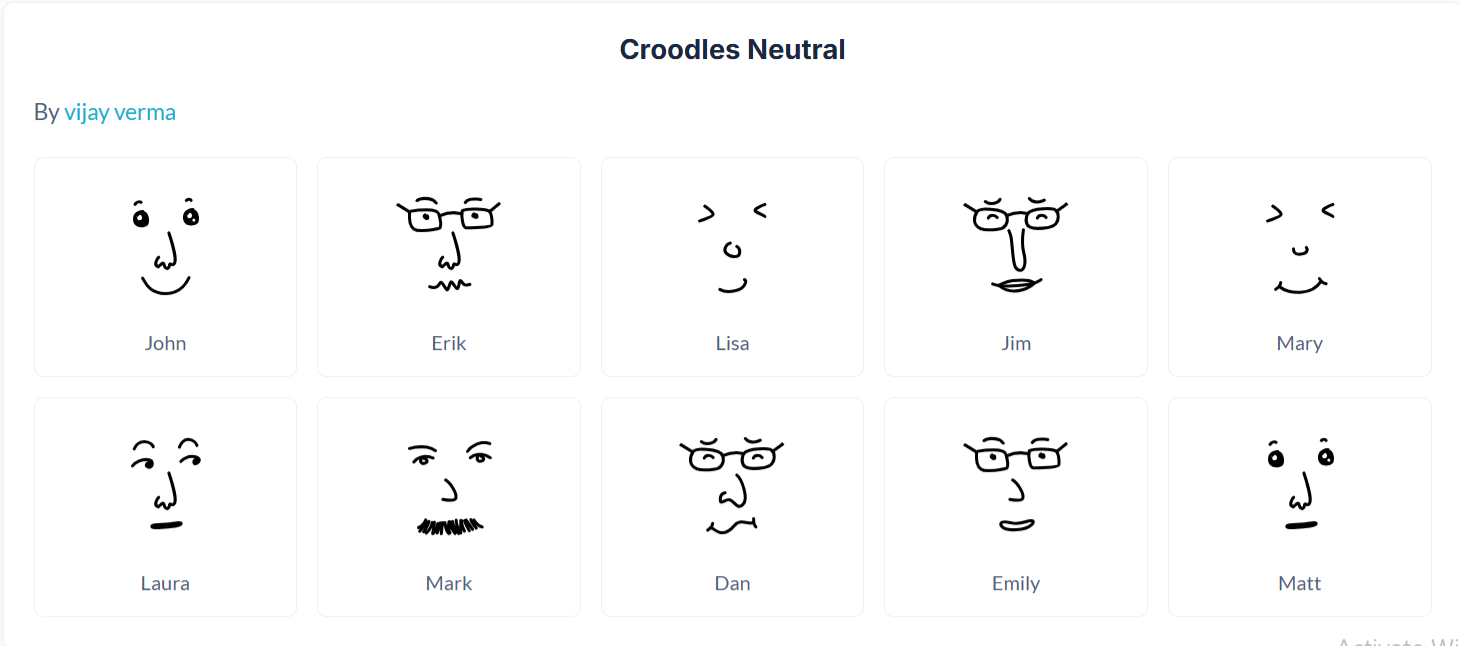
Property | Description | Type |
Image | The generated Croodles Neutral avatar image, ready for display in Bubble Image elements or storage in the database. | Image |
Croodles
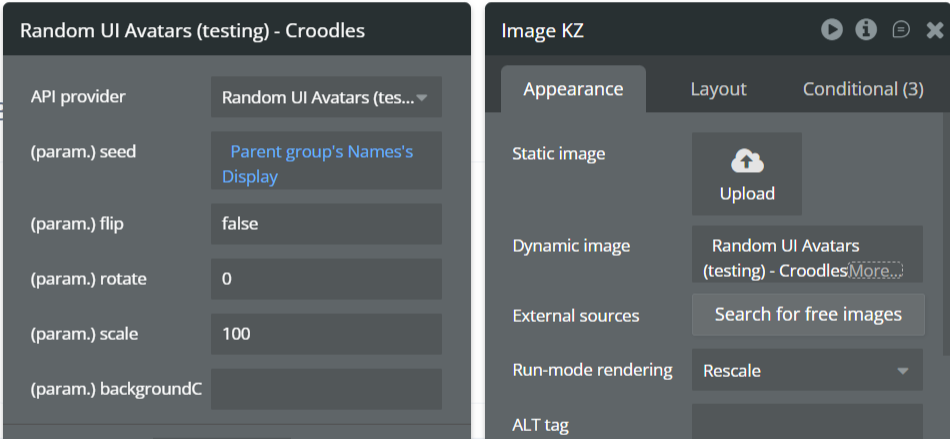
The Croodles API generates expressive, hand-drawn avatars with playful lines and exaggerated features. This style is well suited for creative platforms, onboarding experiences, community apps, and products that want a casual, friendly, and artistic look.
Name | Description | Type |
Seed | A unique string used to generate the avatar. Commonly set to a user’s name, email, or ID to ensure consistent avatar generation across sessions. | Text |
Flip | Flips the avatar horizontally when set to true. Useful for subtle visual variation. | Yes/No (Boolean) |
Rotate | Rotates the avatar by the specified number of degrees. Accepts values between 0–360. | Number |
Scale | Controls the avatar size as a percentage. 100 represents the default size. Increase or decrease to scale the avatar proportionally. | Number |
BackgroundColor | Sets the avatar background color using a HEX value without the # (e.g. d81b60). Multiple colors can be provided, separated by commas, and one will be selected randomly. Leave empty for a transparent background. | Text |
Return Values:
Return type: image
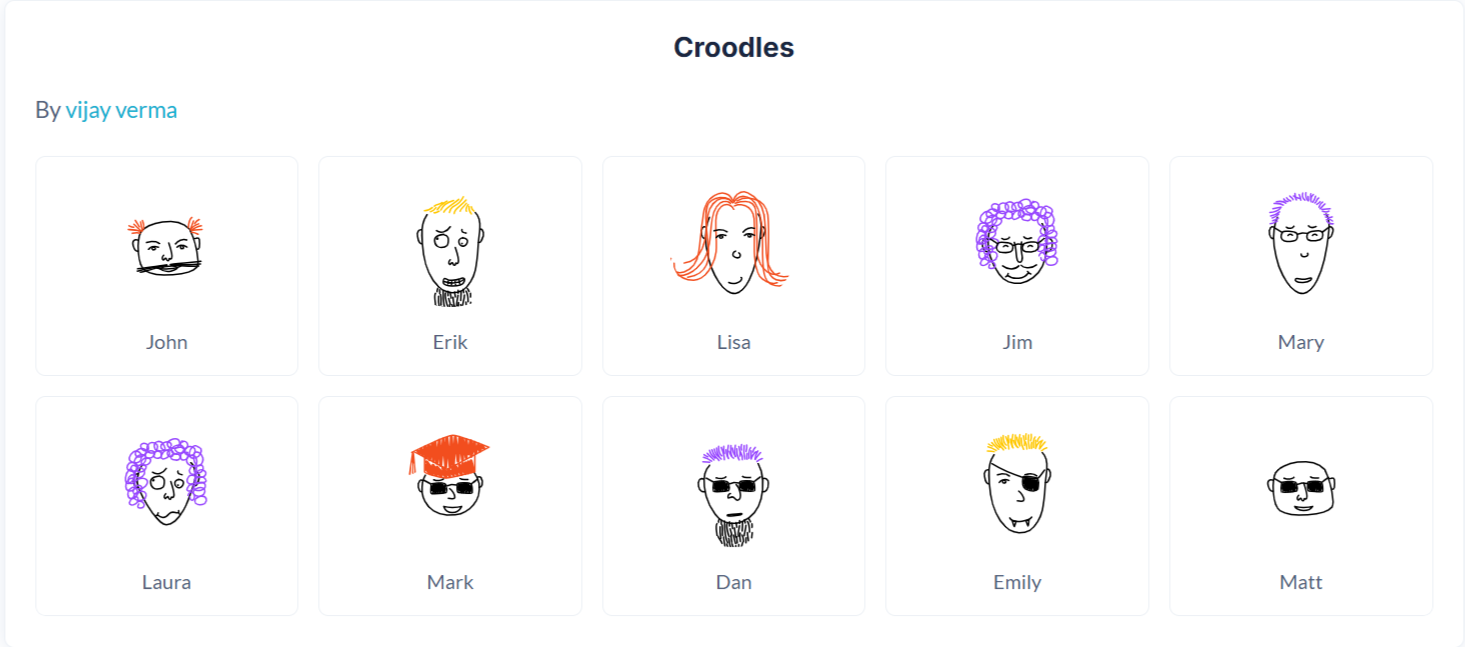
Property | Description | Type |
Image | The generated Croodles avatar image, ready for display in Bubble Image elements or storage in the database. | Image |
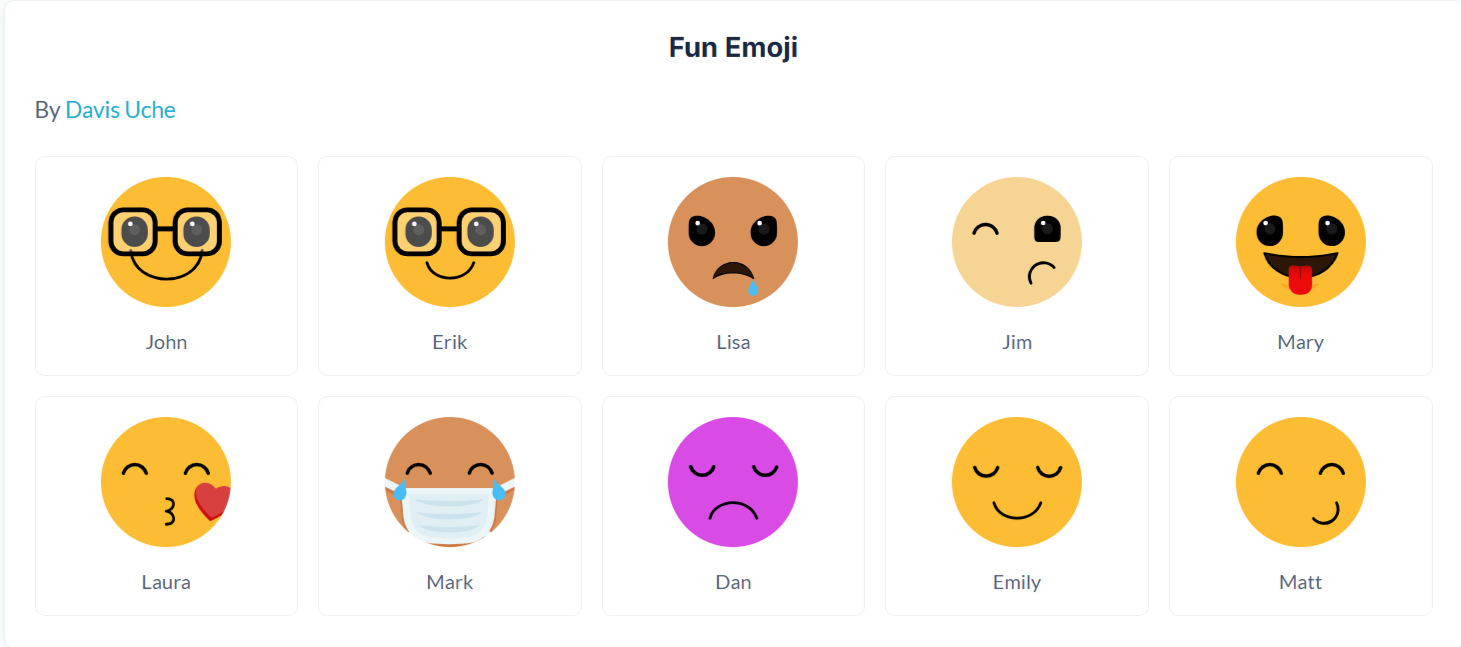
Fun Emoji
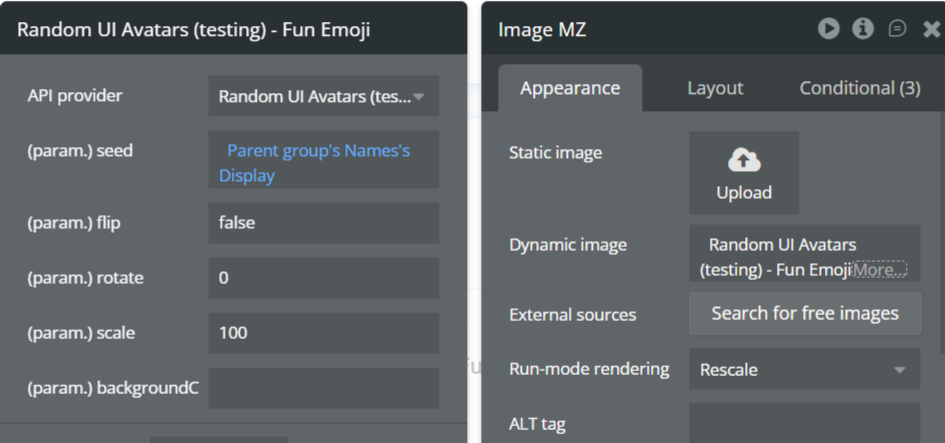
The Fun Emoji API generates colorful, expressive emoji-style avatars with playful facial expressions. This style is ideal for chat apps, social platforms, onboarding flows, and products that want a light-hearted, friendly visual identity.
Name | Description | Type |
Seed | A unique string used to generate the avatar. Commonly set to a user’s name, email, or ID to ensure consistent avatar generation across sessions. | Text |
Flip | Flips the avatar horizontally when set to true. Useful for subtle visual variation. | Yes/No (Boolean) |
Rotate | Rotates the avatar by the specified number of degrees. Accepts values between 0–360. | Number |
Scale | Controls the avatar size as a percentage. 100 represents the default size. Increase or decrease to scale the avatar proportionally. | Number |
BackgroundColor | Sets the avatar background color using a HEX value without the # (e.g. d81b60). Multiple colors can be provided, separated by commas, and one will be selected randomly. Leave empty for a transparent background. | Text |
Return Values:
Return type: image
Property | Description | Type |
Image | The generated Fun Emoji avatar image, ready for display in Bubble Image elements or storage in the database. | Image |
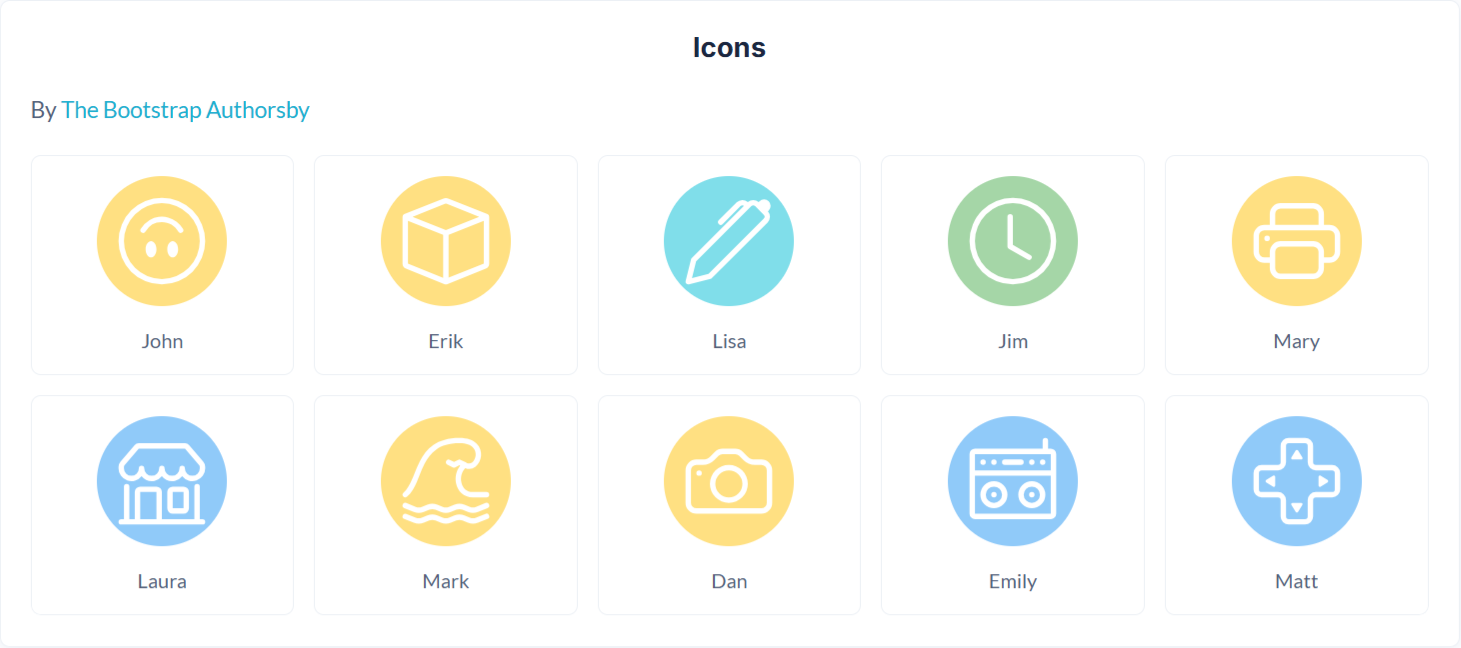
Icons
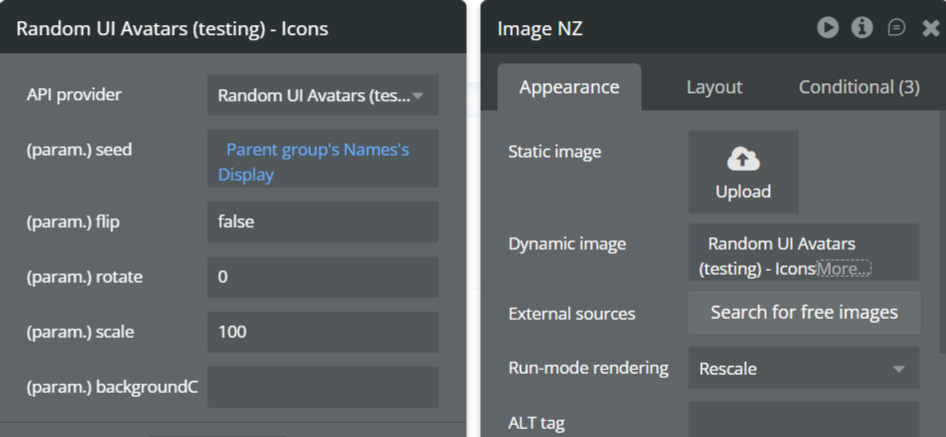
The Icons API generates abstract, icon-style avatars using geometric shapes and bold colors. This style works well for dashboards, system users, placeholders, or applications that prefer symbolic representation instead of human faces.
Name | Description | Type |
Seed | A unique string used to generate the avatar. Commonly set to a user’s name, email, or ID to ensure consistent avatar generation across sessions. | Text |
Flip | Flips the avatar horizontally when set to true. Useful for subtle visual variation. | Yes/No (Boolean) |
Rotate | Rotates the avatar by the specified number of degrees. Accepts values between 0–360. | Number |
Scale | Controls the avatar size as a percentage. 100 represents the default size. Increase or decrease to scale the avatar proportionally. | Number |
BackgroundColor | Sets the avatar background color using a HEX value without the # (e.g. d81b60). Multiple colors can be provided, separated by commas, and one will be selected randomly. Leave empty for a transparent background. | Text |
Return Values:
Return type: image
Property | Description | Type |
Image | The generated Icons avatar image, ready for display in Bubble Image elements or storage in the database. | Image |
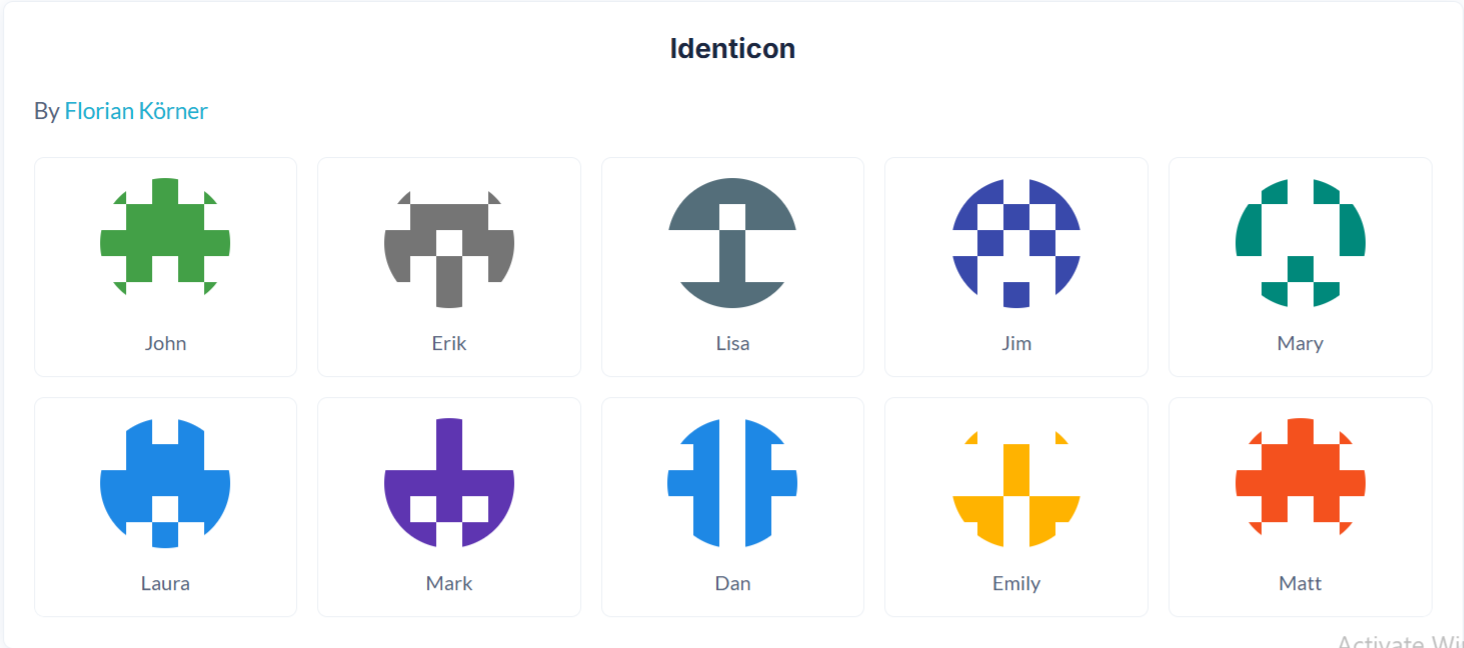
Identicon
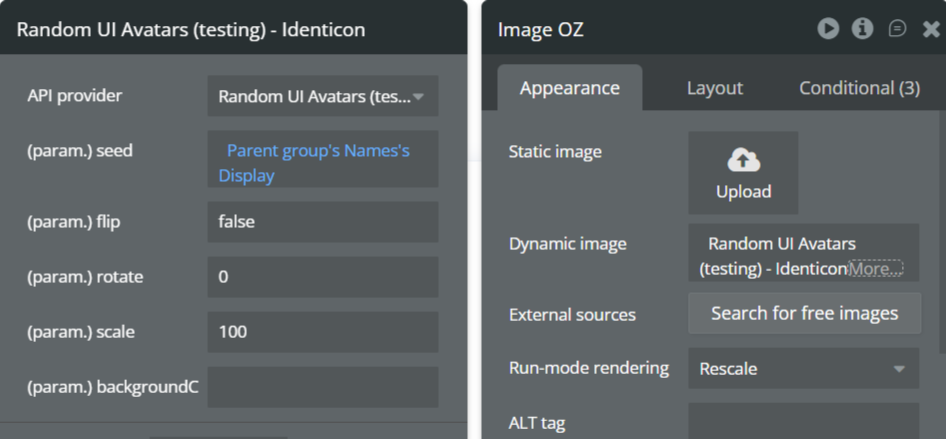
The Identicon API generates algorithmic, grid-based avatars derived directly from the seed value. This style is commonly used for security-focused apps, blockchain tools, developer platforms, and anonymous user identification.
Name | Description | Type |
Seed | A unique string used to generate the identicon. Often set to a wallet address, username, or ID to guarantee uniqueness. | Text |
Flip | Flips the avatar horizontally when set to true. | Yes/No (Boolean) |
Rotate | Rotates the avatar by the specified number of degrees. Accepts values between 0–360. | Number |
Scale | Controls the avatar size as a percentage. 100 represents the default size. Increase or decrease to scale the avatar proportionally. | Number |
BackgroundColor | Sets the avatar background color using a HEX value without the # (e.g. d81b60). Multiple colors can be provided, separated by commas, and one will be selected randomly. Leave empty for a transparent background. | Text |
Return Values:
Return type: image
Property | Description | Type |
Image | The generated Identicon avatar image, ready for display in Bubble Image elements or storage in the database. | Image |
Lorelei
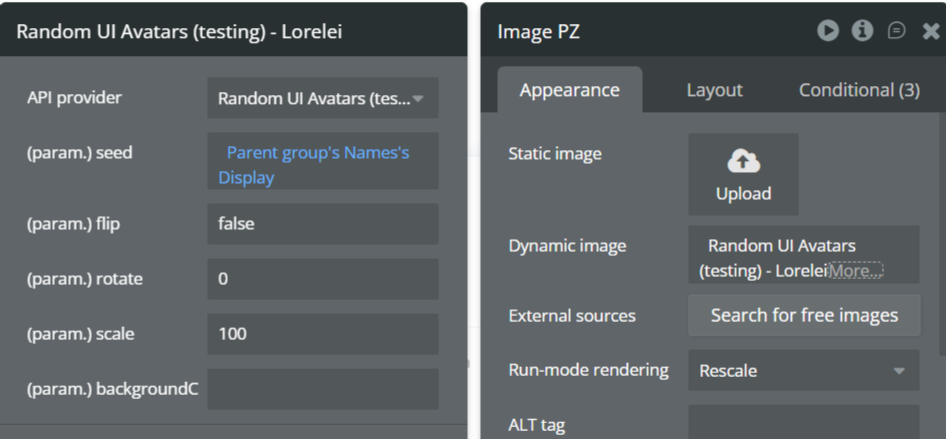
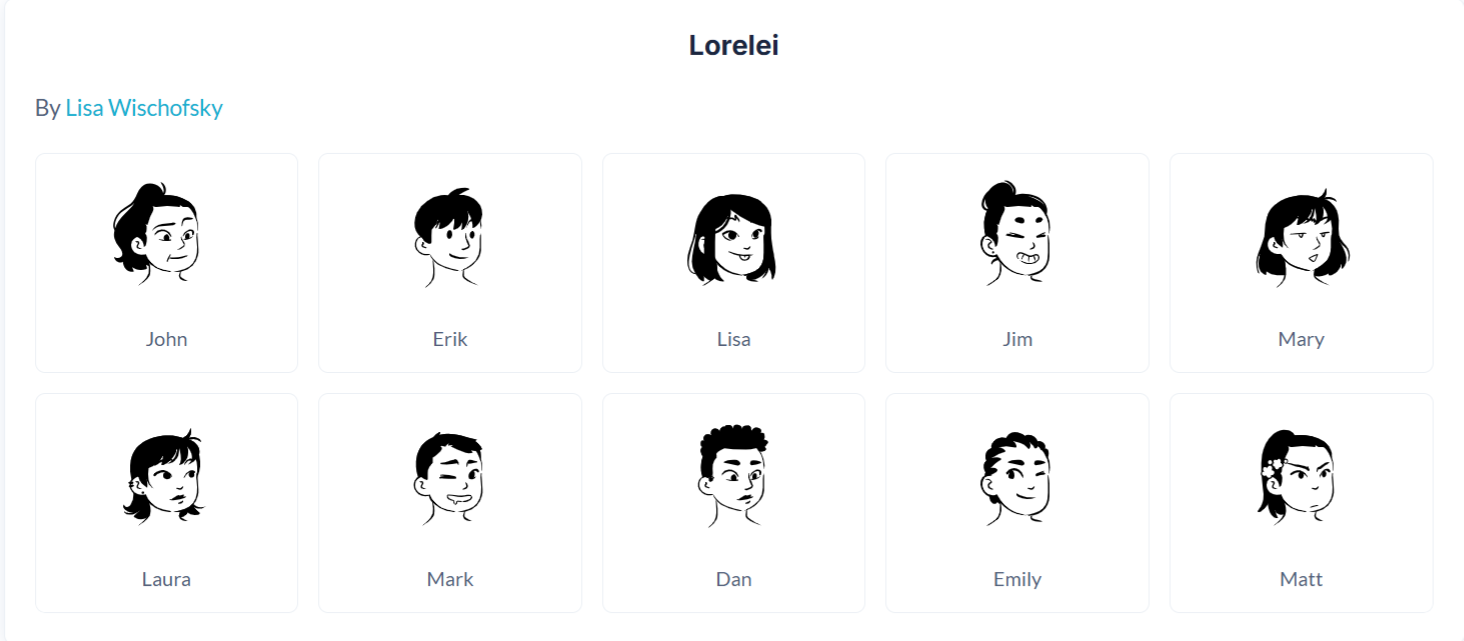
The Lorelei API generates elegant, illustrated avatars with artistic detail and stylized facial features. This style is well suited for creative products, portfolios, lifestyle apps, and brands that want a refined, expressive look.
Name | Description | Type |
Seed | A unique string used to generate the avatar. Commonly set to a user’s name, email, or ID to ensure consistent avatar generation across sessions. | Text |
Flip | Flips the avatar horizontally when set to true. Useful for subtle visual variation. | Yes/No (Boolean) |
Rotate | Rotates the avatar by the specified number of degrees. Accepts values between 0–360. | Number |
Scale | Controls the avatar size as a percentage. 100 represents the default size. Increase or decrease to scale the avatar proportionally. | Number |
BackgroundColor | Sets the avatar background color using a HEX value without the # (e.g. d81b60). Multiple colors can be provided, separated by commas, and one will be selected randomly. Leave empty for a transparent background. | Text |
Return Values:
Return type: image
Property | Description | Type |
Image | The generated Lorelei avatar image, ready for display in Bubble Image elements or storage in the database. | Image |
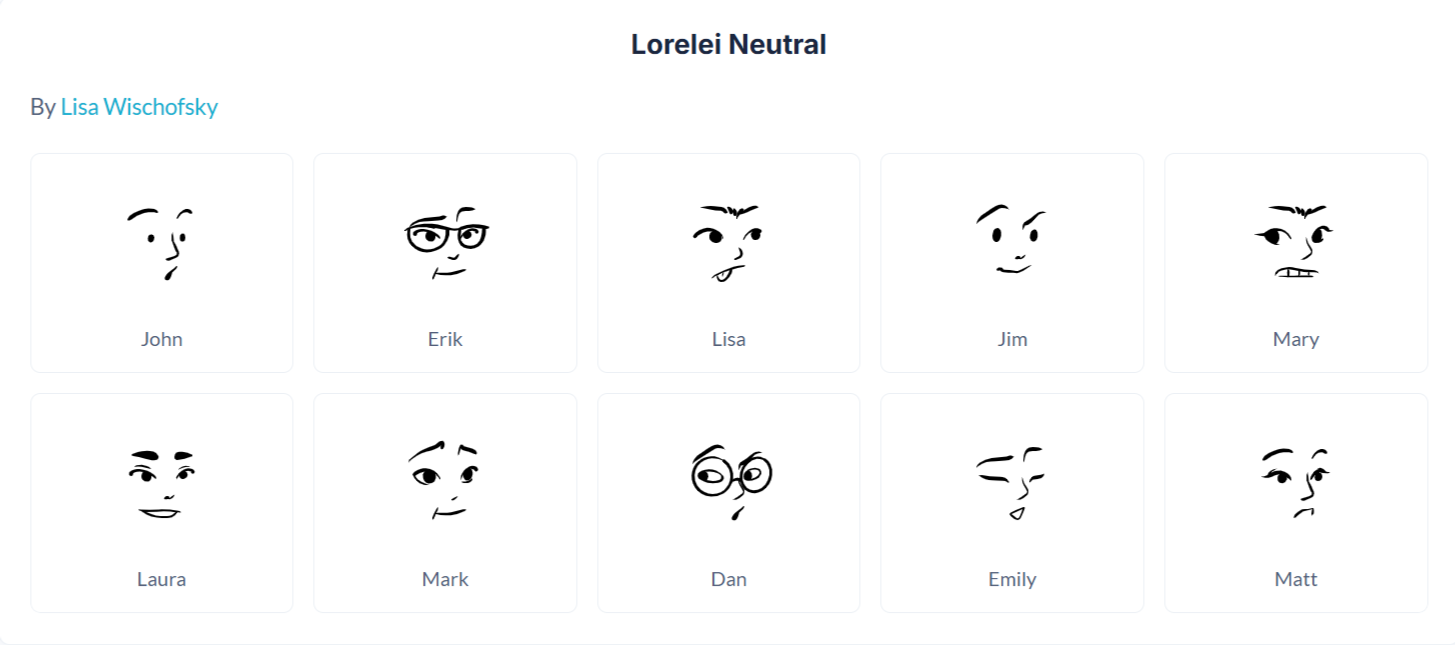
Lorelei Neutral
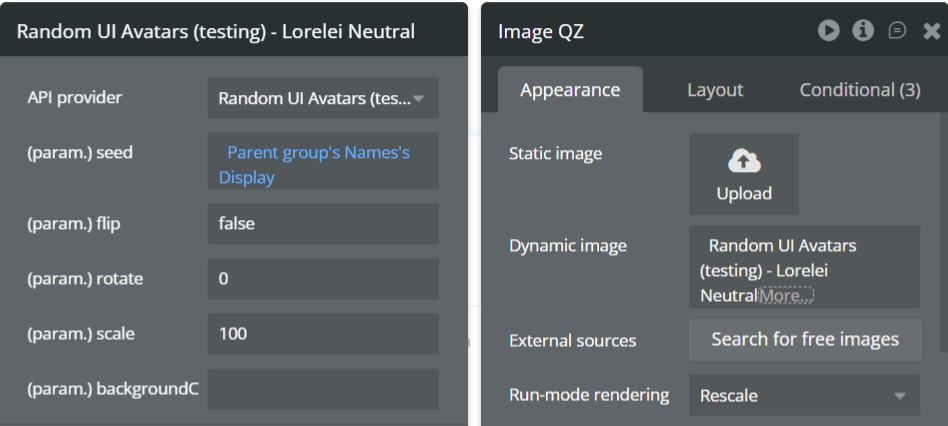
The Lorelei Neutral API generates refined, illustrated avatars with softer tones and neutral styling. This version is ideal for professional or enterprise applications that want elegance without strong personality cues.
Name | Description | Type |
Seed | A unique string used to generate the avatar. Commonly set to a user’s name, email, or ID to ensure consistent avatar generation across sessions. | Text |
Flip | Flips the avatar horizontally when set to true. Useful for subtle visual variation. | Yes/No (Boolean) |
Rotate | Rotates the avatar by the specified number of degrees. Accepts values between 0–360. | Number |
Scale | Controls the avatar size as a percentage. 100 represents the default size. Increase or decrease to scale the avatar proportionally. | Number |
BackgroundColor | Sets the avatar background color using a HEX value without the # (e.g. d81b60). Multiple colors can be provided, separated by commas, and one will be selected randomly. | Text |
Return Values:
Return type: image
Property | Description | Type |
Image | The generated Lorelei Neutral avatar image, ready for display in Bubble Image elements or storage in the database. | Image |
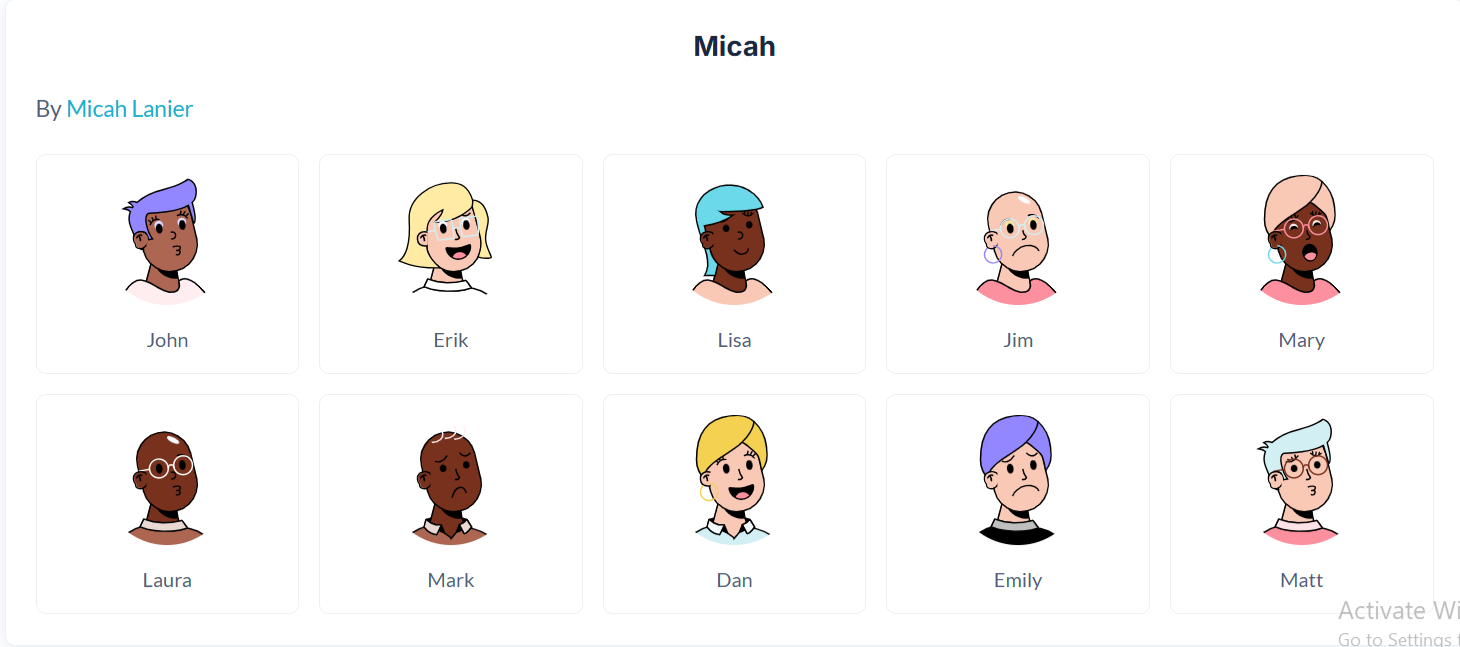
Micah
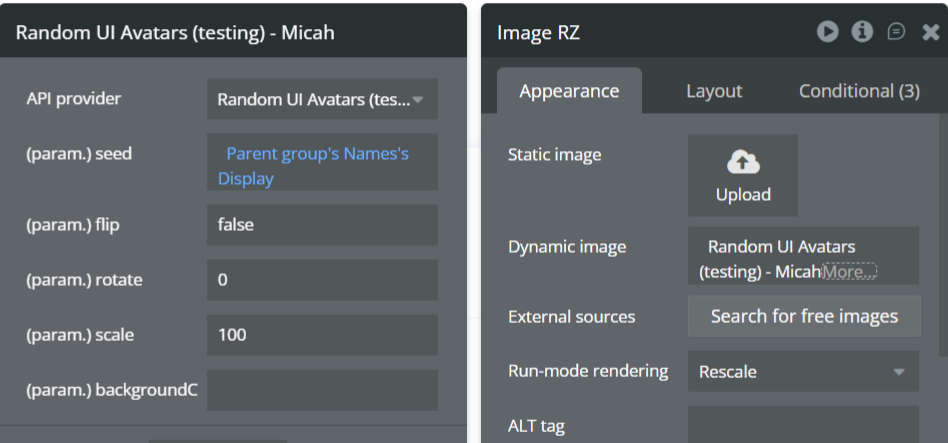
The Micah API generates minimalist, friendly human-style avatars with simple lines and soft features. This style is ideal for modern SaaS dashboards, onboarding flows, and applications that prefer a clean, approachable avatar without heavy detail.
Name | Description | Type |
Seed | A unique string used to generate the avatar. Commonly set to a user’s name, email, or ID to ensure consistent avatar generation across sessions. | Text |
Flip | Flips the avatar horizontally when set to true. Useful for subtle visual variation. | Yes/No (Boolean) |
Rotate | Rotates the avatar by the specified number of degrees. Accepts values between 0–360. | Number |
Scale | Controls the avatar size as a percentage. 100 represents the default size. Increase or decrease to scale the avatar proportionally. | Number |
BackgroundColor | Sets the avatar background color using a HEX value without the # (e.g. d81b60). Multiple colors can be provided, separated by commas, and one will be selected randomly. Leave empty for a transparent background. | Text |
Return Values:
Return type: image
Property | Description | Type |
Image | The generated Micah avatar image, ready for display in Bubble Image elements or storage in the database. | Image |
Miniavs
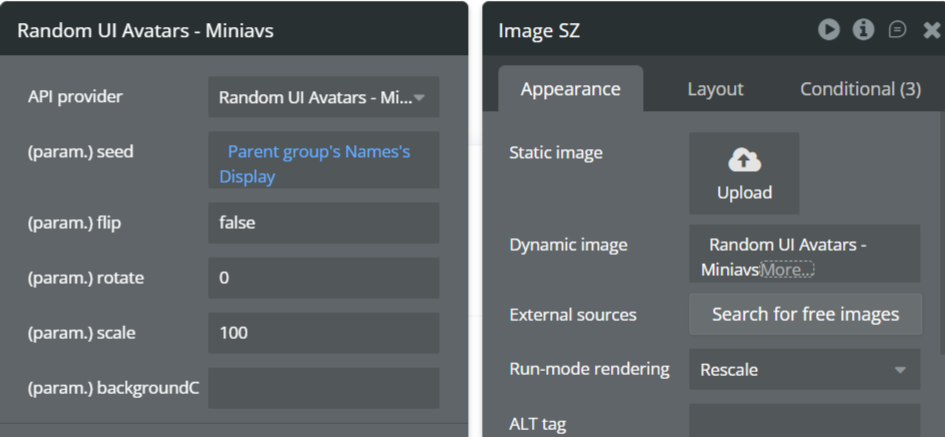
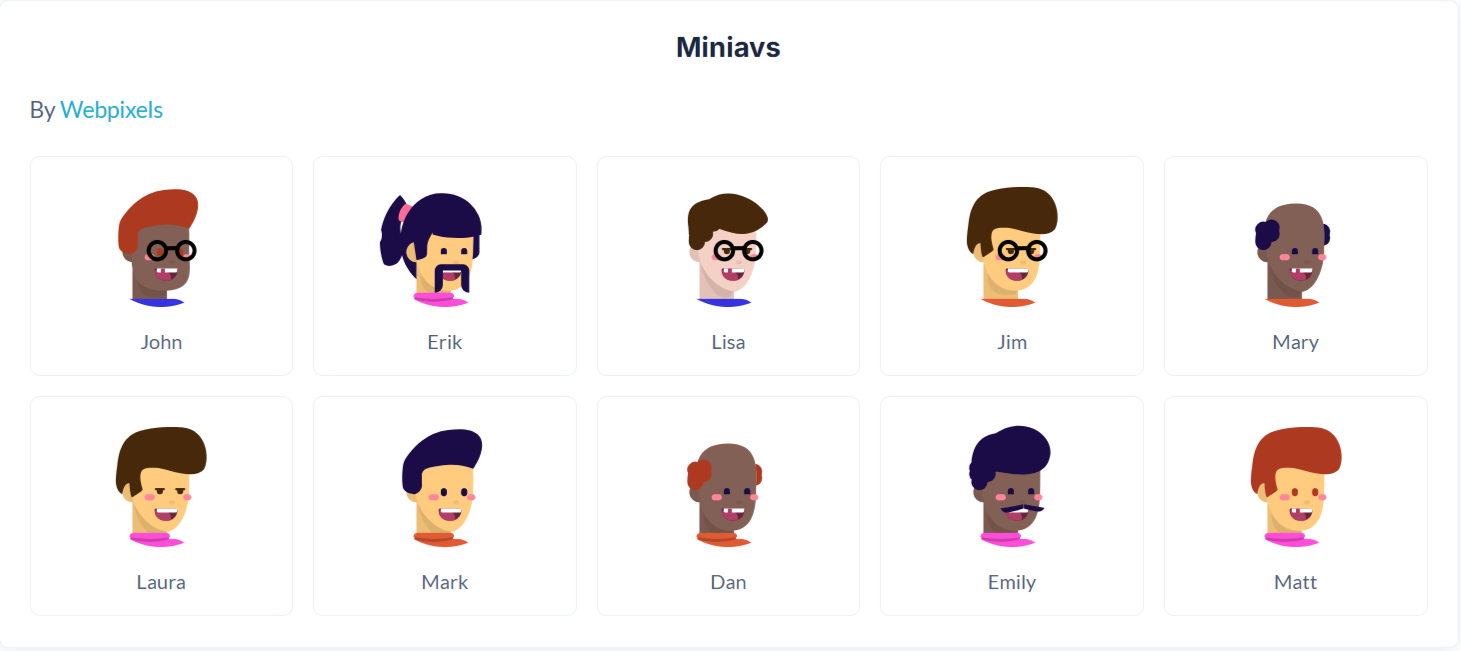
The Miniavs API generates compact, simplified avatars optimized for small UI spaces such as tables, comments, notifications, and compact user lists. The style is lightweight, clear, and performance-friendly.
Name | Description | Type |
Seed | A unique string used to generate the avatar. Commonly set to a user’s name, email, or ID to ensure consistent avatar generation across sessions. | Text |
Flip | Flips the avatar horizontally when set to true. | Yes/No (Boolean) |
Rotate | Rotates the avatar by the specified number of degrees. Accepts values between 0–360. | Number |
Scale | Controls the avatar size as a percentage. 100 represents the default size. Increase or decrease to scale the avatar proportionally. | Number |
BackgroundColor | Sets the avatar background color using a HEX value without the # (e.g. d81b60). Multiple colors can be provided, separated by commas, and one will be selected randomly. Leave empty for a transparent background. | Text |
Return Values:
Return type: image
Property | Description | Type |
Image | The generated Miniavs avatar image, ready for display in Bubble Image elements or storage in the database. | Image |
Notionists
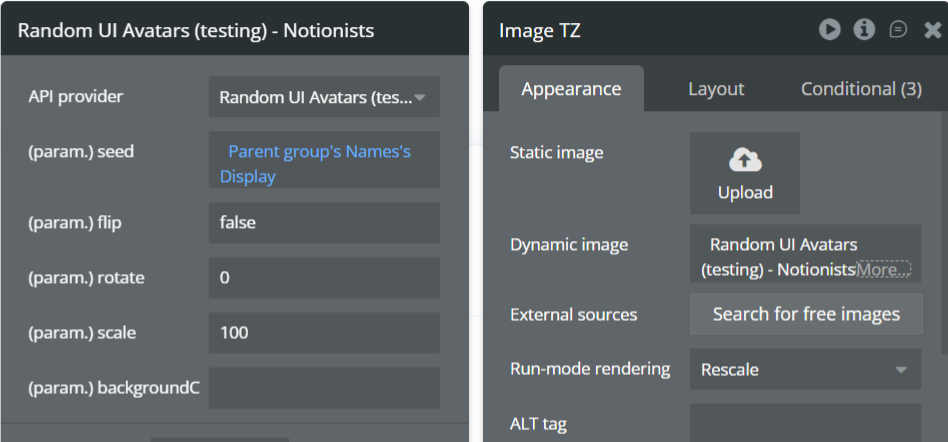
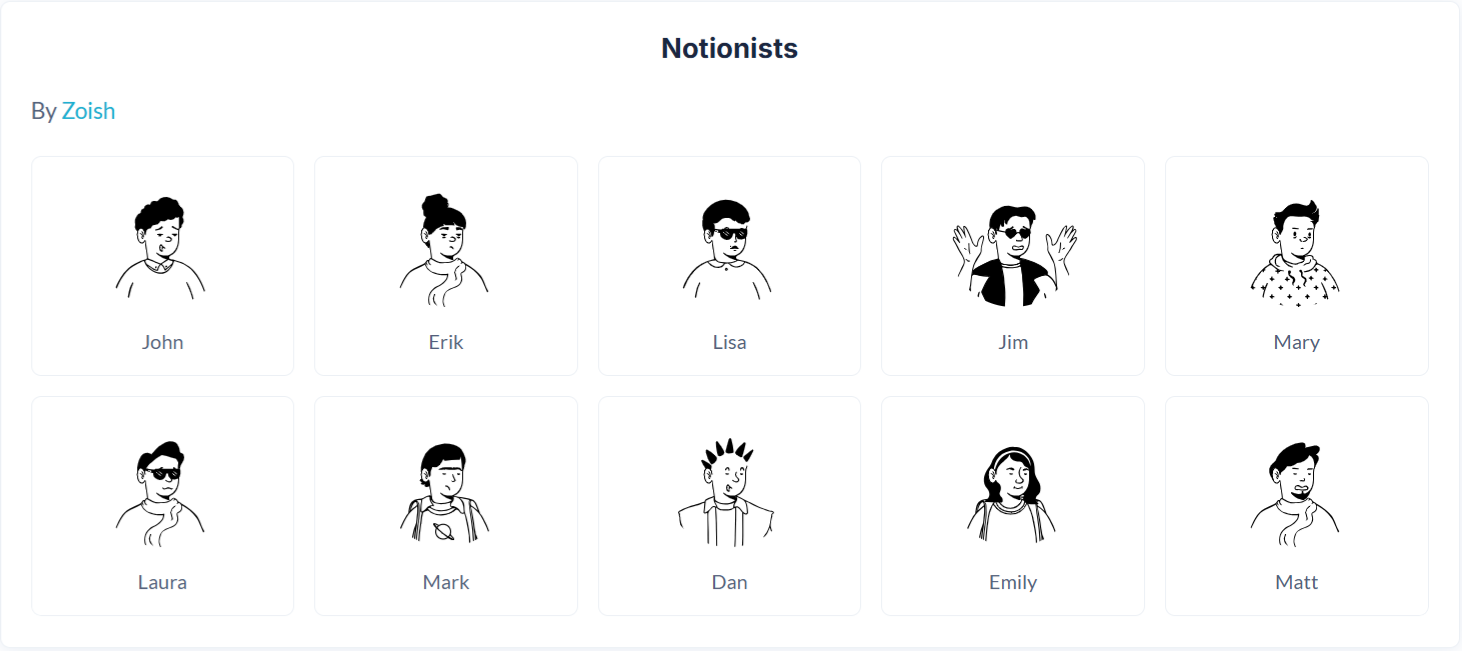
The Notionists API generates illustrated avatars inspired by modern productivity tools and editorial illustrations. This style works well for knowledge platforms, collaborative tools, creator products, and professional communities.
Name | Description | Type |
Seed | A unique string used to generate the avatar. Commonly set to a user’s name, email, or ID to ensure consistent avatar generation across sessions. | Text |
Flip | Flips the avatar horizontally when set to true. Useful for subtle visual variation. | Yes/No (Boolean) |
Rotate | Rotates the avatar by the specified number of degrees. Accepts values between 0–360. | Number |
Scale | Controls the avatar size as a percentage. 100 represents the default size. Increase or decrease to scale the avatar proportionally. | Number |
BackgroundColor | Sets the avatar background color using a HEX value without the # (e.g. d81b60). Multiple colors can be provided, separated by commas, and one will be selected randomly. Leave empty for a transparent background. | Text |
Return Values:
Return type: image
Property | Description | Type |
Image | The generated Notionists avatar image, ready for display in Bubble Image elements or storage in the database. | Image |
Notionists Neutral
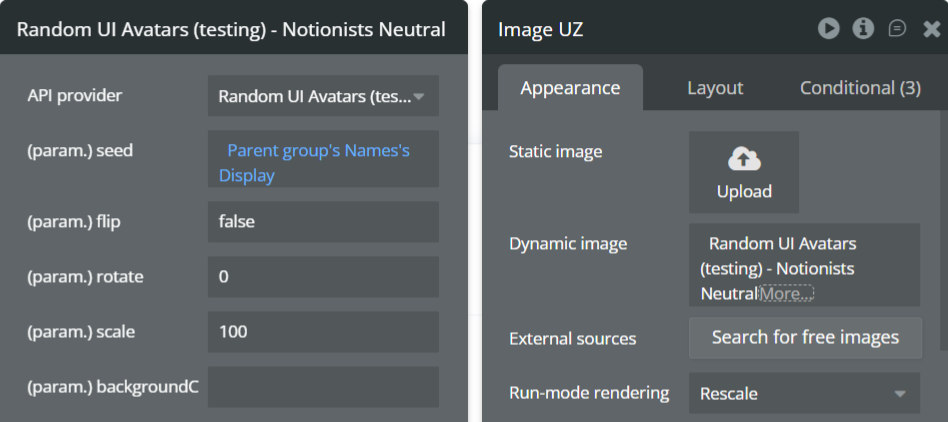
The Notionists Neutral API generates clean, professional illustrated avatars with muted tones and neutral styling. This version is ideal for enterprise products, internal tools, and professional platforms that want subtle, non-distracting avatars.
Name | Description | Type |
Seed | A unique string used to generate the avatar. Commonly set to a user’s name, email, or ID to ensure consistent avatar generation across sessions. | Text |
Flip | Flips the avatar horizontally when set to true. Useful for subtle visual variation. | Yes/No (Boolean) |
Rotate | Rotates the avatar by the specified number of degrees. Accepts values between 0–360. | Number |
Scale | Controls the avatar size as a percentage. 100 represents the default size. Increase or decrease to scale the avatar proportionally. | Number |
BackgroundColor | Sets the avatar background color using a HEX value without the # (e.g. d81b60). Multiple colors can be provided, separated by commas, and one will be selected randomly. | Text |
Return Values:
Return type: image
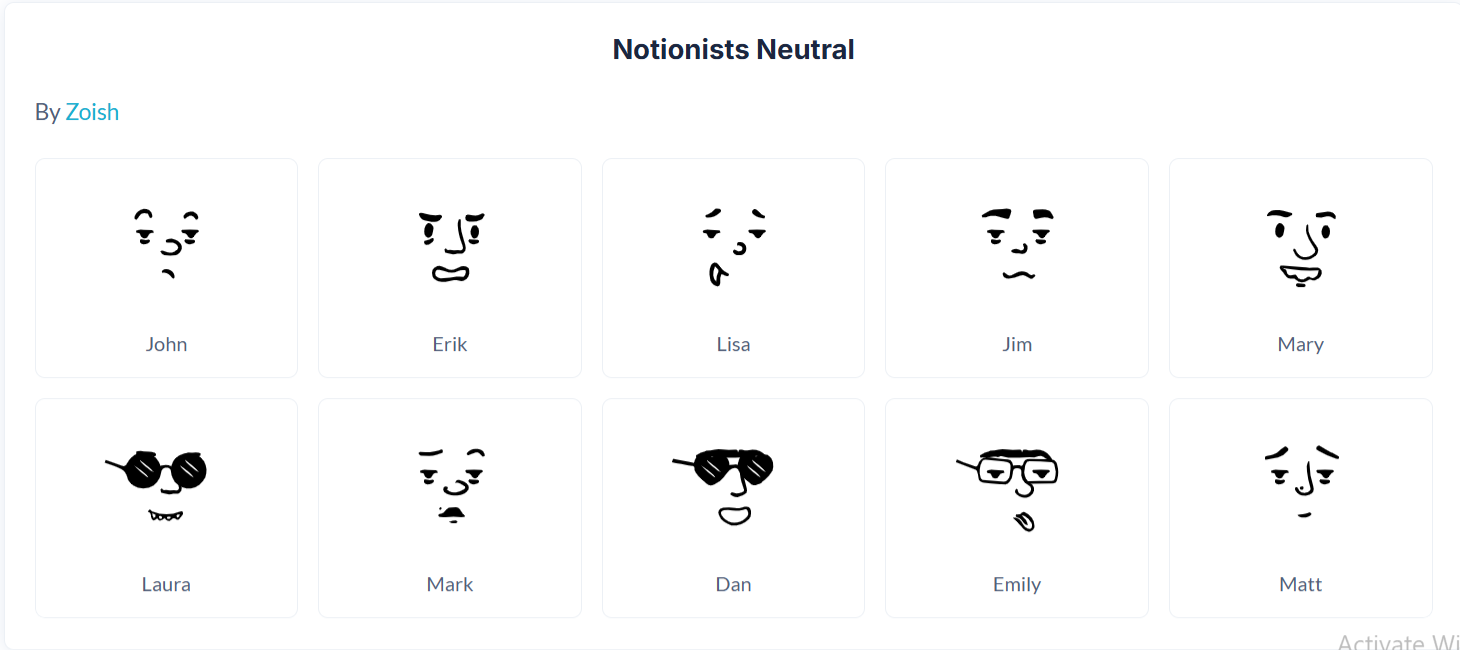
Property | Description | Type |
Image | The generated Notionists Neutral avatar image, ready for display in Bubble Image elements or storage in the database. | Image |
Open Peeps
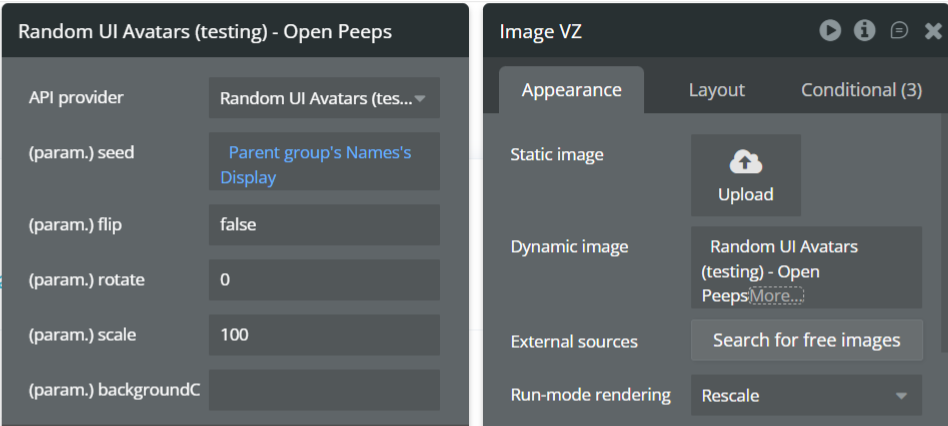
The Open Peeps API generates hand-drawn, illustration-style avatars inspired by open-source human character sketches. This style is expressive, friendly, and ideal for landing pages, onboarding screens, marketing sites, and products that want a human, creative feel.
Name | Description | Type |
Seed | A unique string used to generate the avatar. Commonly set to a user’s name, email, or ID to ensure consistent avatar generation across sessions. | Text |
Flip | Flips the avatar horizontally when set to true. Useful for subtle visual variation. | Yes/No (Boolean) |
Rotate | Rotates the avatar by the specified number of degrees. Accepts values between 0–360. | Number |
Scale | Controls the avatar size as a percentage. 100 represents the default size. Increase or decrease to scale the avatar proportionally. | Number |
BackgroundColor | Sets the avatar background color using a HEX value without the # (e.g. d81b60). Multiple colors can be provided, separated by commas, and one will be selected randomly. Leave empty for a transparent background. | Text |
Return Values:
Return type: image
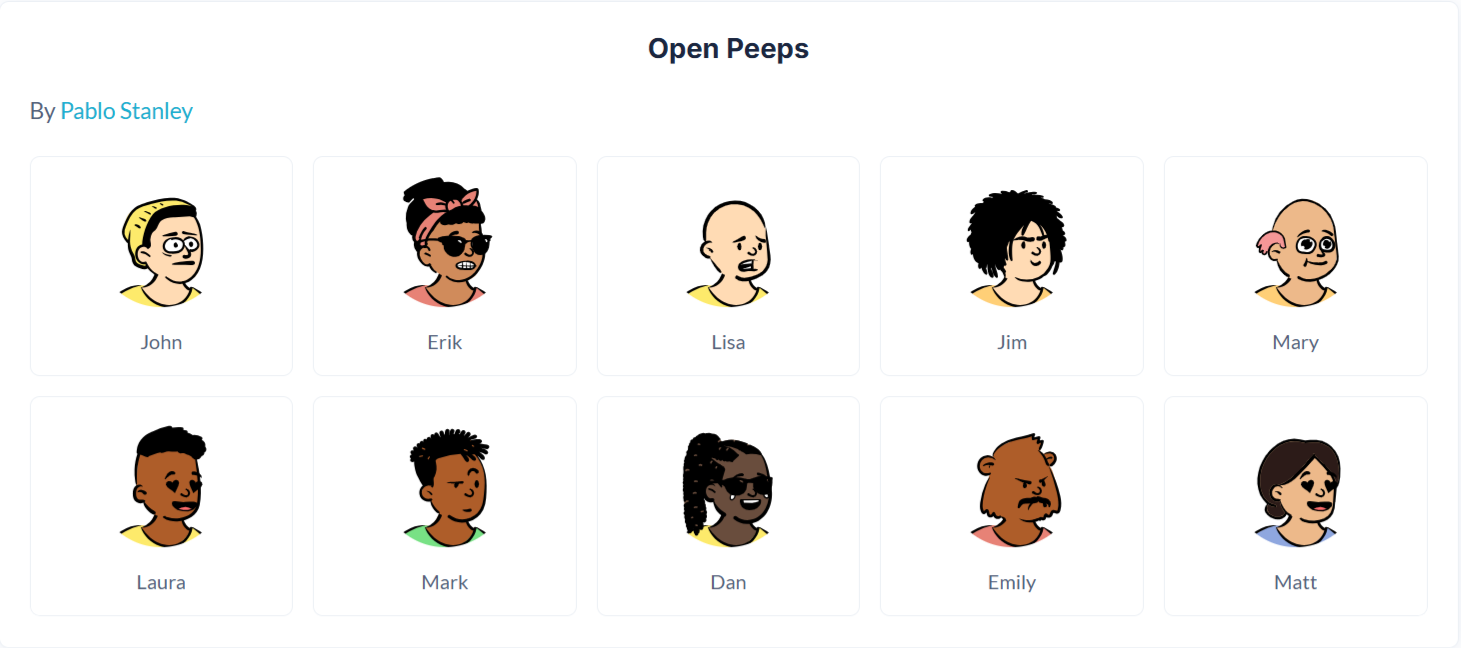
Property | Description | Type |
Image | The generated Open Peeps avatar image, ready for display in Bubble Image elements or storage in the database. | Image |
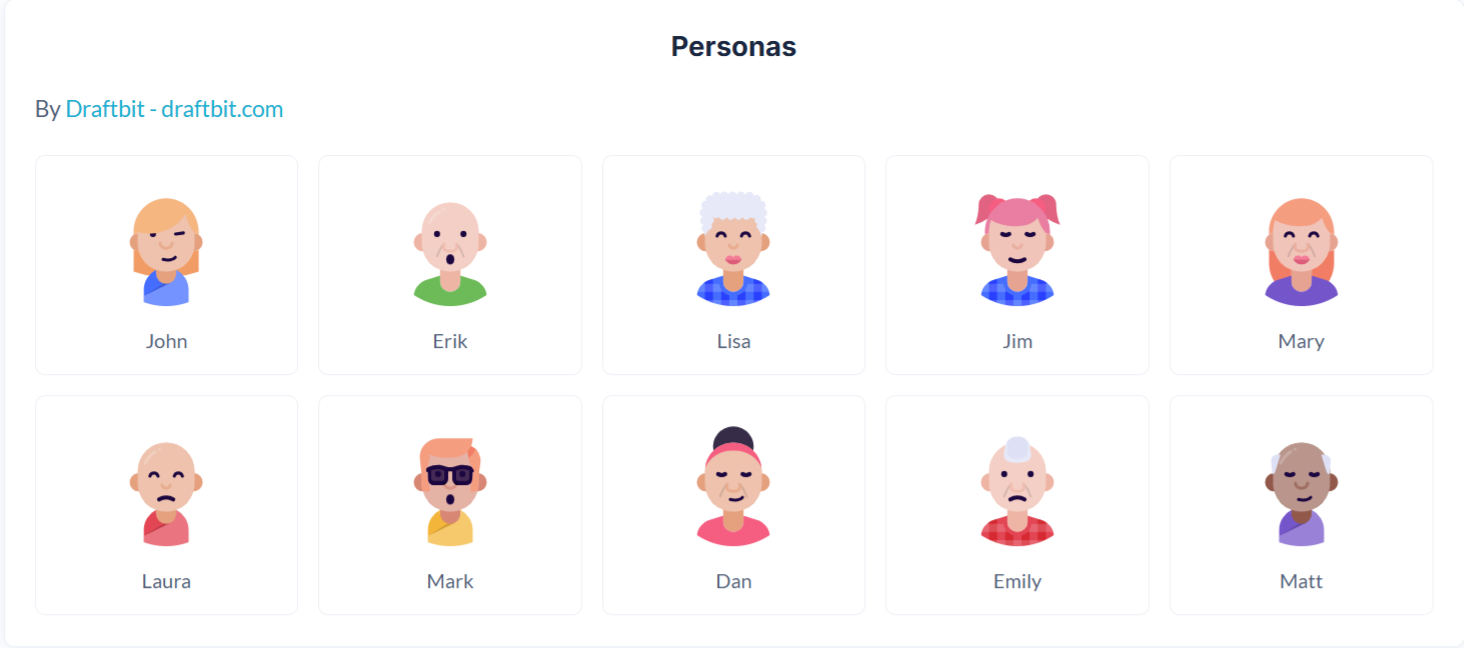
Personas
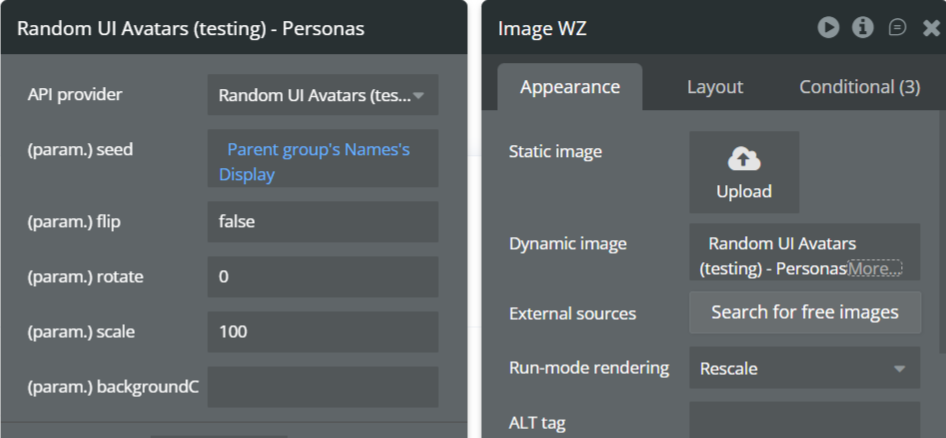
The Personas API generates modern, professional avatars designed to represent user archetypes and personas. This style works well for SaaS dashboards, CRM systems, analytics tools, and enterprise applications.
Name | Description | Type |
Seed | A unique string used to generate the avatar. Commonly set to a user’s name, email, or ID to ensure consistent avatar generation across sessions. | Text |
Flip | Flips the avatar horizontally when set to true. | Yes/No (Boolean) |
Rotate | Rotates the avatar by the specified number of degrees. Accepts values between 0–360. | Number |
Scale | Controls the avatar size as a percentage. 100 represents the default size. Increase or decrease to scale the avatar proportionally. | Number |
BackgroundColor | Sets the avatar background color using a HEX value without the # (e.g. d81b60). Multiple colors can be provided, separated by commas, and one will be selected randomly. Leave empty for a transparent background. | Text |
Return Values:
Return type: image
Property | Description | Type |
Image | The generated Personas avatar image, ready for display in Bubble Image elements or storage in the database. | Image |
Pixel Art
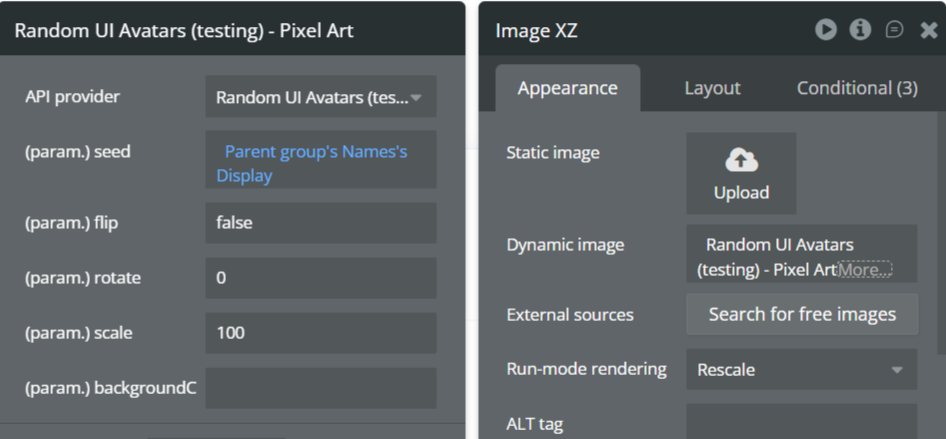
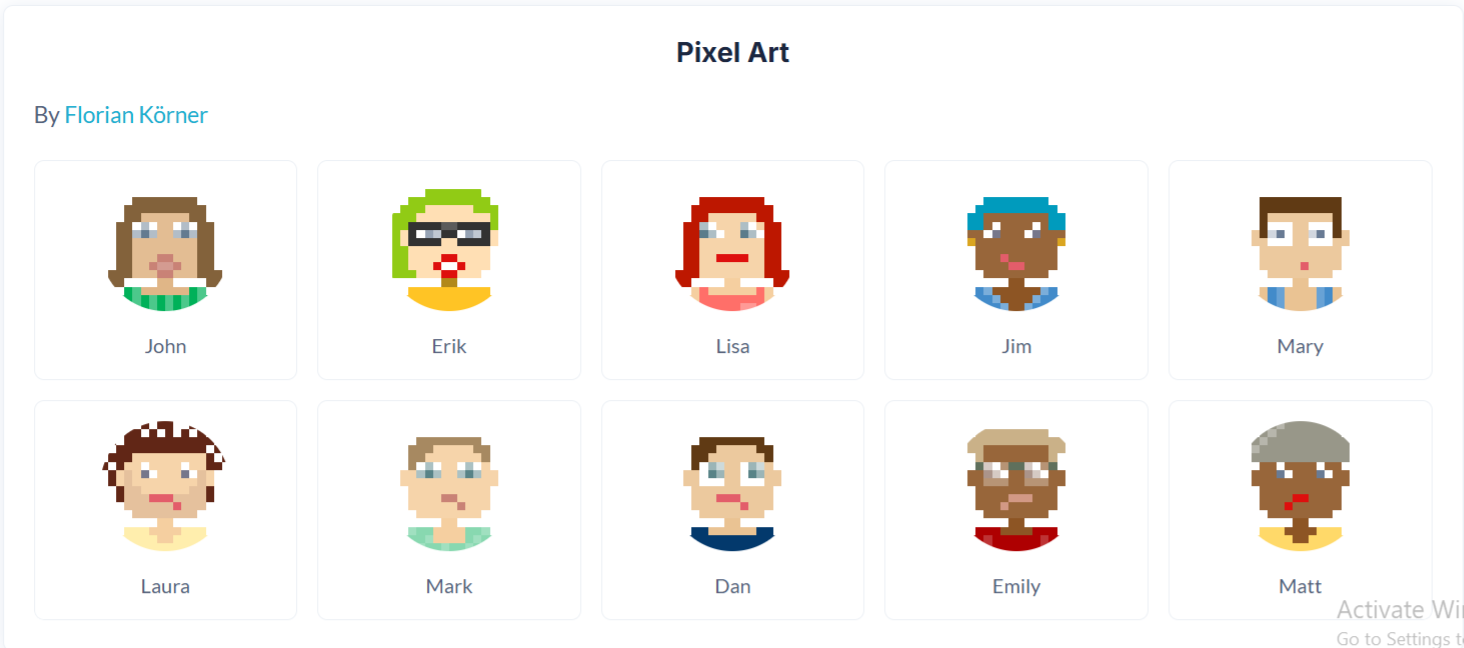
The Pixel Art API generates retro-style pixel avatars inspired by classic 8-bit and 16-bit games. This style is ideal for gamified apps, developer tools, communities, and playful interfaces.
Name | Description | Type |
Seed | A unique string used to generate the avatar. Commonly set to a user’s name, email, or ID to ensure consistent avatar generation across sessions. | Text |
Flip | Flips the avatar horizontally when set to true. | Yes/No (Boolean) |
Rotate | Rotates the avatar by the specified number of degrees. Accepts values between 0–360. | Number |
Scale | Controls the avatar size as a percentage. 100 represents the default size. Increase or decrease to scale the avatar proportionally. | Number |
BackgroundColor | Sets the avatar background color using a HEX value without the # (e.g. d81b60). Multiple colors can be provided, separated by commas, and one will be selected randomly. Leave empty for a transparent background. | Text |
Return Values:
Return type: image
Property | Description | Type |
Image | The generated Pixel Art avatar image, ready for display in Bubble Image elements or storage in the database. | Image |
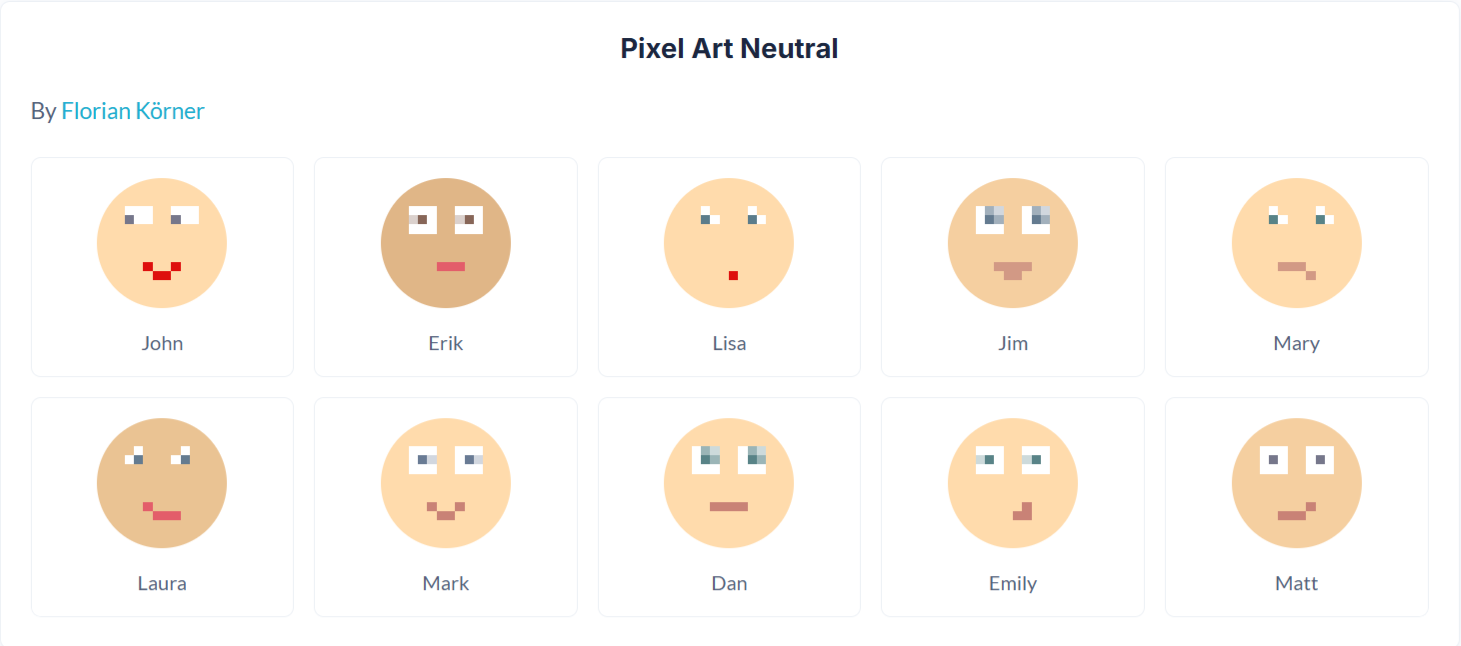
Pixel Art Neutral
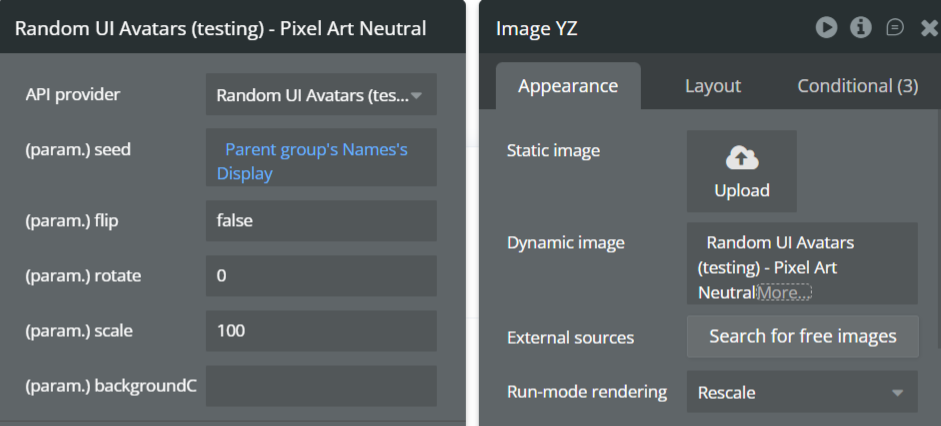
The Pixel Art Neutral API generates pixel-style avatars with neutral colors and simplified features. This variant is ideal for professional products that want a playful but subtle visual identity.
Name | Description | Type |
Seed | A unique string used to generate the avatar. Commonly set to a user’s name, email, or ID to ensure consistent avatar generation across sessions. | Text |
Flip | Flips the avatar horizontally when set to true. | Yes/No (Boolean) |
Rotate | Rotates the avatar by the specified number of degrees. Accepts values between 0–360. | Number |
Scale | Controls the avatar size as a percentage. 100 represents the default size. Increase or decrease to scale the avatar proportionally. | Number |
BackgroundColor | Sets the avatar background color using a HEX value without the # (e.g. d81b60). Multiple colors can be provided, separated by commas, and one will be selected randomly. Leave empty for a transparent background. | Text |
Return Values:
Return type: image
Property | Description | Type |
Image | The generated Pixel Art Neutral avatar image, ready for display in Bubble Image elements or storage in the database. | Image |
Rings
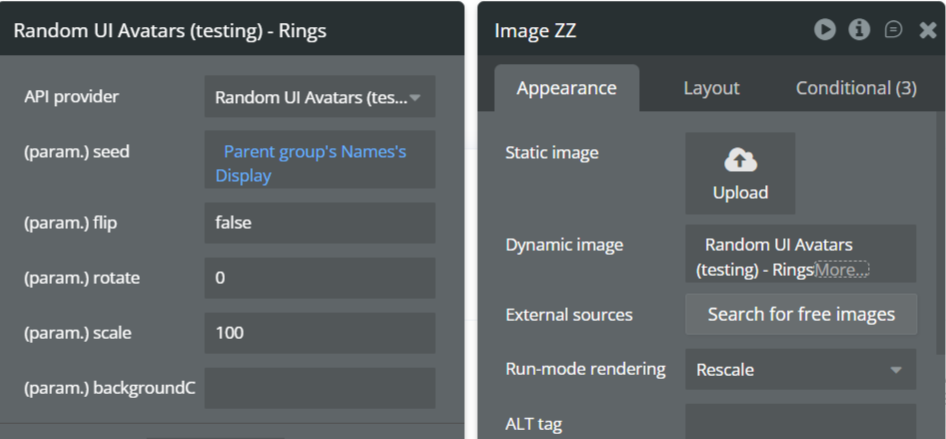
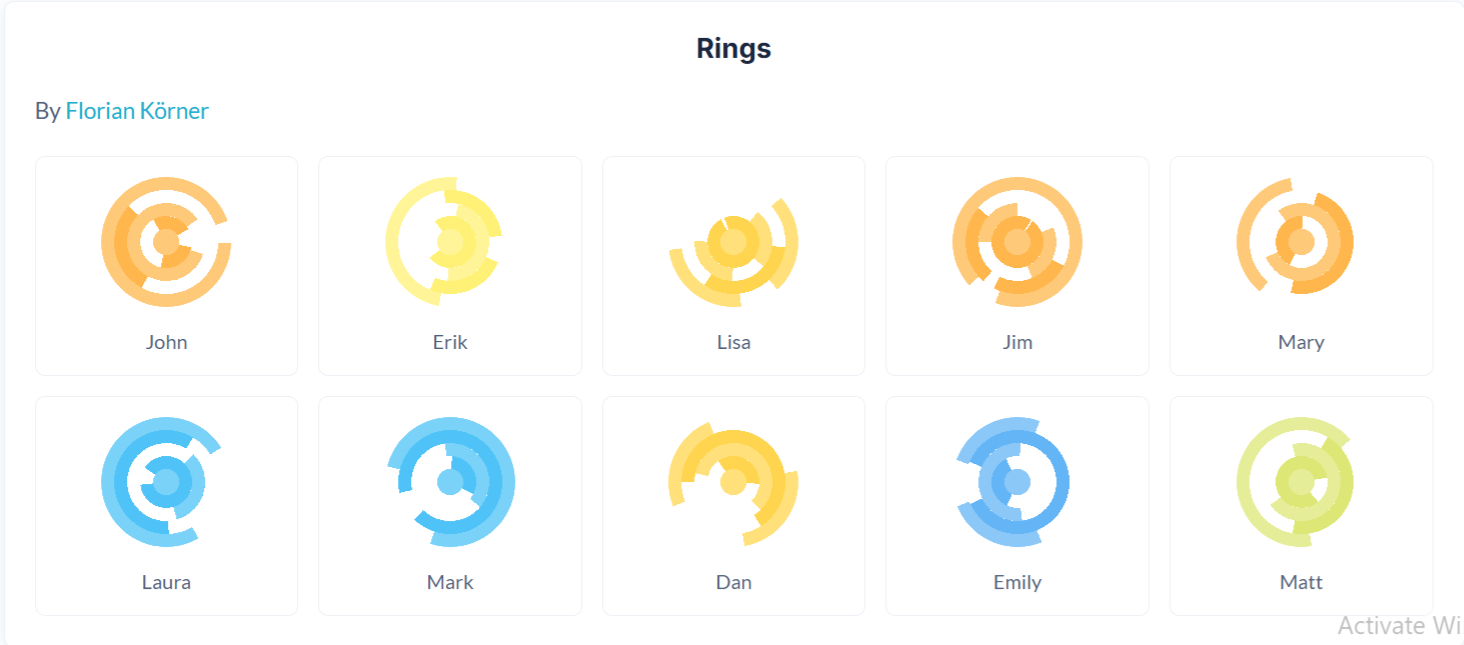
The Rings API generates abstract, geometric avatars made up of layered circular patterns. This style is ideal for privacy-first applications, technical dashboards, blockchain products, and systems where non-human identifiers are preferred.
Name | Description | Type |
Seed | A unique string used to generate the avatar. Commonly set to a user’s ID, wallet address, or email to ensure consistent avatar generation across sessions. | Text |
Flip | Flips the avatar horizontally when set to true. | Yes/No (Boolean) |
Rotate | Rotates the avatar by the specified number of degrees. Accepts values between 0–360. | Number |
Scale | Controls the avatar size as a percentage. 100 represents the default size. Increase or decrease to scale the avatar proportionally. | Number |
BackgroundColor | Sets the avatar background color using a HEX value without the # (e.g. d81b60). Multiple colors can be provided, separated by commas, and one will be selected randomly. Leave empty for a transparent background. | Text |
Return Values:
Return type: image
Property | Description | Type |
Image | The generated Rings avatar image, ready for display in Bubble Image elements or storage in the database. | Image |
Shapes
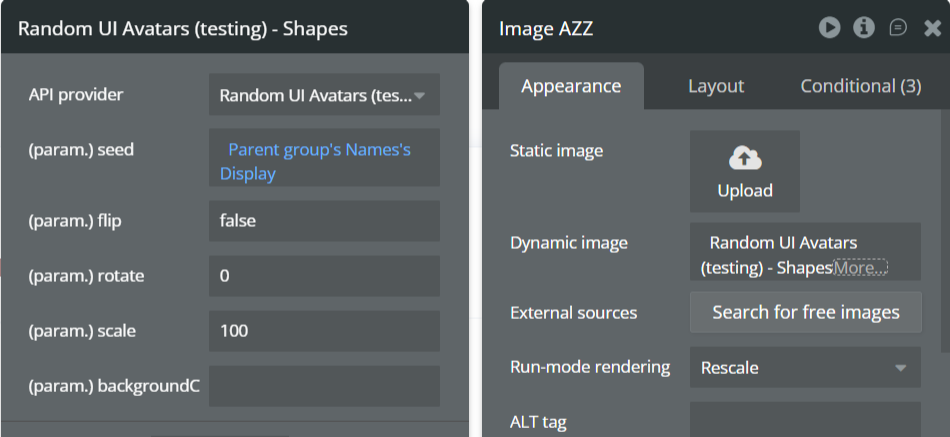
The Shapes API generates abstract, geometric avatars using simple shapes and color combinations. This style is ideal for privacy-first applications, dashboards, system users, placeholders, and products that prefer non-human visual identifiers.
Name | Description | Type |
Seed | A unique string used to generate the avatar. Commonly set to a user ID, email, or reference value to ensure consistent avatar generation across sessions. | Text |
Flip | Flips the avatar horizontally when set to true. Useful for subtle visual variation. | Yes/No (Boolean) |
Rotate | Rotates the avatar by the specified number of degrees. Accepts values between 0–360. | Number |
Scale | Controls the avatar size as a percentage. 100 represents the default size. Increase or decrease to scale the avatar proportionally. | Number |
BackgroundColor | Sets the avatar background color using a HEX value without the # (e.g. d81b60). Multiple colors can be provided, separated by commas, and one will be selected randomly. Leave empty for a transparent background. | Text |
Return Values:
Return type: image
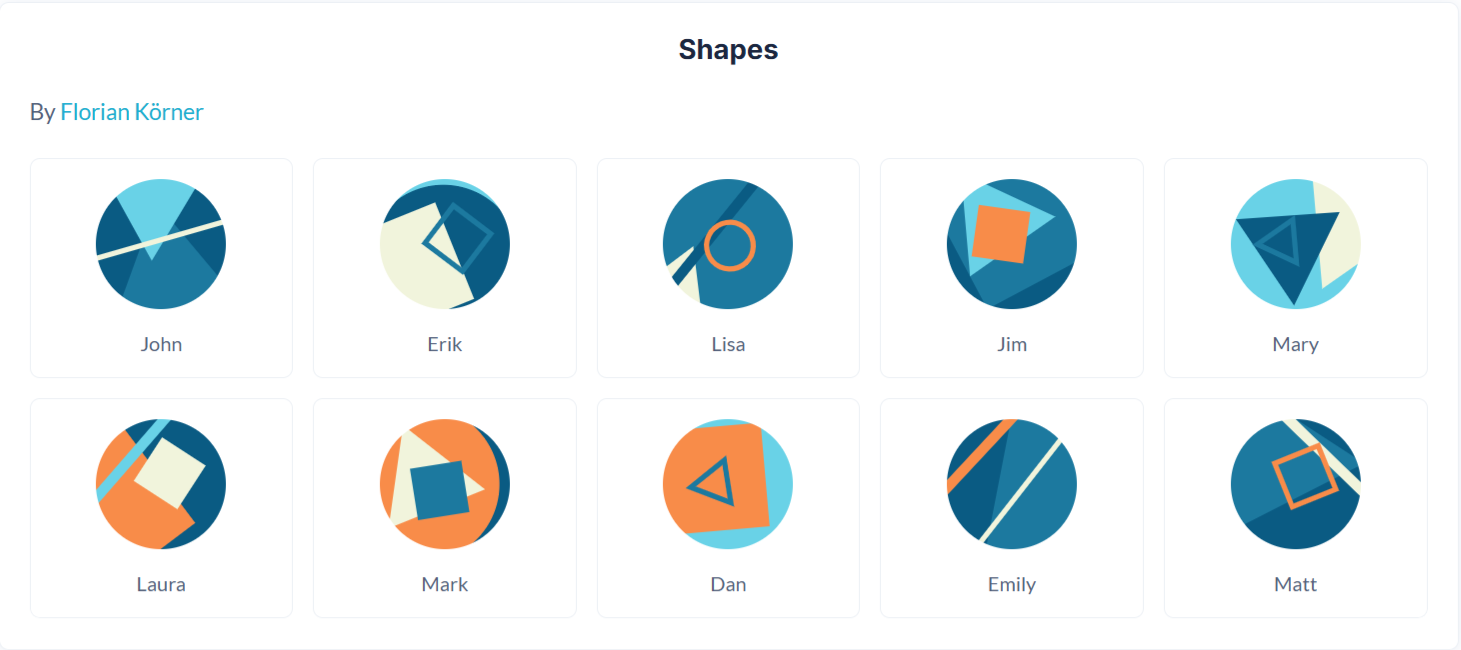
Property | Description | Type |
Image | The generated Shapes avatar image, ready for display in Bubble Image elements or storage in the database. | Image |
Thumbs
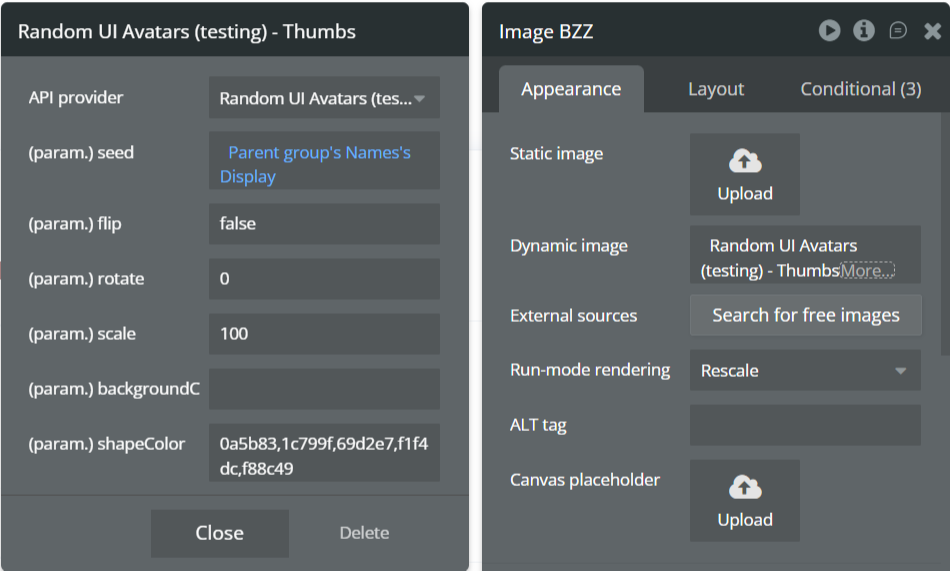
The Thumbs API generates playful hand-gesture avatars (thumbs-up / thumbs-down style illustrations). This style is ideal for feedback systems, reactions, gamified interfaces, onboarding flows, and lightweight user interactions.
Name | Description | Type |
Seed | A unique string used to generate the avatar. Commonly set to a user’s name, email, or ID to ensure consistent avatar generation across sessions. | Text |
Flip | Flips the avatar horizontally when set to true. | Yes/No (Boolean) |
Rotate | Rotates the avatar by the specified number of degrees. Accepts values between 0–360. | Number |
Scale | Controls the avatar size as a percentage. 100 represents the default size. Increase or decrease to scale the avatar proportionally. | Number |
BackgroundColor | Sets the avatar background color using a HEX value without the # (e.g. d81b60). Multiple colors can be provided, separated by commas, and one will be selected randomly. Leave empty for a transparent background. | Text |
ShapeColor | Sets the color of the thumb icon itself using a HEX value without the #. Multiple colors can be provided, separated by commas, and one will be selected randomly. | Text |
Return Values:
Return type: image
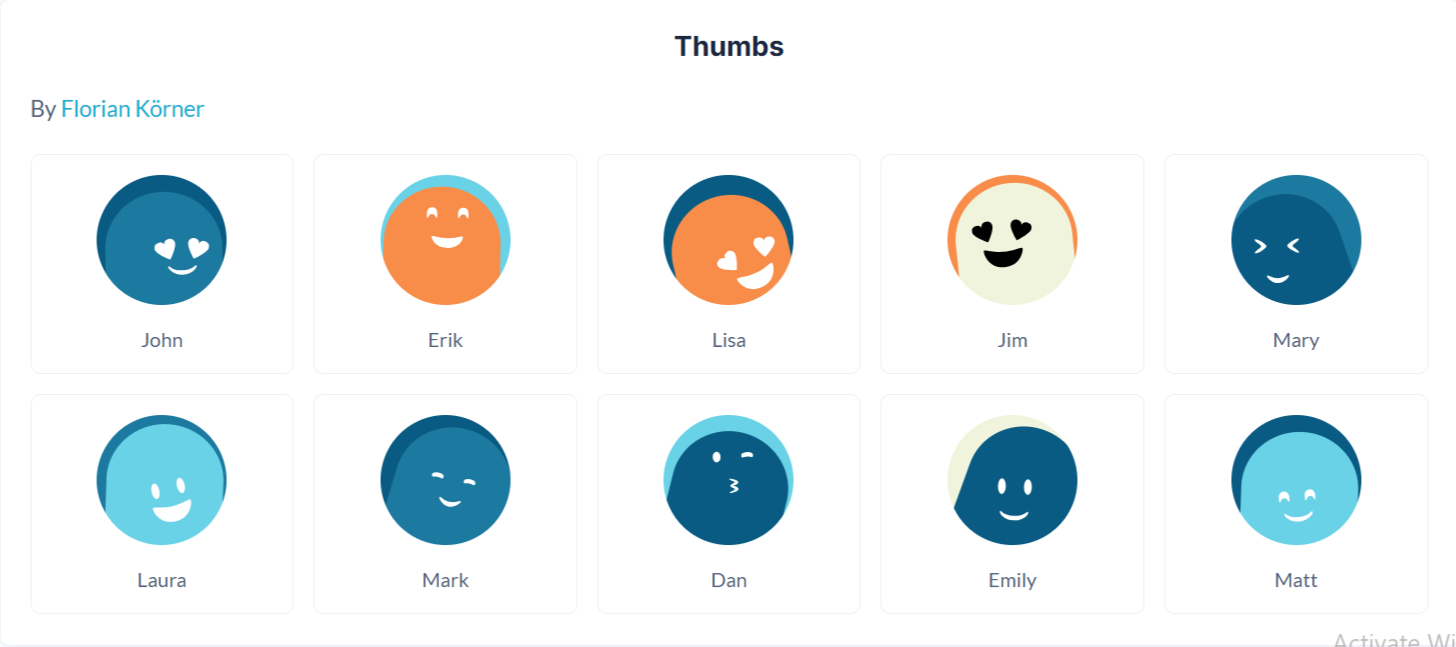
Property | Description | Type |
Image | The generated Thumbs avatar image, ready for display in Bubble Image elements or storage in the database. | Image |

Changelogs
Update 13.08.26 - Version 2.1.0
- Bubble Plugin Page Update (Sorting).
Update 28.01.26 - Version 2.0.0
- Bubble Plugin Page Update (Docs).
Update 22.07.25 - Version 1.6.0
- Bubble Plugin Page Update (GIF).
Update 02.07.25 - Version 1.5.0
- Bubble Plugin Page Update (Logo).
Update 09.06.25 - Version 1.4.0
- Marketing update (minor change).
Update 31.05.25 - Version 1.3.0
- Minor update (Marketing update).
Update 25.11.24 - Version 1.2.0
- Minor update(Marketing update).
Update 09.10.24 - Version 1.1.0
- Acquired by Zeroqode.
Update 11.01.24 - Version 1.0.1
- Patch.
Update 09.01.24 - Version 1.0.0
- Launch.
Update 06.01.24 - Version 0.0.1
- Pre-launch.