
Link to the plugin page: https://zeroqode.com/plugin/animated-images-plugin-for-bubble-1739732037859x343033335853520450
Demo to preview the plugin:
Introduction
This plugin allows you to create an animation using an uploaded image.
You can create animations on your page such as birds flying around, rain falling, a hand waving etc. just by uploading an image and setting the parameters.

How to setup
- Drag the animated images element onto your page. Upload an image and set all the parameters according to the documentation.
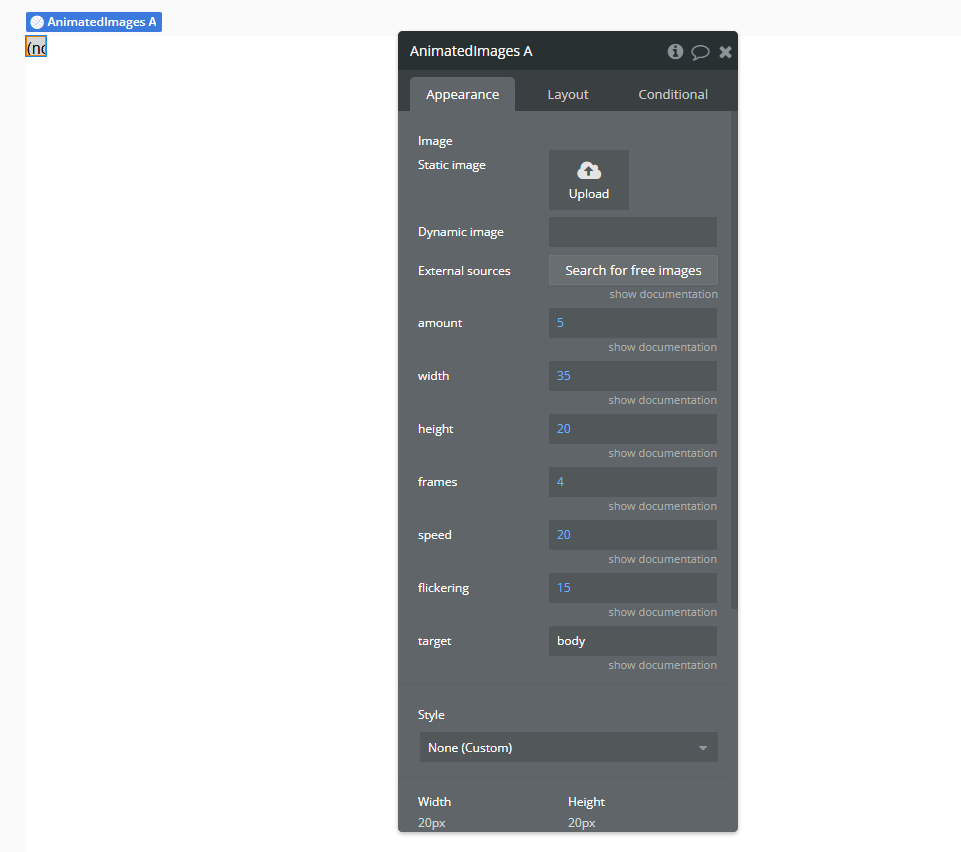
Plugin Element Properties
Animated Images
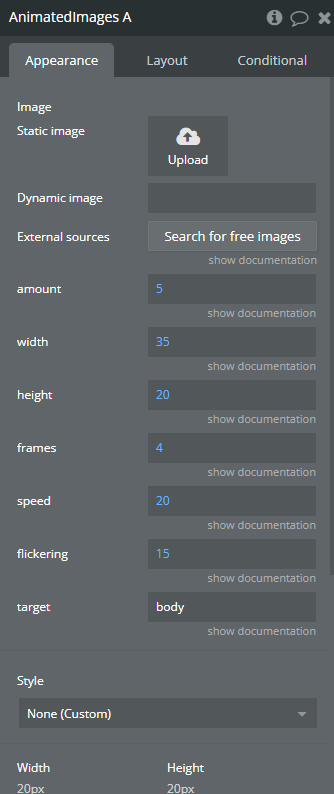
Fields:
Title | Description | Type |
Image | Upload an Image to be used | Image |
Amount | Specify the amount of images that should be used | Number |
Width | Specify the width of each image | Number |
Height | Specify the height of each image | Number |
Frames | Choose how many frames the animation should have | Number |
Speed | Choose the speed of the animation (higher = faster) | Number |
Flickering | Choose the amount of flickering (higher = less) | Number |
Target | Specify where the animation should be applied. On default the whole page is targeted via the body element. You can also create a group, add an element id to the group and then target the group specifically by entering the element ID in this field with a “#” before it | Text |
