
✅
Link to plugin page: [marketplace URL]
Video Demo
Introduction
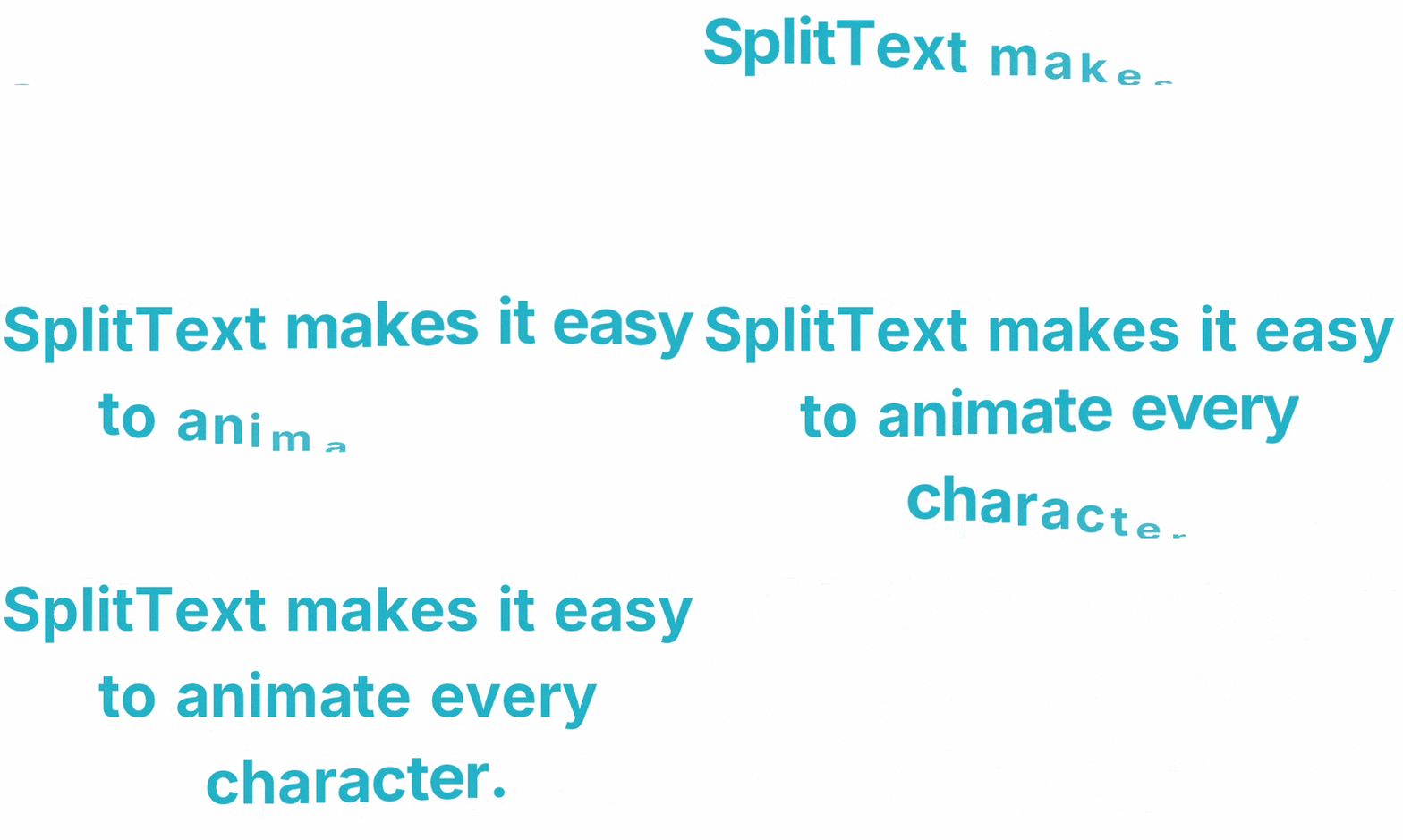
SplitText Animation is a Framer code component that animates text by splitting it into individual characters, words, or lines, then revealing them with configurable motion effects.
How to Setup
- Install the Component from the marketplace
- Drop the component onto your canvas and configure properties in the right panel
- Switch to Preview to see the animation play
Component Properties
Content
Title | Description | Type | Default |
Text | The text content to animate | String (multiline) | "SplitText makes it easy to animate every character." |
Split By | How to split the text — by character, word, or line | Enum (segmented) | Characters |
Trigger
Title | Description | Type | Default |
Trigger | What event starts the animation | Enum | Scroll Into View |
Scroll Amount | Fraction of the element that must be visible before animating (0–1) | Number | 0.2 |
Animate Once | When off, the animation replays each time the element re-enters the viewport | Boolean | true |
Scroll Amount and Animate Once are only shown when Trigger is set to Scroll Into View.Animation
Title | Description | Type | Default |
Duration | Length of each character/word/line animation | Number (s) | 0.8 |
Stagger | Delay between consecutive characters or words | Number (s) | 0.03 |
Line Delay | Delay between consecutive line animations | Number (s) | 0.1 |
Delay | Global delay before the animation sequence starts | Number (s) | 0 |
Ease | Easing curve applied to each item’s transition | Enum | Back Out |
Clip Reveal | Masks each character so it emerges from its baseline — disable when animating from above ( From Y with Top → Bottom direction) | Boolean | true |
Loop | Repeats the animation indefinitely in reverse (in → out → in…) | Boolean | false |
Loop Delay | Pause between loop iterations | Number (s) | 1 |
Stagger is hidden when Split By isLines. Line Delay is shown only forLines. Clip Reveal is shown only forCharacters. Loop Delay is shown only when Loop is enabled.
From (Starting State)
Title | Description | Type | Default |
From Opacity | Opacity at the start of the animation | Number (0–1) | 0 |
From Y | Vertical offset magnitude at the start of the animation | Number (px) | 80 |
Direction | Whether characters animate upward (bottom → top) or downward (top → bottom) | Enum (segmented) | Bottom → Top |
From Scale | Scale at the start of the animation | Number (0–2) | 0 |
From Rotation X | X-axis rotation at the start of the animation | Number (°) | 180 |
Perspective | CSS perspective applied to the container for 3D depth | Number (px) | 400 |
Typography
Title | Description | Type | Default |
Font | Font family, size, weight, line height, letter spacing, and alignment | Font | 48px, Bold, center, line-height 1.2 |
Color | Text color | Color | #dfdcff |
Split Modes
Characters (chars)
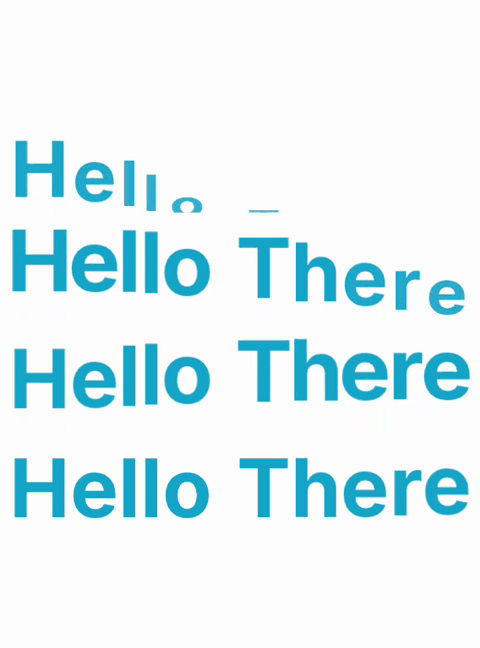
Each character is wrapped in its own animated
motion.span. Characters that belong to the same word are grouped in a whiteSpace: nowrap container so natural line wrapping matches the canvas preview. Clip Reveal is available in this mode.Words (words)
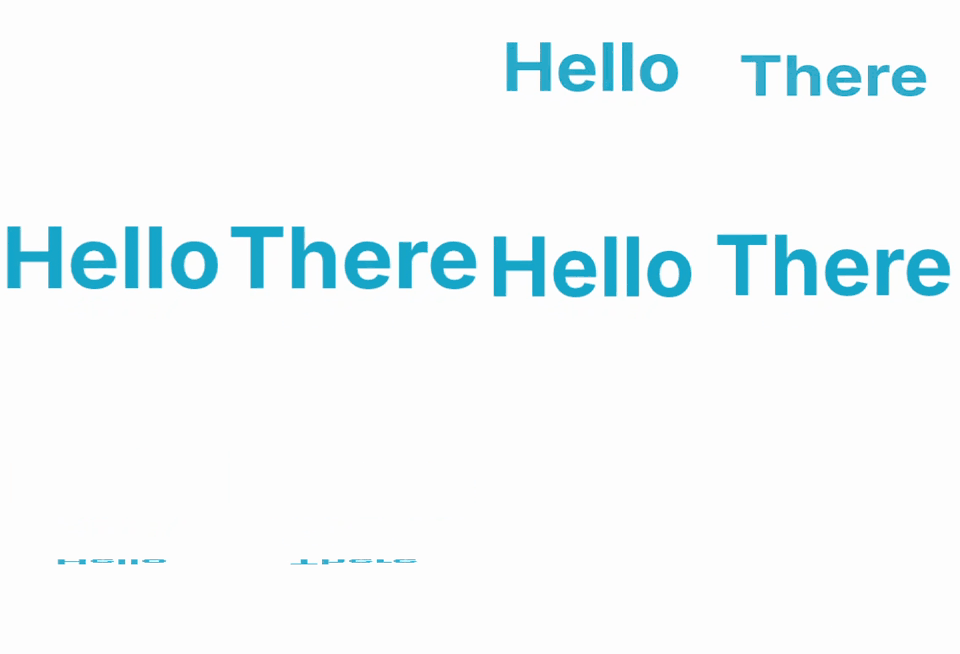
Each whitespace-separated word is a single animated unit. Clip Reveal is disabled automatically — the overflow mask doesn’t apply to full words.
Lines (lines)

Uses the same character-level DOM structure as
chars, but measures each character’s Y position on the screen after mount and groups characters into rows. All characters on the same row animate with the same Line Delay offset instead of per-character stagger.Trigger Modes
Trigger | Behavior |
On Load | Animates immediately when the component mounts on the page |
Scroll Into View | Detect when the element reaches the configured visibility threshold |
Hover | Animates in on mouseenter, reverses on mouseleave |
Click | Toggles between animated and reset state on each click; cursor changes to pointer |